
2024 AE Build: Learning to Squish OR I Did The Boring Thing...
Entry posted by gregaaz in 2024 AE Build
625 views
...and I don't regret it one bit.

Don't get be wrong, RootBuilder is a great tool that opens up some very important options for users - especially folks who want to download and use turnkey solutions without messing around with having to manually install certain assets. However, the cost/benefit calculus for me wasn't adding up. As someone who isn't using a turnkey installation, the main potential benefit would have been supporting version rollbacks to do grass caching, but that's no longer version-bound and so I don't need to do that. On the other hand, it dramatically increased the turnaround time when switching between various editing tools such as xEdit and Bodyslide, and if you've read my previous work you know I use those extensively for customizing my game.
So today when I had a couple minutes of downtime I pulled the plug on RootBuilder and I immediately saw a marked improvement in the operating speed of MO2's virtual file system. I didn't see any obvious in-game changes, but that's expected. Still, now that I can move back and forth in my tools so much faster, it'll be a lot easier for me to work on those outfits I wanted to mess around with.
And while we're talking about outfits, let's start by taking a look at Ria's custom outfit.
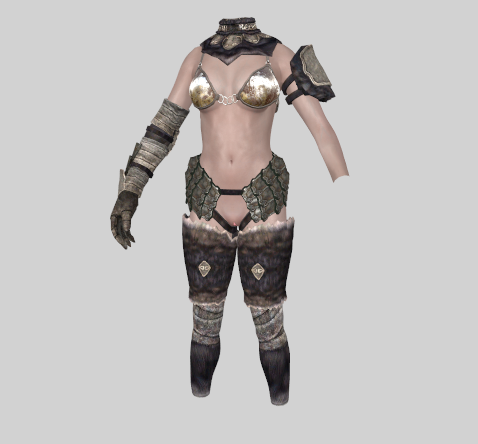
Here's how we left it last time. In theory, it doesn't look too bad, but as we know in game the top is actually very shiny and it doesn't have enough "squish" to convey the sense that it has some tightness to it, which is important to convey the sense of it being "rational bikini armor" that prevents soft bits from going all over the place.
If the texture was a better fit, I might just take this as-is and try to get the squish sliders going, but I don't really feel up to trying to do a retex. Let's start by looking at the various wolf armor bikini tops and see if there's a good option in that selection. While we go through these we should keep in mind that the functional goal here isn't to add armor protection - it's to work like a sports bra and secure the bust - so the replacement piece doesn't have to be metal.
There are four bikini tops in the TAWOBA remastered Wolf set, and only one of them departs from the metal look. The second and fourth ones have potential, though on #2 the shininess is a factor that I have to really look at.
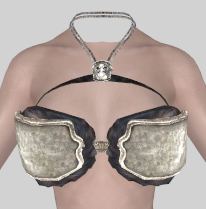
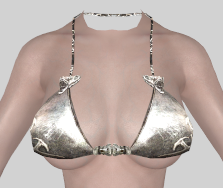
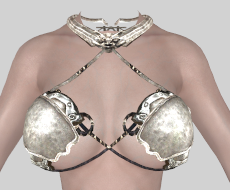
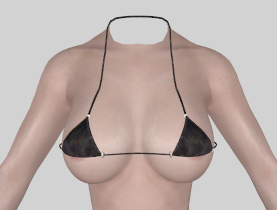
Thematically, I think #2 looks better than #4. Ria isn't a Nord, and the micro-top is a little at odds with the rest of her style.
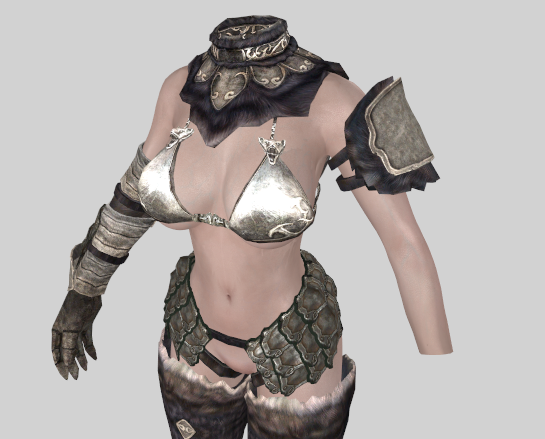
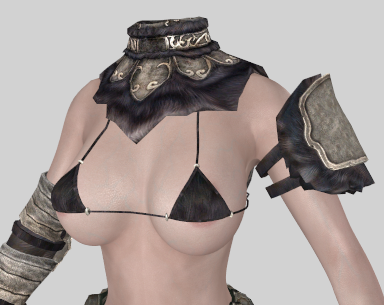
So what about the issues with excessive shine? By default this piece uses the guard cubemap instead of the Wolf Heavy cubemap. This is a fairly common issue with TAWOBA Wolf Armor pieces and it results in excessive shine when dynamic cubemaps are enabled. We'll go ahead and change the cubemap, which hopefully will significantly turn down the reflectivity of this top.
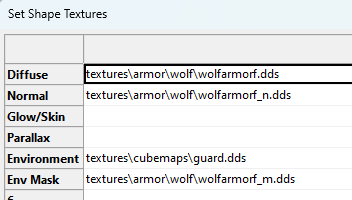
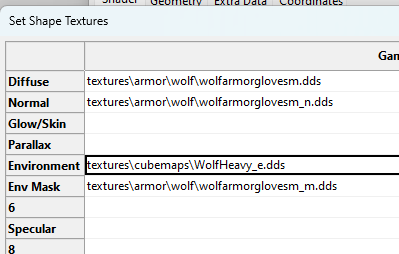
Now how about squish? I watched a tutorial by SunJeong that covered the basics of setting this up, and replicated its steps for the revised Ria outfit.
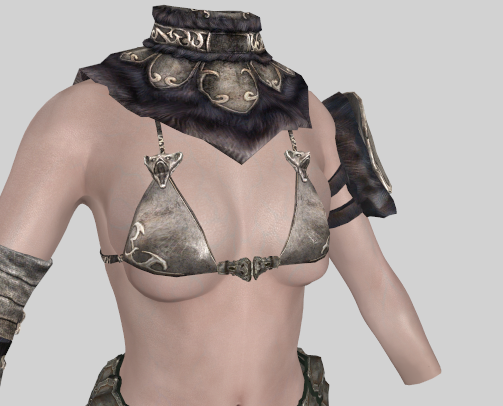
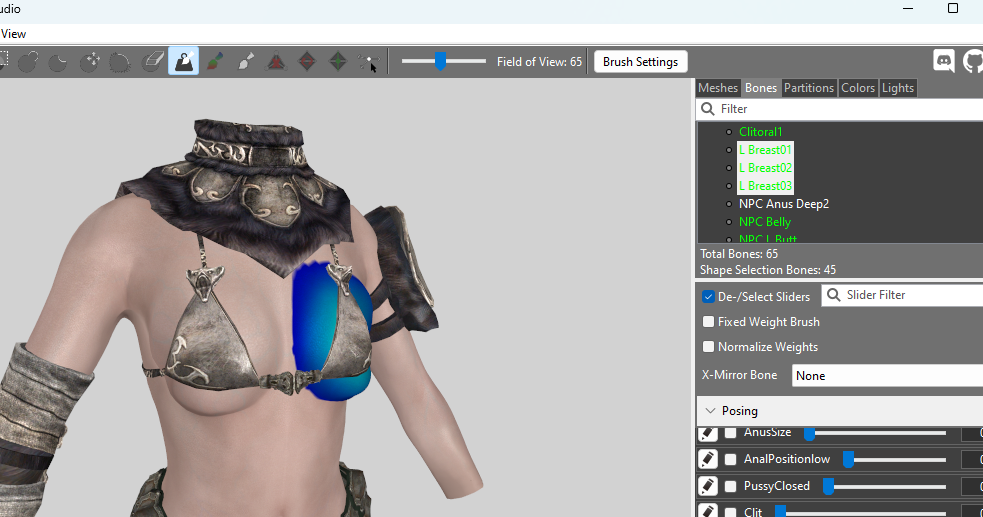
Now of course with the chest strapped down tight we also want to suppress the jiggle physics, so we'll remove the breast bones. Before doing this I forked the project file so I can easily recover if I screw things up in this stage.
Finally, let's take a look at our pubic hair options. SOS Natural and SOS Untamed both have some clipping with the harness straps, but Very Bushy fits her body perfectly.
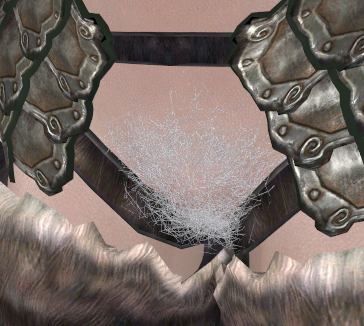
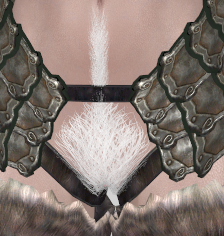
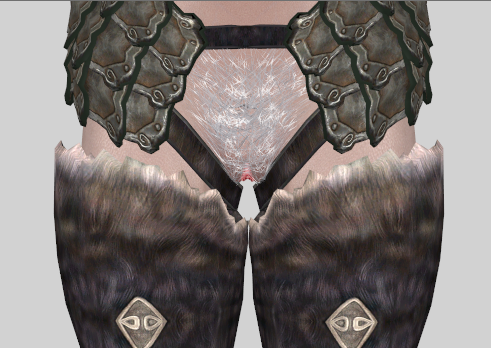
To ensure that color matching will work properly, and to ensure her body appearance is consistent when she's undressed, we won't make the hair part of the armor mesh. Instead, we'll get SOS Female Pubics up and running, though we'll initially start it with zero distribution and manually put Ria on the distribution faction for this particular style.
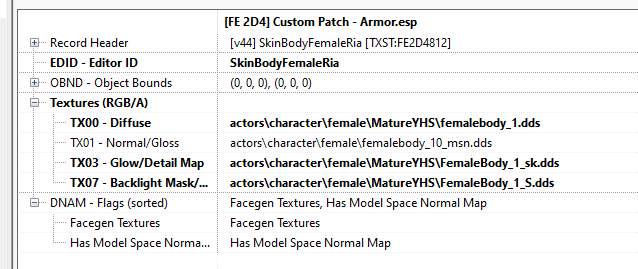
At the same time, we don't want the built-in pubic texture showing through Ria's 3D mesh, so we'll need to do some customization of her body texture. Let's switch out of Outfit Studio and work that angle for a little bit. D&D uses Mature Skin for Imperials, so we'll start by grabbing the installer for that one and extracting the hairless version. Then we'll repeat what we did earlier for our muscular Adrienne and create a custom skin for Ria. In fact, as I think through this, I should probably also apply a muscle normal to Ria while we're at it. We can start by copying the custom Adrienne skin to a new record and just changing over the main body texture to the hairless one.
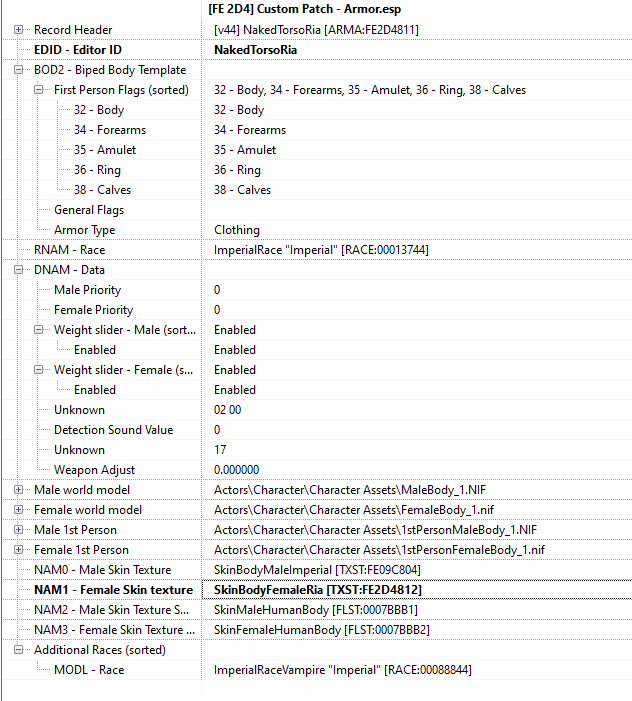
But wait, there's a catch!

Ria already has a custom body texture, so applying the Mature Skin won't actually be as simple a solution as I'd hoped; instead it'll cause us to lose other customization we did earlier, and I don't want that. So we'll undo our changes and roll the dice with using the ARIS custom skin along with the SOS hair mesh. Let's see how it turns out... maybe it'll be fine.
So! Time to install SOS Female Pubics. Right away we can see there's a potential challenge; this mod makes changes to the SOS main script and while it has a patch for the PapyrusUtil versioning issue, it's unclear if it contains the other SOS tweaks. We'll need to compare the two script sources side by side to determine if this will be a problem.

First I want to compare the vanilla SOS script with the Sexlab Tweaks version and see if the SL Tweaks makes any changes or deletions, since these might not be obvious when I compare the SL Tweaks with NPCFP; I don't want to accidentally revert to problematic scripting from the original SOS. Fortunately, there are only a couple of things I need to look at.


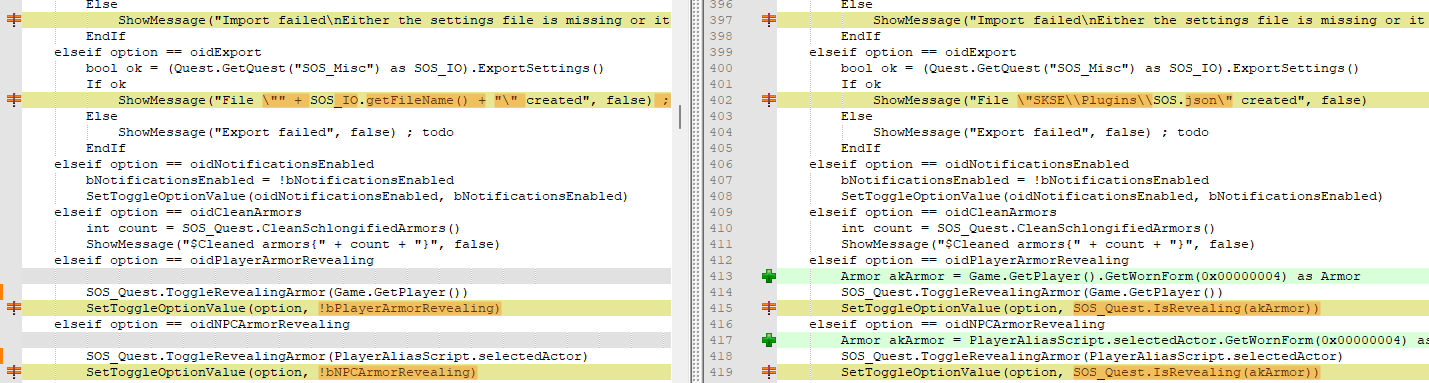

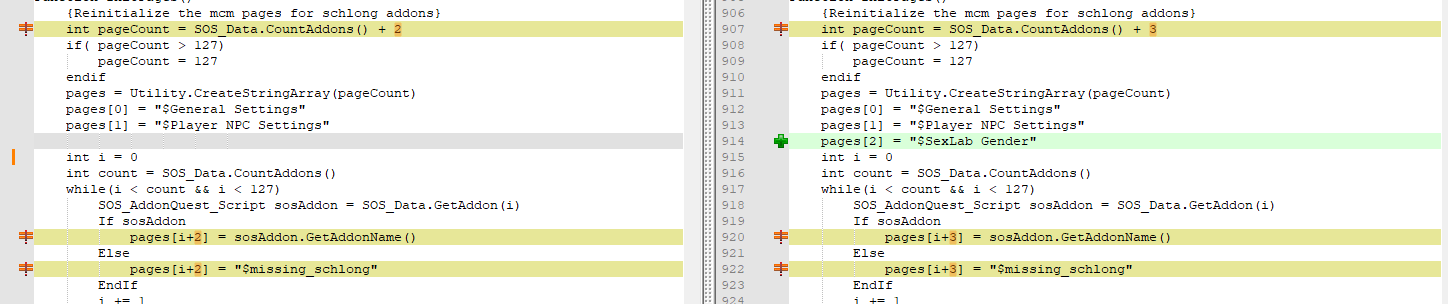
All the other changes are purely additive and will be easy to deconflict versus the female pubics version.
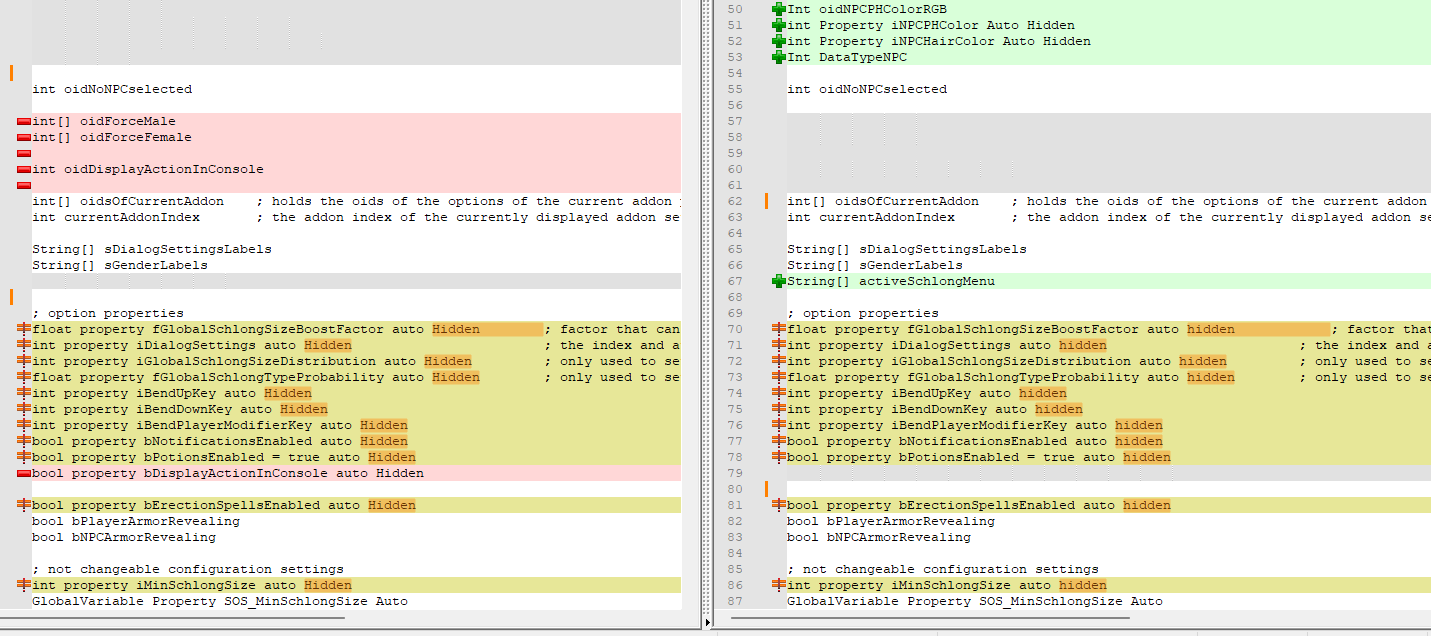
Now comparing those two we can see there are a bunch of conflicts. Before we go further, let's ensure we have the latest version of both script edits. This might save us a bunch of time and frustration. It turns out there are in fact updated versions for both, so we'll install those and compare again. At the same time we'll grab the latest version of female pubic hair, just in case it has some tweaks that might be helpful.
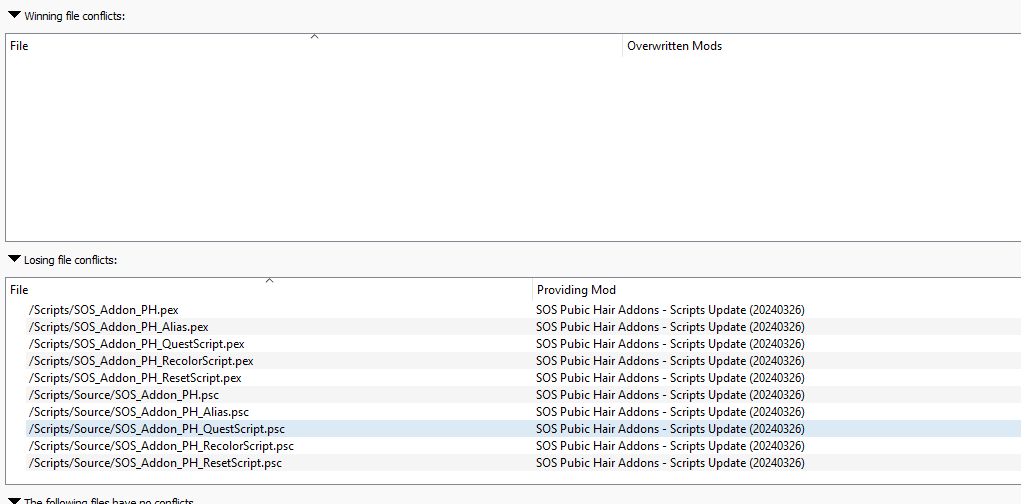
And would you look at that... no more core asset conflicts. I went into xEdit and changed the probability floats for all the female SOS options to zero for now. Then I manually assigned Ria to the "Very Bushy" faction.
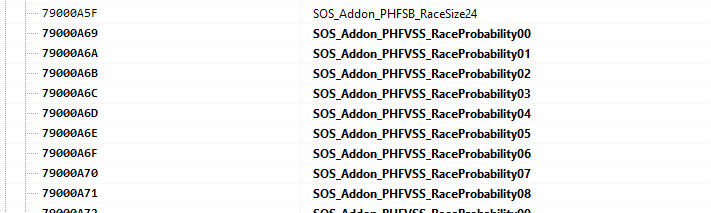
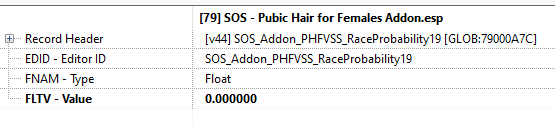
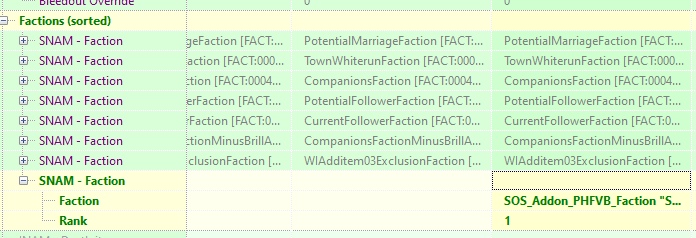
While I was at it, I removed the heavy fur cloak from Ria's outfit. It's mesh was designed to go with an armored outfit and it never quite looked right the way it floated out and away from her body. Finally, I created a custom skin for her that used the ARIS assets but added a muscle normal.
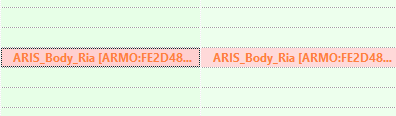
Having saved those files, now let's loop back to Bodyslide and rebuild the mesh for Ria's armor. We'll enable the presets and then build the set with the zero sliders. I'll need to manually enable the squish slider, I suspect, so this might require a little bit of experimentation to get right.
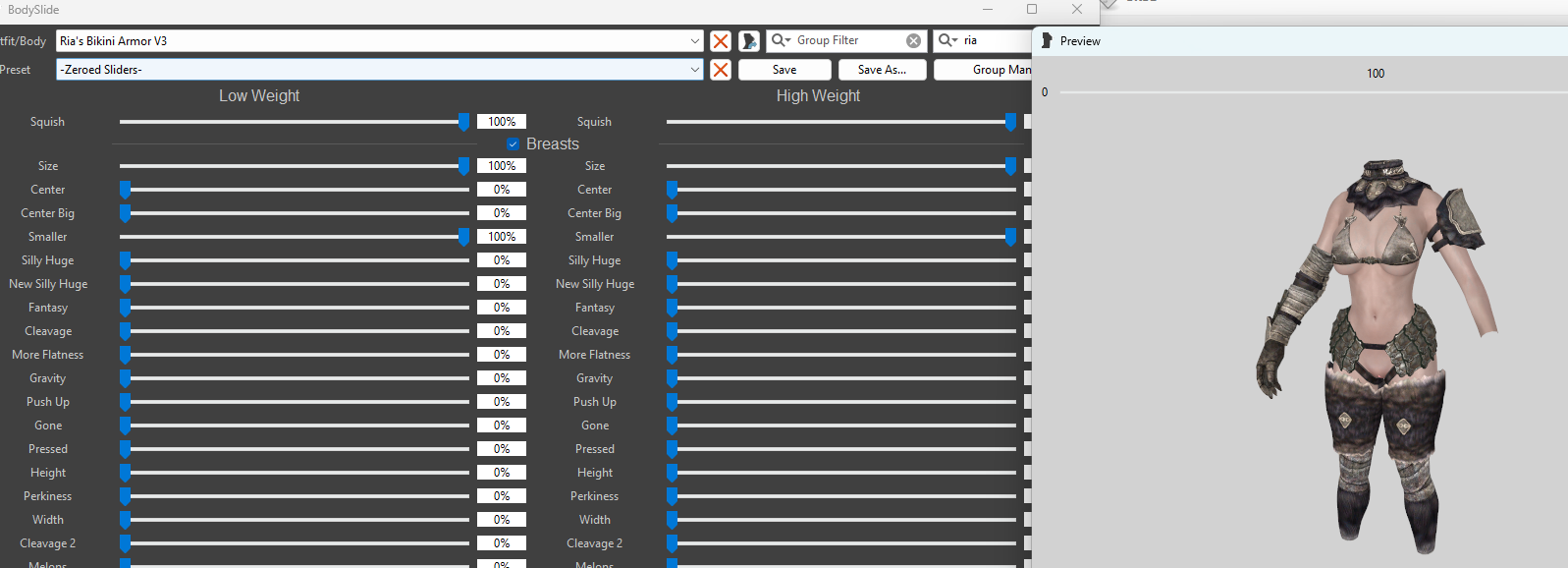
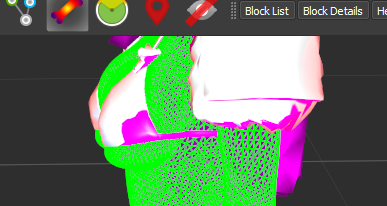
The squish appears to be present in the nif file. Now let's try it in the game!
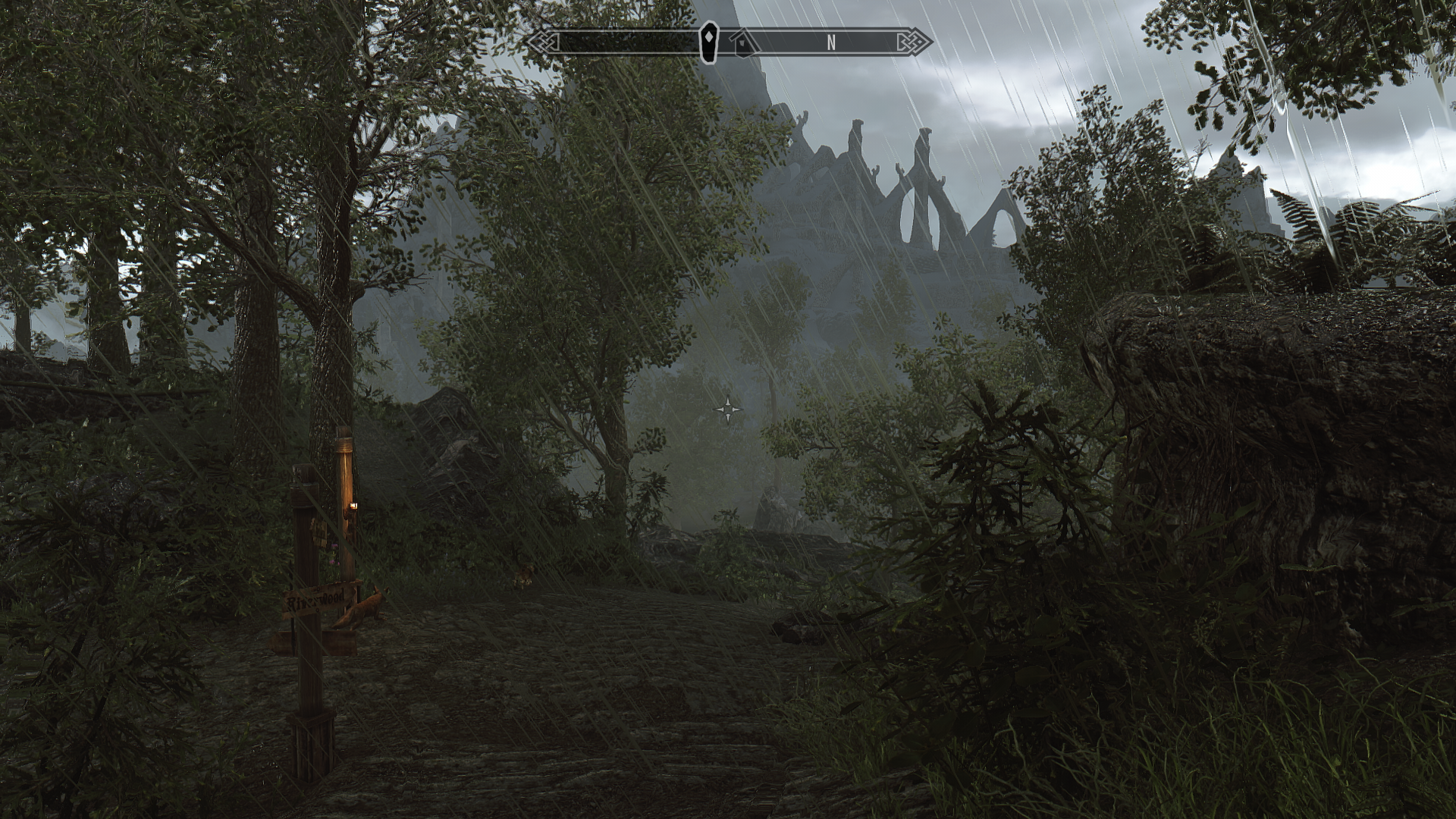
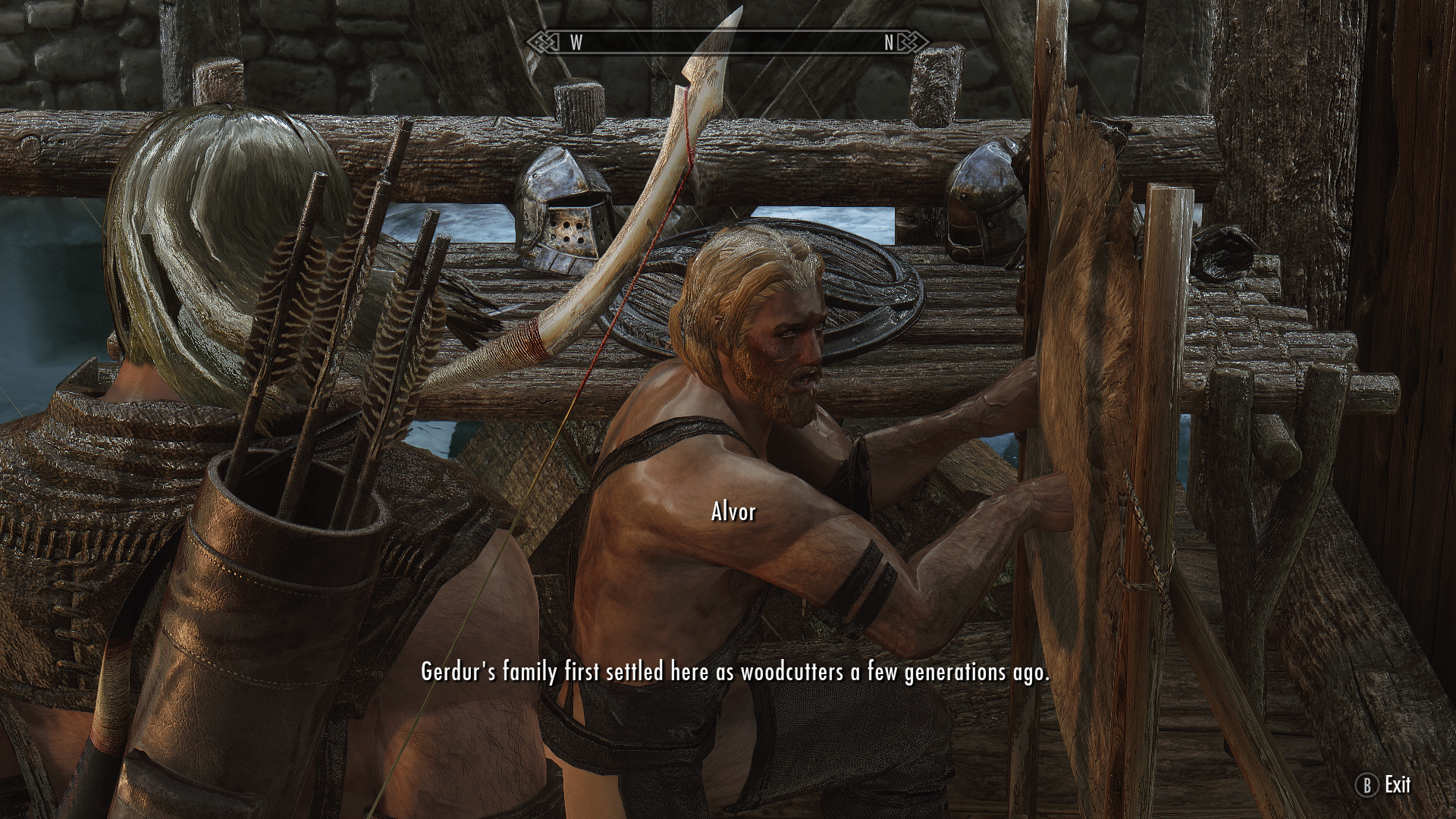
I spawned in on a rainy day and headed down towards Riverwood. Like last time, we'll tarry a bit in town to help all the game functions catch up, then proceed to the giant fight to see how Ria looks with her new outfit. I chatted with Alvor for a little bit, then went on my way.
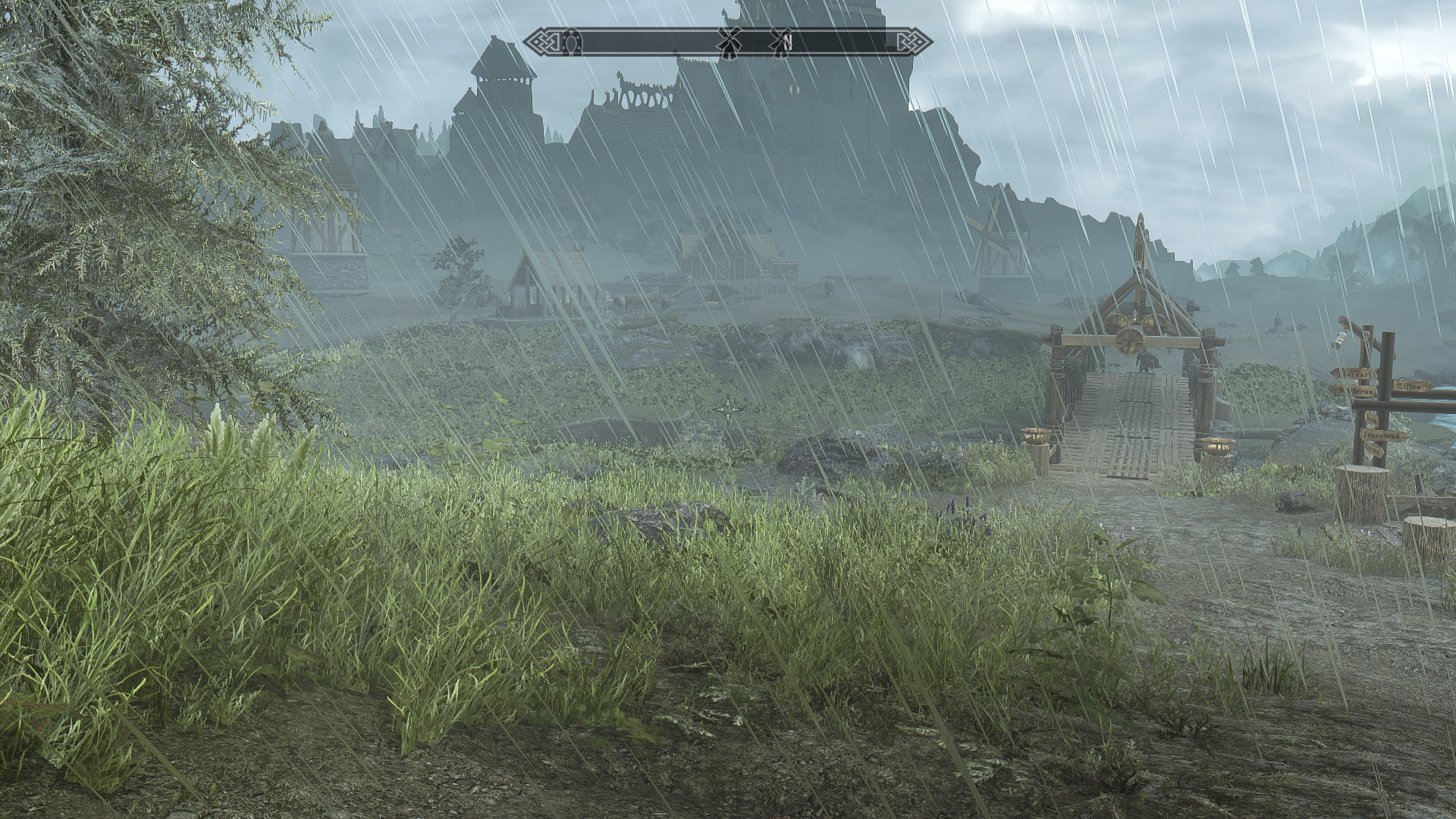
By the time I got to Whiterun, grass was spawning in in real time, so the inital lag had passed. The distant drop-off did remind me that at some point I need to get the new version of NGIO running so I can create a grass cache for distant LOD.
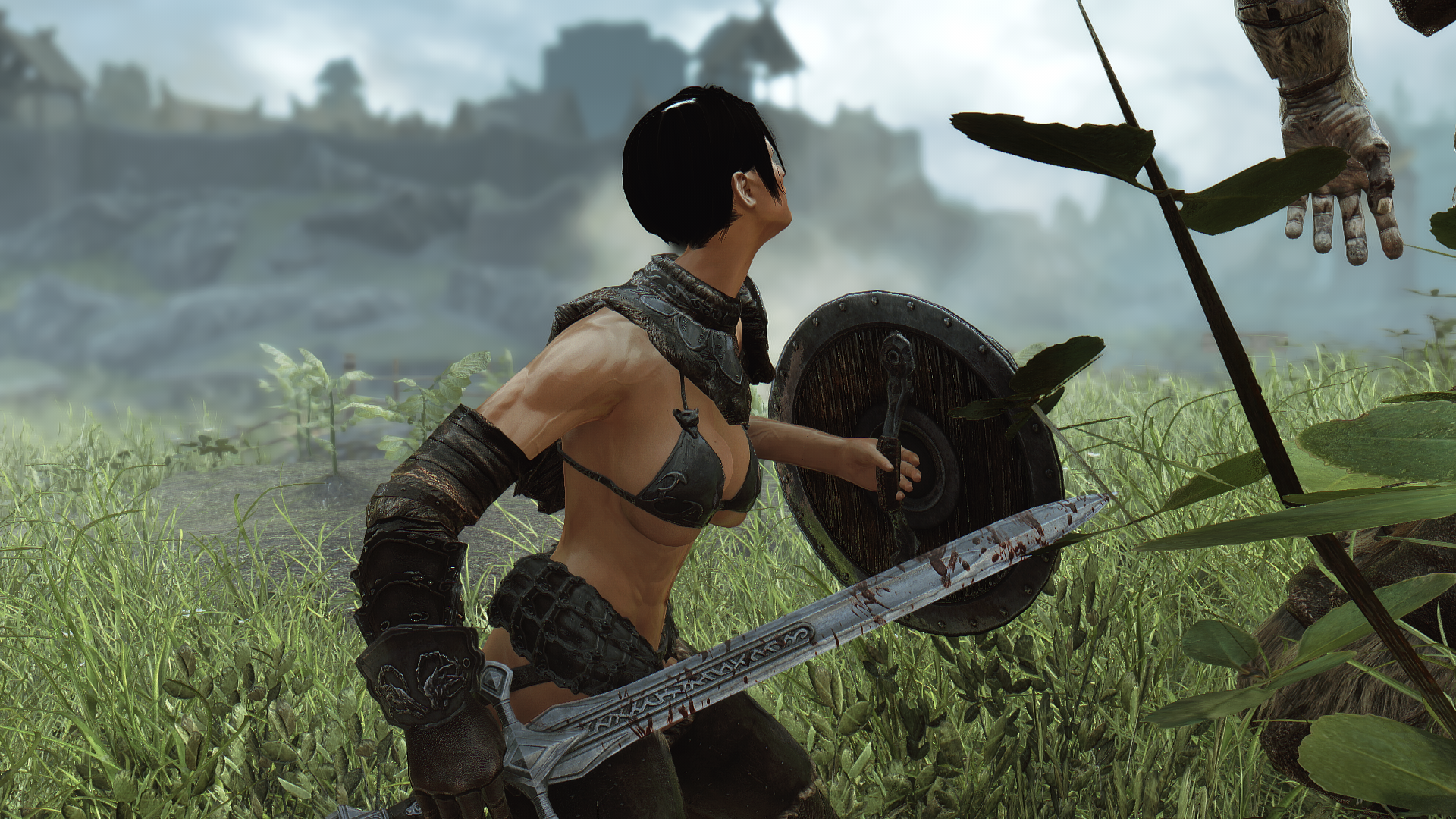
Her outfit and custom skin are looking good. Squish is functioning properly.
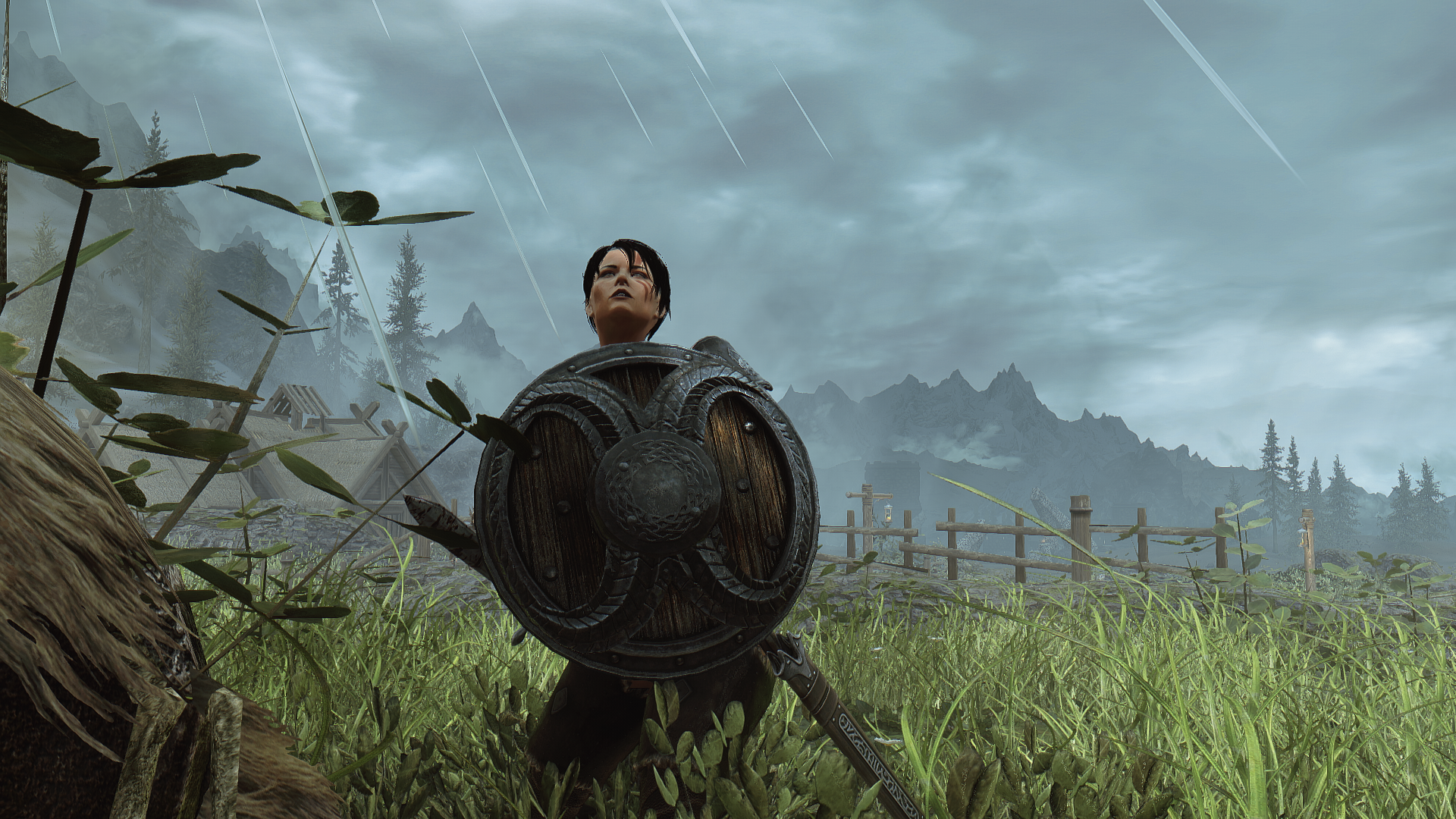
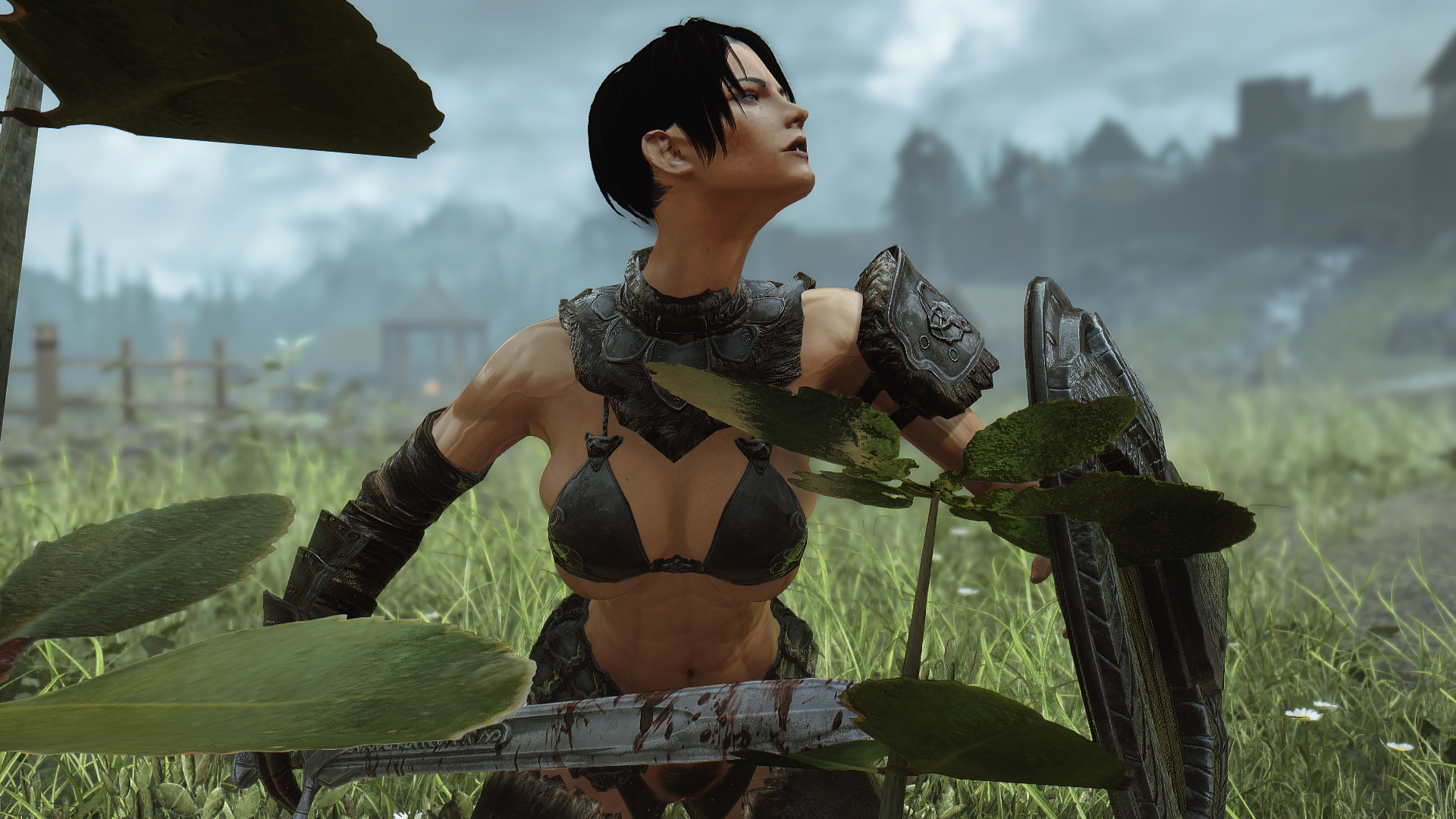
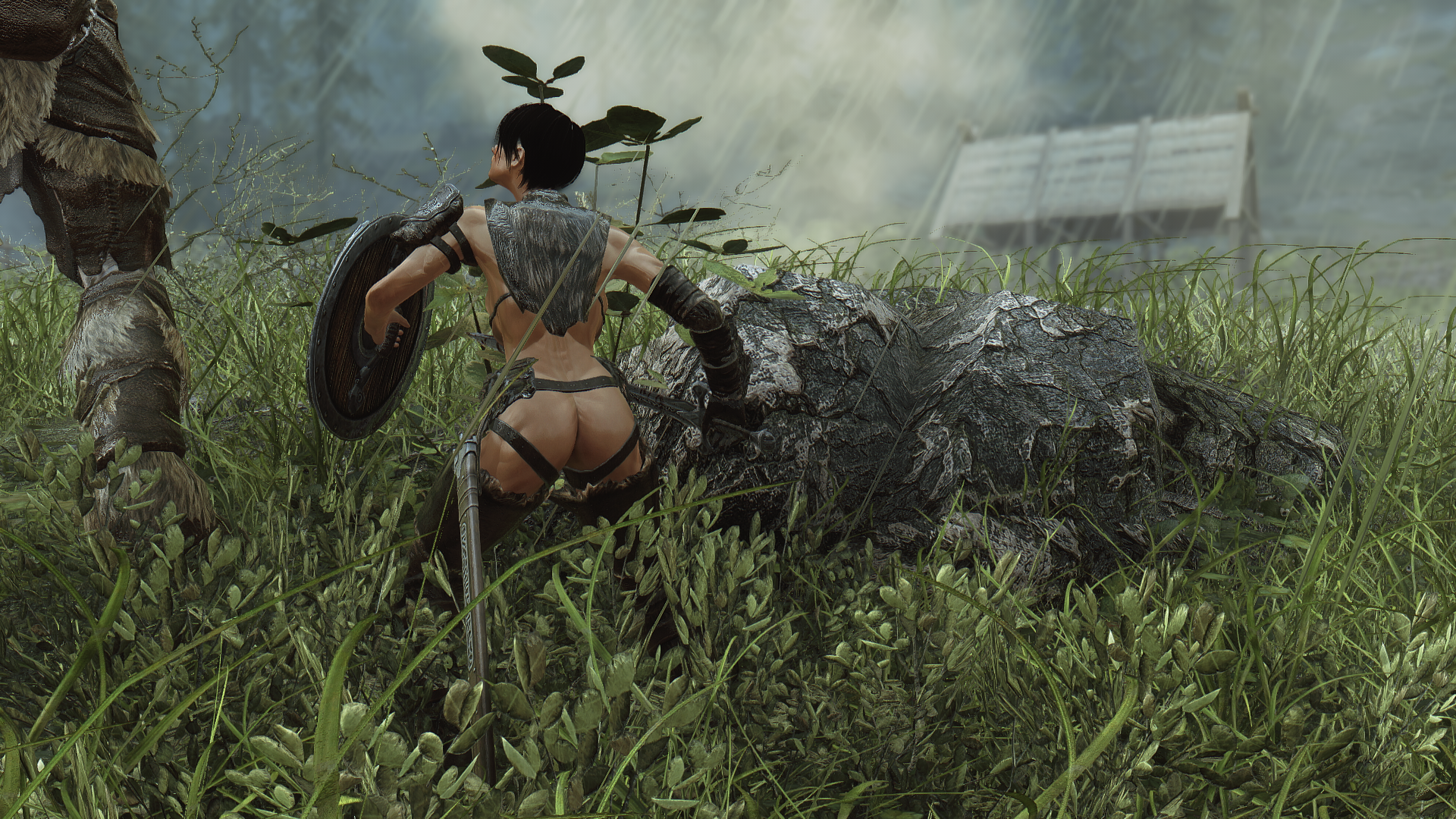
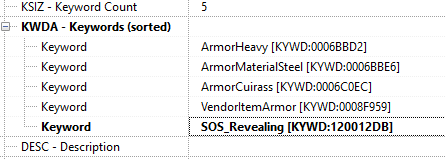
One small problem cropped up after the fight however - despite her SOS faction, Ria didn't have the 3D pubic hair. I immediately realized the problem - I hadn't added the SOS_REVEALING keyword to her custom armor. I went into xEdit and fixed that issue. I also felt that her musculature was a little too pronounced, so I dialed her back one step on the normals.
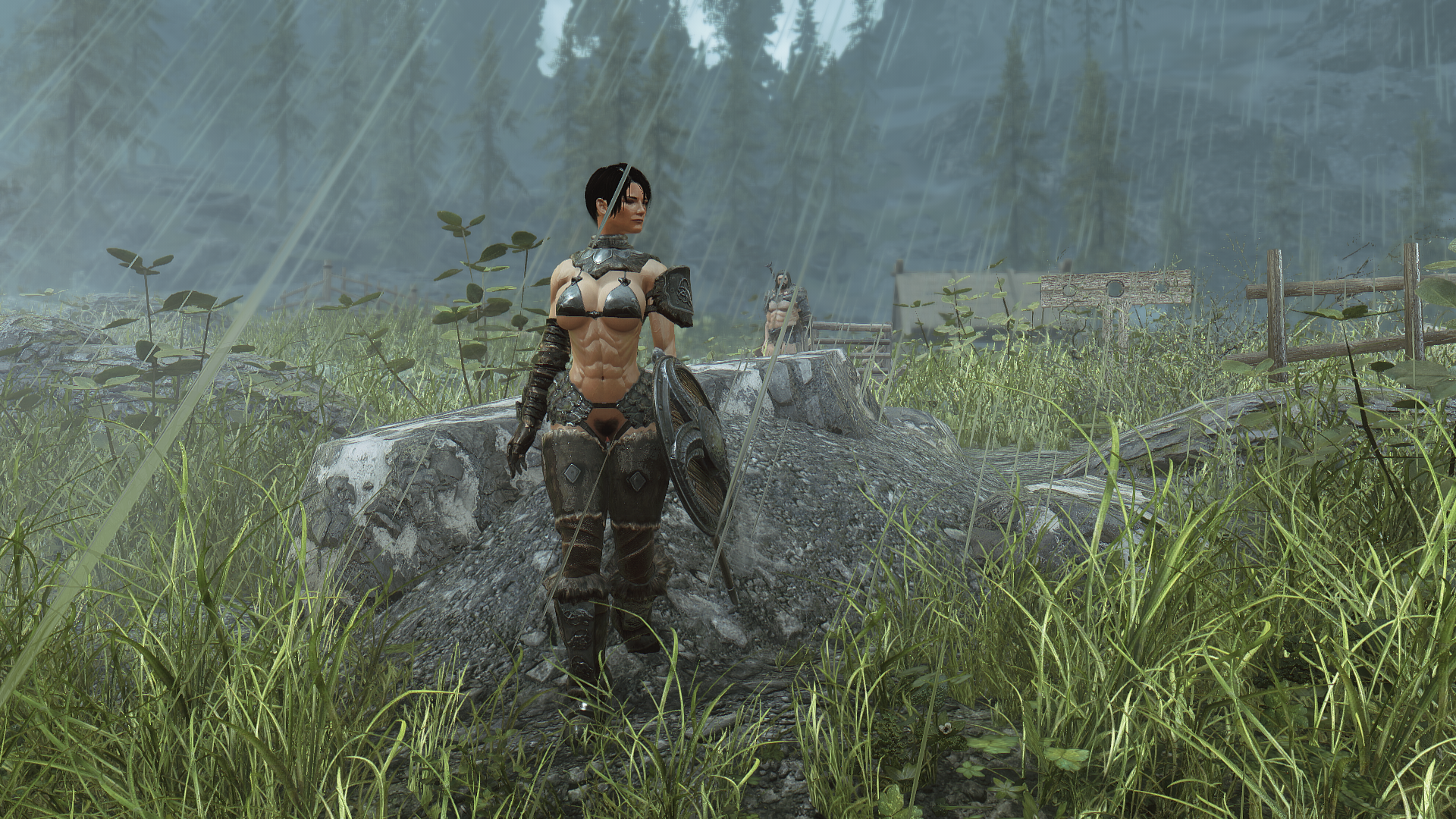
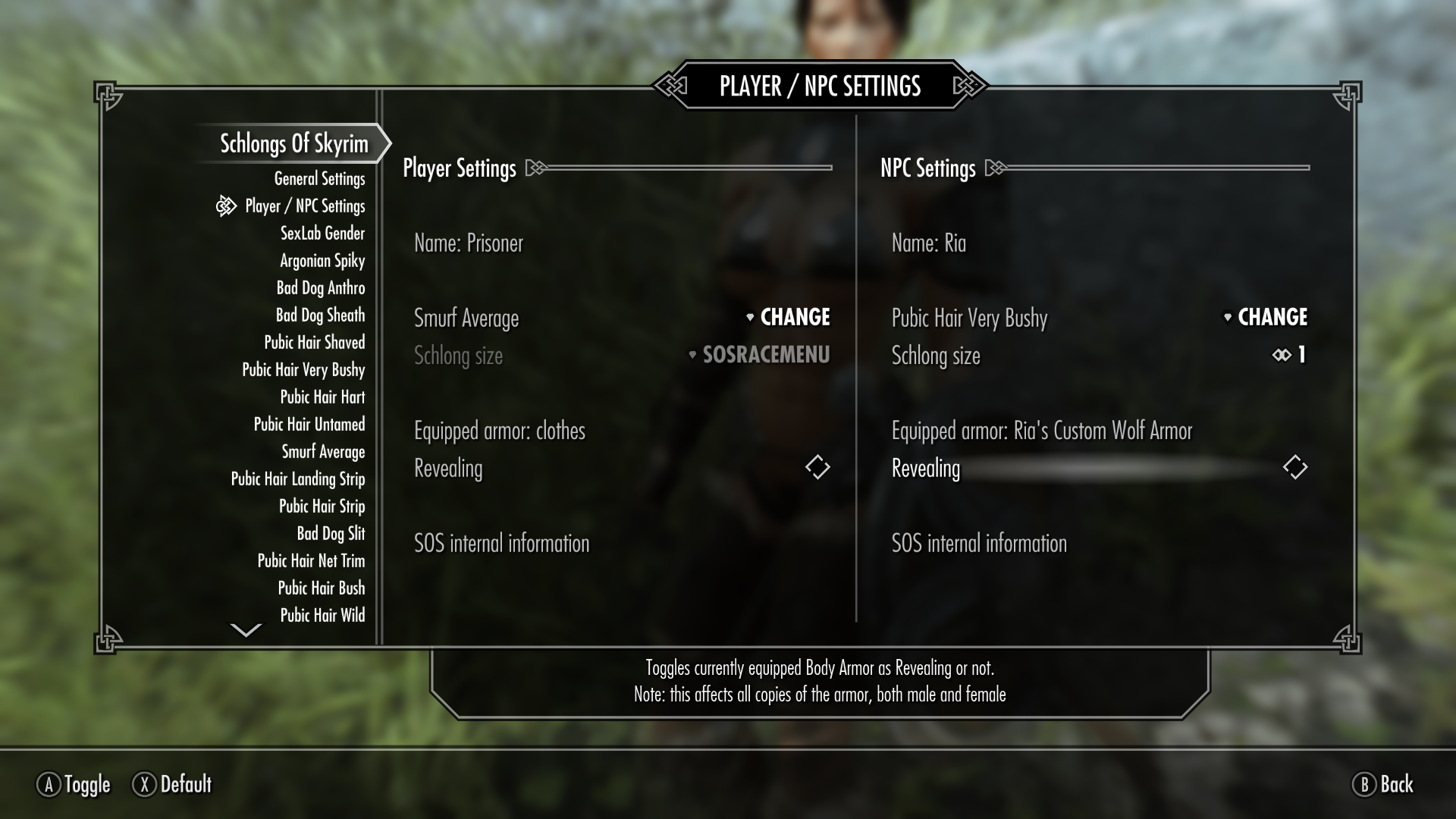
Now let's head back into the game and see how she looks.
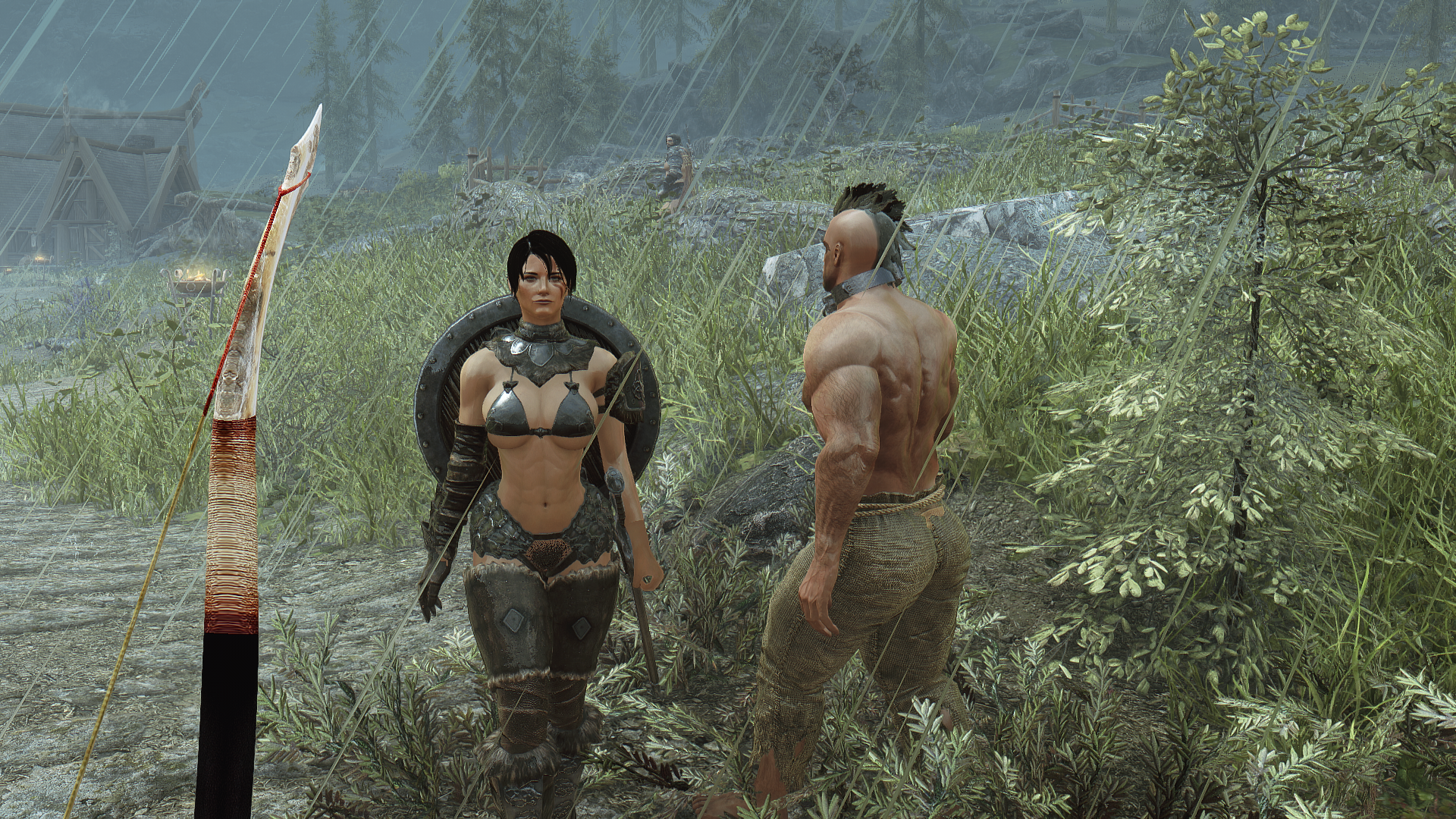
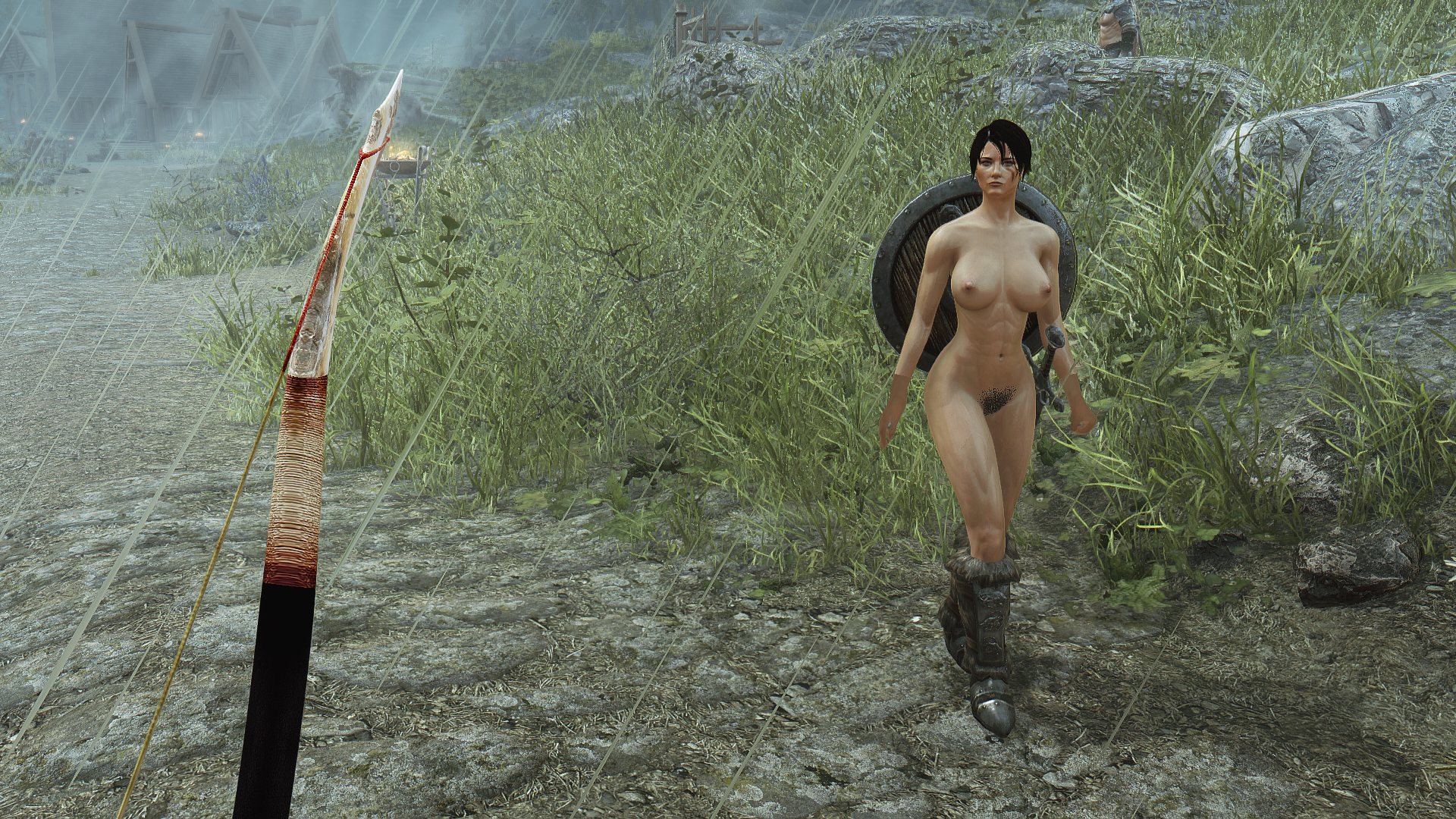
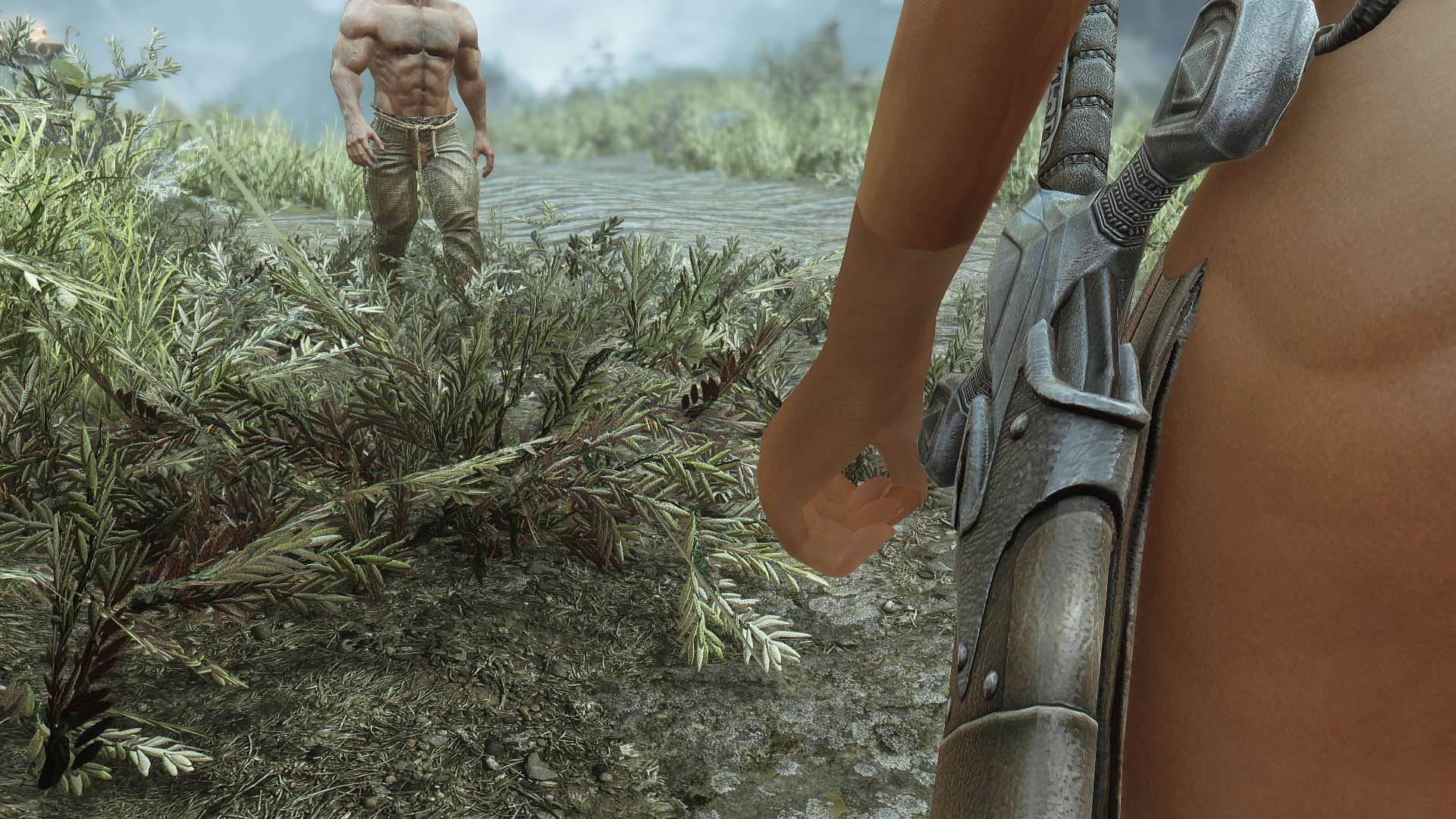
Much better, though I do observe a small issue with her left hand not catching her custom textures. The problem persists after removing her outfit, so it's not a problem with the armor, per se. Let's take a look at her hand and body textures and see if anything's missing - it might be a case that one of the texture components isn't filled properly; close examination shows that the texture on the hands isn't a solid color, but it's clearly interacting very differently with the light and the environment compared to her body textures.
A review of xEdit didn't reveal any wrongly-named or otherwise defective textures, so next let's hop into SSE and see if the right textures are actually getting assigned by the game.
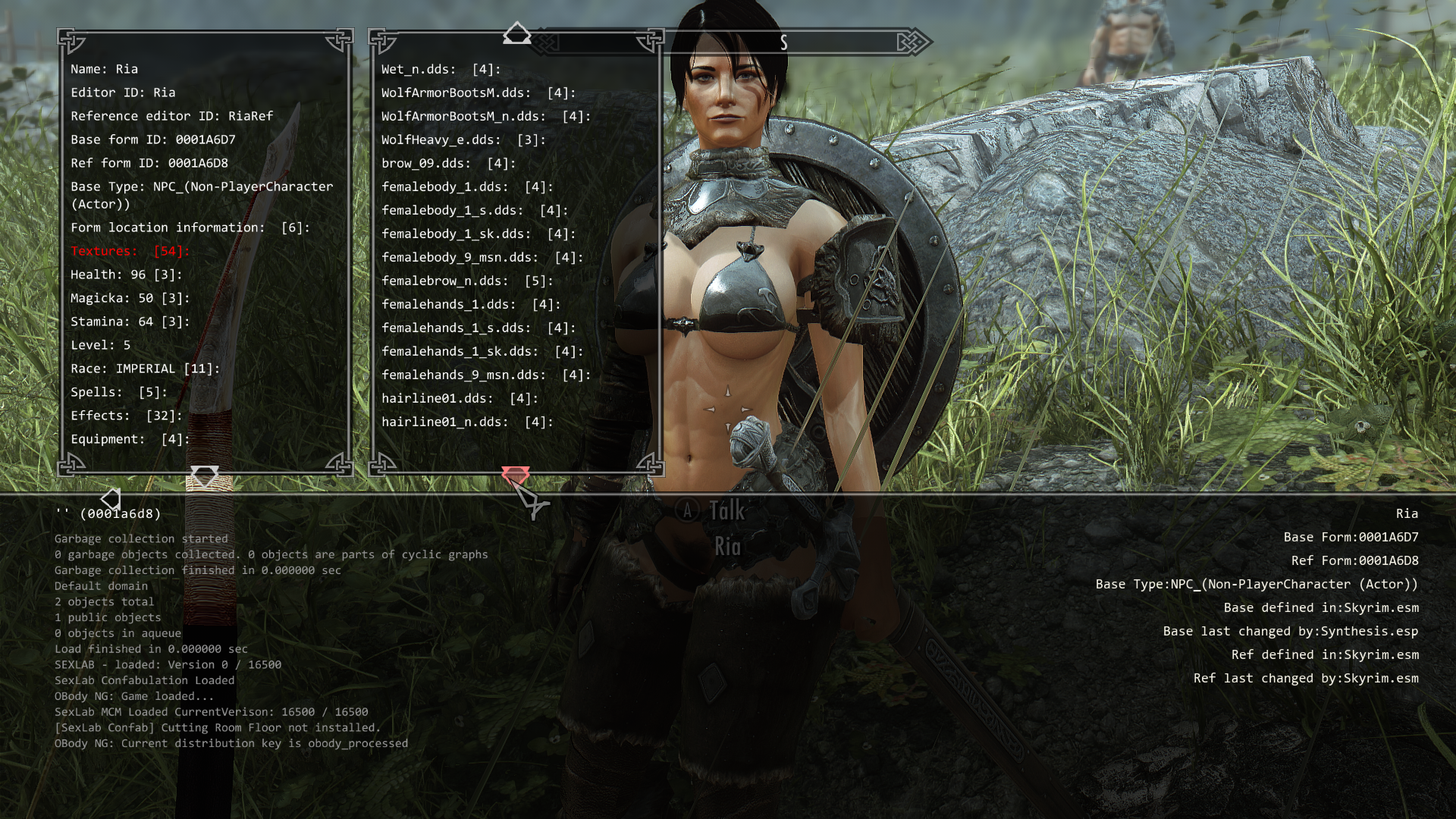
So the textures are there and they're loading from the right data paths. So what's going wrong here. I don't see anyone complaining in the ARIS forums about the hand textures not working right, but let's equip her with a different hand and body skin set and see if it still is glitching out.
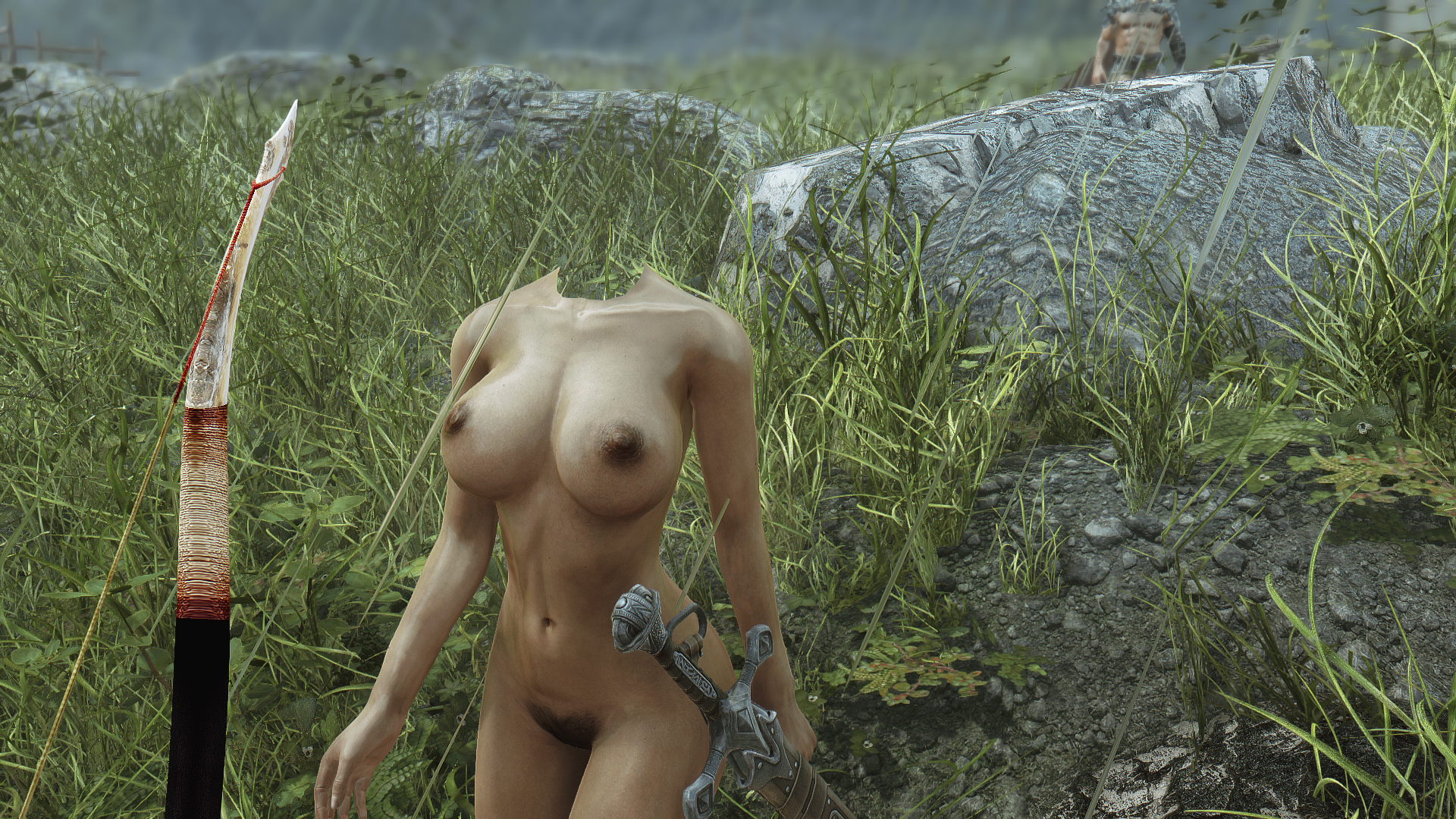
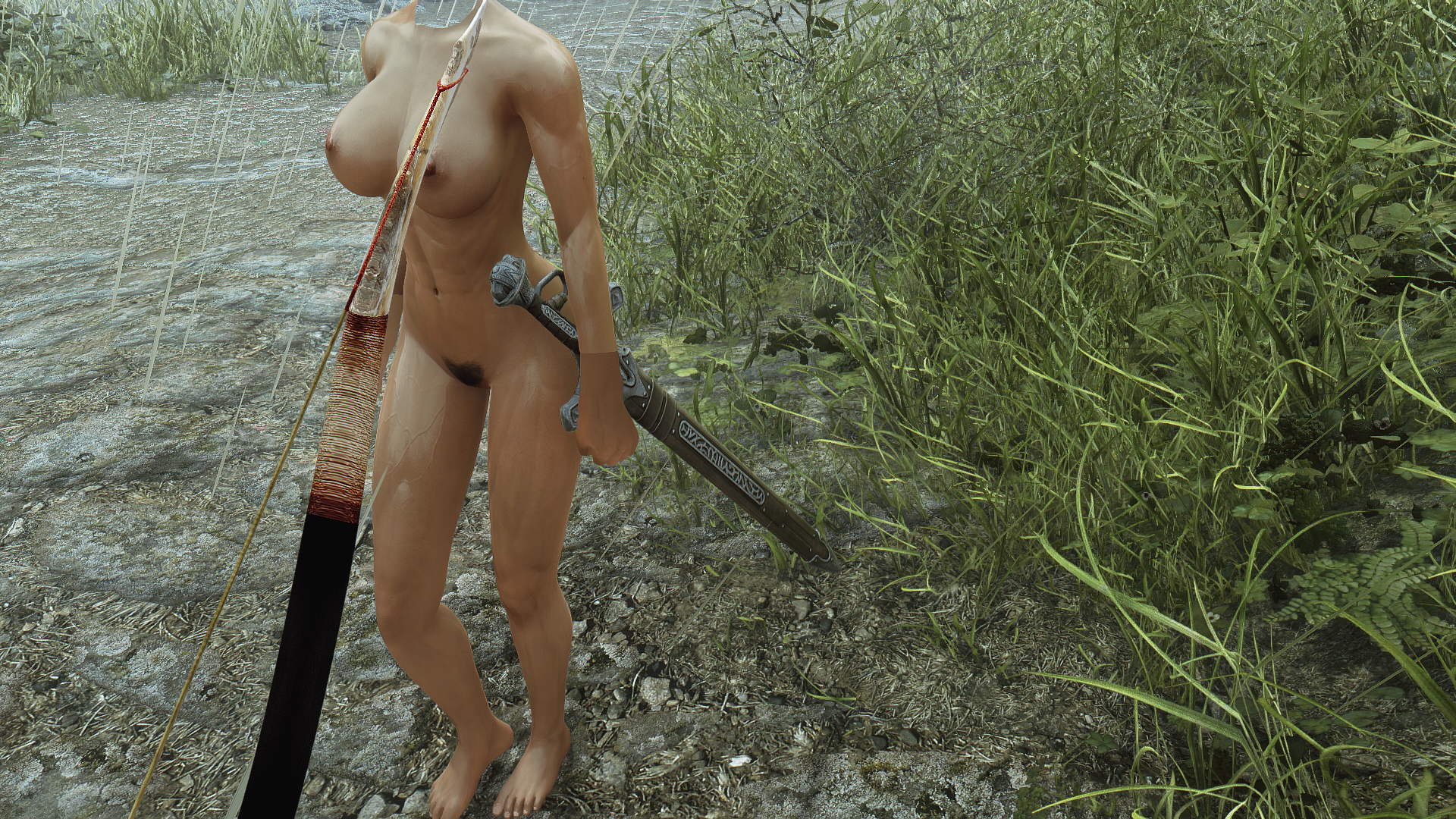
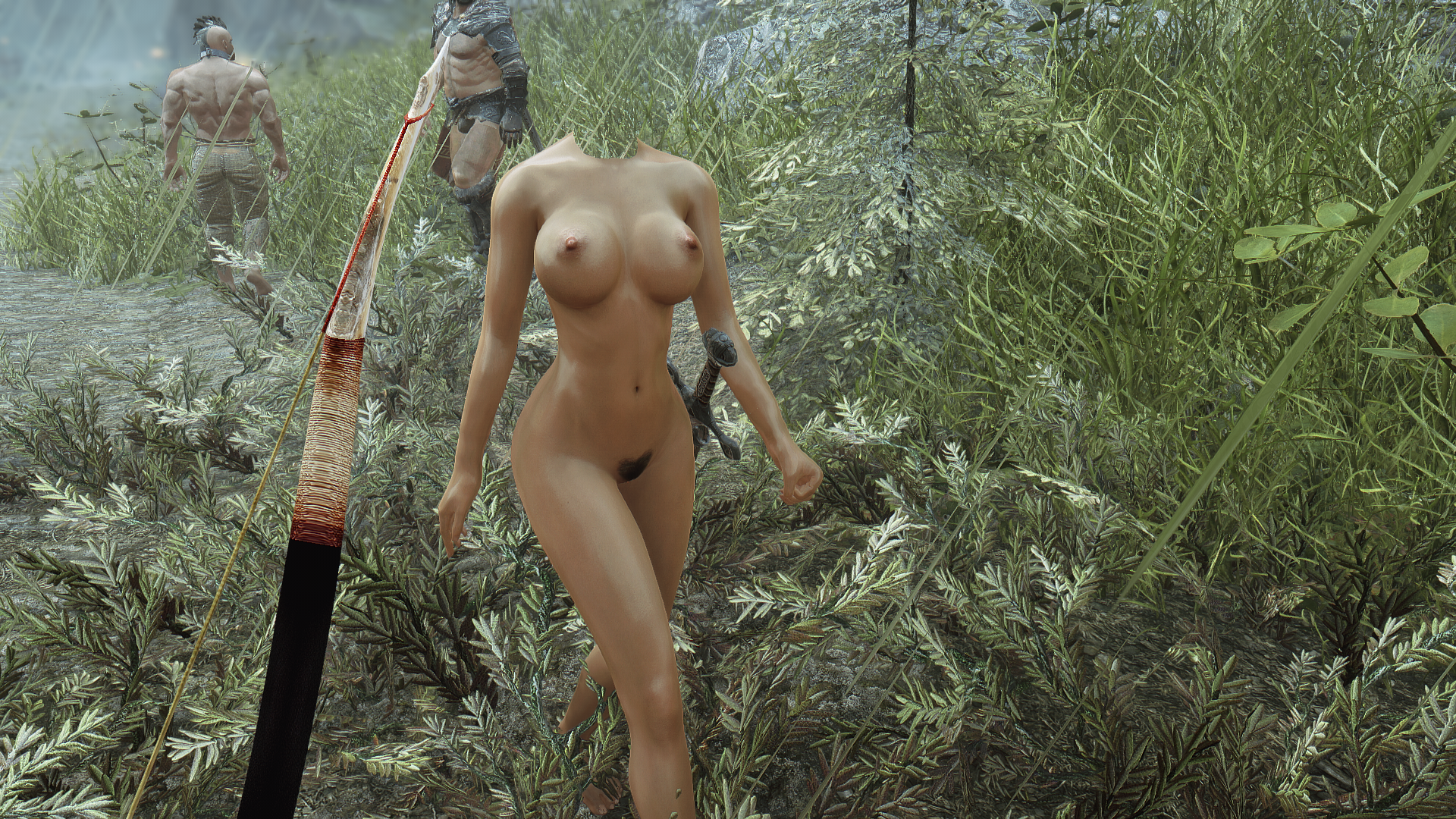
Her hands look right when I force her to equip D64, but they are busted when we go back to the ARIS based body. Forcing her to equip the unmodified ARIS body also resolves the problem, so there is something specifically wrong with the modified body. Now let's compare the custom body records with the modified ones.
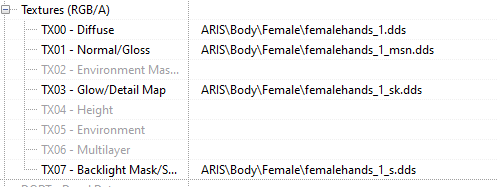
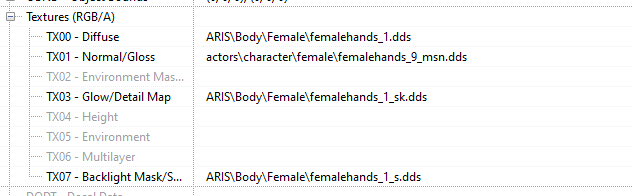
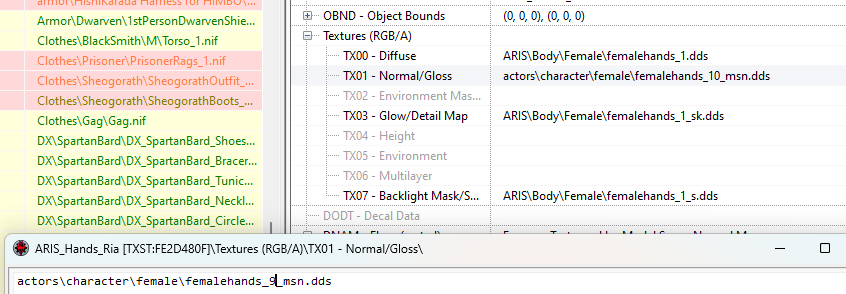
The only difference I can see is the normals. Unfortunately, I'm starting to suspect that the issue is the normal maps. The early screen shots where she had the level 10 musculature seem to look OK, so perhaps its just the _9 normal for the hands that is messed up.
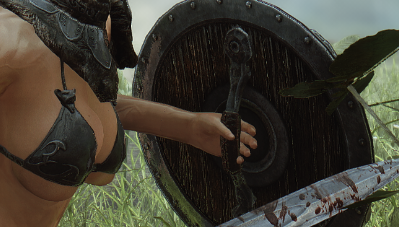
Ugh... I think I see the problem.
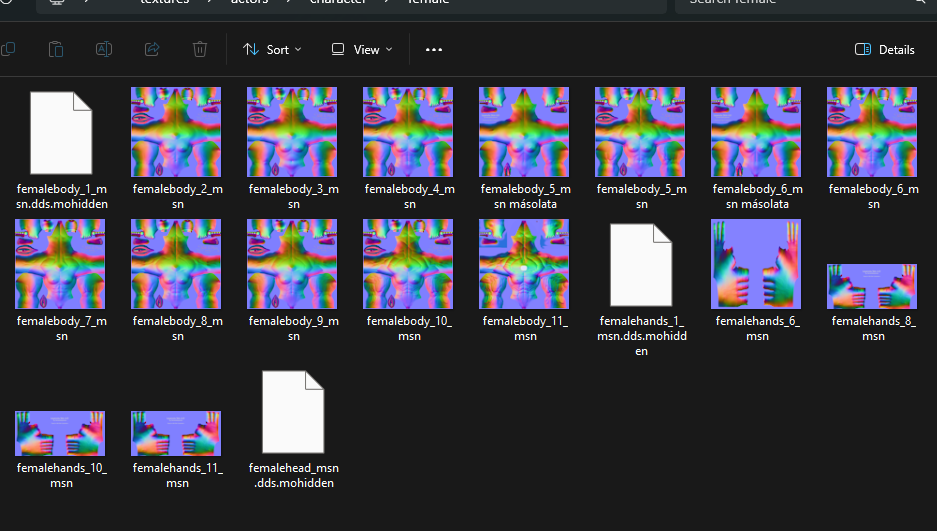
UNP Muscle Solution only has 6/8/10/11 hands instead of separate options for each musculature increment. Let's roll her back to level 8 hands and see how it looks. This, kids, is why you measure twice and cut once. I verified that the body texture had the level 9 texture present and then I just assumed the matching hand file existed.
Sigh.
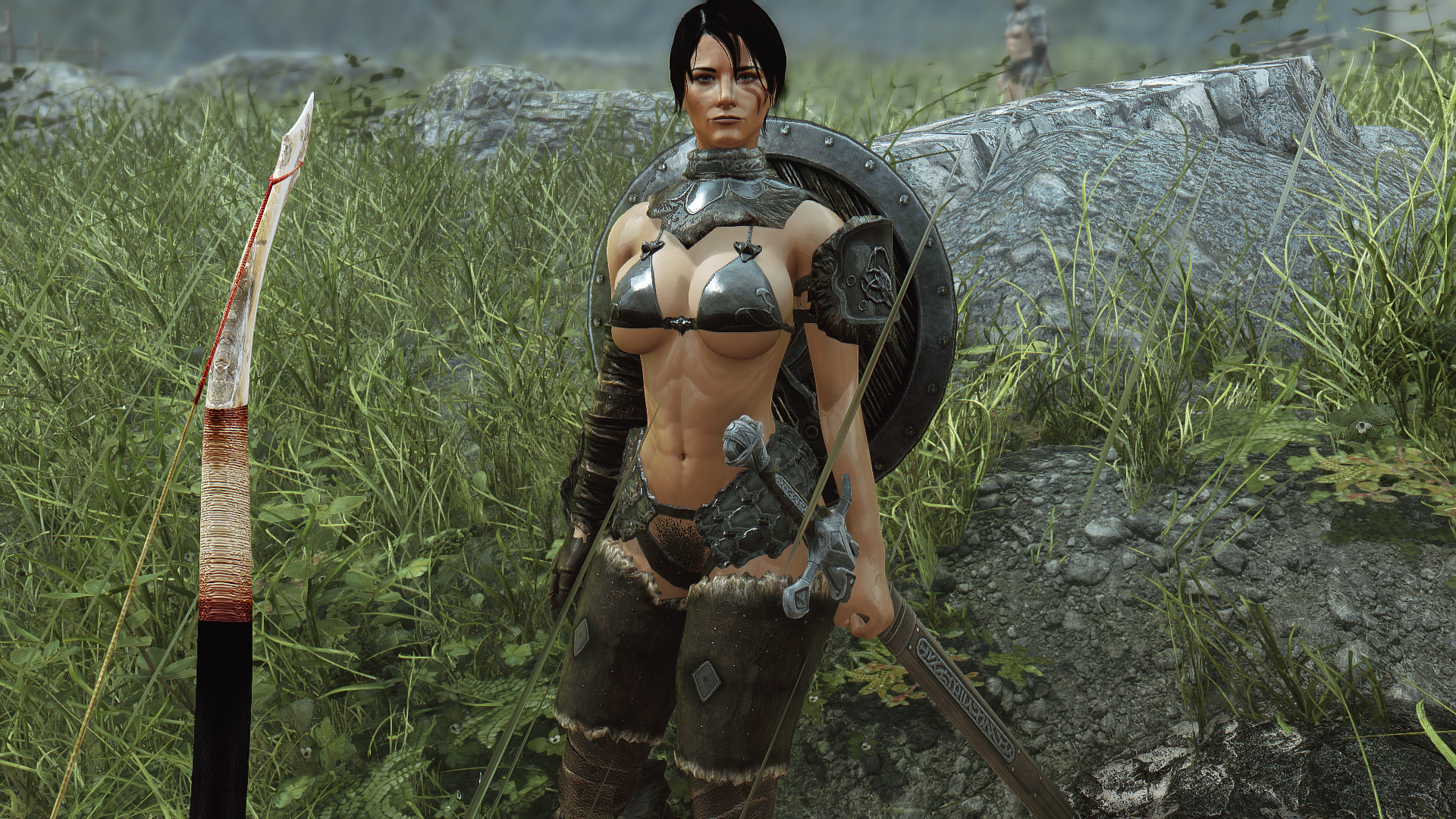
But nevertheless, we're successful at last! Ria's bra texture matches up, it keeps her boobs in place (even when OBody was generous with what preset it gave her) and her pubic hair has a bit more depth and nuance to avoid looking flat when the natural framing draws the eye to it. Speaking in drawing the eye, dumping the cloak makes for a much nicer view of her rear end, as well. Better yet, her Wolf Armor parts still have a little half-cape on them, so that aspect of her aesthetic isn't totally lost after removing the cloak.
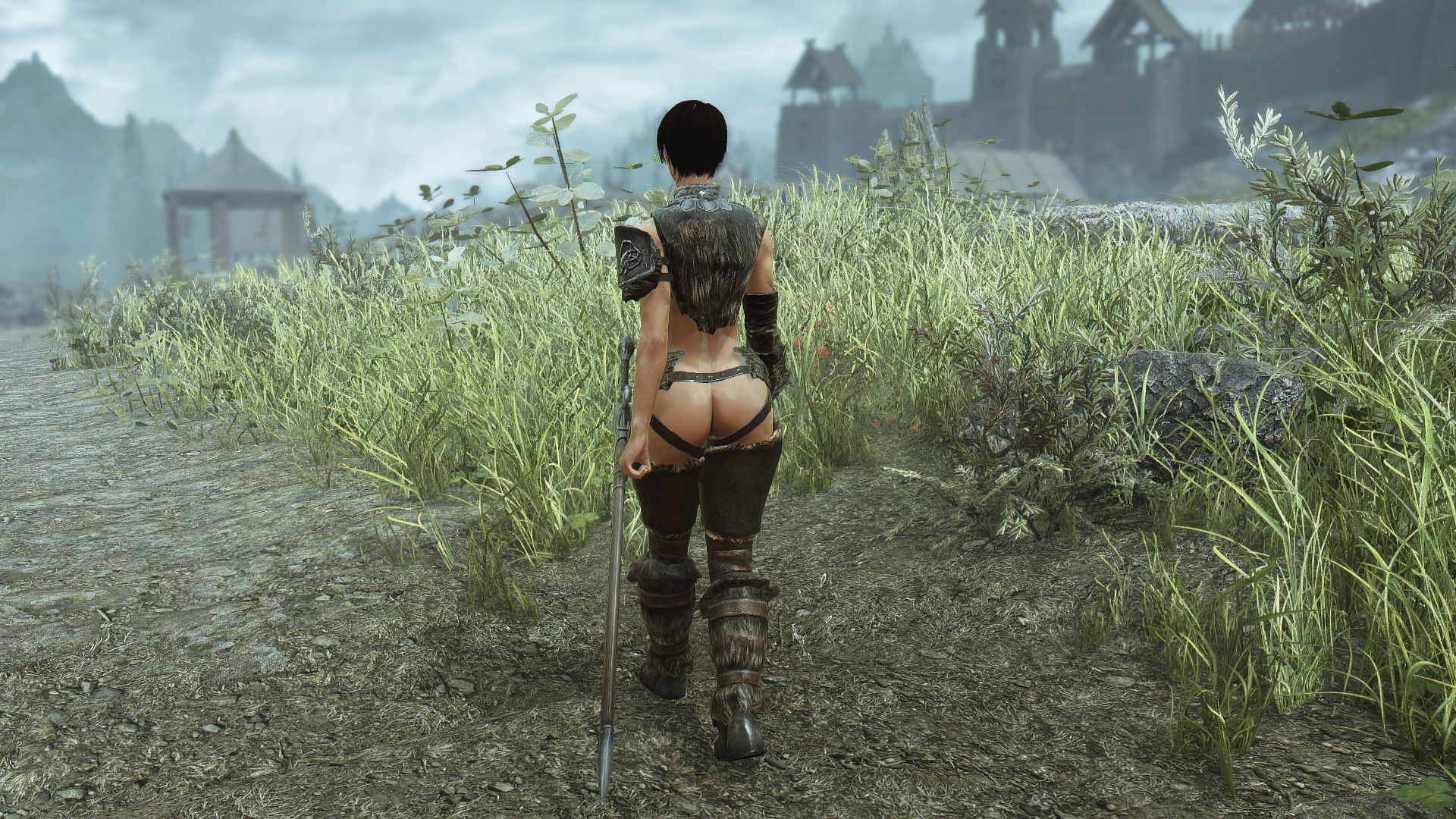
So I think we can score that one as a full win. It would have been nice if I had time to do Aela at the same time, but that'll have to wait. Not so bad I suppose, as I still have to decide the whole intersex question when it comes to her. Integrating futanari support into the game at this juncture would involve a bit of scut work, but it would get that work out of the way for future characters. On the other hand, it appears that the successor mods to SSS have moved away from the whole futanari focus aspect, and so a heavy level of integration for certain key NPCs may no longer be relevant.
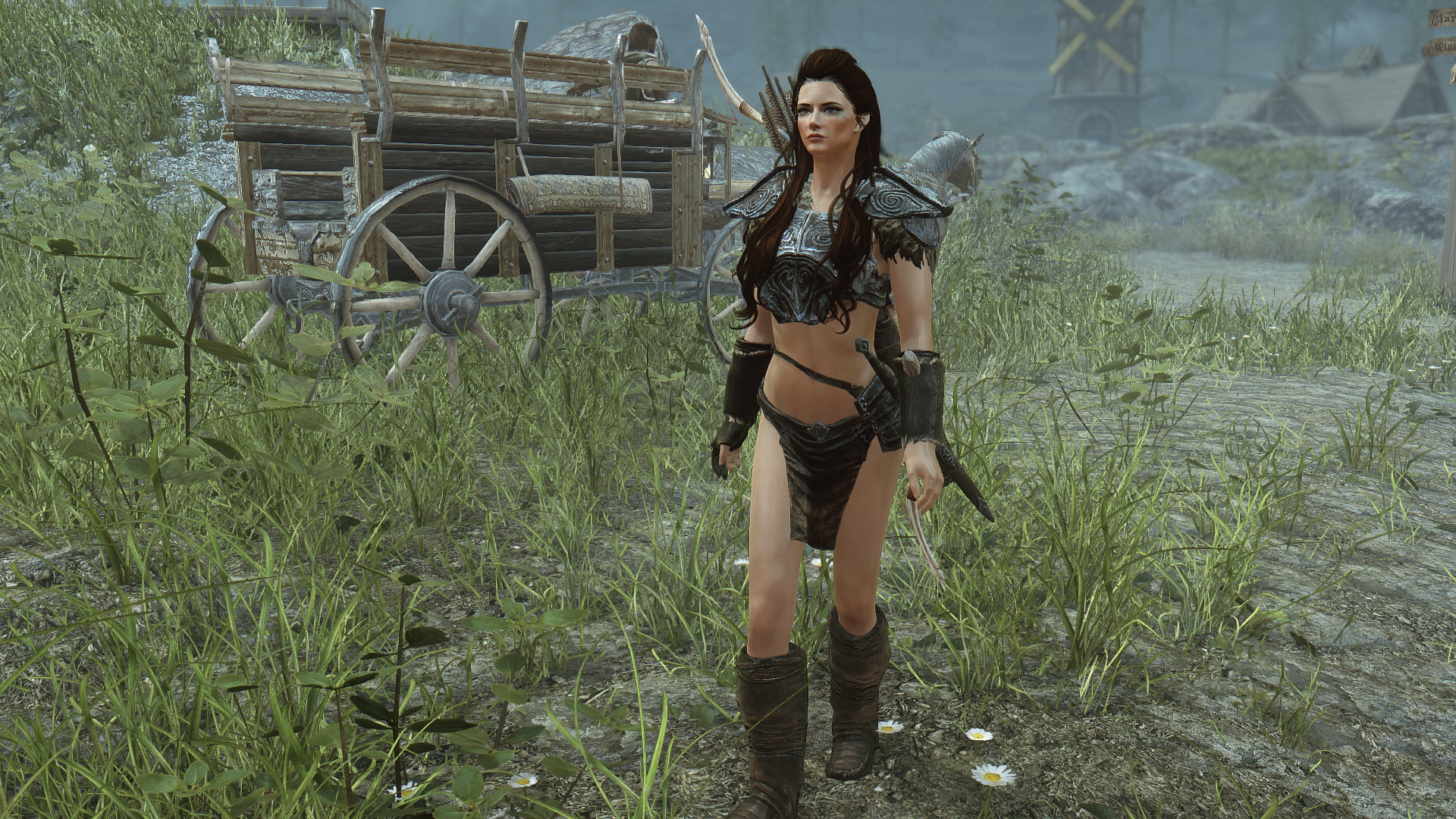
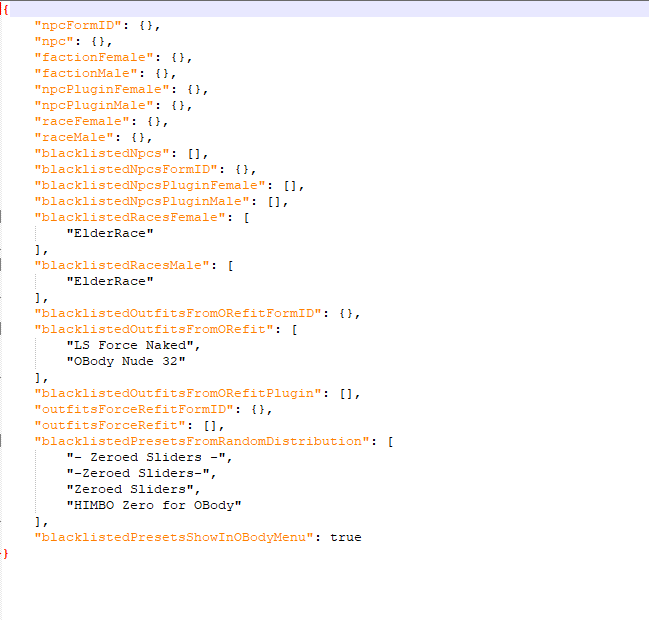
There's also the bigger "do I even need to mess around with Aela" question. Further investigation has pretty definitively nailed down her problem to certain residual presets like BHUNP 7Base that are invoking sliders which are supported for the reference body but not the armor. Since this problem affects a number of other items as well, it might be a more productive use of my time to revisit OBody, dump the remaining legacy presets, and then get at least a basic distribution list set up so we can steer the more muscular bodies towards combat classes and the softer bodies towards non-combat types.
But that'll have to wait for another day, as my hobby time is up for now. I'll look forward to sharing my next work in the days ahead!
0 Comments
Recommended Comments
There are no comments to display.