
2024 AE Build: Tidying Up

Entry posted by gregaaz in 2024 AE Build
543 views
Welcome back, folks. Today I'm going to start by doing a little cleanup. I've mentioned several times how important it was for my Fallout build's performance to keep the files tidy and under control. Today we will not be doing 100% of the cleanup, but we're going to start at least.
First things first, let's move the Bodyslide project files (not the outputs) to a separate holding folder that I'll only activate when I'm working with Bodyslide. Note that we may need to split off the Bodyslide preset folders to ensure OBody isn't disrupted.
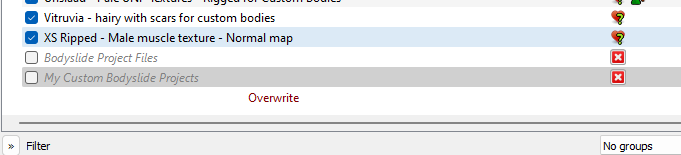
Here I've created an empty mod folder for the ones I pull out of mods I downloaded as well as a separate folder for my custom projects. I started by going into the Overwrite folder and dragging the CalienteTools folder from there into my custom folder. While I was at it, I deleted a bunch of working files that I'm not doing anything with anymore.
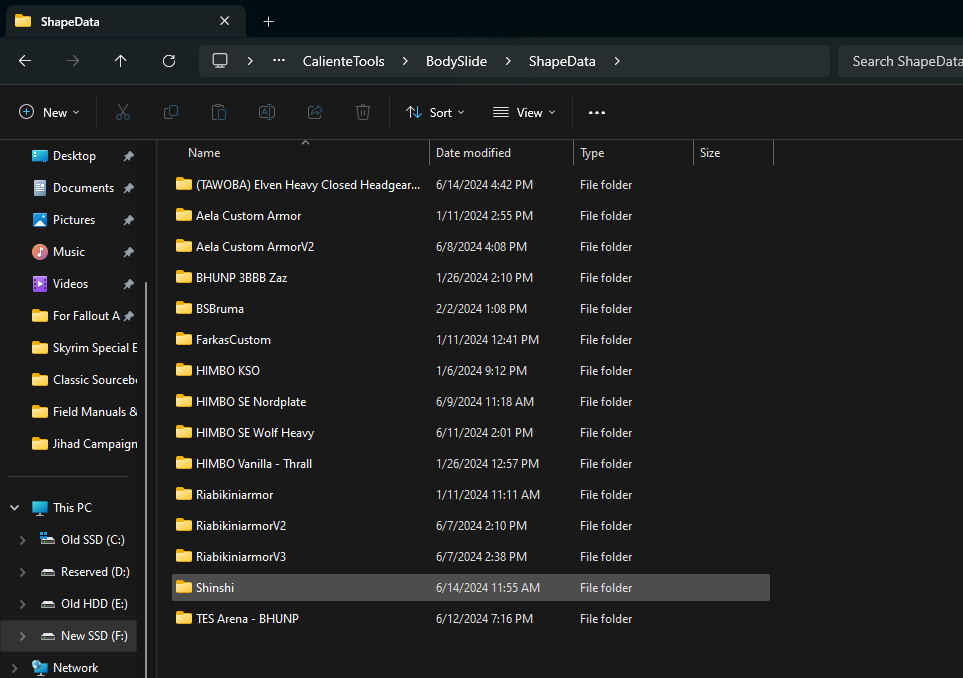
OK, so that's the fast and easy part. Now we need to move on to our "live" mods. Now we're going to go into the data tab and look up which mod is providing each project, open up that mod, and drag its CalientTools tree into the project holding folder.
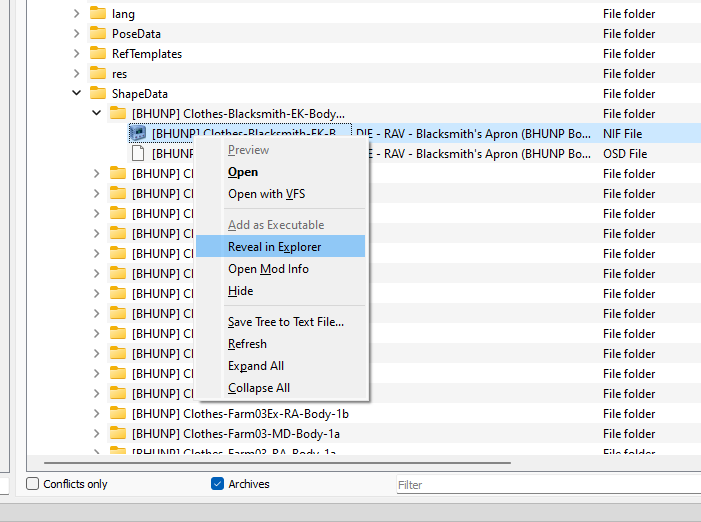
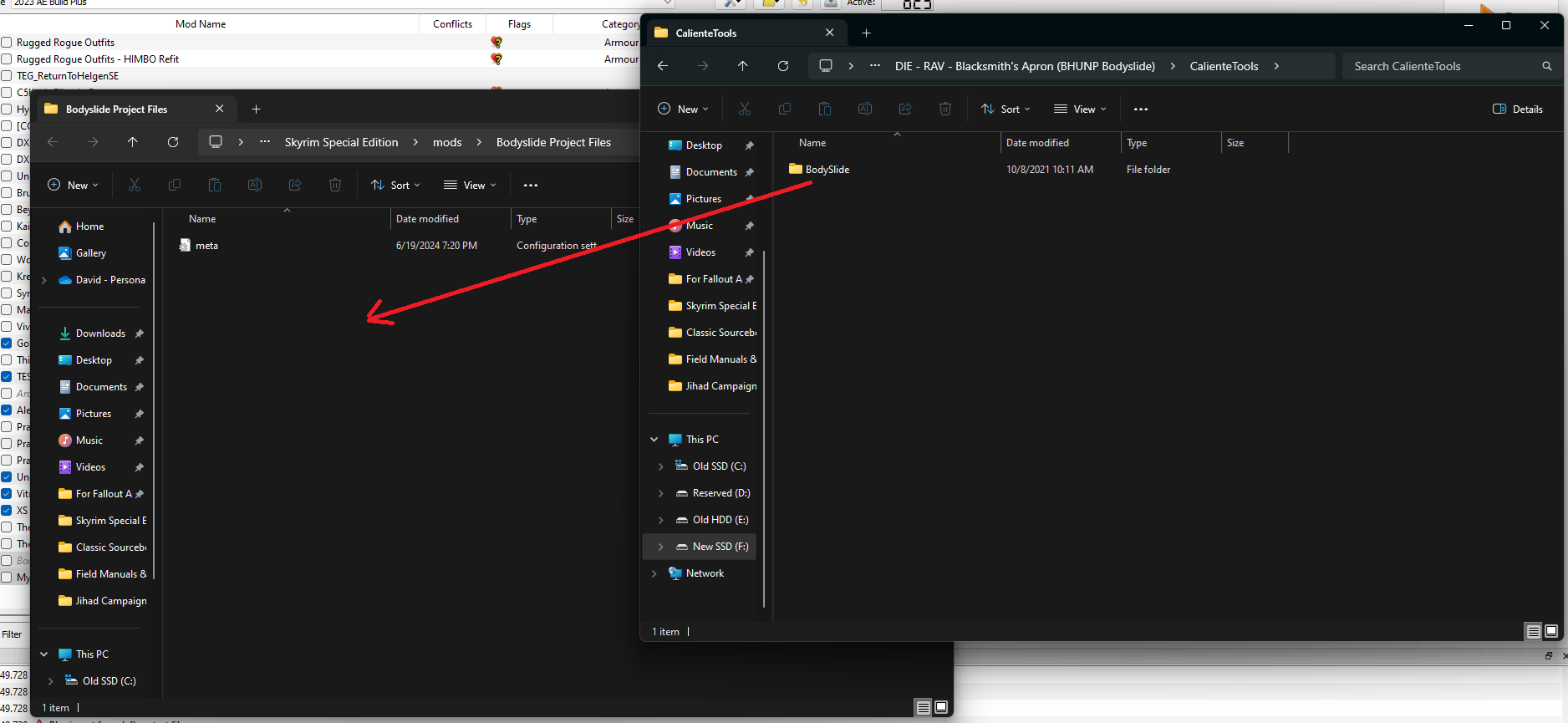
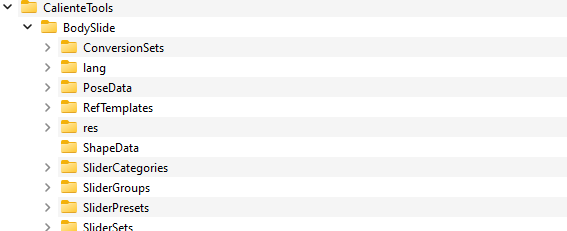
This took a little while and it wasn't totally an "autopilot" job since certain things needed to get retained, like some of the core files for BHUNP. As you can see below, the ShapeData folder in the virtual file system is now empty, so all the project files are stowed. Before we proceed further, we'll double-check the holding file to make sure no slider presets accidentally got grabbed.
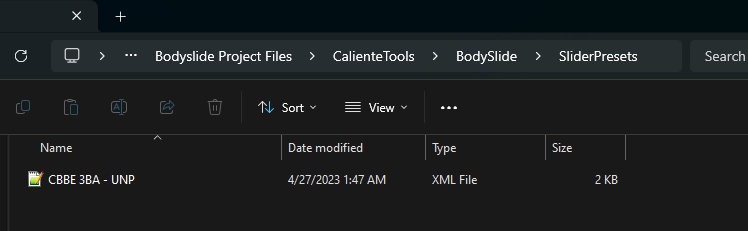
Just one, and it's not one I want anyway... so I think we got that cleanup job done correctly.
Next, let's take a moment to clean up some of the really big folders. Let's roll up these static mesh overhauls into a single packed archive.
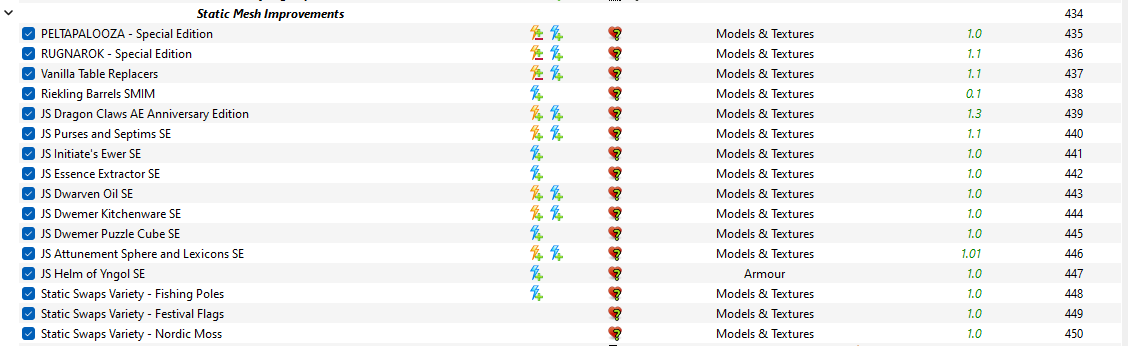
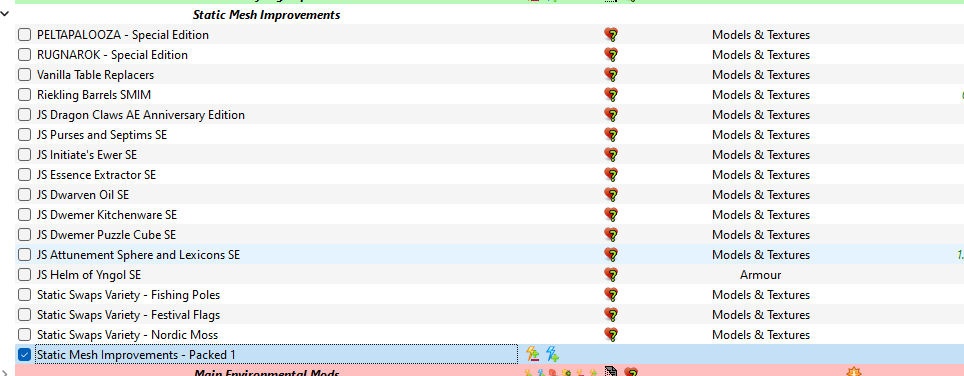
Next, we have a couple mods that this rollup is overwriting. Let's make sure those mods are packed in BSA files so they don't spring ahead and overwrite this resource pack we're making.
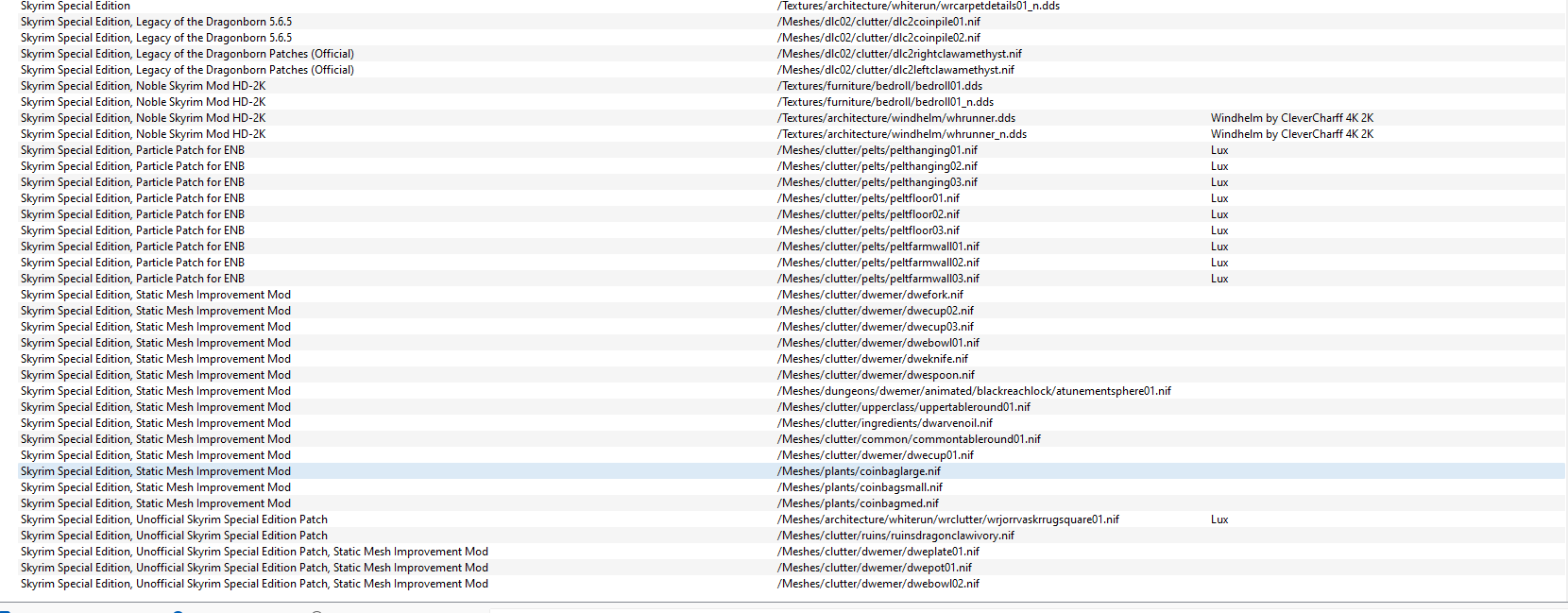
Legacy is in a BSA, but the Legacy patcher isn't. Neither is SMIM or Noble Skyrim. So it looks like before we do anything else we need to hop back a few steps and address these resources. We'll just keep rolling these back up towards zero priority until we start getting ones that aren't conflicting with anything other than SSE itself. If we get individual ones with only minor overwrite cases, we may hide those individual files in lieu of rolling back the packouts (i.e., the Legacy Patcher stuff). In the course of doing this I also had to add a master flag to the particle patch for ENB so it could be properly overwritten by the handler file I created for this rollup file. Note that I only added the ESM flag to the file header, I did not change it from a .esp file to a .esm one.

The rollup of my low-priority replacers will load right after these two plugins. In the course of doing this I checked the particle patch to see if any new conflicts were created by this move and I discovered a small unmanaged conflict which I patched up, so that was a nice added bonus. I was also rather surprised to find a single unpatched Top-Level Cell Data record which would have caused ugly visuals had I not taken care of it here. So here's to happy accidents!
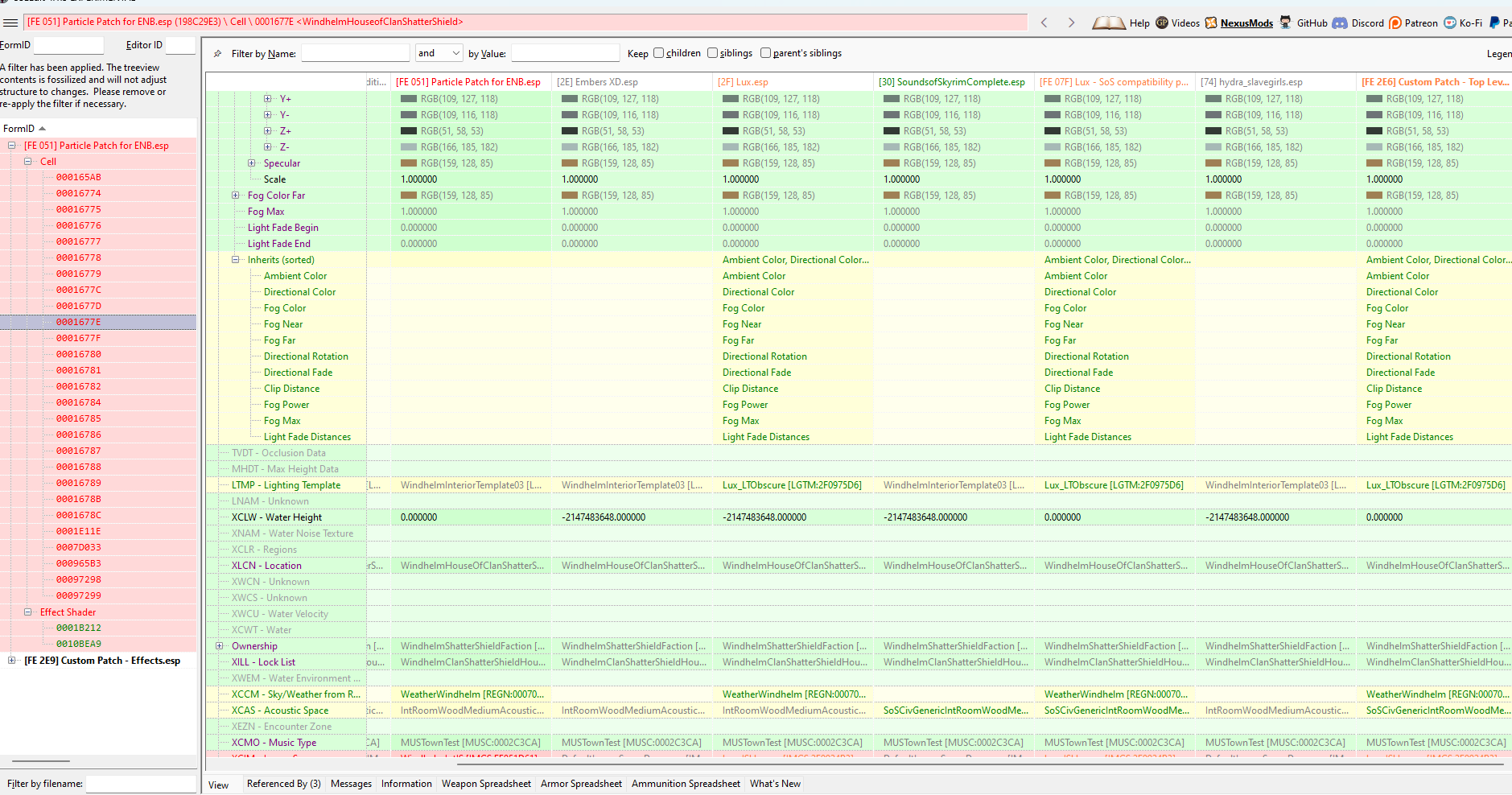
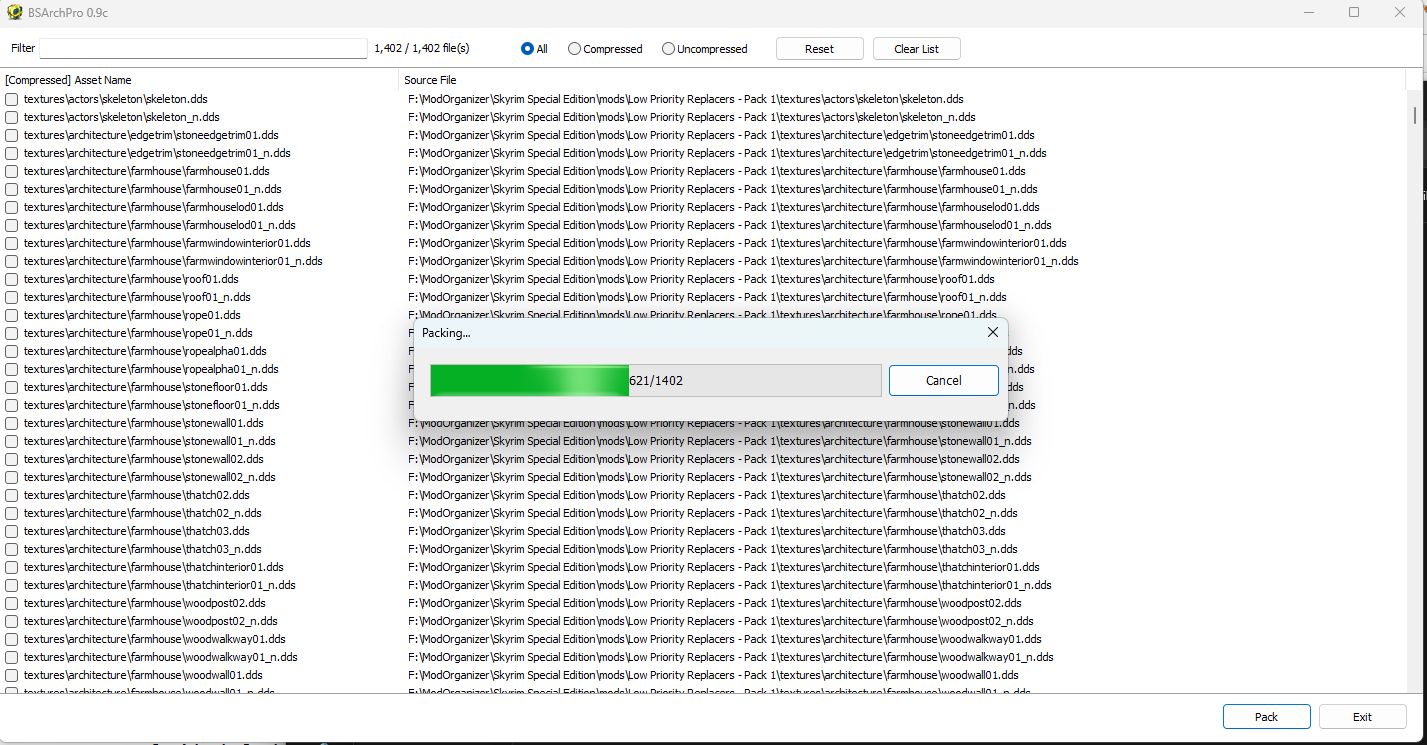
Next we'll create a BSA file of the first pack and then confirm the overwrite relationships have remained the same as before after we switch over to the archived version.
I kind of paused and backtracked a bit at this point, because I realized that many - even most - of the assets in this pack are being overwritten by higher priority mods. So I took a moment and cleaned out all the overwritten assets from this rollup. I did this by hiding all the conflict losers and then deleting all files in the folder with the .mohidden extension on them. That removed about 3.3 GB of redundant files.
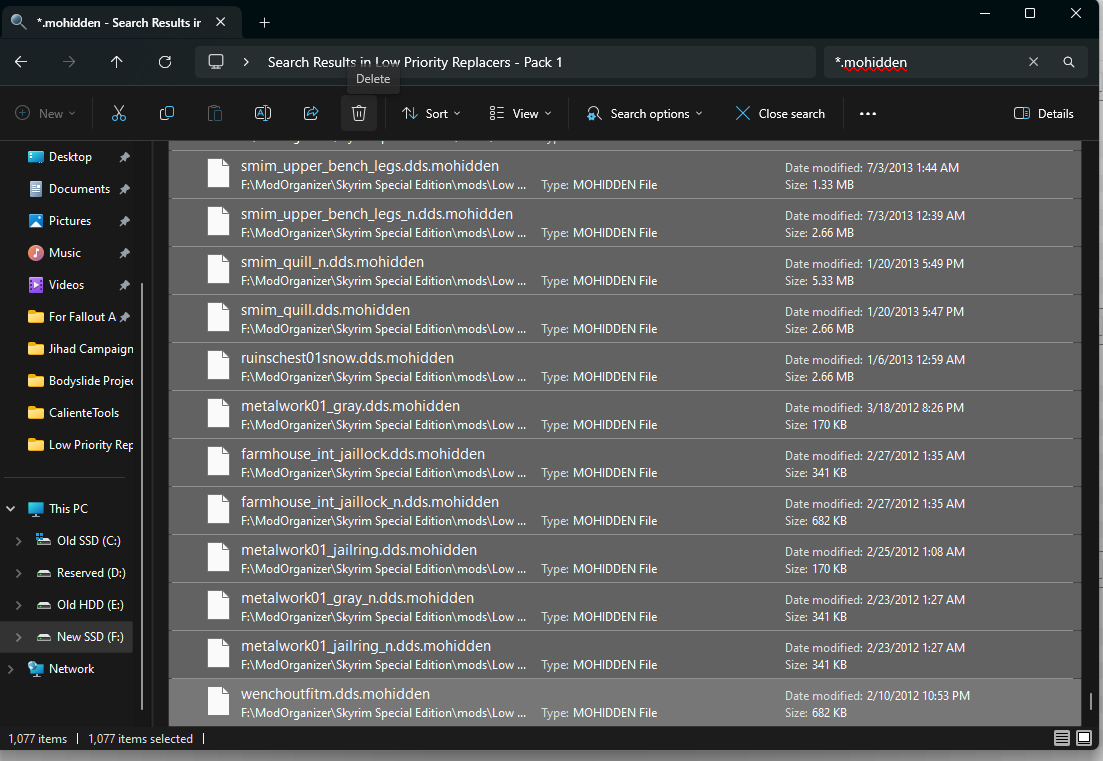
And no, before you call the FBI, the "Jihad Campaign" folder isn't anything sinister. It has files for an old BattleTech campaign I ran a few years ago. I was recently flipping through them and reminiscing about that fun campaign, hence why it appears in the recent folders list.
Now that we're "all winners," let's repack the BSA files, which should be considerably smaller.
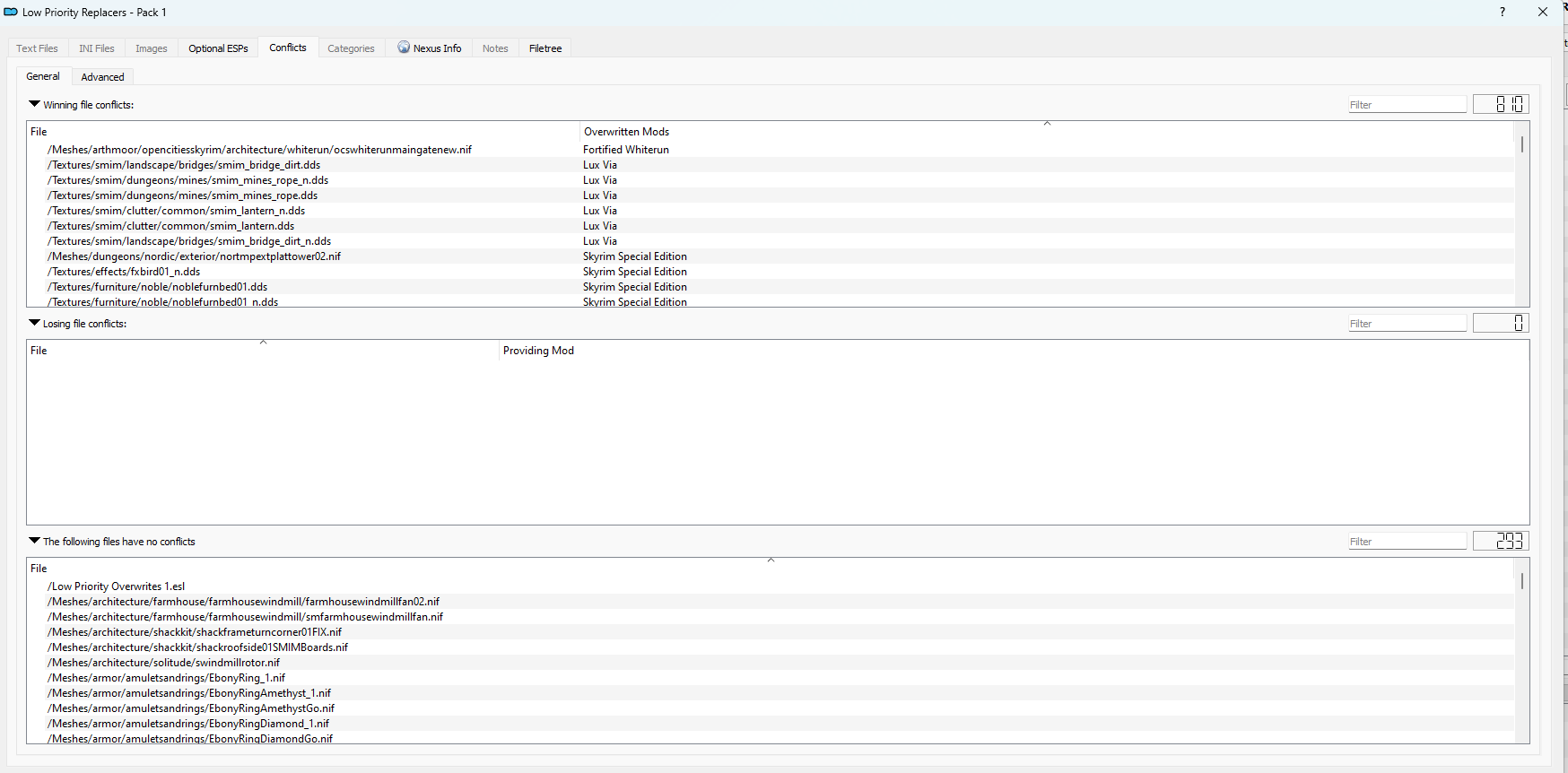

Look at those nice and tidy file sizes! I activated the BSA loader and refreshed the asset list to confirm I hadn't introduced any new conflicts. As you can see, the only "losers" were BSA vs BSA conflicts where I actually shouldn't have been winning before.


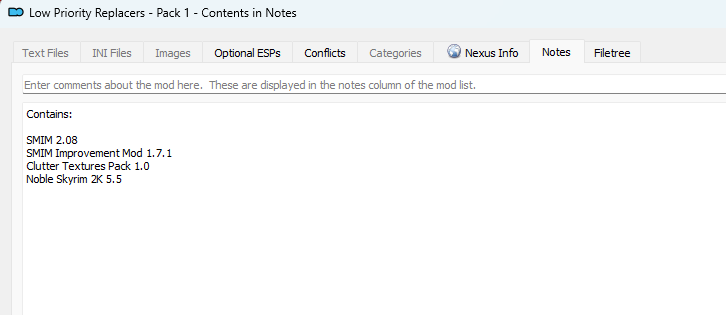
I added an MO2 note about the contents and then moved the parent files to my mod archive on my much larger conventional hard drive, reclaiming about 4.5 gb net of the packed up version.
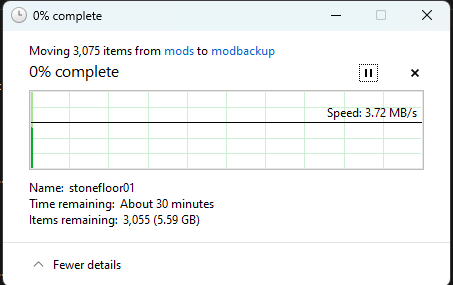
The downside is that this transfer operation will take a while, but I want to retain these unpacked mods in case I want to go in and cherry pick individual textures for specific purposes or creating custom texture sets. Archiving them on the conventional drive keeps that resource available to me.

All neat and tidy! Let's repeat this procedure for the original selection of mods I picked out earlier. Having learned from my previous experience, this time I started out by removing all the conflict losers once I briefly scanned them to make sure I wasn't pulling out anything I actually wanted to keep. Then I reviewed the conflict winners to make sure nothing was going to become a loser after I packed them up when I wanted it to win.
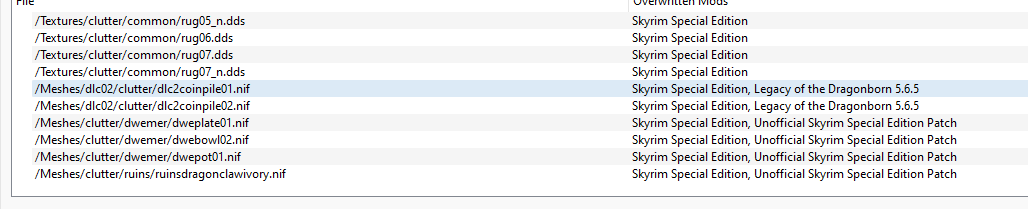
All the remaining winners are versus other BSA mods, so as long as I load this one's controller ESL after these other files it'll continue to win those conflicts. Speaking in which, I made the controller ESL next and then packed up the BSA files. On some of my FO4 packs I used the existing plugins as controllers, but that sometimes became clumsy and confusing, so I am not continuing that practice here.
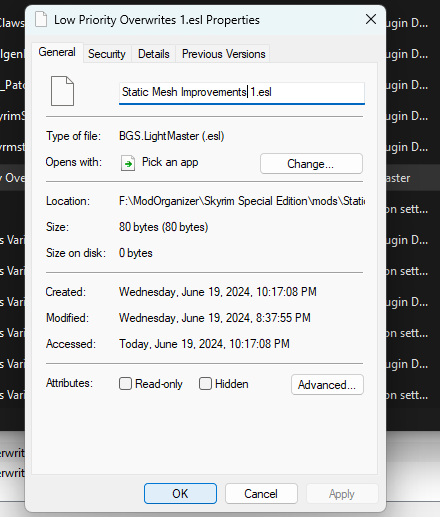
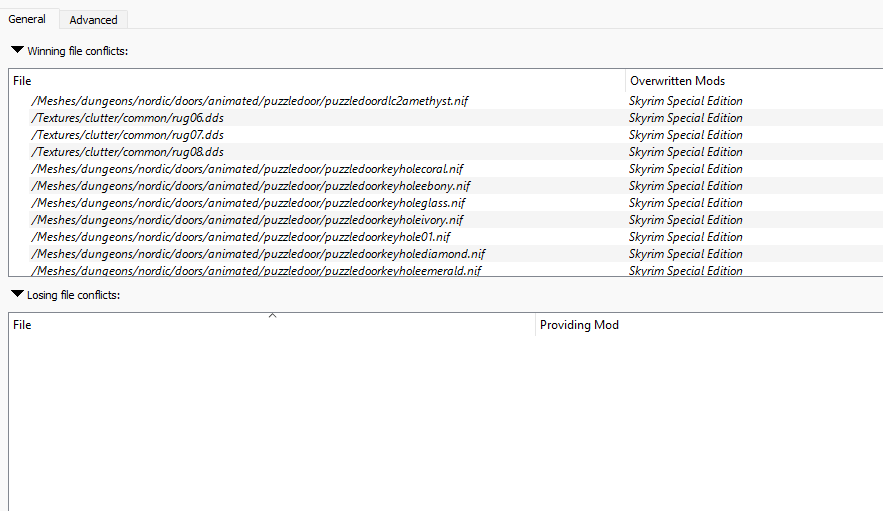
Looking good. I'll leave a contents note and then archive the originals. The originals came to 2 GB and the packed files came to 1 GB, so that's another gigabyte clawed back from my SSD. Let's boot up SSE and see if there's a noticeable improvement in load time.
It still took a noticeable amount of time to load into the main menu, but that's not a big surprise: compared to my FO4 build, I'm just scratching the surface of the loose file mountain. I'll have to keep working at this, crunching down and isolating the current overrides a little at a time until everything is packed up in nice and neat archives. In the meanwhile, I should start timing the different major loading milestones - boot, new character, transition to tavern, transition to open world - and see how this project is impacting things.
Once I was in the Tamriel worldspace I felt like I was getting less stutter and slightly higher FPS - though I'm not sure if this is really attributable to the packing job. I did however encounter a crash near the Guarding Stones so we need to take a quick look at this.
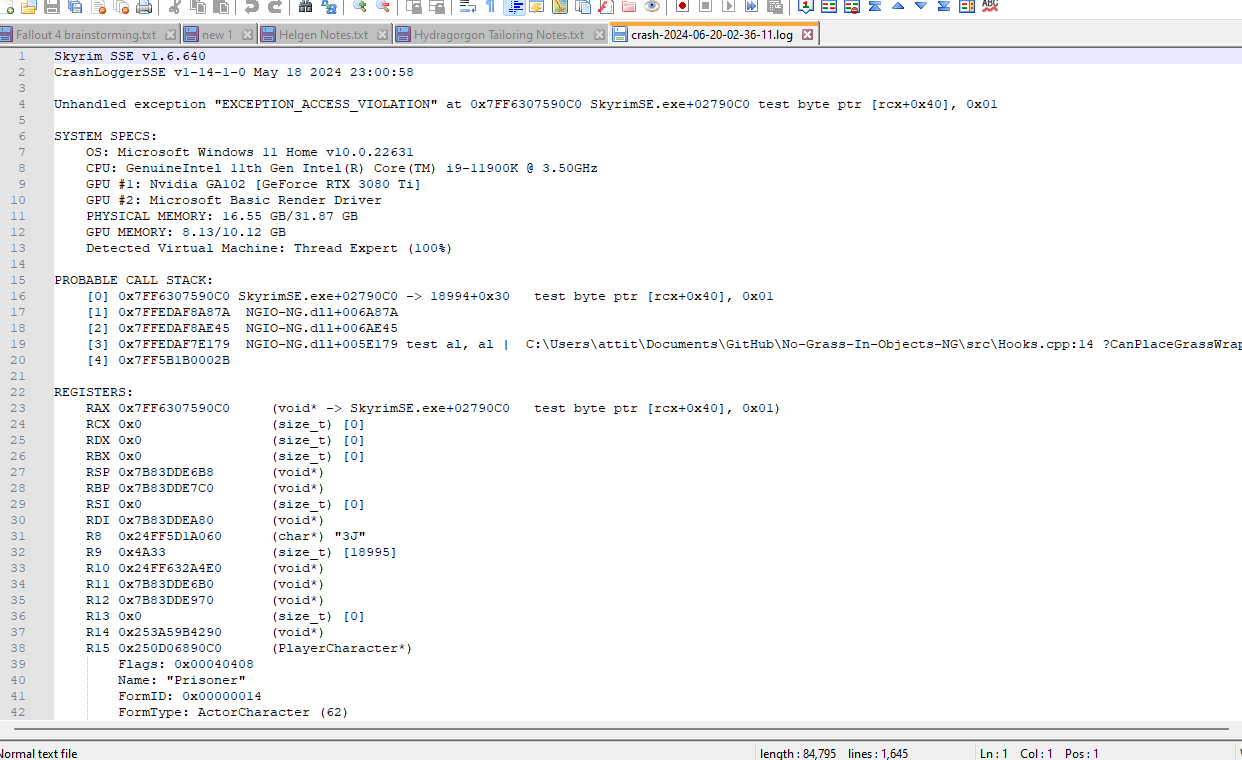
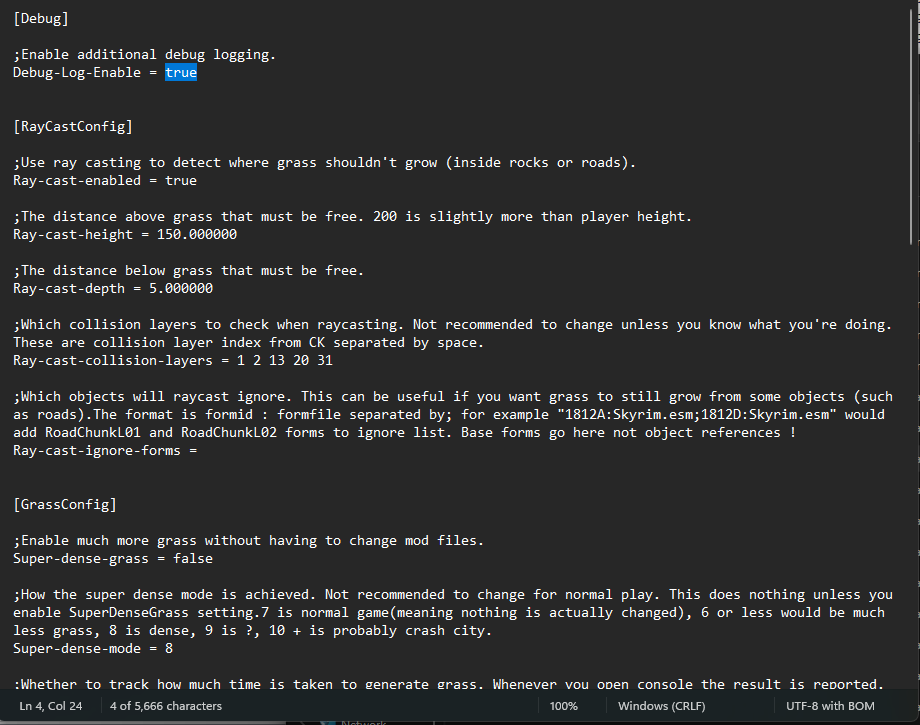
It looks like the crash occured while the game was doing something with the No Grass In Objects DLL file, which is a little concerning. It won't kill be to deactivate the mod for now but eventually I'll want to do stuff with it. Let's see if NGIO has its own log that might shed more light on what happened.
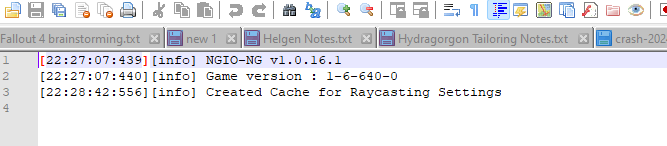
Raycasting was also mentioned in the crash log. This is the mod's core feature so turning it off would be pretty pointless. After a bit of further consideration I decided not to dump NGIO right now but I did enable its extended debugging feature to hopefully get a more informative log in the future. Additionally, deep in the log I found an explicit file name for a grass nif, which I localized to Seasonal Landscapes. I had limited time to investigate but a post on the Nexus page for Seasonal Landscapes alluded to SL, NGIO, and DYNDOLOD needing a little bit of assembly to work together optimally. I'll need to investigate that in the near future when I reach the point where I want to get the grass cache set up.
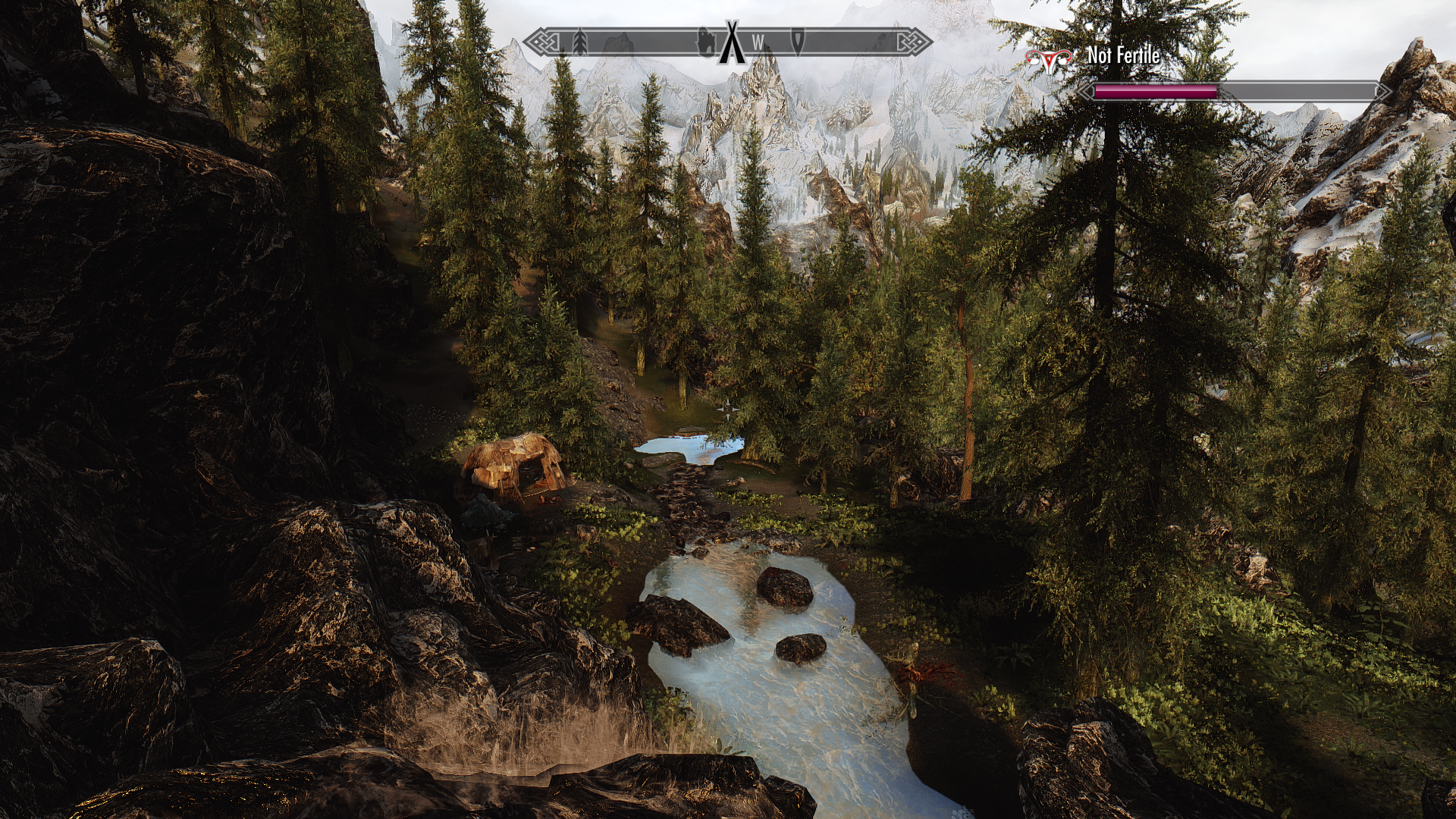
In the meanwhile, I took one more brief jump into the Skyrim world and walked around a bit. Not much to do tonight because of time constraints, but even though I may have unearthed a new problem to contend with in the days ahead I feel like I made some good progress in elevating my build to the next level of quality.
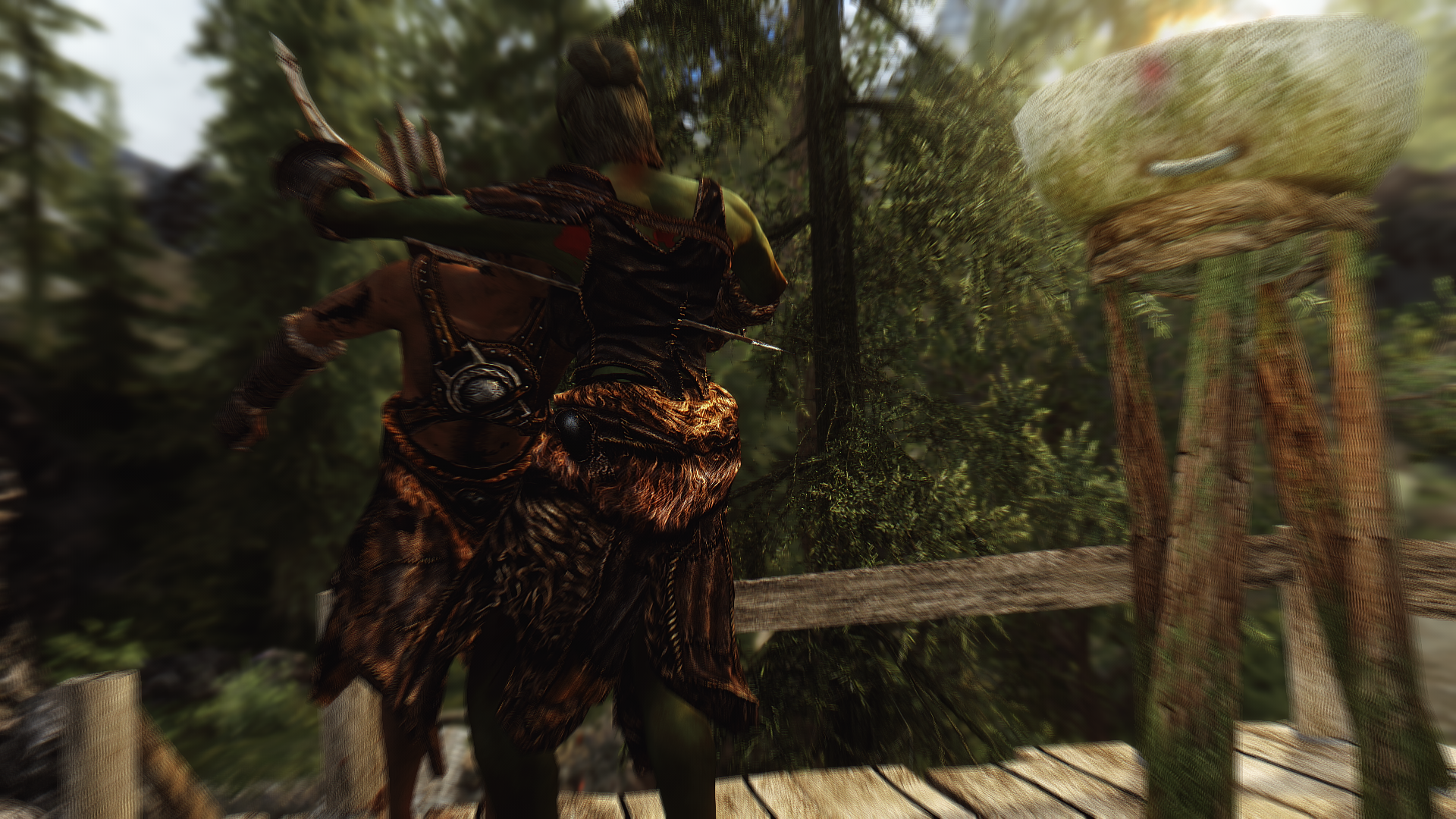
No crashes on the second visit. If I'm lucky, maybe the issue was just a transient glitch. While I won't count on that, I also won't complain if the problem maintains a low profile for now. I walked around a bit more and killed some bandits, then called it a night. This was definitely a more technical focused blog than what I've been posting lately... hope you found it interesting to delve into the fiddly bits of cleaning up an already-complex mod list.
See you all soon!
0 Comments
Recommended Comments
There are no comments to display.