Search the Community
Showing results for tags 'ts4'.
-
-
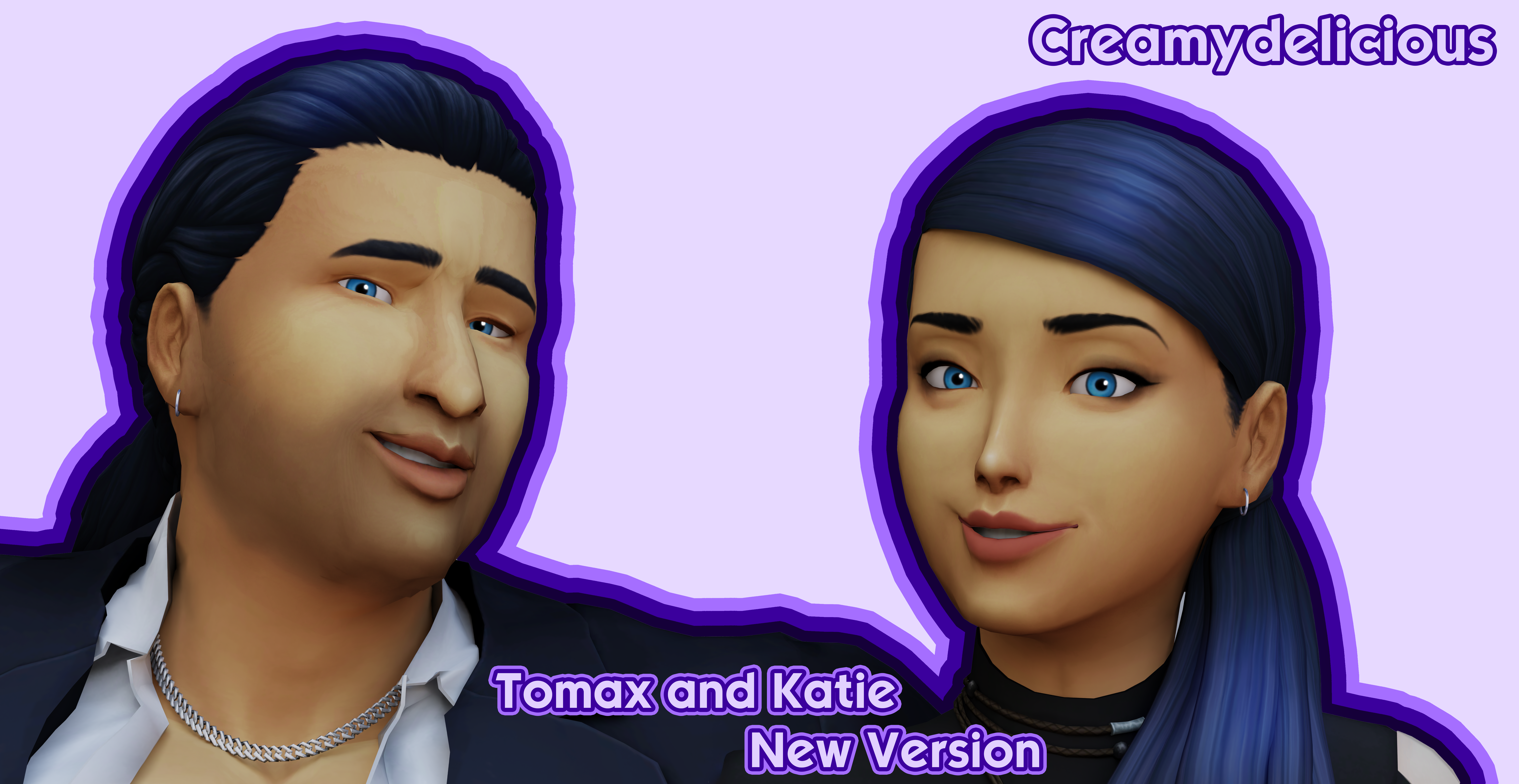
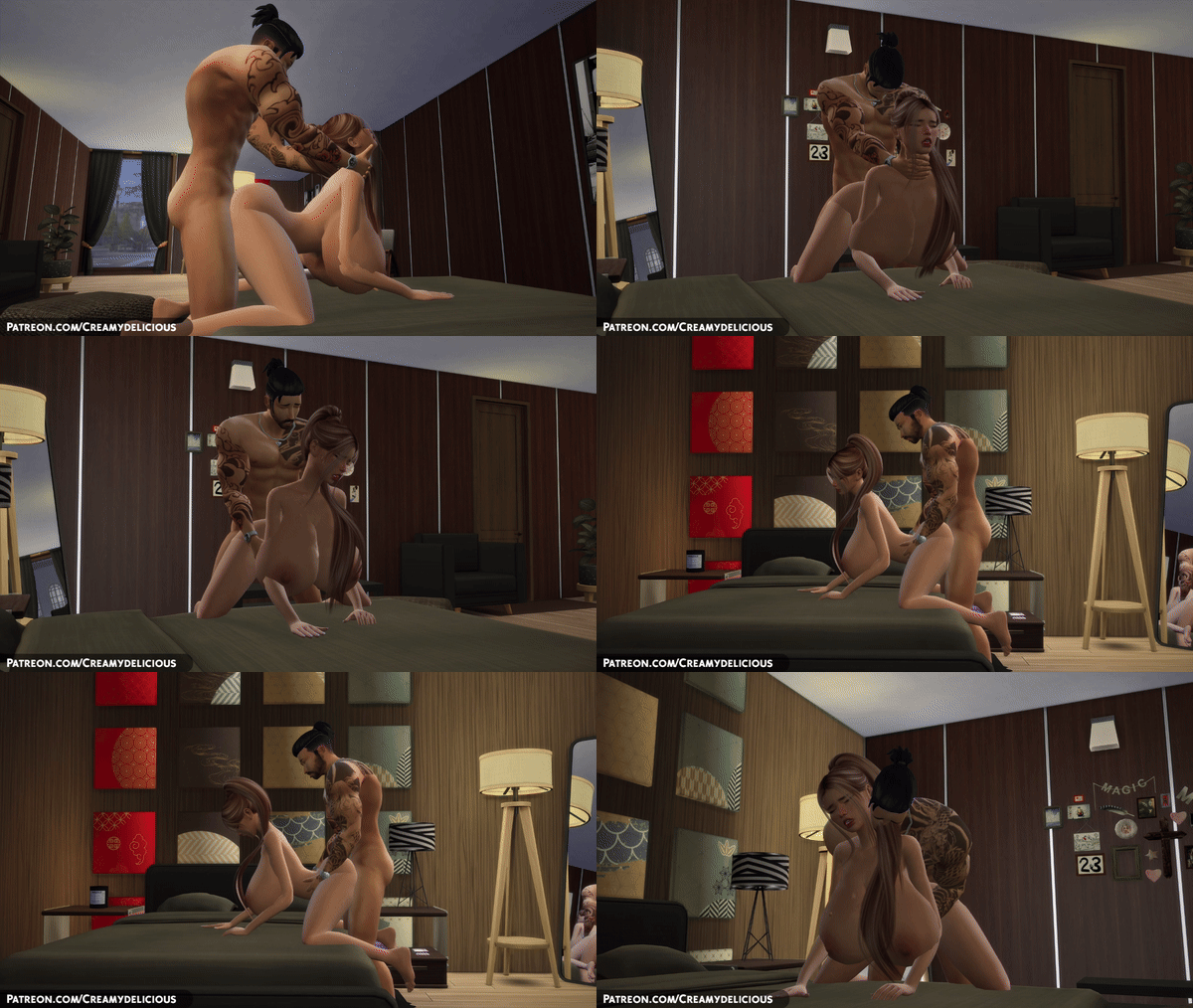
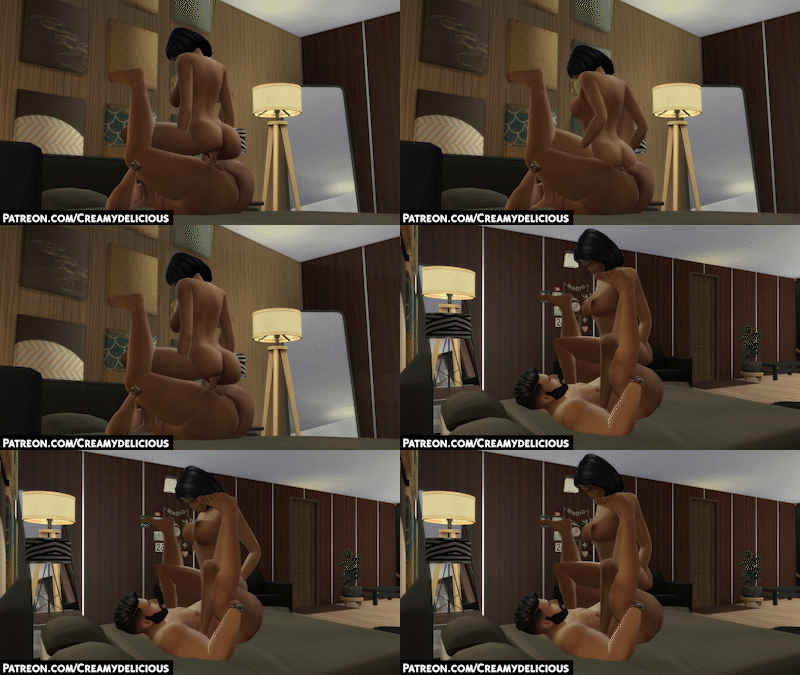
 [The Sims 4] 🍦𝑪𝒓𝒆𝒂𝒎𝒚𝒅𝒆𝒍𝒊𝒄𝒊𝒐𝒖𝒔🍦 Animations with Custom Sound Effects 🧁 (+50 New Animations 30.07.2026🔥) (NEW SIMLISH PACK!!!) View File NEW PREVIEW FROM NEW UPDATE PATREON ⭐⭐⭐ Hi I'm 𝗖𝗿𝗲𝗮𝗺𝘆𝗱𝗲𝗹𝗶𝗰𝗶𝗼𝘂𝘀 I focus on smooth body flow, natural motion timing and animations that work well across different body sizes. Optional sound versions are released separately. If you enjoy my animations and want to support future content, you can support me on Patreon. Thank you for being here -> https://www.patreon.com/c/Creamydelicious Check out New Animations previews and future updates on My Patreon ❤️ 𝗖𝗿𝗲𝗮𝗺𝘆𝗱𝗲𝗹𝗶𝗰𝗶𝗼𝘂𝘀 𝙼𝚘𝚍𝚎𝚕𝚜 LINK BELOW Features • Fluid, high quality motion at 60 FPS • Realistic facial expressions and reactions • Natural breast and butt physics Requirements To ensure all animations work correctly, please make sure you have: • Updated WickedWhims Mod • CherryPie CumMesh V2 installed • WickedWhims Default Bottom Rig for physics-based animations Preview Here Submitter Creamydelicious Submitted 06/28/23 Category Animations - WickedWhims Requirements WickedWhims v170f (JUNE 25TH 2022) or more.



.gif.a87ac4d152a7044ddd0278bba566249a.gif)














-
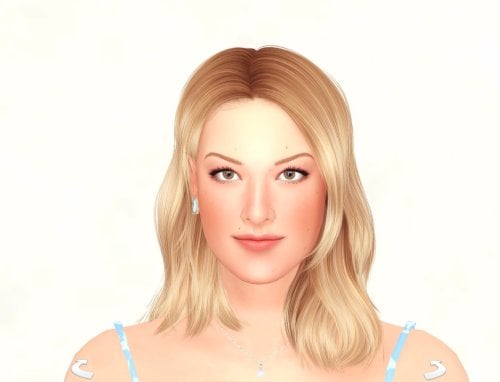
Sexy Model Sim 38 View File How to install? First of all, make sure " Enable Custom Content and Mods" option is turned on in your game. After activating this settings, you need to restart the game. Before restarting the game, download some of the Sims I shared. (Screenshot 1) After downloading a Sim, extract the Sim's files from the rar. You will get the following folders; Mods,Tray. Put the files in the "Mods" folder in > Documents/Electronic Arts/The Sims 4/Mods Put the files in the "Tray" folder in > Documents/Electronic Arts/The Sims 4/Tray After doing all this, when you open the game, click on the gallery icon in the upper right and check the "include custom content" box. This is how you can see your downloaded Sims. (Screenshot 2) See my other LoversLab Sims here Visit my SubscribeStar page for exclusive 200+ Sims,new Sims every week and Supporters Special Limited Gift Sims! Hope you enjoy my work! ~ ❤️ Visit my Website to see my Sims catalog and download more Sims! For more Sims & Support me,please visit ; https://www.mervejuanasims.com/ subscribestar.com/mervejuanasims I wish you a good game! ~ ❤️ 💌 September 2026 SubscribeStar Supporters Gift Sims 💌 💌 Early-Access Sims on my SubscribeStar 💌 Submitter Mervejuana Submitted 09/11/26 Category The Sims 4 - Sims Requirements The Sims 4
-
297 downloads
How to install? First of all, make sure " Enable Custom Content and Mods" option is turned on in your game. After activating this settings, you need to restart the game. Before restarting the game, download some of the Sims I shared. (Screenshot 1) After downloading a Sim, extract the Sim's files from the rar. You will get the following folders; Mods,Tray. Put the files in the "Mods" folder in > Documents/Electronic Arts/The Sims 4/Mods Put the files in the "Tray" folder in > Documents/Electronic Arts/The Sims 4/Tray After doing all this, when you open the game, click on the gallery icon in the upper right and check the "include custom content" box. This is how you can see your downloaded Sims. (Screenshot 2) See my other LoversLab Sims here Visit my SubscribeStar page for exclusive 200+ Sims,new Sims every week and Supporters Special Limited Gift Sims! Hope you enjoy my work! ~ ❤️ Visit my Website to see my Sims catalog and download more Sims! For more Sims & Support me,please visit ; https://www.mervejuanasims.com/ subscribestar.com/mervejuanasims I wish you a good game! ~ ❤️ 💌 September 2026 SubscribeStar Supporters Gift Sims 💌 💌 Early-Access Sims on my SubscribeStar 💌 -
![More information about "[The Sims 4] 🍦𝑪𝒓𝒆𝒂𝒎𝒚𝒅𝒆𝒍𝒊𝒄𝒊𝒐𝒖𝒔🍦 Animations with Custom Sound Effects 🧁 (+50 New Animations 30.07.2026🔥) (NEW SIMLISH PACK!!!)"](https://static.loverslab.com/screenshots/monthly_2026_07/32434243.thumb.gif.d3cd2fbb49bd71c7af9eee80181a3e95.gif)
Version 3.0.1
2152910 downloads
NEW PREVIEW FROM NEW UPDATE PATREON ⭐⭐⭐ Hi I'm 𝗖𝗿𝗲𝗮𝗺𝘆𝗱𝗲𝗹𝗶𝗰𝗶𝗼𝘂𝘀 I focus on smooth body flow, natural motion timing and animations that work well across different body sizes. Optional sound versions are released separately. If you enjoy my animations and want to support future content, you can support me on Patreon. Thank you for being here -> https://www.patreon.com/c/Creamydelicious Check out New Animations previews and future updates on My Patreon ❤️ 𝗖𝗿𝗲𝗮𝗺𝘆𝗱𝗲𝗹𝗶𝗰𝗶𝗼𝘂𝘀 𝙼𝚘𝚍𝚎𝚕𝚜 LINK BELOW Features • Fluid, high quality motion at 60 FPS • Realistic facial expressions and reactions • Natural breast and butt physics Requirements To ensure all animations work correctly, please make sure you have: • Updated WickedWhims Mod • CherryPie CumMesh V2 installed • WickedWhims Default Bottom Rig for physics-based animations Preview Here -
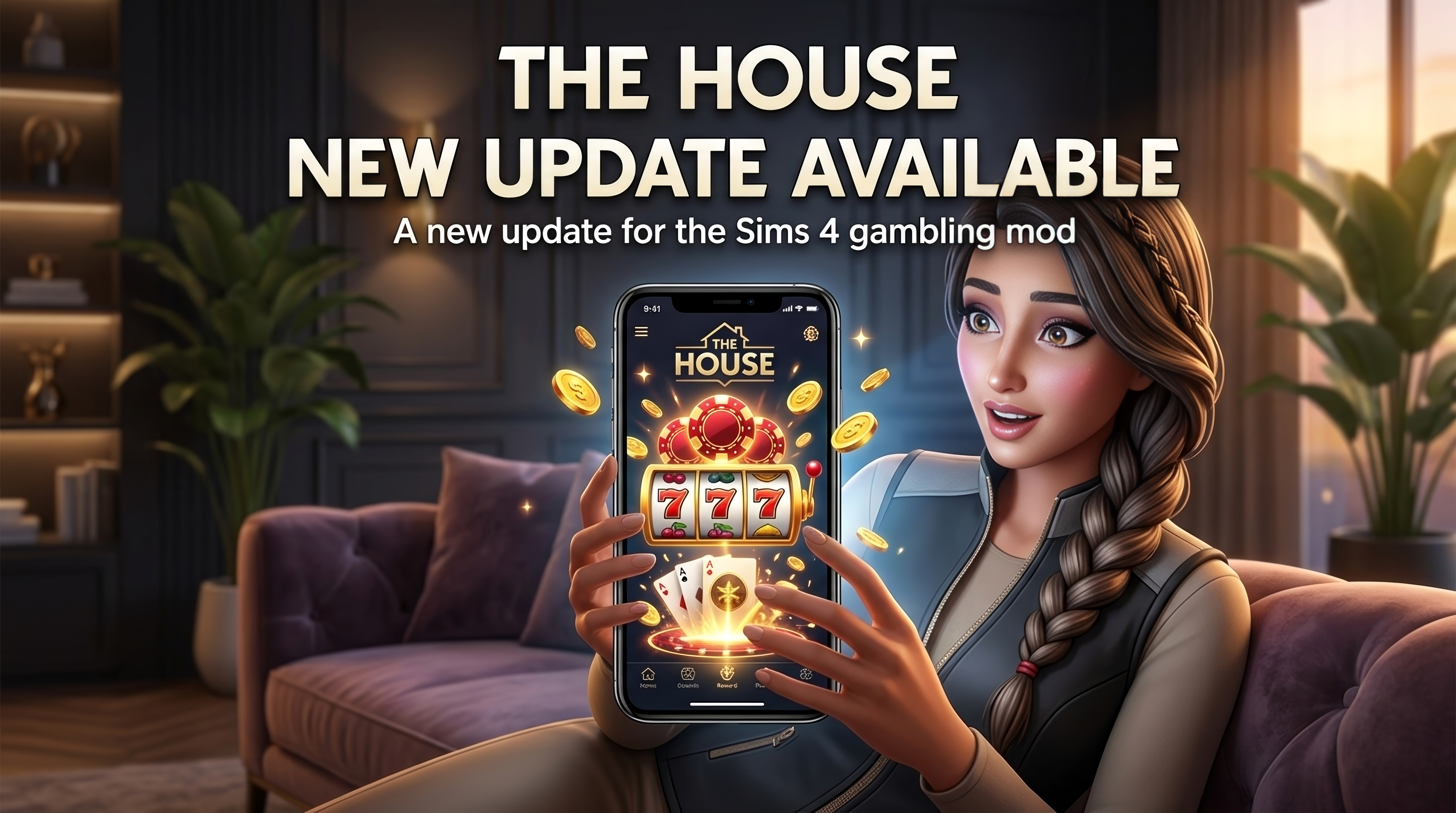
 THE HOUSE IS OPEN https://www.patreon.com/BlackboxMods Don’t bet the feeling. THE HOUSE 1.10.4 is currently available through BlackboxMods on Patreon. What is THE HOUSE? THE HOUSE turns your Sim’s phone into a complete gambling floor. Choose a table. Choose your stake. Bet household Simoleons. Win, lose, react, recover, and play again. The mod includes multiple gambling games, betting systems, session tracking, jackpots, emotional reactions, and additional systems designed to make gambling feel like an actual gameplay loop instead of a simple money interaction. What changed in 1.10.4? The biggest focus of this update is the emotional reaction system. Previous builds could correctly resolve a wager while the emotional response did not always behave properly. That has been reworked. Now, when a wager resolves: Money changes. The result is calculated. A House moodlet is applied. The visible emotion changes. The timer runs. The moodlet expires properly. The reactions last approximately 40 minutes to 2 hours of Sim time, depending on the result. Vanilla Sims 4 emotions are not permanently modified or retuned. Your Sim now reacts to the result Winning can make your Sim: Confident Energized Happy Playful Inspired Large wins and jackpot-scale results can also trigger: Flirty Confident Losing can make your Sim: Sad Tense Embarrassed Angry Near misses can cause: Tense Embarrassed Reckless bets can leave your Sim: Uncomfortable Dazed The system uses official Sims 4 emotion states, including stronger states such as Very Confident, Mortified, or Hysterical when appropriate. Games available in Exclusive The full Exclusive version includes: Dice Crash Mines Plinko Slots European Roulette Hi-Lo Limbo Blackjack Baccarat Three Card Poker Dragon Tiger Dragon Tiger is one of the newest additions to the floor. Choose Dragon, Tiger, or Tie and play through the same betting and emotional systems used throughout THE HOUSE. Exclusive Features Exclusive currently includes: 1% house edge on Originals Maximum bet of §100,000 Full THE HOUSE phone interface Lobby and game selection Stake selection Complete result system Progressive jackpot Daily chips Betting history Session statistics 5% VIP rakeback on house-wagered bets HMAC-based fair stream with rotation and verification Full emotional reaction system Dragon Tiger Full card game selection Optional WickedWhims won-big integration Public Lite vs Exclusive Public Lite The Lite version is intended as a preview of the system. It includes: Dice Roulette Slots 3% house edge Maximum bet of §5,000 Exclusive Exclusive expands the mod with: Crash Mines Plinko Blackjack Baccarat Three Card Poker Hi-Lo Limbo Dragon Tiger 1% house edge §100,000 betting limit Emotional reactions Progressive jackpot VIP rakeback Fair reveal and verification systems Additional result systems Optional won-big WickedWhims integration WickedWhims Integration WickedWhims is not required to use THE HOUSE. The mod works normally without it. The optional won-big integration is only used for jackpot-scale results, such as: Jackpot wins At least §25,000 profit 10× results with real profit It is restricted to eligible adult Sims and fails safely when WickedWhims is not installed. Better Result Reactions The result card does more than display whether you won or lost. It also tells you what happened to the wager and what your Sim is feeling. Exclusive results now include an additional player-facing line with more personality and humor. For example: Moonwalk to the cashier. Billie Jean is not your multiplier. The glove is empty. The joke is shown to the player. The actual Sim moodlet remains separate and properly integrated into gameplay. Why THE HOUSE? Anybody can create a phone interaction that subtracts Simoleons. THE HOUSE is designed to feel like a complete gambling system. There is a house edge. There are multiple games. There is a progressive jackpot. There are betting limits. There is session history. There are statistics. There is rakeback. There is a fairness system. There is a lobby you can return to after every wager. And now, most importantly: Your Sim actually reacts to the result. A big win should feel like a big win. A painful loss should not disappear into a simple notification. The wager should affect the Sim for a while. Then the feeling fades. And the House is still there. Installation Do not install Lite and Exclusive at the same time. Remove: BlackBox_House_Lite.ts4script Create this folder: Mods → BlackBox_House Place these files inside: BlackBox_House.ts4script BlackBox_House.package Keep the mod only one folder deep. Make sure Script Mods Allowed is enabled in The Sims 4. Fully close the game and launch it again. You can verify the installed version with: bb.house.status The correct result should show: v1.10.4 LIVE Exclusive maximum bet: §100,000 Then open your Sim’s phone and look for the BlackBox BB icon: THE HOUSE Found a problem? If a wager resolves but: the moodlet does not appear, the visible emotion does not change, or the moodlet stays stuck at 0 minutes, please report it. Those behaviors are considered bugs, not intended gameplay. Logs are especially useful for troubleshooting.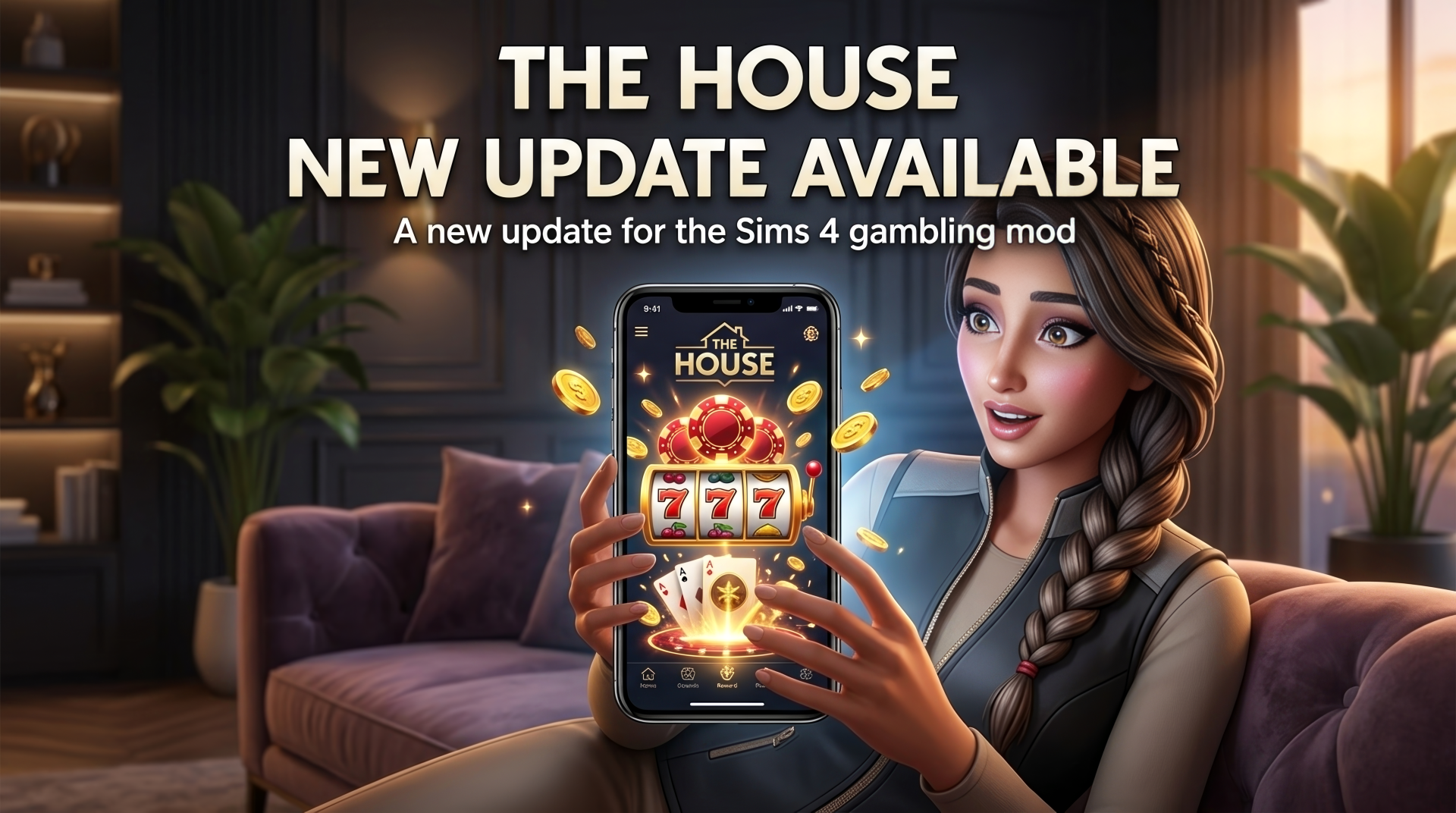
-
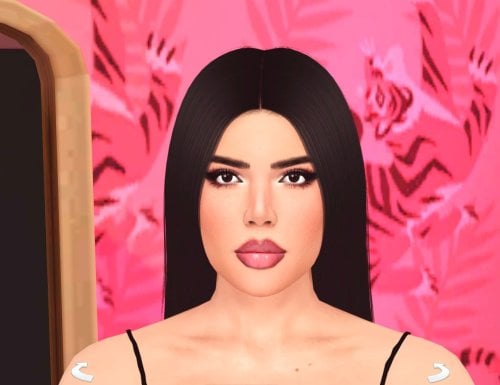
Sexy Model Sim 37 View File How to install? First of all, make sure " Enable Custom Content and Mods" option is turned on in your game. After activating this settings, you need to restart the game. Before restarting the game, download some of the Sims I shared. (Screenshot 1) After downloading a Sim, extract the Sim's files from the rar. You will get the following folders; Mods,Tray. Put the files in the "Mods" folder in > Documents/Electronic Arts/The Sims 4/Mods Put the files in the "Tray" folder in > Documents/Electronic Arts/The Sims 4/Tray After doing all this, when you open the game, click on the gallery icon in the upper right and check the "include custom content" box. This is how you can see your downloaded Sims. (Screenshot 2) See my other LoversLab Sims here Visit my SubscribeStar page for exclusive 200+ Sims,new Sims every week and Supporters Special Limited Gift Sims! Hope you enjoy my work! ~ ❤️ Visit my Website to see my Sims catalog and download more Sims! For more Sims & Support me,please visit ; https://www.mervejuanasims.com/ subscribestar.com/mervejuanasims I wish you a good game! ~ ❤️ 💌 September 2026 SubscribeStar Supporters Gift Sims 💌 💌 Early-Access Sims on my SubscribeStar 💌 Submitter Mervejuana Submitted 09/07/26 Category The Sims 4 - Sims Requirements The Sims 4
-
397 downloads
How to install? First of all, make sure " Enable Custom Content and Mods" option is turned on in your game. After activating this settings, you need to restart the game. Before restarting the game, download some of the Sims I shared. (Screenshot 1) After downloading a Sim, extract the Sim's files from the rar. You will get the following folders; Mods,Tray. Put the files in the "Mods" folder in > Documents/Electronic Arts/The Sims 4/Mods Put the files in the "Tray" folder in > Documents/Electronic Arts/The Sims 4/Tray After doing all this, when you open the game, click on the gallery icon in the upper right and check the "include custom content" box. This is how you can see your downloaded Sims. (Screenshot 2) See my other LoversLab Sims here Visit my SubscribeStar page for exclusive 200+ Sims,new Sims every week and Supporters Special Limited Gift Sims! Hope you enjoy my work! ~ ❤️ Visit my Website to see my Sims catalog and download more Sims! For more Sims & Support me,please visit ; https://www.mervejuanasims.com/ subscribestar.com/mervejuanasims I wish you a good game! ~ ❤️ 💌 September 2026 SubscribeStar Supporters Gift Sims 💌 💌 Early-Access Sims on my SubscribeStar 💌 -
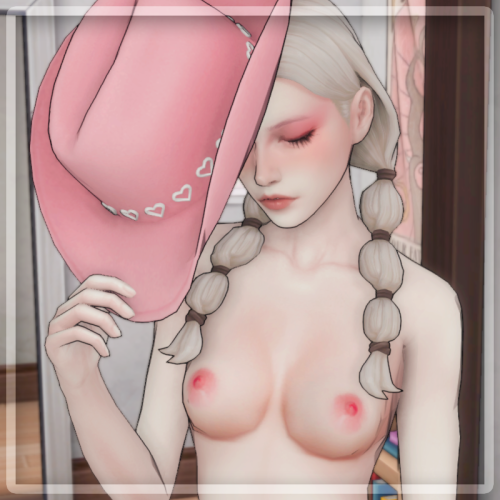
Cowboy Hat - Pose Pack 🎀 View File Includes 5 solo poses + hat accessory. Hope you enjoy! 💗 PREVIEW: ────────── ୨ৎ ───────── SUPPORT ME: ♡ Please consider supporting me on Patreon so I can keep creating. ♡ Patreon Page 🔗 ────────── ୨ৎ ───────── 📌 NOTES & RULES 📌 Do not reupload or claim as your own. Edit & Recolor friendly! Just give me credit. Submitter mitsunoir Submitted 09/03/26 Category Animations - Other Requirements Andrew's Pose Player or WickedWhims Teleport Any Sim
-
Version 1.0.0
307 downloads
Includes 5 solo poses + hat accessory. Hope you enjoy! 💗 PREVIEW: ────────── ୨ৎ ───────── SUPPORT ME: ♡ Please consider supporting me on Patreon so I can keep creating. ♡ Patreon Page 🔗 ────────── ୨ৎ ───────── 📌 NOTES & RULES 📌 Do not reupload or claim as your own. Edit & Recolor friendly! Just give me credit. -
-
Version 1.0.0
190 downloads
no need DLC thank you for downloading! -
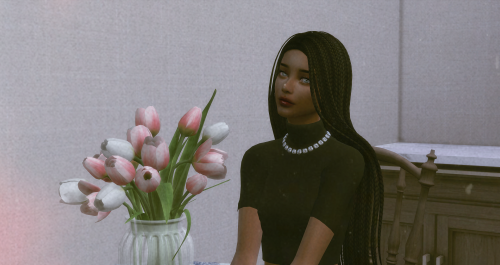
Amy Corner View File no need DLC thank you for downloading! Submitter dreamcacao Submitted 08/31/26 Category The Sims 4 - Sims Requirements your love
-
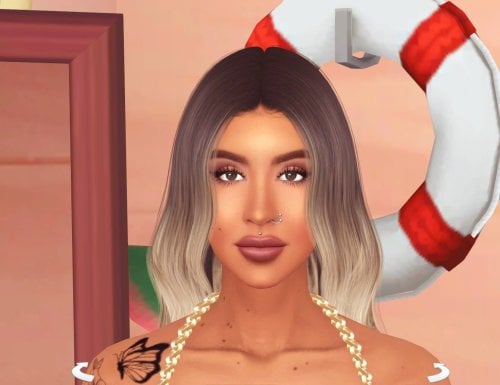
Sexy Model Sim 36 View File How to install? First of all, make sure " Enable Custom Content and Mods" option is turned on in your game. After activating this settings, you need to restart the game. Before restarting the game, download some of the Sims I shared. (Screenshot 1) After downloading a Sim, extract the Sim's files from the rar. You will get the following folders; Mods,Tray. Put the files in the "Mods" folder in > Documents/Electronic Arts/The Sims 4/Mods Put the files in the "Tray" folder in > Documents/Electronic Arts/The Sims 4/Tray After doing all this, when you open the game, click on the gallery icon in the upper right and check the "include custom content" box. This is how you can see your downloaded Sims. (Screenshot 2) See my other LoversLab Sims here Visit my SubscribeStar page for exclusive 200+ Sims,new Sims every week and Supporters Special Limited Gift Sims! Hope you enjoy my work! ~ ❤️ Visit my Website to see my Sims catalog and download more Sims! For more Sims & Support me,please visit ; https://www.mervejuanasims.com/ subscribestar.com/mervejuanasims I wish you a good game! ~ ❤️ 💌 August 2026 SubscribeStar Supporters Gift Sims 💌 💌 Early-Access Sims on my SubscribeStar 💌 Submitter Mervejuana Submitted 08/29/26 Category The Sims 4 - Sims Requirements The Sims 4
-
644 downloads
How to install? First of all, make sure " Enable Custom Content and Mods" option is turned on in your game. After activating this settings, you need to restart the game. Before restarting the game, download some of the Sims I shared. (Screenshot 1) After downloading a Sim, extract the Sim's files from the rar. You will get the following folders; Mods,Tray. Put the files in the "Mods" folder in > Documents/Electronic Arts/The Sims 4/Mods Put the files in the "Tray" folder in > Documents/Electronic Arts/The Sims 4/Tray After doing all this, when you open the game, click on the gallery icon in the upper right and check the "include custom content" box. This is how you can see your downloaded Sims. (Screenshot 2) See my other LoversLab Sims here Visit my SubscribeStar page for exclusive 200+ Sims,new Sims every week and Supporters Special Limited Gift Sims! Hope you enjoy my work! ~ ❤️ Visit my Website to see my Sims catalog and download more Sims! For more Sims & Support me,please visit ; https://www.mervejuanasims.com/ subscribestar.com/mervejuanasims I wish you a good game! ~ ❤️ 💌 August 2026 SubscribeStar Supporters Gift Sims 💌 -
.thumb.png.ee65ee3f555c471a608f56c8c9bdb398.png)
676 downloads
💦Custom sims,milf,pornstar, celebrities and cosplay😍 Installation: First, unzip the mods Copy the uncompressed files to the: Documents folder »Electronic Arts» The Sims 4 »Mods and Tray files to the: Documents folder »Electronic Arts» The Sims 4 »Tray. 💋💦More sims custom on Patreon🔥🔥 Custom sims, celebrities, hentai and cosplay: Links : DOWNLOAD News! Sims on Patreon OMPLETE COLLECTION LINK CHECK OTHER SIMS AVAILABLE: 💋👍 -
Butt Trophy 🎀 View File Show off your achievements with this beautiful wall trophy. Hope you enjoy! 💗 This model comes in 30 swatches! Including 5 wood colors and 6 skin tones. Credits: [Magic Bot] Feet WickedWhims Body ────────── ୨ৎ ───────── SUPPORT ME: ♡ Please consider supporting me on Patreon so I can keep creating. ♡ Patreon Page 🔗 ────────── ୨ৎ ───────── 📌 NOTES & RULES 📌 Do not reupload or claim as your own. Edit & Recolor friendly! Just give me credit. Submitter mitsunoir Submitted 07/18/26 Category Objects Requirements
-
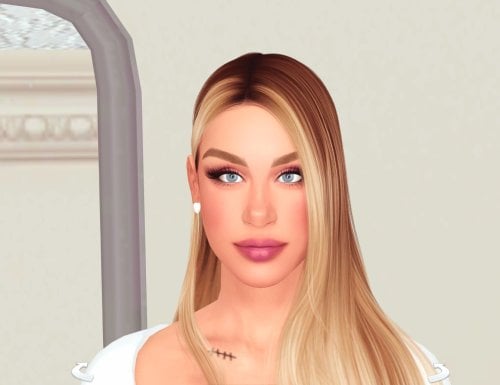
1032 downloads
How to install? First of all, make sure " Enable Custom Content and Mods" option is turned on in your game. After activating this settings, you need to restart the game. Before restarting the game, download some of the Sims I shared. (Screenshot 1) After downloading a Sim, extract the Sim's files from the rar. You will get the following folders; Mods,Tray. Put the files in the "Mods" folder in > Documents/Electronic Arts/The Sims 4/Mods Put the files in the "Tray" folder in > Documents/Electronic Arts/The Sims 4/Tray After doing all this, when you open the game, click on the gallery icon in the upper right and check the "include custom content" box. This is how you can see your downloaded Sims. (Screenshot 2) See my other LoversLab Sims here Visit my SubscribeStar page for exclusive 200+ Sims,new Sims every week and Supporters Special Limited Gift Sims! Hope you enjoy my work! ~ ❤️ Visit my Website to see my Sims catalog and download more Sims! For more Sims & Support me,please visit ; https://www.mervejuanasims.com/ subscribestar.com/mervejuanasims I wish you a good game! ~ ❤️ 💌 August 2026 SubscribeStar Supporters Gift Sims 💌 💌 Early-Access Sims on my SubscribeStar 💌 -
Sexy Model Sim 35 View File How to install? First of all, make sure " Enable Custom Content and Mods" option is turned on in your game. After activating this settings, you need to restart the game. Before restarting the game, download some of the Sims I shared. (Screenshot 1) After downloading a Sim, extract the Sim's files from the rar. You will get the following folders; Mods,Tray. Put the files in the "Mods" folder in > Documents/Electronic Arts/The Sims 4/Mods Put the files in the "Tray" folder in > Documents/Electronic Arts/The Sims 4/Tray After doing all this, when you open the game, click on the gallery icon in the upper right and check the "include custom content" box. This is how you can see your downloaded Sims. (Screenshot 2) See my other LoversLab Sims here Visit my SubscribeStar page for exclusive 200+ Sims,new Sims every week and Supporters Special Limited Gift Sims! Hope you enjoy my work! ~ ❤️ Visit my Website to see my Sims catalog and download more Sims! For more Sims & Support me,please visit ; https://www.mervejuanasims.com/ subscribestar.com/mervejuanasims I wish you a good game! ~ ❤️ 💌 August 2026 SubscribeStar Supporters Gift Sims 💌 💌 Early-Access Sims on my SubscribeStar 💌 Submitter Mervejuana Submitted 08/25/26 Category The Sims 4 - Sims Requirements The Sims 4
-
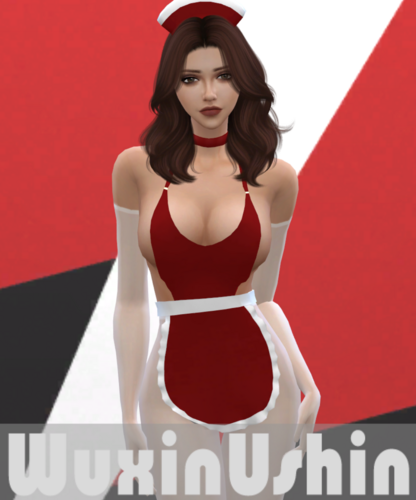
Version 1.8.2
1045230 downloads
Patreon: https://www.patreon.com/wuxinushin Installation: Download and extract ".package" file into : Documents / Electronic Arts / The Sims 4 / Mods Remove old version before installation Early Access on my Patreon : Public Collection : -
Version 1.0.0
1567 downloads
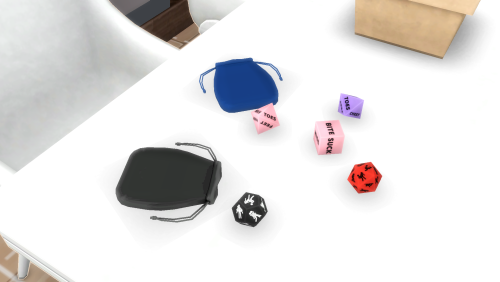
Hope you enjoy! 💗 「 INCLUDES」 D6 - Actions D8 - Body Parts D12 + D20 - Illustrated positions Dices Pouch ────────── ୨ৎ ───────── SUPPORT ME: ♡ Please consider supporting me on Patreon so I can keep creating. ♡ Patreon Page 🔗 ────────── ୨ৎ ───────── 📌 NOTES & RULES 📌 Do not reupload or claim as your own. Edit & Recolor friendly! Just give me credit. -
Naughty Dices 🎀 View File Hope you enjoy! 💗 「 INCLUDES」 D6 - Actions D8 - Body Parts D12 + D20 - Illustrated positions Dices Pouch ────────── ୨ৎ ───────── SUPPORT ME: ♡ Please consider supporting me on Patreon so I can keep creating. ♡ Patreon Page 🔗 ────────── ୨ৎ ───────── 📌 NOTES & RULES 📌 Do not reupload or claim as your own. Edit & Recolor friendly! Just give me credit. Submitter mitsunoir Submitted 08/19/26 Category Objects Requirements
-
-
Sexy Model Sim 33 View File How to install? First of all, make sure " Enable Custom Content and Mods" option is turned on in your game. After activating this settings, you need to restart the game. Before restarting the game, download some of the Sims I shared. (Screenshot 1) After downloading a Sim, extract the Sim's files from the rar. You will get the following folders; Mods,Tray. Put the files in the "Mods" folder in > Documents/Electronic Arts/The Sims 4/Mods Put the files in the "Tray" folder in > Documents/Electronic Arts/The Sims 4/Tray After doing all this, when you open the game, click on the gallery icon in the upper right and check the "include custom content" box. This is how you can see your downloaded Sims. (Screenshot 2) See my other LoversLab Sims here Visit my SubscribeStar page for exclusive 200+ Sims,new Sims every week and Supporters Special Limited Gift Sims! Hope you enjoy my work! ~ ❤️ Visit my Website to see my Sims catalog and download more Sims! For more Sims & Support me,please visit ; https://www.mervejuanasims.com/ subscribestar.com/mervejuanasims I wish you a good game! ~ ❤️ 💌 August 2026 SubscribeStar Supporters Gift Sims 💌 💌 Early-Access Sims on my SubscribeStar 💌 Submitter Mervejuana Submitted 08/14/26 Category The Sims 4 - Sims Requirements The Sims 4
-
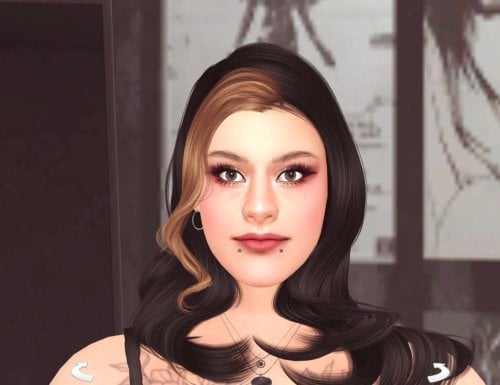
715 downloads
How to install? First of all, make sure " Enable Custom Content and Mods" option is turned on in your game. After activating this settings, you need to restart the game. Before restarting the game, download some of the Sims I shared. (Screenshot 1) After downloading a Sim, extract the Sim's files from the rar. You will get the following folders; Mods,Tray. Put the files in the "Mods" folder in > Documents/Electronic Arts/The Sims 4/Mods Put the files in the "Tray" folder in > Documents/Electronic Arts/The Sims 4/Tray After doing all this, when you open the game, click on the gallery icon in the upper right and check the "include custom content" box. This is how you can see your downloaded Sims. (Screenshot 2) See my other LoversLab Sims here Visit my SubscribeStar page for exclusive 200+ Sims,new Sims every week and Supporters Special Limited Gift Sims! Hope you enjoy my work! ~ ❤️ Visit my Website to see my Sims catalog and download more Sims! For more Sims & Support me,please visit ; https://www.mervejuanasims.com/ subscribestar.com/mervejuanasims I wish you a good game! ~ ❤️ 💌 August 2026 SubscribeStar Supporters Gift Sims 💌 💌 Early-Access Sims on my SubscribeStar 💌