Search the Community
Showing results for tags 'wicked sims 4'.
-
Sexy Model Sim 44 View File How to install? First of all, make sure " Enable Custom Content and Mods" option is turned on in your game. After activating this settings, you need to restart the game. Before restarting the game, download some of the Sims I shared. (Screenshot 1) After downloading a Sim, extract the Sim's files from the rar. You will get the following folders; Mods,Tray. Put the files in the "Mods" folder in > Documents/Electronic Arts/The Sims 4/Mods Put the files in the "Tray" folder in > Documents/Electronic Arts/The Sims 4/Tray After doing all this, when you open the game, click on the gallery icon in the upper right and check the "include custom content" box. This is how you can see your downloaded Sims. (Screenshot 2) See my other LoversLab Sims here Visit my SubscribeStar page for exclusive 200+ Sims,new Sims every week and Supporters Special Limited Gift Sims! Hope you enjoy my work! ~ ❤️ Visit my Website to see my Sims catalog and download more Sims! For more Sims & Support me,please visit ; https://www.mervejuanasims.com/ subscribestar.com/mervejuanasims I wish you a good game! ~ ❤️ 💌 October 2026 SubscribeStar Supporters Gift Sims 💌 💌 Early-Access Sims on my SubscribeStar 💌 Submitter Mervejuana Submitted 10/11/26 Category The Sims 4 - Sims Requirements The Sims 4
-
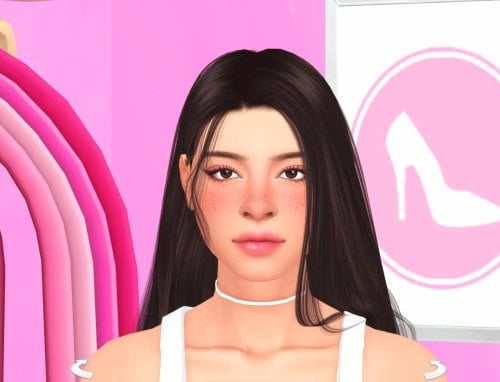
277 downloads
How to install? First of all, make sure " Enable Custom Content and Mods" option is turned on in your game. After activating this settings, you need to restart the game. Before restarting the game, download some of the Sims I shared. (Screenshot 1) After downloading a Sim, extract the Sim's files from the rar. You will get the following folders; Mods,Tray. Put the files in the "Mods" folder in > Documents/Electronic Arts/The Sims 4/Mods Put the files in the "Tray" folder in > Documents/Electronic Arts/The Sims 4/Tray After doing all this, when you open the game, click on the gallery icon in the upper right and check the "include custom content" box. This is how you can see your downloaded Sims. (Screenshot 2) See my other LoversLab Sims here Visit my SubscribeStar page for exclusive 200+ Sims,new Sims every week and Supporters Special Limited Gift Sims! Hope you enjoy my work! ~ ❤️ Visit my Website to see my Sims catalog and download more Sims! For more Sims & Support me,please visit ; https://www.mervejuanasims.com/ subscribestar.com/mervejuanasims I wish you a good game! ~ ❤️ 💌 October 2026 SubscribeStar Supporters Gift Sims 💌 💌 Early-Access Sims on my SubscribeStar 💌 -
Sexy Model Sim 42 View File How to install? First of all, make sure " Enable Custom Content and Mods" option is turned on in your game. After activating this settings, you need to restart the game. Before restarting the game, download some of the Sims I shared. (Screenshot 1) After downloading a Sim, extract the Sim's files from the rar. You will get the following folders; Mods,Tray. Put the files in the "Mods" folder in > Documents/Electronic Arts/The Sims 4/Mods Put the files in the "Tray" folder in > Documents/Electronic Arts/The Sims 4/Tray After doing all this, when you open the game, click on the gallery icon in the upper right and check the "include custom content" box. This is how you can see your downloaded Sims. (Screenshot 2) See my other LoversLab Sims here Visit my SubscribeStar page for exclusive 200+ Sims,new Sims every week and Supporters Special Limited Gift Sims! Hope you enjoy my work! ~ ❤️ Visit my Website to see my Sims catalog and download more Sims! For more Sims & Support me,please visit ; https://www.mervejuanasims.com/ subscribestar.com/mervejuanasims I wish you a good game! ~ ❤️ 💌 September 2026 SubscribeStar Supporters Gift Sims 💌 💌 Early-Access Sims on my SubscribeStar 💌 Submitter Mervejuana Submitted 09/28/26 Category The Sims 4 - Sims Requirements The Sims 4
-
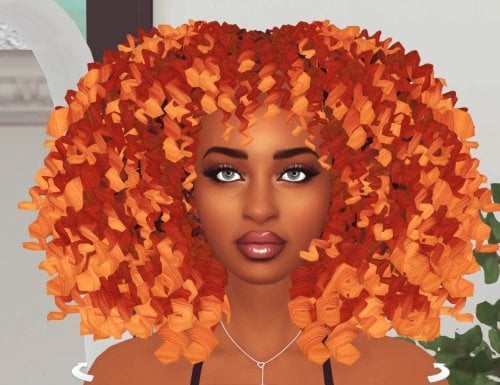
448 downloads
How to install? First of all, make sure " Enable Custom Content and Mods" option is turned on in your game. After activating this settings, you need to restart the game. Before restarting the game, download some of the Sims I shared. (Screenshot 1) After downloading a Sim, extract the Sim's files from the rar. You will get the following folders; Mods,Tray. Put the files in the "Mods" folder in > Documents/Electronic Arts/The Sims 4/Mods Put the files in the "Tray" folder in > Documents/Electronic Arts/The Sims 4/Tray After doing all this, when you open the game, click on the gallery icon in the upper right and check the "include custom content" box. This is how you can see your downloaded Sims. (Screenshot 2) See my other LoversLab Sims here Visit my SubscribeStar page for exclusive 200+ Sims,new Sims every week and Supporters Special Limited Gift Sims! Hope you enjoy my work! ~ ❤️ Visit my Website to see my Sims catalog and download more Sims! For more Sims & Support me,please visit ; https://www.mervejuanasims.com/ subscribestar.com/mervejuanasims I wish you a good game! ~ ❤️ 💌 September 2026 SubscribeStar Supporters Gift Sims 💌 💌 Early-Access Sims on my SubscribeStar 💌 -
Sexy Model Sim 37 View File How to install? First of all, make sure " Enable Custom Content and Mods" option is turned on in your game. After activating this settings, you need to restart the game. Before restarting the game, download some of the Sims I shared. (Screenshot 1) After downloading a Sim, extract the Sim's files from the rar. You will get the following folders; Mods,Tray. Put the files in the "Mods" folder in > Documents/Electronic Arts/The Sims 4/Mods Put the files in the "Tray" folder in > Documents/Electronic Arts/The Sims 4/Tray After doing all this, when you open the game, click on the gallery icon in the upper right and check the "include custom content" box. This is how you can see your downloaded Sims. (Screenshot 2) See my other LoversLab Sims here Visit my SubscribeStar page for exclusive 200+ Sims,new Sims every week and Supporters Special Limited Gift Sims! Hope you enjoy my work! ~ ❤️ Visit my Website to see my Sims catalog and download more Sims! For more Sims & Support me,please visit ; https://www.mervejuanasims.com/ subscribestar.com/mervejuanasims I wish you a good game! ~ ❤️ 💌 September 2026 SubscribeStar Supporters Gift Sims 💌 💌 Early-Access Sims on my SubscribeStar 💌 Submitter Mervejuana Submitted 09/07/26 Category The Sims 4 - Sims Requirements The Sims 4
-
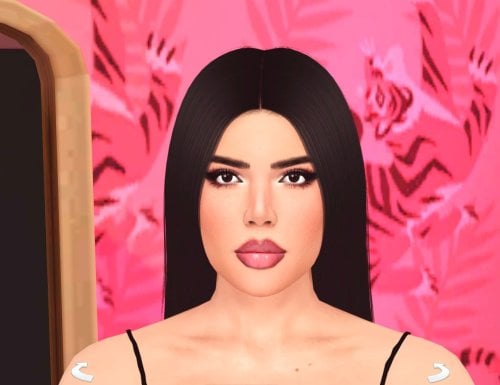
829 downloads
How to install? First of all, make sure " Enable Custom Content and Mods" option is turned on in your game. After activating this settings, you need to restart the game. Before restarting the game, download some of the Sims I shared. (Screenshot 1) After downloading a Sim, extract the Sim's files from the rar. You will get the following folders; Mods,Tray. Put the files in the "Mods" folder in > Documents/Electronic Arts/The Sims 4/Mods Put the files in the "Tray" folder in > Documents/Electronic Arts/The Sims 4/Tray After doing all this, when you open the game, click on the gallery icon in the upper right and check the "include custom content" box. This is how you can see your downloaded Sims. (Screenshot 2) See my other LoversLab Sims here Visit my SubscribeStar page for exclusive 200+ Sims,new Sims every week and Supporters Special Limited Gift Sims! Hope you enjoy my work! ~ ❤️ Visit my Website to see my Sims catalog and download more Sims! For more Sims & Support me,please visit ; https://www.mervejuanasims.com/ subscribestar.com/mervejuanasims I wish you a good game! ~ ❤️ 💌 September 2026 SubscribeStar Supporters Gift Sims 💌 💌 Early-Access Sims on my SubscribeStar 💌 -
Sexy Model Sim 36 View File How to install? First of all, make sure " Enable Custom Content and Mods" option is turned on in your game. After activating this settings, you need to restart the game. Before restarting the game, download some of the Sims I shared. (Screenshot 1) After downloading a Sim, extract the Sim's files from the rar. You will get the following folders; Mods,Tray. Put the files in the "Mods" folder in > Documents/Electronic Arts/The Sims 4/Mods Put the files in the "Tray" folder in > Documents/Electronic Arts/The Sims 4/Tray After doing all this, when you open the game, click on the gallery icon in the upper right and check the "include custom content" box. This is how you can see your downloaded Sims. (Screenshot 2) See my other LoversLab Sims here Visit my SubscribeStar page for exclusive 200+ Sims,new Sims every week and Supporters Special Limited Gift Sims! Hope you enjoy my work! ~ ❤️ Visit my Website to see my Sims catalog and download more Sims! For more Sims & Support me,please visit ; https://www.mervejuanasims.com/ subscribestar.com/mervejuanasims I wish you a good game! ~ ❤️ 💌 August 2026 SubscribeStar Supporters Gift Sims 💌 💌 Early-Access Sims on my SubscribeStar 💌 Submitter Mervejuana Submitted 08/29/26 Category The Sims 4 - Sims Requirements The Sims 4
-
922 downloads
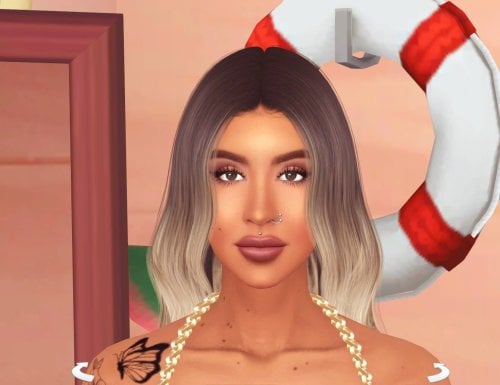
How to install? First of all, make sure " Enable Custom Content and Mods" option is turned on in your game. After activating this settings, you need to restart the game. Before restarting the game, download some of the Sims I shared. (Screenshot 1) After downloading a Sim, extract the Sim's files from the rar. You will get the following folders; Mods,Tray. Put the files in the "Mods" folder in > Documents/Electronic Arts/The Sims 4/Mods Put the files in the "Tray" folder in > Documents/Electronic Arts/The Sims 4/Tray After doing all this, when you open the game, click on the gallery icon in the upper right and check the "include custom content" box. This is how you can see your downloaded Sims. (Screenshot 2) See my other LoversLab Sims here Visit my SubscribeStar page for exclusive 200+ Sims,new Sims every week and Supporters Special Limited Gift Sims! Hope you enjoy my work! ~ ❤️ Visit my Website to see my Sims catalog and download more Sims! For more Sims & Support me,please visit ; https://www.mervejuanasims.com/ subscribestar.com/mervejuanasims I wish you a good game! ~ ❤️ 💌 August 2026 SubscribeStar Supporters Gift Sims 💌 -
1499 downloads
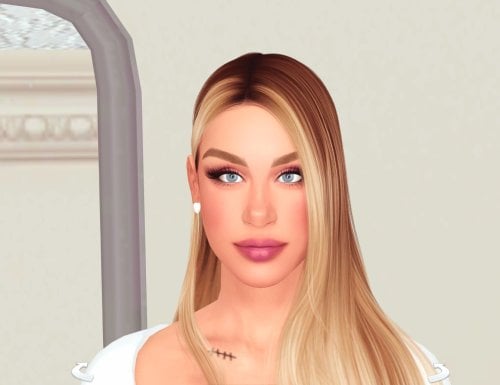
How to install? First of all, make sure " Enable Custom Content and Mods" option is turned on in your game. After activating this settings, you need to restart the game. Before restarting the game, download some of the Sims I shared. (Screenshot 1) After downloading a Sim, extract the Sim's files from the rar. You will get the following folders; Mods,Tray. Put the files in the "Mods" folder in > Documents/Electronic Arts/The Sims 4/Mods Put the files in the "Tray" folder in > Documents/Electronic Arts/The Sims 4/Tray After doing all this, when you open the game, click on the gallery icon in the upper right and check the "include custom content" box. This is how you can see your downloaded Sims. (Screenshot 2) See my other LoversLab Sims here Visit my SubscribeStar page for exclusive 200+ Sims,new Sims every week and Supporters Special Limited Gift Sims! Hope you enjoy my work! ~ ❤️ Visit my Website to see my Sims catalog and download more Sims! For more Sims & Support me,please visit ; https://www.mervejuanasims.com/ subscribestar.com/mervejuanasims I wish you a good game! ~ ❤️ 💌 August 2026 SubscribeStar Supporters Gift Sims 💌 💌 Early-Access Sims on my SubscribeStar 💌 -
Sexy Model Sim 35 View File How to install? First of all, make sure " Enable Custom Content and Mods" option is turned on in your game. After activating this settings, you need to restart the game. Before restarting the game, download some of the Sims I shared. (Screenshot 1) After downloading a Sim, extract the Sim's files from the rar. You will get the following folders; Mods,Tray. Put the files in the "Mods" folder in > Documents/Electronic Arts/The Sims 4/Mods Put the files in the "Tray" folder in > Documents/Electronic Arts/The Sims 4/Tray After doing all this, when you open the game, click on the gallery icon in the upper right and check the "include custom content" box. This is how you can see your downloaded Sims. (Screenshot 2) See my other LoversLab Sims here Visit my SubscribeStar page for exclusive 200+ Sims,new Sims every week and Supporters Special Limited Gift Sims! Hope you enjoy my work! ~ ❤️ Visit my Website to see my Sims catalog and download more Sims! For more Sims & Support me,please visit ; https://www.mervejuanasims.com/ subscribestar.com/mervejuanasims I wish you a good game! ~ ❤️ 💌 August 2026 SubscribeStar Supporters Gift Sims 💌 💌 Early-Access Sims on my SubscribeStar 💌 Submitter Mervejuana Submitted 08/25/26 Category The Sims 4 - Sims Requirements The Sims 4
-
Sexy Model Sim 34 View File How to install? First of all, make sure " Enable Custom Content and Mods" option is turned on in your game. After activating this settings, you need to restart the game. Before restarting the game, download some of the Sims I shared. (Screenshot 1) After downloading a Sim, extract the Sim's files from the rar. You will get the following folders; Mods,Tray. Put the files in the "Mods" folder in > Documents/Electronic Arts/The Sims 4/Mods Put the files in the "Tray" folder in > Documents/Electronic Arts/The Sims 4/Tray After doing all this, when you open the game, click on the gallery icon in the upper right and check the "include custom content" box. This is how you can see your downloaded Sims. (Screenshot 2) See my other LoversLab Sims here Visit my SubscribeStar page for exclusive 200+ Sims,new Sims every week and Supporters Special Limited Gift Sims! Hope you enjoy my work! ~ ❤️ Visit my Website to see my Sims catalog and download more Sims! For more Sims & Support me,please visit ; https://www.mervejuanasims.com/ subscribestar.com/mervejuanasims I wish you a good game! ~ ❤️ 💌 August 2026 SubscribeStar Supporters Gift Sims 💌 💌 Early-Access Sims on my SubscribeStar 💌 Submitter Mervejuana Submitted 08/19/26 Category The Sims 4 - Sims Requirements The Sims 4
-
752 downloads
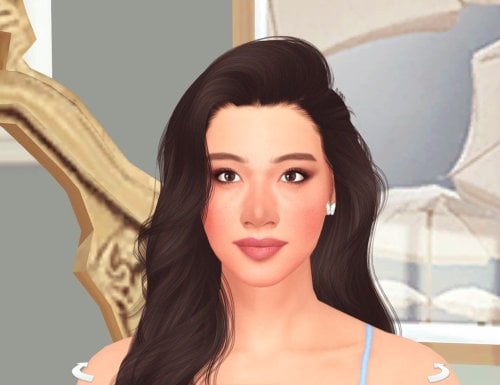
How to install? First of all, make sure " Enable Custom Content and Mods" option is turned on in your game. After activating this settings, you need to restart the game. Before restarting the game, download some of the Sims I shared. (Screenshot 1) After downloading a Sim, extract the Sim's files from the rar. You will get the following folders; Mods,Tray. Put the files in the "Mods" folder in > Documents/Electronic Arts/The Sims 4/Mods Put the files in the "Tray" folder in > Documents/Electronic Arts/The Sims 4/Tray After doing all this, when you open the game, click on the gallery icon in the upper right and check the "include custom content" box. This is how you can see your downloaded Sims. (Screenshot 2) See my other LoversLab Sims here Visit my SubscribeStar page for exclusive 200+ Sims,new Sims every week and Supporters Special Limited Gift Sims! Hope you enjoy my work! ~ ❤️ Visit my Website to see my Sims catalog and download more Sims! For more Sims & Support me,please visit ; https://www.mervejuanasims.com/ subscribestar.com/mervejuanasims I wish you a good game! ~ ❤️ 💌 August 2026 SubscribeStar Supporters Gift Sims 💌 -
Sexy Model Sim 33 View File How to install? First of all, make sure " Enable Custom Content and Mods" option is turned on in your game. After activating this settings, you need to restart the game. Before restarting the game, download some of the Sims I shared. (Screenshot 1) After downloading a Sim, extract the Sim's files from the rar. You will get the following folders; Mods,Tray. Put the files in the "Mods" folder in > Documents/Electronic Arts/The Sims 4/Mods Put the files in the "Tray" folder in > Documents/Electronic Arts/The Sims 4/Tray After doing all this, when you open the game, click on the gallery icon in the upper right and check the "include custom content" box. This is how you can see your downloaded Sims. (Screenshot 2) See my other LoversLab Sims here Visit my SubscribeStar page for exclusive 200+ Sims,new Sims every week and Supporters Special Limited Gift Sims! Hope you enjoy my work! ~ ❤️ Visit my Website to see my Sims catalog and download more Sims! For more Sims & Support me,please visit ; https://www.mervejuanasims.com/ subscribestar.com/mervejuanasims I wish you a good game! ~ ❤️ 💌 August 2026 SubscribeStar Supporters Gift Sims 💌 💌 Early-Access Sims on my SubscribeStar 💌 Submitter Mervejuana Submitted 08/14/26 Category The Sims 4 - Sims Requirements The Sims 4
-
956 downloads
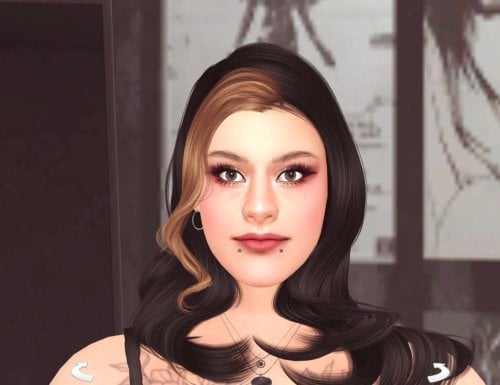
How to install? First of all, make sure " Enable Custom Content and Mods" option is turned on in your game. After activating this settings, you need to restart the game. Before restarting the game, download some of the Sims I shared. (Screenshot 1) After downloading a Sim, extract the Sim's files from the rar. You will get the following folders; Mods,Tray. Put the files in the "Mods" folder in > Documents/Electronic Arts/The Sims 4/Mods Put the files in the "Tray" folder in > Documents/Electronic Arts/The Sims 4/Tray After doing all this, when you open the game, click on the gallery icon in the upper right and check the "include custom content" box. This is how you can see your downloaded Sims. (Screenshot 2) See my other LoversLab Sims here Visit my SubscribeStar page for exclusive 200+ Sims,new Sims every week and Supporters Special Limited Gift Sims! Hope you enjoy my work! ~ ❤️ Visit my Website to see my Sims catalog and download more Sims! For more Sims & Support me,please visit ; https://www.mervejuanasims.com/ subscribestar.com/mervejuanasims I wish you a good game! ~ ❤️ 💌 August 2026 SubscribeStar Supporters Gift Sims 💌 💌 Early-Access Sims on my SubscribeStar 💌 -
Sexy Model Sim 31 View File How to install? First of all, make sure " Enable Custom Content and Mods" option is turned on in your game. After activating this settings, you need to restart the game. Before restarting the game, download some of the Sims I shared. (Screenshot 1) After downloading a Sim, extract the Sim's files from the rar. You will get the following folders; Mods,Tray. Put the files in the "Mods" folder in > Documents/Electronic Arts/The Sims 4/Mods Put the files in the "Tray" folder in > Documents/Electronic Arts/The Sims 4/Tray After doing all this, when you open the game, click on the gallery icon in the upper right and check the "include custom content" box. This is how you can see your downloaded Sims. (Screenshot 2) See my other LoversLab Sims here Visit my SubscribeStar page for exclusive 200+ Sims,new Sims every week and Supporters Special Limited Gift Sims! Hope you enjoy my work! ~ ❤️ Visit my Website to see my Sims catalog and download more Sims! For more Sims & Support me,please visit ; https://www.mervejuanasims.com/ subscribestar.com/mervejuanasims I wish you a good game! ~ ❤️ 💌 August 2026 SubscribeStar Supporters Gift Sims 💌 💌 Early-Access Sims on my SubscribeStar 💌 Submitter Mervejuana Submitted 08/08/26 Category The Sims 4 - Sims Requirements The Sims 4
-
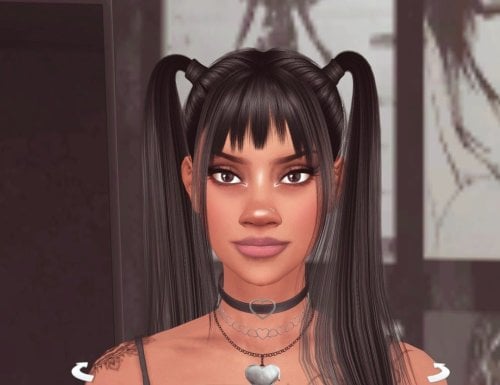
1134 downloads
How to install? First of all, make sure " Enable Custom Content and Mods" option is turned on in your game. After activating this settings, you need to restart the game. Before restarting the game, download some of the Sims I shared. (Screenshot 1) After downloading a Sim, extract the Sim's files from the rar. You will get the following folders; Mods,Tray. Put the files in the "Mods" folder in > Documents/Electronic Arts/The Sims 4/Mods Put the files in the "Tray" folder in > Documents/Electronic Arts/The Sims 4/Tray After doing all this, when you open the game, click on the gallery icon in the upper right and check the "include custom content" box. This is how you can see your downloaded Sims. (Screenshot 2) See my other LoversLab Sims here Visit my SubscribeStar page for exclusive 200+ Sims,new Sims every week and Supporters Special Limited Gift Sims! Hope you enjoy my work! ~ ❤️ Visit my Website to see my Sims catalog and download more Sims! For more Sims & Support me,please visit ; https://www.mervejuanasims.com/ subscribestar.com/mervejuanasims I wish you a good game! ~ ❤️ 💌 August 2026 SubscribeStar Supporters Gift Sims 💌 💌 Early-Access Sims on my SubscribeStar 💌 -
Sexy Model Sim 28 View File How to install? First of all, make sure " Enable Custom Content and Mods" option is turned on in your game. After activating this settings, you need to restart the game. Before restarting the game, download some of the Sims I shared. (Screenshot 1) After downloading a Sim, extract the Sim's files from the rar. You will get the following folders; Mods,Tray. Put the files in the "Mods" folder in > Documents/Electronic Arts/The Sims 4/Mods Put the files in the "Tray" folder in > Documents/Electronic Arts/The Sims 4/Tray After doing all this, when you open the game, click on the gallery icon in the upper right and check the "include custom content" box. This is how you can see your downloaded Sims. (Screenshot 2) See my other LoversLab Sims here Visit my SubscribeStar page for exclusive 200+ Sims,new Sims every week and Supporters Special Limited Gift Sims! Hope you enjoy my work! ~ ❤️ Visit my Website to see my Sims catalog and download more Sims! For more Sims & Support me,please visit ; https://www.mervejuanasims.com/ subscribestar.com/mervejuanasims I wish you a good game! ~ ❤️ 💌 July 2026 SubscribeStar Supporters Gift Sims 💌 💌 Early-Access Sims on my SubscribeStar 💌 Submitter Mervejuana Submitted 07/21/26 Category The Sims 4 - Sims Requirements The Sims 4
-
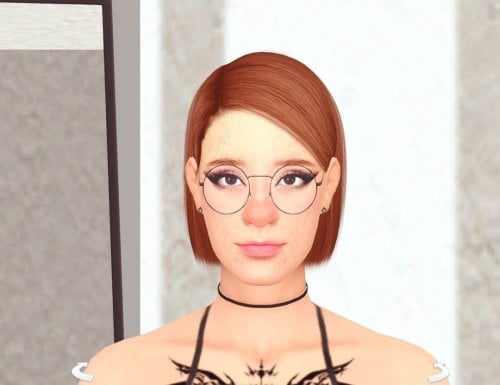
1421 downloads
How to install? First of all, make sure " Enable Custom Content and Mods" option is turned on in your game. After activating this settings, you need to restart the game. Before restarting the game, download some of the Sims I shared. (Screenshot 1) After downloading a Sim, extract the Sim's files from the rar. You will get the following folders; Mods,Tray. Put the files in the "Mods" folder in > Documents/Electronic Arts/The Sims 4/Mods Put the files in the "Tray" folder in > Documents/Electronic Arts/The Sims 4/Tray After doing all this, when you open the game, click on the gallery icon in the upper right and check the "include custom content" box. This is how you can see your downloaded Sims. (Screenshot 2) See my other LoversLab Sims here Visit my SubscribeStar page for exclusive 200+ Sims,new Sims every week and Supporters Special Limited Gift Sims! Hope you enjoy my work! ~ ❤️ Visit my Website to see my Sims catalog and download more Sims! For more Sims & Support me,please visit ; https://www.mervejuanasims.com/ subscribestar.com/mervejuanasims I wish you a good game! ~ ❤️ 💌 July 2026 SubscribeStar Supporters Gift Sims 💌 💌 Early-Access Sims on my SubscribeStar 💌 -
Sexy Model Sim 27 View File How to install? First of all, make sure " Enable Custom Content and Mods" option is turned on in your game. After activating this settings, you need to restart the game. Before restarting the game, download some of the Sims I shared. (Screenshot 1) After downloading a Sim, extract the Sim's files from the rar. You will get the following folders; Mods,Tray. Put the files in the "Mods" folder in > Documents/Electronic Arts/The Sims 4/Mods Put the files in the "Tray" folder in > Documents/Electronic Arts/The Sims 4/Tray After doing all this, when you open the game, click on the gallery icon in the upper right and check the "include custom content" box. This is how you can see your downloaded Sims. (Screenshot 2) See my other LoversLab Sims here Visit my SubscribeStar page for exclusive 200+ Sims,new Sims every week and Supporters Special Limited Gift Sims! Hope you enjoy my work! ~ ❤️ Visit my Website to see my Sims catalog and download more Sims! For more Sims & Support me,please visit ; https://www.mervejuanasims.com/ subscribestar.com/mervejuanasims I wish you a good game! ~ ❤️ 💌 July 2026 SubscribeStar Supporters Gift Sims 💌 💌 Early-Access Sims on my SubscribeStar 💌 Submitter Mervejuana Submitted 07/17/26 Category The Sims 4 - Sims Requirements The Sims 4
-
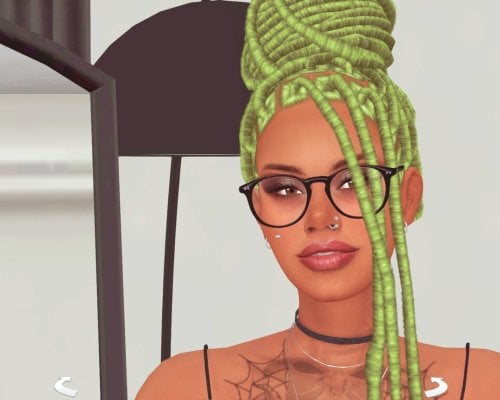
1504 downloads
How to install? First of all, make sure " Enable Custom Content and Mods" option is turned on in your game. After activating this settings, you need to restart the game. Before restarting the game, download some of the Sims I shared. (Screenshot 1) After downloading a Sim, extract the Sim's files from the rar. You will get the following folders; Mods,Tray. Put the files in the "Mods" folder in > Documents/Electronic Arts/The Sims 4/Mods Put the files in the "Tray" folder in > Documents/Electronic Arts/The Sims 4/Tray After doing all this, when you open the game, click on the gallery icon in the upper right and check the "include custom content" box. This is how you can see your downloaded Sims. (Screenshot 2) See my other LoversLab Sims here Visit my SubscribeStar page for exclusive 200+ Sims,new Sims every week and Supporters Special Limited Gift Sims! Hope you enjoy my work! ~ ❤️ Visit my Website to see my Sims catalog and download more Sims! For more Sims & Support me,please visit ; https://www.mervejuanasims.com/ subscribestar.com/mervejuanasims I wish you a good game! ~ ❤️ 💌 July 2026 SubscribeStar Supporters Gift Sims 💌 💌 Early-Access Sims on my SubscribeStar 💌 -
Sexy Model Sim 25 View File How to install? First of all, make sure " Enable Custom Content and Mods" option is turned on in your game. After activating this settings, you need to restart the game. Before restarting the game, download some of the Sims I shared. (Screenshot 1) After downloading a Sim, extract the Sim's files from the rar. You will get the following folders; Mods,Tray. Put the files in the "Mods" folder in > Documents/Electronic Arts/The Sims 4/Mods Put the files in the "Tray" folder in > Documents/Electronic Arts/The Sims 4/Tray After doing all this, when you open the game, click on the gallery icon in the upper right and check the "include custom content" box. This is how you can see your downloaded Sims. (Screenshot 2) See my other LoversLab Sims here Visit my SubscribeStar page for exclusive 200+ Sims,new Sims every week and Supporters Special Limited Gift Sims! Hope you enjoy my work! ~ ❤️ Visit my Website to see my Sims catalog and download more Sims! For more Sims & Support me,please visit ; https://www.mervejuanasims.com/ subscribestar.com/mervejuanasims I wish you a good game! ~ ❤️ 💌 July 2026 SubscribeStar Supporters Gift Sims 💌 💌 Early-Access Sims on my SubscribeStar 💌 Submitter Mervejuana Submitted 07/07/26 Category The Sims 4 - Sims Requirements The Sims 4
-
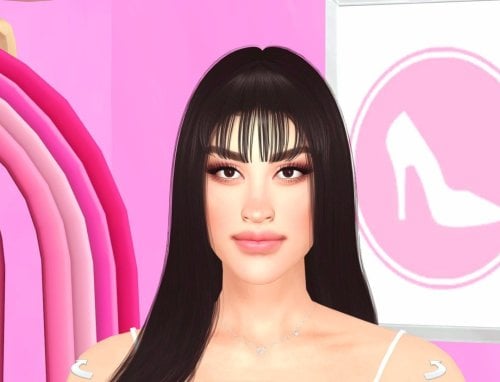
1131 downloads
How to install? First of all, make sure " Enable Custom Content and Mods" option is turned on in your game. After activating this settings, you need to restart the game. Before restarting the game, download some of the Sims I shared. (Screenshot 1) After downloading a Sim, extract the Sim's files from the rar. You will get the following folders; Mods,Tray. Put the files in the "Mods" folder in > Documents/Electronic Arts/The Sims 4/Mods Put the files in the "Tray" folder in > Documents/Electronic Arts/The Sims 4/Tray After doing all this, when you open the game, click on the gallery icon in the upper right and check the "include custom content" box. This is how you can see your downloaded Sims. (Screenshot 2) See my other LoversLab Sims here Visit my SubscribeStar page for exclusive 200+ Sims,new Sims every week and Supporters Special Limited Gift Sims! Hope you enjoy my work! ~ ❤️ Visit my Website to see my Sims catalog and download more Sims! For more Sims & Support me,please visit ; https://www.mervejuanasims.com/ subscribestar.com/mervejuanasims I wish you a good game! ~ ❤️ 💌 July 2026 SubscribeStar Supporters Gift Sims 💌 💌 Early-Access Sims on my SubscribeStar 💌 -
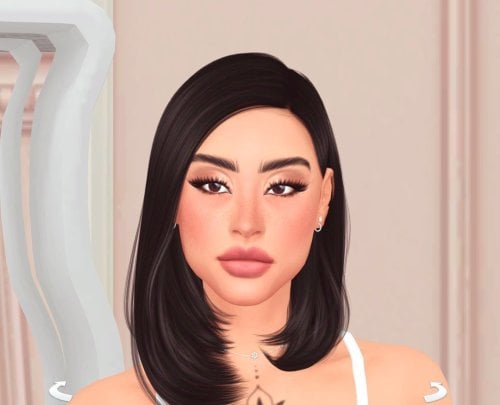
Sexy Model Sim 24 View File How to install? First of all, make sure " Enable Custom Content and Mods" option is turned on in your game. After activating this settings, you need to restart the game. Before restarting the game, download some of the Sims I shared. (Screenshot 1) After downloading a Sim, extract the Sim's files from the rar. You will get the following folders; Mods,Tray. Put the files in the "Mods" folder in > Documents/Electronic Arts/The Sims 4/Mods Put the files in the "Tray" folder in > Documents/Electronic Arts/The Sims 4/Tray After doing all this, when you open the game, click on the gallery icon in the upper right and check the "include custom content" box. This is how you can see your downloaded Sims. (Screenshot 2) See my other LoversLab Sims here Visit my SubscribeStar page for exclusive 200+ Sims,new Sims every week and Supporters Special Limited Gift Sims! Hope you enjoy my work! ~ ❤️ Visit my Website to see my Sims catalog and download more Sims! For more Sims & Support me,please visit ; https://www.mervejuanasims.com/ subscribestar.com/mervejuanasims I wish you a good game! ~ ❤️ 💌 June 2026 SubscribeStar Supporters Gift Sims 💌 💌 Early-Access Sims on my SubscribeStar 💌 Submitter Mervejuana Submitted 06/26/26 Category The Sims 4 - Sims Requirements The Sims 4
-
1740 downloads
How to install? First of all, make sure " Enable Custom Content and Mods" option is turned on in your game. After activating this settings, you need to restart the game. Before restarting the game, download some of the Sims I shared. (Screenshot 1) After downloading a Sim, extract the Sim's files from the rar. You will get the following folders; Mods,Tray. Put the files in the "Mods" folder in > Documents/Electronic Arts/The Sims 4/Mods Put the files in the "Tray" folder in > Documents/Electronic Arts/The Sims 4/Tray After doing all this, when you open the game, click on the gallery icon in the upper right and check the "include custom content" box. This is how you can see your downloaded Sims. (Screenshot 2) See my other LoversLab Sims here Visit my SubscribeStar page for exclusive 200+ Sims,new Sims every week and Supporters Special Limited Gift Sims! Hope you enjoy my work! ~ ❤️ Visit my Website to see my Sims catalog and download more Sims! For more Sims & Support me,please visit ; https://www.mervejuanasims.com/ subscribestar.com/mervejuanasims I wish you a good game! ~ ❤️ 💌 June 2026 SubscribeStar Supporters Gift Sims 💌 💌 Early-Access Sims on my SubscribeStar 💌 -
Sexy Model Sim 22 View File How to install? First of all, make sure " Enable Custom Content and Mods" option is turned on in your game. After activating this settings, you need to restart the game. Before restarting the game, download some of the Sims I shared. (Screenshot 1) After downloading a Sim, extract the Sim's files from the rar. You will get the following folders; Mods,Tray. Put the files in the "Mods" folder in > Documents/Electronic Arts/The Sims 4/Mods Put the files in the "Tray" folder in > Documents/Electronic Arts/The Sims 4/Tray After doing all this, when you open the game, click on the gallery icon in the upper right and check the "include custom content" box. This is how you can see your downloaded Sims. (Screenshot 2) See my other LoversLab Sims here Visit my SubscribeStar page for exclusive 200+ Sims,new Sims every week and Supporters Special Limited Gift Sims! Hope you enjoy my work! ~ ❤️ Visit my Website to see my Sims catalog and download more Sims! For more Sims & Support me,please visit ; https://www.mervejuanasims.com/ subscribestar.com/mervejuanasims I wish you a good game! ~ ❤️ 💌 June 2026 SubscribeStar Supporters Gift Sims 💌 💌 Early-Access Sims on my SubscribeStar 💌 Submitter Mervejuana Submitted 06/16/26 Category The Sims 4 - Sims Requirements The Sims 4