About This File
Version 3.0
Introduction:
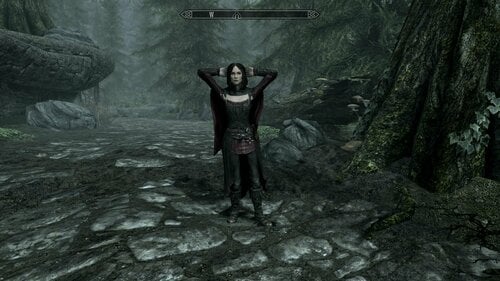
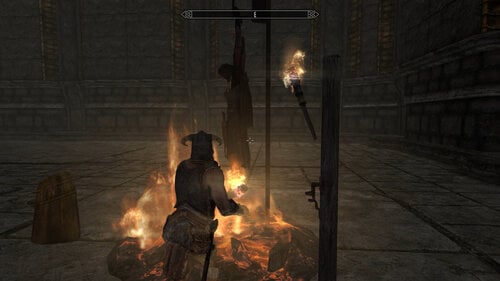
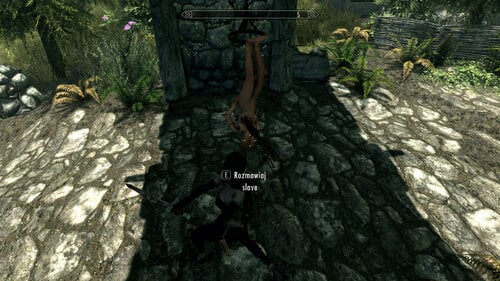
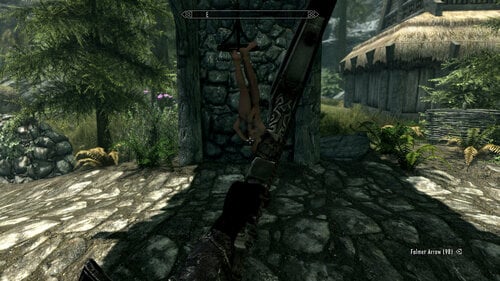
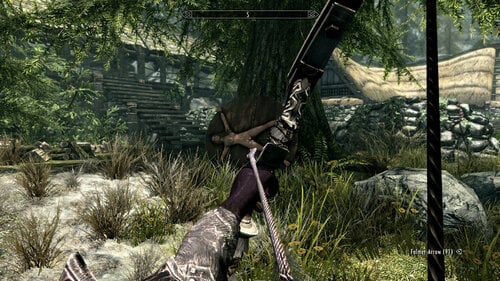
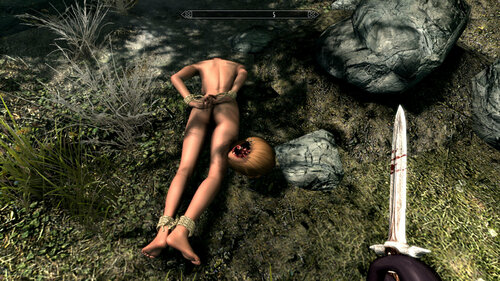
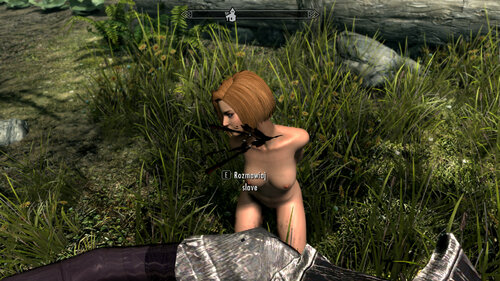
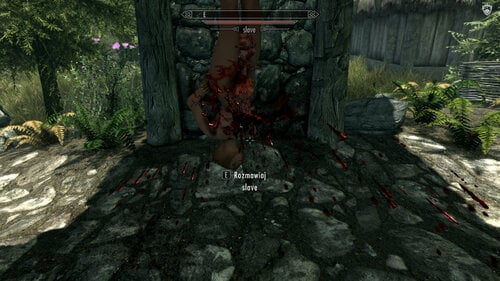
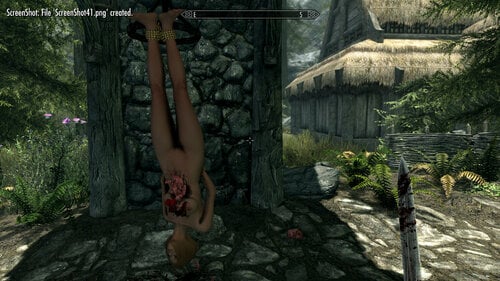
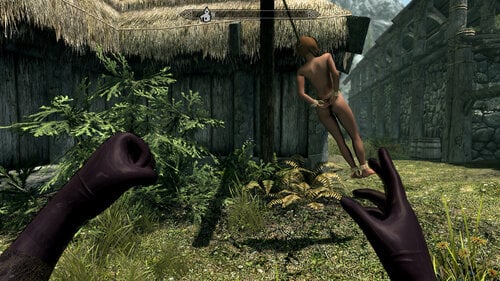
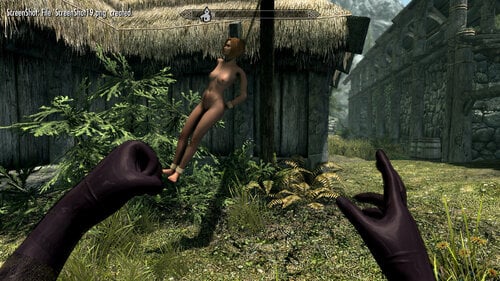
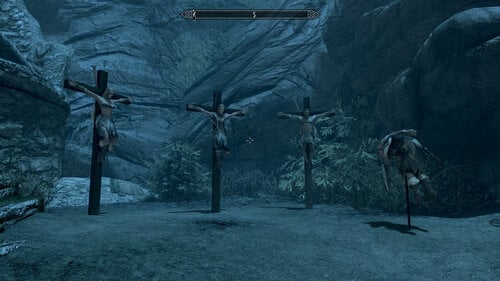
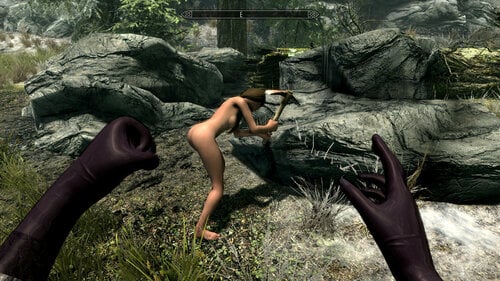
This is the furniture framework that allows you to attach NPCs to (currently) ZAP furnitures in a way that physics is going to work. So you can beat your victims, shoot them with a bow, push them and their bodies are going to physically react. In addition you can use my Maximum Carnage Daggers mod to torture and kill your victims by activating gore effects.
Although this mod already has default configuration file you can add new furnitures and change behavior of existing ones via editing brff_mapping.json file. Because it's more complicated then in 1.0 I will document and explain it later. However default configuration should be sufficient enough to start.
Despite dozens of hours of work this version (although functional) is still unstable and not very performant. Therefor using it in your main save games is highly NOT RECOMMENDED. I'm working hard to make it more reliable but for now it should only be used to play and have fun.
Requirements and installation:
- PapyrusUtil: https://www.nexusmods.com/skyrimspecialedition/mods/13048
- PO3 Extender: https://www.nexusmods.com/skyrimspecialedition/mods/22854
- JContainers: https://www.nexusmods.com/skyrimspecialedition/mods/16495
- UIExtensions: https://www.nexusmods.com/skyrimspecialedition/mods/17561
- ZAP (technically not required, can be used with other furnitures as well, but current config only contains ZAP furnitures, required for GlassCoffin.zip):
-
Jaxonz Positioner (or anything else for positioning, you can even use console if you are crazy enough
 😞https://www.nexusmods.com/skyrimspecialedition/mods/13090
- Fixed body collision (https://www.nexusmods.com/skyrimspecialedition/mods/10849) strongly advised.
- Maximum Carnage (https://www.nexusmods.com/skyrimspecialedition/mods/43494) and Maximum Carnage Daggers (https://github.com/brightrider/maximum-carnage-daggers) for gore stuff.
GlassCoffin.zip is required if you want to use Glass Coffin furniture (which I really recommend, very interesting!).
It is required to add configuration below to the Skyrim.ini file, without it physics is not going to work!
[Animation]
bEnableHavokHit=1
fHavokHitImpulseMult=150.0000
uiMaxNumActorHit=50
bAlwaysDriveRagdoll=1
Usage:
- Use a spell to spawn a furniture (or spawn it another way, or use existing, doesn't matter really).
- Use crosshair + F1 (I will move it to the config file later) to mark a furniture.
- Use crosshair + F1 (I will move it to the config file later) again to assign an NPC to the furniture.
- Use crosshair (on NPC) + F1 (I will move it to the config file later) to release an NPC.
This version of a mod requires manual refreshing via either F3 (refreshes all NPCs nearby) or crosshair on NPC + F2 (refreshes specific NPC). This will probably be automated in the future but for now you need to refresh manually when NPC leaves furniture (for example after save load or area reload) or if something doesn't work or if you want to correct NPC position, in general every time something is not right.
To kill an NPC you need to have Executioner Ring equipped. Executioner Ring (Remove) version is going to kill and release an NPC, for example you can use a bow and an NPC will be killed and detached from the furniture (will fall to the ground).
Known issues:
- Saving while in the same cell as furnitures with NPCs on it and then reloading causes serious issues. Currently workaround is: eaither save in cell with no active furnitures or if you have such a save already then load, do not call refresh, leave cell by going into another cell which is good to be far away so that the old cell will be completely unloaded from memory, then return to the cell with furnitures and refresh.
- Killing using a weapon including gore weapons can cause issues. Currently workaround is: kill using fist and then use a weapon.
Version 2.0
This version is abandoned.
Version 1.0
Advantages:
- No alignment issues whatsoever (this is probably the most important thing, I think all ZAP users know what I'm talking about!).
- No possibility for an NPC to escape. After assignment only your decision can release him/her.
- Full compatibility with excellent Jaxonz Positioner mod (you can even freely move and position furniture with an NPC on it!).
- Convinient spell for spawning new furnitures.
Disadvantages:
- Furnitures must be added to the JSON file (there is default JSON file with many furnitures added already).
- NPC assignment/releasing can be unresponsive, meaning possible delays and necessity of doing it multiple times. That's because Papyrus VM is giving low priority to the controller script.
- Furniture collision is disabled. This is mostly not a big deal (NPC collision is enough), but there are some furnitures where this can be a little bit of a problem.
- Applying X/Y rotation to the furniture is going to disturb the alignment. This is because the engine refuses rotating an actor around X/Y axis, so the actor cannot follow the furniture.
- No support for multiple animations, no enter/exit animations (these are a joke anyway in my opinion), no events fired (like OnActivate), only basic functionality in a nutshell (at least so far).
Requirements:
- PapyrusUtil: https://www.nexusmods.com/skyrimspecialedition/mods/13048
- PO3 Extender: https://www.nexusmods.com/skyrimspecialedition/mods/22854
- JContainers: https://www.nexusmods.com/skyrimspecialedition/mods/16495
- UIExtensions: https://www.nexusmods.com/skyrimspecialedition/mods/17561
- ZAP (technically not required, can be used with other furnitures as well, but current config only contains ZAP furnitures, required for GlassCoffin.zip):
-
Jaxonz Positioner (or anything else for positioning, you can even use console if you are crazy enough 😞https://www.nexusmods.com/skyrimspecialedition/mods/13090
Usage:
- Use a spell to spawn a furniture (or spawn it another way, or use existing, doesn't matter really).
- Use crosshair + Alt + Q (I will move it to the config file later) to mark a furniture.
- Use crosshair + Alt + Q (I will move it to the config file later) again to assign an NPC to the furniture.
- Use crosshair (on NPC) + Alt + Q (I will move it to the config file later) to release an NPC.
Remember that because the Papyrus VM is giving my script low priority, these actions can be delayed. It should be safe to click multiple times and do stupid stuff, but always watch notifications. If you can see a notification, it means that the action was registered and will be executed soon, do not repeat it. If you clicked once and you cannot see a notification, it means that the click was not registered by the game and you should try again.
GlassCoffin.zip:
Required if you want to use Glass Coffin furniture (which I really recommend, very interesting!).
Adding new furnitures:
For this it is required to edit brff_mapping.json file in the Data directory of the mod:
{
    "category_for_menu_configure_as_you_wish": {
        "CKEditorId": "animEvent",
        "CKEditorId": "animEvent",
        "CKEditorId": "animEvent"
    },

    "category_for_menu_configure_as_you_wish": {
    	"CKEditorId": "animEvent",
        "CKEditorId": "animEvent",
        "CKEditorId": "animEvent"
    }
}
To find animEvent:
- CK -> Load ZAP -> GAMEPLAY -> Animations -> 0_Master.hkx -> IDLE ANIM with ActivateRootChar inside it -> ZazFurniture.
- Here you need to find a record matching furniture you want to add, these are bond with a keyword in the Conditions section (see below).
- Anim Event name will be in the *_Loop child element.
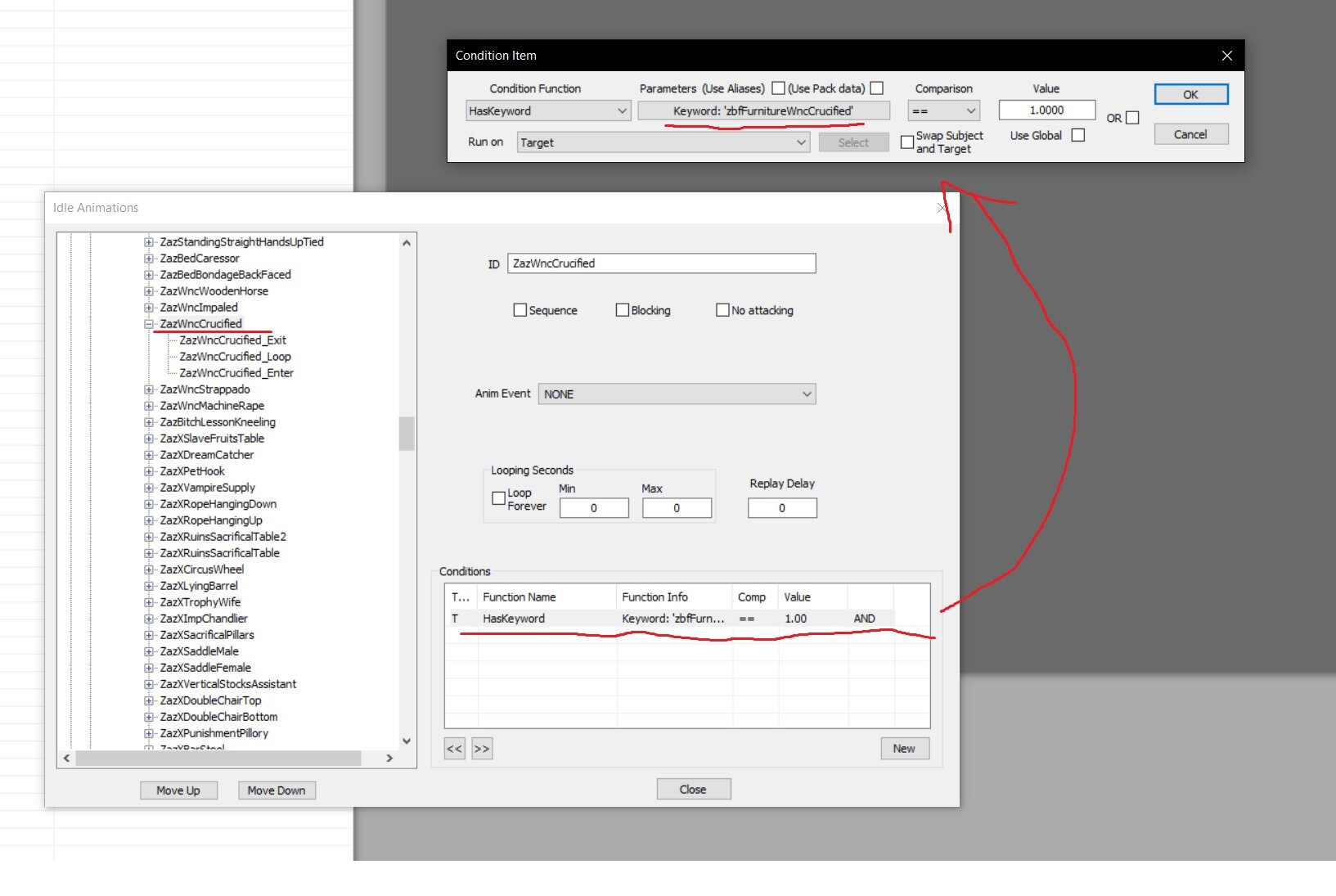
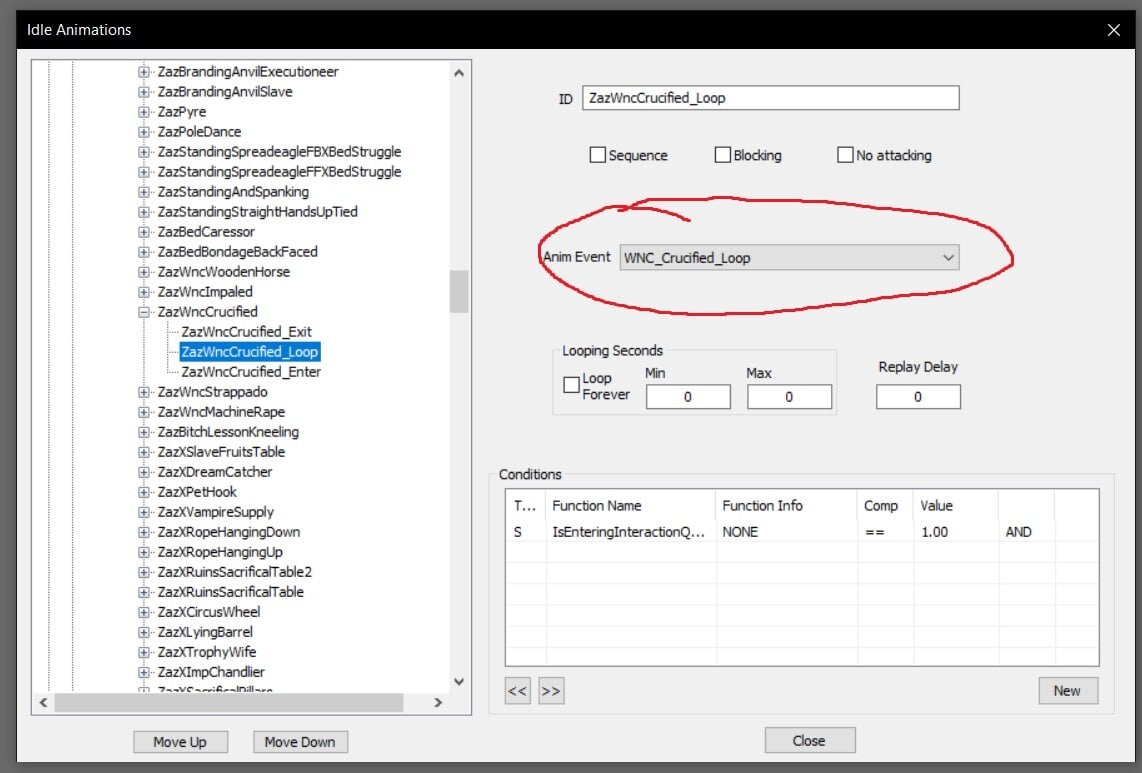
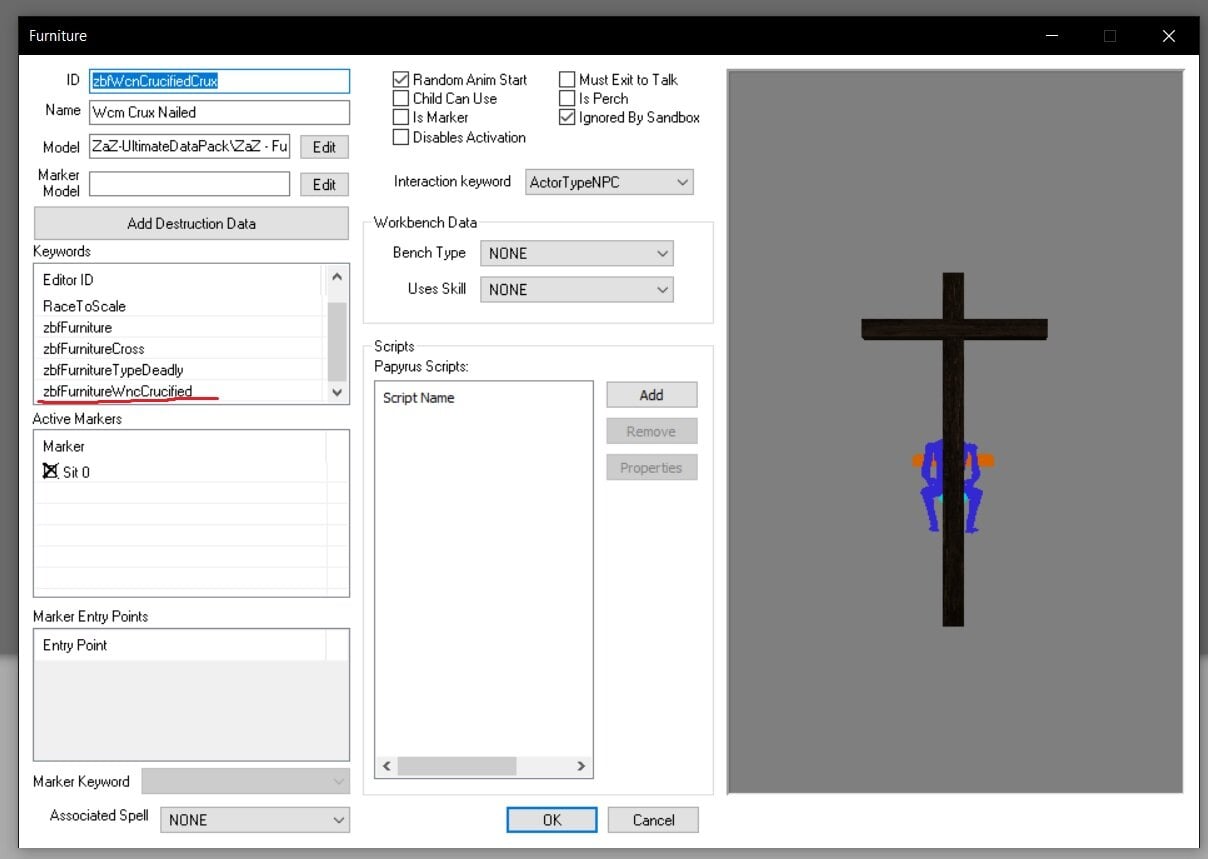
Unfortunately I don't know how to do this differently. The advantage is that you can configure menu categories as you wish and only have furnitures you are using on the list. For now I'm not going to add more furnitures myself.
Usage for modders:
Add my plugin as a master using SSEEdit. Then you have BRFF_Controller script with straightforward Add() and Remove() methods. Do not use any other method (unless you know what you are doing of course ).
SKSE events are now sent on Add/Remove an NPC to/from the furniture:
Event OnAdd(Form victim, Form furn)
Event OnRemove(Form victim, Form furn)
Permissions:
Any non-commercial usage is allowed.
Edited by BrightRider
3.0.0
![More information about "Convoy System [BETA]"](https://static.loverslab.com/screenshots/monthly_2024_04/Convoy.thumb.jpg.e329721e265fe75b892d5a5273b217d9.jpg)