Jump to content

dw's 3D Underarm Hair

donnerwetter

37359 views

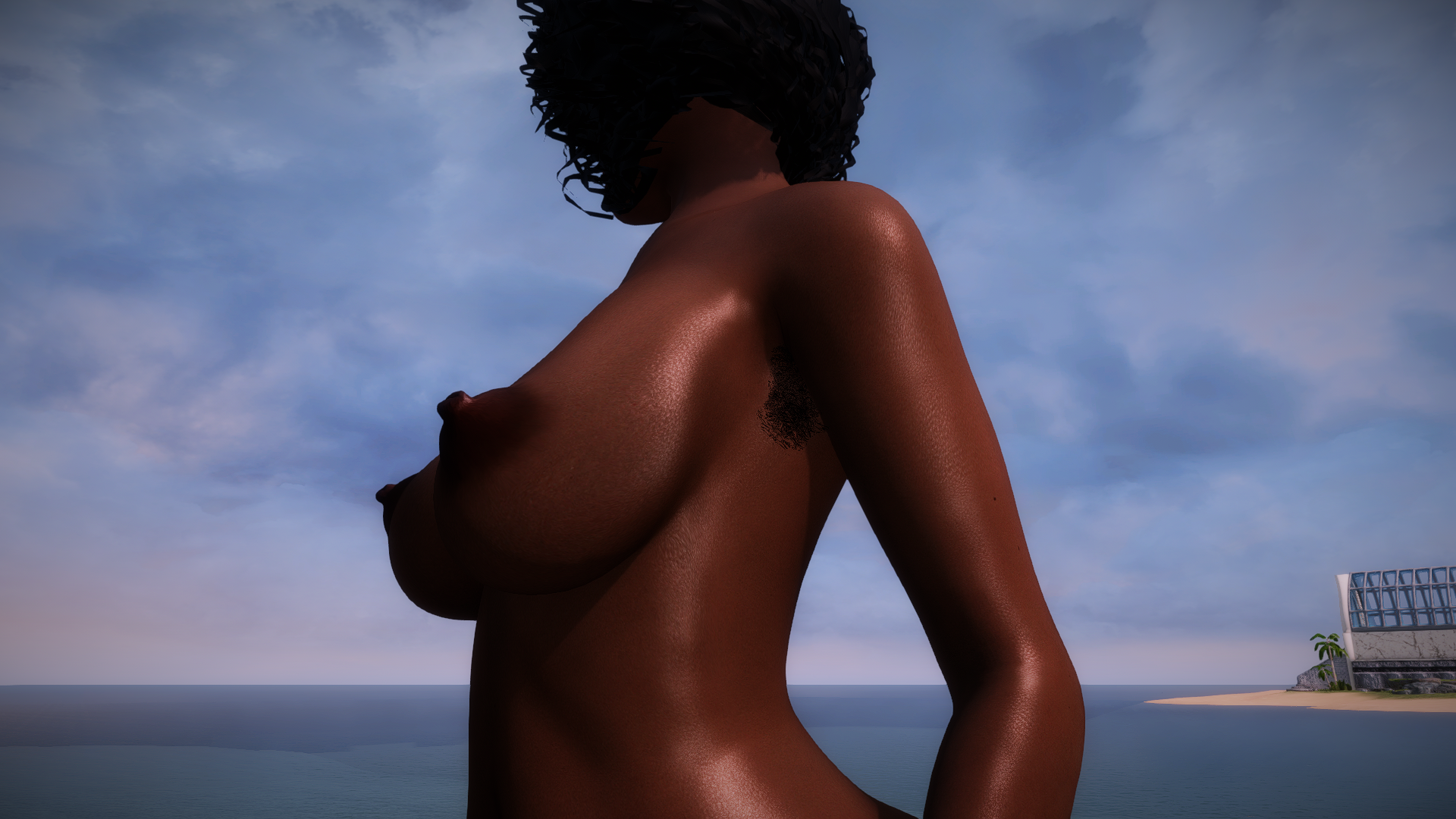
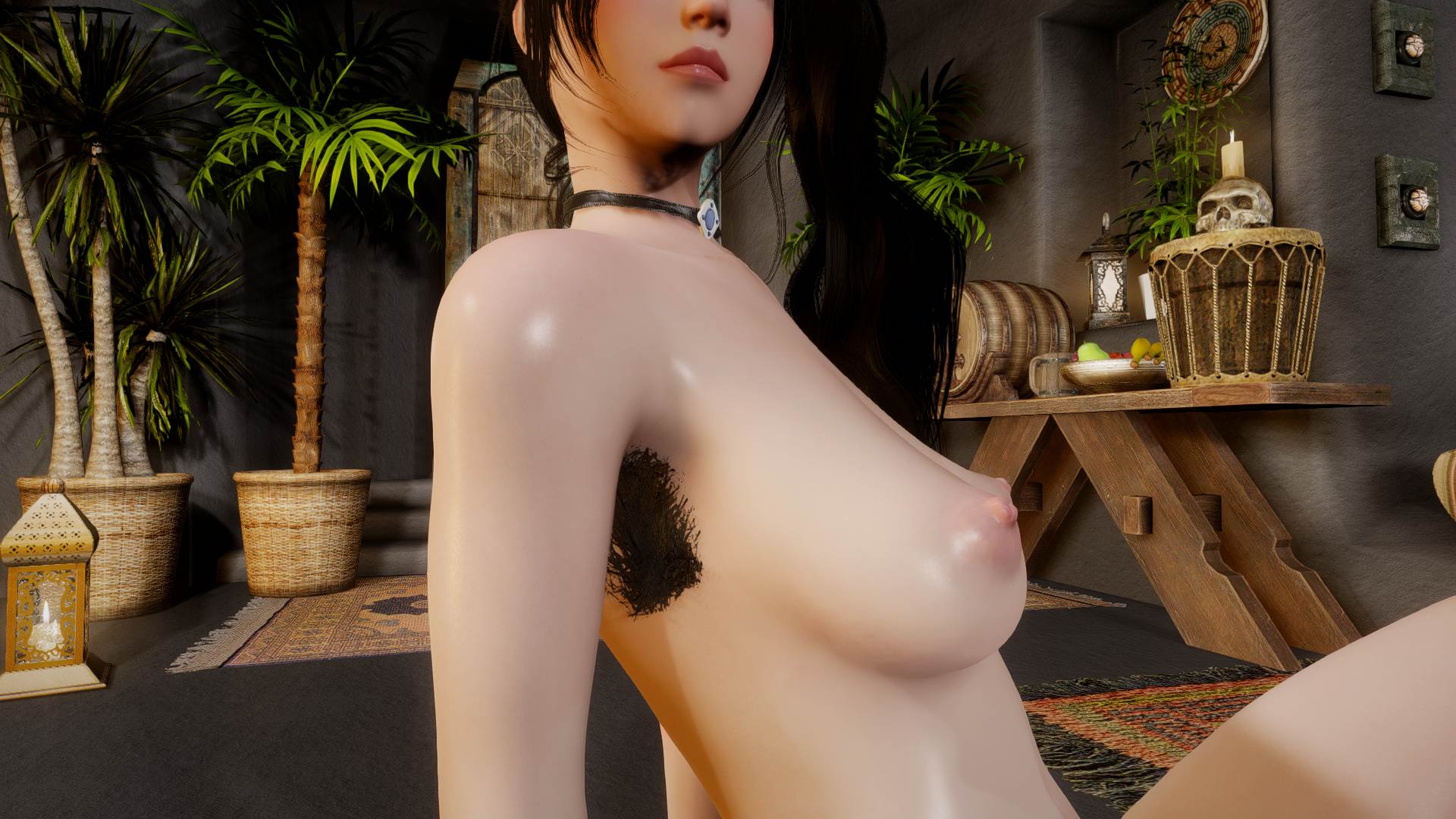
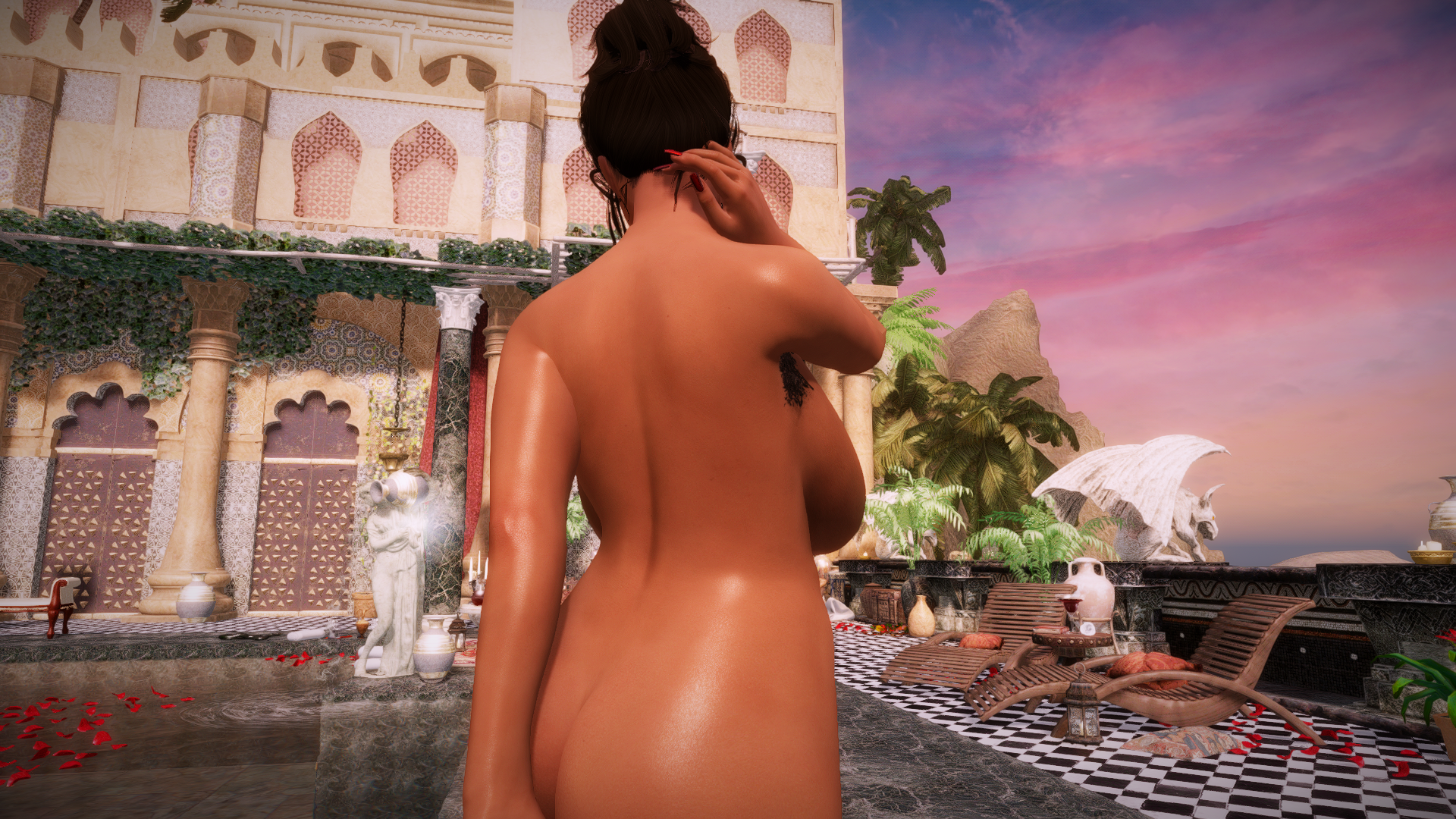
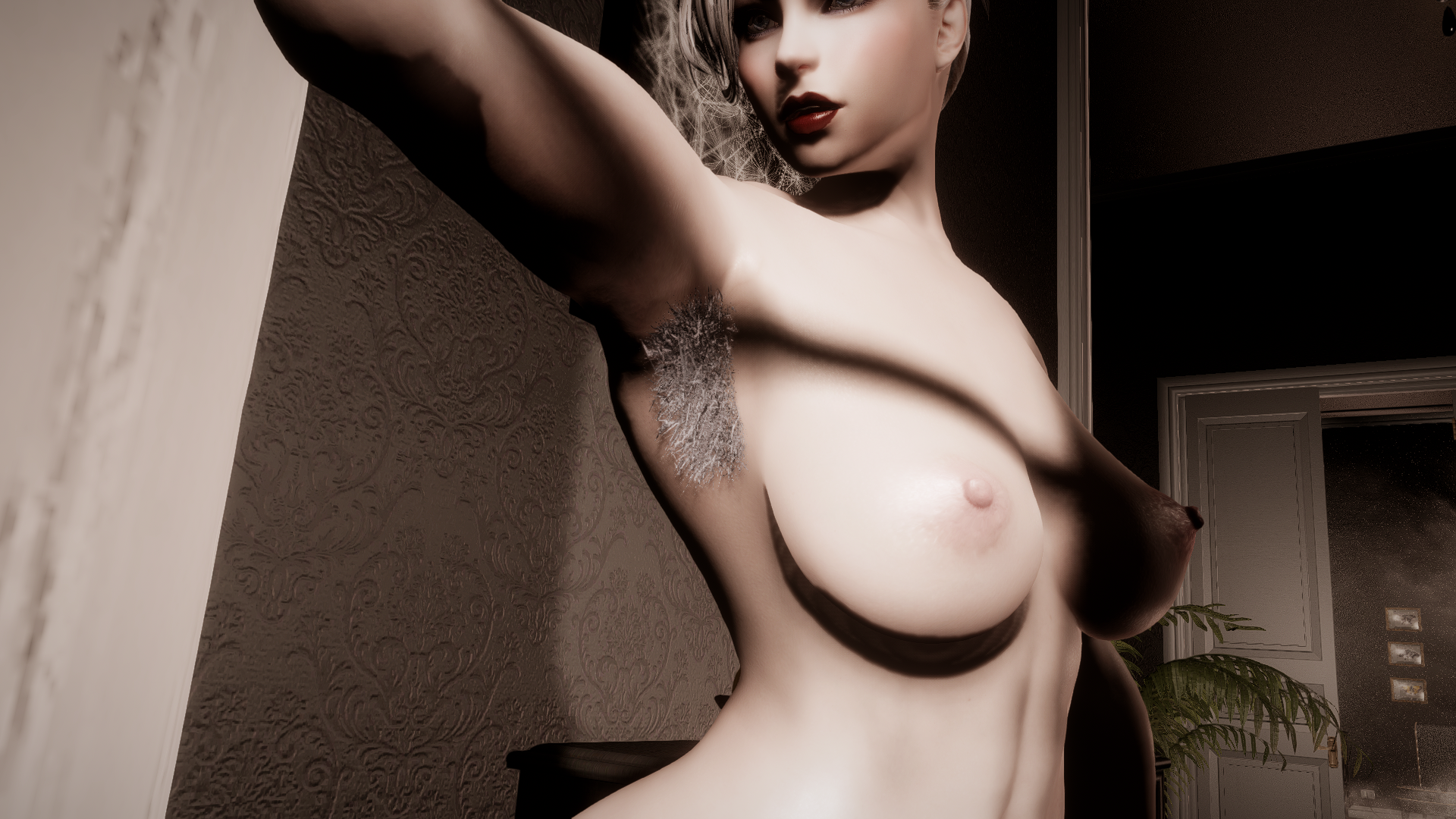
Based on some of the pubic hair styles from my previous mod, here are 5 different styles of 3D underarm hair for CBBE 3BA and BHUNP. You can either build them as part of the body mesh itself with the included BodySlide projects, with both regular 3BA & BHUNP and Vaginaless 3BA and Vaginaless BHUNP options, or you can wear them as accessories.
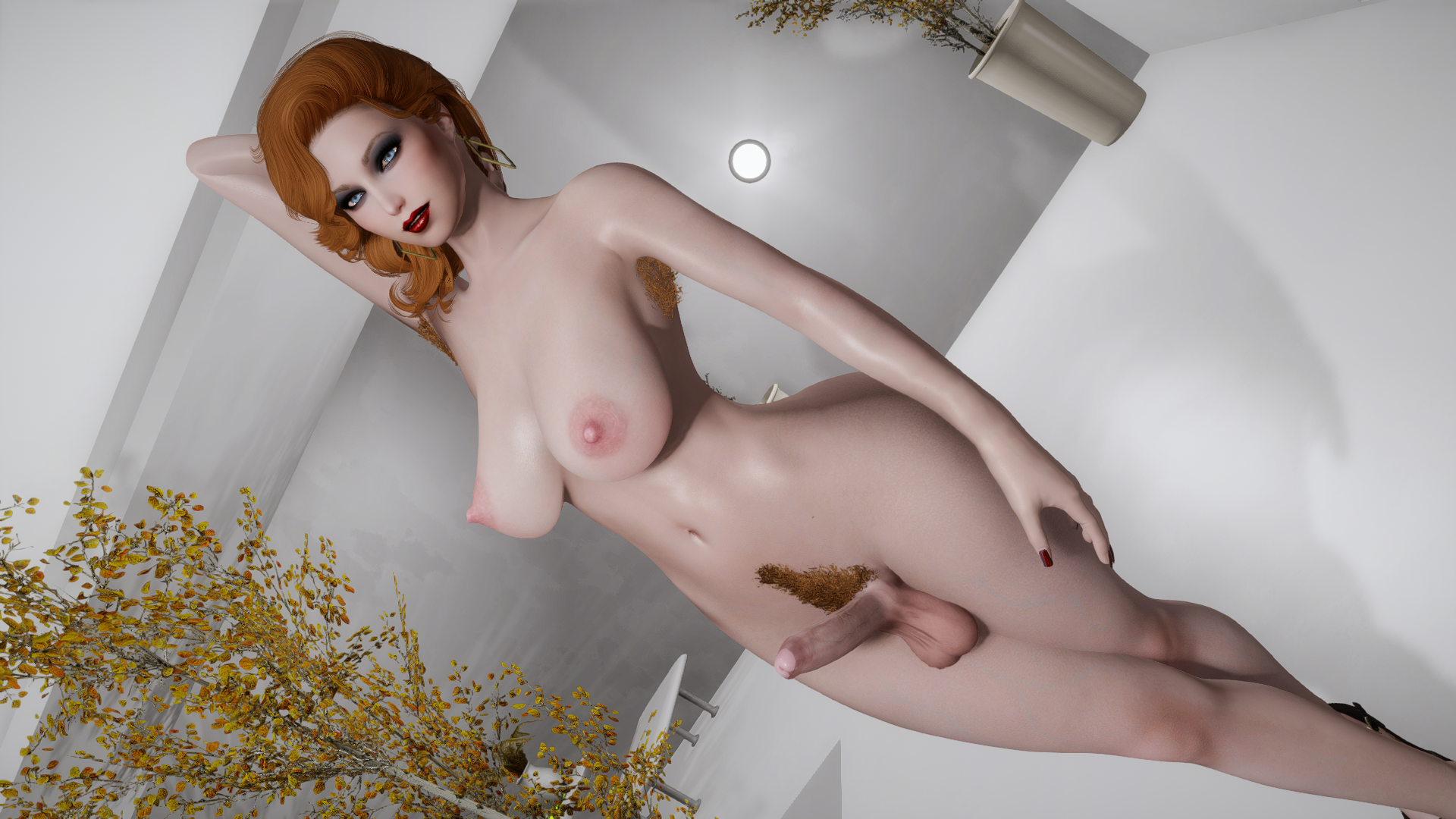
 

3.png.eeb8ef0264add879b46669f5ebc25a91.png


Update 08/03/2023: Vaginaless 3BA and BHUNP versions updated to 2.1 and 1.1, respectively


DOWNLOAD


dw's 3D Underarm Hair - 3BA 1.03.7z


dw's 3D Underarm Hair - BHUNP.7z


dw's 3D Underarm Hair - Vaginaless 3BA v2.1.7z


dw's 3D Underarm Hair - Vaginaless BHUNP 1.1.7z


dw's 3D Underarm Hair - Wearable BHUNP.7z


dw's 3D Underarm Hair - Wearable 1.01.7z


 Note: Most of the hairs may look stretched and weird in certain poses, especially when your character raises their arms straight up:
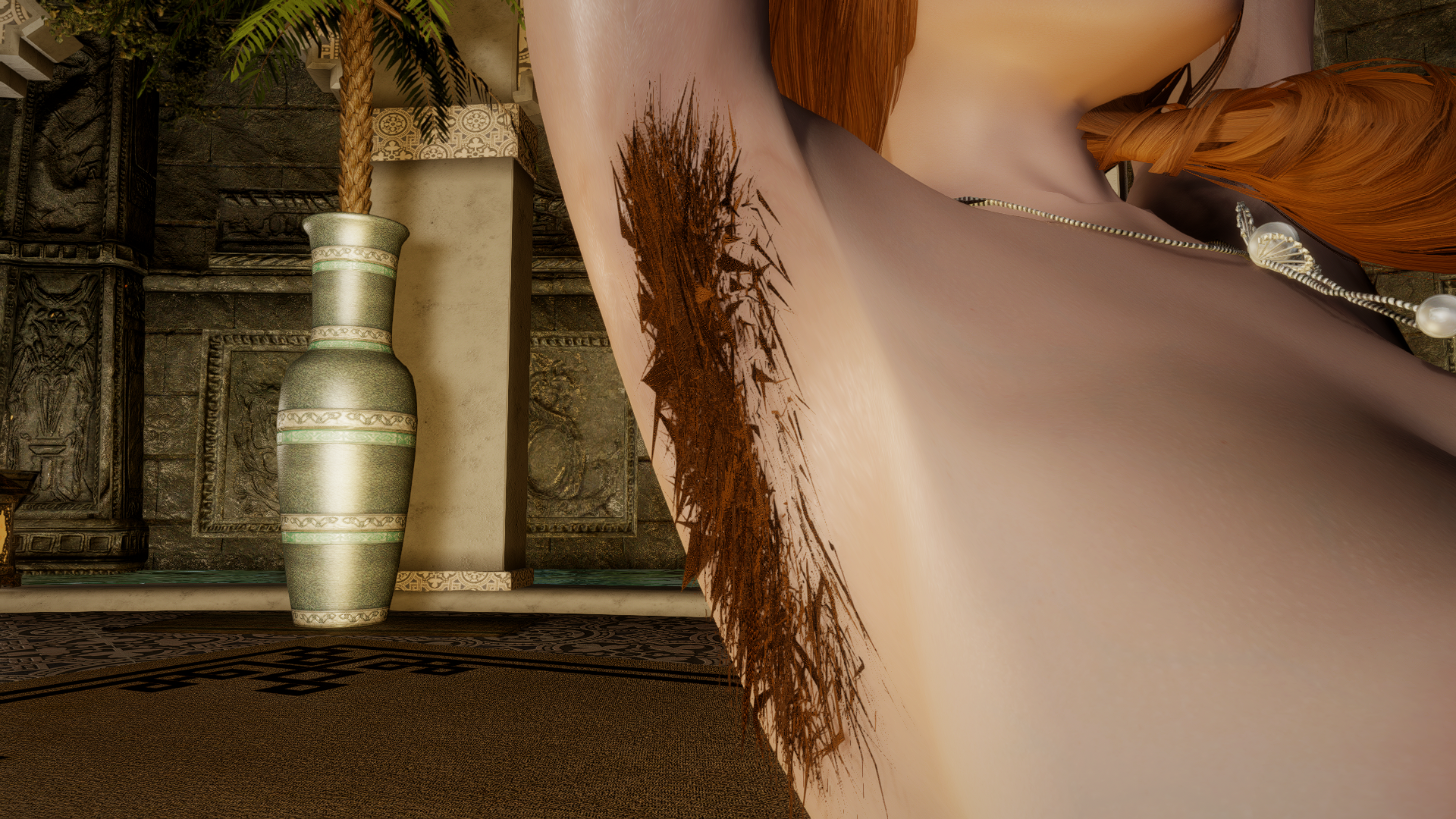
 

Spoiler

enb2022_4_28_20_56_06.png.cee57393af7c5945c0ea1cd58e7d3117.png


Also Check Out


@Dr. John Zoidberg made a mod that distributes the equippable versions of these armpit hairs to female NPCs across Skyrim. Check it out here:


More Screens:
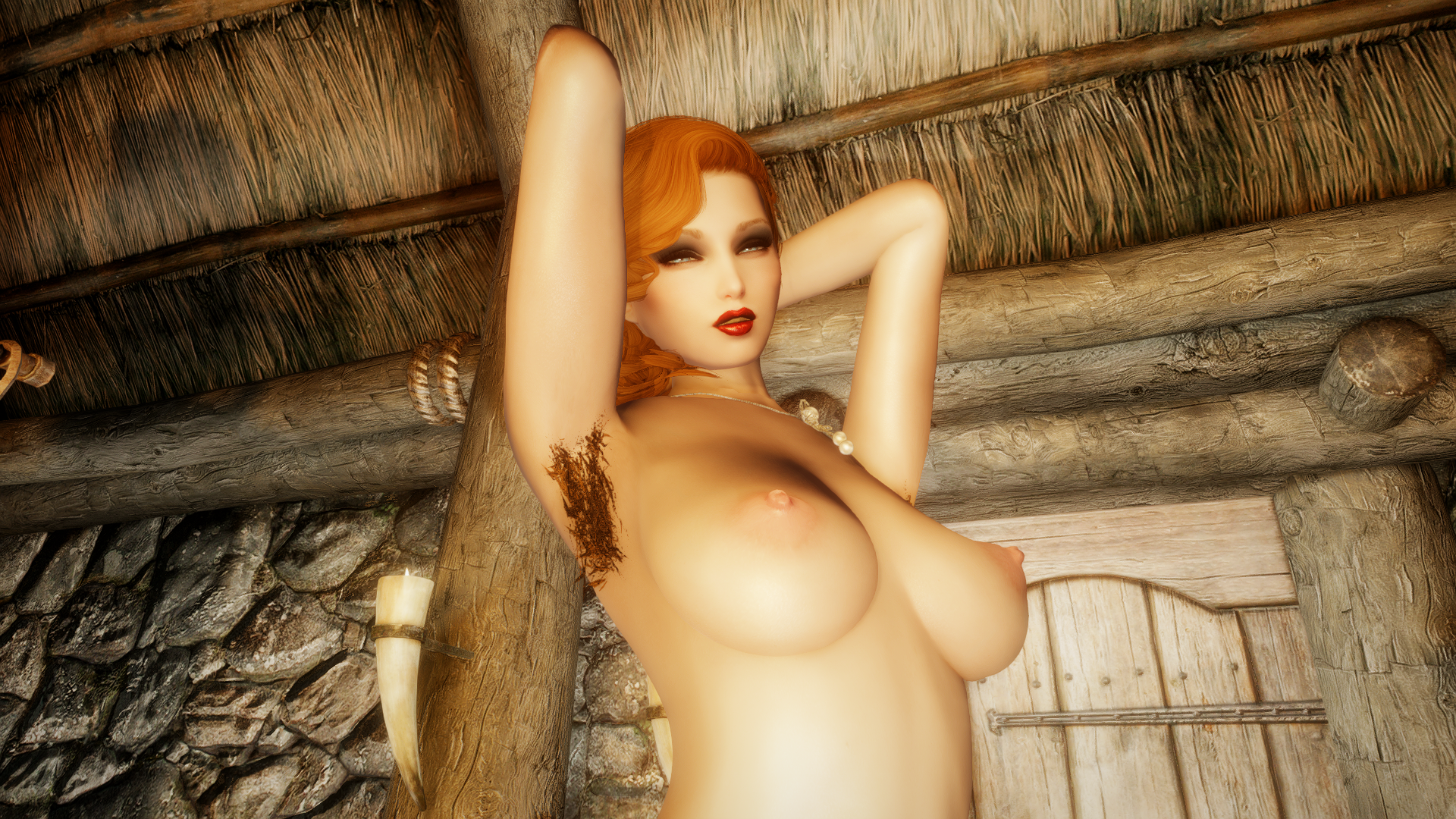
 

Spoiler


enb2022_4_30_20_09_45.png.04ea97b6e9795e2aaa13882cb8b75e8c.png

enb2022_4_30_21_35_22.png.8586e5092b13c177ea4b28d2d5e55cba.pngenb2022_4_30_21_43_12.png.3c543231d29324f6ed7b9540d48dc129.pngenb2022_4_30_21_52_56.png.1bbee5b3aae1207d86ceaeb54c094c64.pngenb2022_4_30_20_35_12.png.54a281313419251233a5d2347a6f193f.png


dw's 3D Underarm Hair - 3BA 1.03.7z

Edited by donnerwetter

88 Comments


Recommended Comments


GodSmack

Posted

Dunno if I broke something, but tattoos don't seem to work on this body.

donnerwetter

Posted

46 minutes ago, GodSmack said:

Dunno if I broke something, but tattoos don't seem to work on this body.


Oh no, not again. Which body was it? 


Outfit Studio has an unshakeable conviction that the body mesh should always come dead last in a nif and will helpfully move them there whenever you save a project which breaks tattoos and body overlays since the rely on the body being listed first.


This requires some extra steps to correct, something which is easy to forget when you're just doing a quick update.

GodSmack

Posted

4 hours ago, donnerwetter said:


Oh no, not again. Which body was it? 


Outfit Studio has an unshakeable conviction that the body mesh should always come dead last in a nif and will helpfully move them there whenever you save a project which breaks tattoos and body overlays since the rely on the body being listed first.


This requires some extra steps to correct, something which is easy to forget when you're just doing a quick update.

I was using regular 3ba version

donnerwetter

Posted

2 hours ago, GodSmack said:

I was using regular 3ba version


Download 1.03 and see if the problem is fixed

RSunrise

Posted

Hi. Sorry to bother and sorry for possible offtop. I'm using the NPC version of this mod by Dr. John Zoidberg, but he has not been online for a long time, so I decided to ask here.

I want to remove the hair of some followers, but SPID ignores the names of any followers (in custom keywords too). With _distr.ini file i can remove the hair of NPCs of any factions or specific NPCs, but not followers.

I was wondering if it's possible to make one of the hair types (1-5 in slot 51) "invisible" like just a slot plug and equip it via the console to NPCs that I don't want to see hair? I tried changing the size/scale of the desired nif-file with nifskope, but that had no effect and the hair was the standard size.

donnerwetter

Posted

8 minutes ago, RSunrise said:

Hi. Sorry to bother and sorry for possible offtop. I'm using the NPC version of this mod by Dr. John Zoidberg, but he has not been online for a long time, so I decided to ask here.

I want to remove the hair of some followers, but SPID ignores the names of any followers (in custom keywords too). With _distr.ini file i can remove the hair of NPCs of any factions or specific NPCs, but not followers.

I was wondering if it's possible to make one of the hair types (1-5 in slot 51) "invisible" like just a slot plug and equip it via the console to NPCs that I don't want to see hair? I tried changing the size/scale of the desired nif-file with nifskope, but that had no effect and the hair was the standard size.


Couldn't you just try deleting the mesh in nifskope and then saving the "empty" nif?

RSunrise

Posted

13 hours ago, donnerwetter said:


Couldn't you just try deleting the mesh in nifskope and then saving the "empty" nif?

Even before my post, I tried the three options marked on the screen, but it did not work. The NPCs with selected type (3_51) had hair again, although in nifskope there is an empty space in this file. Maybe I'm doing something wrong? I first opened nifskope just to try to solve this problem.

nifsope1.PNG

ScreenShot34.png

TnkQV

Posted

On 2/23/2023 at 1:33 AM, armadsyth said:

If anyone is having problems with the BHUNP version its because the body slide meshes are outputed to 'DW' folder in the data folder you will need to drag it into the meshes folder

more permanent fix to bodyslide .osp. still need dw's 3D Underarm Hair - Wearable BHUNP.7z then overwrite with this.

build bodyslides again after.
DW underarm fixed BHUNP BS output folder.7z

ToxicVoid7

Posted (edited)

I'm having troubles even finding the armpit hair to build it in body slide could someone help me with that? Nvm I'm pretty sure I figured it out but I would still love a step by step in case this was a fluke.

Edited by ToxicVoid7
Sex Enjoyer

Posted

i can't find the items from the wearable version at all using additem menu, the esl file doesn't show up

Emorm

Posted

On 12/4/2023 at 12:25 AM, Sex Enjoyer said:

i can't find the items from the wearable version at all using additem menu, the esl file doesn't show up

Same. Could you find anything to fix that?

Bingchilly

Posted

bit late to the party but i cant find it at all in body slide nor understand what you said.


×
×
  • Create New...