

About This File
Stable Captives is now released in its first official version.
This mod was inspired by BaF (Build a Follower).
This mod is being developed based on the latest version of DoM, and was created solely to fix the naked bandit bug in DoM/PAH/HSH/AYGAS. (It cannot be used with PAHE alone.)
It supports not only bandits, but all hostile spawning NPCs, including Forsworn.
**Existing unique NPCs in Tamriel are not affected by this mod and are never stored in slave slots. This mod targets only spawned hostile NPCs, such as bandits.
In MO2’s mod order, this mod must be placed below DoM so that it overwrites DoM’s files.
In MO2's right-side ESP/ESL load order, if an NPC replacer or custom NPC mod is placed below DoM, it may be a good precaution to place Stable Captives below that NPC mod as well, so that Stable Captives overwrites it. If any issues occur, try this load order.
1. MCM
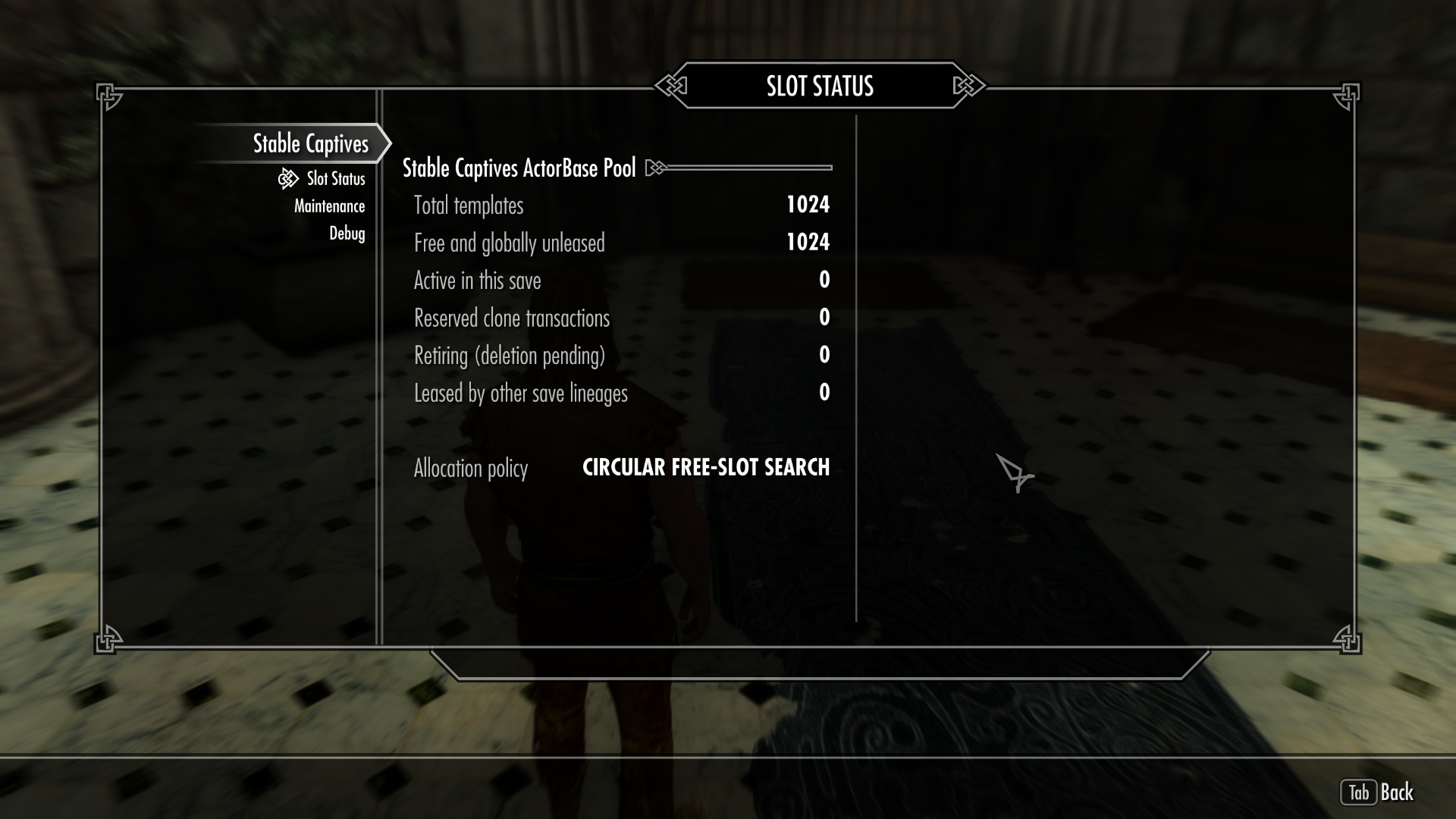
The current status of slave slots in use can be viewed.
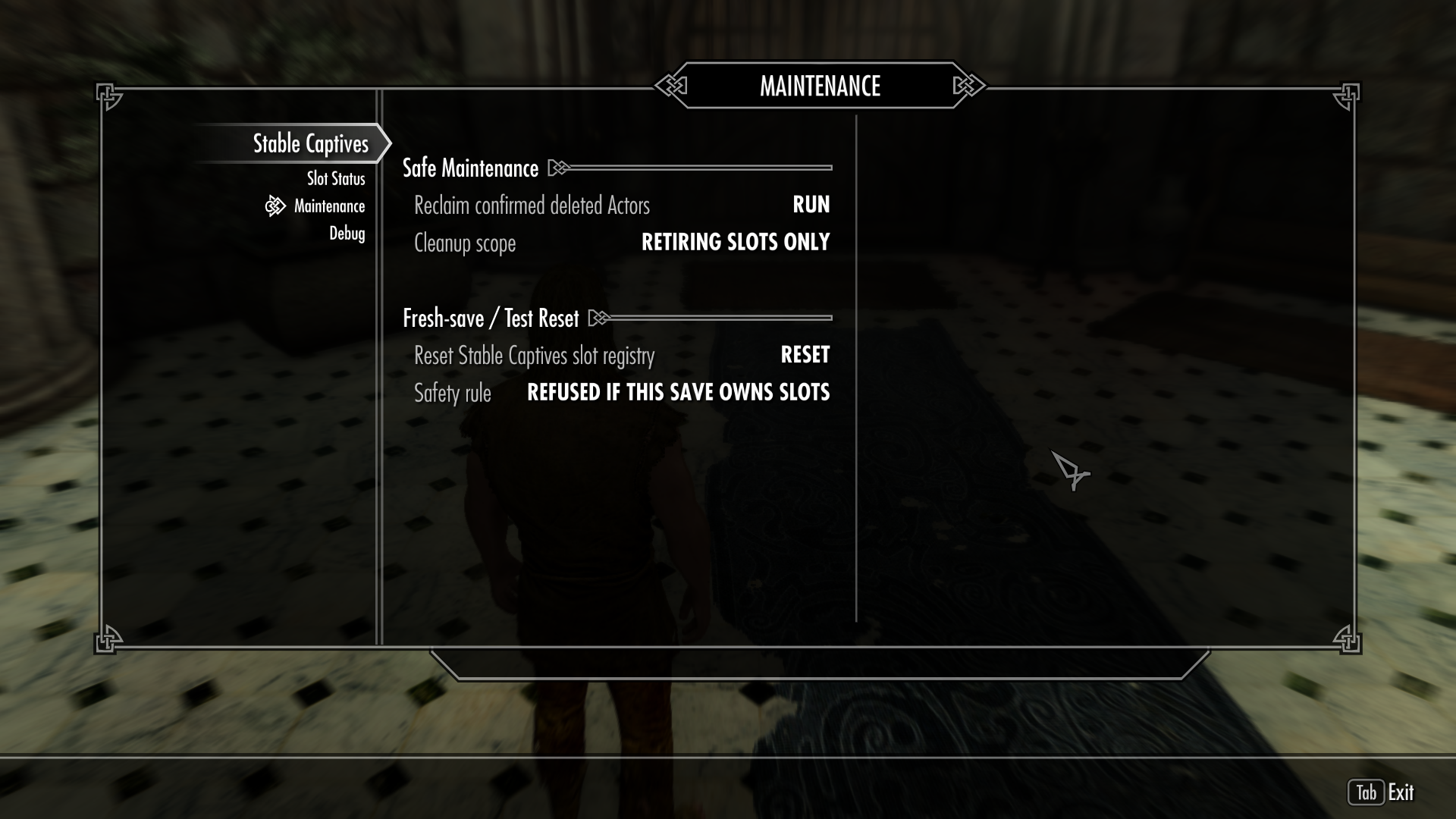
Options are available for cleaning up slave slots and resetting all data.
(The Reset All Data option is a type of factory reset. FaceGen data will not be deleted, but all slave data stored in slots in every save file that uses the Stable Captives mod will be erased. This option must therefore be used with extreme caution. This action can never be undone.)
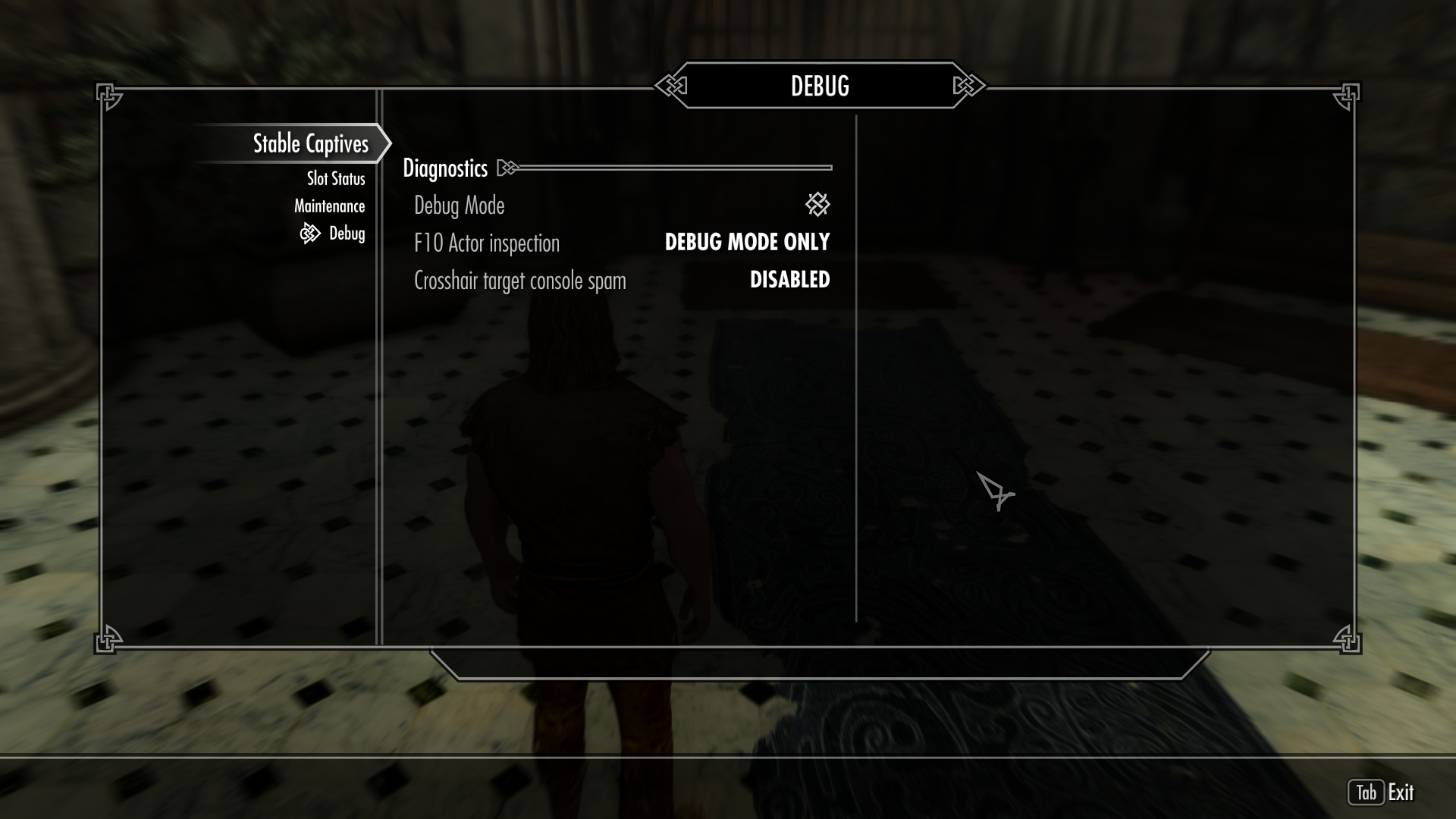
A debug mode is available.
With the cursor aimed at an NPC, pressing F10 while the console is open displays the FaceGen path and ActorBase information.
2. Mechanism
The mechanism used to prevent naked bandit NPCs is relatively simple.
Player + DoM knocks down a bandit → DoM duplicates the bandit and enslaves the duplicate, while the original is marked for deletion →
Stable Captives mod captures the duplicated bandit in a unique ActorBase slot → Stable Captives loads all information for that NPC, including its FaceGen data →
The loaded slave data is treated as a unique NPC → The slot is saved and locked → DoM resumes full management of the NPC stored in the locked slot.
3. Slot Cycling + Cleanup and Management
All slots are used in a cyclic rotation system, with a maximum of 1,024 available slots.
When a slave is released and disappears from Tamriel, the slot previously occupied by that slave can be reused.
However, release through the DoM MCM was not modified because the DoM source code appears to use specific conditions to determine whether an NPC disappears. At present, slaves appear to disappear only when released through dialogue, but even this does not guarantee that they will disappear. Depending on their Mood state, they may return to being normal NPCs instead, so caution is required. **This part may have been fixed in the DoM current version. Please check whether the slave is deleted.
When a slave disappears, the corresponding slot is moved to the Retiring state. The slot can then be cleaned through the Reclaim option in the Stable Captives MCM. Alternatively, saving and reloading the game will clear the Retiring state and empty the slot.
(Warning: DoM/PAHE contains several items that can restrain slaves. (Example: “Iron Slave Collar of Leashing”)
If a slave is released while wearing an item of this kind, the slot will not be reclaimed. The slave’s inventory must therefore be completely emptied before release.)
Let me emphasize this once again:
Please keep in mind that the Reset feature could corrupt every save file containing existing slaves.
**More precisely, only save files that are currently using this mod and still have slaves occupying slots.**
Please verify it thoroughly multiple times and proceed with extreme caution.
A detailed mod manual is also included.
No further features are planned for the mod, but bug fixes and discussion will continue.
Also, when continuing with an existing save on the new version, the existing FaceGen folders must be moved to the new version’s mod folder.
An EXE file is also available to make this process easier. (Files can only be moved from the old version folder to the new version folder within the mods directory.)
Optional MOD - Slave salon (BETA)
This is an optional add-on mod that allows you to customize or alter the appearance of bandit slaves assigned to Stable Captives slots.
The entrance is located by the wooden railing next to the Whiterun Stables.
(This is currently a beta version and is not a required mod.)
In MO2, this mod should overwrite both DoM/Pahe and Stable Captives in the left-side mod order. In the right-side plugin order, its ESP should be placed above PAHE and DoM.
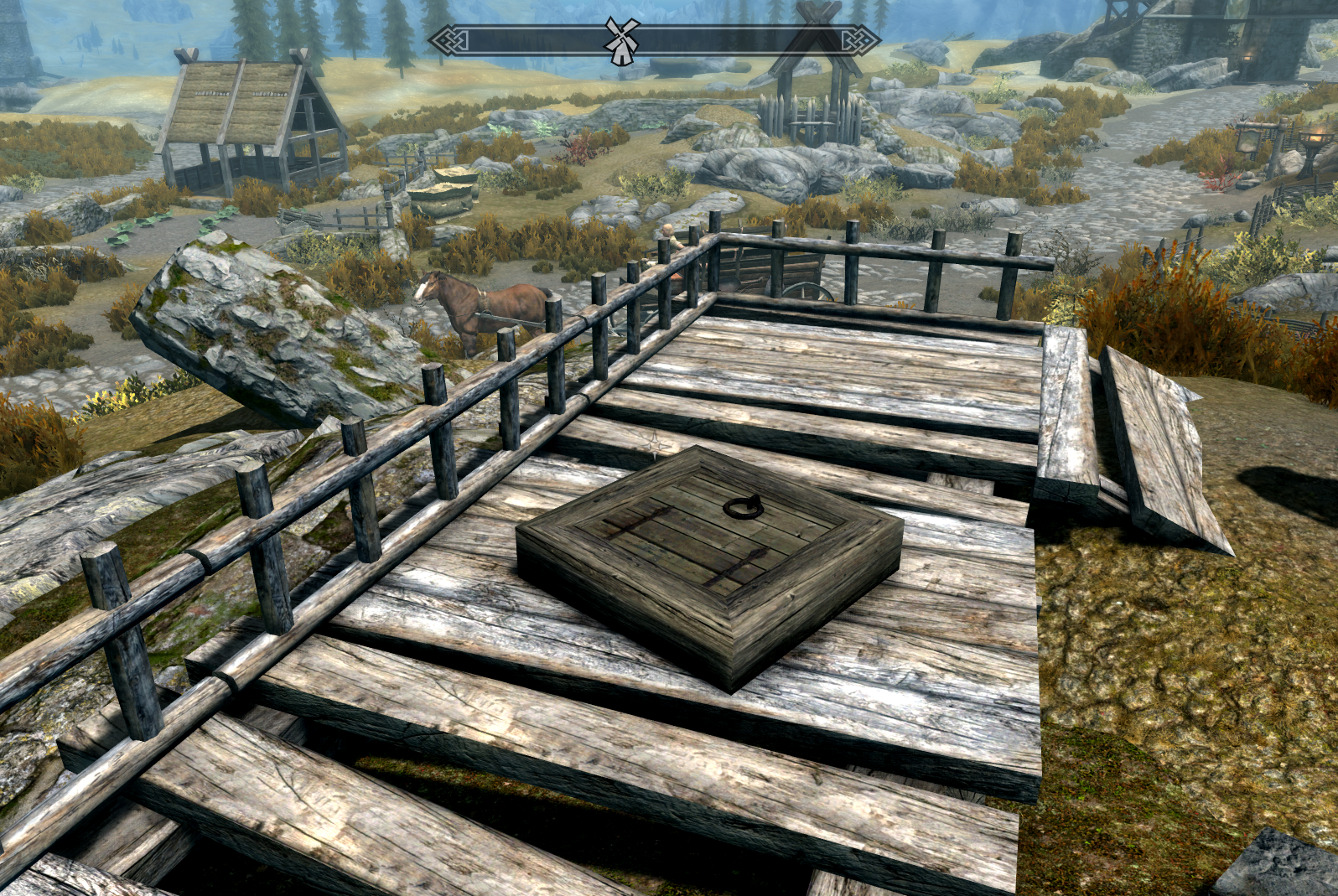
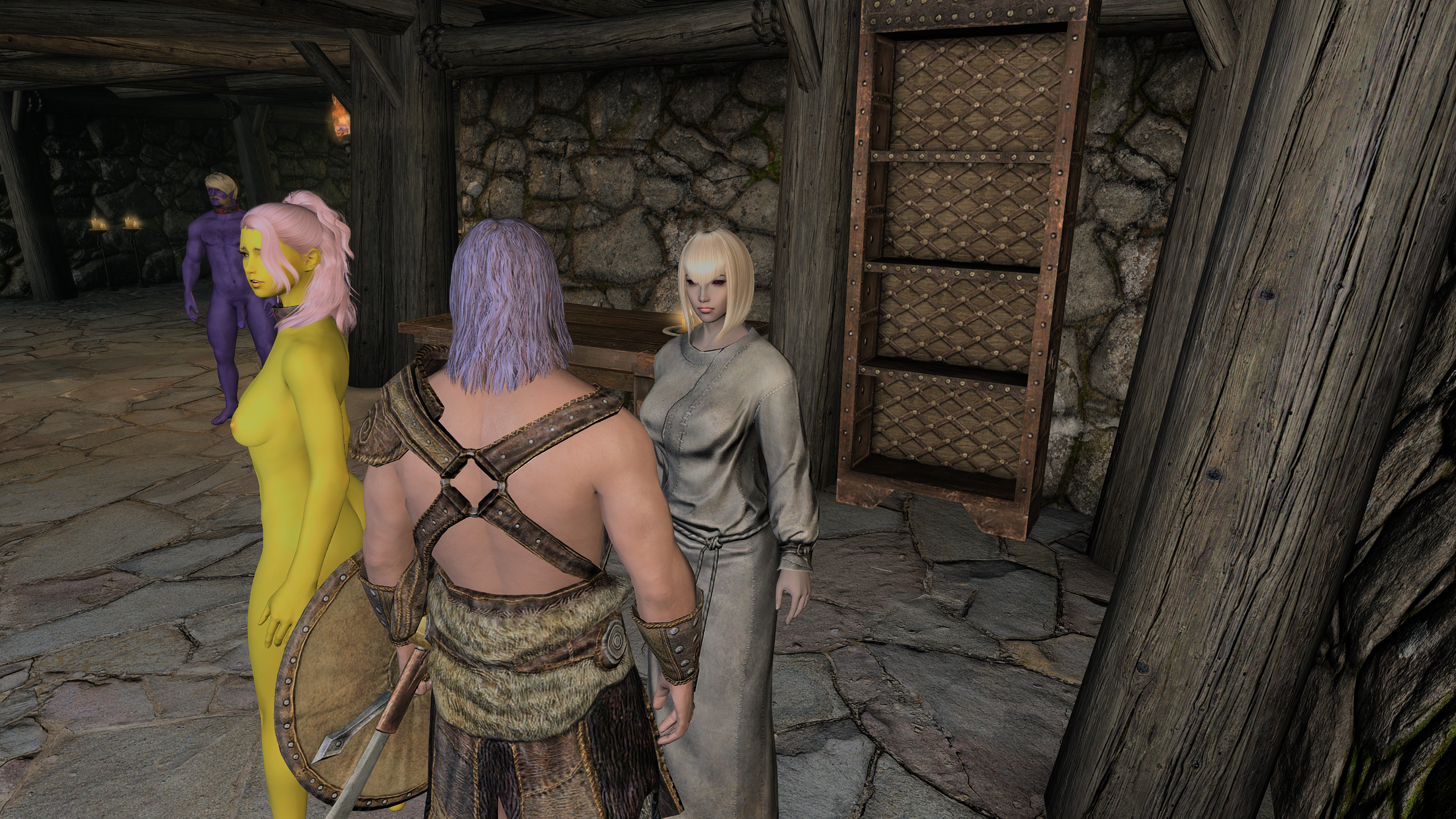
You can receive 4-types of customization services from the barber. And, Barber charges Septims for each service.
Built-in Features
1. Hair Color & Body Color
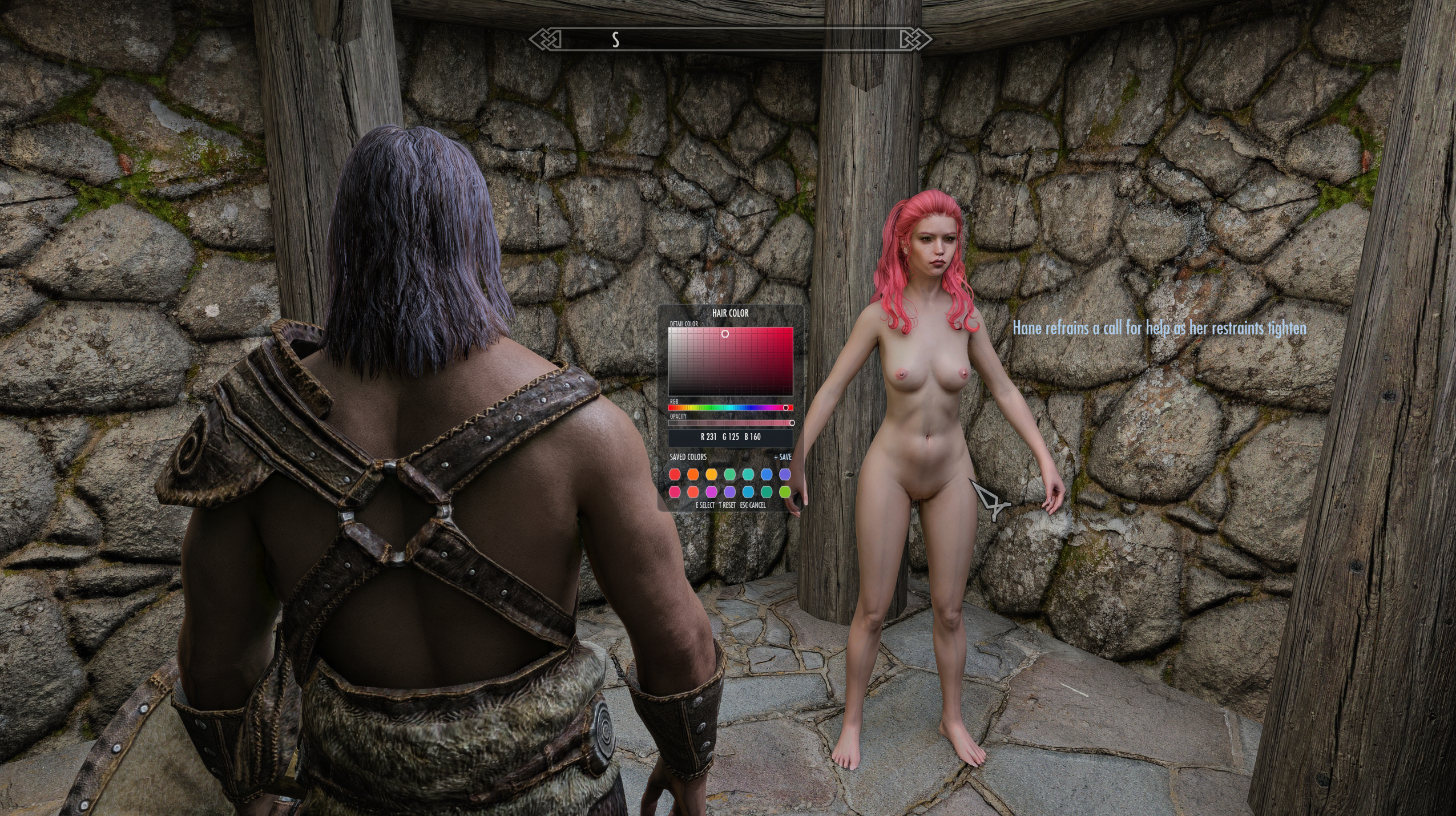
2. Hairstyles
-
Botox hairstyles for female characters are included by default. ** The included Botox hairstyles are used with permission from the Botox Dev-Kaspar482 on Nexus
-
Male slaves use vanilla hairstyles by default.
-
KS Hairdos SE is supported. If you choose to use it, the KS Hairdos SSE mod is required.
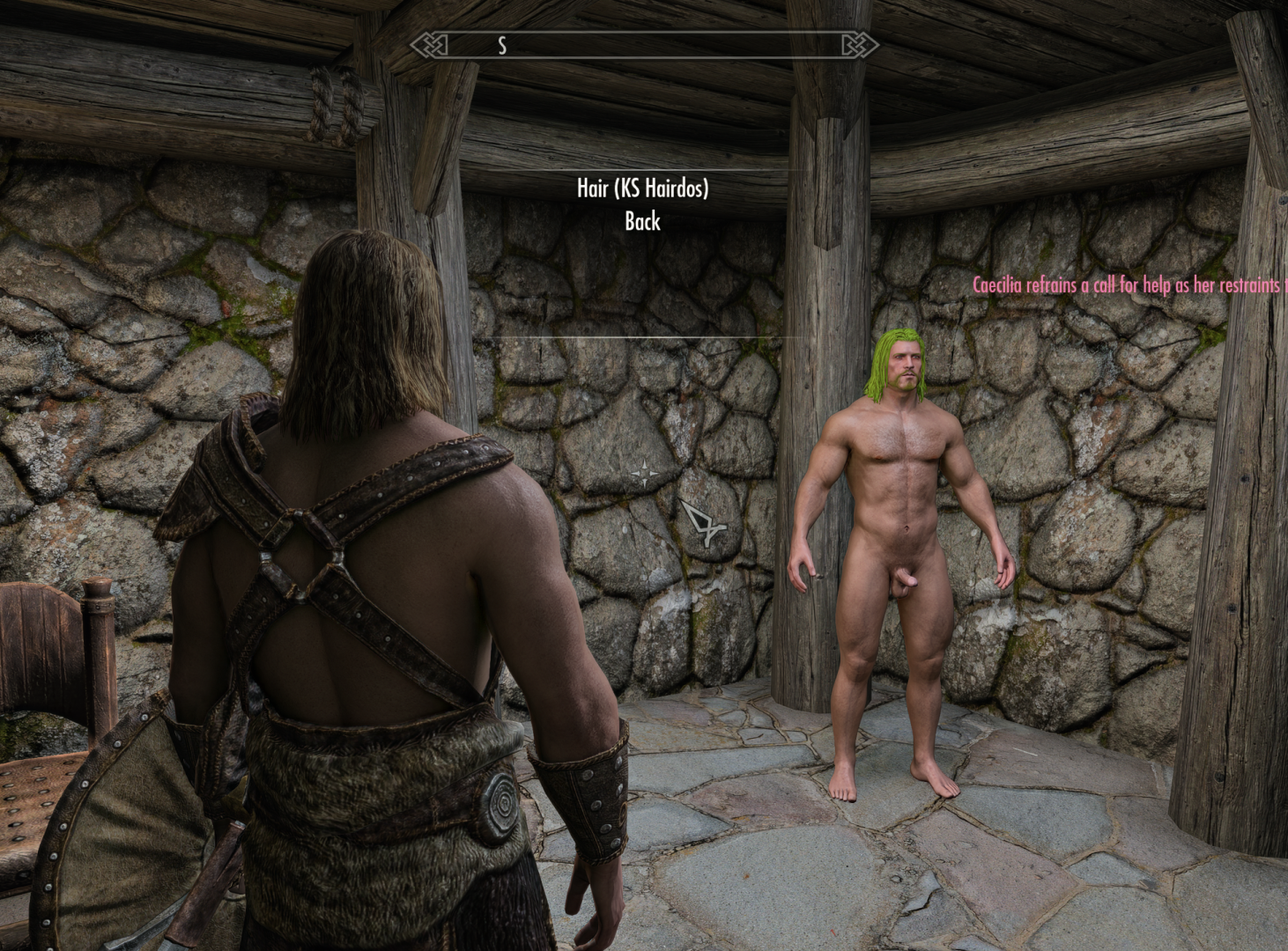
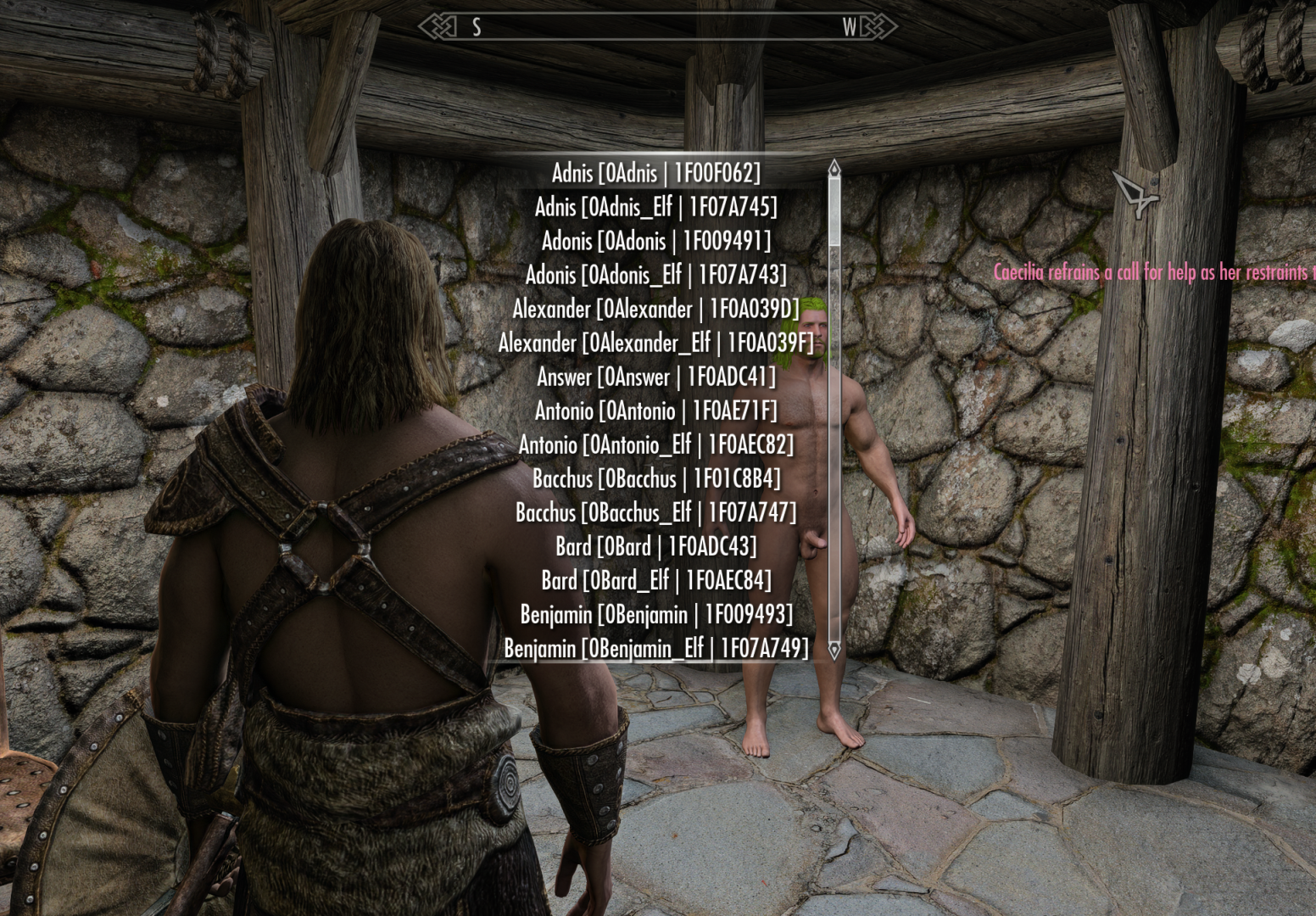
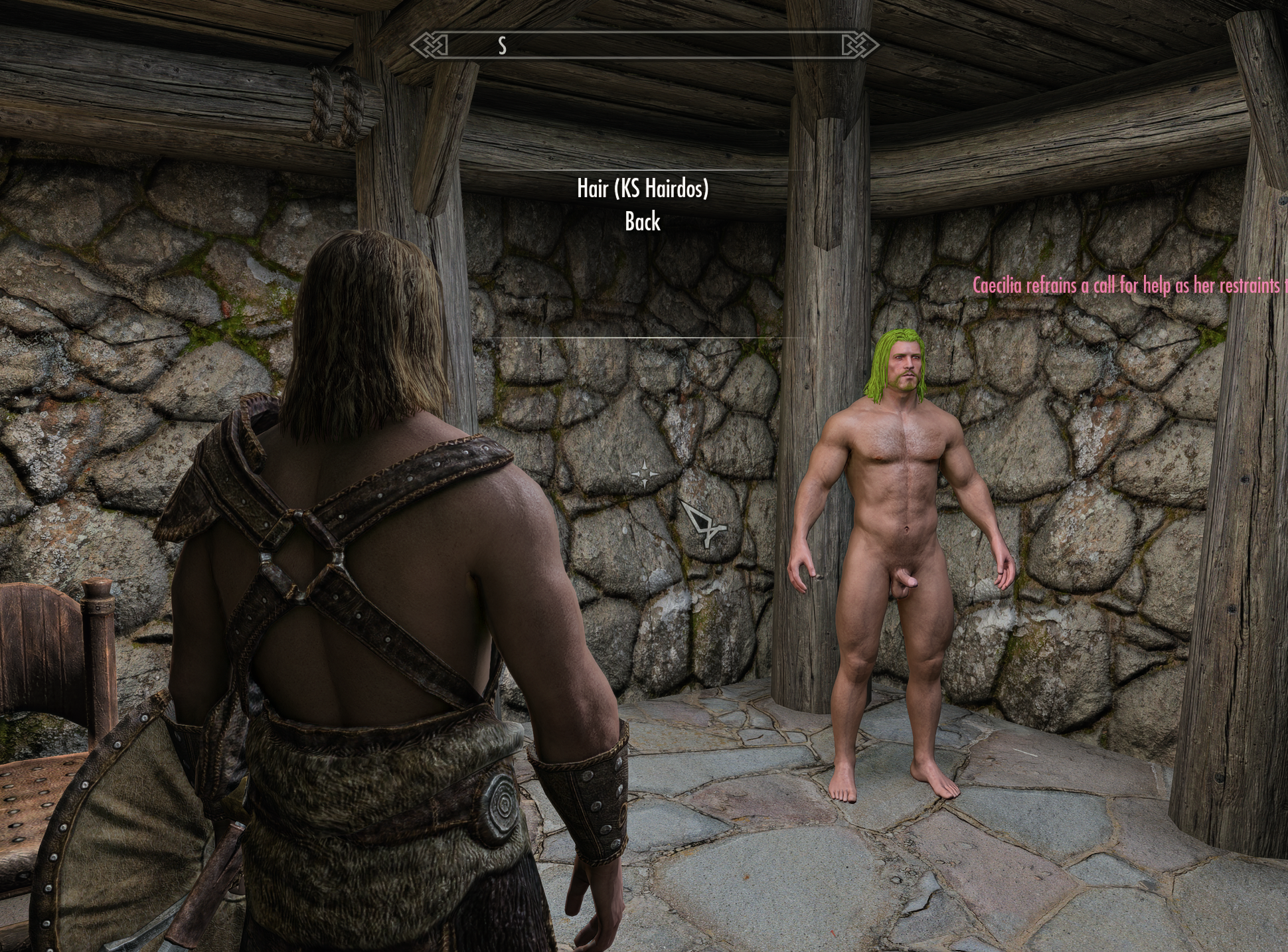
Additional Feature
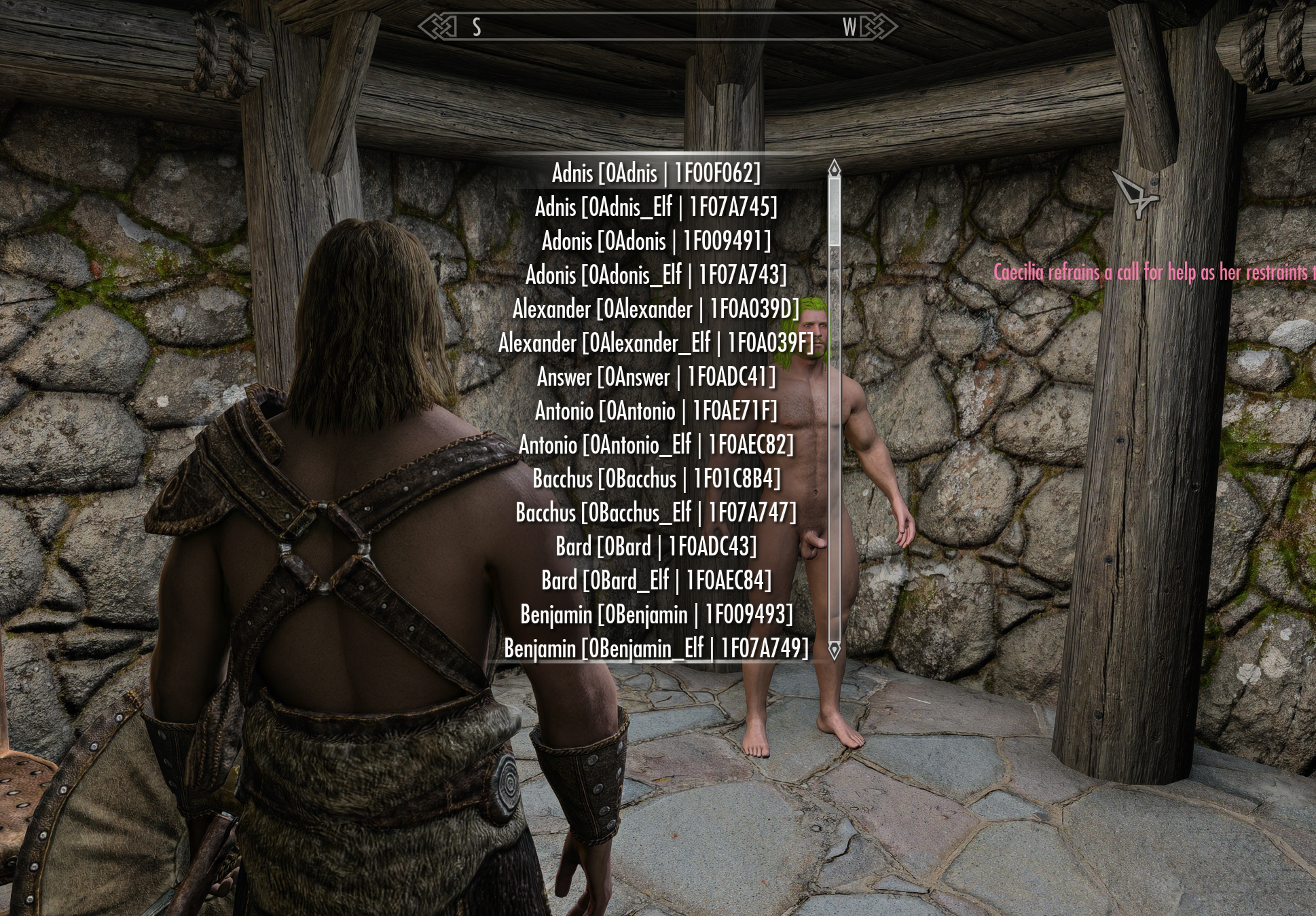
3*. Face Surgery
-
Female slaves currently support Botox SE only, and the Botox SE mod is required.
-
Male slaves are supported with vanilla assets by default.
-
Facial customization supports all humanoid races. Female slaves require Botox SE.
-
With a few exceptions, facial appearance can be changed regardless of the slave's actual race. For example, a Nord can be given the appearance of a Dark Elf. The slave's actual race does not change.
-
Orc, Argonian, and Khajiit slaves can only use facial options belonging to their own respective races.
-
Be careful when using facial customization, as some customization data may be reset depending on the selected actor.
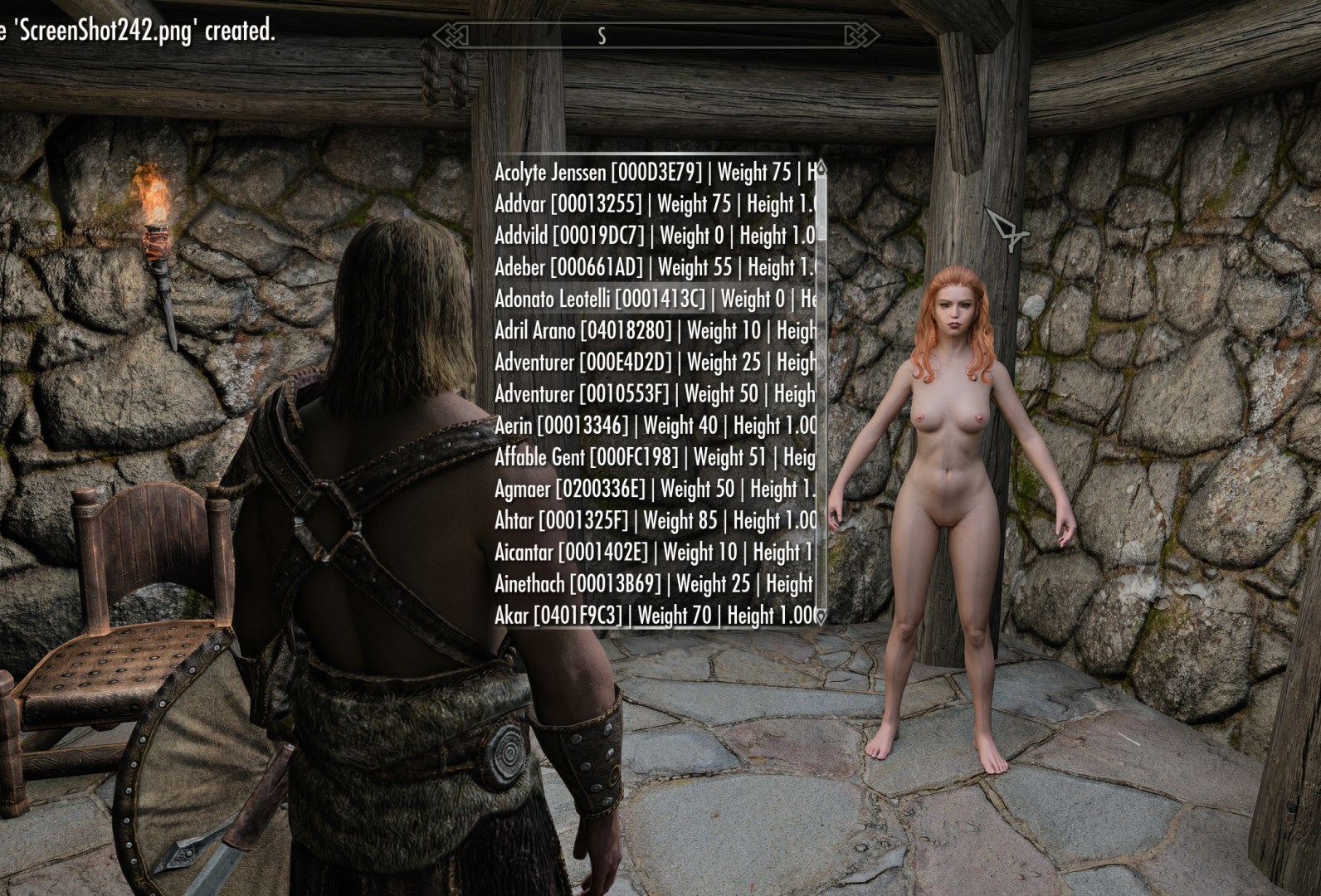
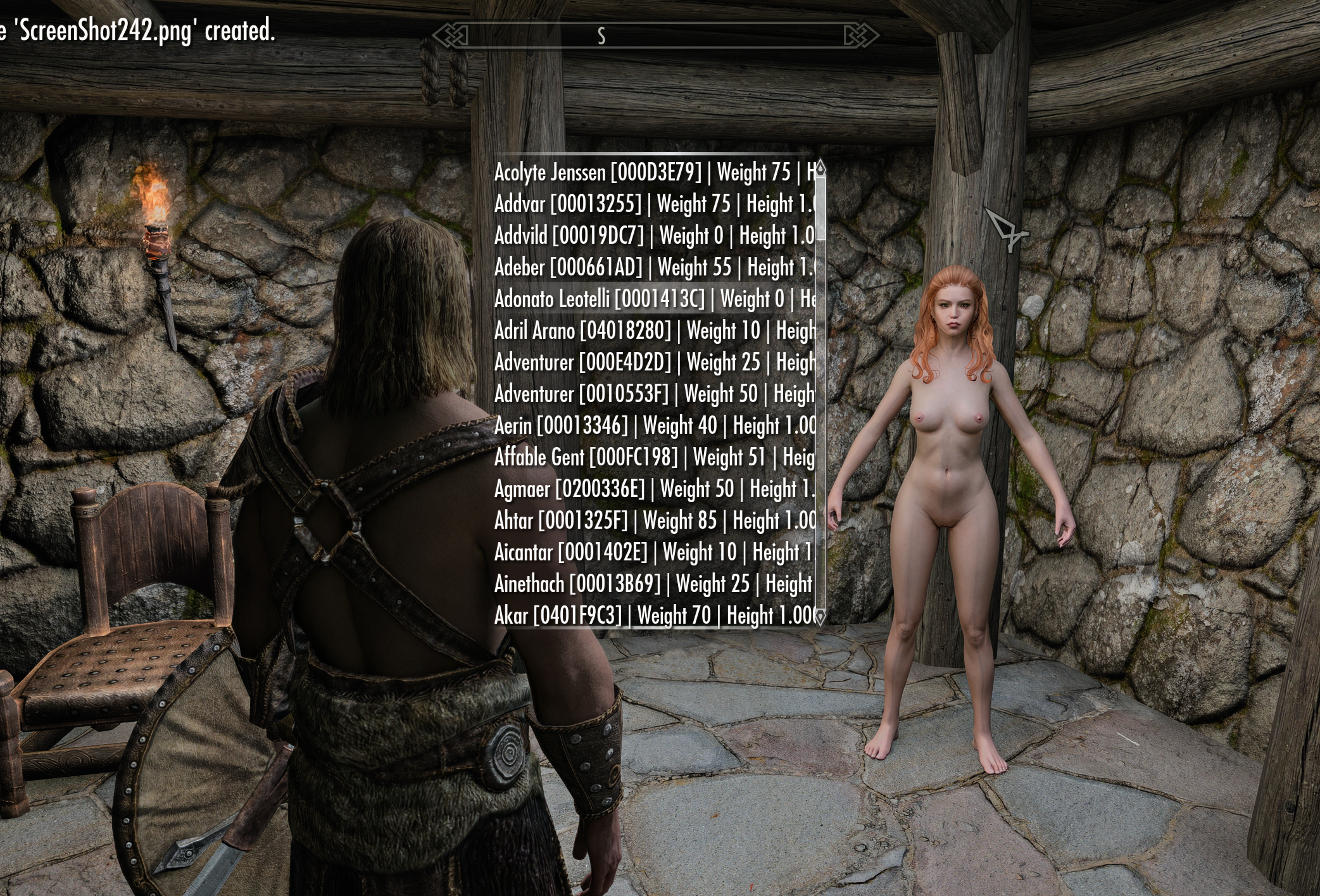
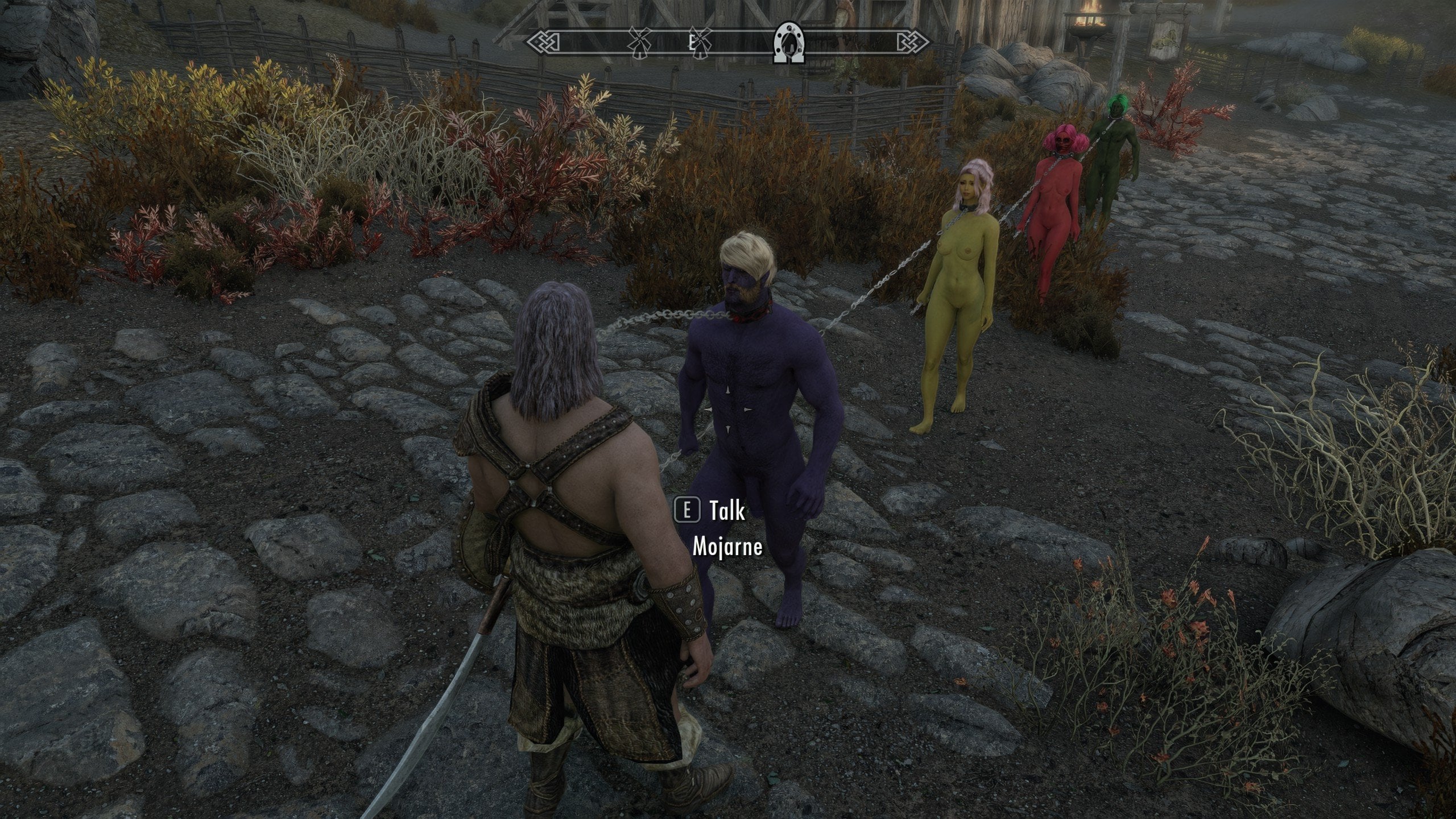
This optional mod was originally something I made only for my own use, but I decided to release it in case others might find it useful.
Its main purpose was to make it easier to tell bandits apart when their appearances were not varied enough.
Once again, this is still a beta version, so it may be unstable in some situations. Please do not expect too much from it at this stage.
Update Logs-
1.1.8
Stable Captives v1.1.8 — Bug Fixes
--- Fixed non-default NPC scales resetting to 1.0 after save/load, cell changes, or DoM refreshes.
--- Fixed repeated scale application that could make captured NPCs progressively smaller or larger.
--- Fixed body-shape distortion caused by incorrect scale restoration.
Compatibility Improvements
--- Improved race, sex, and FaceGen data preservation.
--- Corrected FaceGen mesh and tint-file pairing.
* The reason bandits do not keep their equipment when they become slaves is that the default setting removes all items from the copied NPC before the slave is saved. This can be fixed fairly easily, and I will discuss it with the DoM developer.
* Also, if an NPC replacer or custom NPC mod (ESP/ESL) is loaded after DoM, it may be better to place the Stable Captives ESP below that NPC mod in the right-side load order. I am not completely sure this is necessary, but I mention it as a precaution to help prevent potential issues.
**
This update ensures compatibility with the latest version of DoM, 8.5.1b.
Older versions will likely work as well, but compatibility cannot be guaranteed.
**
If existing save files cause a CTD, a new game will be required. Sorry about that. This was an important bug fix, so unfortunately this could not be avoided.
1.1.9
Stable Captives 1.1.9 has been updated.
--- Added support for OBIS. (If you use Botox, be sure to select OBIS in the Botox FOMOD options.)
--- Improved compatibility with other bandit expansion mods as well.
--- Further strengthened the plugin and script logic used to resolve and preserve bandit appearances.
(Underground Salon) - 0.1.0
Added MCM options for removing FaceTint details.
-
Preserve FaceTint Details — Enabled by default. If disabled, all makeup details such as warpaint and dirt will be removed when using the Face and Body Color or Face Surgery services.
-
Preserve Scar — Enabled by default. If disabled, scars will be removed when using the Face Surgery service. However, scars are a little more complicated than makeup. Deep scars that are baked into the base face texture or an overlay cannot currently be removed.
1.2.0 & (Underground Salon) - 0.1.1
Stable Captives 1.2.0 & Underground Salon Beta 0.1.1 Update
-- Salon now runs on AE.
-- Added ODF support. (Not all overlays have been tested. Depending on the ODF JSON configuration, some overlays may not be copied, so check the settings carefully before use. Further questions regarding ODF will not be addressed.)
-- Fixed several issues.