

About This File
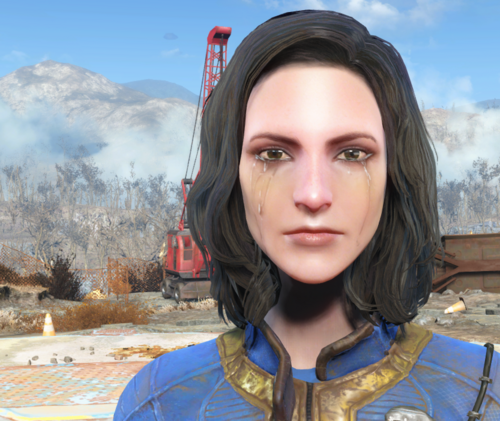
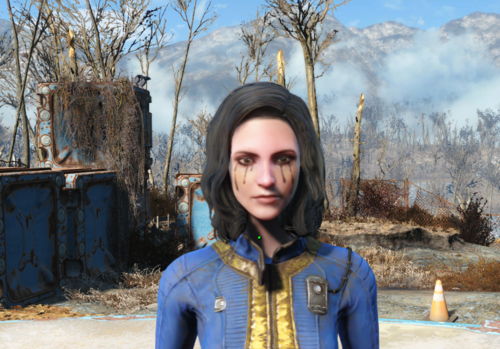
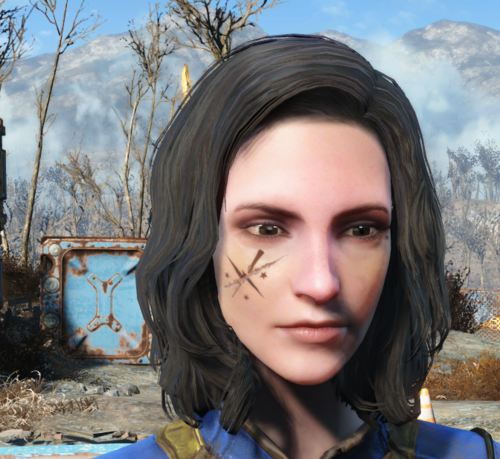
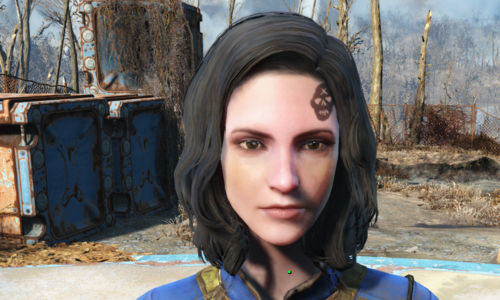
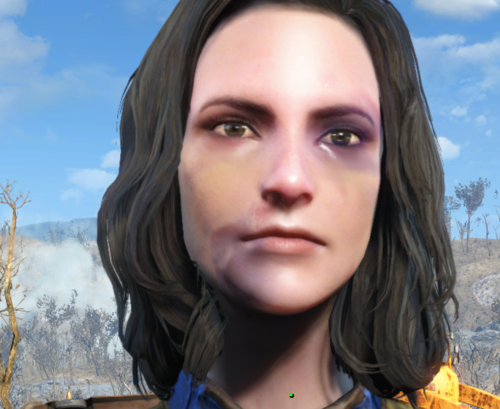
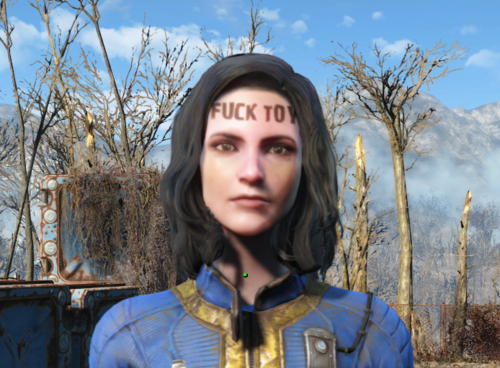
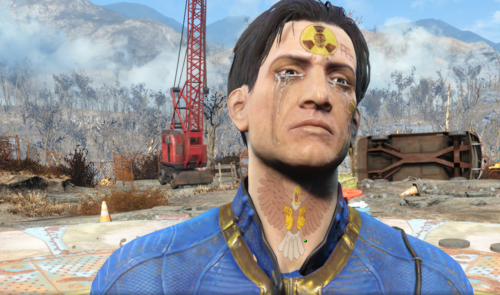
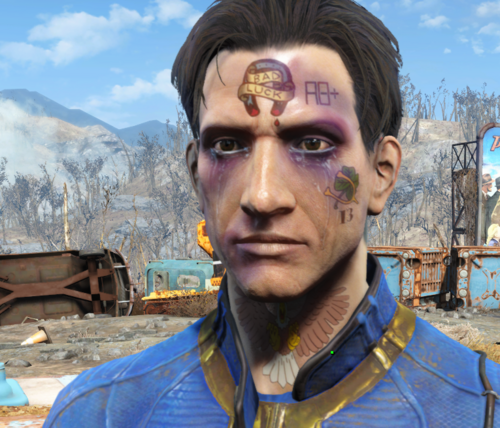
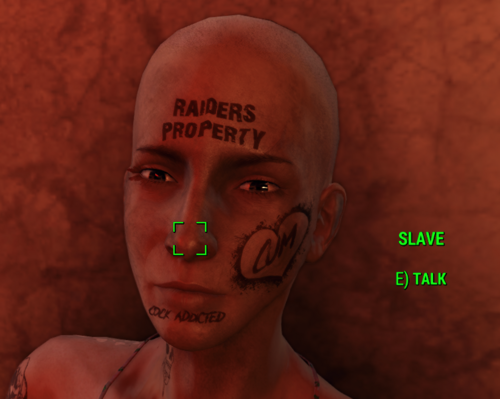
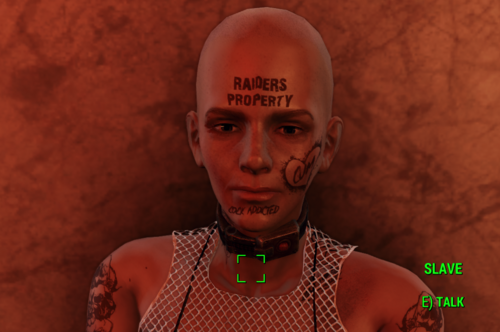
This mod gives you the possibility to apply face overlays in papyrus by “converting” looksmenu face tints into headparts. It’s a resource and a workaround (hopefully temporary) for modders who want to apply face tints in their script instead of manually via looksMenu Ui.
This mod doesn’t contain any texture, so make sure to also download the looksmenu face tints you want to use (only textures are required).
This is an alpha version and more like a proof of concept, it's open to suggestion and improvements.
How it works:
Each facePart contains a modified vanilla head .nif and a material file pointing at the face tint texture. I'm no game artist so the hardest part for me was to find the right settings in order to imitate the looksmenu blending mod (“blendingOp”). All the HeadParts use vanilla assets, so face morph should be fully functional.
It’s a work in progress, I only added support for a couple of vanilla face tints and two mods.
How to install:
- Install using any mod manager (the mod is also mirrored on Nexus). Again, don't forget to download the looksmenu face tints you want to use (only textures are required).
- FormList: All FaceParts are stored in formLists, one per category. If you have Garden Of Eden installed (V14.5 or higher), the mod will use a master/global Formlist that contains all the other formlists to look for headParts to apply. Highly compatible with Form injection (RobCo Patcher).
- Structs: If you don't have Garden Of Eden installed, the mod will use a struct array property (not really compatible with Form Injection).
How to use this mod:
The source files are included and the script is simple and self-explanatory. (See Spoiler).
Those are all functions available for now: (open to requests and suggestions)
Bool Function ApplyHeadPart(String akCategory, String akTintName, Actor akActor = None)

;akCategory: Category name, found in "Data\F4SE\Plugins\F4EE\Tints\PlugiName\categories.json" or ingame looksMenu ("slm").
;akTintName: Face Tint name, found in "Data\F4SE\Plugins\F4EE\Tints\PlugiName\templates.json" or ingame looksMenu ("slm").
;akActor: if none, headPart will be applied to player

Bool Function RemoveHeadPart(String akTintName, Actor akActor = None)
;remove "akTintName" from "akActor".

Bool Function RemoveHeadParts(String akCategory, Actor akActor = None)
;remove all Face Tints found in "akCategory" from "akActor".

Function RemoveAllHeadParts(Actor akActor)
;Remove All headparts applied by this mod (all of them).

Function PrintHeadParts(Actor akActor = None, Bool bOverlays = False)
; Output all headparts applied to "akActor" in log (For debugging).
Here's an example on how to call this mod functions from your mod without adding any dependency:
;Apply a FaceTint to Player:
ScriptObject SFT_Script = Game.GetFormFromFile(0x8A, "SFT.esp").CastAs("SFT:SFT_API")
Var[] Params = new Var[3]
Params[0] = "Category name"
Params[1] = "Face tint name"
Params[2] = Game.GetPlayer() as Actor
Bool Result = SFT_Script.CallFunction("ApplyHeadPart", Params)
You can keep track of all applied faceTints in your script but i can make something similar to Looksmenu overlay and make the function return an index for you if it's really necessary.
Supported Face tints:
- Vanilla face tints:
- All Vanilla tats (should have the same magazine requirements as the Looksmenu counterpart).
- Some Damage face tints (Boxer 1 to 4)
- Mod added face tints:
How to make your own headparts:
I will add an article to explain it in detail.
Limitations:
- Vanilla unique NPCs are not supported, you need to force the game to generate their appearance data at runtime by flagging the actor as "is CharGen Face Preset". Can have negative impact on framerate. Most mod added NPCs should be fine though.
- For Leveled NPCs, the face tints will be temporary, as soon as you load a save, the texture will be gone.
- Can't use material swap on head parts. Each Face Tint requires its own material and nif file.
- Can't use TextureSets either because most face tints require transparency.
Changelog: V1.1
- Added support for male characters (only vanilla stuff + tears for now).
- Edited Tats Material files to add more contrast.
Future updates:
- Add support for more face tints (mostly on request).
Credits:
- @JB. and all the original authors who created the face tint textures supported by this mod.
- @spicydoritos & @kziitd for showing me the way (CMz).
- @CRWREX for valuable information about material file tags.
- @LarannKiar for the excellent script extender (GOE).
- @Blaze69 & @Maxie_Alice for all the informations about headpart limitations and bugs.
- @EgoBallistic, @vaultbait, @EngineGaming for suggestions and support.
- @Tentacus: I wanted to apply face dmg in script since my first beating in HARDSHIP.
- @Anyone who takes the time to help other modders and shares his work and knowledge.
Edited by lee3310
What's New in Version 1.3.1 (Beta testing)
Released
-Added ApplyHeadPartIfNone(), HasHeadPart(), GetHeadPartCount()
-GOE Only: ApplyHeadPartByFullName(), ApplyHeadPartByFullNameIfNone(). Simpler and Faster.
-Added support for "HiPoly Faces REDUX" on request (FG only). Check nexus mirror for more details.
-min.thumb.png.177d3c17765bd3b8c85e4995a9516dd1.png)