About This File
This is NOT my mod, I take no credit for this mod, all credit goes to Kurwintor, Kurwinator last visited Nov 1, 2021, so when he comes back and posts the Mod or asks me to remove his mod I will do so ASAP.
This is a Split Mod due to file size SUPPORT the new Xcom 2 area by downloading it from HERE or use the still currently working off site link listed below Or do both. Install instructions are after Kurwinator's post.
Kurwinator last visited Nov 1, 2021
Kurwinator Posted March 23, 2021
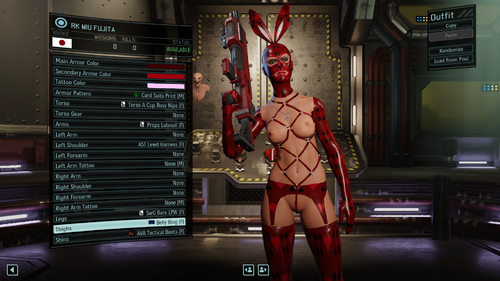
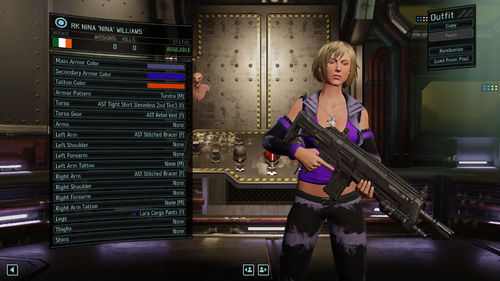
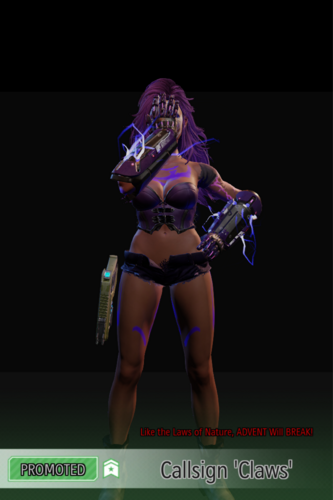
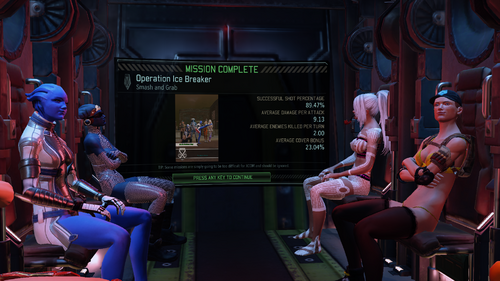
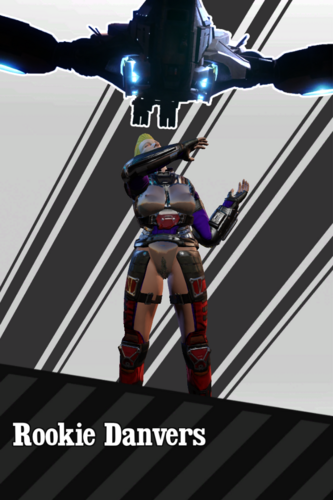
Here we go. First pre-alpha LL Pack upgrade.
Whats added:
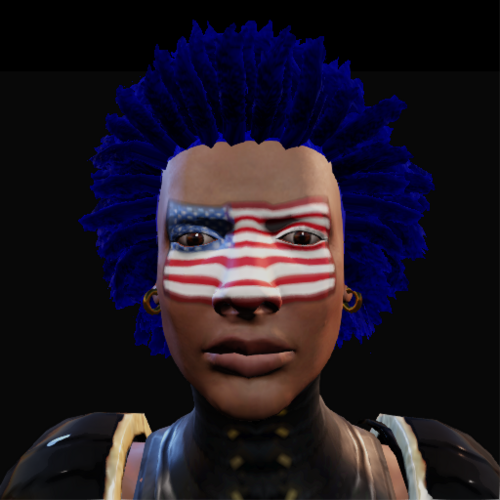
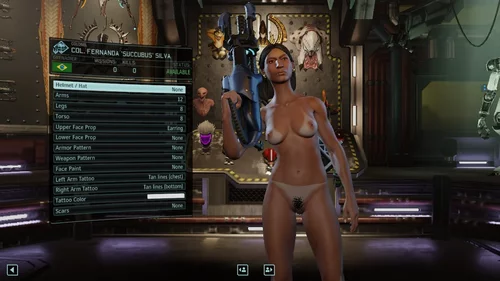
1) Lots of face piercings
2) Some nipple piercings
3) Some stuff from Female Clothing Pack
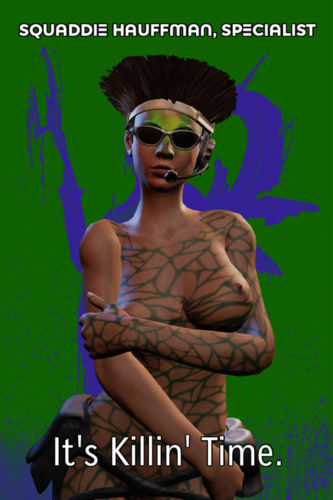
4) One tattooed body type aka "Big Nipples" with all five breast sizes
5) Smooth-shaved Legs with hi fishnet and sheer stockings as a single objekts
6) Pubic hair now have same color with head hair (but it's worcking not well for dark shades)
In plans for next update:
1) Set multislot for items
2) Add more piercings and small clothes/jewelry
3) Add more tattoos and make all legs avaible for tattoos
I trying to do experiments with big stuff (skirts, boots, suits) but temporary unsuccessful. Also, heeled shoes can be add only with leg due to the peculiarities of the engine.
WARNIG! ATTENTION! ACHTUNG!
MAKE A BACKUP BEFORE INSTALLING!
Improved LL_Pack Mod
Current version: 0.1.2.2
WARNIG! ATTENTION! ACHTUNG!
MAKE A BACKUP BEFORE INSTALLING!
https://www.mediafire.com/file/x0s8utse9l34mve/WOTC_LL_Pack_v0.1.2.2.7z/file
Installation
1. Download the all the files. (this is a split mod due to it's size) (the files will be in your download folder)
2. Download 7zip if you do not have it, I use the top choice in the list, I used 7zip to split the file, so best to use 7zip to recombine the files, here is the link https://www.7-zip.org/download.html
2a. run the 7zip installer you just downloaded.
3. With 7zip select the first of the files, ModName.7z.001(IE the file ending in .001) use "Extract here" on that file. It will automatically combine all files into an unpacked mod folder called ModName, this is the folder you copy and paste into your xcomgame/mods folder. ModName stands for whatever the mod name really is lol
4. run alt mod launcher and activate the mod.
if you need more details on how to install xcom mods go here
https://www.loverslab.com/files/file/34645-how-to-install-xcom-2-mods/