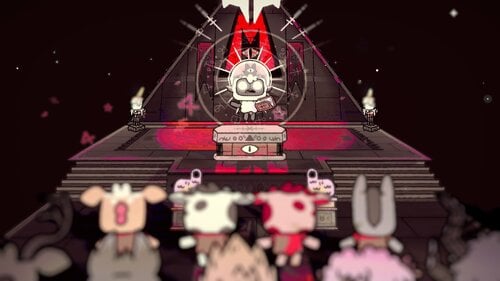
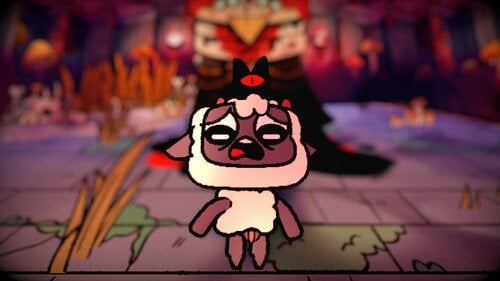
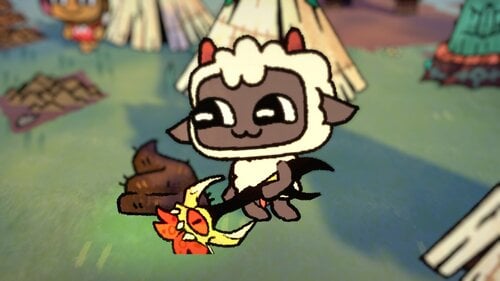
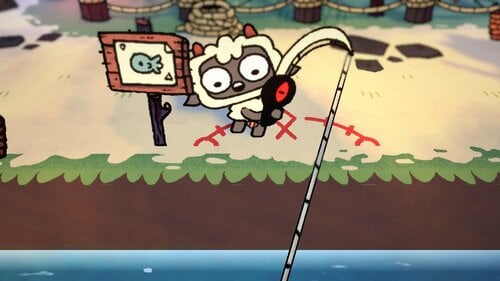





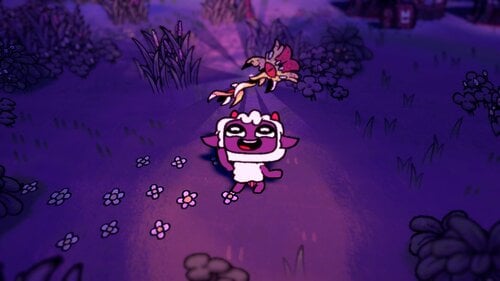
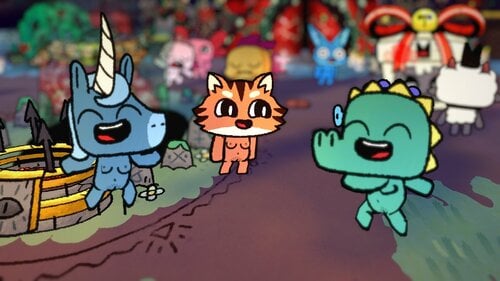
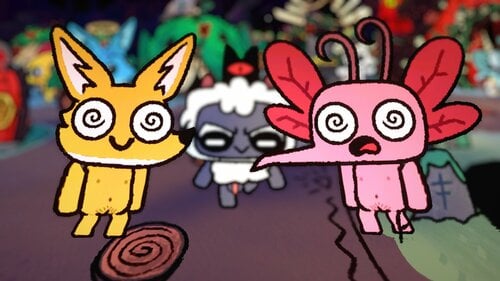
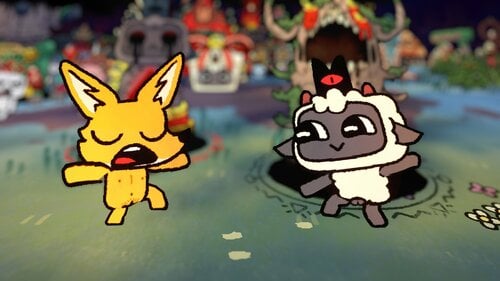
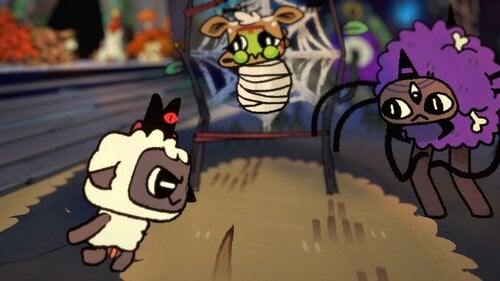
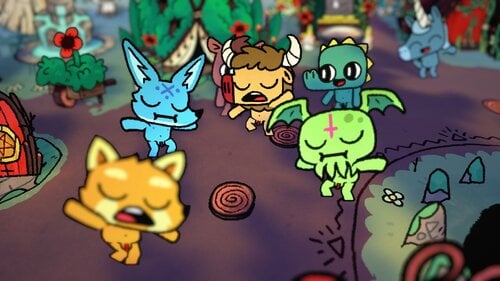
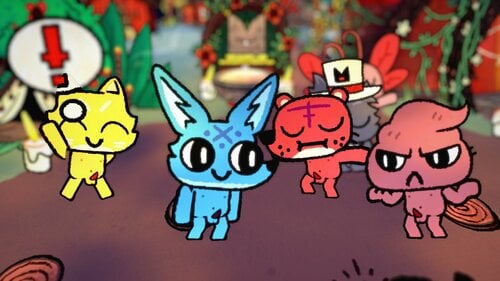
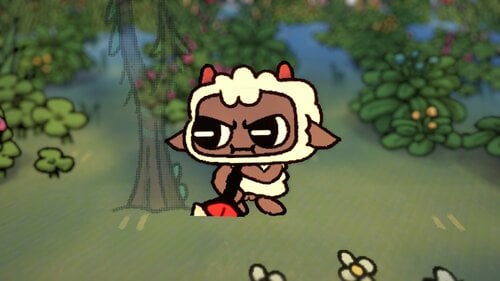


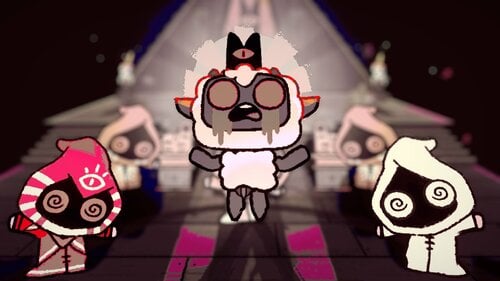

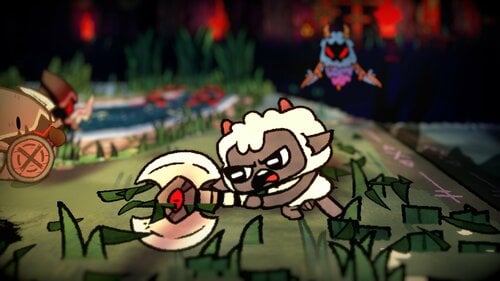

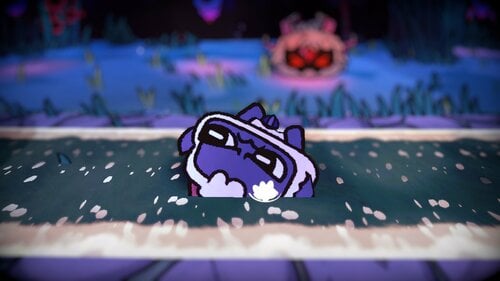
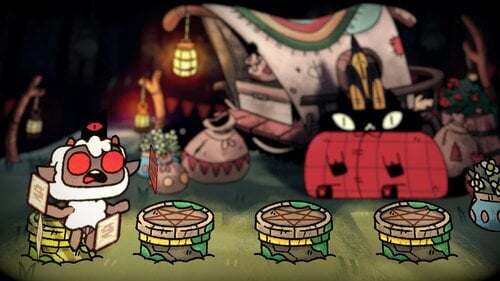
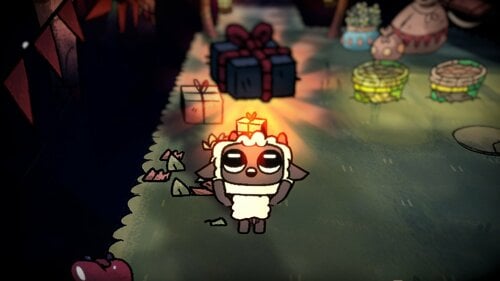
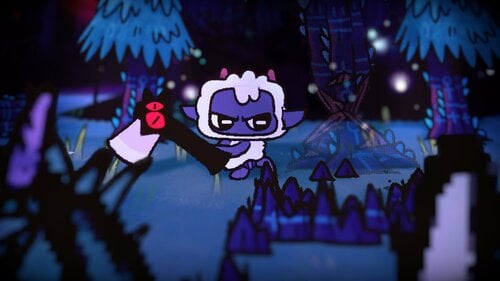
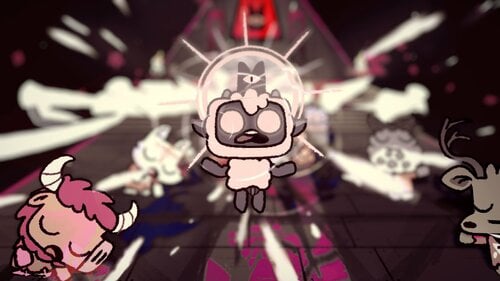
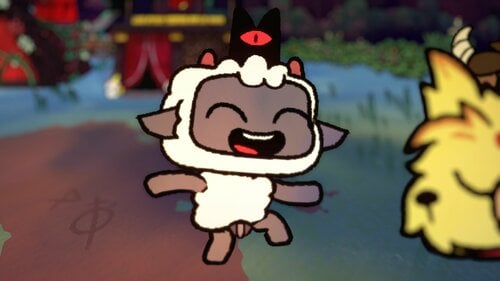
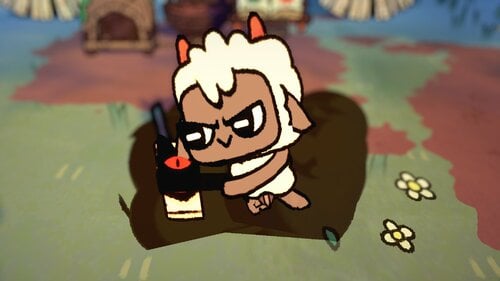
NOW SUPPORTS THE WOOLHAVEN UPDATE/DLC
Make your cult embrace true nudism by disallowing fig leaves for covering.
With these mods, your followers and yourself can be exposed for all to see!
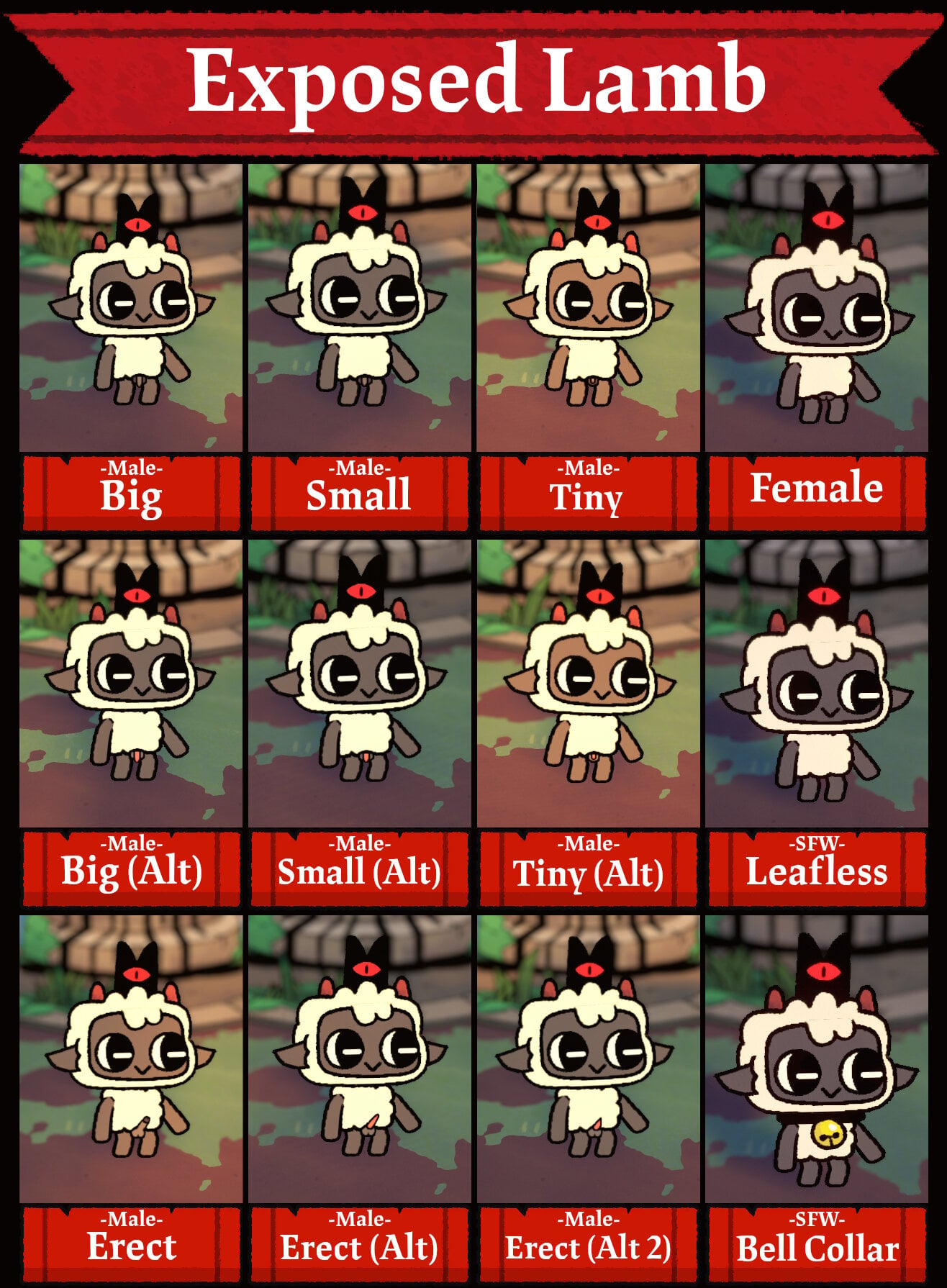
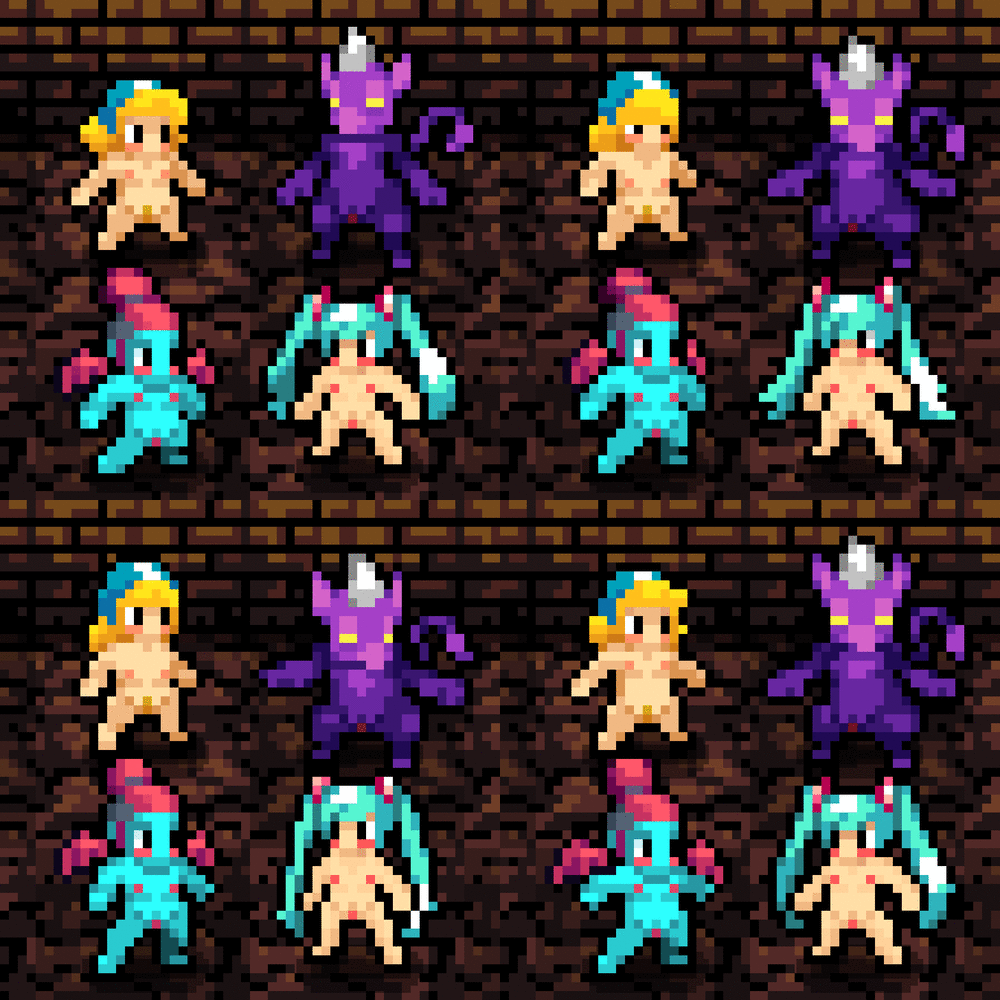
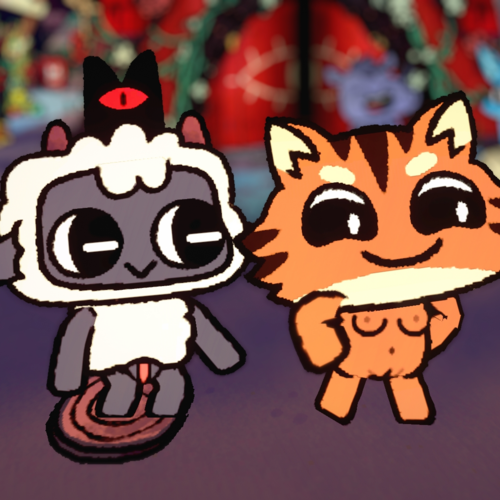
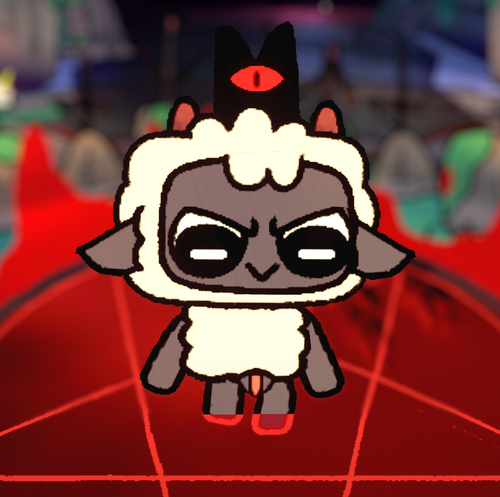
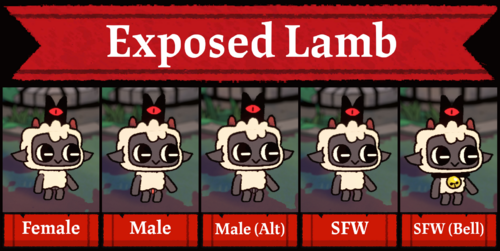
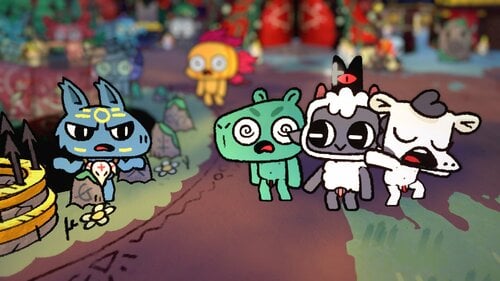
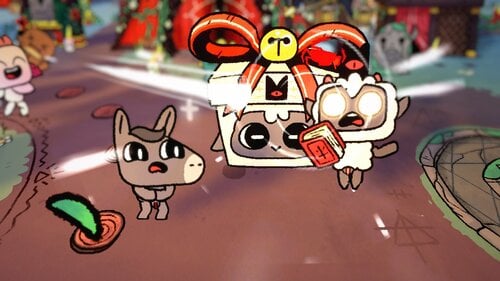
This mod shaves off the wool from your Lamb's groin to reveal their bits, either male or female.
Alternatively, there's an option to only remove the fig leaf from their Fleece of the Natural.
Requires the Sinful Pack DLC in order to wear the nude 'outfit'.
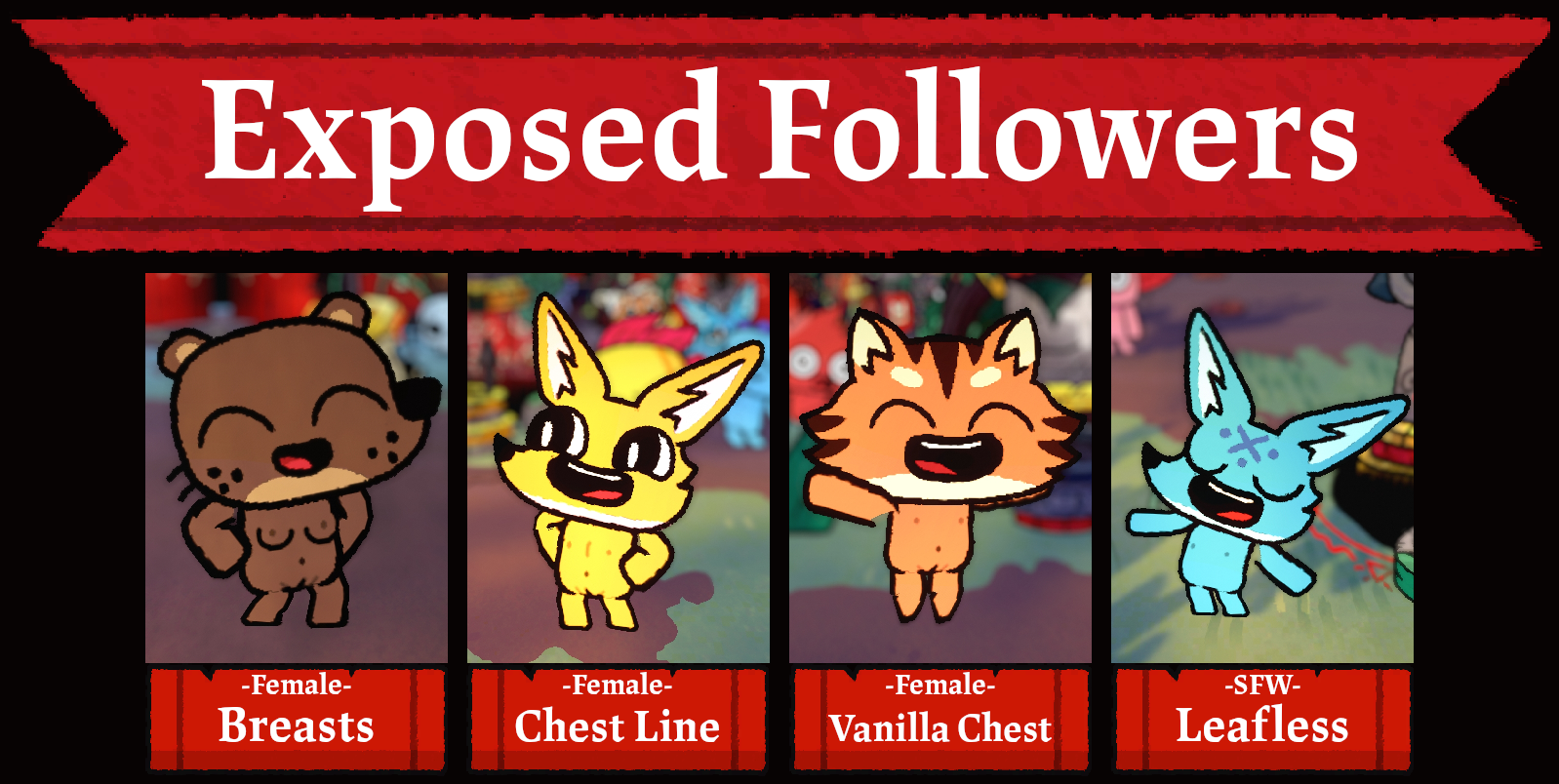
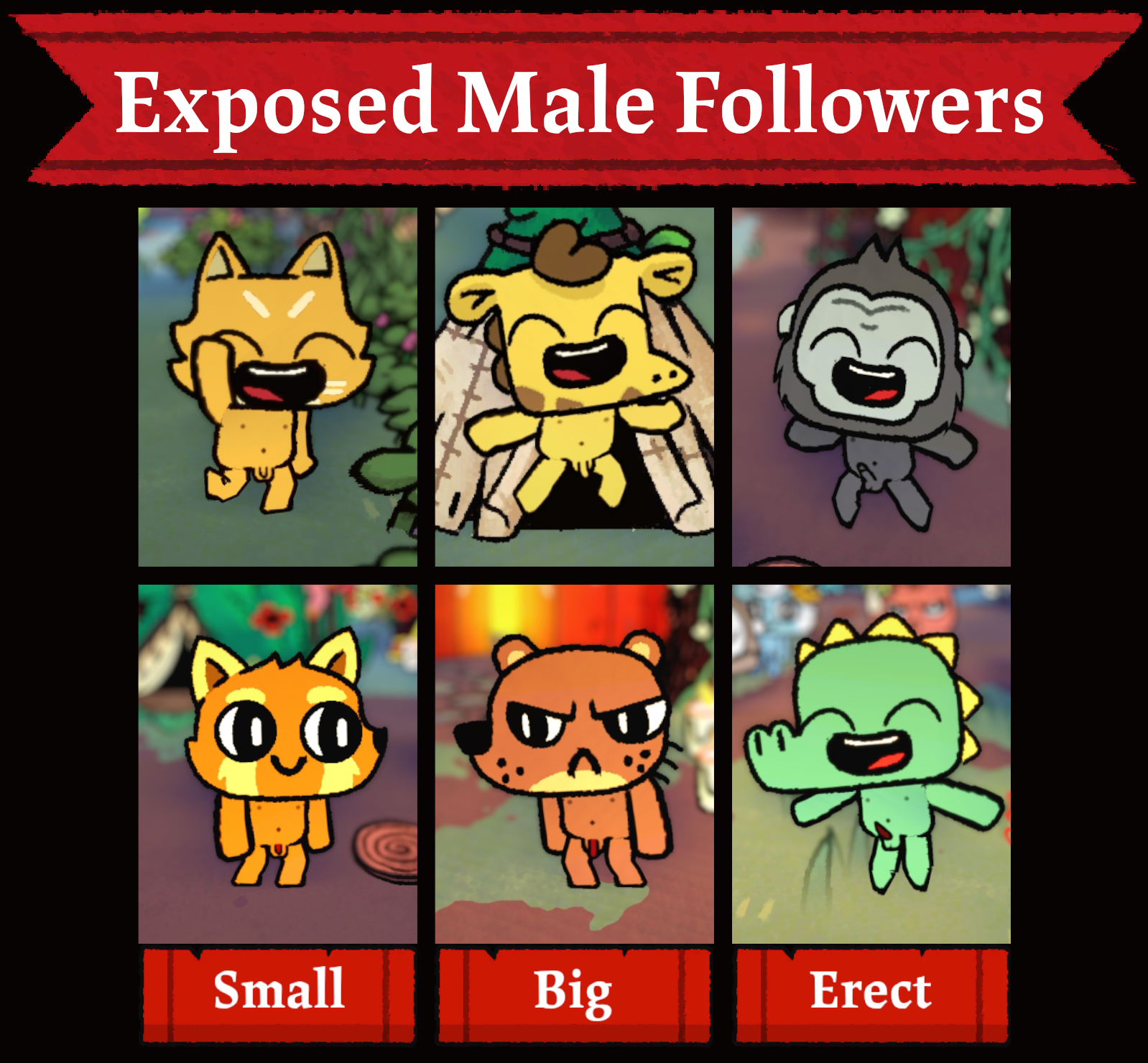
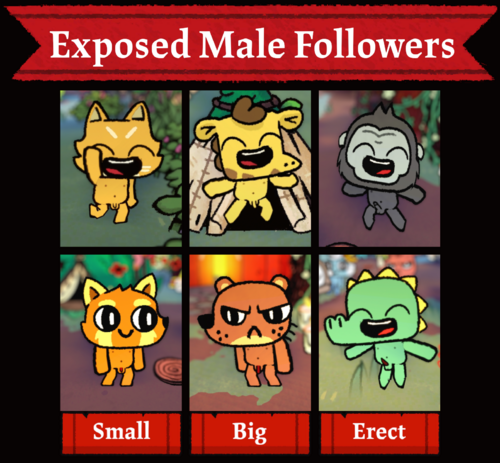
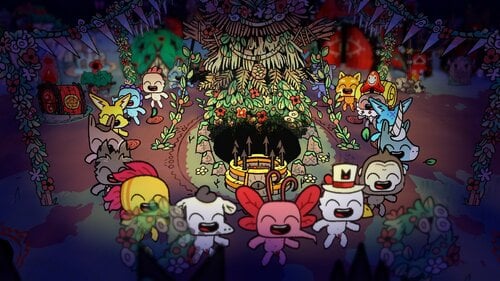
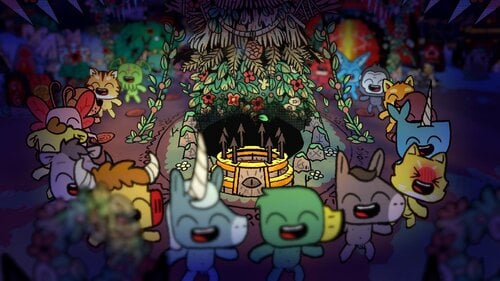
Make your followers truly embrace nudism by banning the use of fig leaves for covering to reveal their bits.
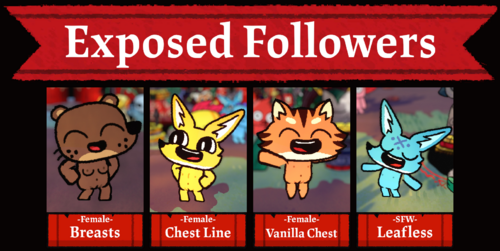
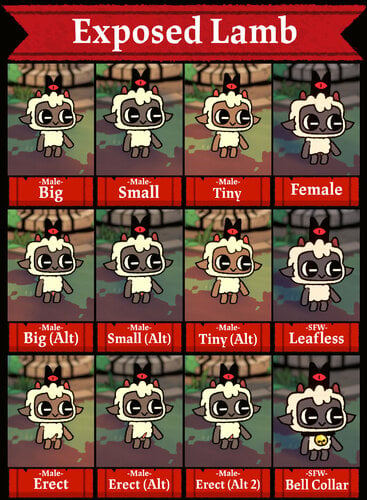
- There are three versions for female: vanilla chest, flat-chested line, and with breasts.
- There are six variations for male that have different penis size and colour.
- Red penises have different shades depending on the colour of the follower.
- There's a SFW leafless version which doesn't show any genitals.
Note that because there's no specified genders for Followers in this game, using this texture mod will make all Followers have penises or pussies (+ boobs).
Discussion Thread:
Edited by Catnatic
Updated for Woolhaven DLC
What's New in Version 1.2 - 1.5.25.1049
Released
Compatibility patch for game version: 1.5.25.1049 (Woolhaven)
I recommend installing the nude mod for followers first before the lamb.
FOLLOWERS
Method 1: Drag and Drop
1. Move "feec4c3c4756515edb46c48464103089.bundle" to:
"Cult of the Lamb\Cult Of The Lamb_Data\StreamingAssets\aa\StandaloneWindows64"
2. Replace the original file. (I recommend backing it up before replacing it if you want to uninstall the mod.)
3. That's literally it. Enjoy naked followers!
Method 2: Unity Asset Bundle Extractor Avalonia
1. Download UABEAvalonia from GitHub and extract the contents of the zip folder to wherever you want.
2. Run "UABEAvalonia.exe" from the extracted folder.
3. Click "File > Open" and select "feec4c3c4756515edb46c48464103089.bundle" in
"Cult Of The Lamb_Data\StreamingAssets\aa\StandaloneWindows64" from the game's directory.
Dragging the file to the UABEA window works too.
4. You may be asked to decompress the bundle to file or memory. I suggest you select "Memory".
5. Click "Info" and when the "Assets Info" window appears, find the Texture2D file that is named "Follower".
You can find this file much quicker by clicking "View > Search by name" (or pressing Ctrl + F) and search "Follower"
6. When you have the "Follower" texture file selected, click "Plugins > Edit texture" to bring up the "Texture Edit" window.
7. It is recommended to change the texture format to "BC7".
If you want the texture to look crispier and remove the 'lines" between body parts, change Filter mode to "Point".
Otherwise, leave the Filter mode setting as is.
8. Click on the "Load" button next to the "Texture" text label and select the image you want from the mod folder to replace the texture with.
9. Click "Save" and wait for the program to patch in the new texture.
10. For the male mod, you will need to replace the "Follower.atlas" file so the sprites can appear properly.
Find and select the "Follower.atlas" file, then click "Plugins > Import .txt", and select one of the
"Follower-Male-.atlas.txt" files that matches with the texture you're using.
11. Afterwards, click "File > Save" or "Save as" to save the modified .bundle file.
12. To reduce file size, you'll have to compress the .bundle file.
Re-open the modified .bundle file, click "File > Compress" and select "LZMA". You can now close UABEA after the compression.
13. Afterwards, move the compressed .bundle to "Cult Of The Lamb_Data\StreamingAssets\aa\StandaloneWindows64"
LAMB
How to Install:
1. Download UABEAvalonia from GitHub and extract the contents of the zip folder to wherever you want.
2. Run "UABEAvalonia.exe" from the extracted folder.
3. Click "File > Open" and select "4d08a3f34d27f30eb0729ccbdf42757e.bundle" in
"Cult Of The Lamb_Data\StreamingAssets\aa\StandaloneWindows64" from the game's directory.
Dragging the file to the UABEA window works too.
4. You may be asked to decompress the bundle to file or memory. I suggest you select "Memory".
5. Click "Info" and when the "Assets Info" window appears, find the Texture2D file that is named "player-main".
You can find this file much quicker by clicking "View > Search by name" (or pressing Ctrl + F) and search "player-main"
6. When you have the "player-main" texture file selected, click "Plugins > Edit texture" to bring up the "Texture Edit" window.
7. It is recommended to change the texture format to "BC7".
If you want the texture to look crispier and remove the 'lines" between body parts, change Filter mode to "Point".
Otherwise, leave the Filter mode setting as is.
8. Click on the "Load" button next to the "Texture" text label and select the image from the mod folder to replace the texture with.
9. Click "Save" and wait for the program to patch in the new texture.
10. Afterwards, click "File > Save" or "Save as" to save the modified .bundle file.
11. To reduce file size, you'll have to compress the .bundle file.
Re-open the modified .bundle file, click "File > Compress" and select "LZMA". You can now close UABEA after the compression.
12. SKIP THIS STEP IF YOU'RE NOT USING BIG PENIS VARIATIONS.
You will need to replace the "player-main.atlas" file so the sprites can appear properly.
Currently, this file is in a different bundle called "feec4c3c4756515edb46c48464103089.bundle" so open that bundle with UABEA.
Find and select the "player-main.atlas" file, then click "Plugins > Import .txt", and select the "player-main-bigpenis.atlas.txt" file.
Once you're done with that, save the bundle and compress it.
13. Afterwards, move the compressed .bundle(s) to "Cult Of The Lamb_Data\StreamingAssets\aa\StandaloneWindows64"
14. Equip the Fleece of the Natural at your Temple in-game, and have fun!
How to Uninstall:
• If you backed up the original bundle file(s), have that replace the modded one(s).
• Alternatively, you could verify integrity of the game's files to restore the original assets.


![More information about "[SFW] Tangle & Whisper Nude Pack"](https://static.loverslab.com/screenshots/monthly_2026_03/SFW-TangleWhisper-Thumb.thumb.png.b52418172c1465b4bce8b8aead0e5f1d.png)
![More information about "[SFW] Featureless Nude Wave Pack"](https://static.loverslab.com/screenshots/monthly_2026_02/WaveThumbnail.thumb.png.c8114ebbc8e4a9911499c24b2aa42269.png)