


































About This File

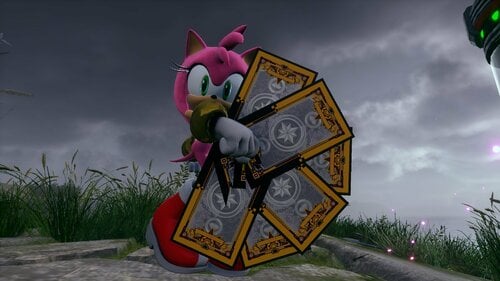
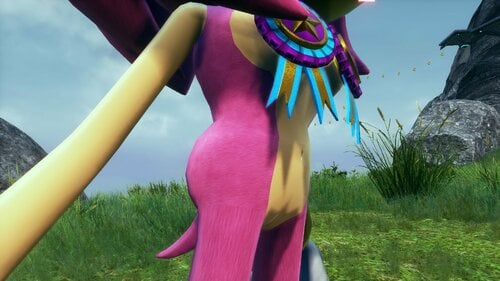
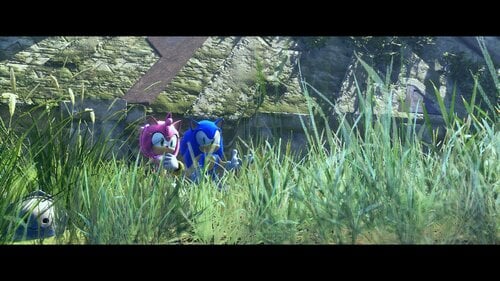
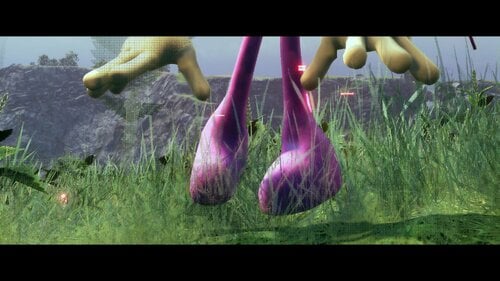
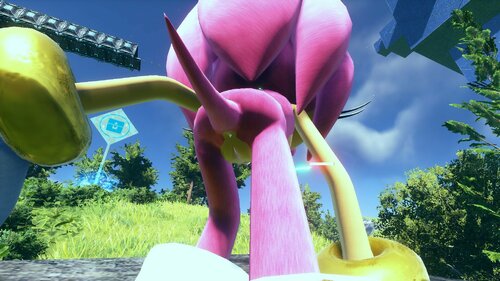
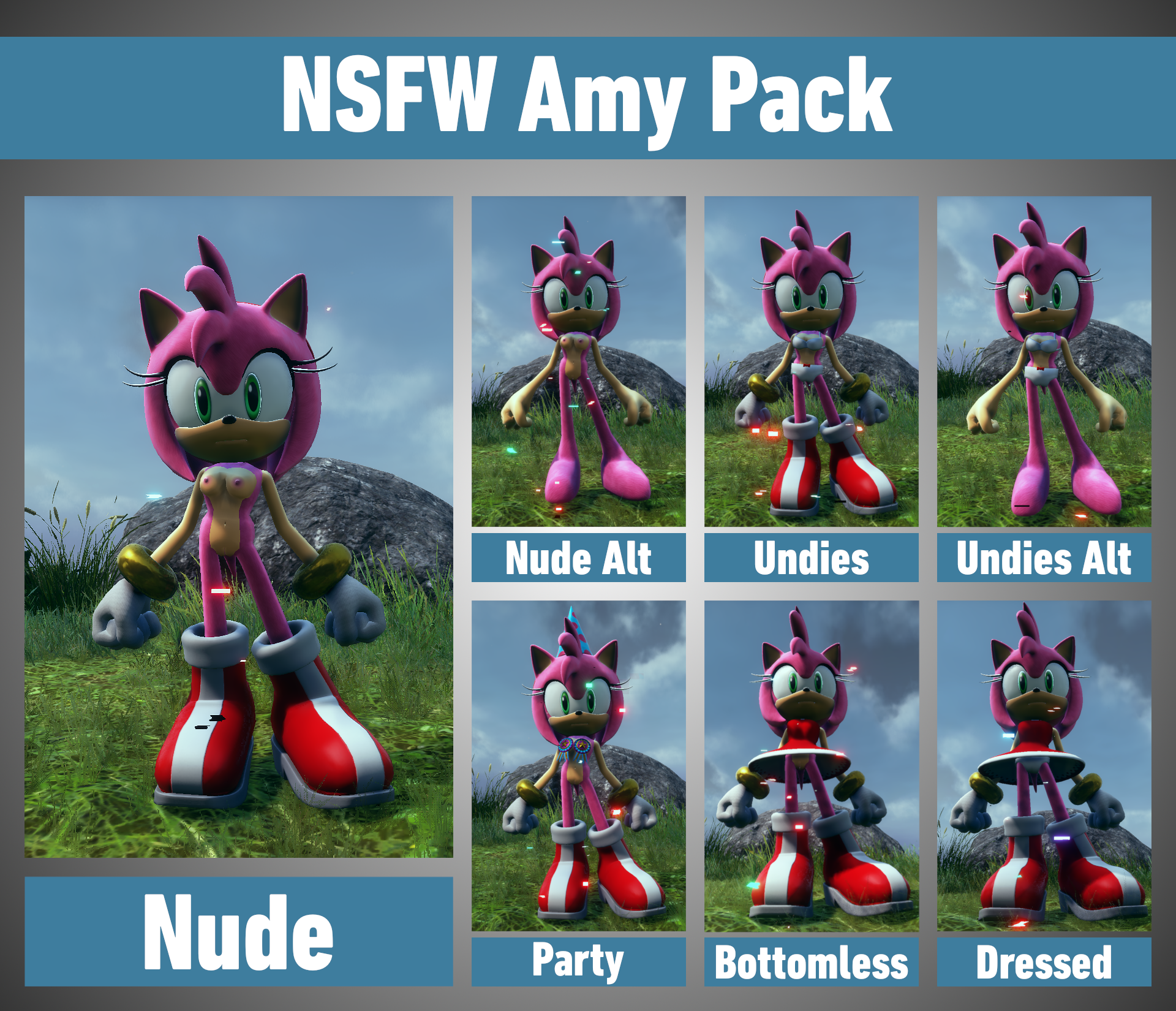
This mod allows you to change Amy's level of exposure from dressed to bottomless to undies to nothing at all!
The skirt of Amy's dress has also been shortened if she chooses to wear it.
This affects three models: chr_amy (cyber-ghost Amy), chr_amy_orig (non-cyber-ghost Amy), and chr_amyP (playable Amy).
Currently, the modified models do not retain the cyber-ghost effect that would've made them story-accurate like in the vanilla game.
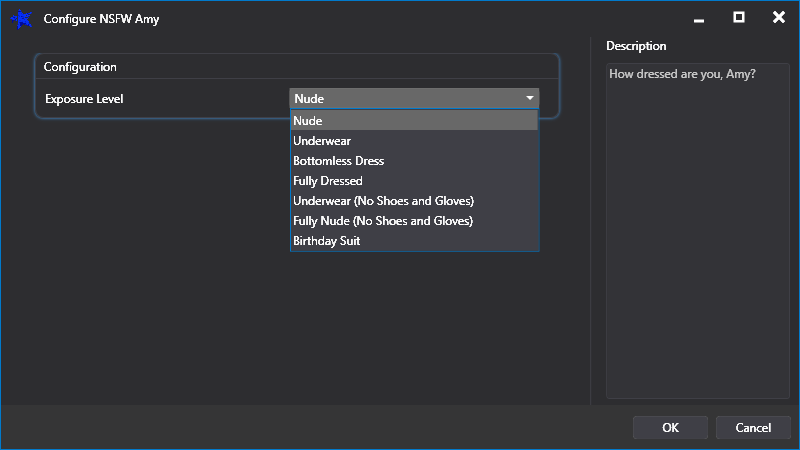
There are seven variations to choose from:
- Nude
- Underwear
- Bottomless Dress
- Fully Dressed
- Underwear (No Shoes and Gloves)
- Nude (No Shoes and Gloves)
- Birthday Suit (Party)
To install this mod, use HedgeModManager and click on "Add Mod".
If the downloaded file is still zipped, click "installing from an archive" and select the zipped mod. Otherwise, click "installing from a folder" instead.
You could also manually extract the zipped file and drag the "NSFW Amy" folder to the "Mods" folder in the game's directory.
This would be: "Steam\steamapps\common\SonicFrontiers\Mods"
You can find your game's directory by right clicking the game on your Steam library and select "Manage > Browse Local Files".
Once you got the mod installed, click on its cog icon to enter the configuration menu so you can customise how Amy should dress herself.
Make sure you also check "Disable Subsurface Scattering" in the codes menu of Hedge Mod Manager to fix the odd skin glow.
Amy's model was originally created by Smez, and slightly modified by me.
Discussion Thread: https://www.loverslab.com/topic/200354-sonic-frontiers-modding/
Edited by Catnatic
What's New in Version 1.1
Released
Removed cyber particle effects





![More information about "[SFW] Tangle & Whisper Nude Pack"](https://static.loverslab.com/screenshots/monthly_2026_03/SFW-TangleWhisper-Thumb.thumb.png.b52418172c1465b4bce8b8aead0e5f1d.png)

![More information about "[SFW] Featureless Nude Wave Pack"](https://static.loverslab.com/screenshots/monthly_2026_02/WaveThumbnail.thumb.png.c8114ebbc8e4a9911499c24b2aa42269.png)