Jump to content

How to add SAR ( Sexlab Aroused ) and naked into Armor/outfit


Dorabella

Recommended Posts

Posted

Necessary, TES5Edit, Sexlab Aroused mod and of course the dress to edit


Open TES5Edit, on the plugins list, right click, select None, activate only Sexlab Aroused and the dress to integrate . Some Plugins (Masters) will select themselves automatically


Spoiler

Immagine.thumb.jpg.41aecdefffe3c5e27584fd730e78b4a9.jpg


Right click on the dress and select Add Masters ..., activate Sexlab Aroused . From here on, it will be a compulsory Masters for the dress. If you want to share the dress, SAR will be reported as a Requirement


Spoiler

Immagine.thumb.jpg.37c2e1ac74ec43d9f413afbfbcecb776.jpg


Extend armor menu, in the right panel stop on Keywords


Spoiler

Immagine.thumb.jpg.3140d254cbba8d4b8c418e1c996e48c0.jpg


Double click on a keyword (it will turn blue) press Key E and select Erotic Armor


Spoiler


Immagine.thumb.jpg.b5832126eb63775281c9f86b5c51f4c4.jpg


Immagine.thumb.jpg.c6256085fb3bde304f585beafc2e19d0.jpg


From now on, SAR will be significantly enhanced . If you want to finish here, close program to save the ESP . 

If, on the other hand, you want to continue, continue with the Tutorial


:exclamation: henceforth, it is at your own risk. After these changes, you will lose the Armor Class. Not even the blacksmith's upgrades will be able to restore it . These steps are reserved for those who want to use the NakedGameplay


Don't worry about a lost armor class, Dibella will rush to your aid  Dibella's Blessings - Naked Gameplay 1.4.0


KWDA , right click on the empty space and select Add . This will increase the number of keywords


Spoiler

Immagine.thumb.jpg.0f9c282cc57961727e494631698469ab.jpg


Double click on the newly created keywords, type the Key ARM and enter Armor Jewerly


Spoiler

Immagine.thumb.jpg.13971fd3646e715941f4a9bdb85bf77b.jpg


Repeat the Step with another Keywords and enter CLO , select Clothing necklace


Spoiler

Immagine.thumb.jpg.e3be06a854c600f7836fe0d14baa6a55.jpg


Change the type of dress. from Light / heavy Armor, change to Clothing . Repeat this step in Armor Addon as well


Spoiler

Immagine.thumb.jpg.674bdb36e0e1029b329358fa9b6f7c69.jpg


Immagine.thumb.jpg.2bd2377d40a9d77a01ee10c9c2ade784.jpg


:exclamation:  If, the suit features Keywords such as Heavy / light Armor , Armor Cuirass , and / or similar, will be removed and / or replaced with those of SAR


Spoiler

Immagine.thumb.jpg.ec88ad241be0b75385076a300c70ea31.jpg


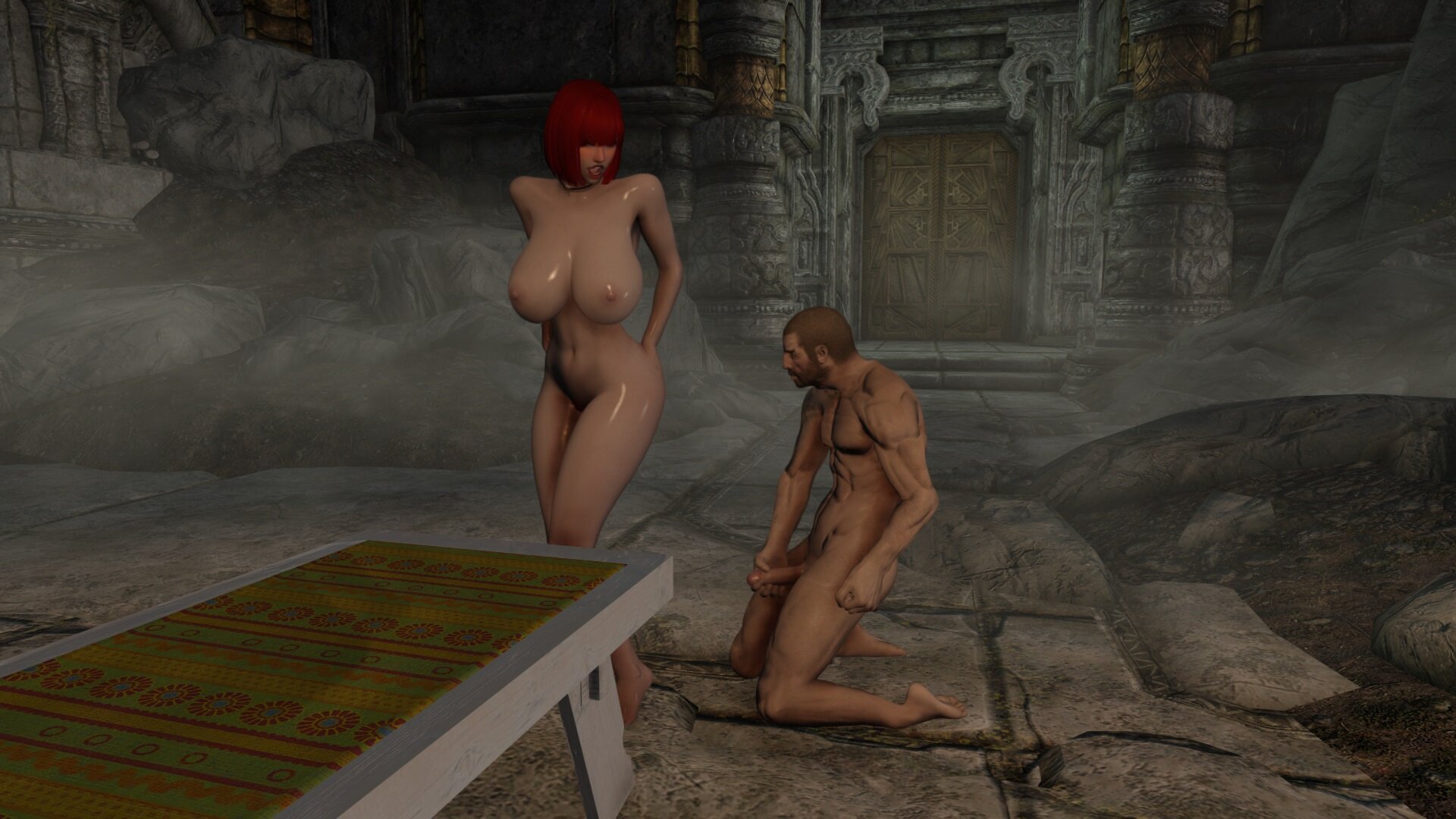
If everything is done correctly, from now on, your PC will be naked in the eyes of Skyrim .  Close program to save the ESP


Best confirmation will give you the mod. Under Current Armor, it must be empty or, contain only what you have not modified


Spoiler

ScreenShot51.jpg.be5c64e2baaa20b96b6902b58320042c.jpg


PS:, This Tutorial is NOT my creation. I had found it, but, I don't remember who the creator is anymore. Any Credits are not mine

If someone identifies as owner / creator, please report them so that credits can be assigned


I limited myself exclusively to proposing it again


Archived

This topic is now archived and is closed to further replies.

  • Recently Browsing   0 members

    • No registered users viewing this page.
×
×
  • Create New...