About This File
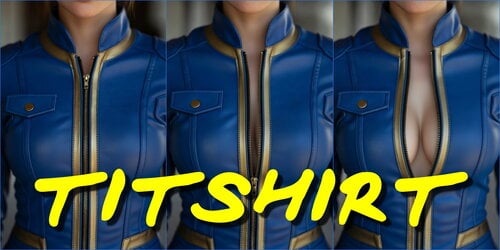
Titshirt - Dynamic Clothing Fit and Push-Up Effect
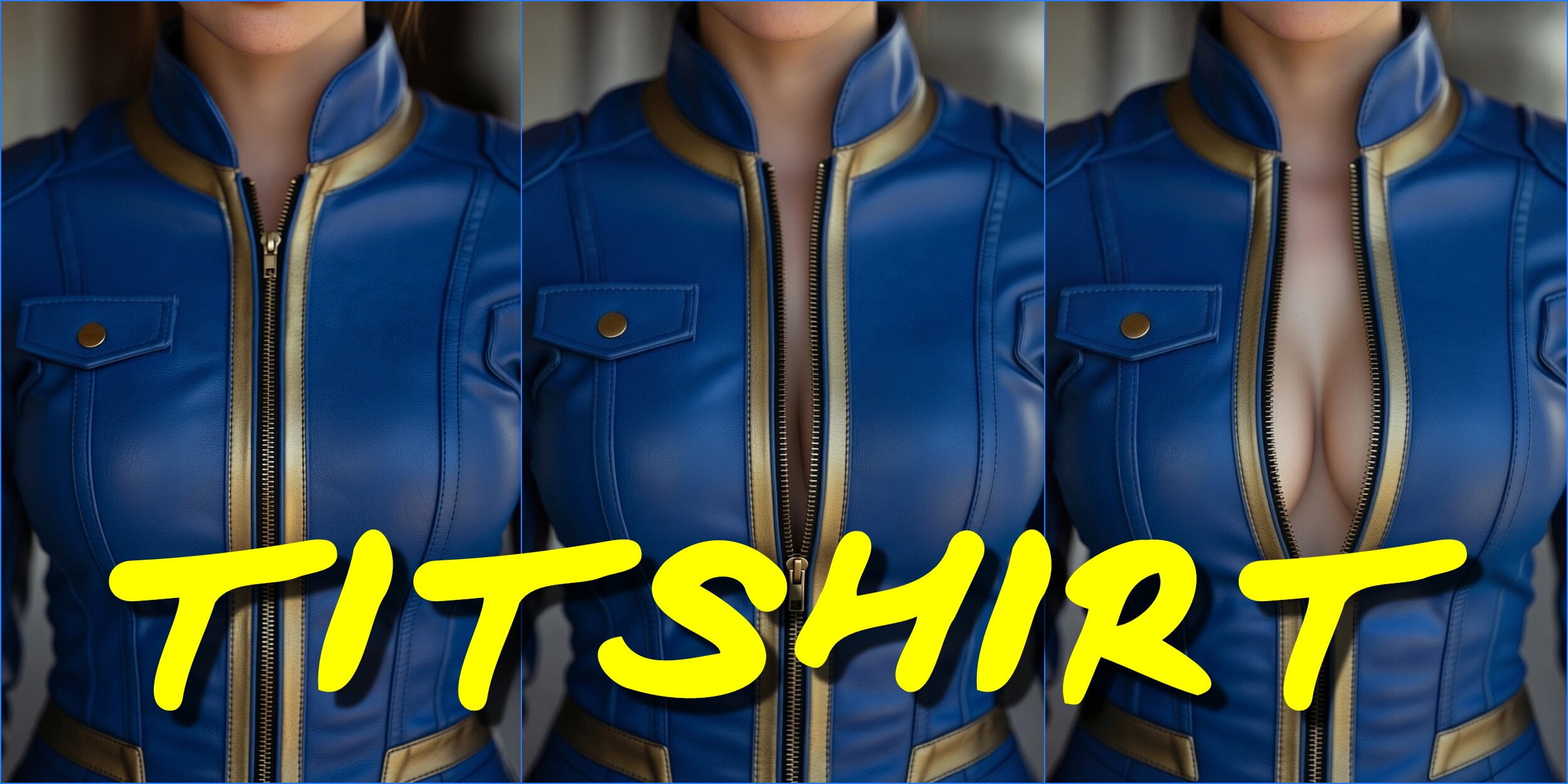
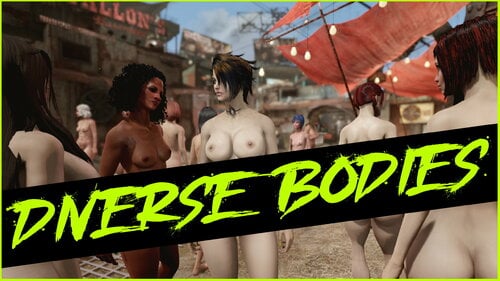
"Titshirt" is a script-based mod that gives clothing in Fallout 4 a dynamic and realistic look. It automatically adds a fitting and fabric tension effect to the equipment of your character and NPCs. On certain types of clothing (e.g., tops, bodices), an additional visual "push-up" effect is activated, enhancing the shape. All the mod's functionality is based on the game's internal mechanics and does not require mesh replacement, ensuring high compatibility.
Core Working Principle: The mod uses Papyrus scripts assigned via hidden Spells and Magic Effects, which dynamically control body sliders.
🎯 You may also be interested in
Underhelmet Hairfix
Synths Explode Equipment
Expand Holes
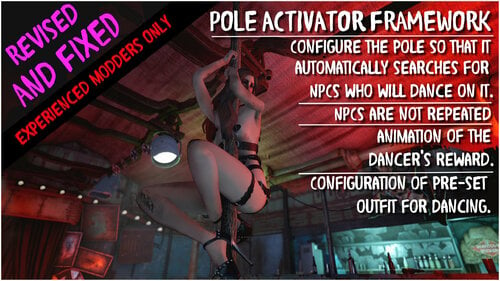
Pole Activator Framework & Dancing pole for Red Seat
Autonomy Sex
⚙️ Requirements
Before installation, ensure you have the following mandatory mods and components:
- F4SE (Fallout 4 Script Extender): The latest version matching your game version.
-
LooksMenu (v1.6.2+): The primary mechanism through which the mod affects the character's body.
Important: Make sure your LooksMenu version is compatible with your game version. - BodySlide with Slider Support: A body (e.g., CBBE, Fusion Girl) must be correctly installed and built with options for dynamic morphs (Body Morphs) enabled.
- Supporting Clothing: In-game clothing and armor must be created with support for the same body sliders.
- Skimpy Armor Keyword Resource (SAKR) / Skimpy Armor Keyword Resource Redux: A keyword resource for correctly identifying clothing types.
- SAKR Direct Injection Script probably also needed to add keywords to clothes.*
- (Optional) SUP_F4SE: Required only for extended logging. Without it, the mod will work, but debug messages will only be output via Debug.Trace.
*I'm using SAKR REDUX, and it has own injecting system based on M8r's Complex Sorter's scripts. But probably for original SAKR you need this.
📦 Installation
- Install all the requirements listed above.
- Install the main mod file Titshider.7z using your mod manager (Vortex, MO2) or manually copy the files to the Data folder.
- (IMPORTANT) Launch the game ONLY through f4se_loader.exe, otherwise the mod will not work.
🎮 Configuration and Controls
Configuration and debugging of the mod is done through the in-game console (~).
CommandValuesDescription
Recommendation: For most users, simply enabling the mod (set Titshirt_Enable to 1) is sufficient (initially enabled). Debugging is only needed if issues arise.
Show the current state of the mod
result: not 0 (On) / 0 (Off)
command: show Titshirt_Enable
Enable or disable the mod
value: 1 or 0
command: set Titshirt_Enable to [value]
Show the current logging level
result: 0 (Off), 1 (Debug.Trace), 2 (SUP_F4SE)
command: show Titshirt_Debug
Set debug level
value: 0 (off), 1 (trace), 2(SUP_F4SE: console + Fallout4\aaSUPF4SEDebugPrint.txt)
command: set Titshirt_Debug to [value]
⚠️ Important Limitations and Conflict Warnings
Distribution Mechanism:
- The mod uses the vanilla spell AbLegendaryCreatureItem to distribute its effect. This means potential conflicts with any other mods that also modify or use this spell (e.g., Fallout Emotions).
- Resolving conflicts will require manual patching (merging records in FO4Edit).
- Future Plans: A potential switch to distribution via an F4SE plugin in C++ to reduce conflicts is being considered.
Ideal Performance in a New Game:
- Due to the use of AbLegendaryCreatureItem, the mod works ideally only when starting a new game.
If you install the mod mid-playthrough, the effect may not apply automatically to all actors already created in the world (including the main character).
Solution for Existing Saves:
To apply the effect to already existing actors, you must manually restart the spell via the console:
removeSpell AbLegendaryCreatureItem
addSpell AbLegendaryCreatureItem
Execute these commands while having the target character selected on whom you need to update the spell.

What's New in Version 1.0.1
Released
1.0.1
- Uploaded SAKR Redux patches.
1.0.1
- Fixed SAKR keywords conditions - no nipples change if keyword sakr_kwd_topTagSheer is present