

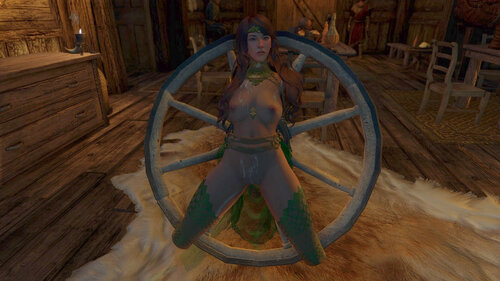
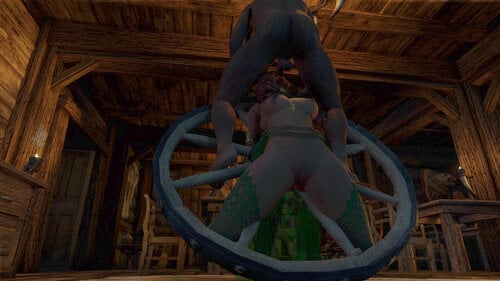
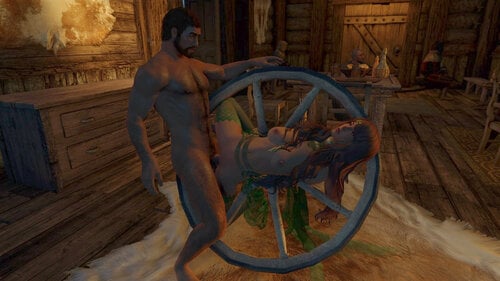
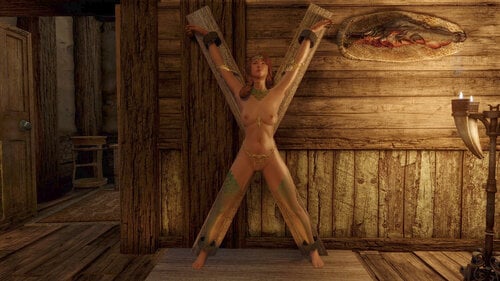
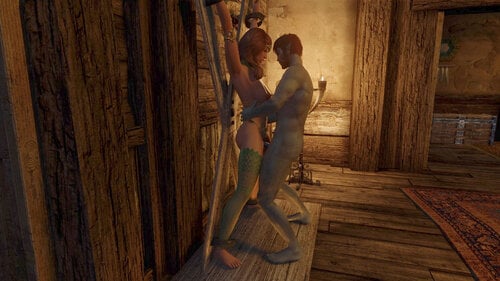
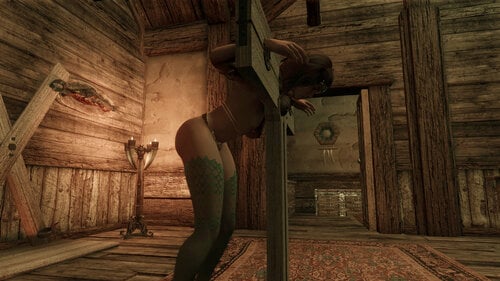
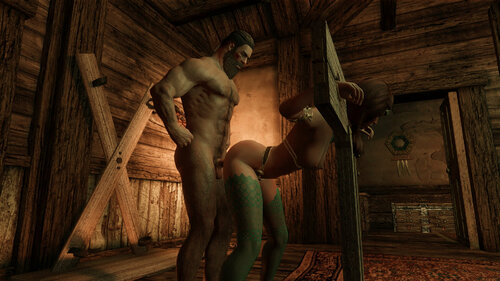
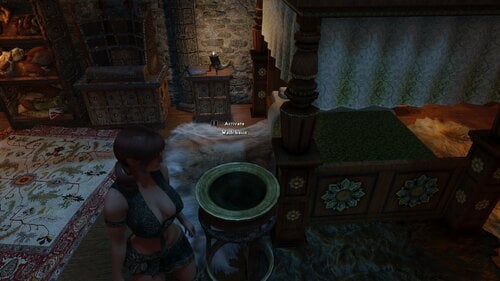
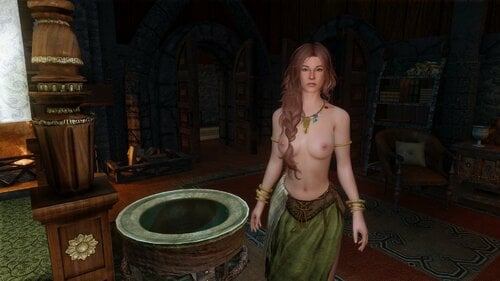
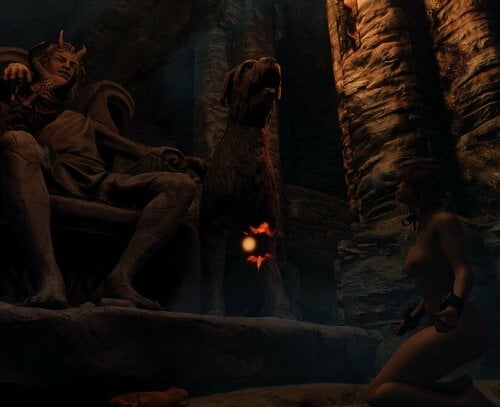
When an actor is in furniture this mod causes SexLab to choose an animation with that furniture. Applies to both bondage furniture and regular furniture items.
The parent ASF mod allows you to customize what furniture objects this should apply to, and what animations will play in that furniture.
FAQ
-
Why is nothing is happening after installing this mod?
This mod does not start sex scenes. When another mod starts a sex scene this mod kicks in and helps SexLab select a relevant animation. So you will need another mod installed that initiates sex with actors that are occupying furniture. Prostitution mods, slavery mods, and random sex mods, are common choices.
-
The only feature I want from this mod is for NPCs to autonomously have sex with actors that are locked in bondage furniture. How do I enable that?
That is not a feature of this mod. But there is a hacky way to accomplish that using ASF. Enable "Random Sex" in the ASF MCM and install a random sex config file. Be sure to also enable "Bound actors are recipients" in the ASF MCM. Wait around for a few minutes and you will notice NPCs start having sex while in bondage furniture, assuming other unbound NPCs are also available for sex.
-
When ASF Version 2 came out it included some of this mods functionality. What does it include and what is unique to this mod?
-
ASF V2 has a new MCM section "Preferred animation locations". It includes these options even without Furniture Lite installed:
- Use current spot when preferred — When finding a location for sex, ASF first checks to see if any of the actors are in furniture that has been marked as a preferable animation location. When this checkbox is enabled ASF will prefer to use that furniture in the animation.
- Bound actors are recipients — When an actor enters bondage furniture they will be marked as an ASF recipient, and will no longer be available as an initiator.
-
Rebind after scene — When ASF starts a scene with an actor who is in bondage furniture, the actor will be locked back into that furniture after a scene completes. They will remain stripped after the scene instead of redressing.
-
Reduce player choice — When the player is in bondage furniture, actors will ignore player specific cooldowns and attempt to have sex with the player more frequently. Also the player will not be provided the usual options to refuse sex, unless the sex request comes from a friend.
- The only thing V2 of this mod does is extend some of those preferences to SexLab scenes that do not involve ASF. Most of the functionality that was exclusive to V1 of this mod is included in V2 of the parent mod.
-
ASF V2 has a new MCM section "Preferred animation locations". It includes these options even without Furniture Lite installed:
Edited by kaxat
What's New in Version 2.0.1
Released
-
New: Improved performance by removing nearly all of the functionality from this mod.
- It still works as advertised. But most of the functions are now baked into the parent ASF mod. These features are more configurable now, apply to more types of furniture, and have MCM options. All of that is now in the parent mod.
- Only additional thing this mod does is that it applies ASF's filtration rules to SexLab scenes from other mods. So if another mod initiates a SexLab scene while an actor is in furniture, this mod will attempt to center that scene on the furniture and play a relevant furniture animation.
Version 2 of this mod now requires ASF v2. Important: ASF v2 is currently a Release Candidate. While this mod is not in beta testing the parent mod is.
Install this like you would any other mod. The plugin is a .esp flagged as an .esl, so it takes up no room in your load order.
Requirements
Optional
- Zaz Animation Pack or Devious Devices NG. Without one of these mods this plugin will not do much.
- If you are using v2 of P+ then you must install version 2.15.6 or newer. I submitted a bug patch that was included in that version. Without that patch Furniture Lite will not work. Alternatively you can use v1 of P+ as the bug was not present back then. Vanilla SexLab is also supported.
Uninstall
This is as safe as any plugin can be to uninstall. Ideally you will uninstall in a secluded area like QASmoke, after dismissing any followers.



![More information about "[SES] Slaverun Enforcer Standsalone"](https://static.loverslab.com/screenshots/monthly_2024_05/maingate.jpg.24722f7c11ba5402478aced6b7bf927d.thumb.jpg.54de4f3fecd6724c9caeeb06cc7fb9a7.jpg)