About This File

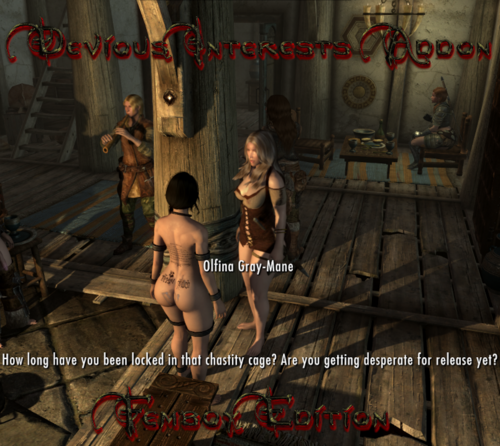
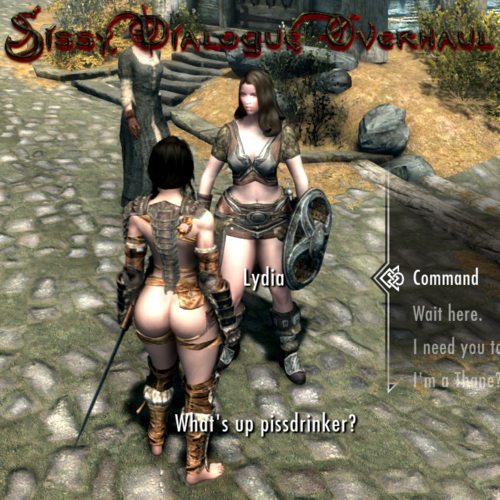
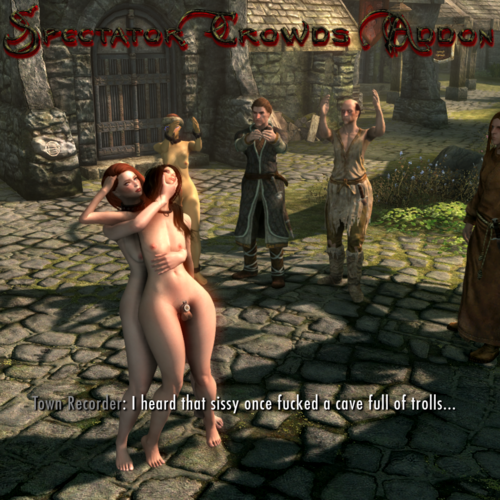
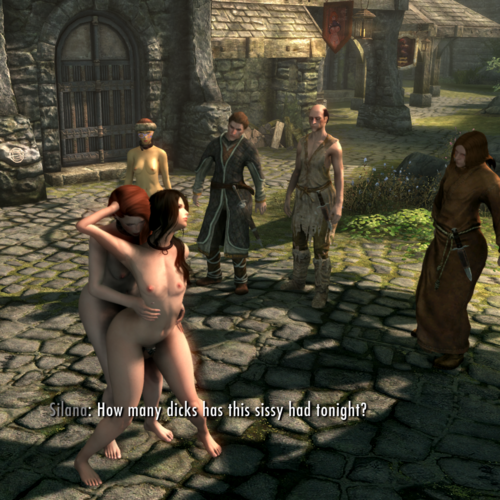
This is a addon for Spectator Crowds Ultra Edition that changes dialogue to match a Femboy Player Character with Sexlab gender set to female. If your Sexlab gender is set male you don't need this. So... why not setting gender to male? Simply because i'm wearing Devious Addons - TRX's Cock Cage most of the time and want to make sure i'm always in the passive position in animations. Since all my female npc's are set to be Futa in SOS settings and set to always take the male position in animations using SLEN, i don't have any animations with "vaginal" tag registered, only oral and anal. The problem with that setup is, while you can simply use Pronouns to get npc's to recognize your vanilla gender as male, mods like Spectator Crowds are using your Sexlab gender.
Dialogue changes made:
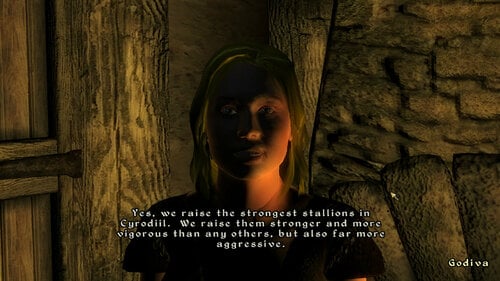
- All lines containing "Her" are changed to "Him" / "His" (Except the ones spectators talking about wishing their wife would do certain things)
- All lines containing "She" are changed to "He"
- All lines containing "Girl" or "Woman" are changed to "Sissy" or "Slut"
- All lines containing "Tits" are changed to "Nipples" - if it was something like "look at her big tits" i removed the "big" aswell
- All lines containing "Pussy" are changed to "Ass" or "Clitty" depending which one makes more sense
Lines not changed:
Everything about impregnating that doesn't really make sense but it would just be too much work, sorry about that.
Requirements:
Spectator Crowds Ultra Edition
FO4Edit - Plugins JSON Import and Export (It's made for FO4 but works for Skyrim too)
Installation:
You will have to run a script in xEdit to import the dialogue because i do not have permission to just upload a edited Spectator Crowds ESP. Just follow these simple steps:
1. Download FO4Edit - Plugins JSON Import and Export and place the scripts in the xEdit "Edit Scripts" folder
2. Download the .json file and place it in your xEdit folder where the .exe is
3. Run xEdit and right click Spectator Crowds then click Apply Script and chose JPImportFiltered
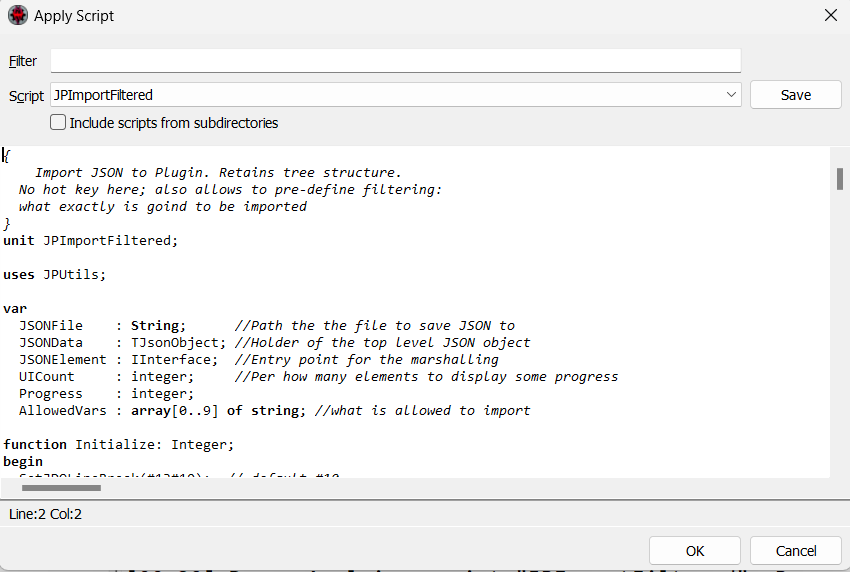
4. Click ok to run the script and let it do it's job, once it's finished click the top left hamburger menu and click save. When everything is done you should get this message:

5. Download the Voice Files and put the "Sound" folder in your "Data" folder.
Sidenote:
I noticed i missed one line where spectators react to PC masturbating but generating the Voicefiles took 7 hours so i won't run xVaSynth again for now... maybe sometime.
Edited by Vyru
![More information about "[MGSV TPP] Megalodon Femboy Suit"](https://static.loverslab.com/screenshots/monthly_2025_11/Screenshot_2.thumb.png.a2575f383cf5a656816c7d1b84050a73.png)