Select a subcategory to view available files.
Files From Subcategories
-
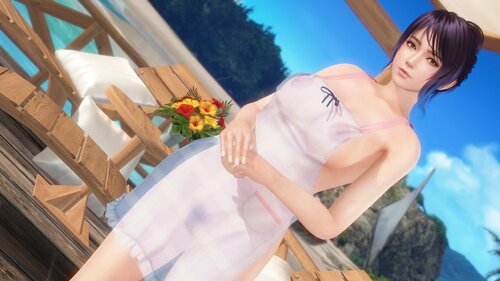
SSR Toasty Apron (Honoka)
By Lunatic dawn
Normal:
X + 1 --- toggle suit
Z + 1 --- toggle panty
Z + 2 --- toggle skirt
C + 1 --- toggle transparency of suit
C + 2 --- toggle transparency of panty
If you installed GUICVM 1.4.1 or higher,
You can check key bindings by GUICVM.
Press F4, or move mouse cursor left top of window & click appered icon.
then click swimsuit icon.
Caution:
1. If you don't want to use GUICVM, Please disable or delete "sub-gui-text.ini".
2. This mod use hi-res nipples mesh by krunkDunk.
Please install recommended skin for each characters refer to my mods topic.
3. Multiple girls with same body type in the screen cause glitch.
-----------------------------------------------------------------------------------------------------------------------------
If you like my mods, please consider buying me a cup of coffee on ko-fi
1922 downloads
Updated
-
Hide Something Pack
By Lunatic dawn
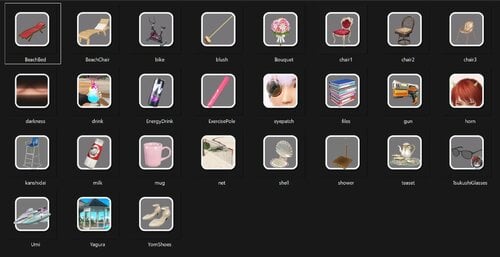
This mod hide someting you don't want to see.
Pose card:
B + 1 --- toggle chair
B + 2 --- toggle teaset
B + 3 --- toggle beach bed
B + 4 --- toggle drink
B + 5 --- toggle beach chair
B + 6 --- toggle shower
B + 7 --- toggle Kanshidai
G + 1 --- toggle gun
G + 2 --- toggle mug
G + 3 --- toggle scrub brush
G + 4 --- toggle files
G + 8 --- toggle milk
L + 0 --- toggle bike
L + 8 --- toggle UMI Machine
L + 9 --- toggle shell
V + 1 --- toggle bouquet
Y + 5 --- toggle Yom's shoes
Y + 4 --- toggle Energy Drink
Y + 3 --- toggle Exercise Pole
Background:
P + 9 --- toggle volleyball net
Y + 6 --- toggle Yagura (tower in poolside)
B + 1 --- toggle chair (owner's room)
B + 8 --- toggle darkness in episode
Character:
G + 6 --- toggle Tsukushi's glasses
H + 1 --- toggle Kanna's horn
Y + 7 --- toggle Aayane's eyepatch
Caution:
1. Please install krunkDunk's GUI CVM.
https://www.loverslab.com/files/file/20372-guicvm_base_package_v10zip/
---Right click on icons, you can change status.
If you can't use GUICVM, move all "***_sub.ini" files to "DISABLED" folder.
2. If you use "Hide SHower", please install my latest ShaderOverrides.ini
-----------------------------------------------------------------------------------------------------------------------------
If you like my mods, please consider buying me a cup of coffee on ko-fi
1386 downloads
Updated
-
SSR Street Corner Border (Marie)
Normal & Malfunction:
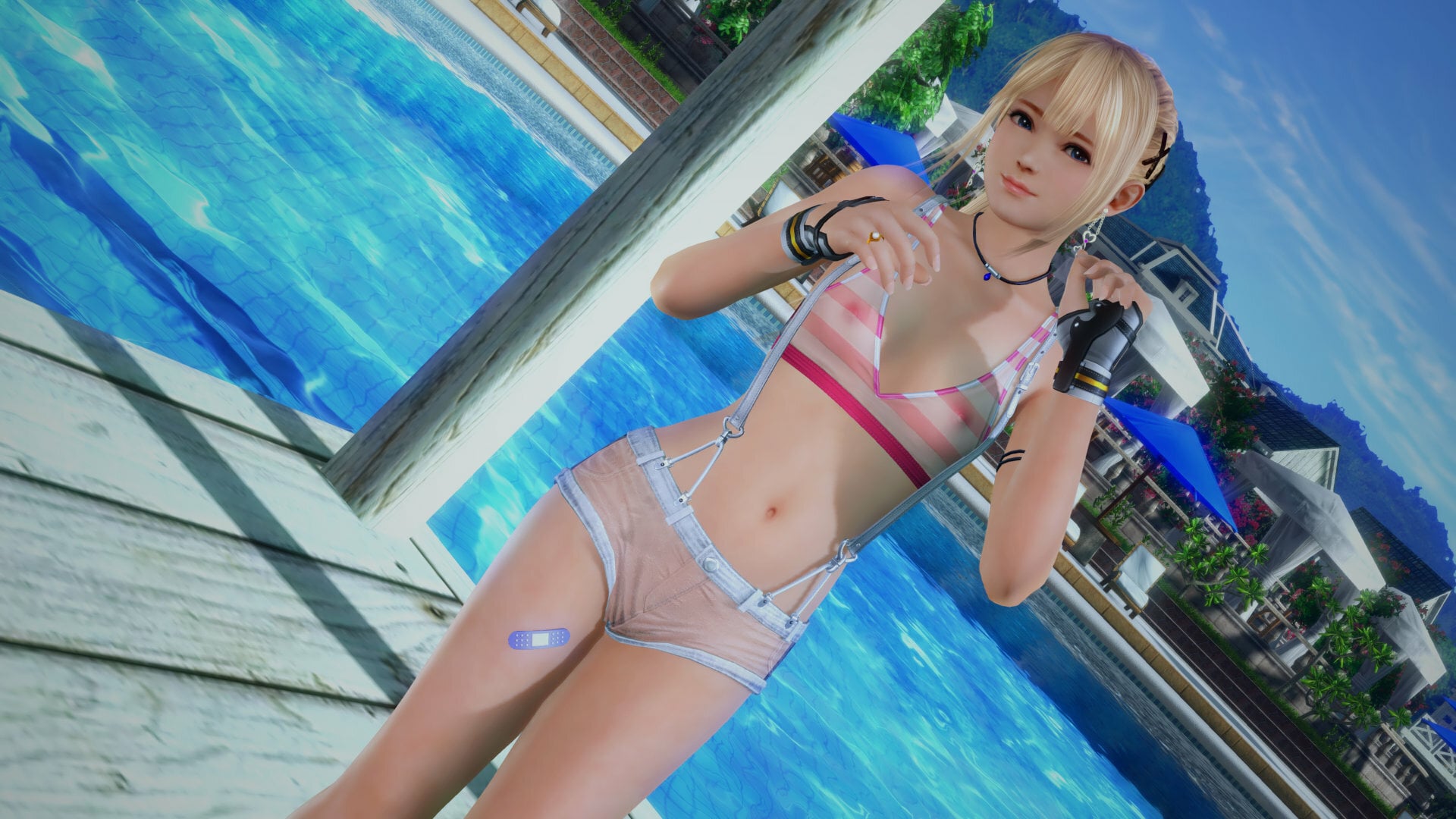
X + 1 ---> toggle bra
Z + 1 ---> toggle bottom & suspenders
Z + 2 ---> toggle skirt
C + 1 ---> toggle transparency of bra
C + 2 ---> toggle transparency of bottom
----Body type----
The default is plump type body.
To use a body of unique_type,
Change the value in the second line of Main.ini from 0 to 1 to switch.
post $body_type = 0 ------> post $body_type = 1
Learn more about body types here.
https://www.loverslab.com/topic/223178-mod-mainly-for-marie-by-long-tailed-tit/
646 downloads
Submitted
-
SSR Reincarnation Aether (Meg)
By Lunatic dawn
Normal:
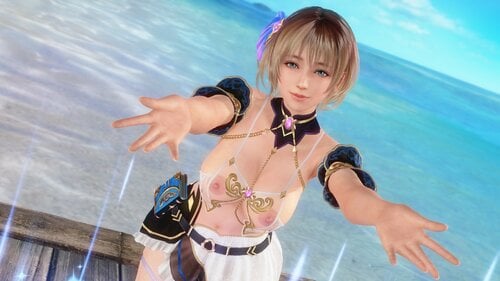
X + 1 --- toggle tops
X + 2 --- toggle arms
Z + 1 --- toggle panty
Z + 2 --- toggle skirt R
Z + 3 --- toggle skirt L
Z + 3 --- toggle belt
C + 1 --- toggle suit transparency
Caution:
1. Please install krunkDunk's GUI CVM.
---Right click on icons, you can toggle swimsuit status.
---R click on pictures, quickly load presets.
---You can memory original swimsuit status for 3 presets. Use "SAVE" and "LOAD" icon.
If you can't use GUICVM, rename "DISABLED_NoGUICVM.ini" to "NoGUICVM.ini".
And move all other ini files to "DISABLED" folder.
( "sub_gui.ini","mod.ini","combo.ini" )
2. This mod use hi-res nipples mesh by krunkDunk.
Please install recommended skin for each characters refer to my mods topic.
-----------------------------------------------------------------------------------------------------------------------------
If you like my mods, please consider buying me a cup of coffee on ko-fi
1184 downloads
Updated
-
SSR Reincarnation Aether (Common)
By Lunatic dawn
Normal:
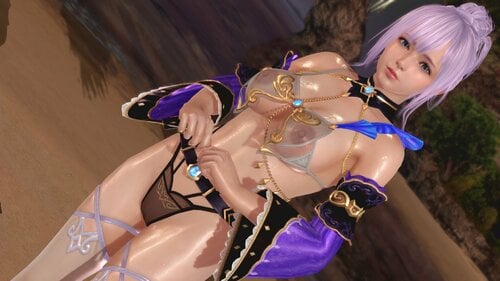
X + 1 --- toggle tops
X + 2 --- toggle arms
Z + 1 --- toggle panty
Z + 2 --- toggle skirt R
Z + 3 --- toggle skirt L
Z + 3 --- toggle belt
C + 1 --- toggle suit transparency
Caution:
Please install krunkDunk's GUI CVM.
---Right click on icons, you can toggle swimsuit status.
---R click on pictures, quickly load presets.
---You can memory original swimsuit status for 3 presets. Use "SAVE" and "LOAD" icon.
If you can't use GUICVM, rename "DISABLED_NoGUICVM.ini" to "NoGUICVM.ini".
And move all other ini files to "DISABLED" folder.
( "sub_gui.ini","mod.ini","combo.ini" )
-----------------------------------------------------------------------------------------------------------------------------
If you like my mods, please consider buying me a cup of coffee on ko-fi
657 downloads
Updated
-
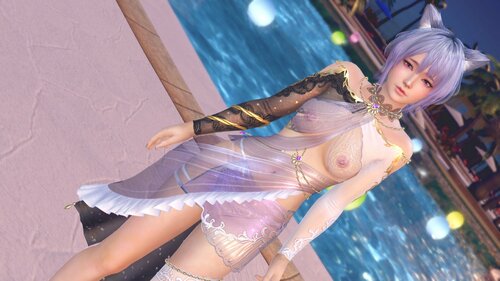
SSR Dolce Banane
By Lunatic dawn
Normal:
X + 1 --- toggle suit
X + 2 --- toggle tops
C + 1 --- toggle bra & panty transparency
C + 2 --- toggle tops transparency
C + 3 --- toggle skirt transparency
Caution:
Please install krunkDunk's GUI CVM.
---Right click on icons, you can toggle swimsuit status.
---R click on pictures, quickly load presets.
---You can memory original swimsuit status for 3 presets. Use "SAVE" and "LOAD" icon.
If you can't use GUICVM, rename "DISABLED_NoGUICVM.ini" to "NoGUICVM.ini".
And move all other ini files to "DISABLED" folder.
( "sub_gui.ini","mod.ini","combo.ini" )
-----------------------------------------------------------------------------------------------------------------------------
If you like my mods, please consider buying me a cup of coffee on ko-fi
494 downloads
Submitted
-
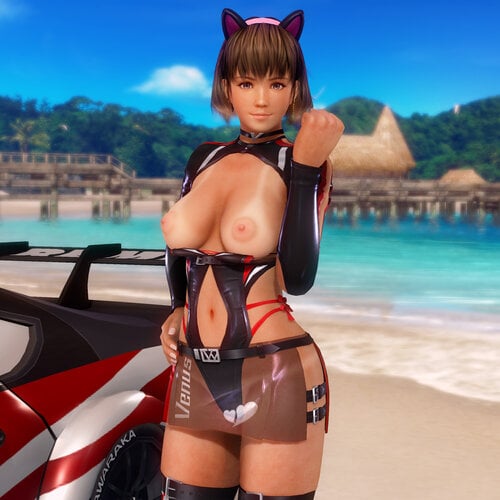
Slip Stream (common type)
By nekomimi171
Slip Stream (common type)
== Update ==
(ver.1.0.1, 6/1/2023) Fix for DMM update on 6/1/2023.
(ver.1.0.2, 6/7/2024) Fix for DMM update on 6/5/2024.
(ver.1.0.3, 6/5/2025) Fix for DMM update on 5/29/2025.
== Hot keys ==
shift+z : costume variations
shift+x : skirt variations
ctrl+1/ctrl+2 : enable/disable hot keys
For this mod, it is recommended to use the following skin mod.
1523 downloads
Updated
-
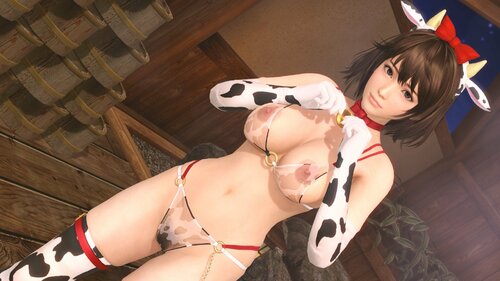
SSR Moo Moo Bikini (Honoka)
By Lunatic dawn
Normal:
x + 1 --- toggle bra
z + 1 --- toggle panty
c + 1 --- toggle transparency
If you installed GUICVM 1.4 or higher,
You can check key bindings by GUICVM.
Press F4, or move mouse cursor left top of window & click appered icon.
then click swimsuit icon.
Caution:
1. If you don't want to use GUICVM, Please disable or delete "sub-gui-text.ini".
2. This mod use hi-res nipples mesh by krunkDunk.
Please install recommended skin for each characters refer to my mods topic.
-----------------------------------------------------------------------------------------------------------------------------
If you like my mods, please consider buying me a cup of coffee on ko-fi
1007 downloads
Submitted
-
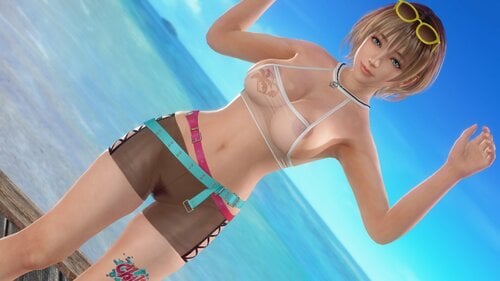
SSR Chill Style
By Lunatic dawn
Normal:
X + 1 --- toggle bra
X + 2 --- toggle tops
Z + 1 --- toggle pant
Z + 2 --- toggle accessorry
Z + 3 --- toggle paint
C + 1 --- toggle transparency of bra
C + 2 --- toggle transparency of pant
If you installed GUICVM 1.4.1 or higher,
You can check key bindings by GUICVM.
Press F4, or move mouse cursor left top of window & click appered icon.
then click swimsuit icon.
Caution:
1. If you don't want to use GUICVM, Please disable or delete "sub-gui-text.ini".
2. This mod use hi-res nipples mesh by krunkDunk.
Please install recommended skin for each characters refer to my mods topic.
https://www.loverslab.com/topic/196115-doaxvv-mods-by-lunatic-dawn-dmm-centered/?do=findComment&comment=3847154
-----------------------------------------------------------------------------------------------------------------------------
If you like my mods, please consider buying me a cup of coffee on ko-fi
2506 downloads
Updated
-
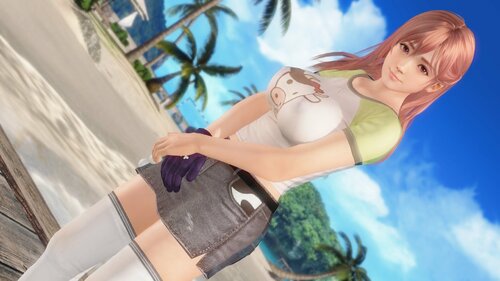
SR Moo Moo Mini
By Lunatic dawn
Normal:
X + 1 --- toggle tops
Z + 2 --- toggle skirt
C + 1 --- toggle tops transparency
C + 2 --- toggle skirt transparency
If you installed GUICVM 1.4 or higher,
You can check key bindings by GUICVM.
Press F4, or move mouse cursor left top of window & click appered icon.
then click swimsuit icon.
Caution:
1. If you don't want to use GUICVM, Please disable or delete "sub-gui-text.ini".
2. This mod use hi-res nipples mesh by krunkDunk.
Please install recommended skin for each characters refer to my mods topic.
-----------------------------------------------------------------------------------------------------------------------------
If you like my mods, please consider buying me a cup of coffee on ko-fi
782 downloads
Submitted
-
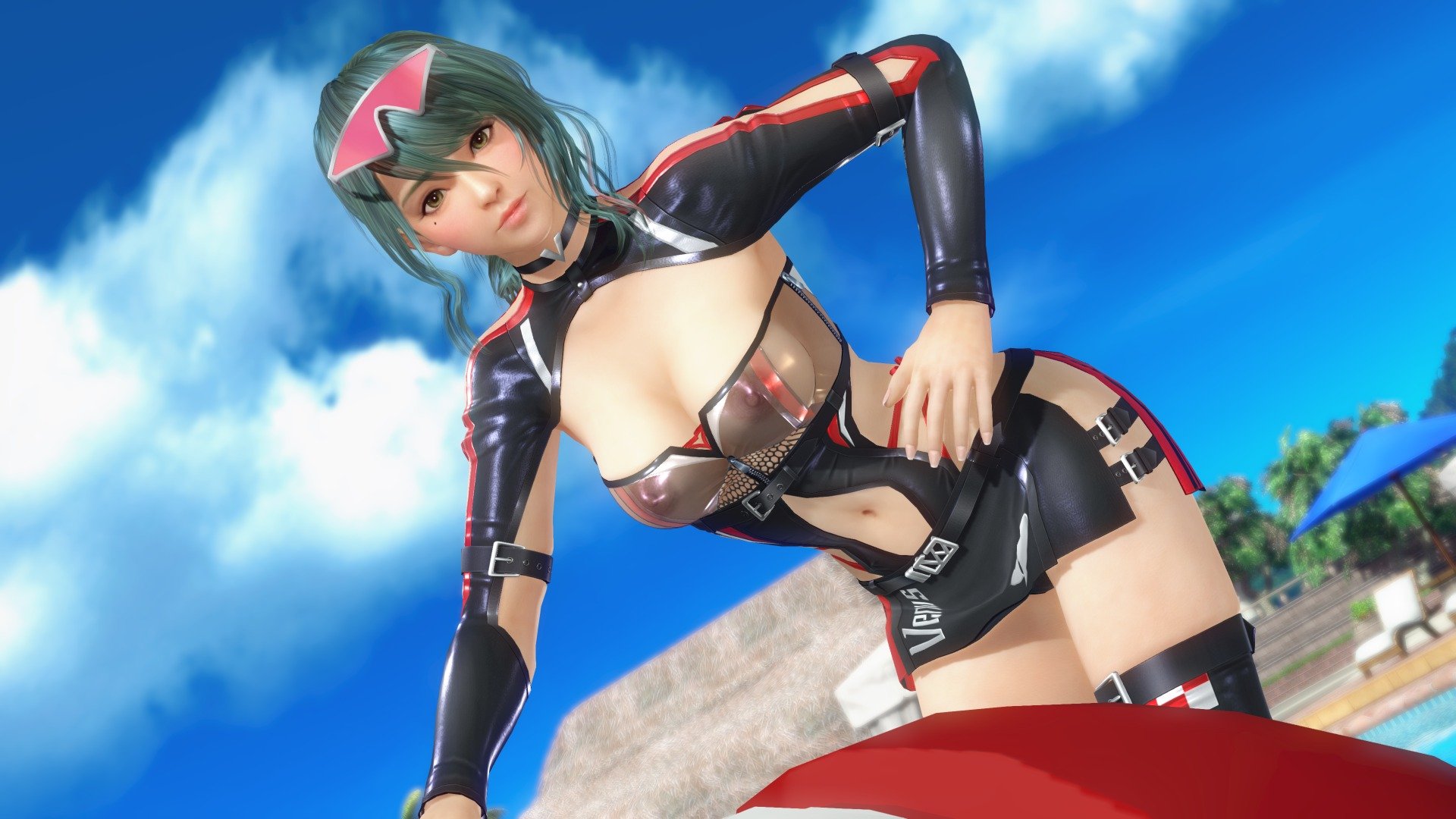
SSR Slip Stream (Common)
By Lunatic dawn
Normal:
x + 1 --- toggle suit
x + 2 --- toggle side bra
x + 3 --- toggle neck & arms
z + 2 --- toggle skirt
c + 1 --- toggle bra transparency
c + 2 --- toggle suit transparency
c + 3 --- toggle skirt transparency
Awakened:
x + 1 --- toggle suit
c + 1 --- toggle bra transparency
c + 2 --- toggle suit transparency
Caution:
Please install krunkDunk's GUI CVM.
---Right click on icons, you can toggle swimsuit status.
---R click on pictures, quickly load presets.
---You can memory original swimsuit status for 3 presets. Use "SAVE" and "LOAD" icon.
If you can't use GUICVM, rename "DISABLED_NoGUICVM.ini" to "NoGUICVM.ini".
And move all other ini files to "DISABLED" folder.
( "sub_gui.ini","mod.ini","combo.ini" )
-----------------------------------------------------------------------------------------------------------------------------
If you like my mods, please consider buying me a cup of coffee on ko-fi
4055 downloads
Updated
-
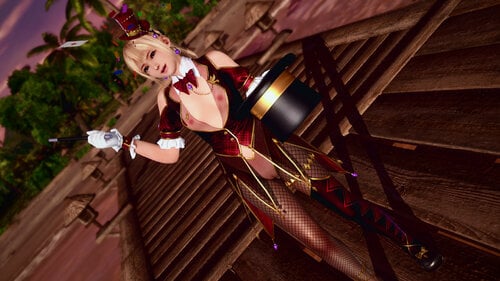
SSR Magic Trick Hour (Marie)
Normal, Mysterious Magic Mode & Malfunction:
X + 1 ---> toggle top
Z + 2 ---> toggle panty
Z + 3 ---> toggle stockings and shoes
C + 1 ---> toggle transparency of top (Other than Mysterious Magic Mode)
C + 2 ---> toggle transparency of top (collar)
Body type:
The default is plump type body.
To use a body of unique_type,
Change the value in the second line of Main.ini from 0 to 1 to switch.
post $body_type = 0 ------> post $body_type = 1
1550 downloads
Updated
-
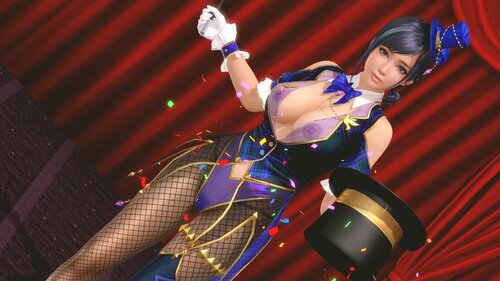
SSR Magic Trick Hour (Common)
By Lunatic dawn
Normal & Amazing magic mode:
X + 1 --- toggle suit
Z + 1 --- toggle pant
C + 1 --- toggle collar transparency
C + 2 --- toggle pant transparency
C + 3 --- toggle suit transparency
If you installed GUICVM 1.4 or higher,
You can check key bindings by GUICVM.
Press F4, or move mouse cursor left top of window & click appered icon.
then click swimsuit icon.
Caution:
1. If you don't want to use GUICVM, Please disable or delete "sub-gui-text.ini".
2. There is still glitch with groin & hips..
-----------------------------------------------------------------------------------------------------------------------------
If you like my mods, please consider buying me a cup of coffee on ko-fi
3251 downloads
Updated
-
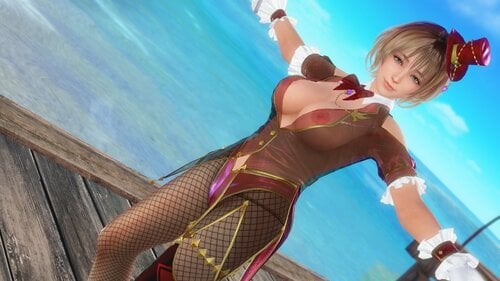
SSR Magic Trick Hour (Honoka)
By Lunatic dawn
Normal & Amazing magic mode:
X + 1 --- toggle suit
Z + 1 --- toggle pant
C + 1 --- toggle collar transparency
C + 2 --- toggle pant transparency
C + 3 --- toggle suit transparency
If you installed GUICVM 1.4 or higher,
You can check key bindings by GUICVM.
Press F4, or move mouse cursor left top of window & click appered icon.
then click swimsuit icon.
Caution:
1. If you don't want to use GUICVM, Please disable or delete "sub-gui-text.ini".
2. This mod use hi-res nipples mesh by krunkDunk.
Please install recommended skin for each characters refer to my mods topic.
3. There is still glitch with groin & hips..
-----------------------------------------------------------------------------------------------------------------------------
If you like my mods, please consider buying me a cup of coffee on ko-fi
2958 downloads
Updated
-
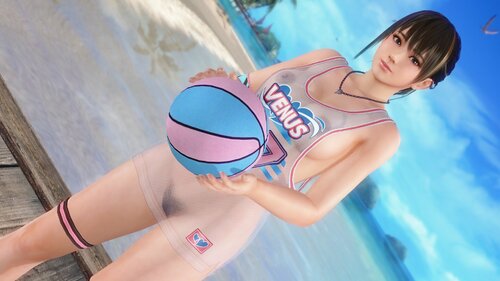
Venus Dunk (Common)
By Lunatic dawn
Normal & Malfunction :
X + 1 --- toggle bra
X + 2 --- toggle uniform
Z + 1 --- toggle pant
C + 1 --- toggle bra & pant transparency
C + 2 --- toggle uniform transparency
If you installed GUICVM 1.4 or higher,
You can check key bindings by GUICVM.
Press F4, or move mouse cursor left top of window & click appered icon.
then click swimsuit icon.
Caution:
If you don't want to use GUICVM, Please disable or delete "sub-gui-text.ini".
-----------------------------------------------------------------------------------------------------------------------------
If you like my mods, please consider buying me a cup of coffee on ko-fi
828 downloads
Updated
-
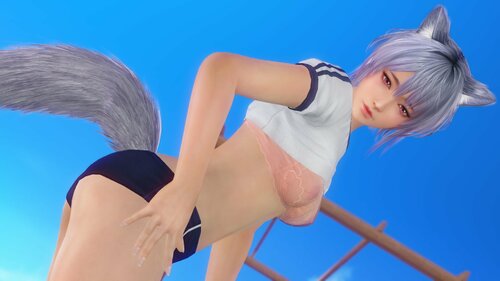
SSR Stylish Bloomers (Marie)
By Lunatic dawn
Normal:
X + 1 --- toggle top
X + 2 --- toggle bra
Z + 1 --- toggle bloomer
C + 1 --- toggle transparency of top
C + 2 --- toggle transparency of bloomer
C + 3 --- toggle transparency of bra
If you installed GUICVM 1.4.1 or higher,
You can check key bindings by GUICVM.
Press F4, or move mouse cursor left top of window & click appered icon.
then click swimsuit icon.
Caution:
1. If you don't want to use GUICVM, Please disable or delete "sub-gui-text.ini".
2. Multiple girls with same body type in the screen cause glitch.
-----------------------------------------------------------------------------------------------------------------------------
If you like my mods, please consider buying me a cup of coffee on ko-fi
1596 downloads
Updated
-
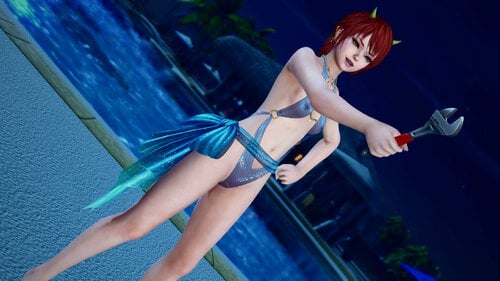
SSR Lagoon Shell (Marie)
Normal:
X + 1 ---> toggle shell (Chest and abdomen)
X + 2 ---> toggle suit (cloth)
X + 3 ---> toggle waist (cloth)
Z + 1 ---> toggle shell (Waist, abdomen and legs)
Z + 2 ---> toggle shell(abdomen only)
Body type:
The default is plump type body.
To use a body of unique_type,
Change the value in the second line of Main.ini from 0 to 1 to switch.
post $body_type = 0 ------> post $body_type = 1
Learn more about body types here.
https://www.loverslab.com/topic/223178-mod-mainly-for-marie-by-long-tailed-tit/
1718 downloads
Updated
-
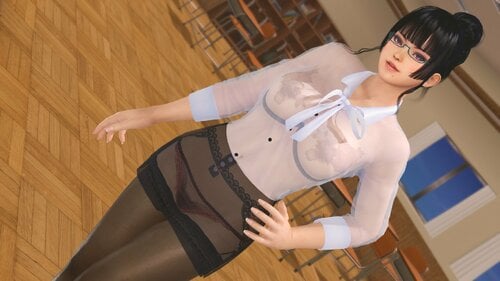
SSR Secret Class (Common)
By Lunatic dawn
Normal:
X + 1 --- toggle shirt
X + 2 --- toggle bra
X + 3 --- toggle tie
Z + 1 --- toggle panty
Z + 2 --- toggle skirt
C + 1 --- toggle shirt transparency
C + 2 --- toggle bra & panty transparency
C + 3 --- toggle skirt transparency
If you installed GUICVM 1.4.1 or higher,
You can check key bindings by GUICVM.
Press F4, or move mouse cursor left top of window & click appered icon.
then click swimsuit icon.
Caution:
1. If you don't want to use GUICVM, Please disable or delete "sub-gui-text.ini".
2. Multiple girls with same body type & transparency in the screen cause glitch.
-----------------------------------------------------------------------------------------------------------------------------
If you like my mods, please consider buying me a cup of coffee on ko-fi
1735 downloads
Submitted
-
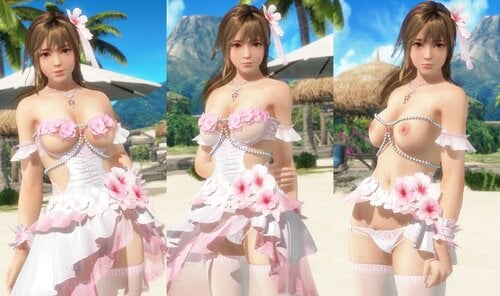
SSR Bouquet Hibiscus
By Lunatic dawn
Normal:
X + 1 --- toggle bra
X + 2 --- toggle tops
X + 3 --- toggle waist
Z + 1 --- toggle panty
Z + 2 --- toggle skirt1
Z + 3 --- toggle skirt2
Z + 4 --- toggle skirt3
Awakened:
X + 2 --- toggle tops
X + 3 --- toggle waist
Z + 1 --- toggle panty
Z + 2 --- toggle skirt1
Z + 3 --- toggle skirt2
Caution:
1. bra texture is determined according to backside character
2. Please install krunkDunk's GUI CVM.
---Right click on icons, you can toggle swimsuit status.
---R click on pictures, quickly load presets.
---You can memory original swimsuit status for 3 presets. Use "SAVE" and "LOAD" icon.
If you can't use GUICVM, rename "DISABLED_NoGUICVM.ini" to "NoGUICVM.ini".
And move all other ini files to "DISABLED" folder.
( "sub_gui.ini","mod.ini","combo.ini" )
3. I play only DMM ver., so I can't check my mods on steam ver.
-----------------------------------------------------------------------------------------------------------------------------
If you like my mods, please consider buying me a cup of coffee on ko-fi
1788 downloads
Updated
-
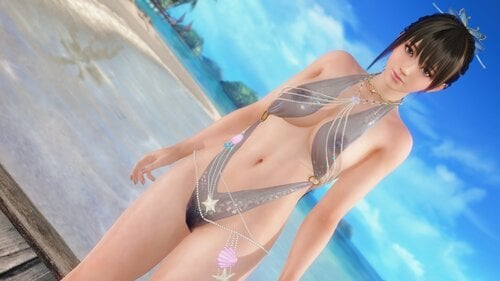
SSR Lagoon Shell (Common)
By Lunatic dawn
Normal:
X + 1 --- toggle Bra
X + 2 --- toggle Suit
X + 3 --- toggle Waist
Z + 1 --- toggle Panty
C + 1 --- toggle transparency
If you installed GUICVM 1.4.1 or higher,
You can check key bindings by GUICVM.
Press F4, or move mouse cursor left top of window & click appered icon.
then click swimsuit icon.
Caution:
If you don't want to use GUICVM, Please disable or delete "sub-gui-text.ini".
-----------------------------------------------------------------------------------------------------------------------------
If you like my mods, please consider buying me a cup of coffee on ko-fi
2915 downloads
Updated
-
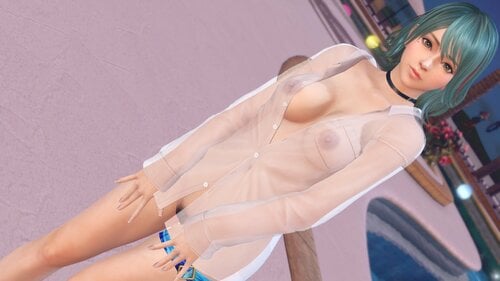
SSR Layered Glow
By Lunatic dawn
Normal:
X + 1 --- toggle suit
C + 1 --- toggle transparency
If you installed GUICVM 1.4 or higher,
You can check key bindings by GUICVM.
Press F4, or move mouse cursor left top of window & click appered icon.
then click swimsuit icon.
Caution:
If you don't want to use GUICVM, Please disable or delete "sub-gui-text.ini".
-----------------------------------------------------------------------------------------------------------------------------
If you like my mods, please consider buying me a cup of coffee on ko-fi
1633 downloads
Updated
-
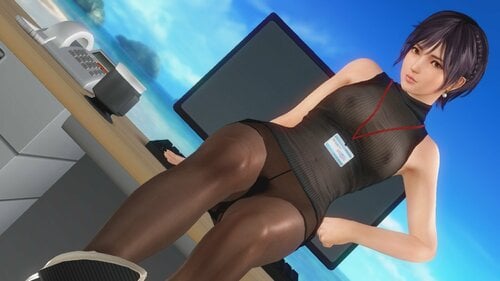
SSR Yom Office Wear (Marie)
By Lunatic dawn
Normal:
X + 1 --- toggle Bra
X + 2 --- toggle Tops
X + 3 --- toggle ID Card
Z + 1 --- toggle Panty
Z + 2 --- toggle Skirt
Z + 3 --- toggle Stockings
C + 1 --- toggle Tops color
C + 2 --- toggle Tops transparency
If you installed GUICVM 1.4.1 or higher,
You can check key bindings by GUICVM.
Press F4, or move mouse cursor left top of window & click appered icon.
then click swimsuit icon.
Caution:
If you don't want to use GUICVM, Please disable or delete "sub-gui-text.ini".
-----------------------------------------------------------------------------------------------------------------------------
If you like my mods, please consider buying me a cup of coffee on ko-fi
1128 downloads
Submitted
-
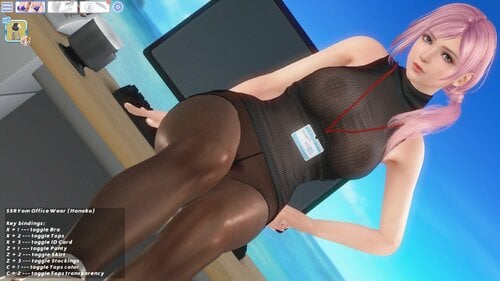
SSR Yom Office Wear (Honoka)
By Lunatic dawn
( thanks for @HI-METAL & @krunkDunk & @5150texture )
Normal:
X + 1 --- toggle Bra
X + 2 --- toggle Tops
X + 3 --- toggle ID Card
Z + 1 --- toggle Panty
Z + 2 --- toggle Skirt
Z + 3 --- toggle Stockings
C + 1 --- toggle Tops color
C + 2 --- toggle Tops transparency
Built with High Polygon and Smoother body ( V2 )
If you installed GUICVM 1.4.1 or higher,
You can check key bindings by GUICVM.
Press F4, or move mouse cursor left top of window & click appered icon.
then click swimsuit icon.
Caution:
1. If you don't want to use GUICVM, Please disable or delete "sub-gui-text.ini".
2. This mod use hi-res nipples mesh by krunkDunk.
Please install recommended skin for each characters refer to my mods topic.
-----------------------------------------------------------------------------------------------------------------------------
If you like my mods, please consider buying me a cup of coffee on ko-fi
1562 downloads
Submitted
-
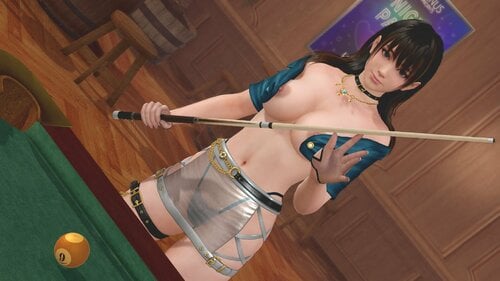
SSR Nocturne Lasting
By Lunatic dawn
<English ver. name: Nocturne Everlasting>
Normal:
X + 1 --- toggle suit & panty
X + 2 --- toggle jacket
Z + 2 --- toggle skirt
C + 1 --- toggle suit transparency
C + 2 --- toggle skirt transparency
C + 3 --- toggle panty transparency
If you installed GUICVM 1.4 or higher,
You can check key bindings by GUICVM.
Press F4, or move mouse cursor left top of window & click appered icon.
then click swimsuit icon.
Caution:
1. If you don't want to use GUICVM, Please disable or delete "sub-gui-text.ini".
2. skirt transparency erase suit under skirt
-----------------------------------------------------------------------------------------------------------------------------
If you like my mods, please consider buying me a cup of coffee on ko-fi
1184 downloads
Updated
-
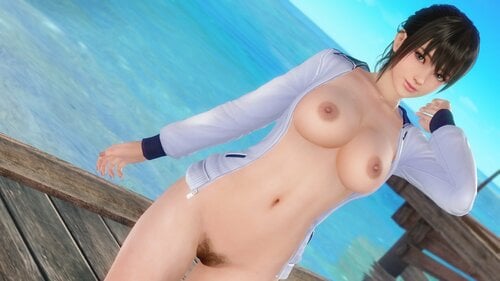
SSR Take your Mark (Common)
By Lunatic dawn
Normal & Awakened :
X + 1 --- toggle Suit
X + 2 --- toggle Jacket
X + 3 --- toggle Whistle (normal mode only )
C + 1 --- toggle transparency
If you installed GUICVM 1.4.1 or higher,
You can check key bindings by GUICVM.
Press F4, or move mouse cursor left top of window & click appered icon.
then click swimsuit icon.
Caution:
If you don't want to use GUICVM, Please disable or delete "sub-gui-text.ini".
-----------------------------------------------------------------------------------------------------------------------------
If you like my mods, please consider buying me a cup of coffee on ko-fi
3145 downloads
Updated
.thumb.png.fced9012efc82e589977bf7e896d4a12.png)

![More information about "[ASOTA OFFICIAL] Ruth Outfit"](https://static.loverslab.com/screenshots/monthly_2026_10/3pose.thumb.png.1ea9e7936dbec909ac0d0ba52f4e6729.png)
![More information about "Dina & Nina Caliente makeover [REMAKE]"](https://static.loverslab.com/screenshots/monthly_2026_10/2026-10-06_15-12-06-613_WWOOALITTLELIFE.thumb.jpg.e098dfa312e6ec66d2edcf22476ee79a.jpg)