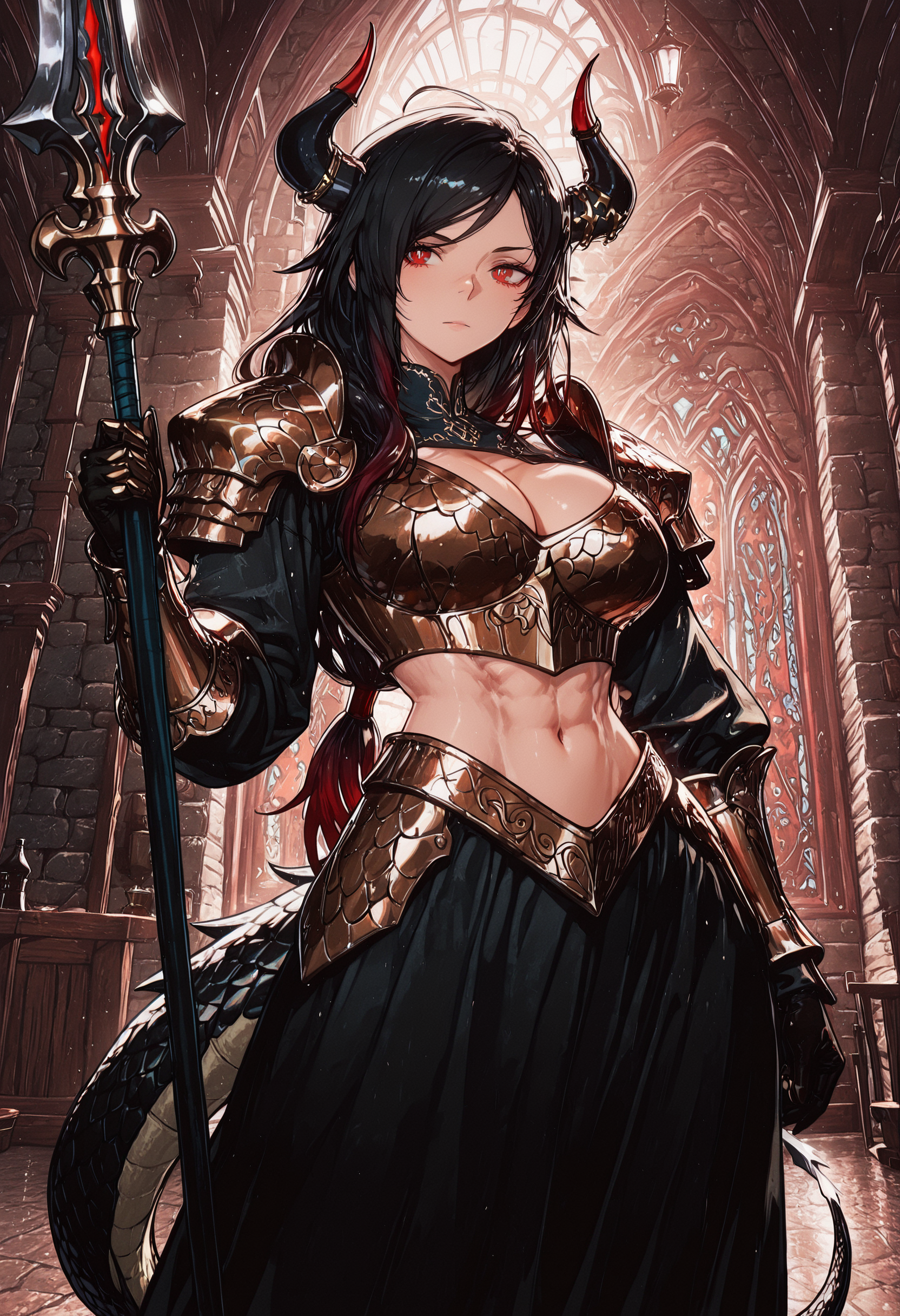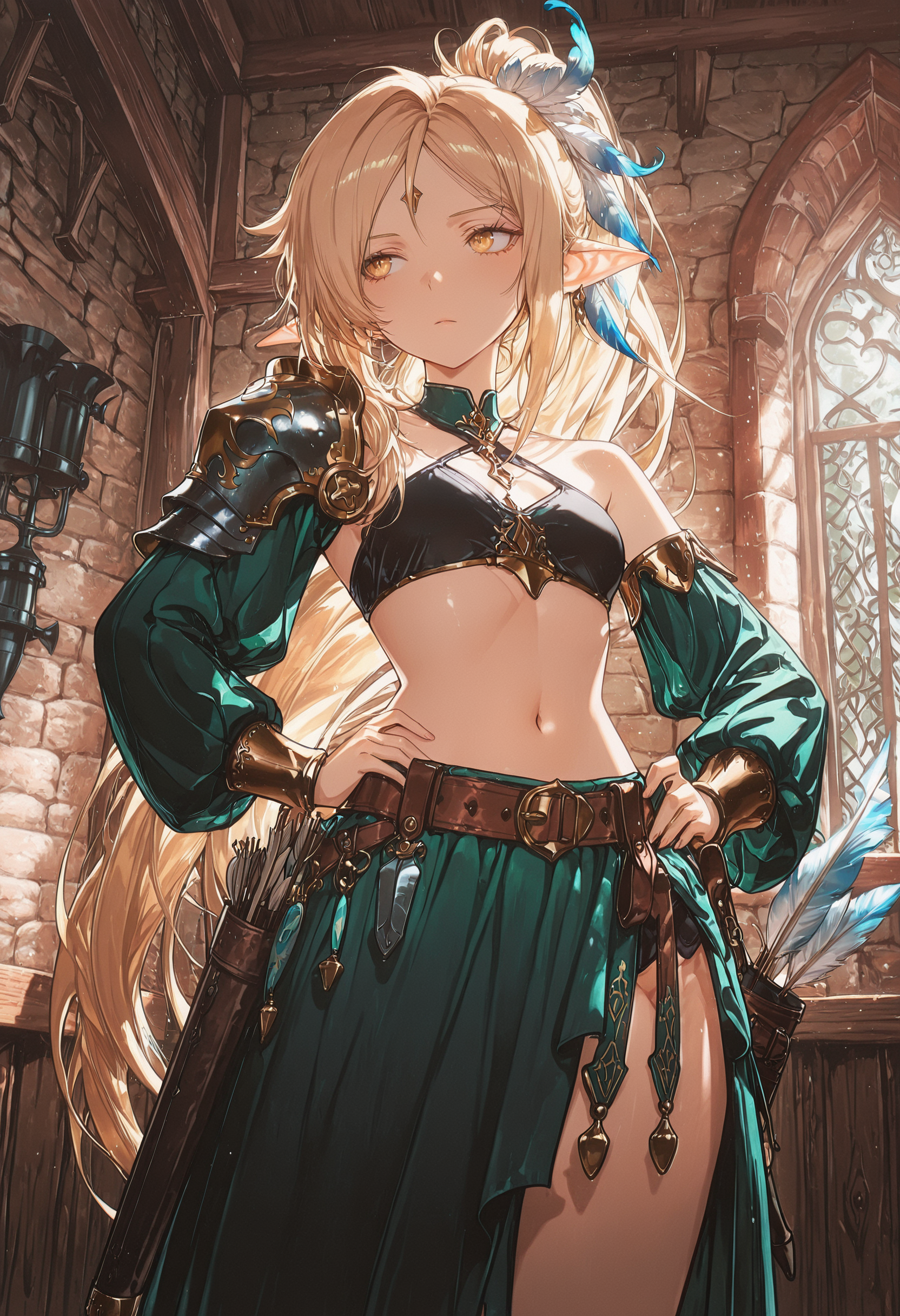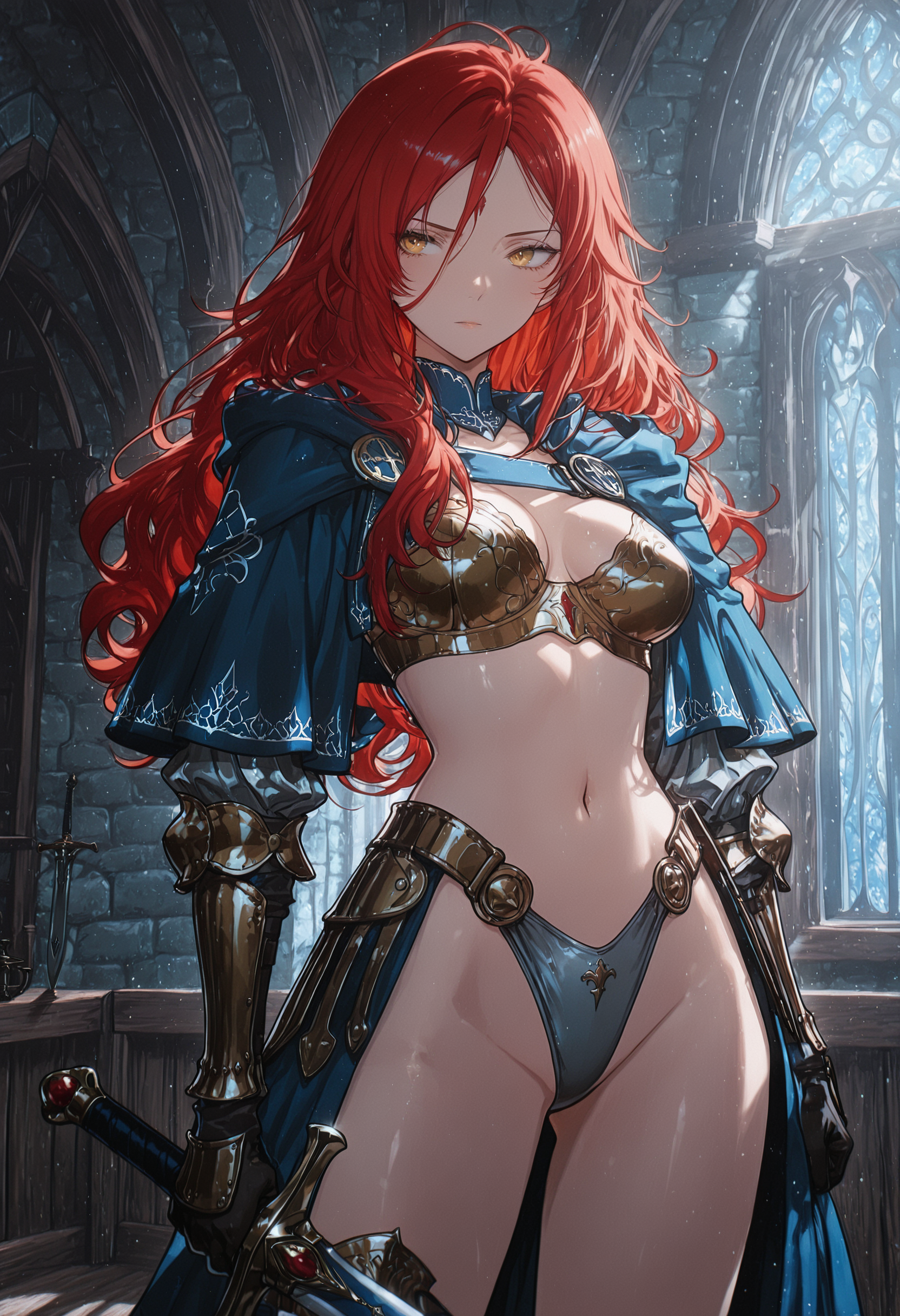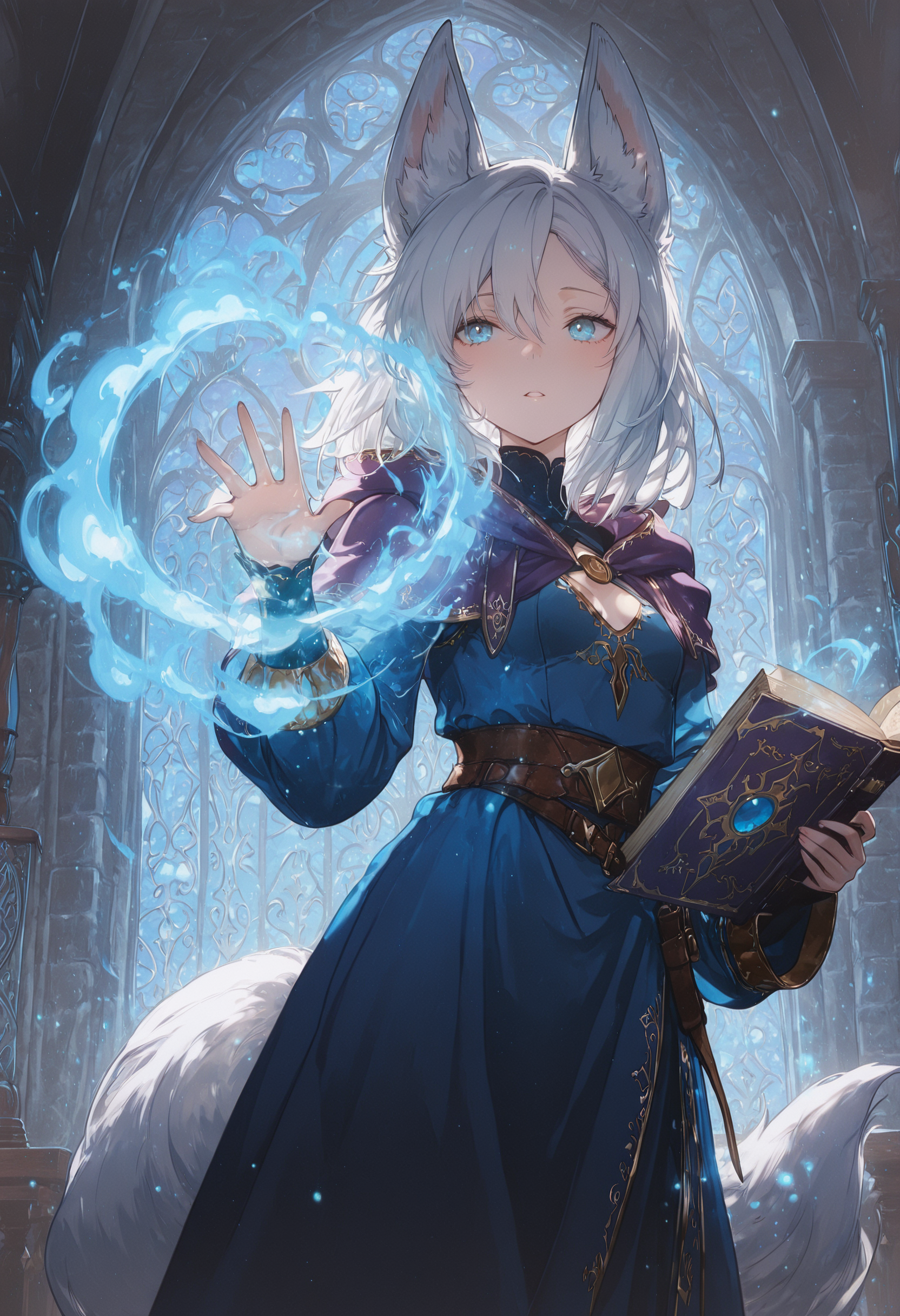
Overview
About This Club
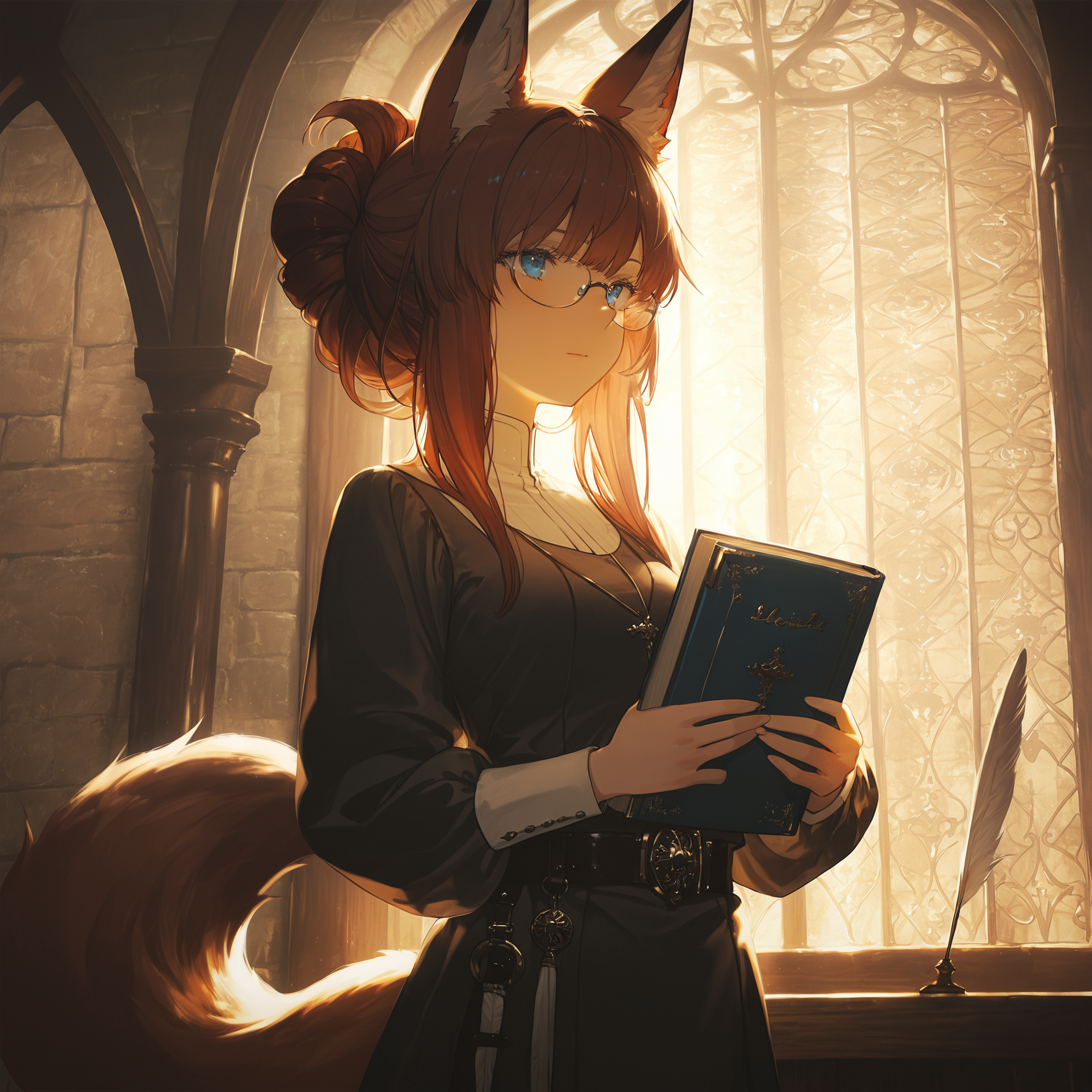
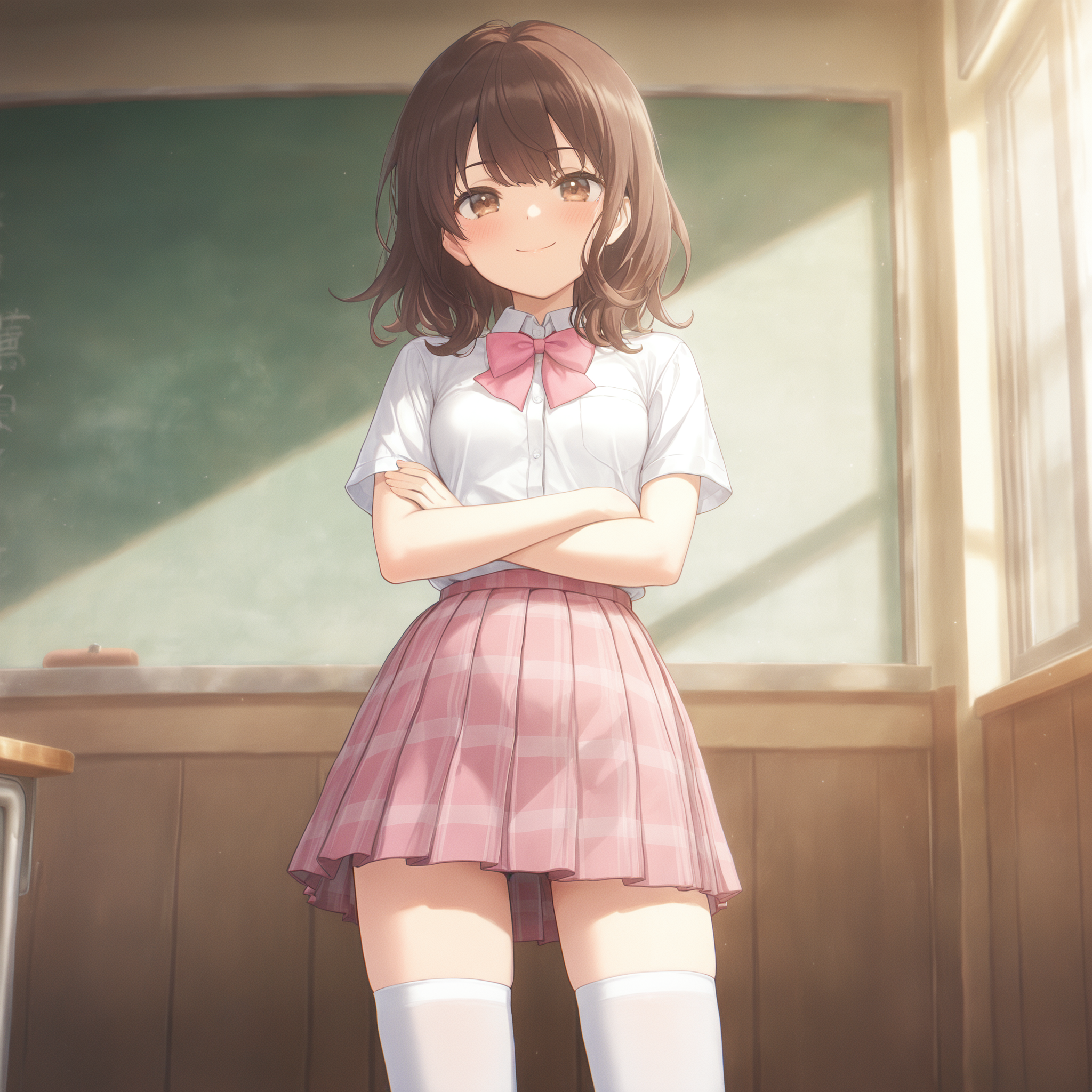
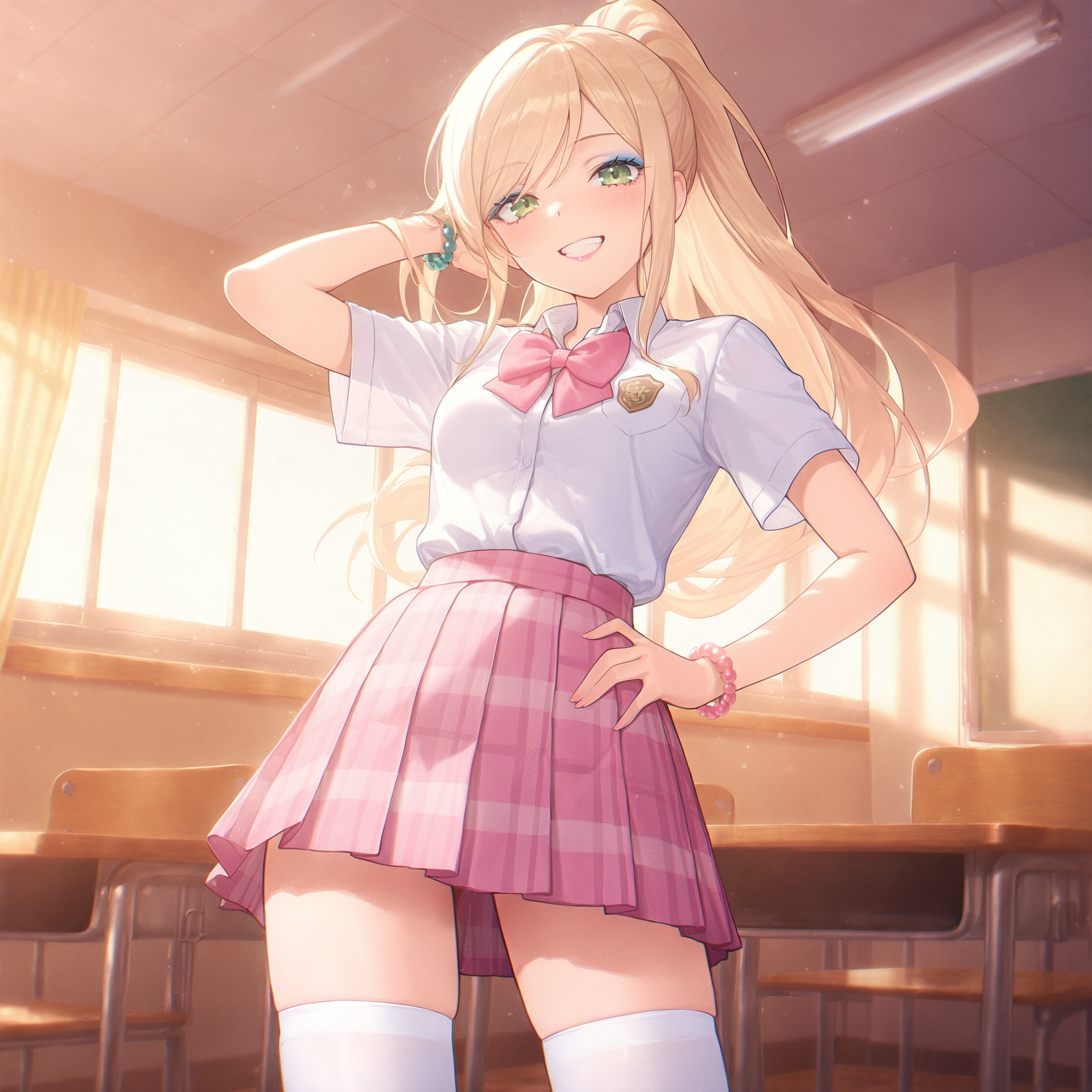
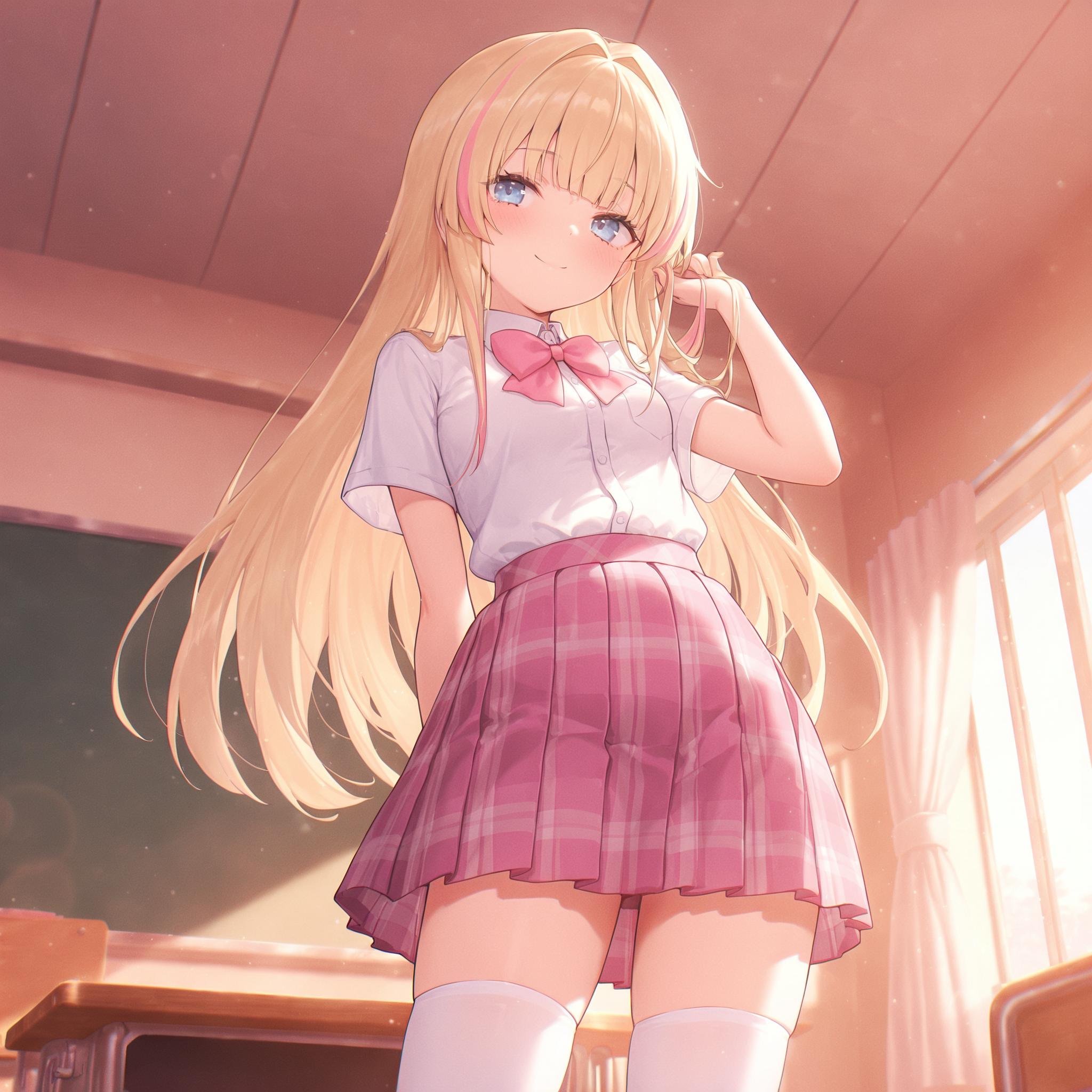
A club to share NSFW and/or SFW AI created images, inquire about prompting, and share your prompting discoveries.
- What's new in this club
-
 Strunad joined the club
 -
 Black Heaven joined the club
 -
 Clover Harper joined the club
 -
 kilatrace joined the club
 -
 gzjohnson joined the club
 -
 BakunyuuWaifu joined the club
 -
 凌源大魔王 joined the club
 -
 43deadwood joined the club
 -
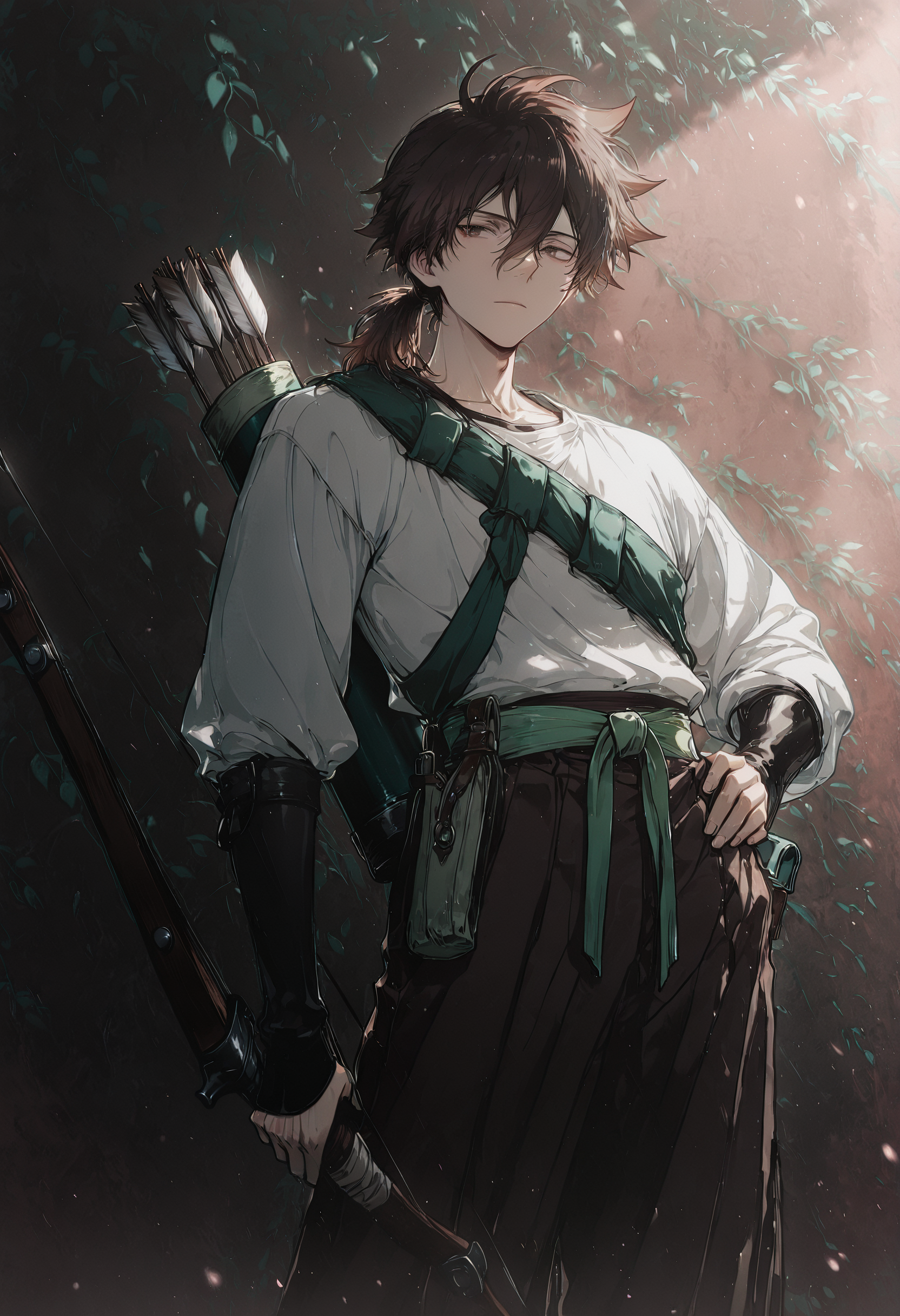
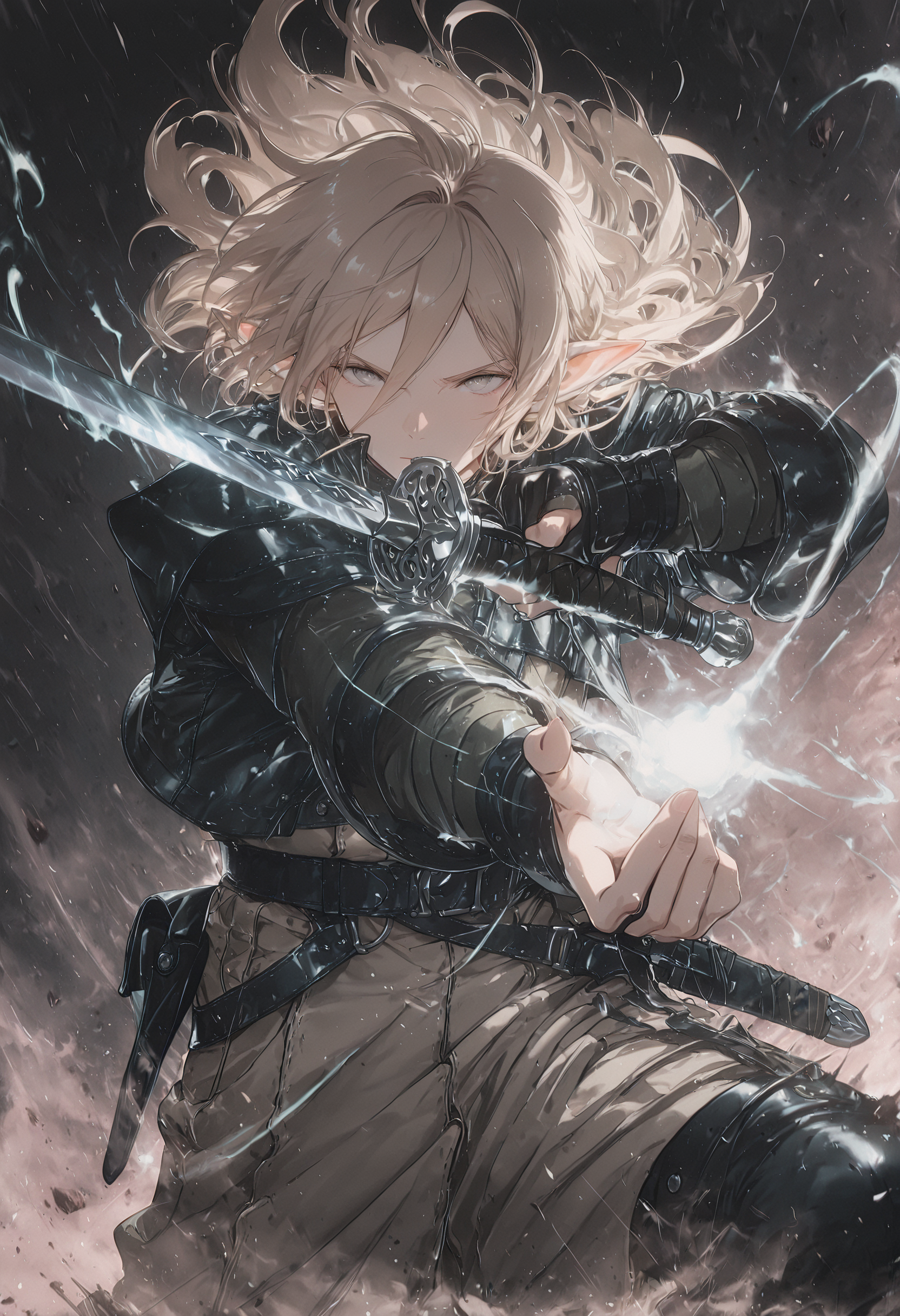
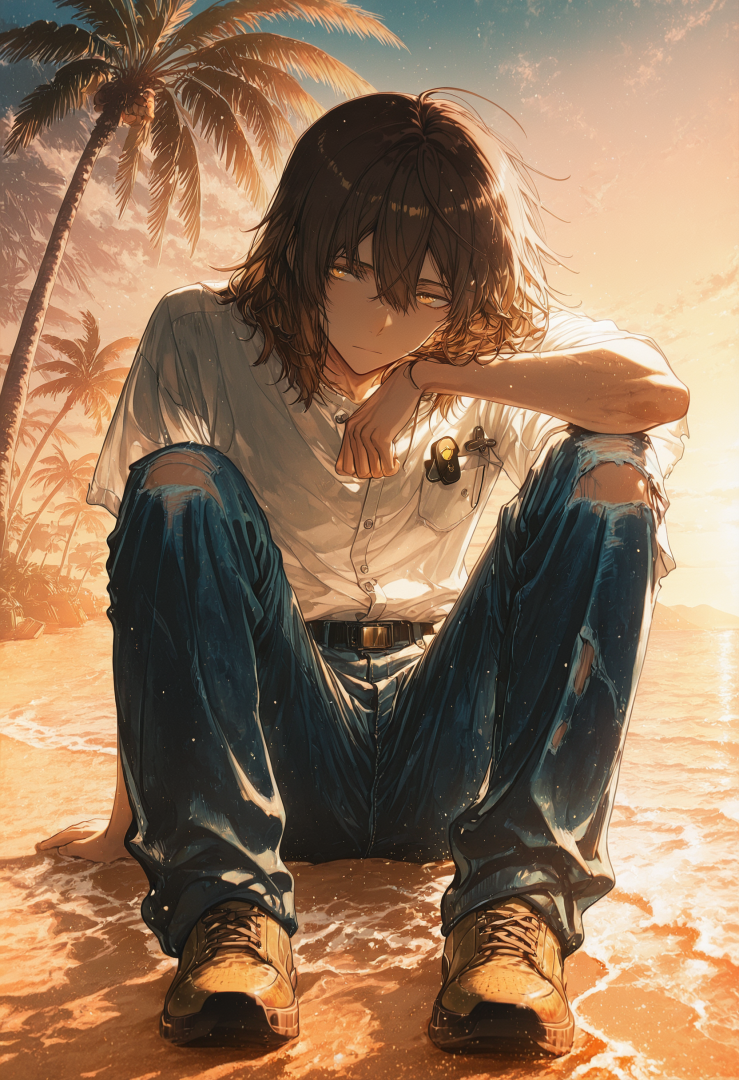
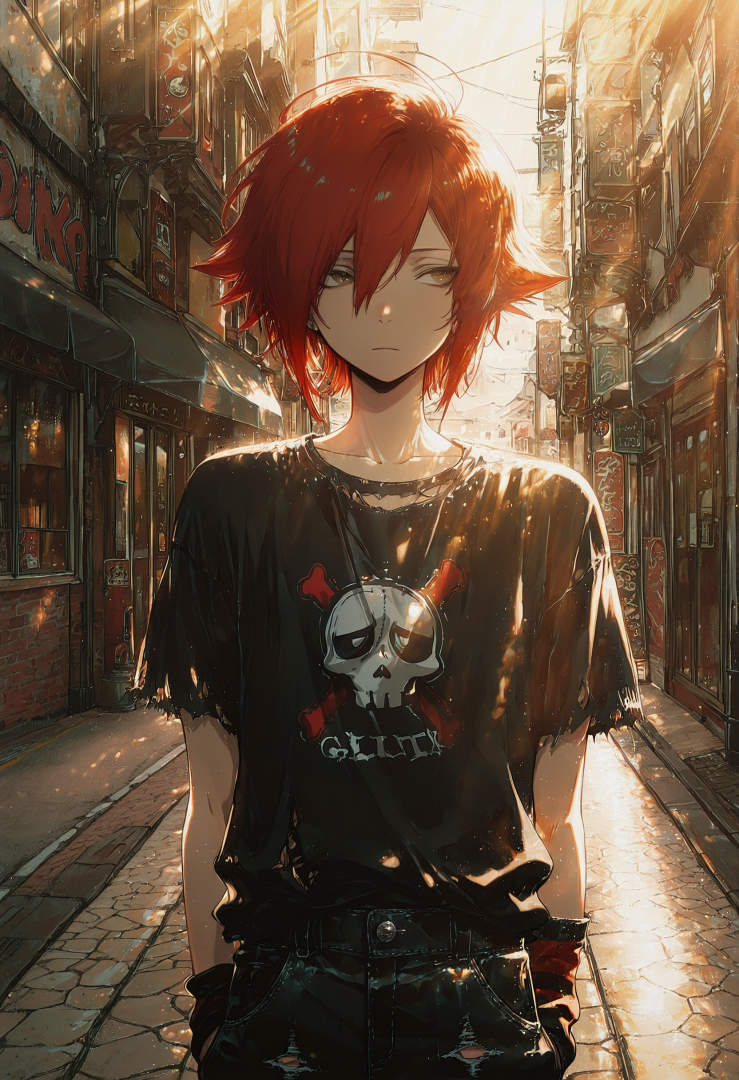
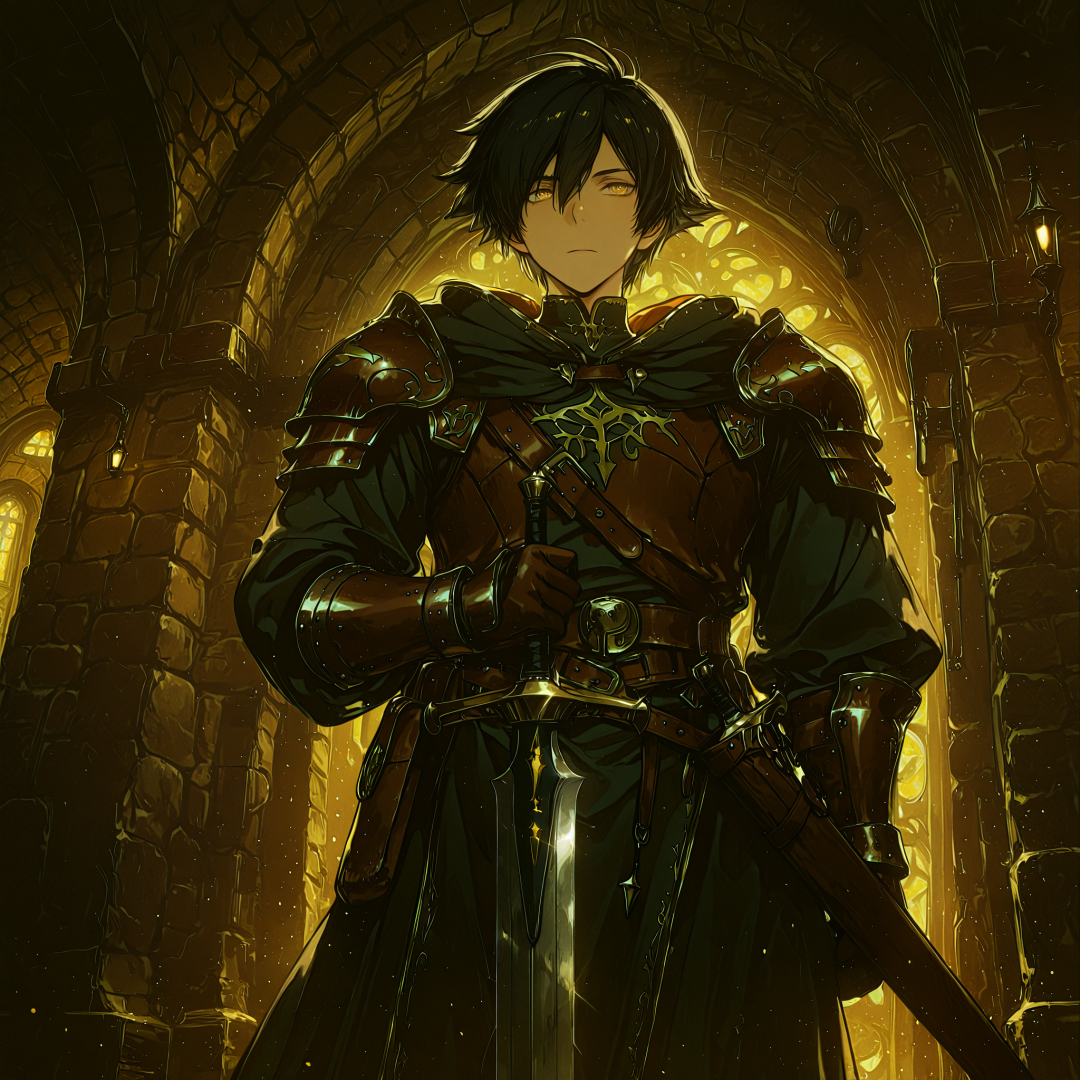
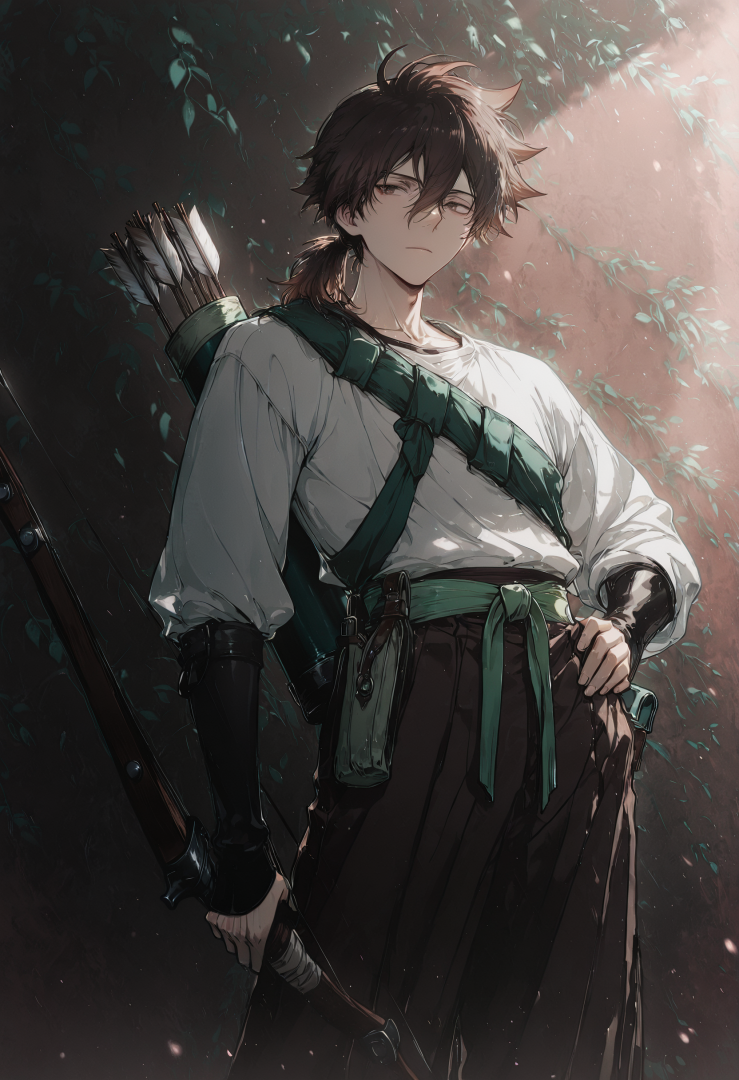
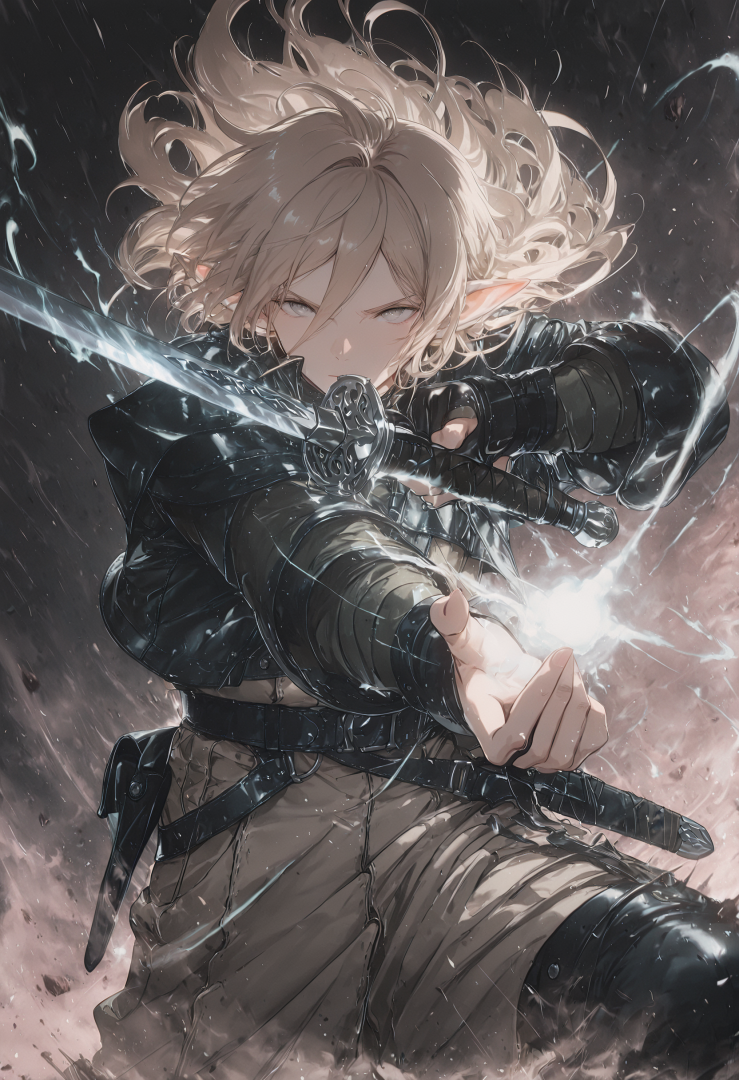
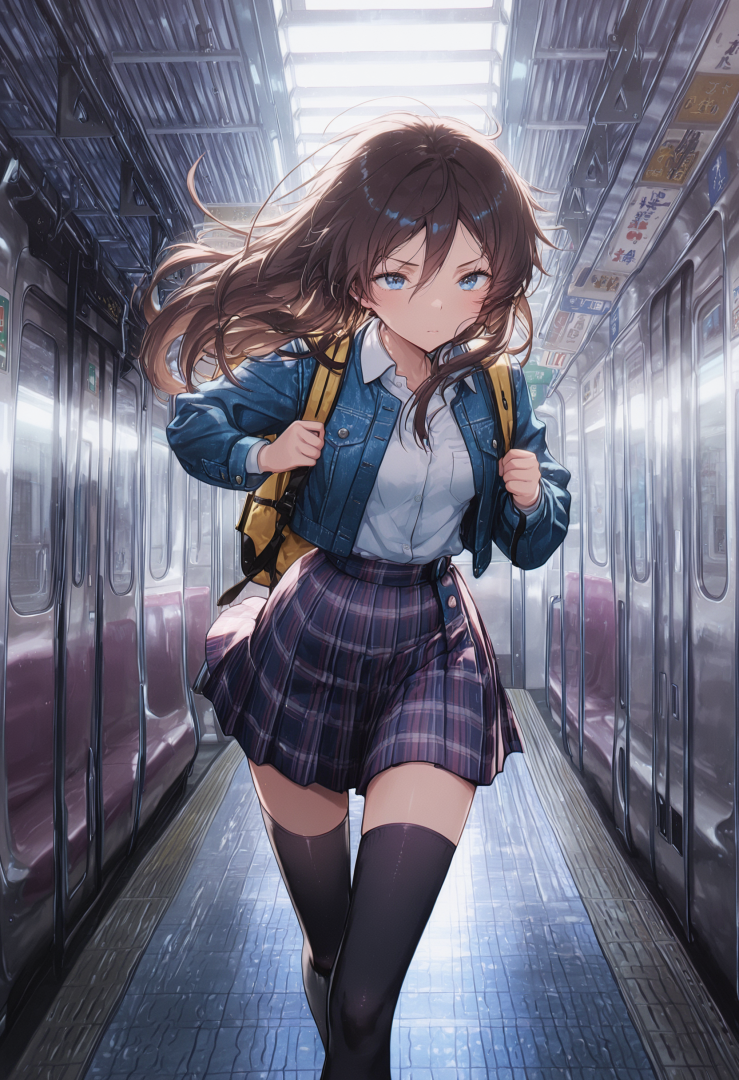
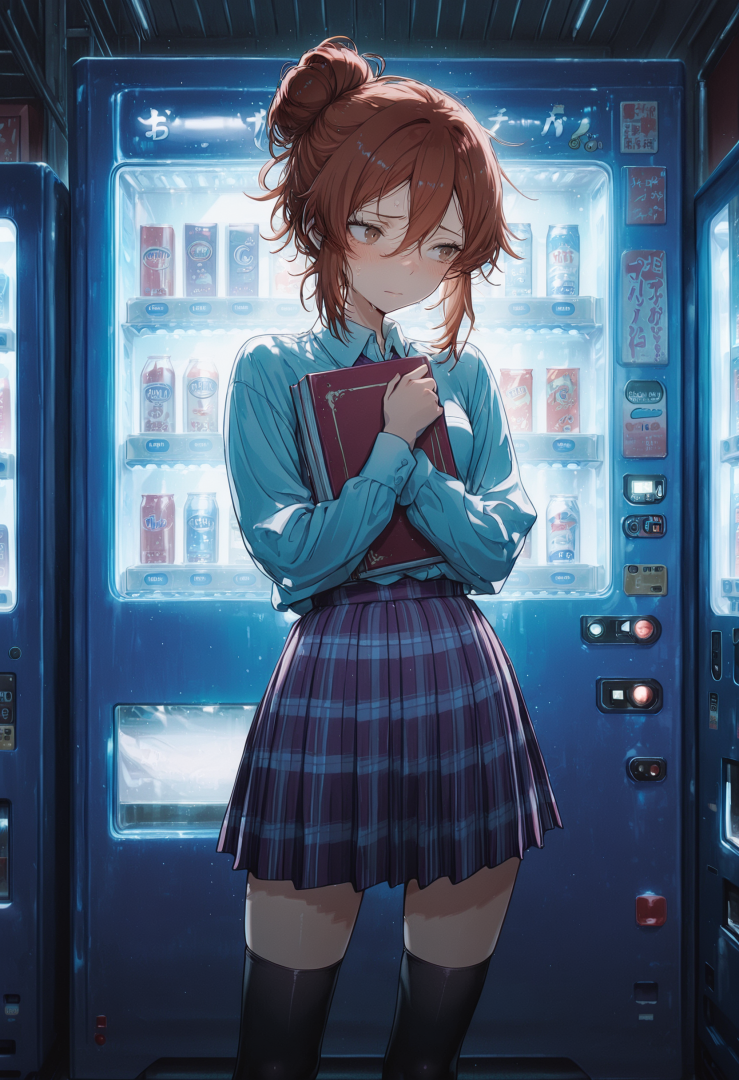
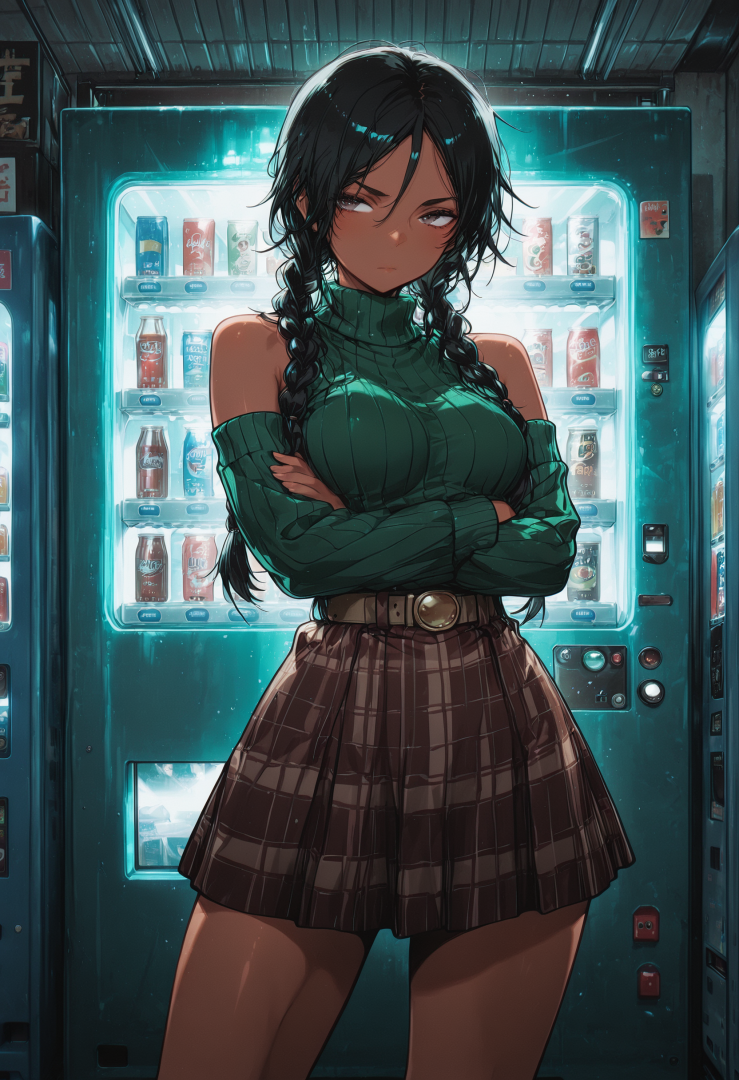
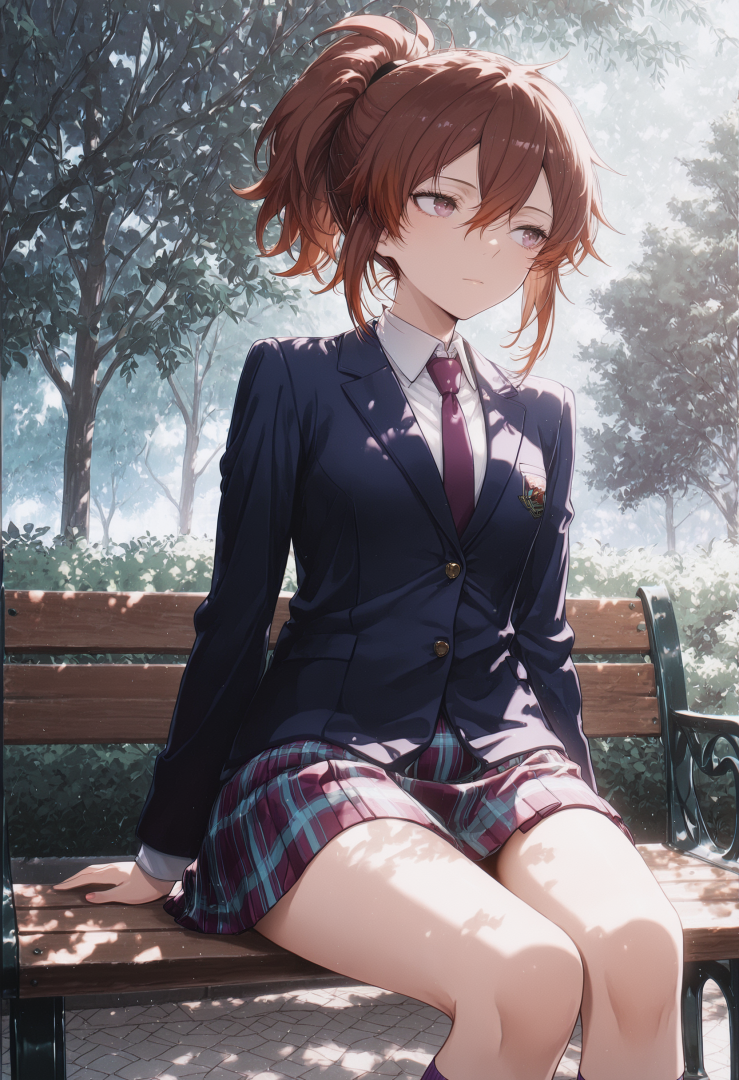
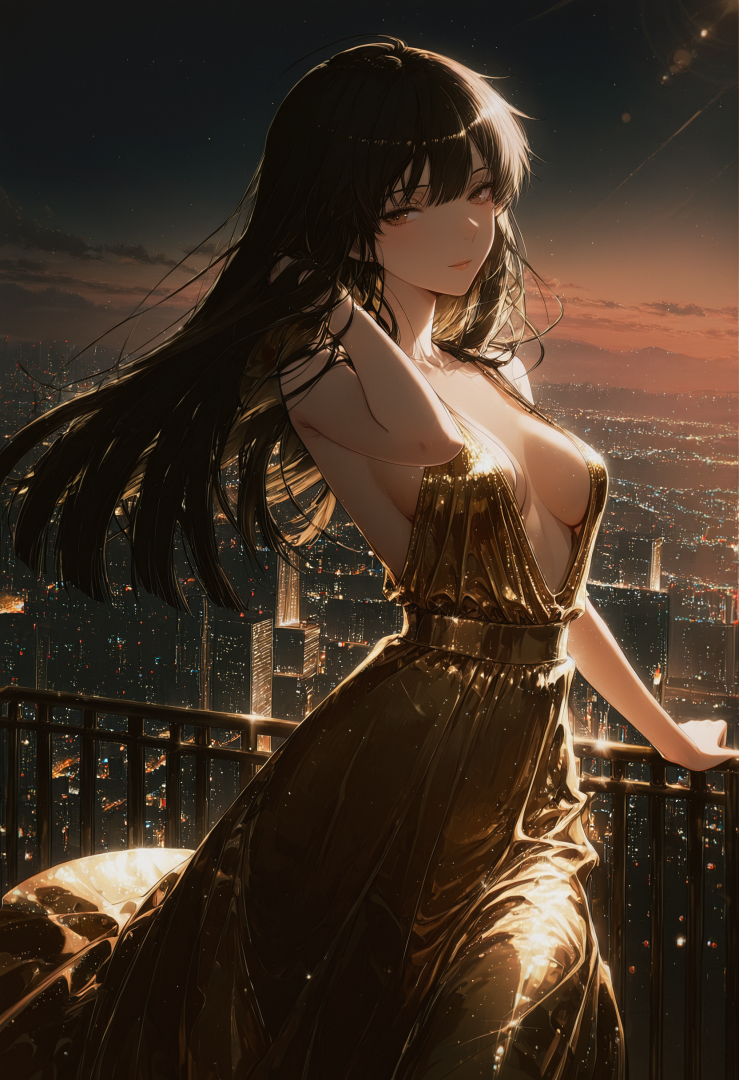
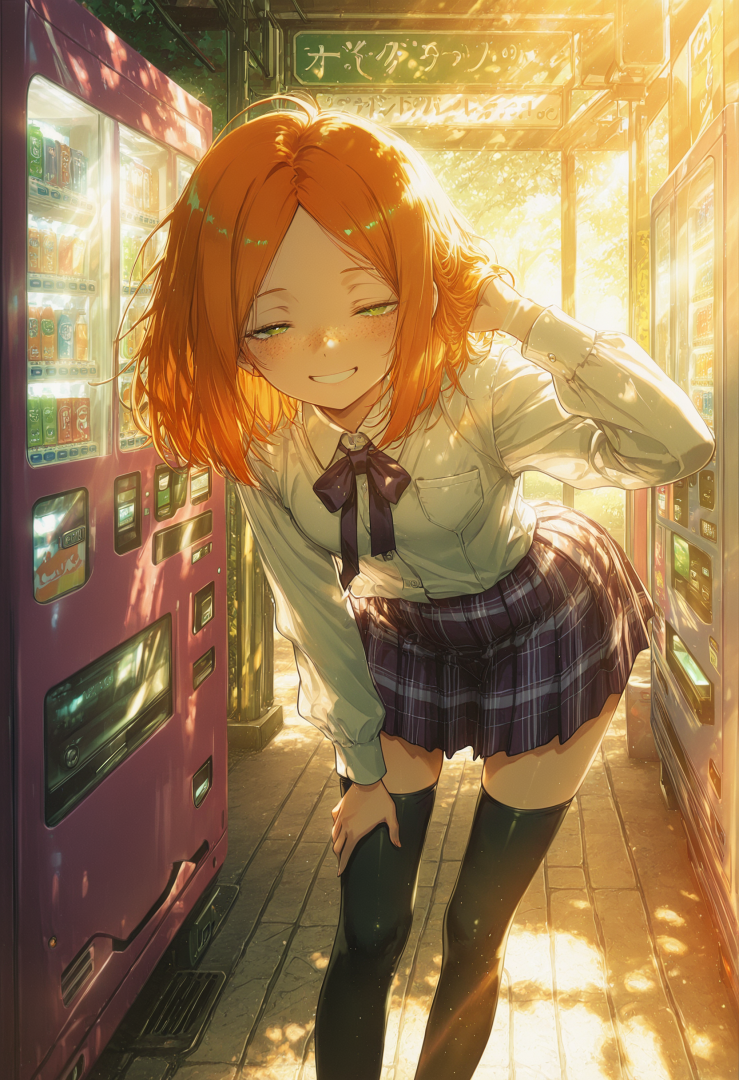
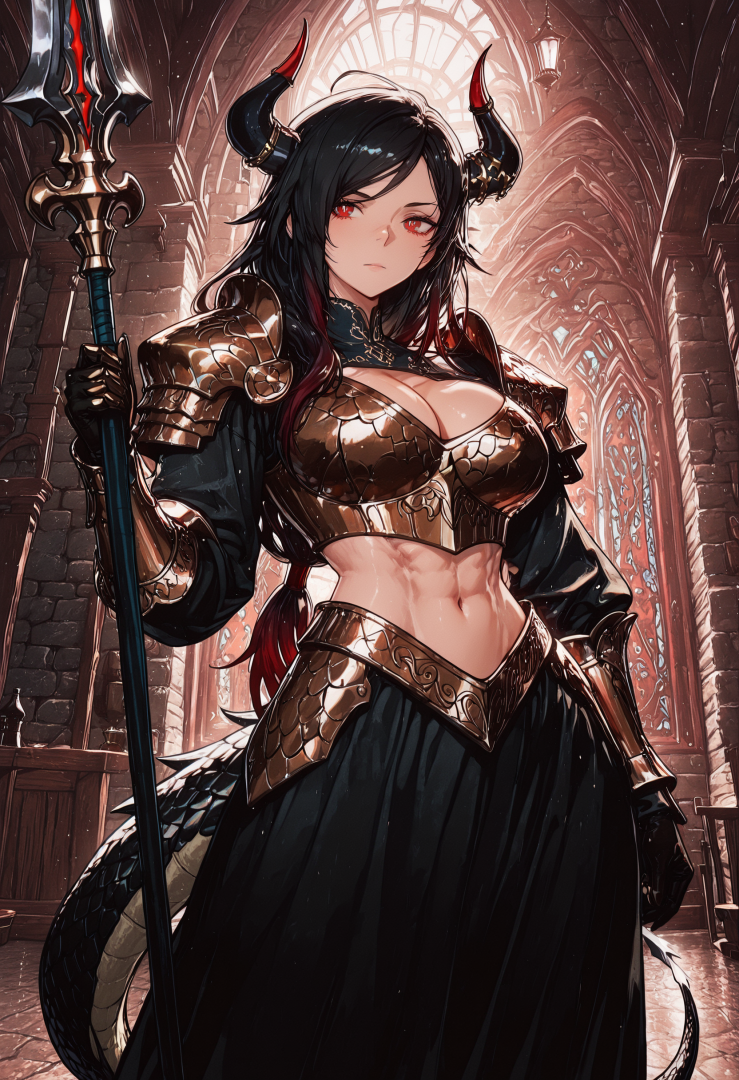
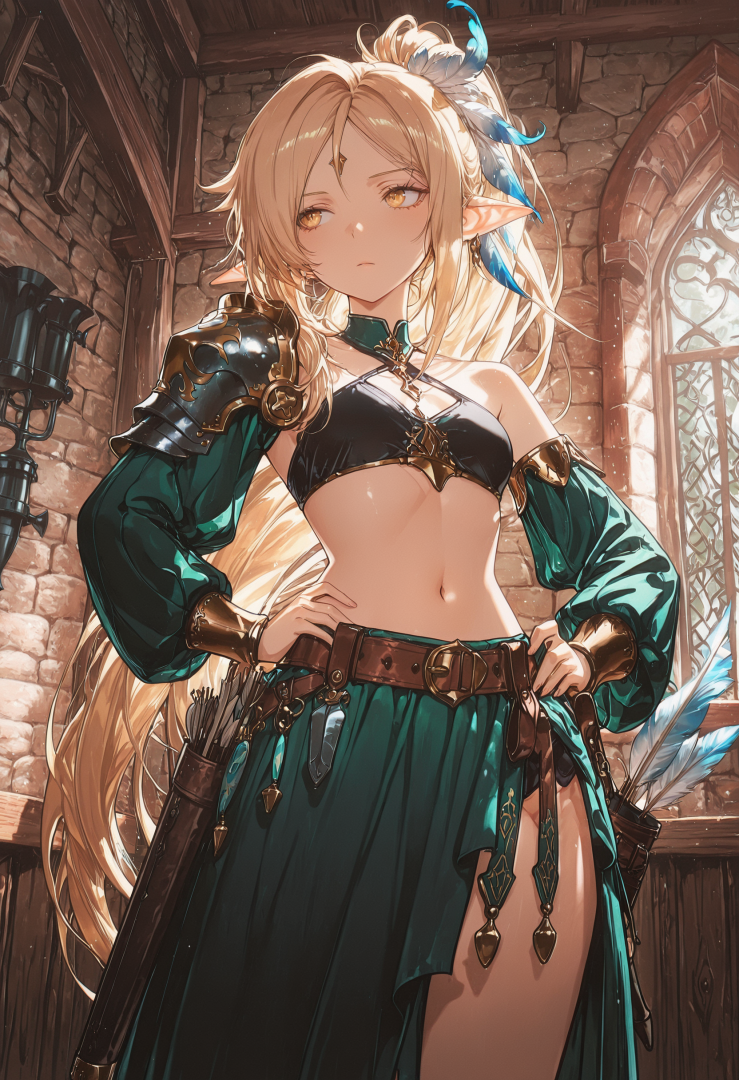
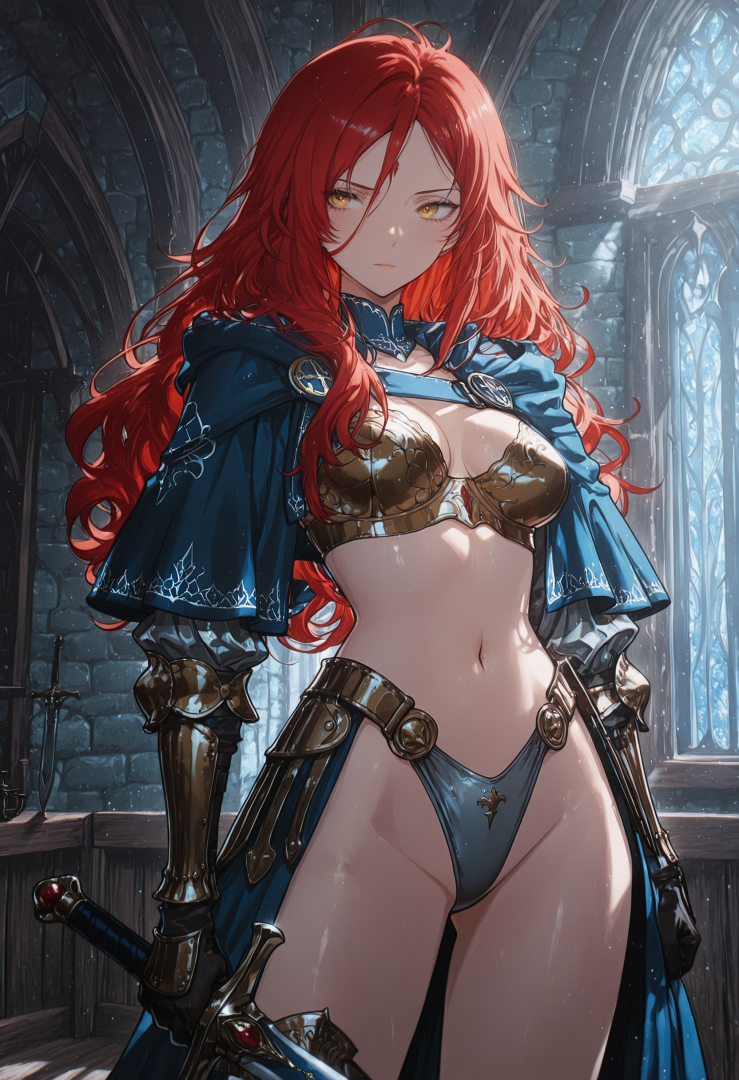
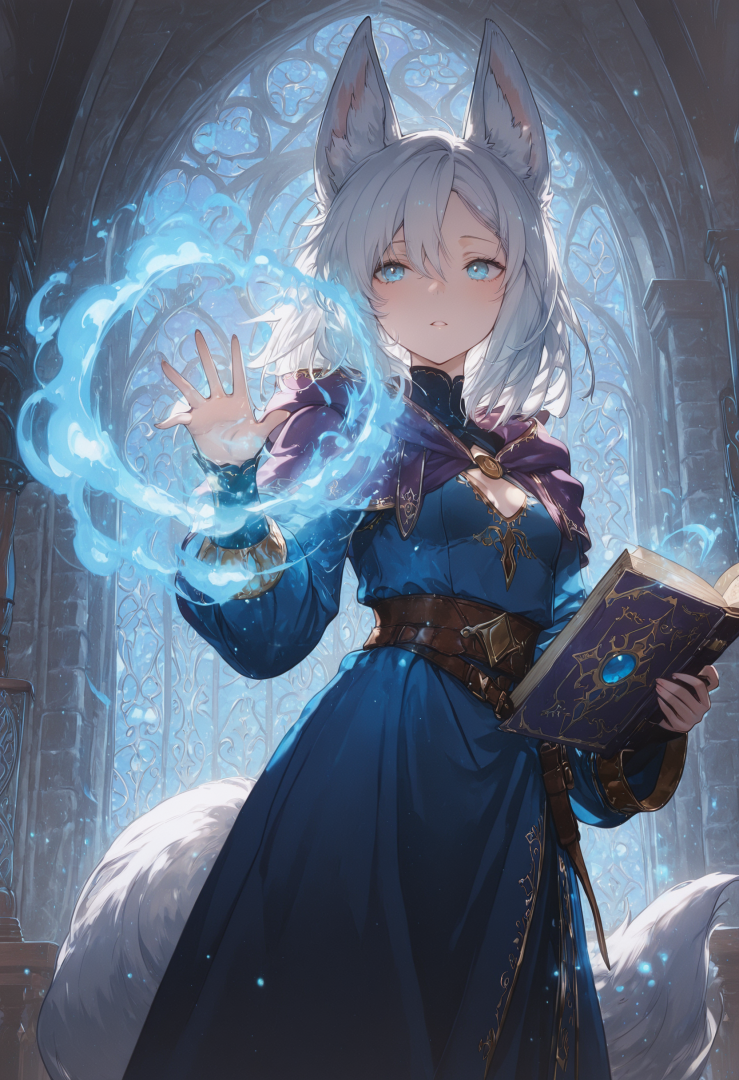
A collection of characters from some AI Roguelite Campaigns Male Player Characters: Female NPCS:


-
Batch of random images from other posts

-
 Latexy joined the club
 -
 Antoniopatiño joined the club
 -
 BigDickLegend joined the club
 -
 chasse59ze joined the club
 -
 soficater joined the club
 -
 Jeriko2020 joined the club
 -
 xHazy joined the club
 -
 Sleevesies joined the club
 -
 masterblay666 joined the club
 -
 Revi_senpai joined the club
 -
 DerFlummox joined the club
 -
 JJJJJPDF joined the club
 -
This collection is for the Gays, the Gals, and everyone else who enjoys the male form. Created with: CivitAi On-Site Image Generator Checkpoint: Real Dream Pony SDXL 18 - sinatra (TensorArt) More Details:

-
 Mashugana joined the club
 -
 magnusdingleberg joined the club
 -
 bestchoco joined the club
 -
 KnotsRcool joined the club
 -
 wankozztarou joined the club
 -
 RDE324 joined the club
 -
 Wqz512414 joined the club
 -
 LIABAOS joined the club
 -
 Daiker joined the club
 -
 v1475614 joined the club
 -
 haha0023 joined the club
 -
 poutine_electrik joined the club
 -
 SourOn4U joined the club
 -

-
 Aiden-Sa joined the club
 -
 silverblaze1039 joined the club
 -
 Ssonicc joined the club
 -
 fool7410 joined the club
 -

Life with a Kitsunemimi Named Sakura
FoxSungTofu replied to FoxSungTofu's topic in AI Art Club's [NSFW] - Thrilling Tales
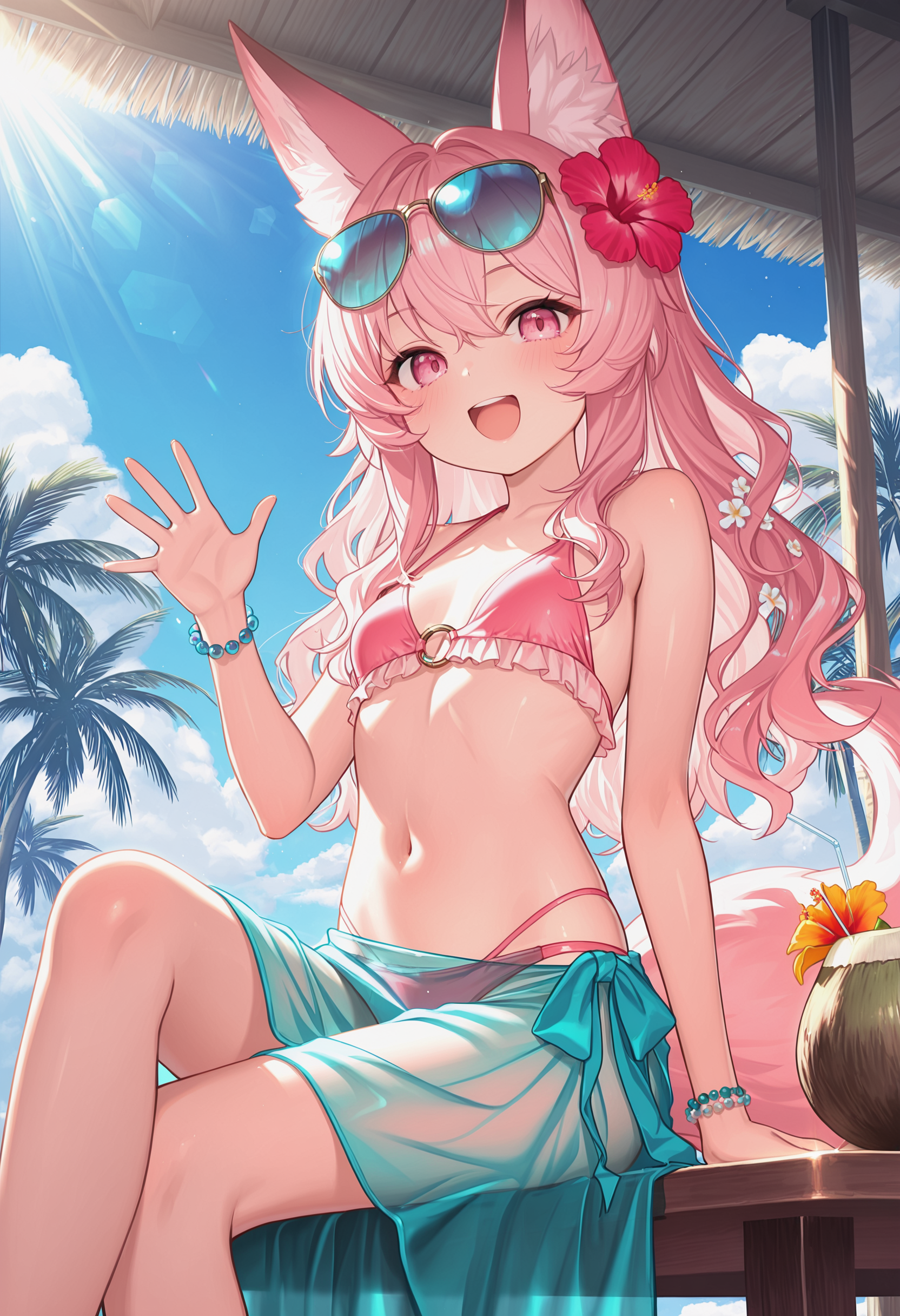
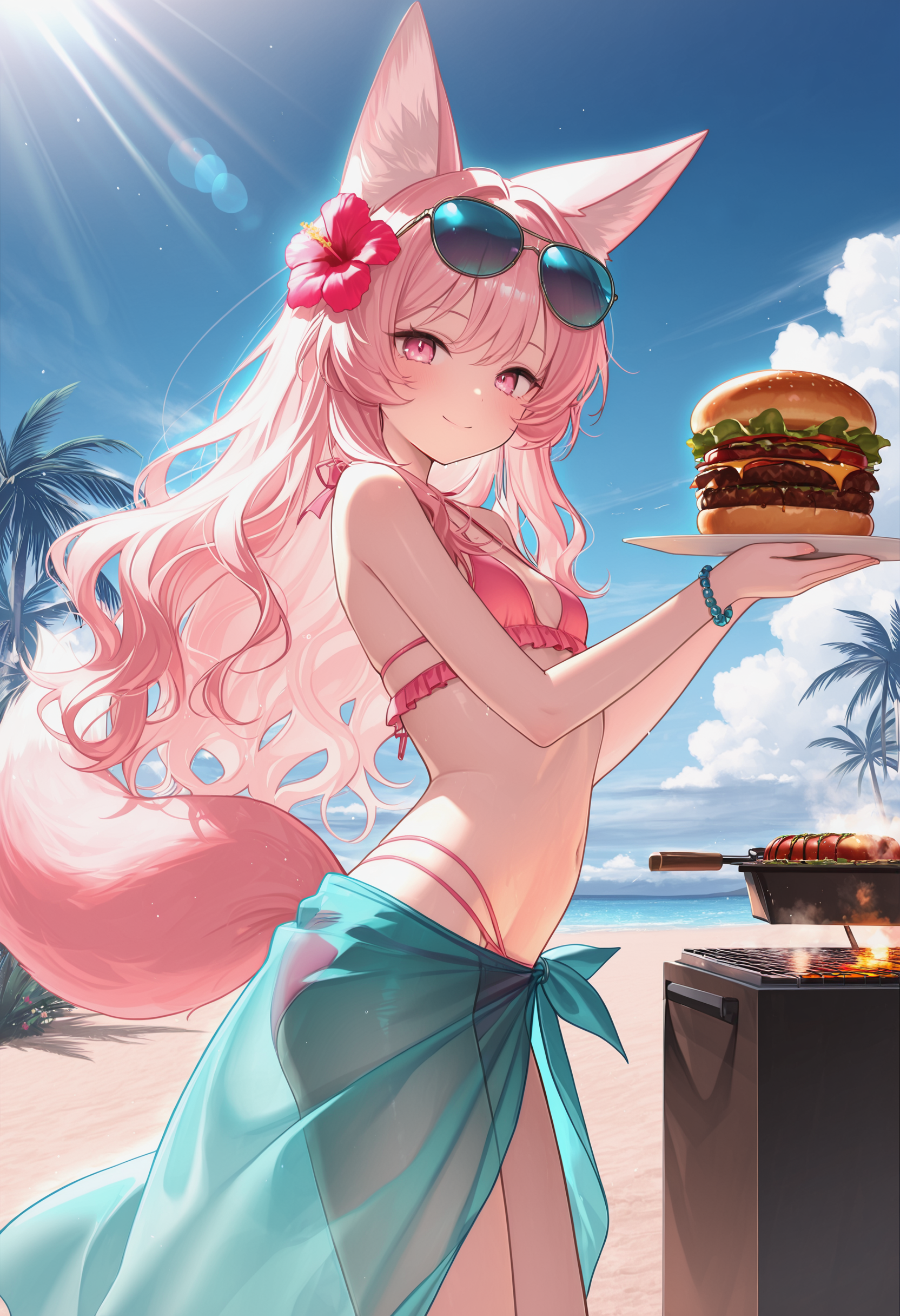
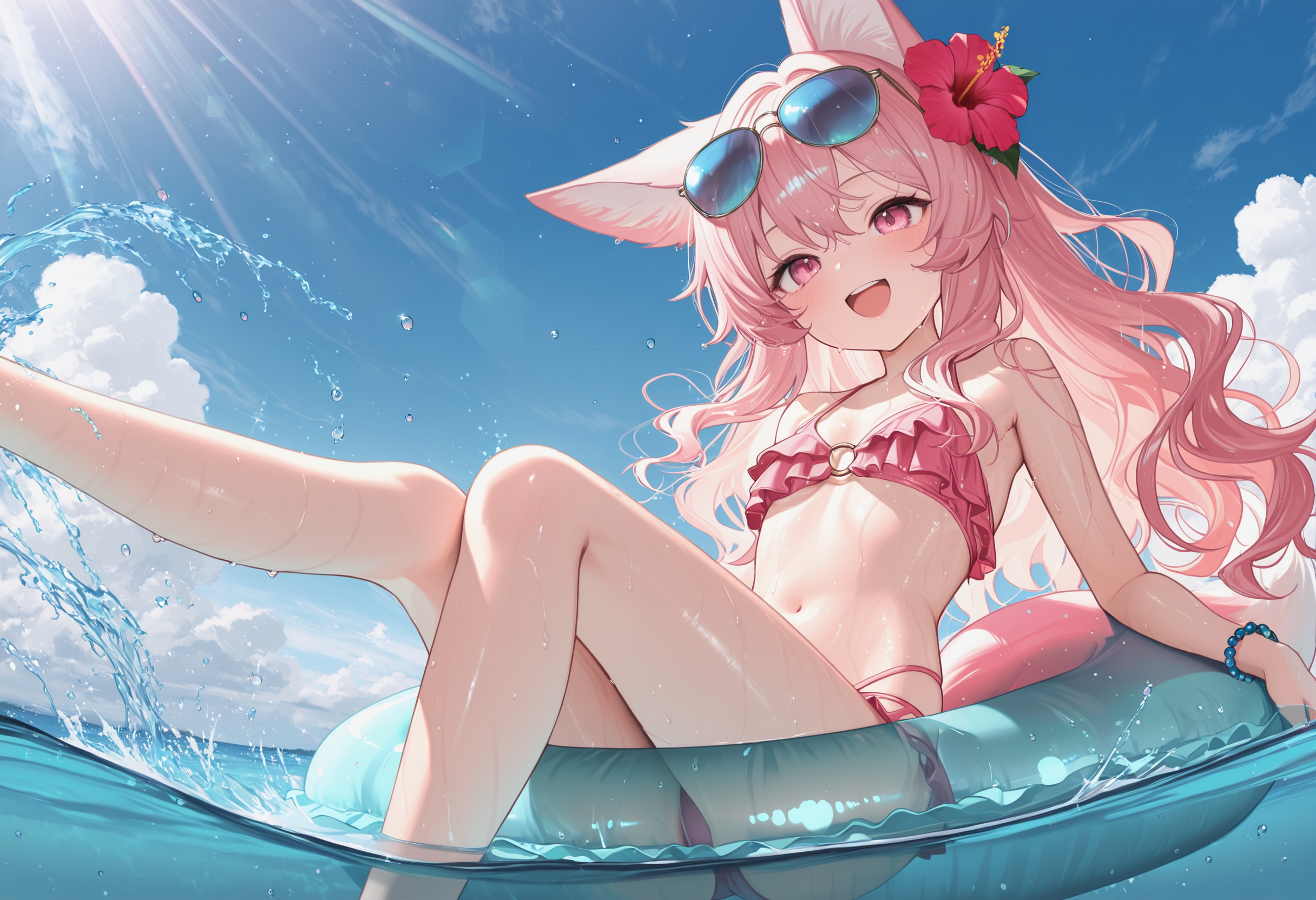
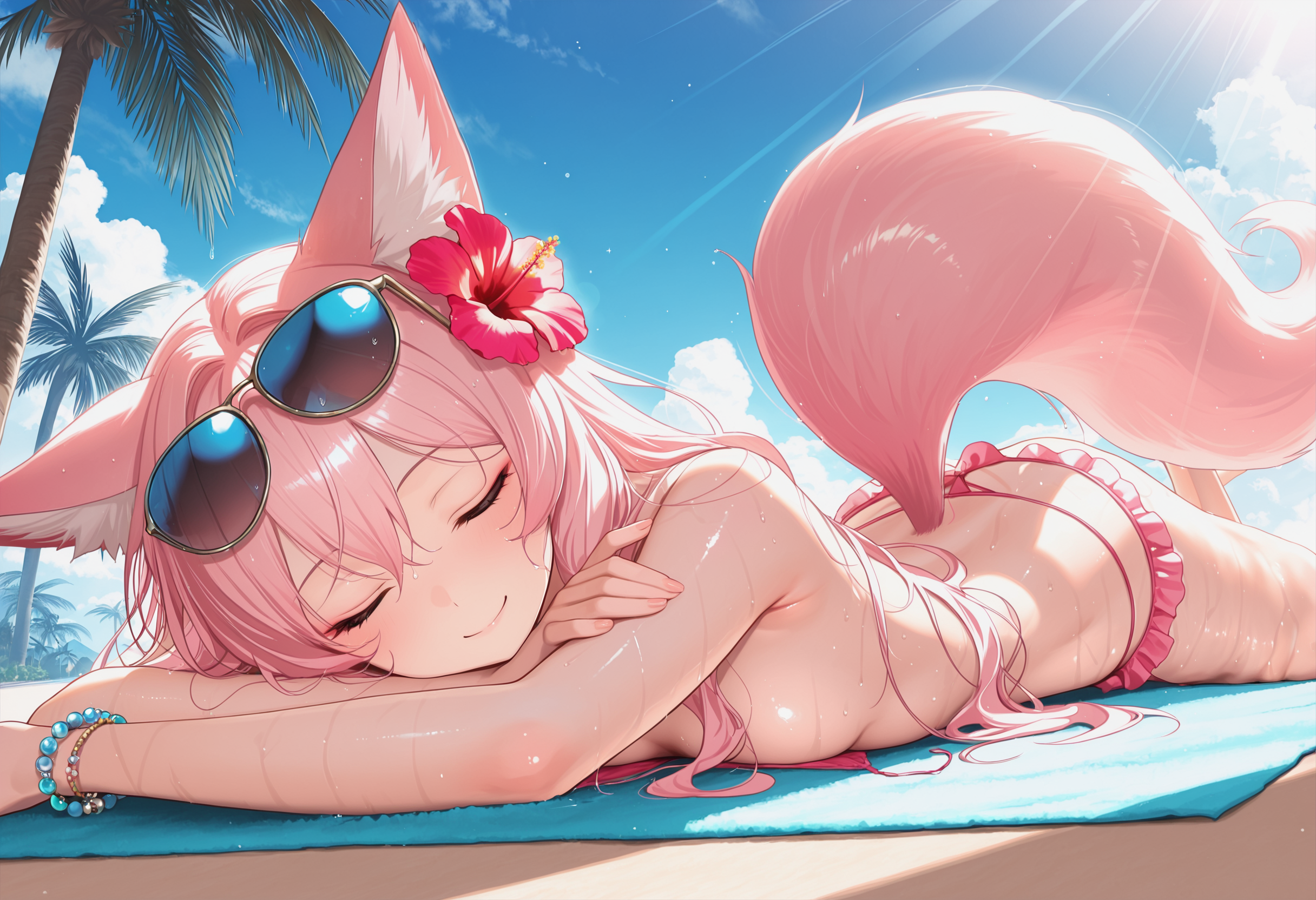
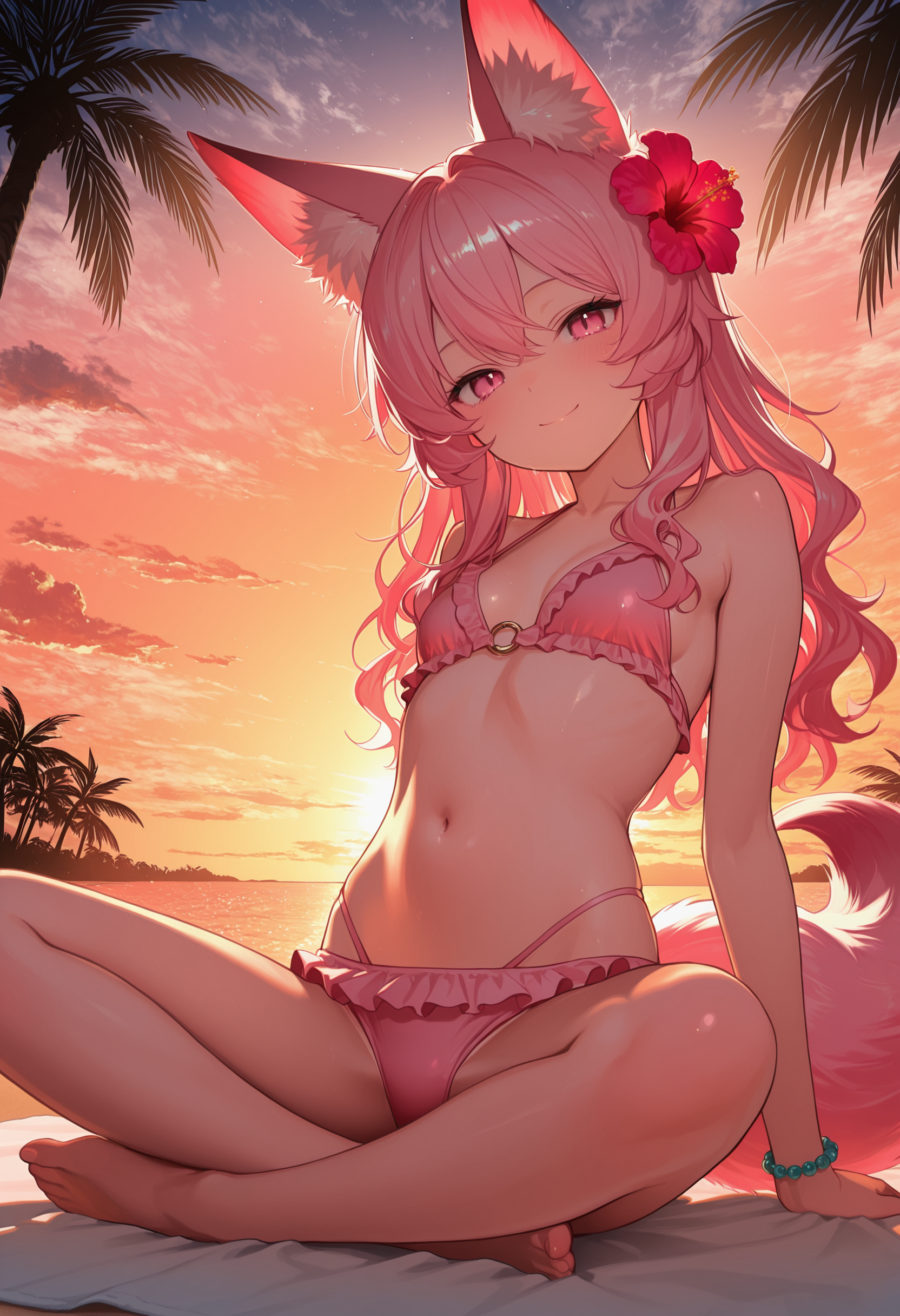
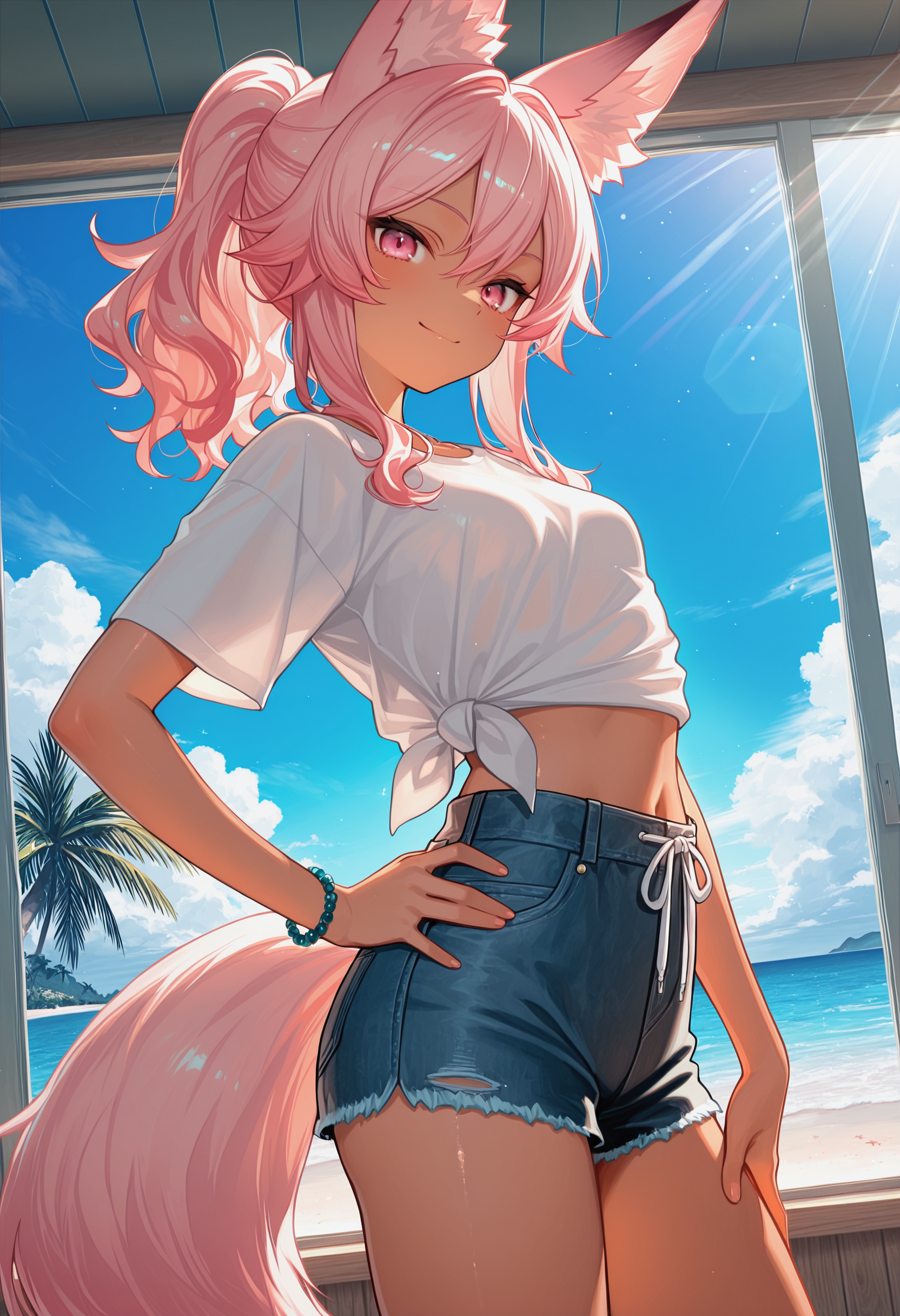
🌴 Summer Vacation with Sakura 🥥 Sakura decided to grow her hair out this summer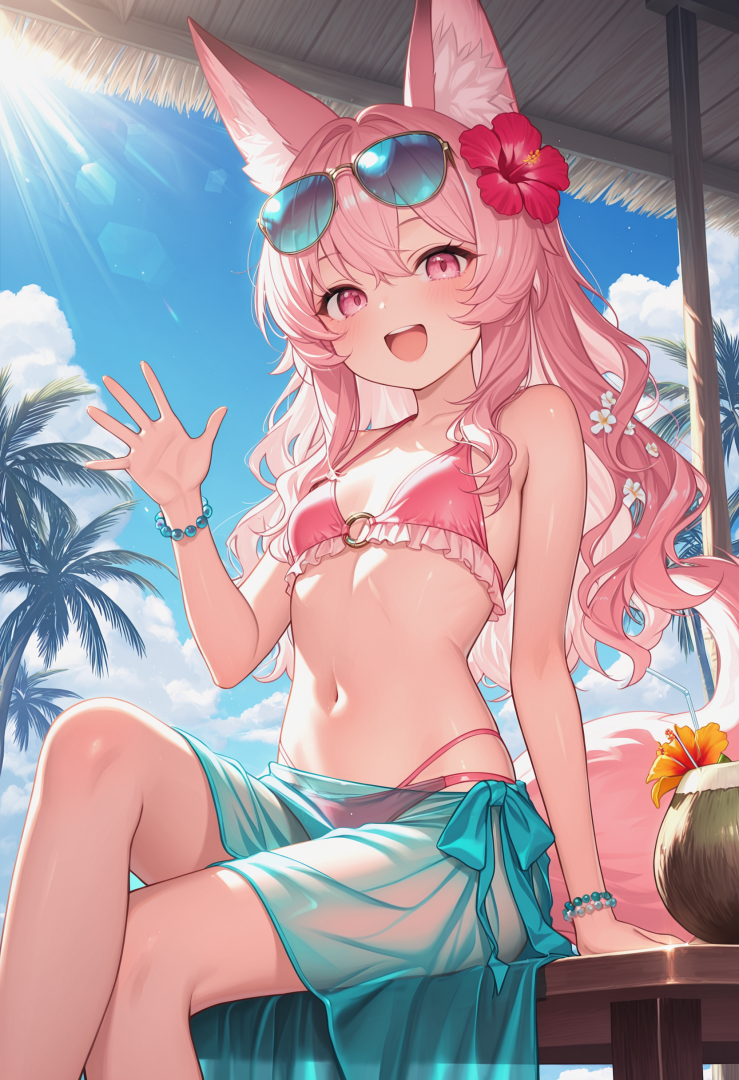
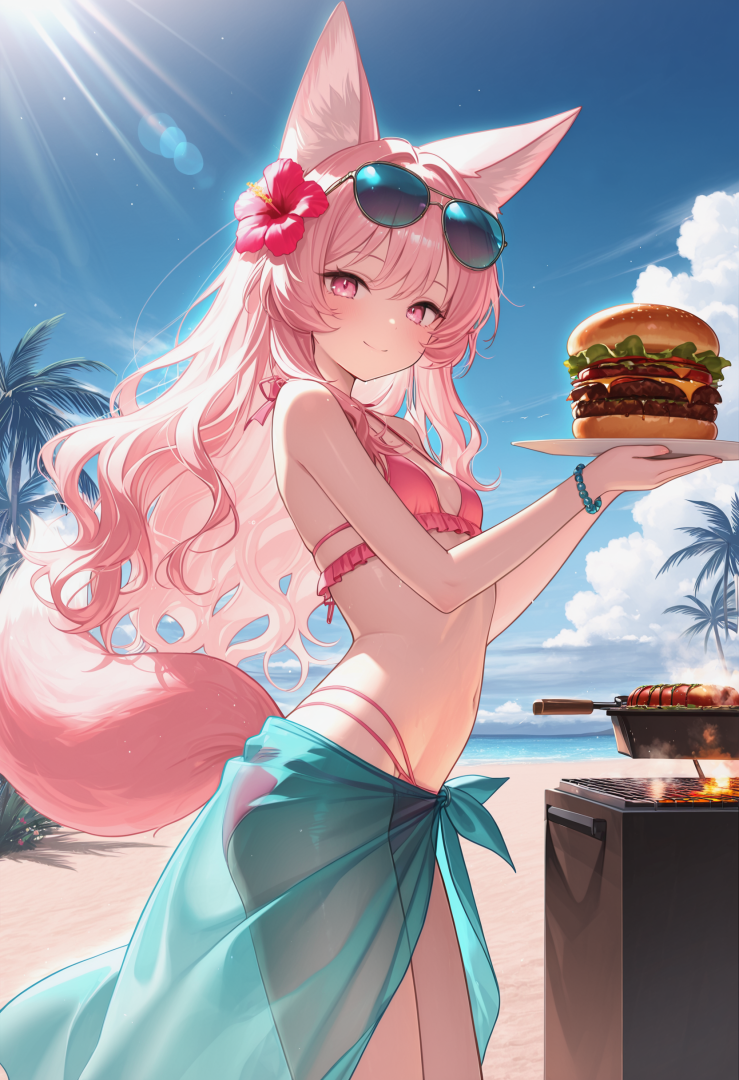
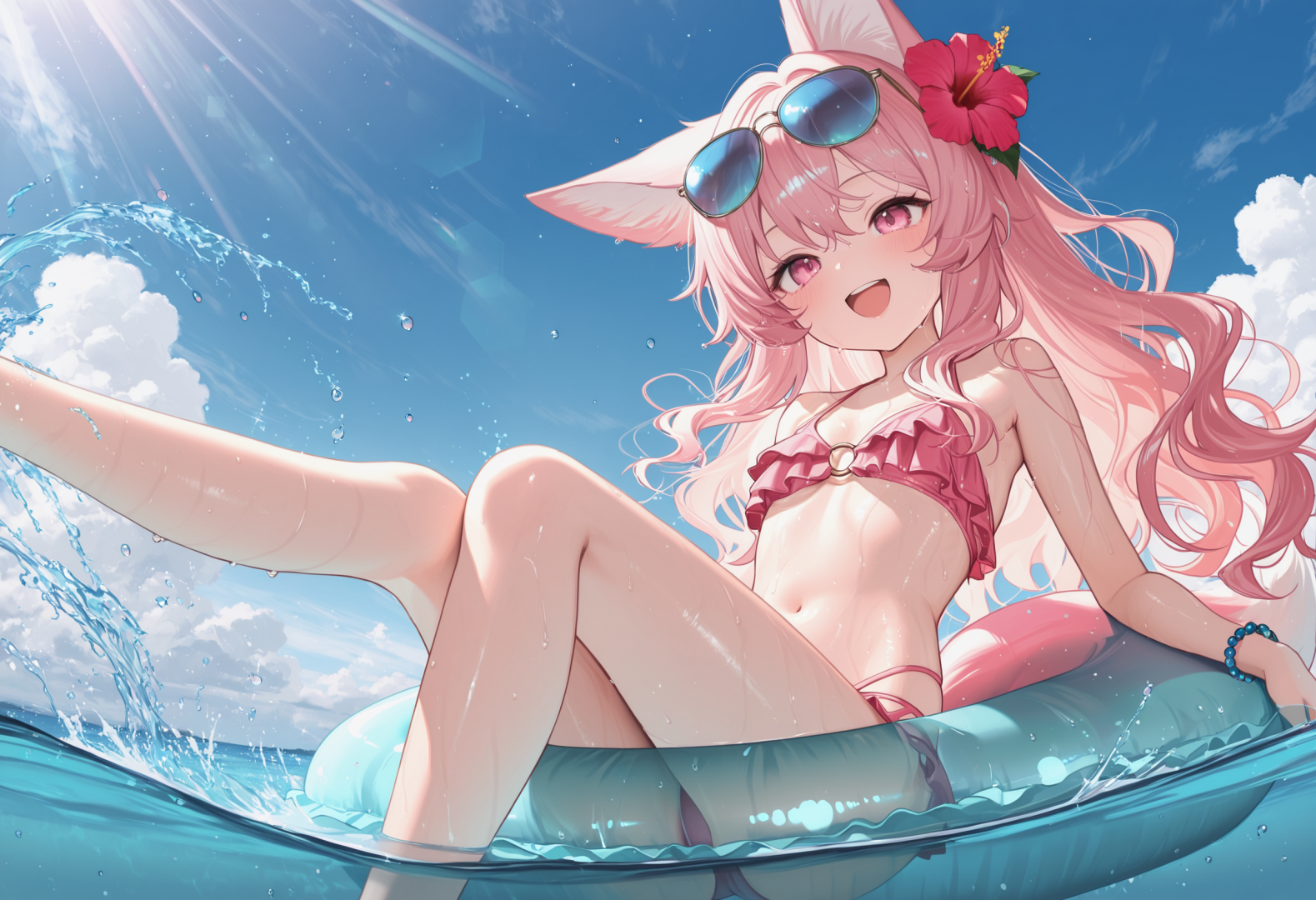
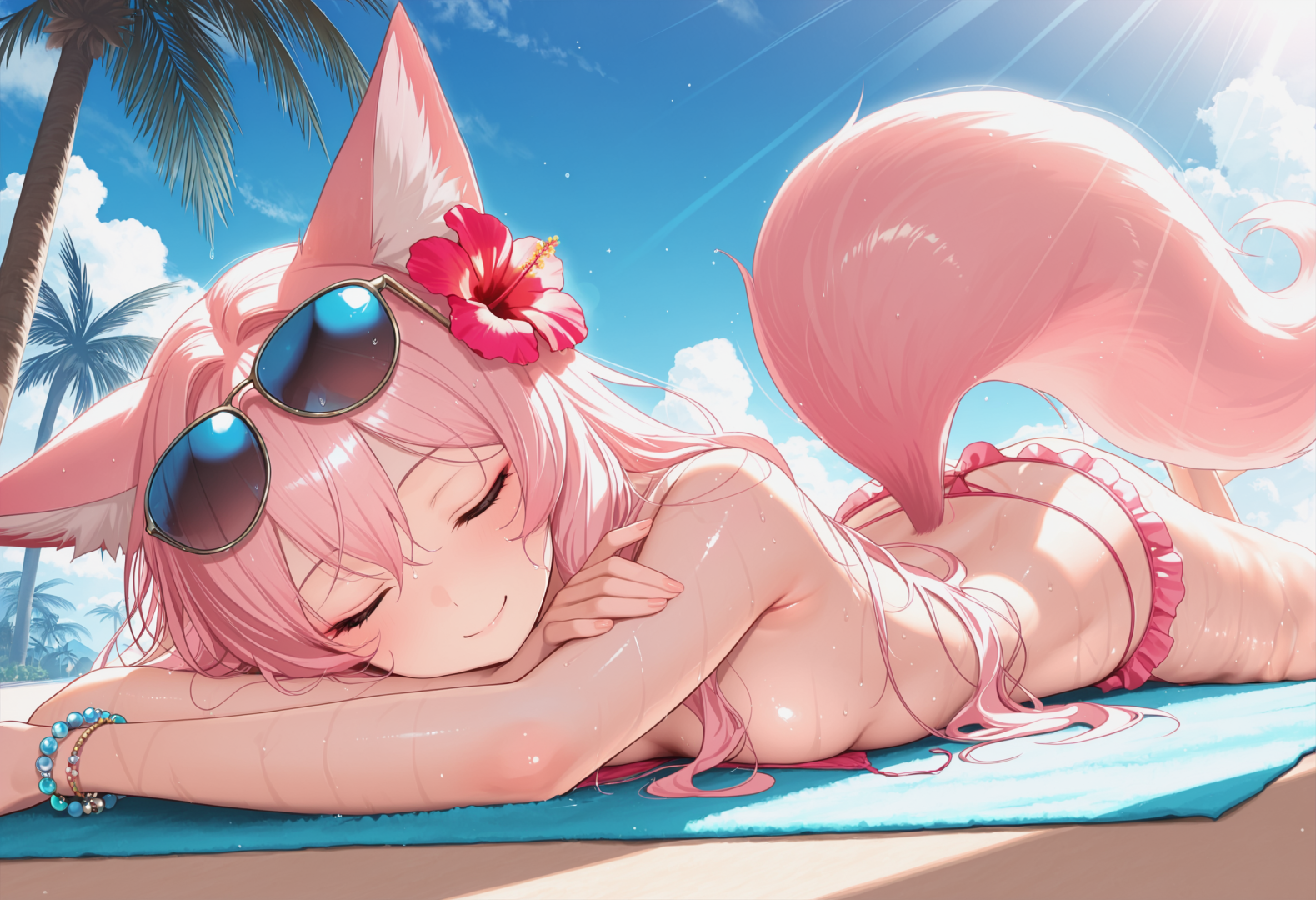
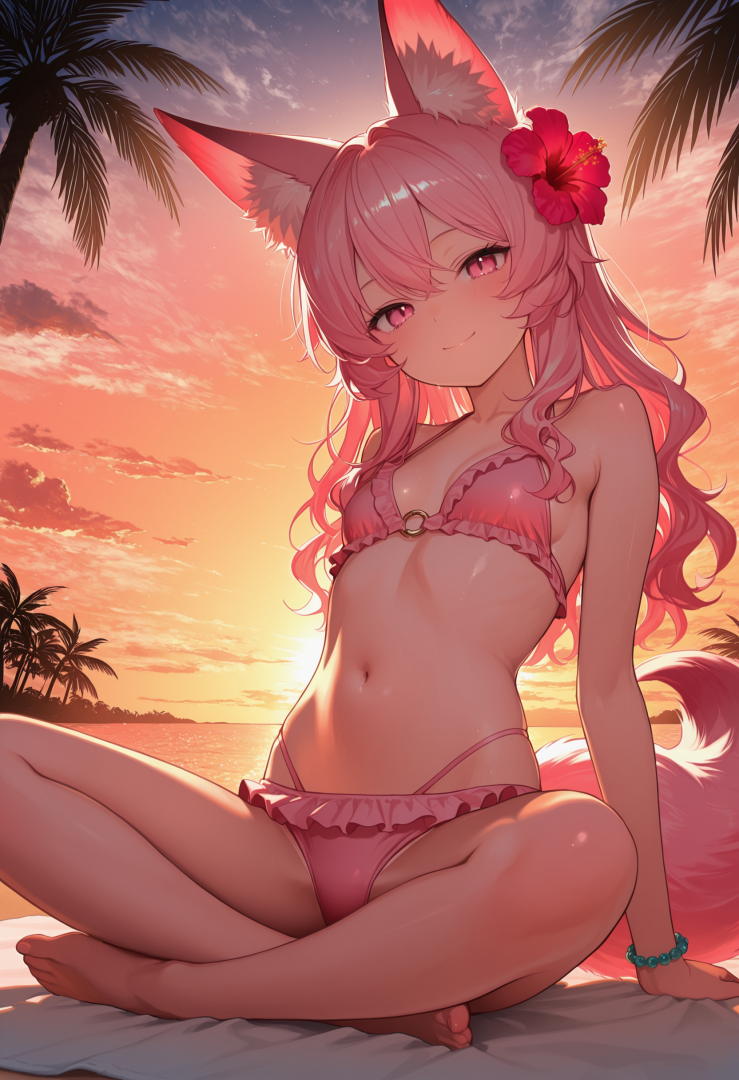
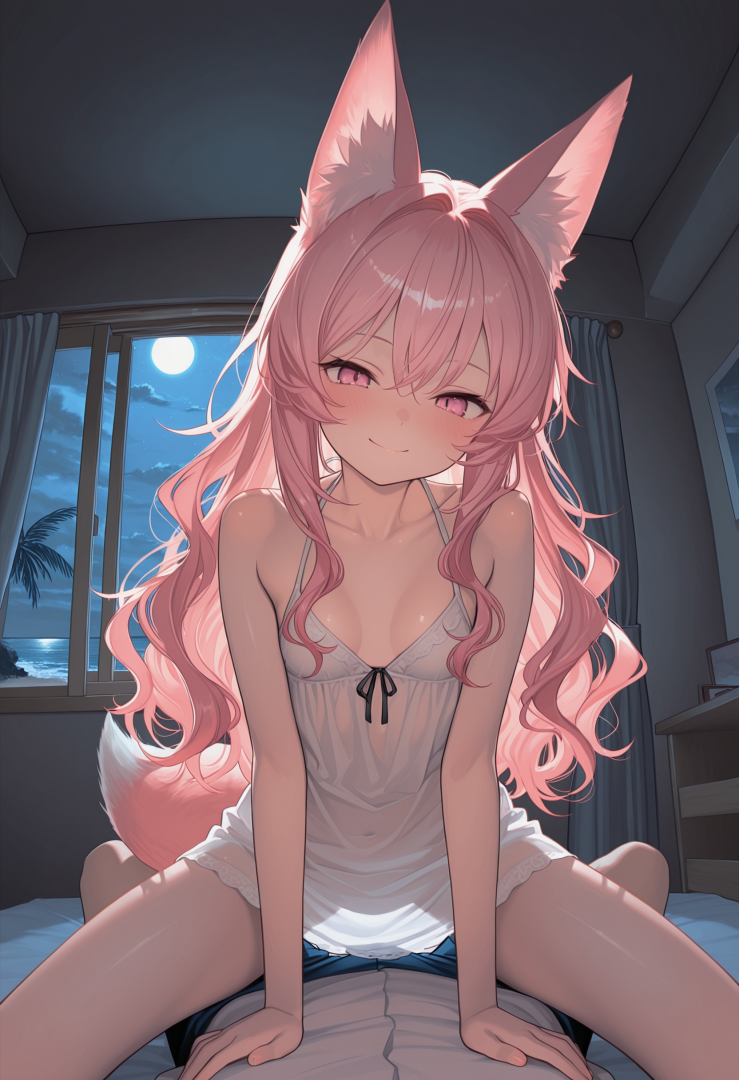
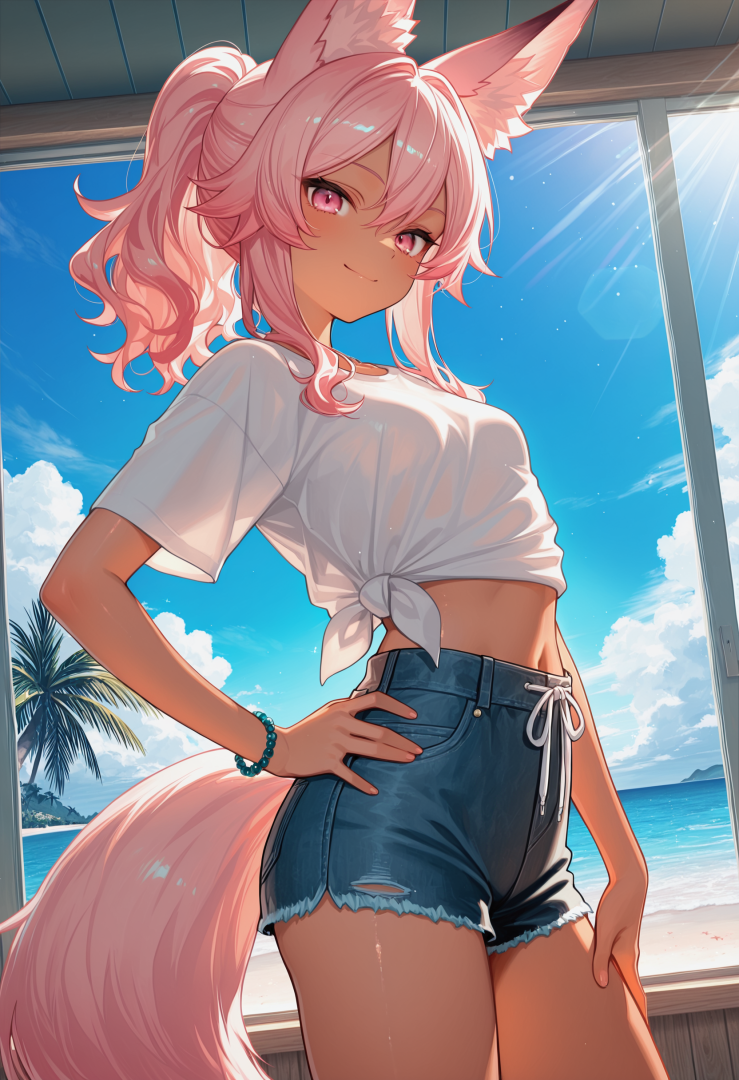
-
 Screws joined the club
 -
 Vasmy123 joined the club
 -
 Garou189 joined the club
 -
Sleeping Beauties

-
 juicymale114514 joined the club
 -
Hey, just thought about sending something that mimics me, just if I had a perfect shave so here it is :3
-
 ApolloFra joined the club
 -
 Loup24000 joined the club
 -
 pluto13873 joined the club
 -
 Amata42 joined the club
 -
 akira6967 joined the club
 -
 cby769184080 joined the club
 -
Attempted to make some fantasy content of myself. Some of the results were pretty wild lmao Also, AI really does not like small boobs. Nearly every image made my boobs huge. I gave it a ton of reference pictures too. I had to make a post earlier in another forum on here as punishment for losing a game, and it has been on my mind all day. It's got me all excited so I'm gonna dabble with one more post.





-
 Fl0g joined the club
 -
 BisexGift joined the club
 -
-
 tarsis999 joined the club
 -
-
-
-
ok sorry
-
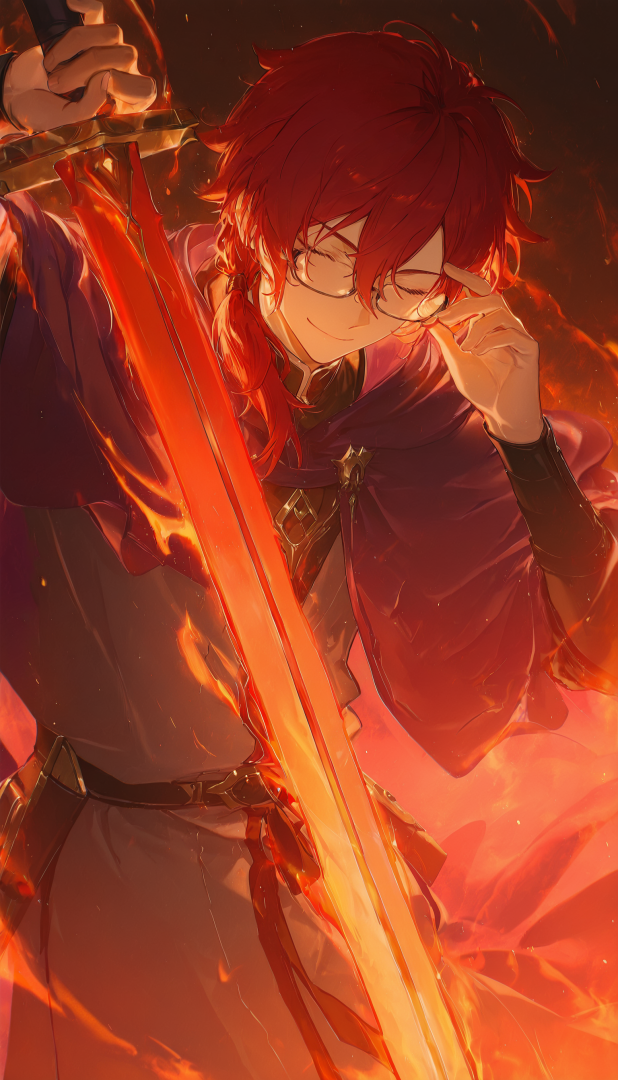
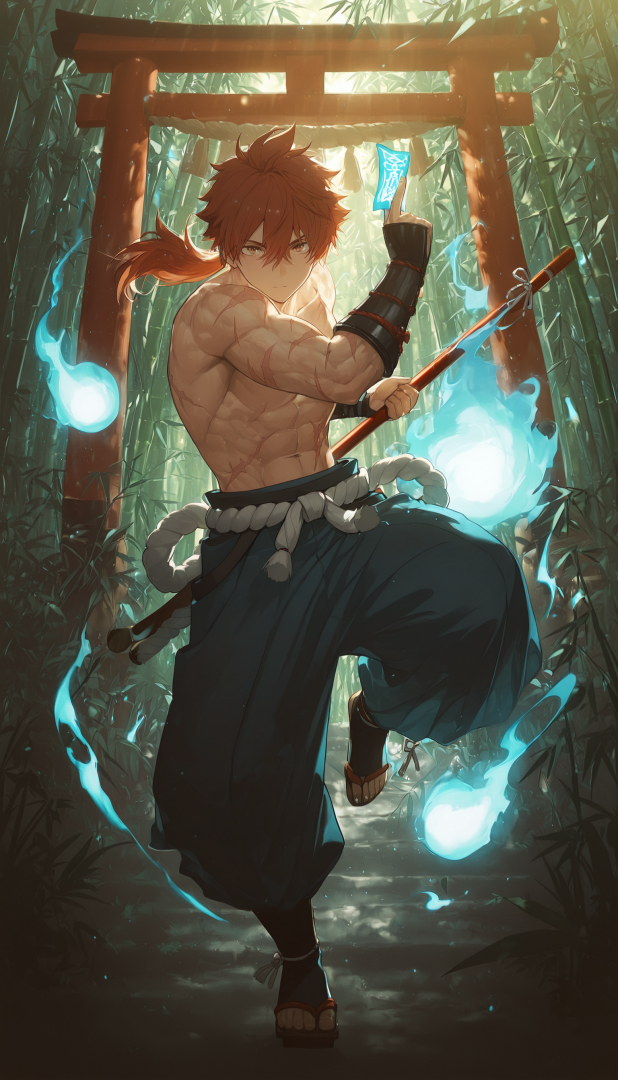
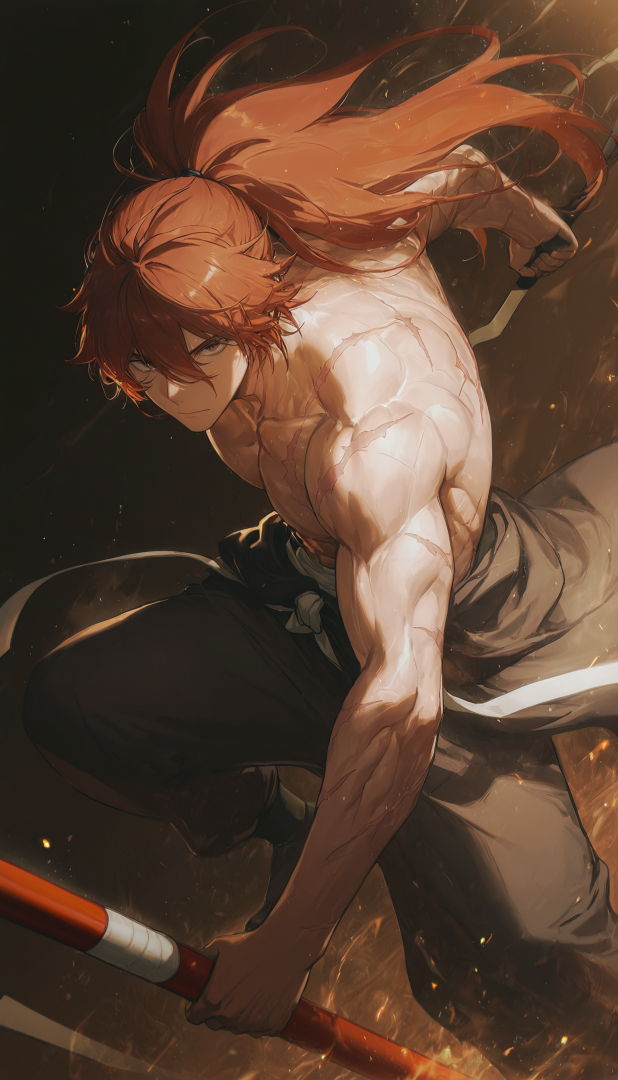
How about some male characters
-
Dropping off images from another post here. The investors signing the contract Pick...Your...Poison... Girls in Sex City Knocking Up a Blonde Gothic Demon Girl Neon Demon Girls ZZZ Vivian Misc



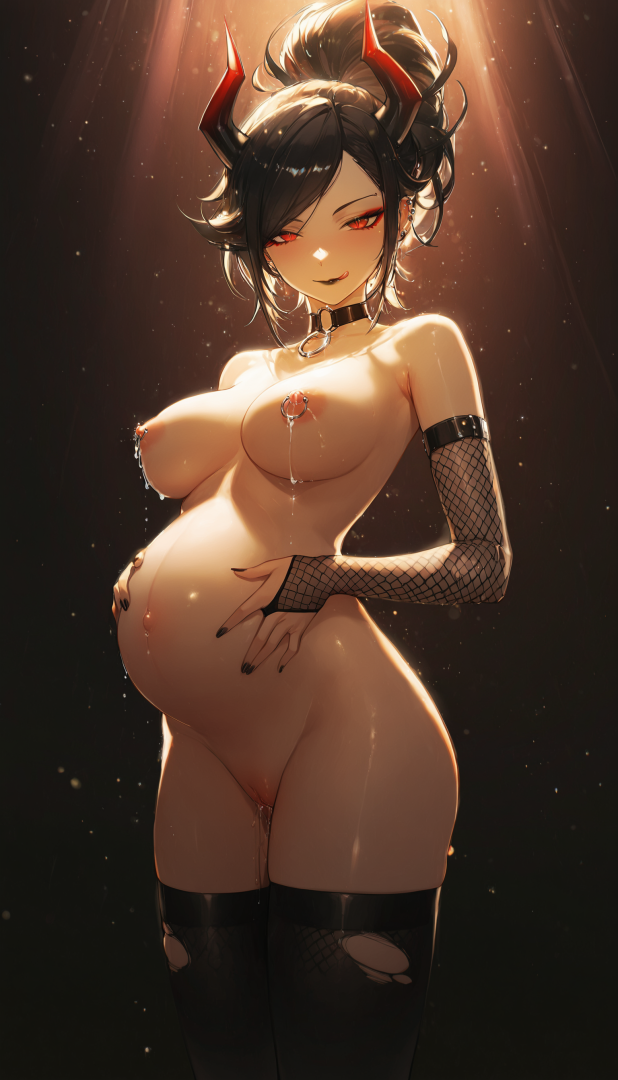
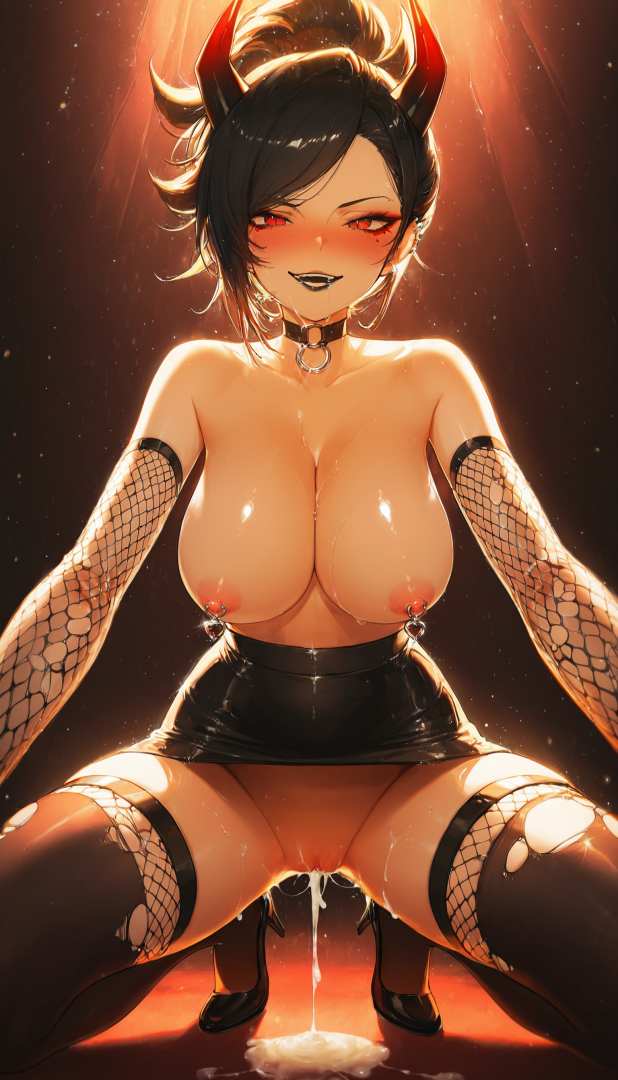
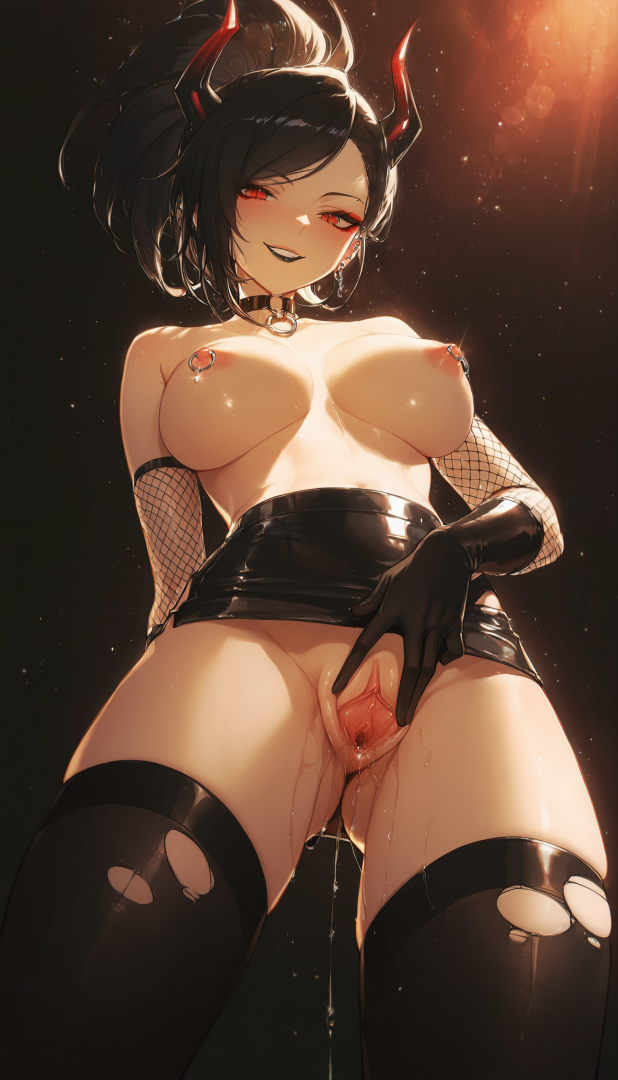
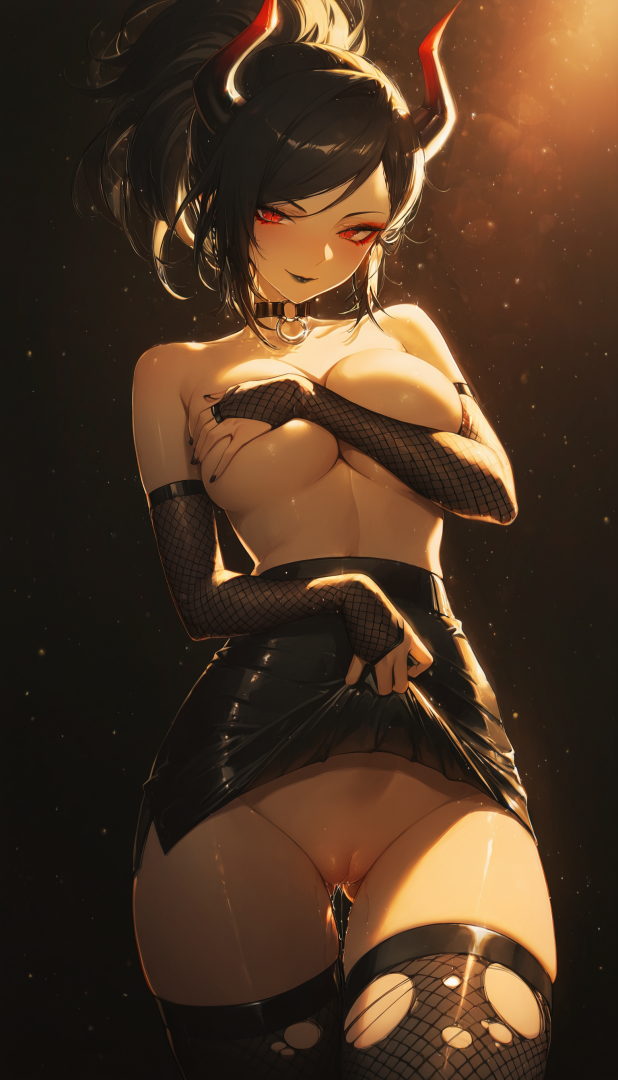
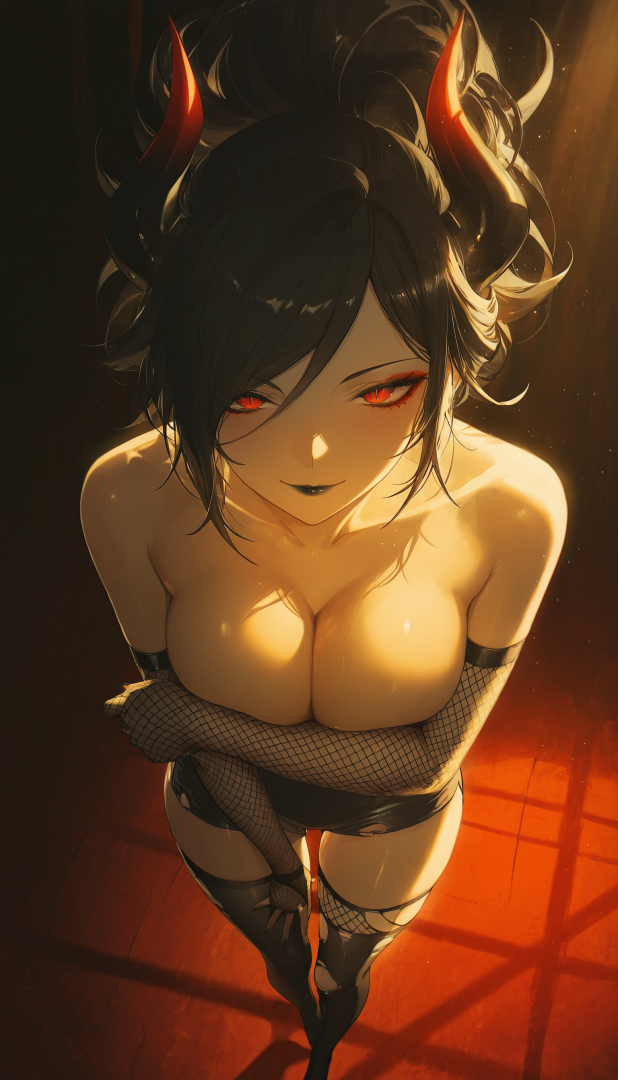
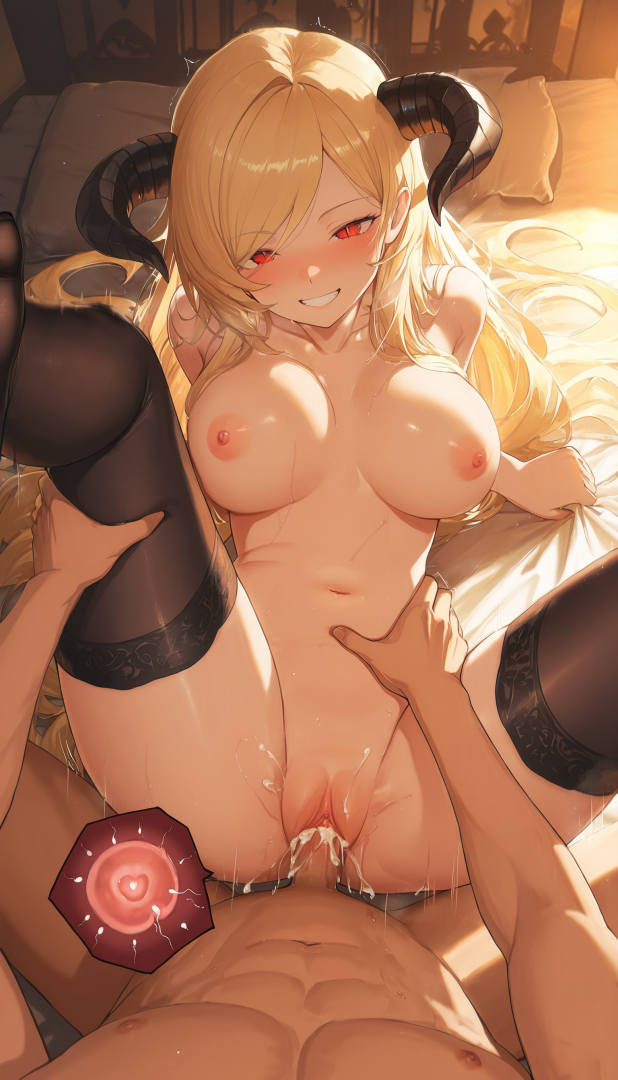
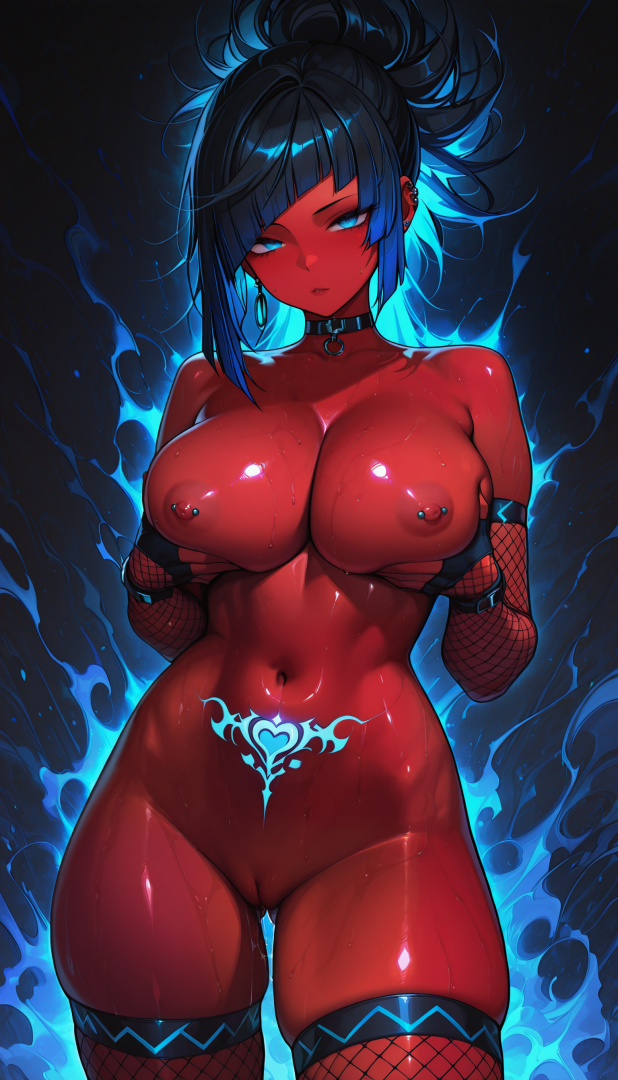
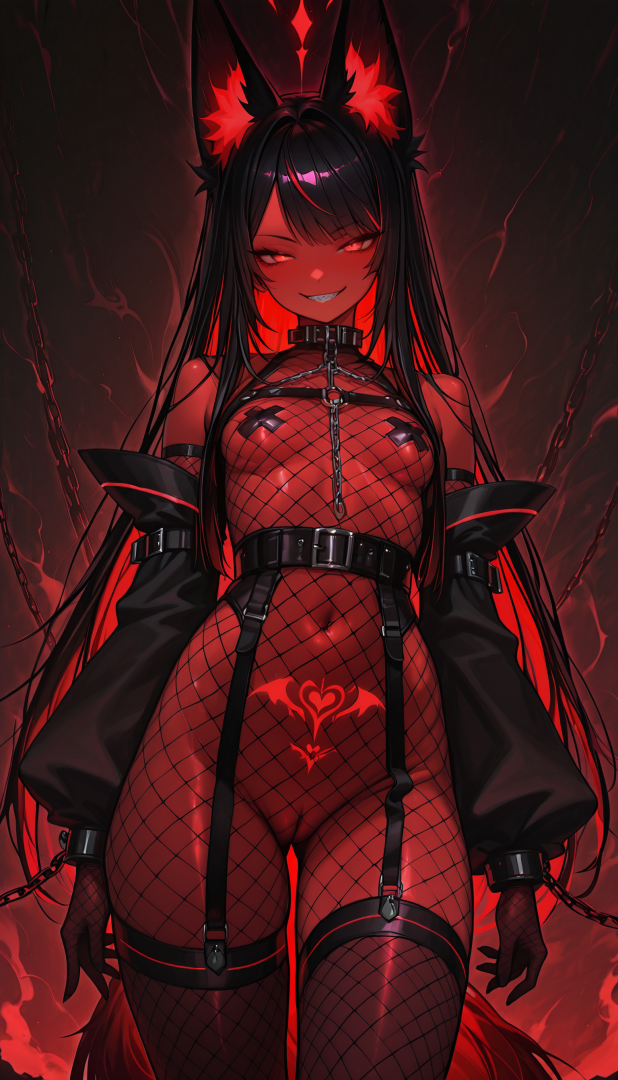
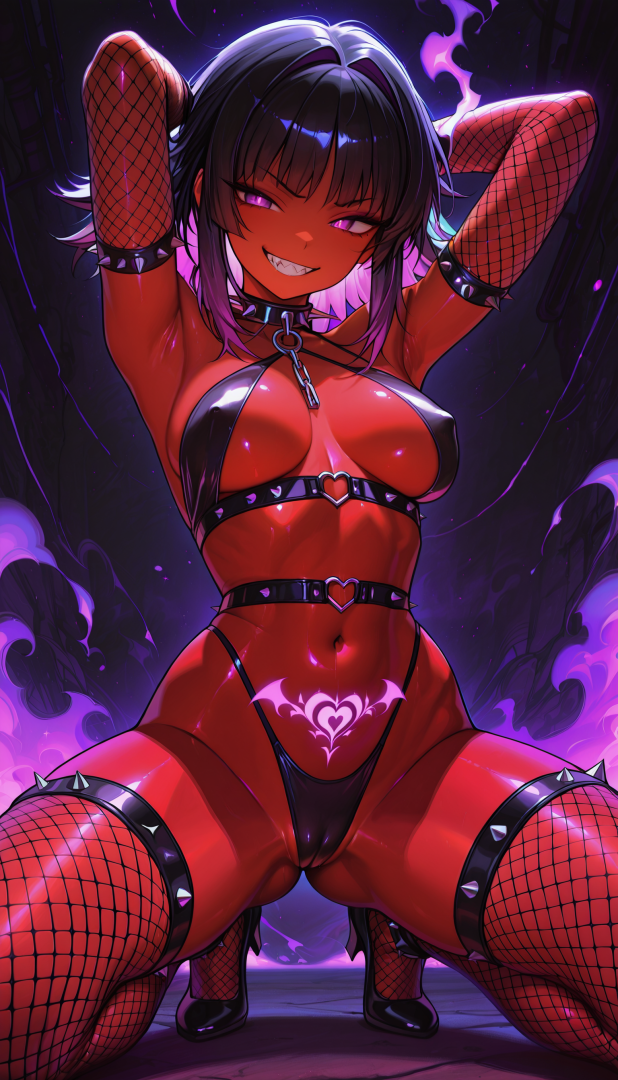
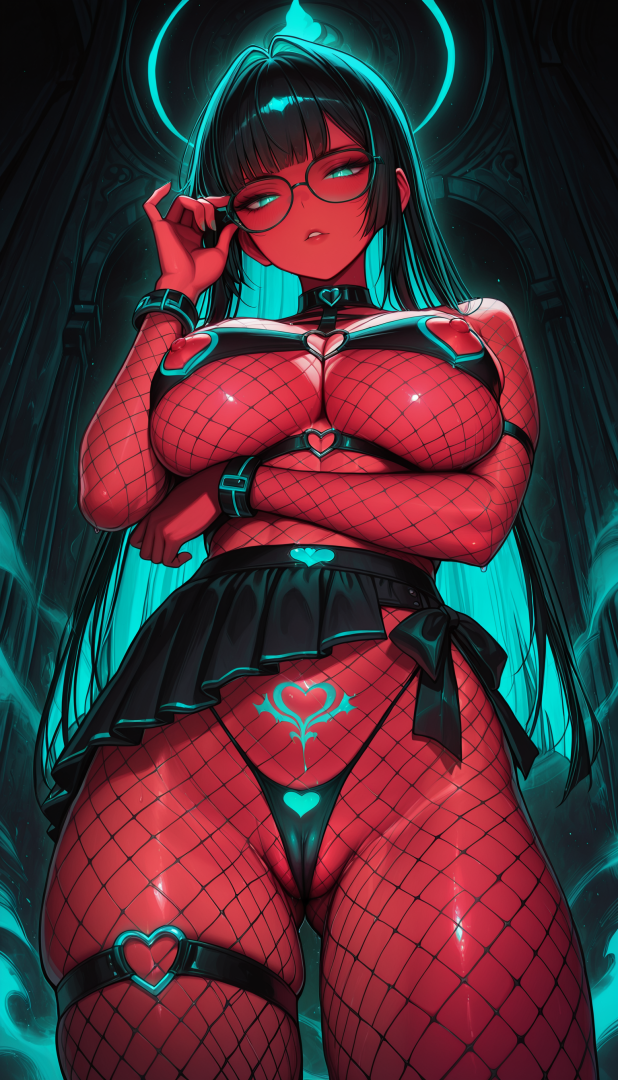
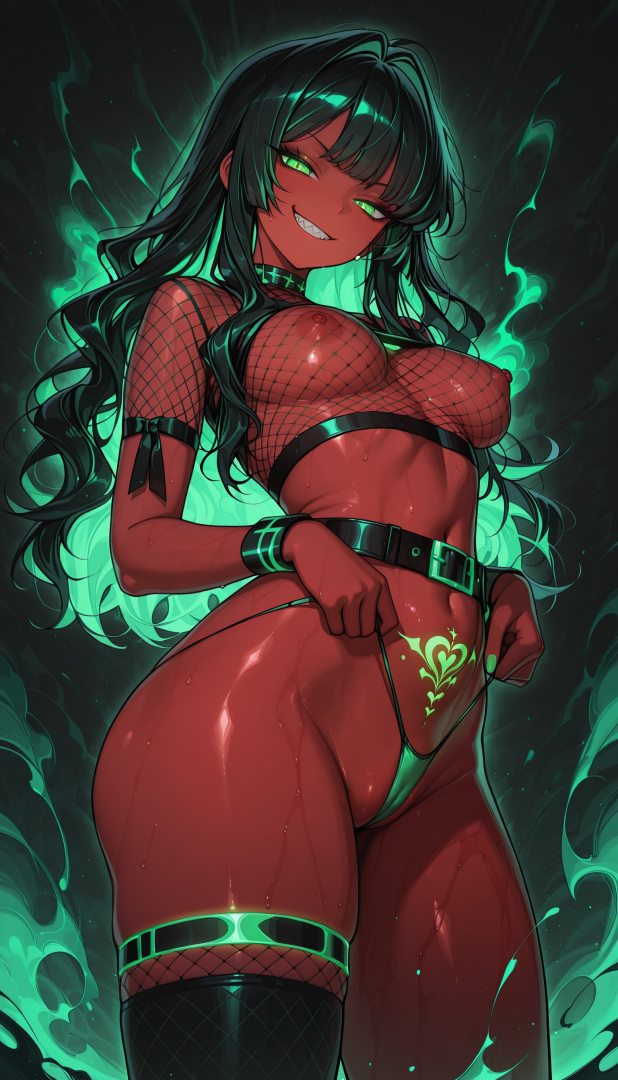
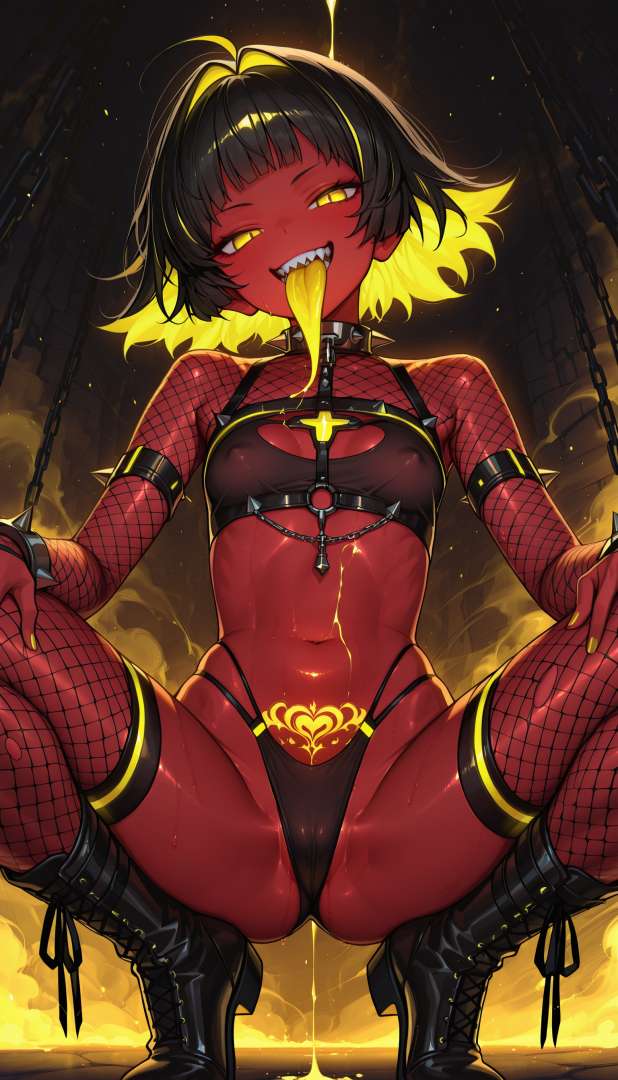
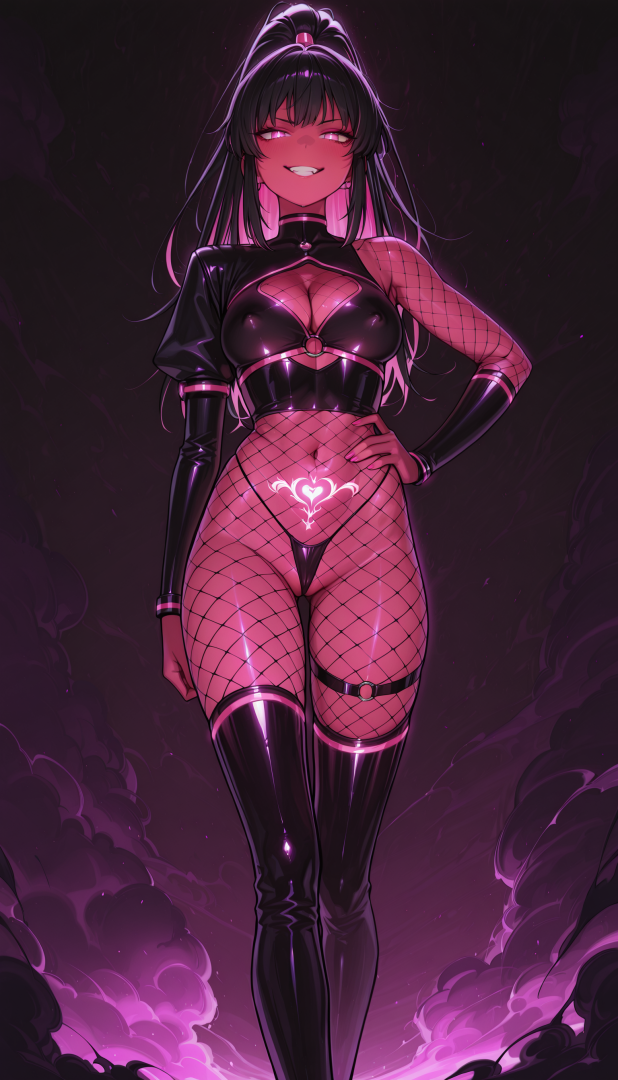
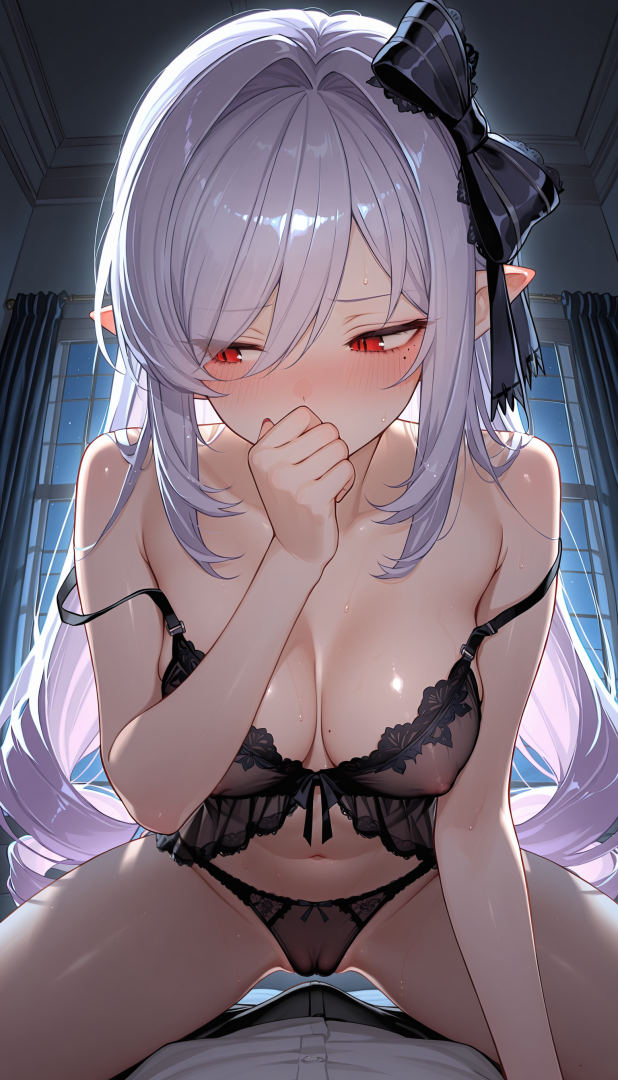
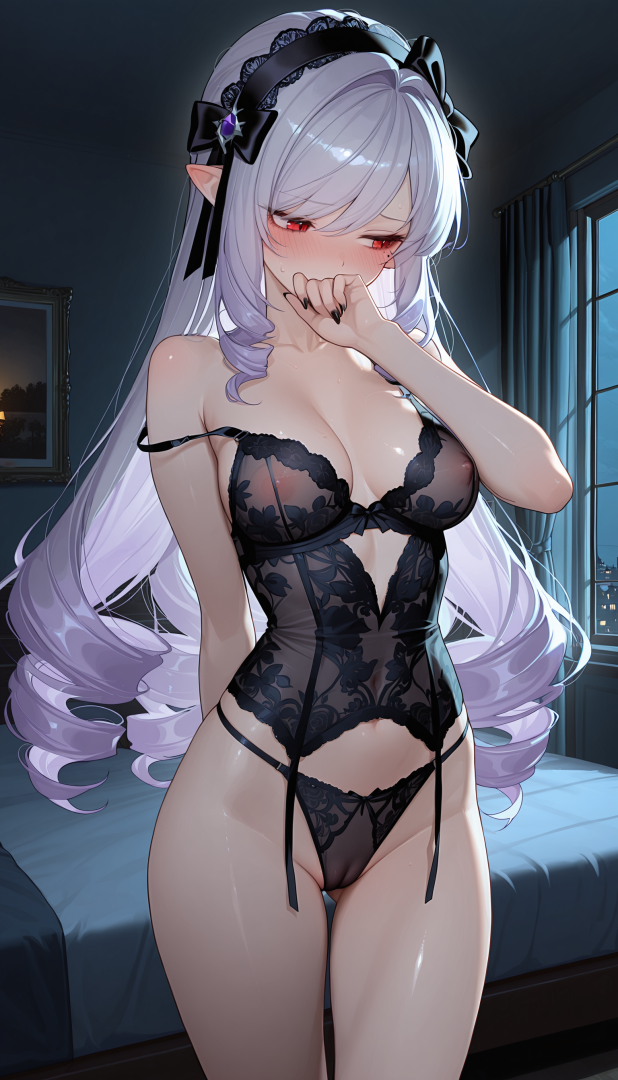
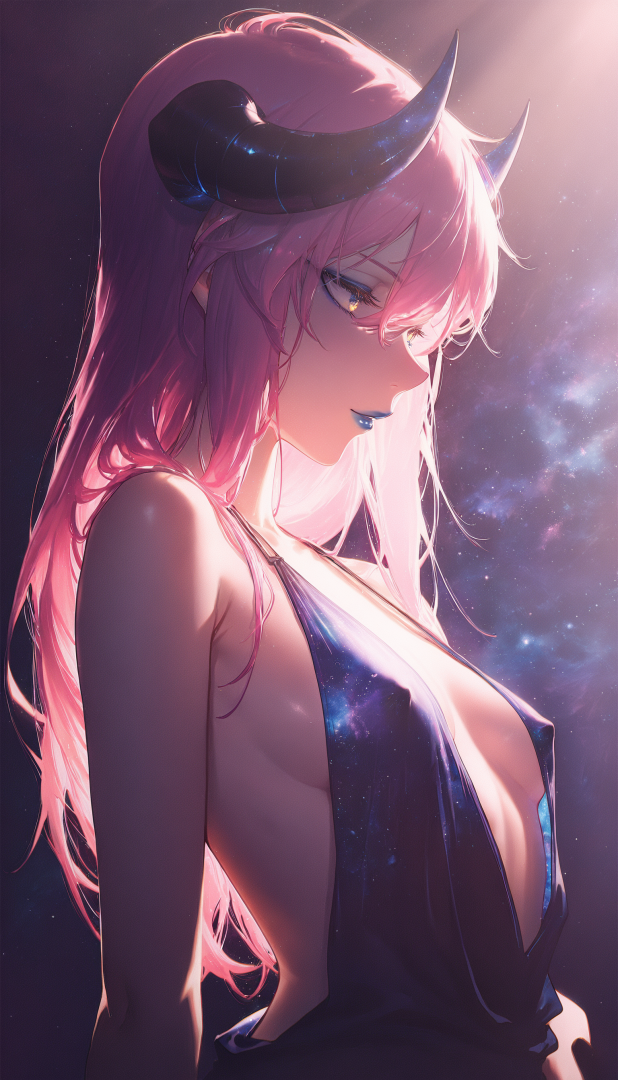
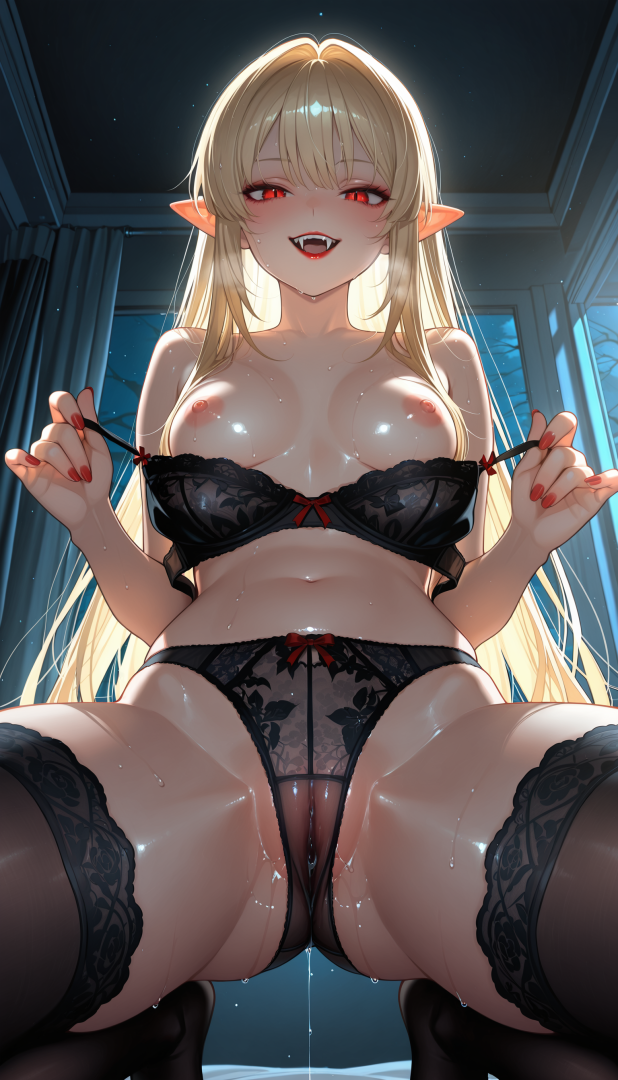
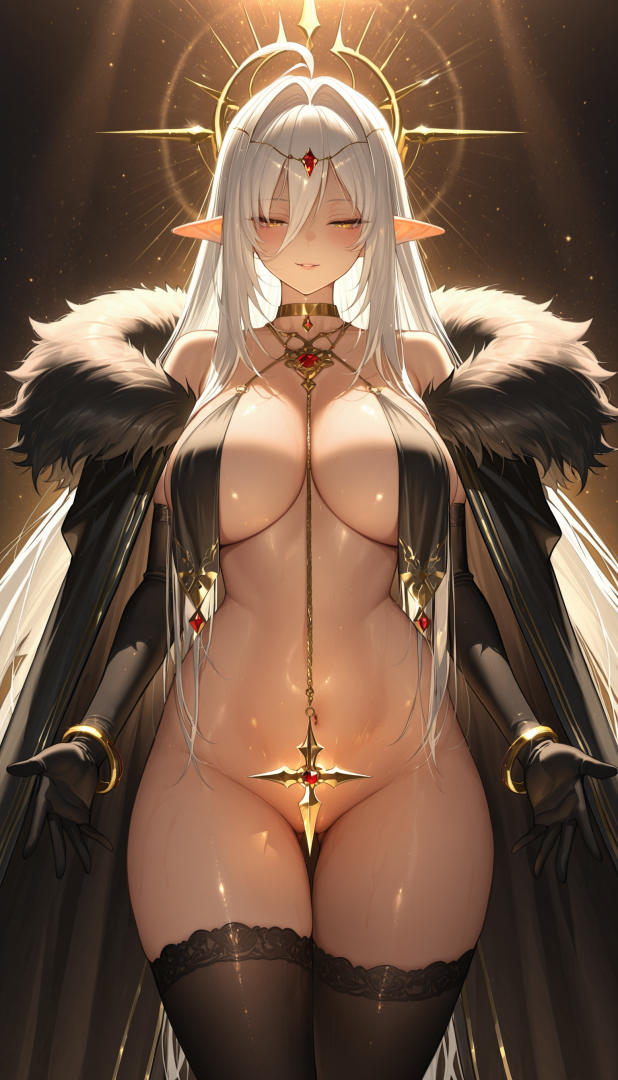
-
@kazuma70 This is the SFW thread, please move any images with nudity to The Collection thread that is for NSFW content. Also please refrain from posting any more images with nudity in this thread.
-
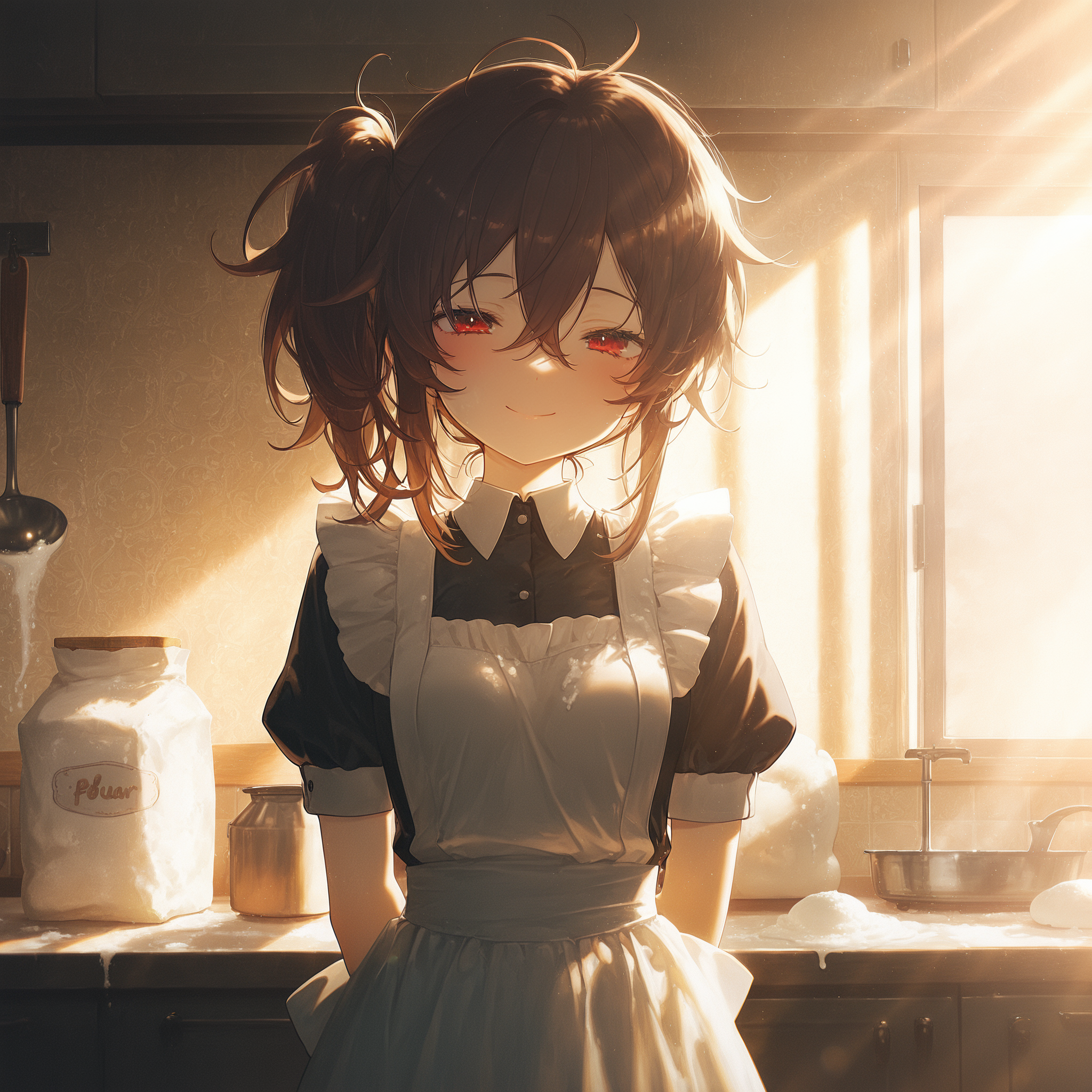
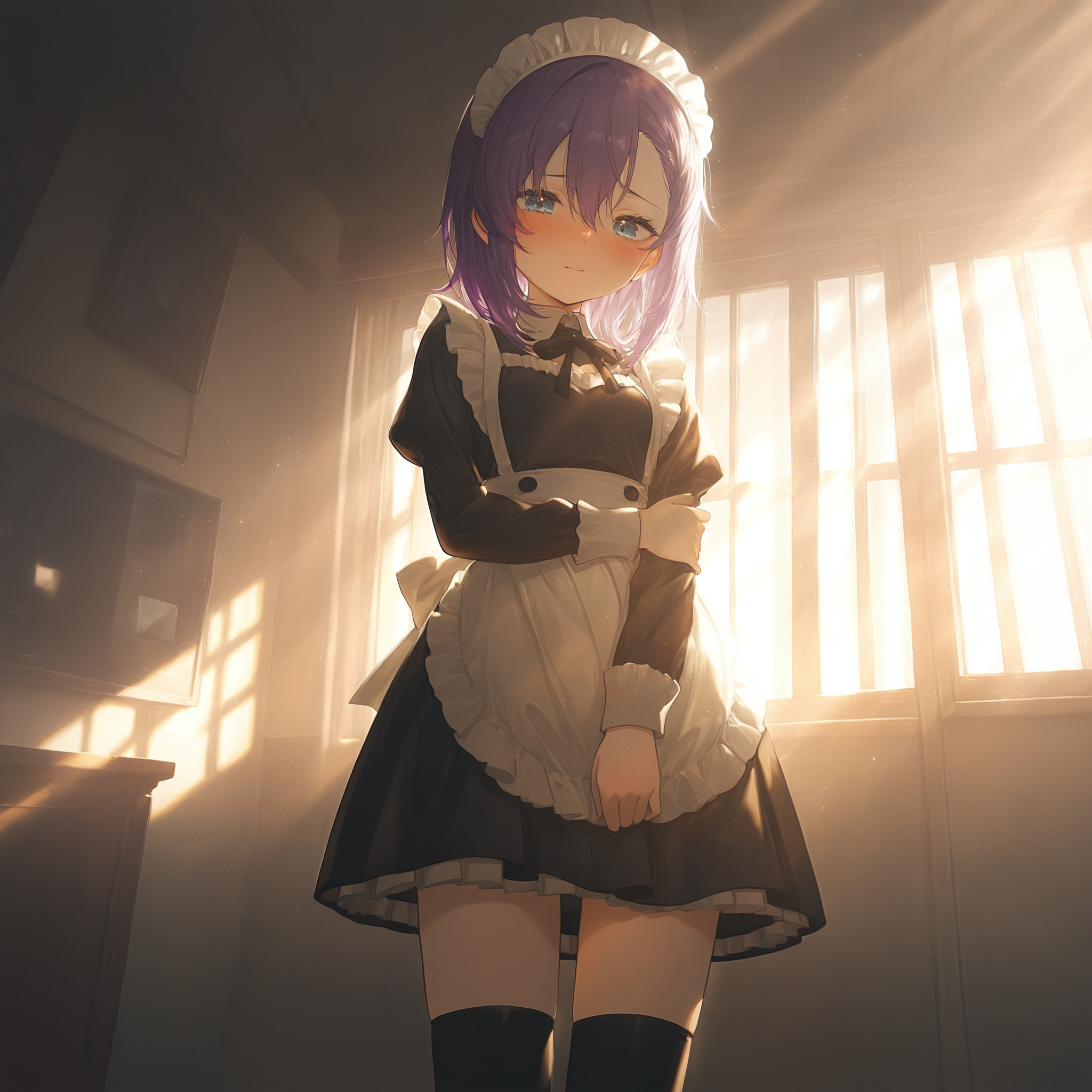
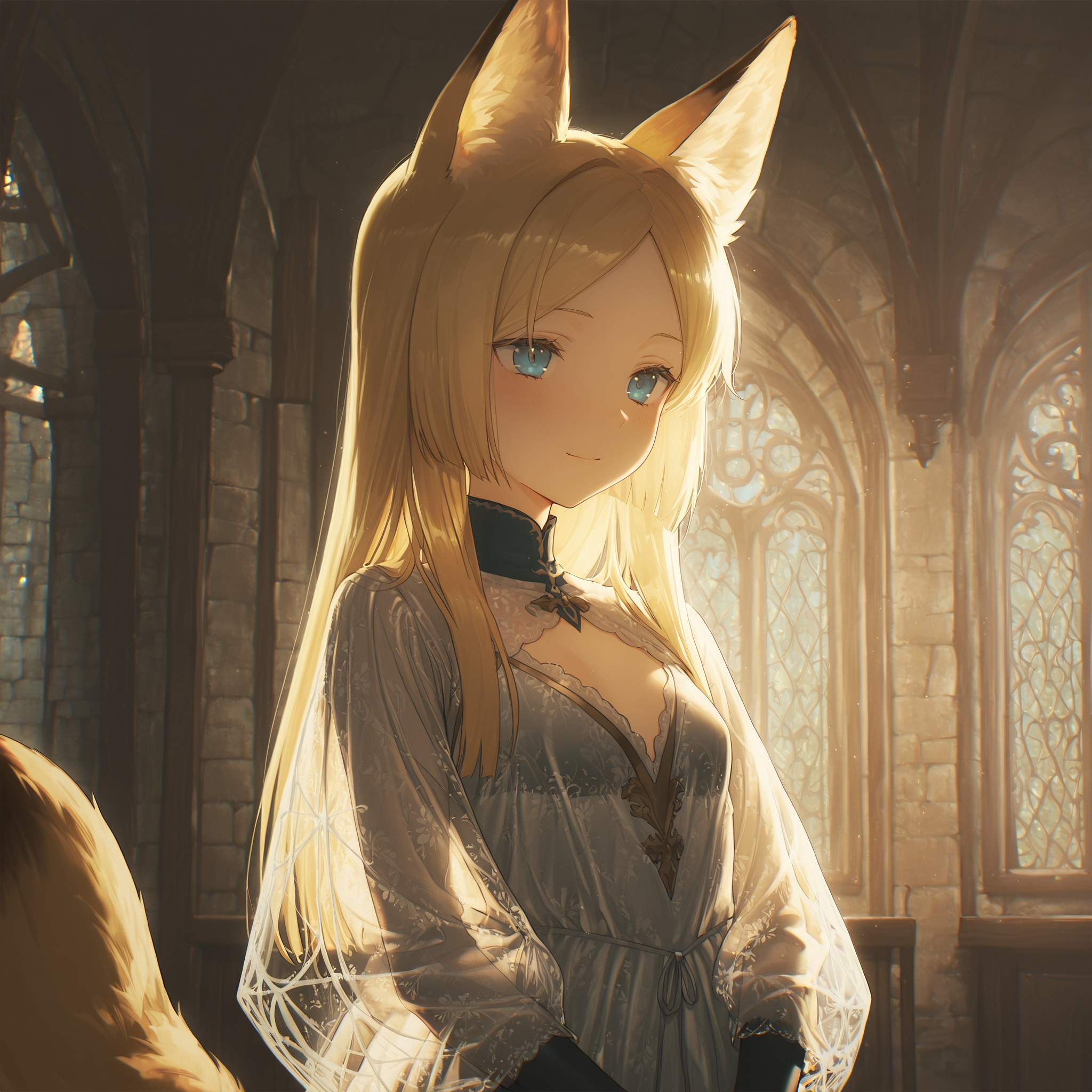
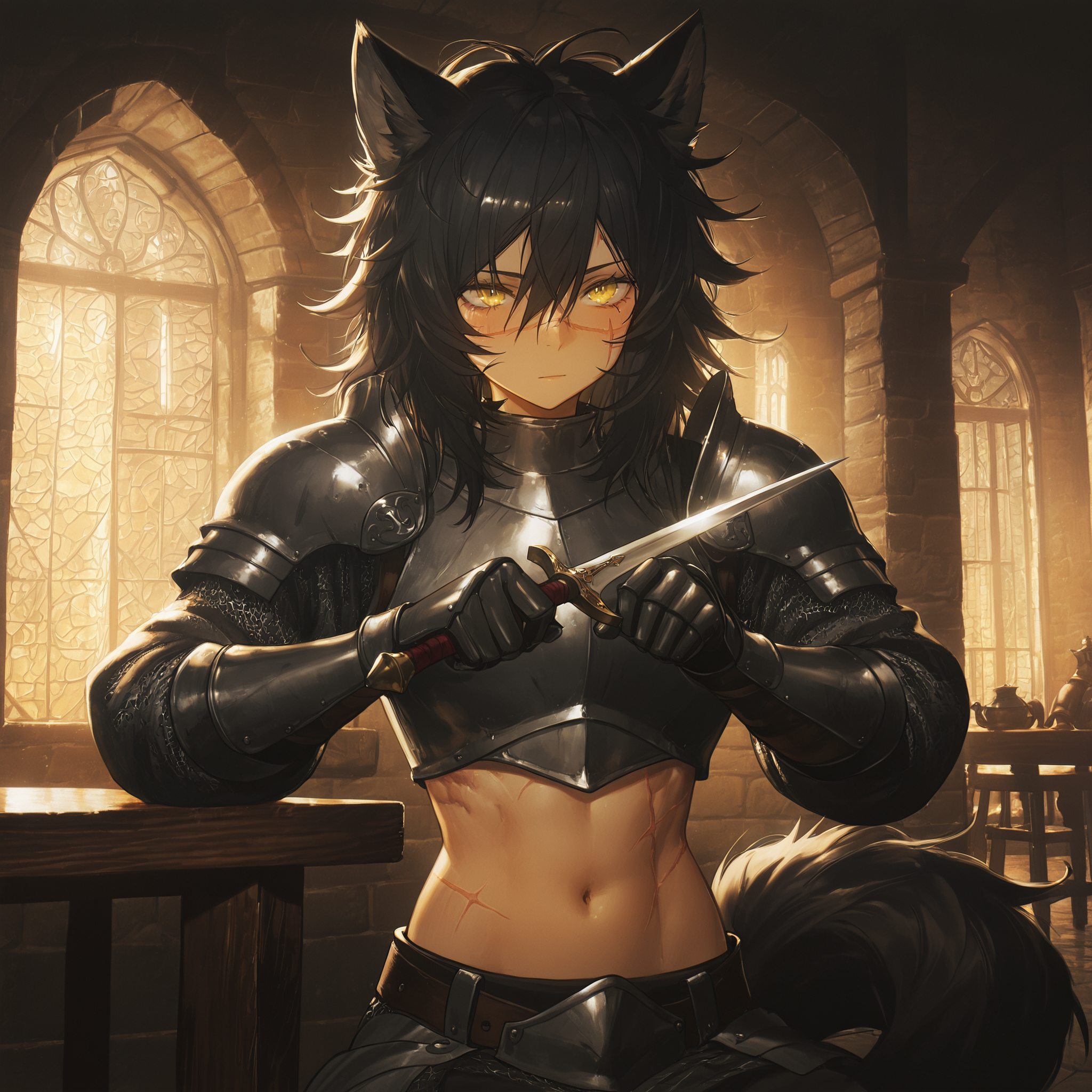
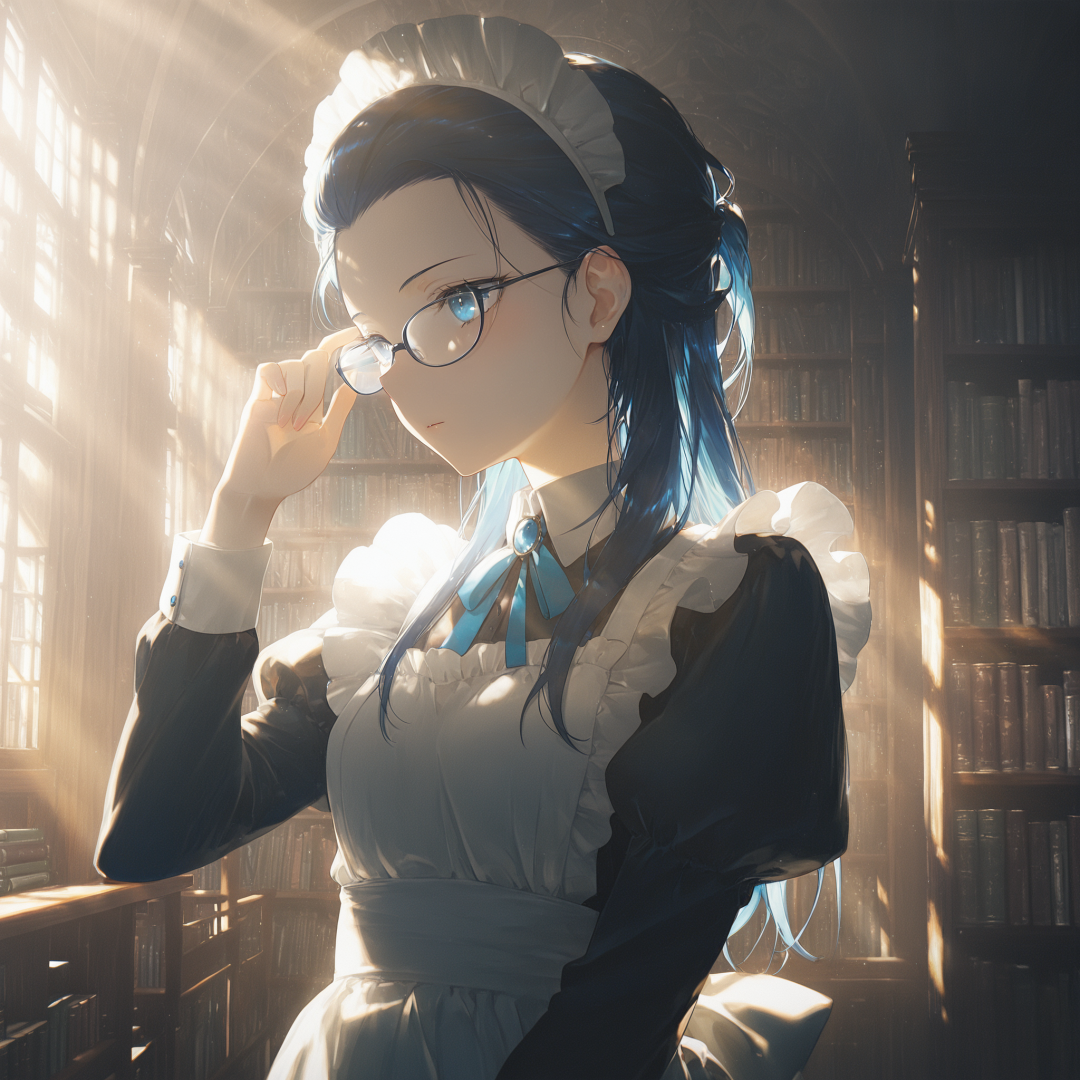
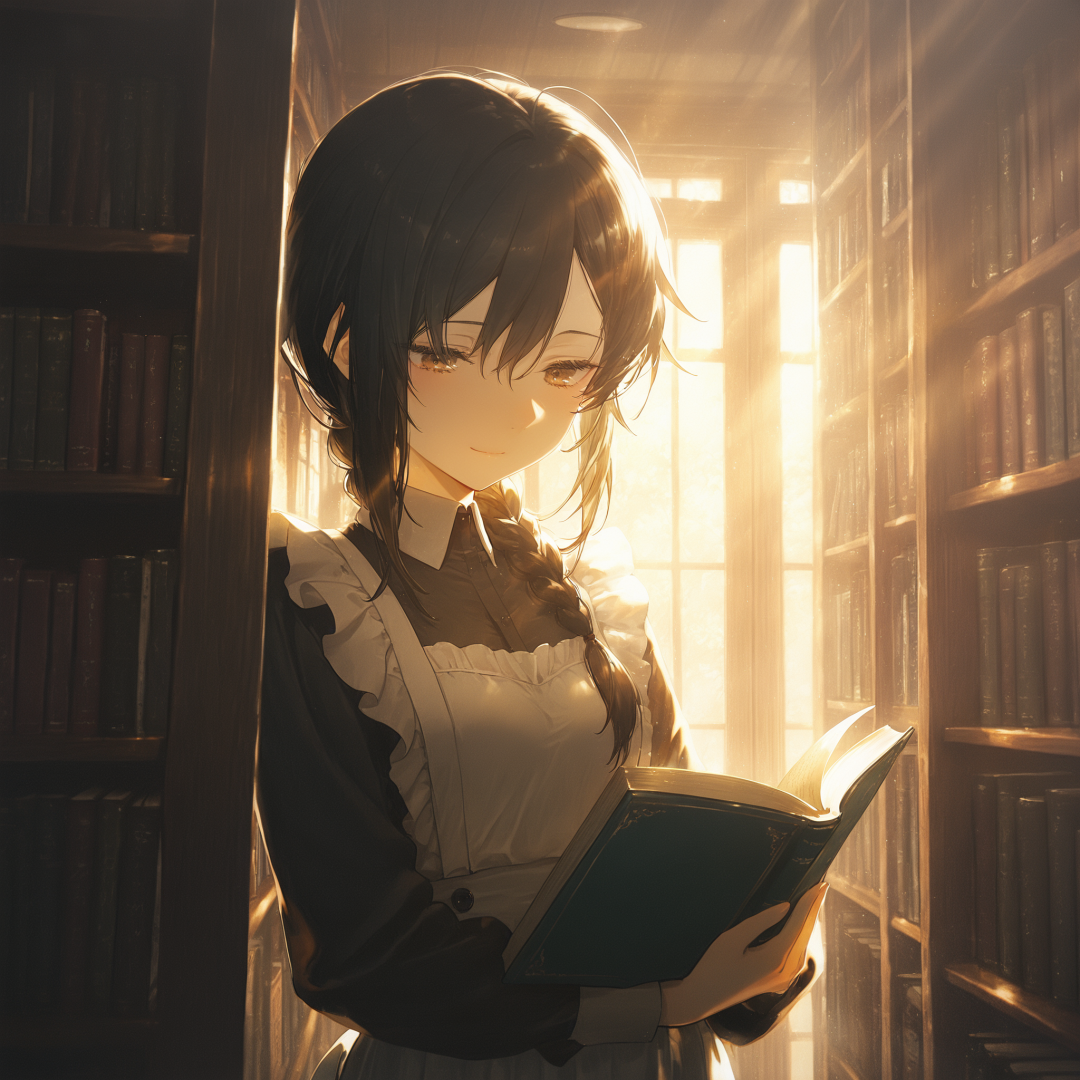
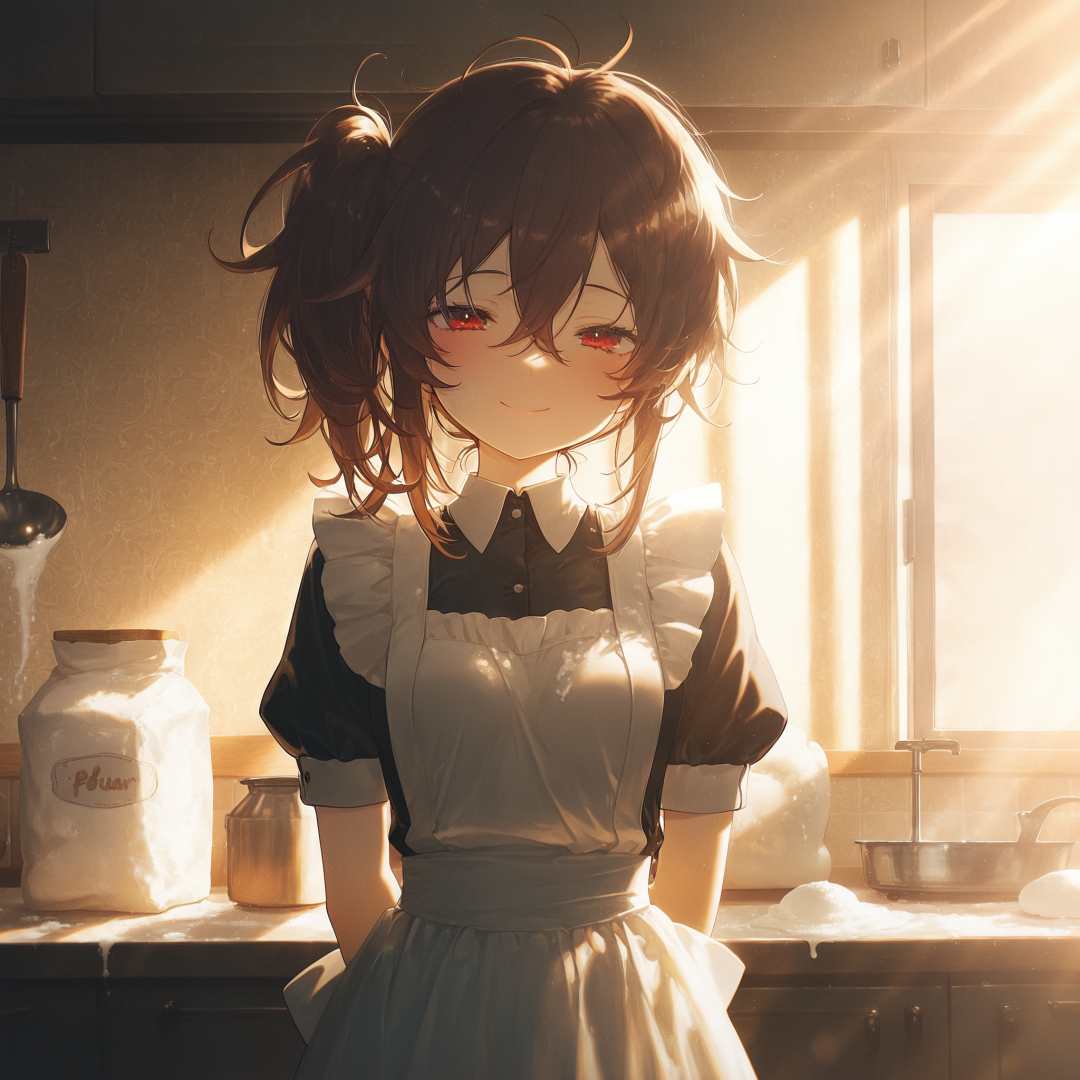
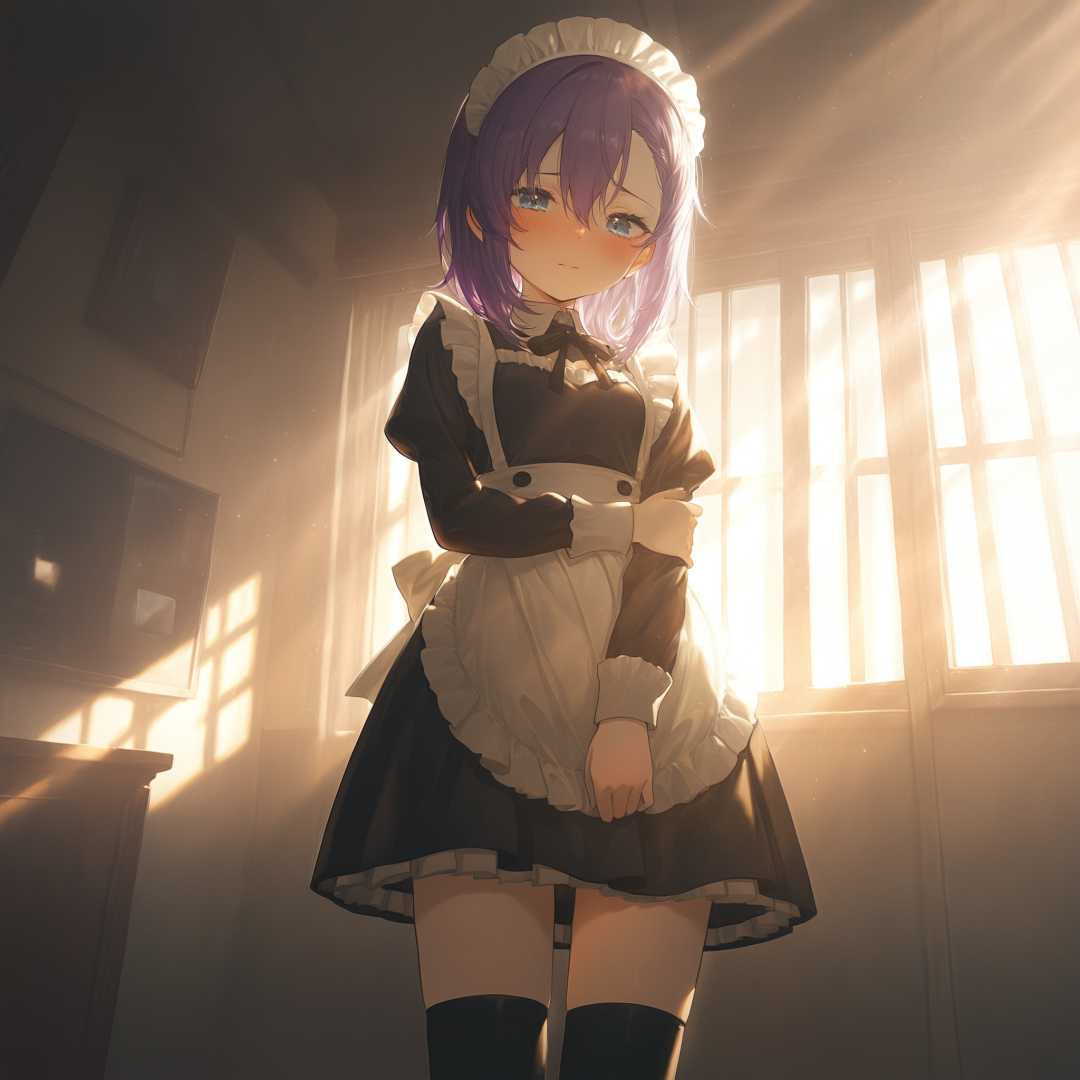
Here is a collection of characters from my campaigns in AI Roguelite. Maids from a Maid Mansion campaign: Characters from a High Fantasy campaign: Some schoolgirls from a school based campaign:
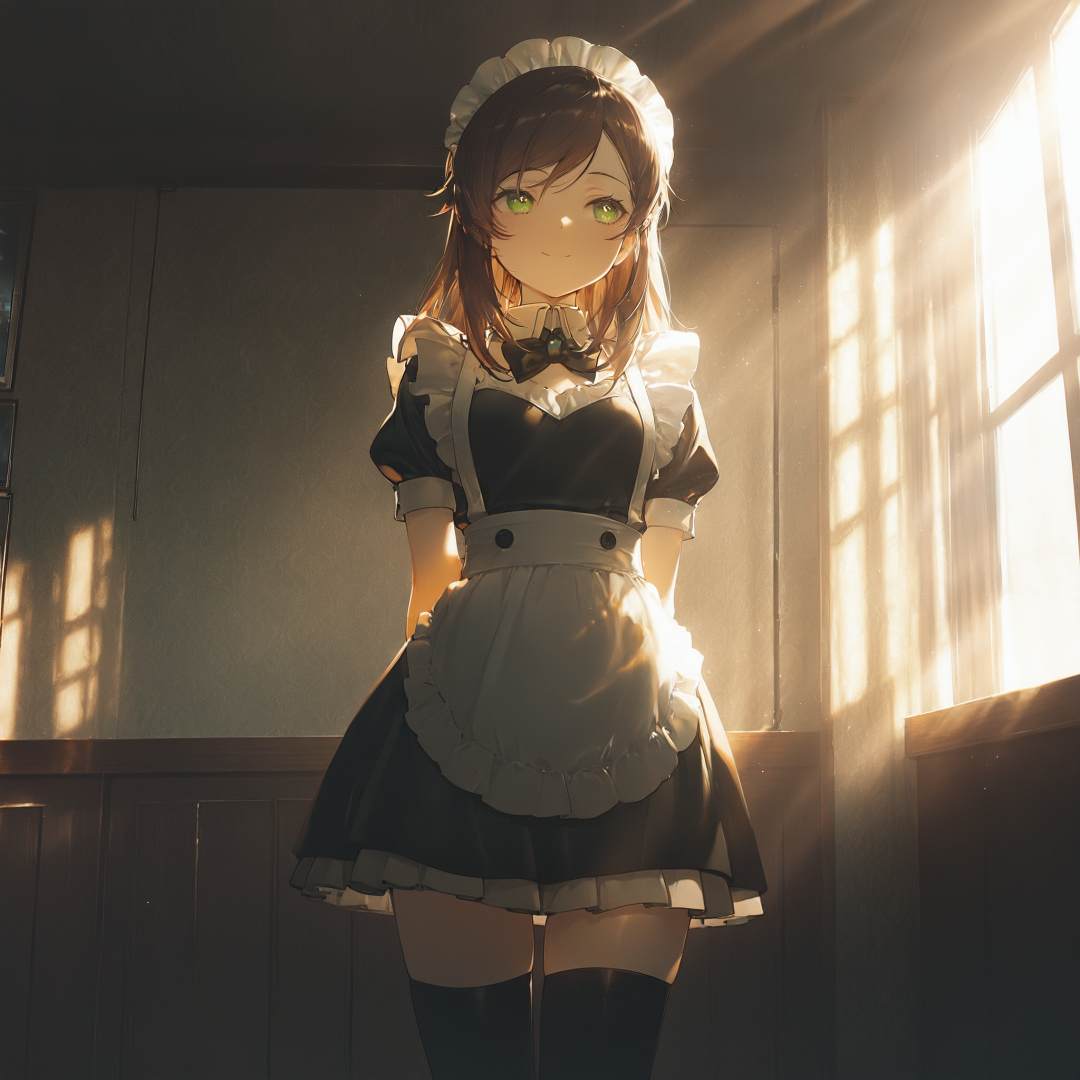
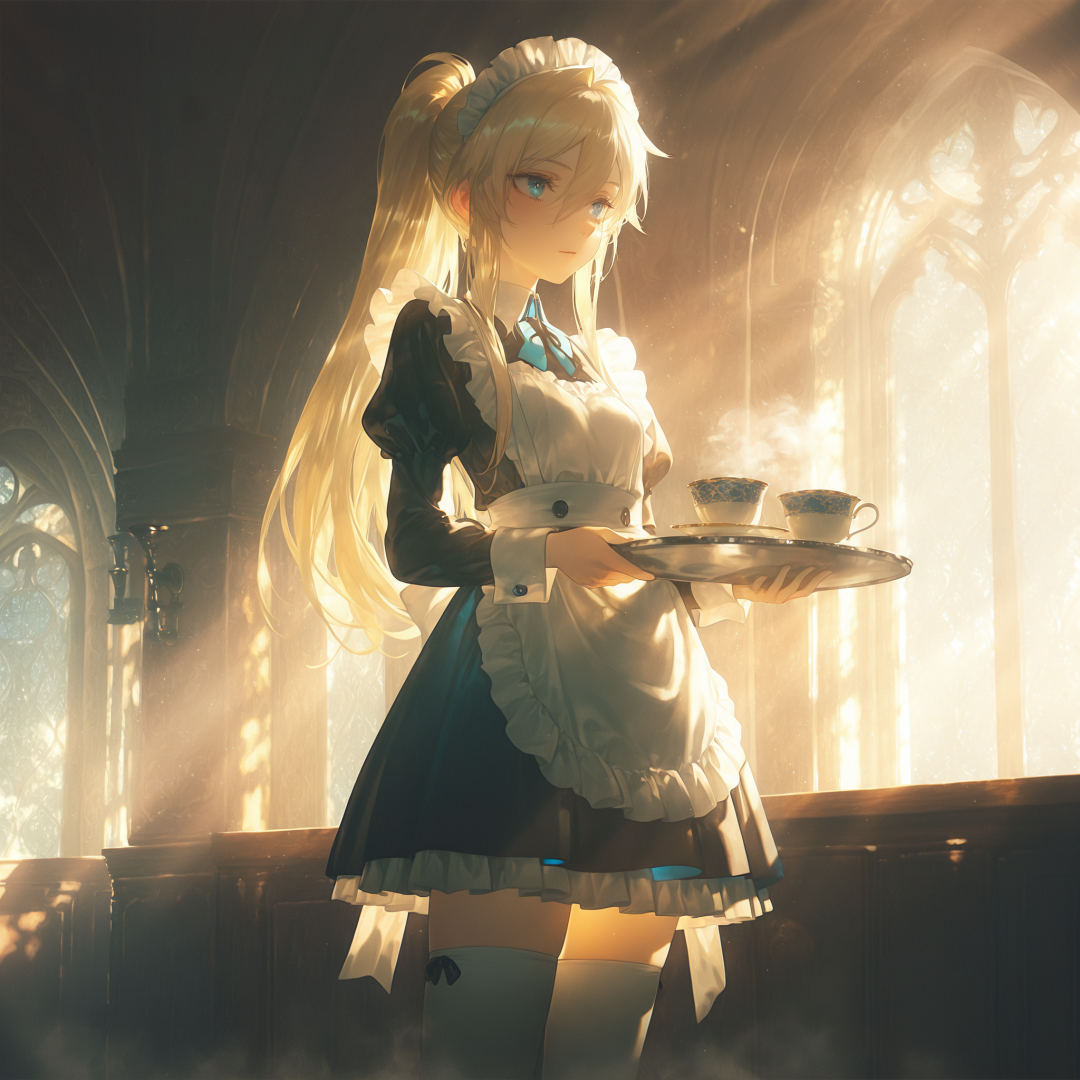
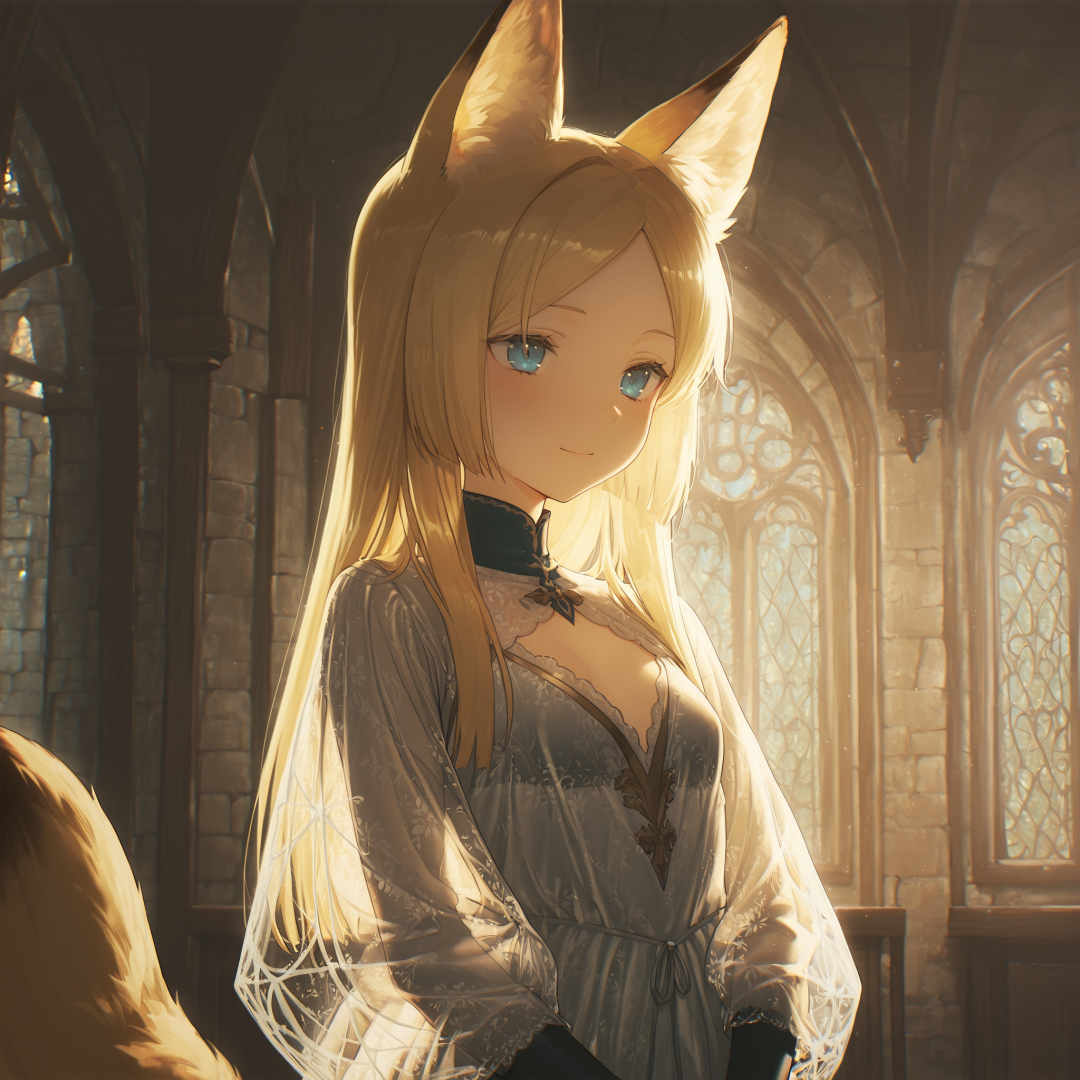
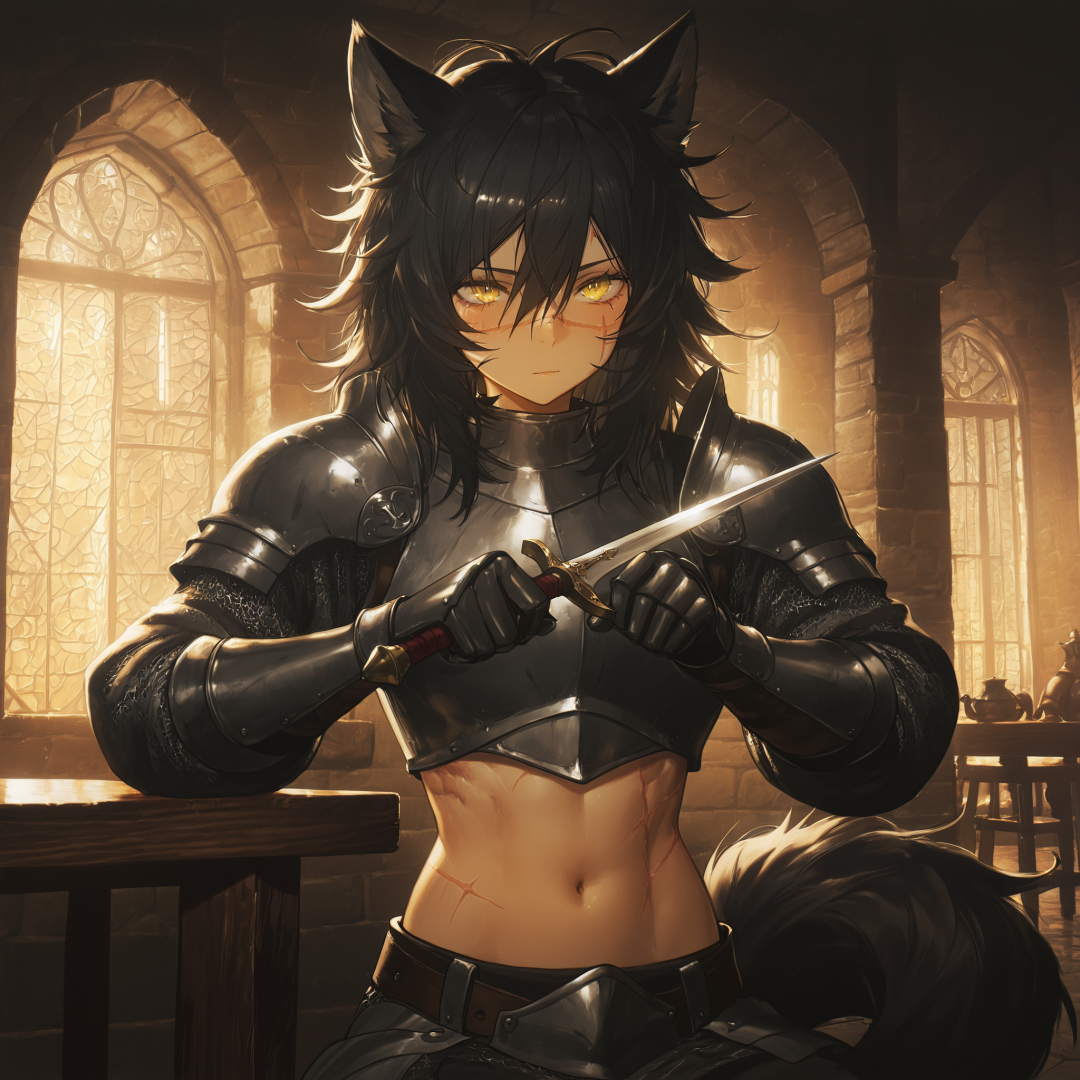
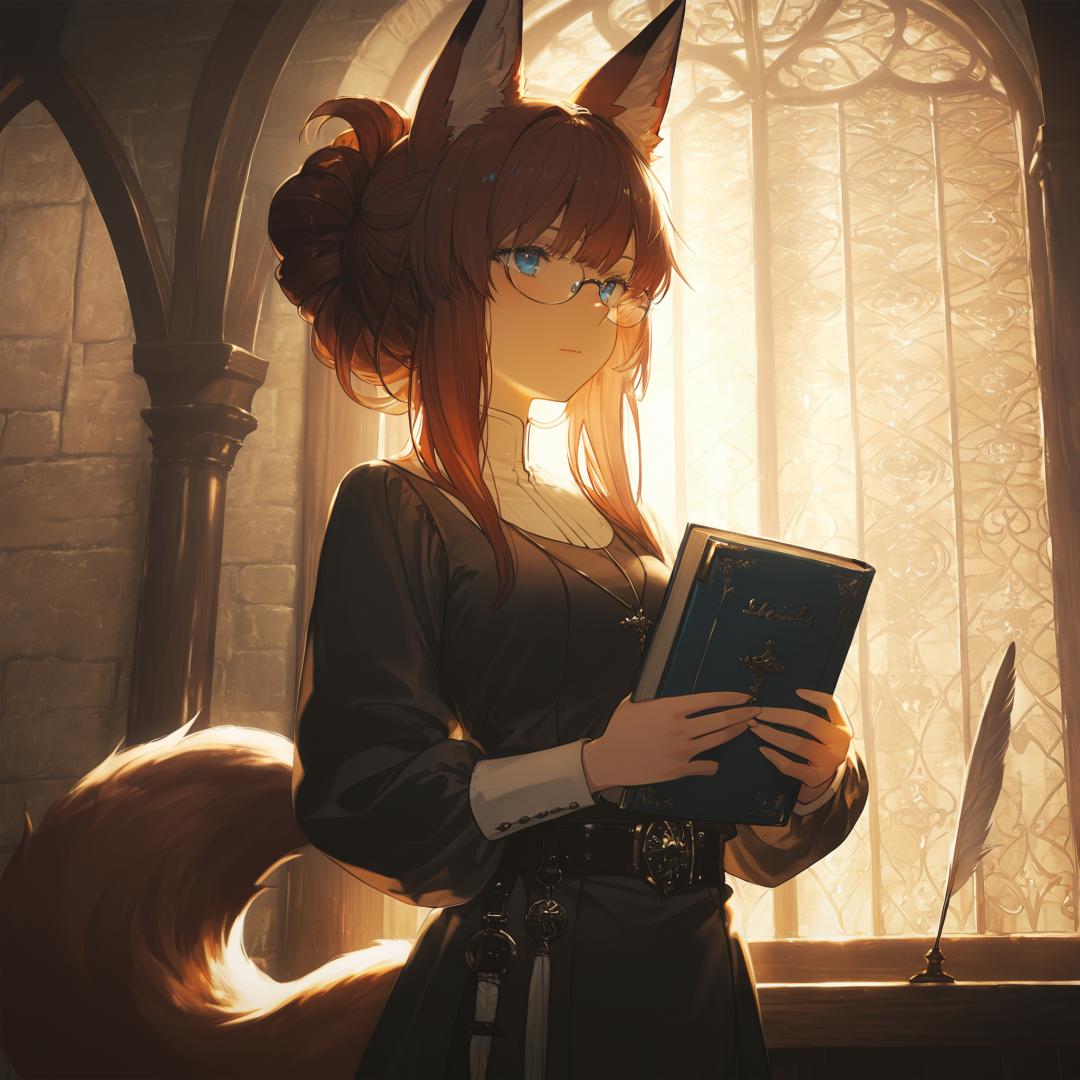
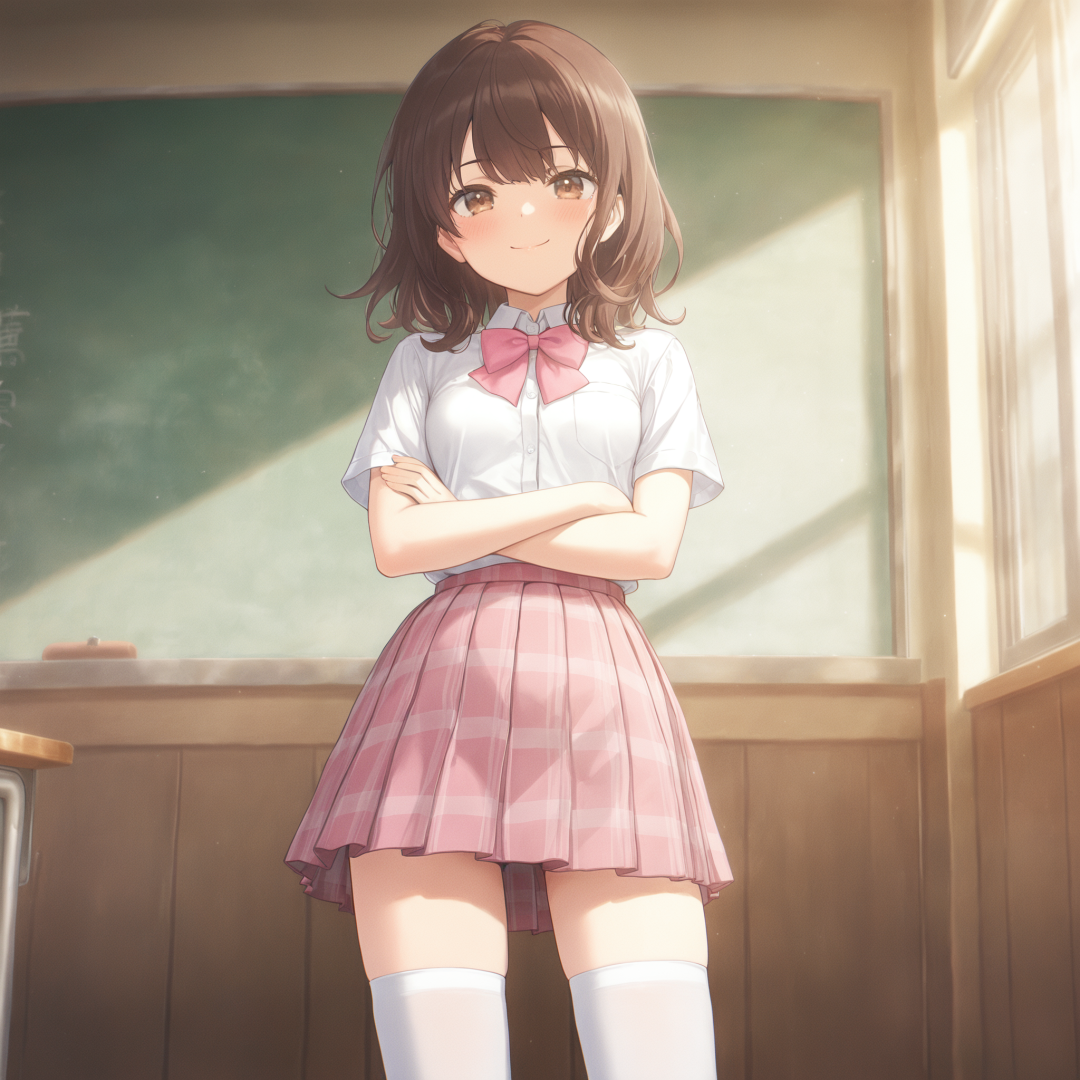
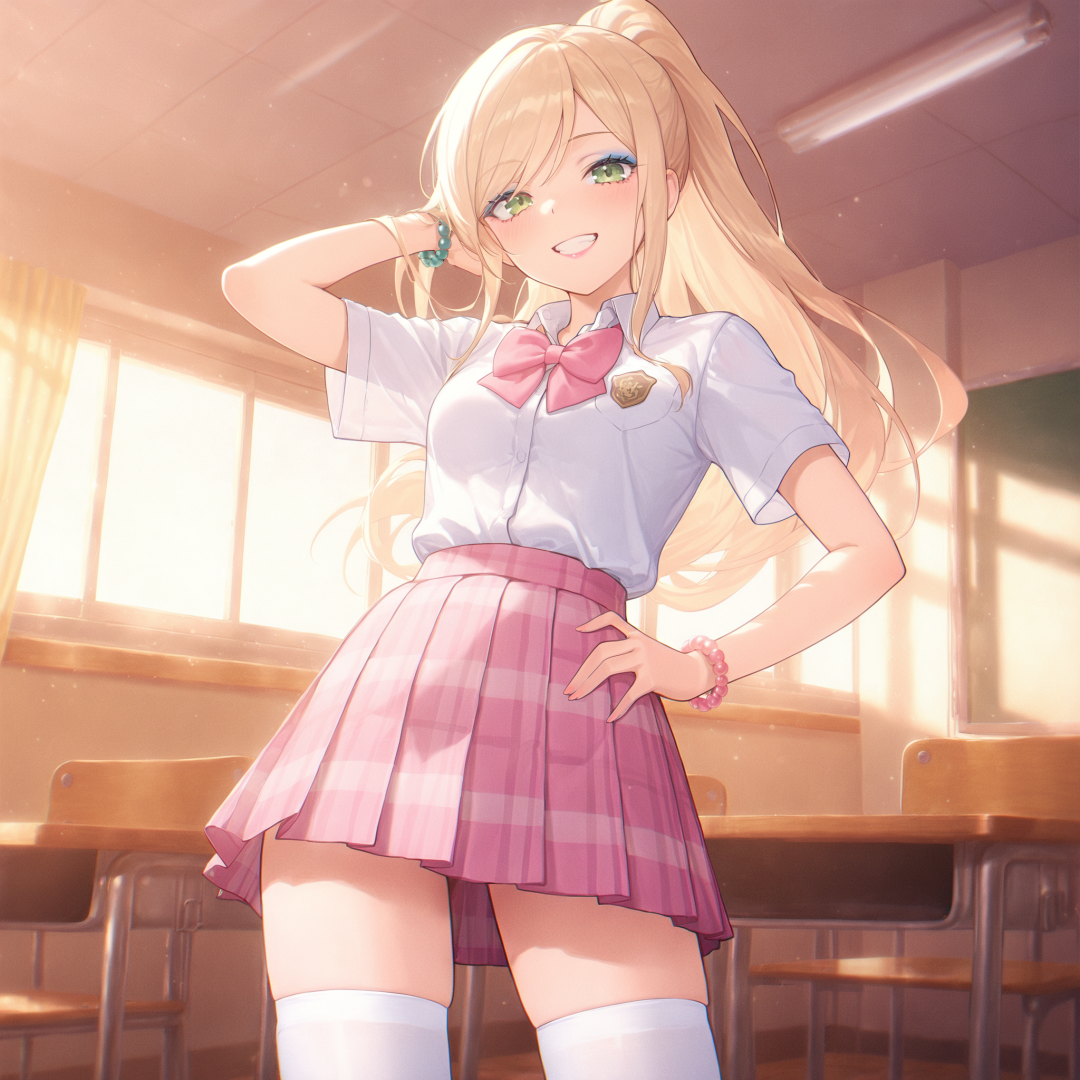
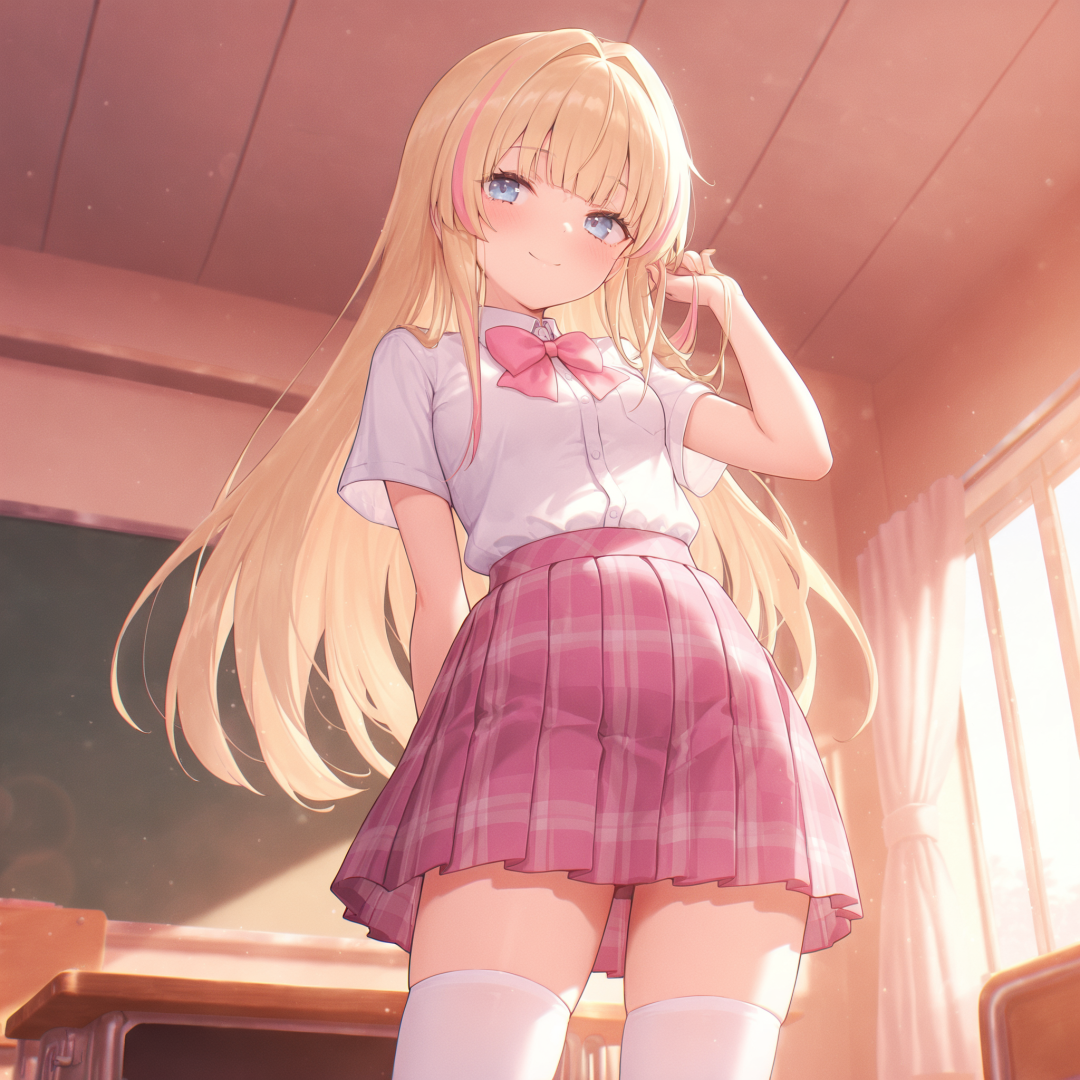
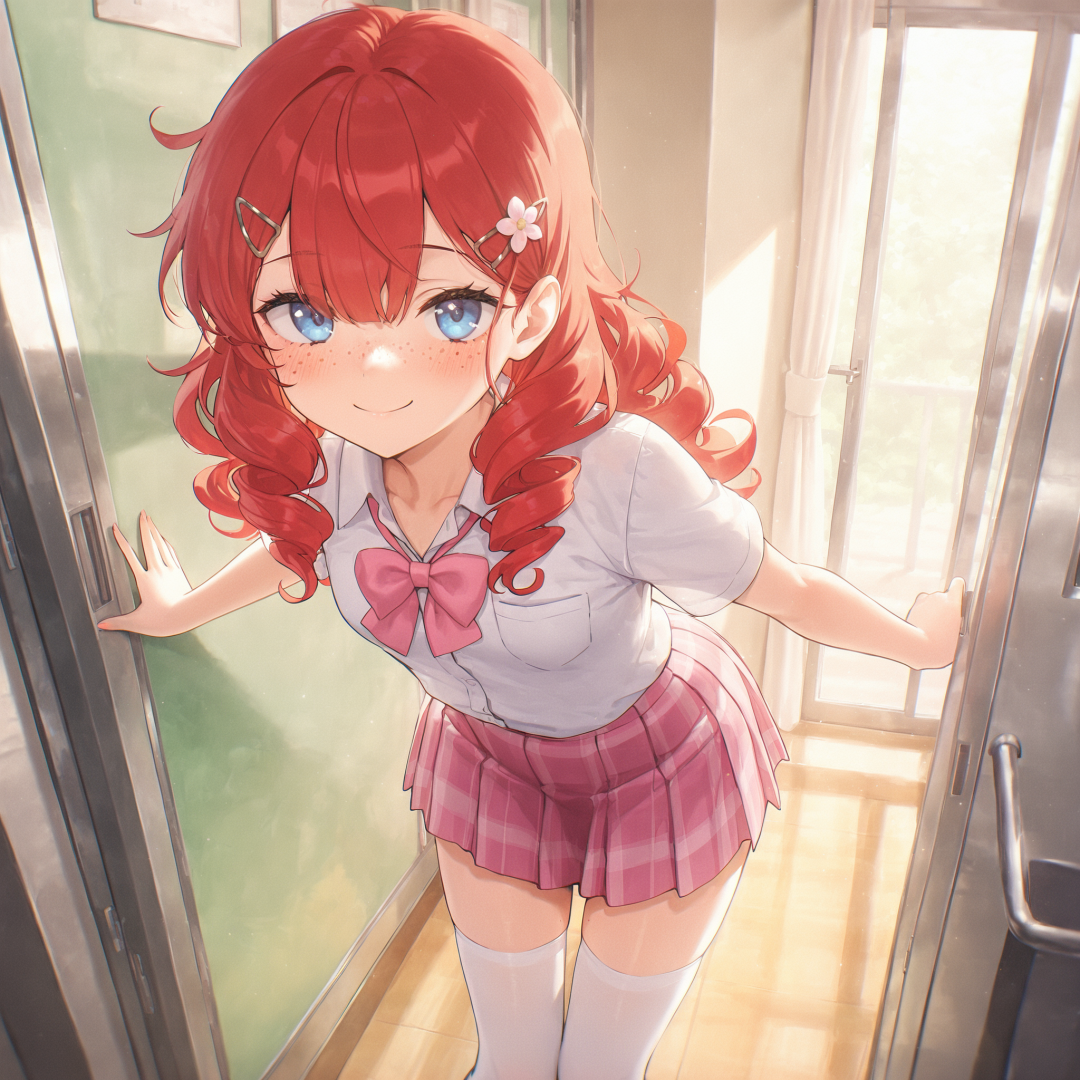
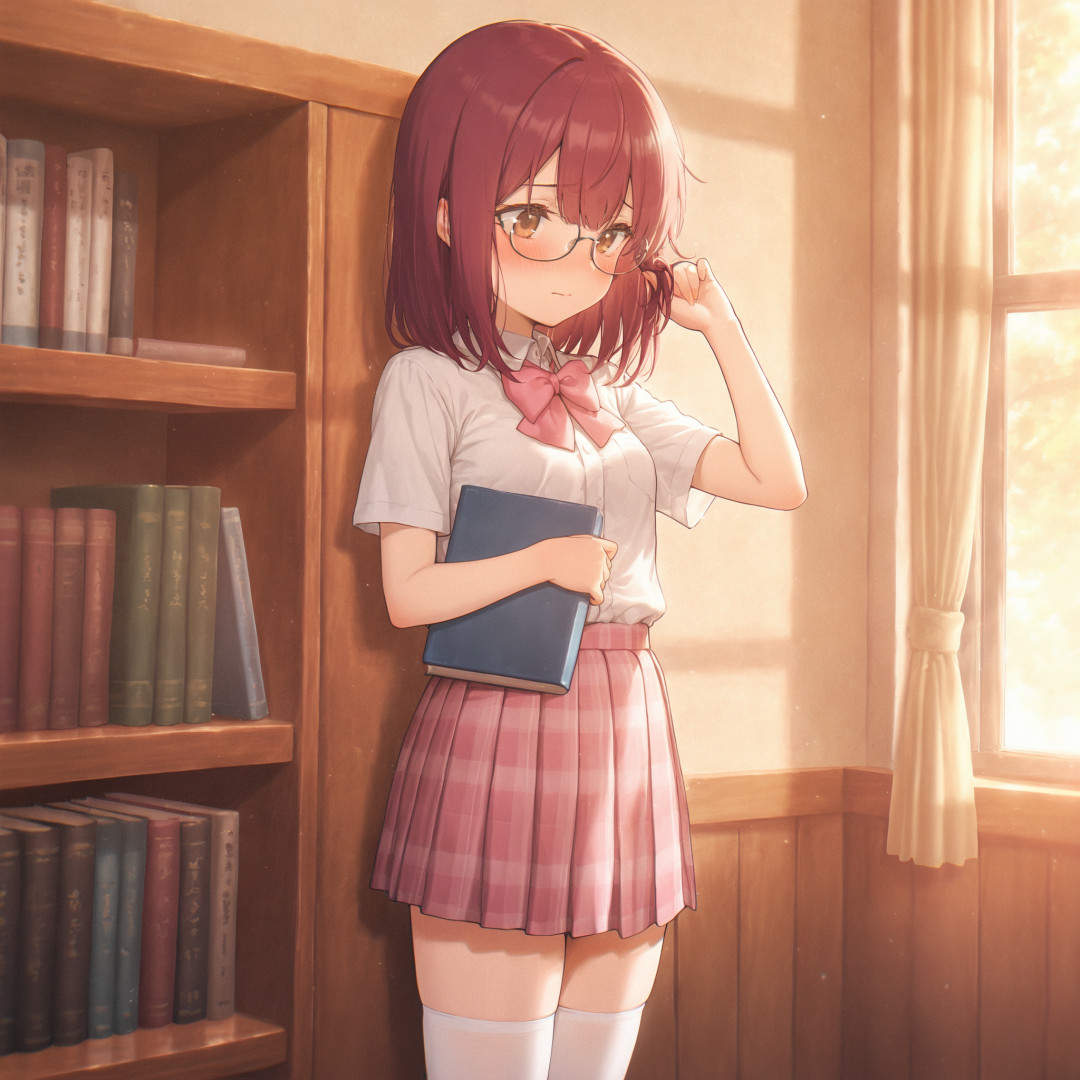
-
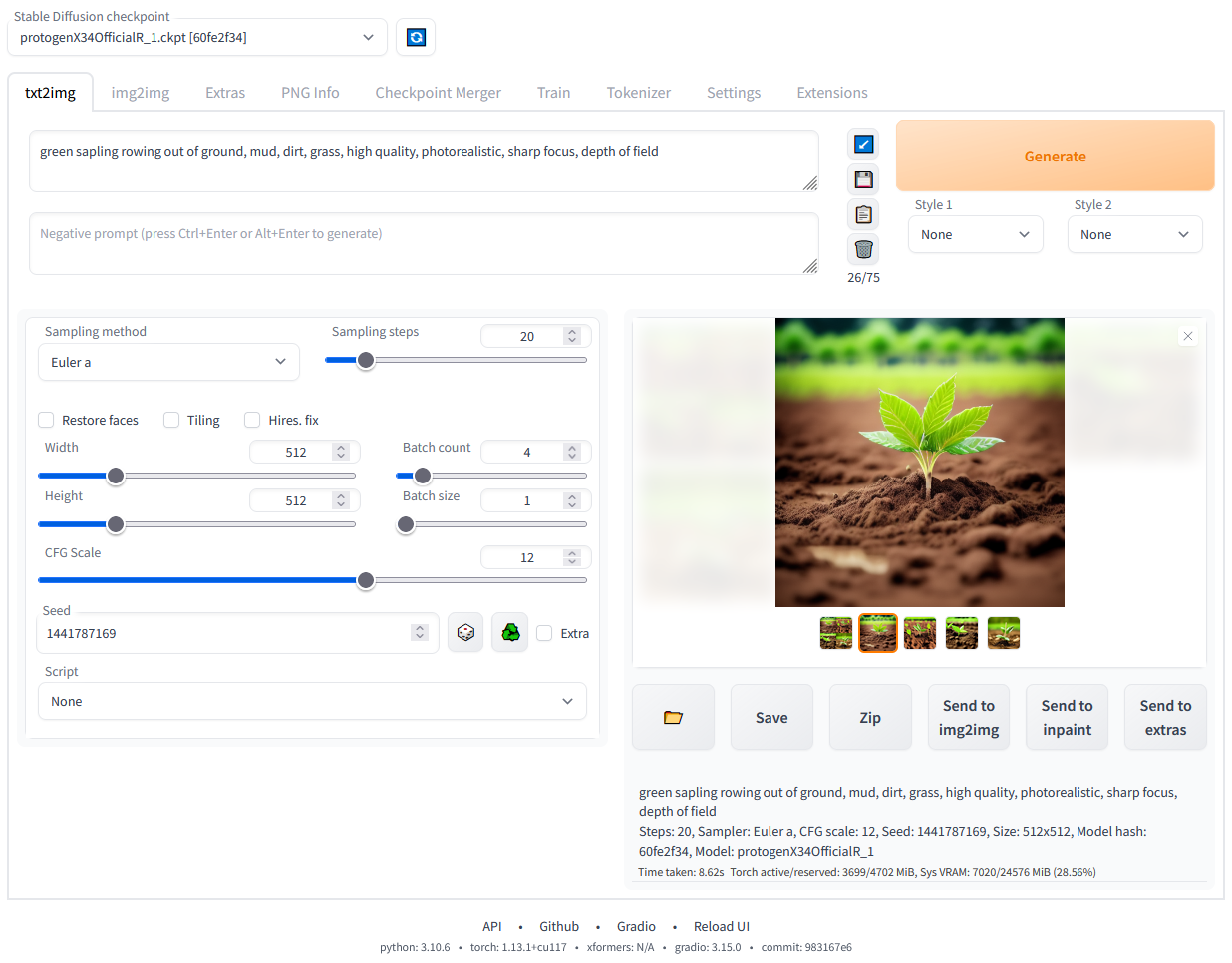
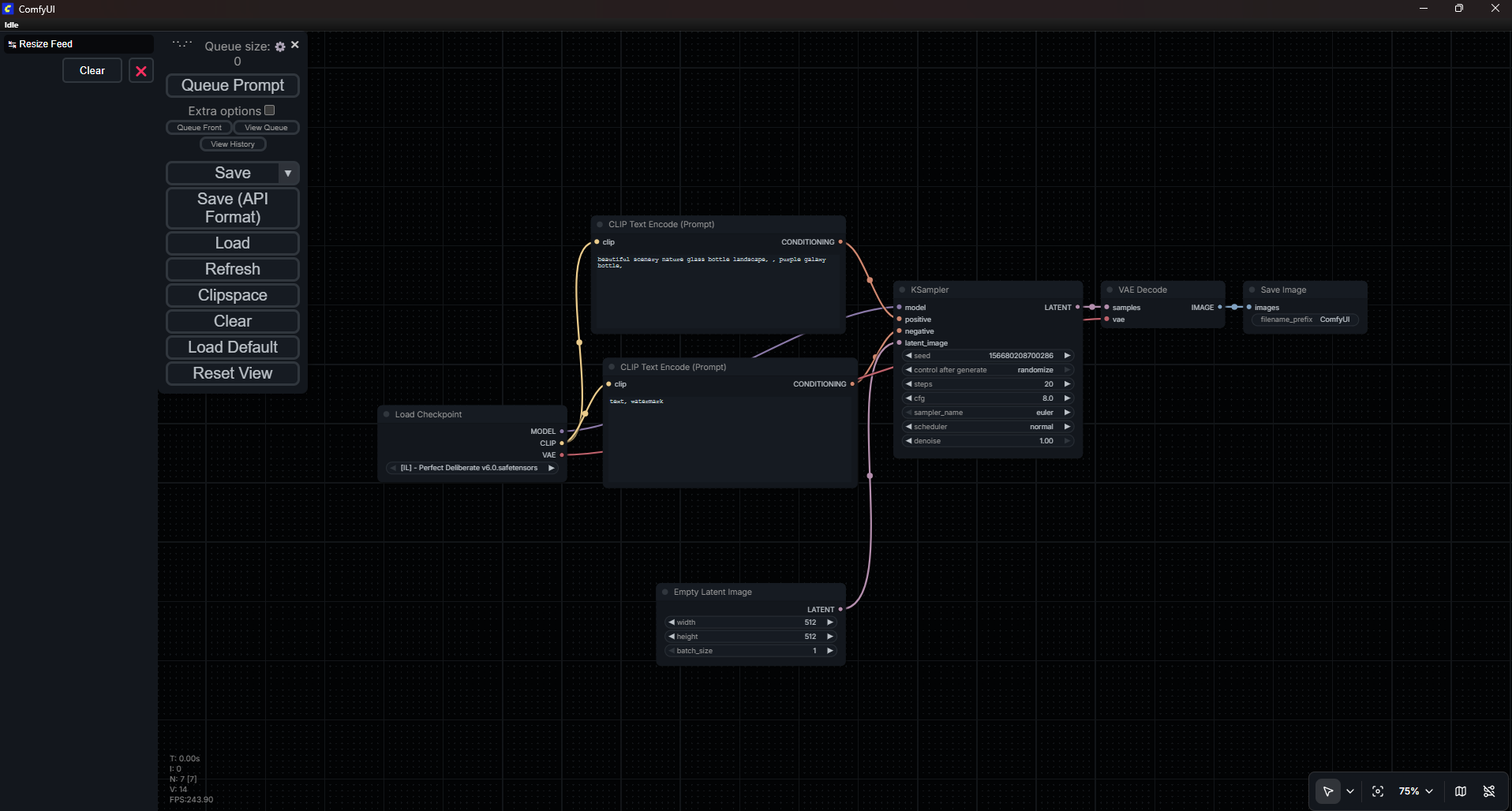
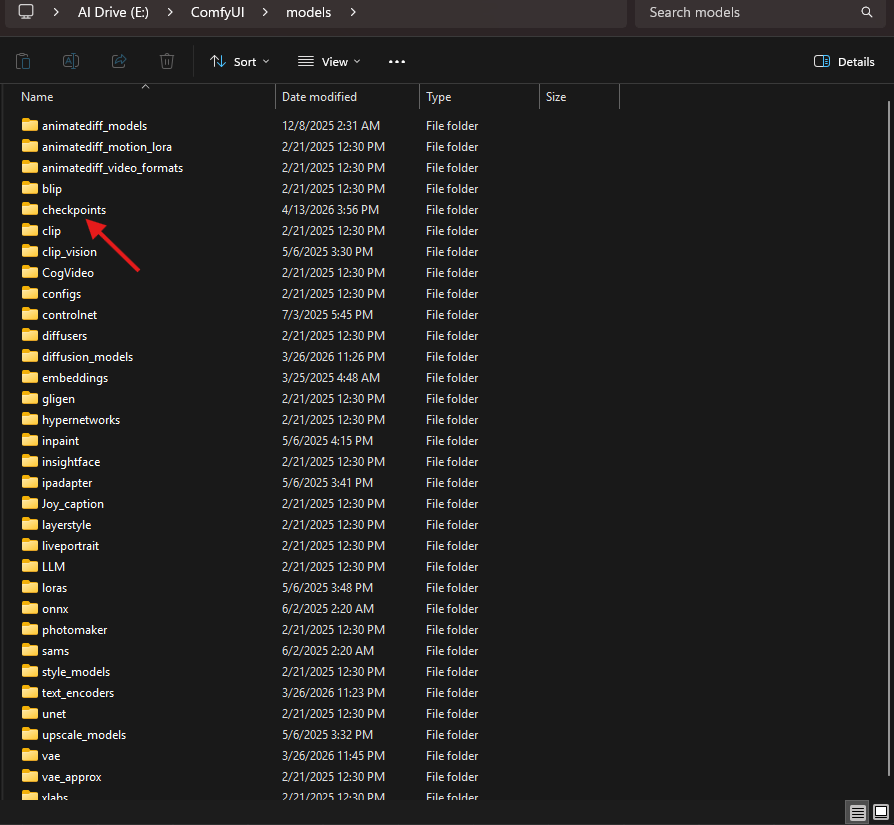
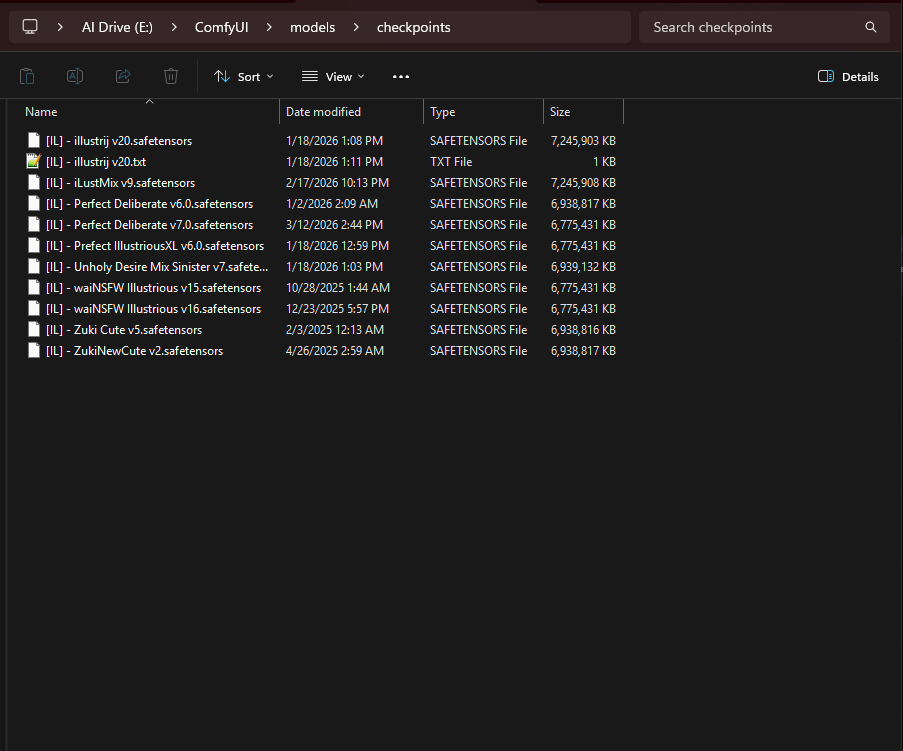
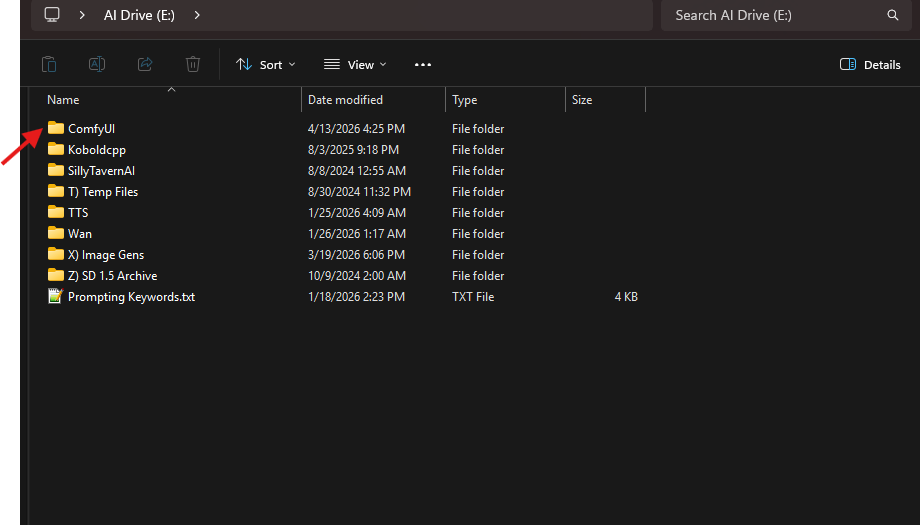
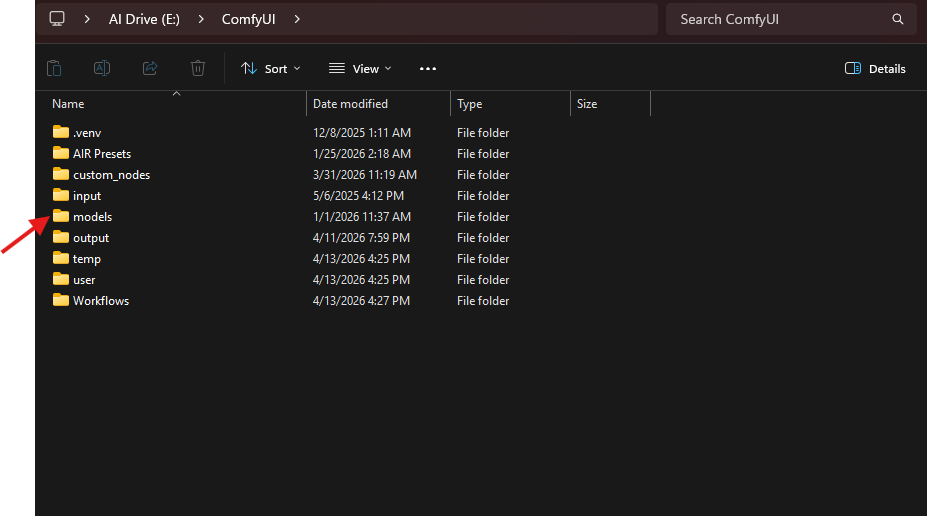
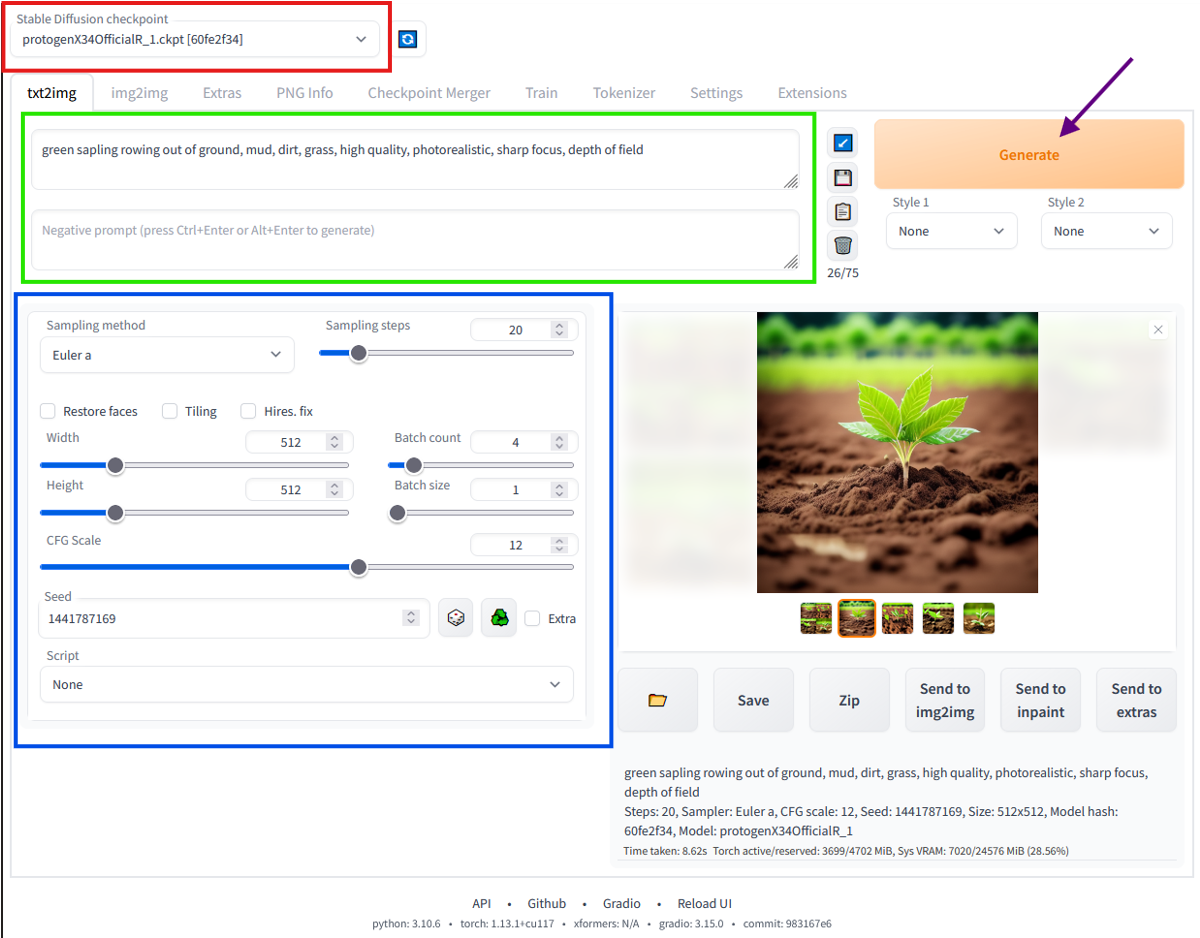
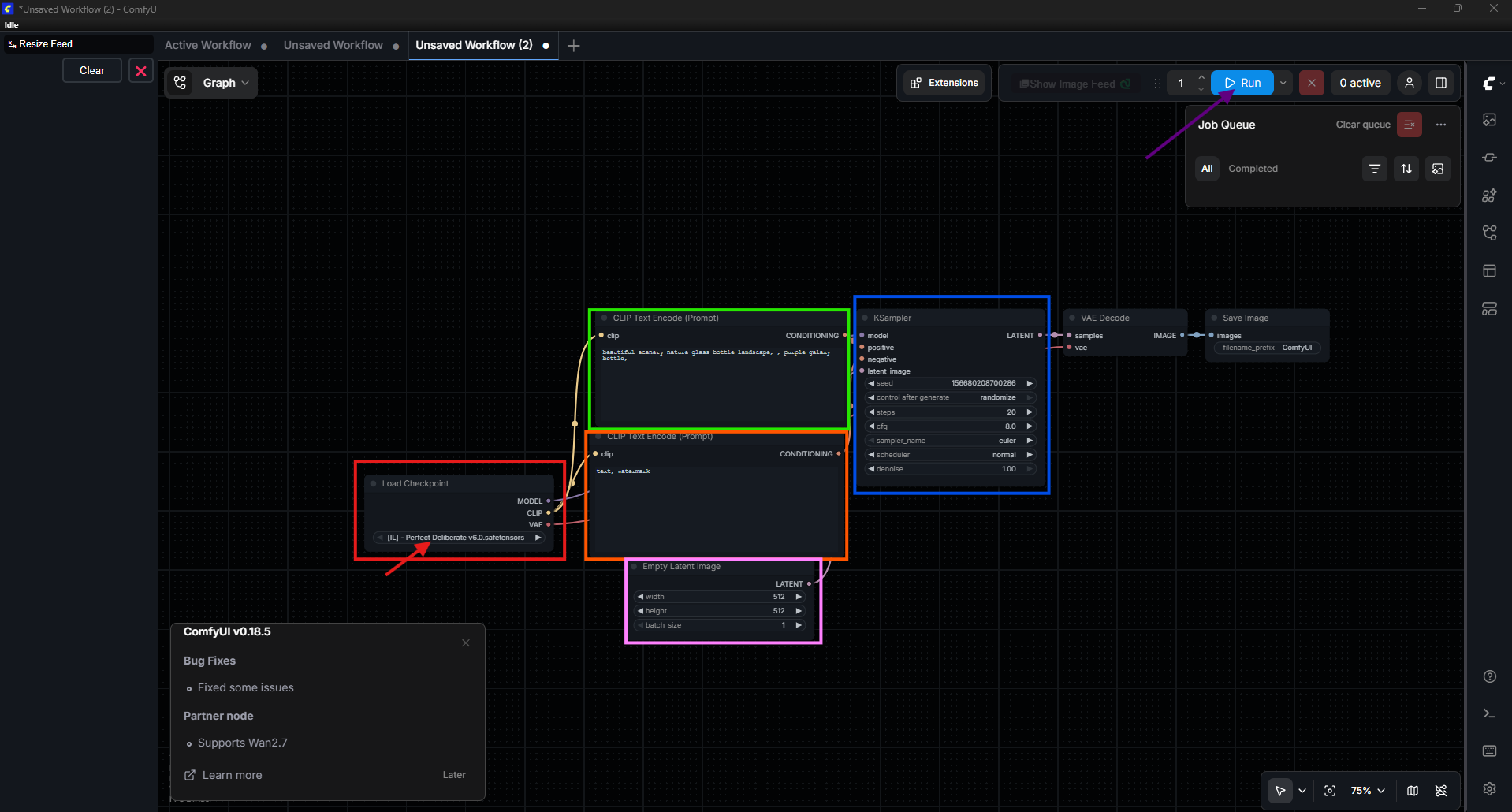
Welcome! This is a quick guide to getting your own local setup for Stable Diffusion. 1. Download and Installation The first thing you will need to do is choose a program to use as a UI for interacting with Stable Diffusion and make sure you have a good amount of room on your drive (e.g 30GB+). There are many out there, but I will be covering Forge/A1111 and ComfyUI. Forge/A1111 - Uses a cleaner and simpler UI for interacting with Stable Diffusion. I would recommend this if you are just wanting to play around with image generation. ComfyUI - Is a node based UI just like visual scripting in Unity. ComfyUI provides more control and more complexity but can overwhelm you with information you need to learn. Once you have chosen a UI tool for Stable Diffusion you will need to download and follow the installation instructions they provide. Forge/A1111 - NVidia - AMD ComfyUI 2. Stable Diffusion Versions Now that you have either Forge/A1111, ComfyUI, or other tool installed, you need to pick out a version of Stable Diffusion to run. There are a multitude of version out there so I again will mention only the most commonly picked ones. The version of Stable Diffusion you are capable of using is largely dependent on how much VRAM you have with your card. The speed at which you can generate an image is also determined by your VRAM, the closer you are to the limit of your VRAM the slower the gens. In some cases you may be able to load a large version at the cost of making gens very slow. Though in most cases loading a large version with a VRAM requirement over what you have will generally lead to your GPU crashing and the probably need to reboot your PC...so be wary of that, I am not responsible for anything getting fried by your decisions. If you are unsure how much VRAM you have with your card, you can check through your installed driver manager such as the Nvidia App or AMD Adrenalin. If you are on Windows, you can also open your Task Manager and go to "Performance > GPU 1 > Dedicated GPU Memory". Now that you know your VRAM, you can determine which versions of Stable Diffusion you can run. Below is a simple list of the popular versions and their minimum VRAM requirements: Stable Diffusion 1.5 (SD1.5) - It is recommended you have at least 4GB of VRAM. Stable Diffusion XL (SDXL) - It is recommended you have at least 8GB of VRAM. Illustrious (IL), Pony, & NoobAI (NAI) - It is recommended you have at least 8GB of VRAM. Flux - It is recommended you have at least 16GB of VRAM. With the version of Stable Diffusion you want in mind, you will need something called a Checkpoint/Model or Diffusion Model. For the purposes of this guide, I will be referring to them as "Checkpoints". A Checkpoint is basically like a giant dataset for the Stable Diffusion AI to reference when you run it. There is a difference between Checkpoints and Diffusion Models, but most of what you will come across will be Checkpoints unless you are grabbing specifically from HuggingFace. With your chosen Stable Diffusion version you can go to sites such as CivitAI or Tensor to look for Checkpoints. Key thing to note is that you download a Checkpoint and not a Lora*, Embedding*, or VAE*. Once you have chosen your Checkpoint and downloaded the .safetensors file, you will need to navigate to your installation folder for either Forge/A1111 or ComfyUI. Inside you will then need to go to the "models" folder, and move the .safetensors file into the "checkpoint folder". [A1111 or ComfyUI] > models > checkpoints *Loras are highly specialized addons to Checkpoints. Loras generally target a specific art style, pose, or clothing. The downside is that Loras can in part artistic styles used in the making of the lora. This means that if the Lora was trained on anime art styles, it will mess with a realistic image and make the outcome a mix or some other sort of unpredictable style. *Embeddings are like Loras but do not actually influence art styles and instead use the Checkpoint. *VAEs are simply put image encoders that the AI uses. Most Checkpoints have their own VAEs baked into them so you don't need to worry about them. On the other hand, Diffusion Models do not come with VAEs baked into them so you will have to download a VAE in order to use the Diffusion Model. *For any downloaded Lora, Embeddings, or VAE you would put them in their own respective folders. 3. Running Stable Diffusion On to the final stretch, with Forge/A1111 or ComfyUI installed and your Checkpoint/s downloaded, you are ready to launch and get to genning. 3a. With Forge/A1111 you will need to head into the main installation folder and find "update.bat". Let it do its thing if you didn't do this during installation. Then run "run.bat" and wait for it to start up. Once it is finished you will see something along the lines of this: The red square is where you will change your Checkpoints (this will take a moment to load the Checkpoint for use, so hang tight). The green square is where you will input your Positive and Negative prompts. The blue square is for different settings that you can mess with on your own. Do note that the large the image the longer it will take. Then finally hit "Generate" to generate an image based on your settings and prompt. 3b. With ComfyUI you can launch the program through the shortcut placed on your desktop. You will then be met with this screen after it loads: The red box is where you change the Checkpoint (should auto detect). The green box is for the positive prompt. The orange box is for the negative prompt. The pink box is the image size. The blue box is for settings that you can mess with. Finally click "Run" to start the generation process. (The first gen will take a moment as the Checkpoint is loaded) 3c. Obviously there is much more you can do but this is the basics that should be able to get you into your first locally generated image.
-
Life with a Kitsunemimi Named Sakura
FoxSungTofu replied to FoxSungTofu's topic in AI Art Club's [NSFW] - Thrilling Tales
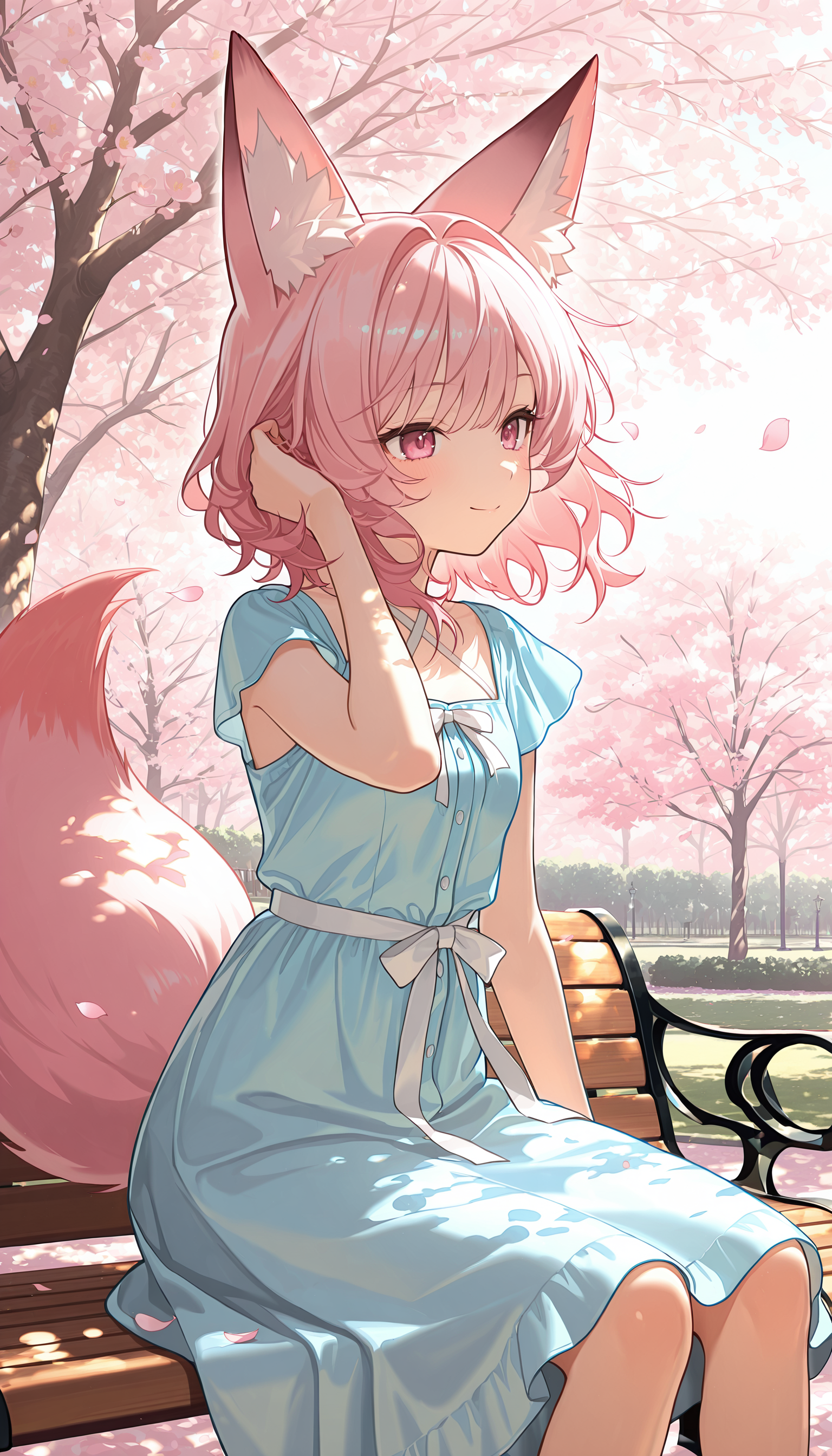
💮 Had this image for Spring but never posted it...oops. 💮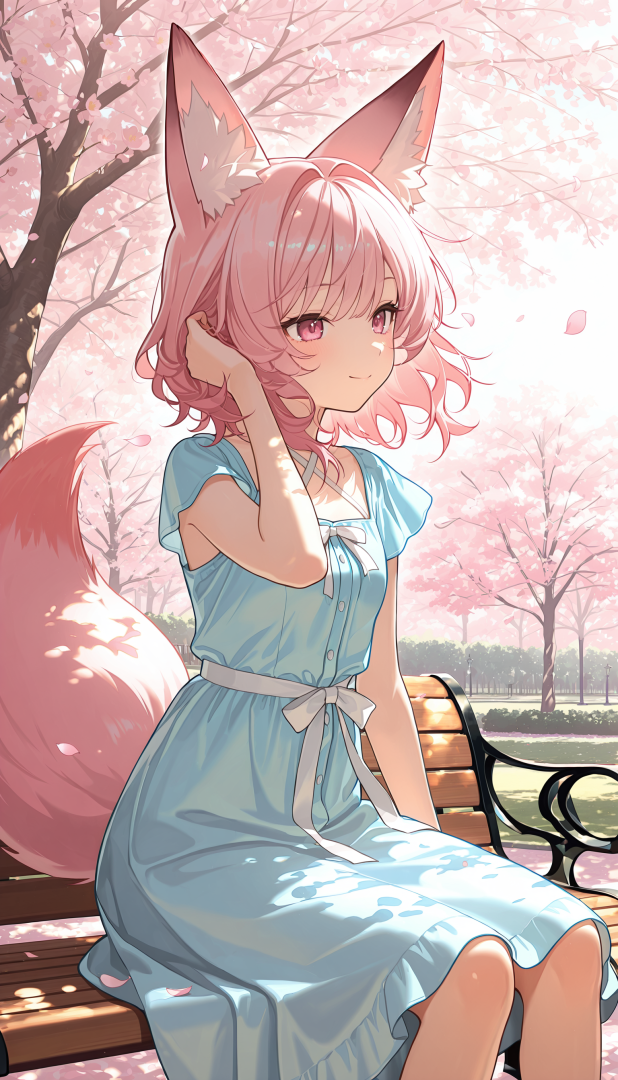
-
Life with a Kitsunemimi Named Sakura
FoxSungTofu replied to FoxSungTofu's topic in AI Art Club's [NSFW] - Thrilling Tales
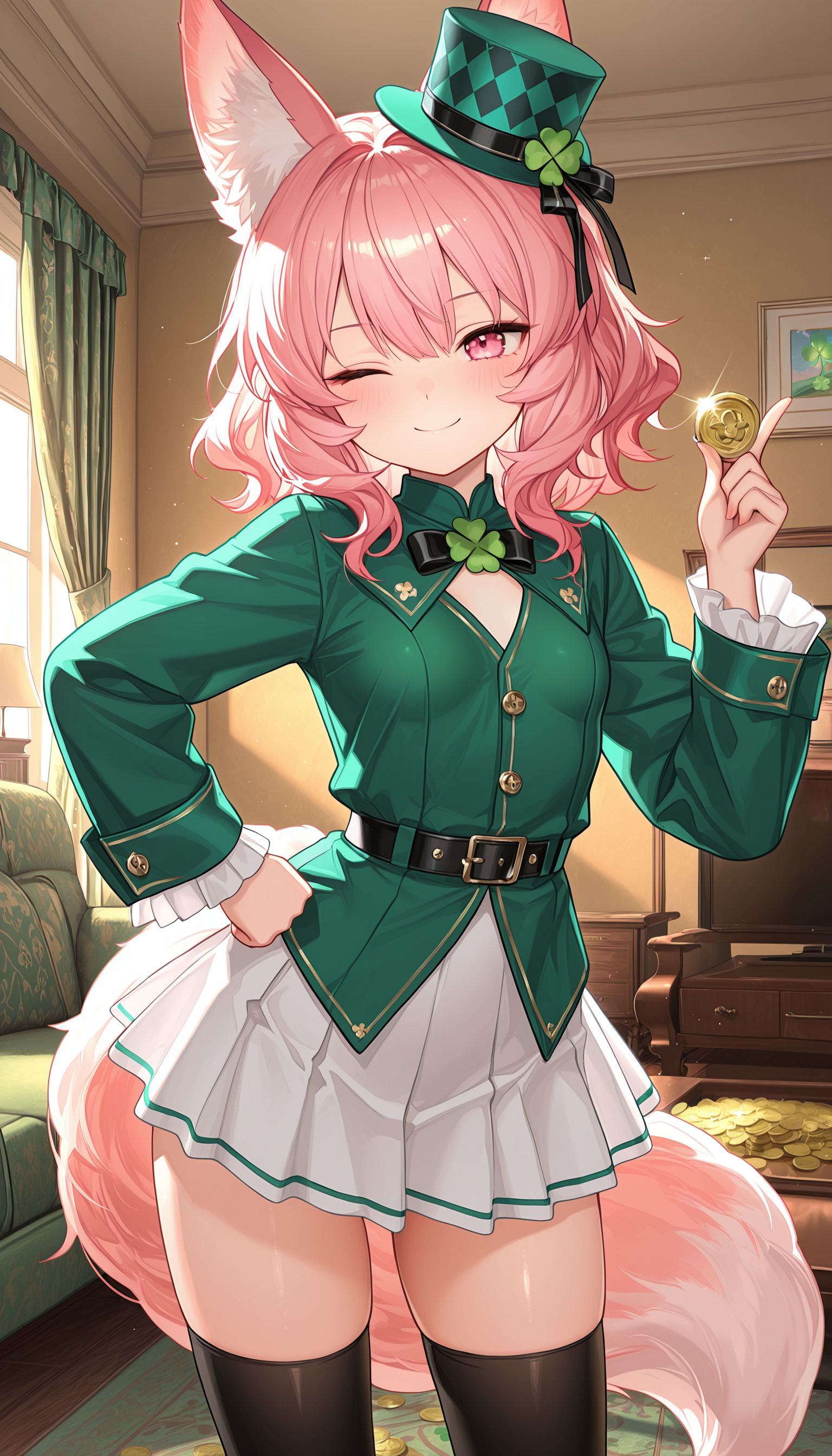
🍀St. Patrick's Day with Sakura 2026🍀
-
Life with a Kitsunemimi Named Sakura
FoxSungTofu replied to FoxSungTofu's topic in AI Art Club's [NSFW] - Thrilling Tales
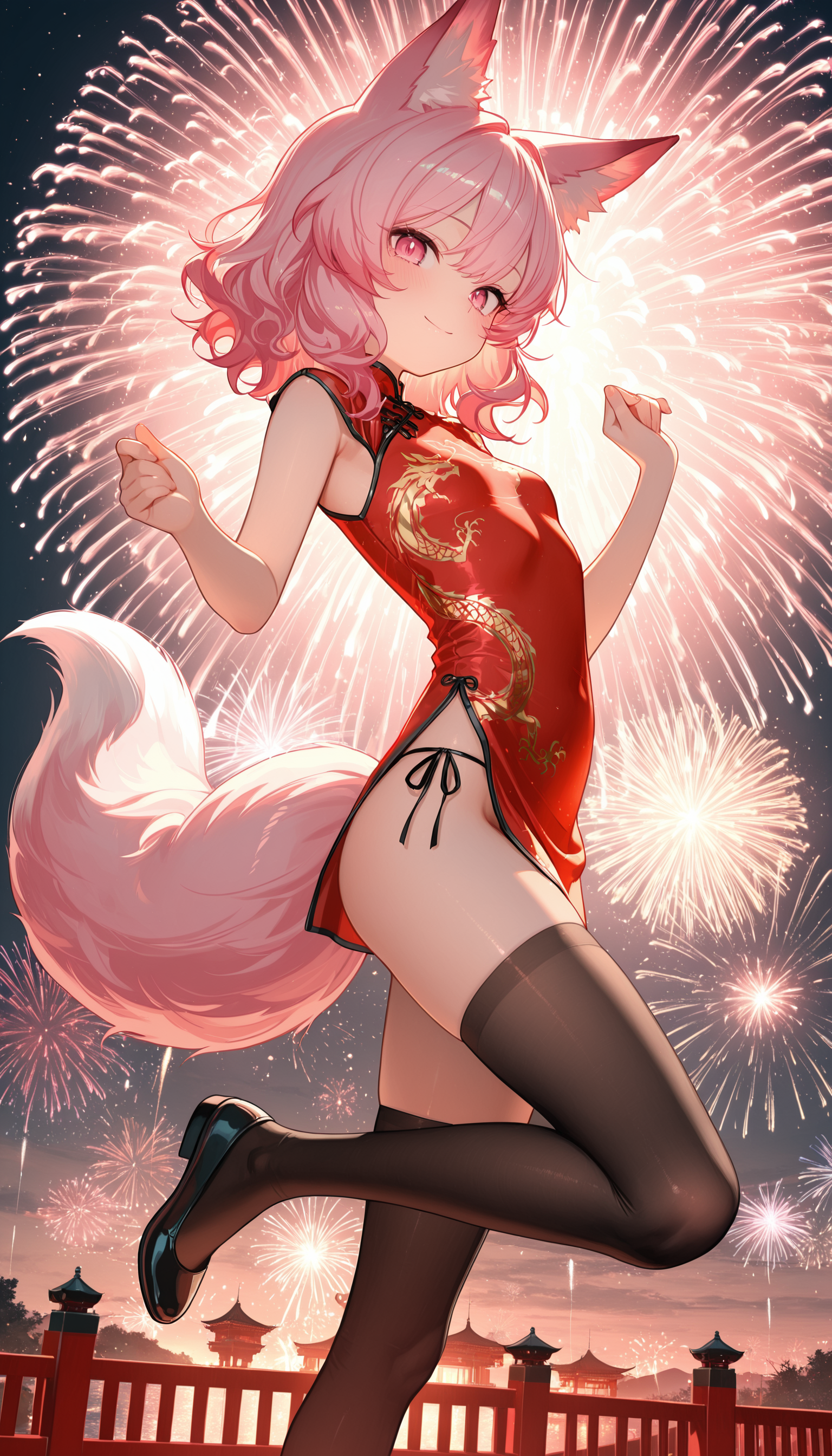
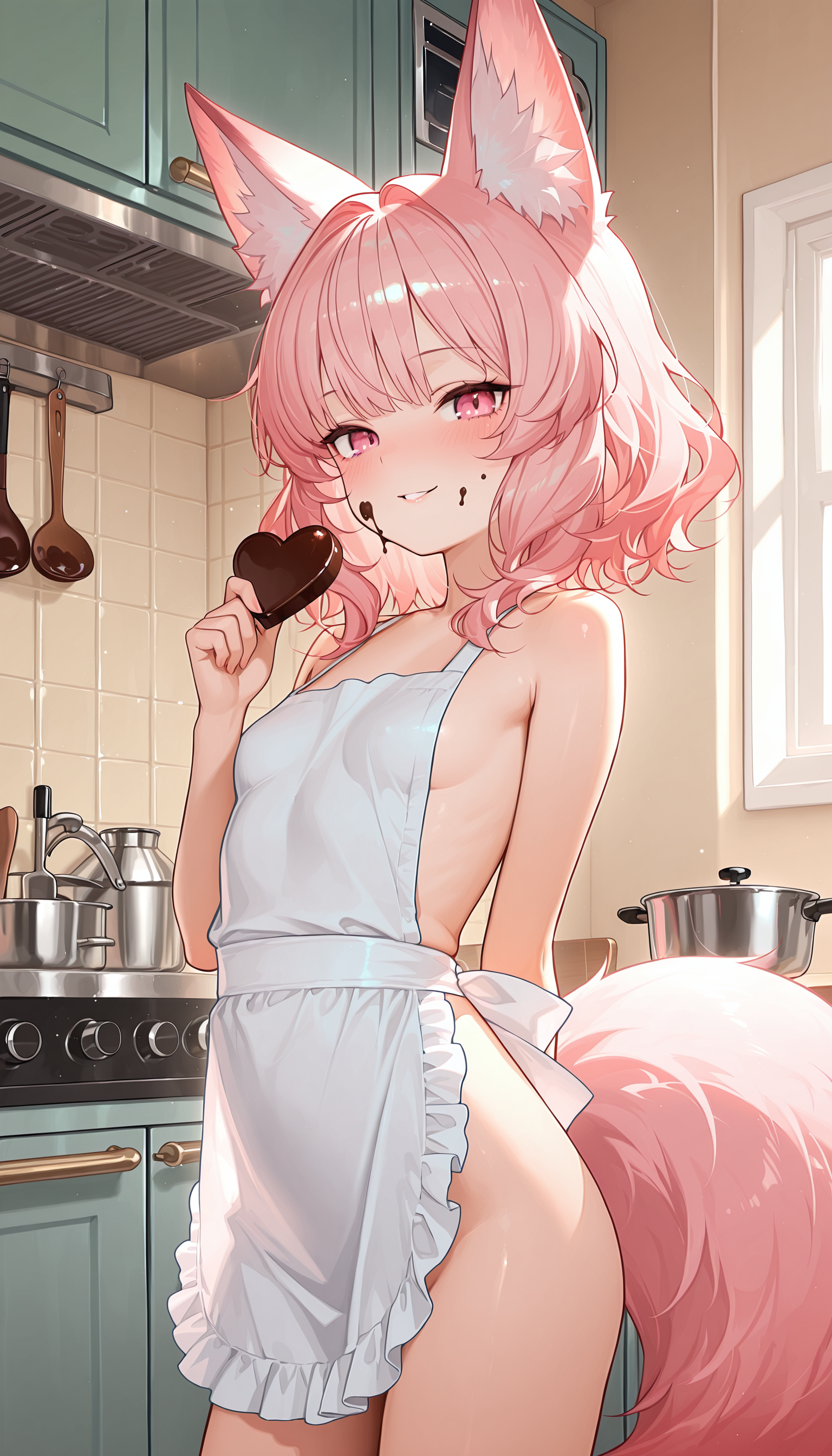
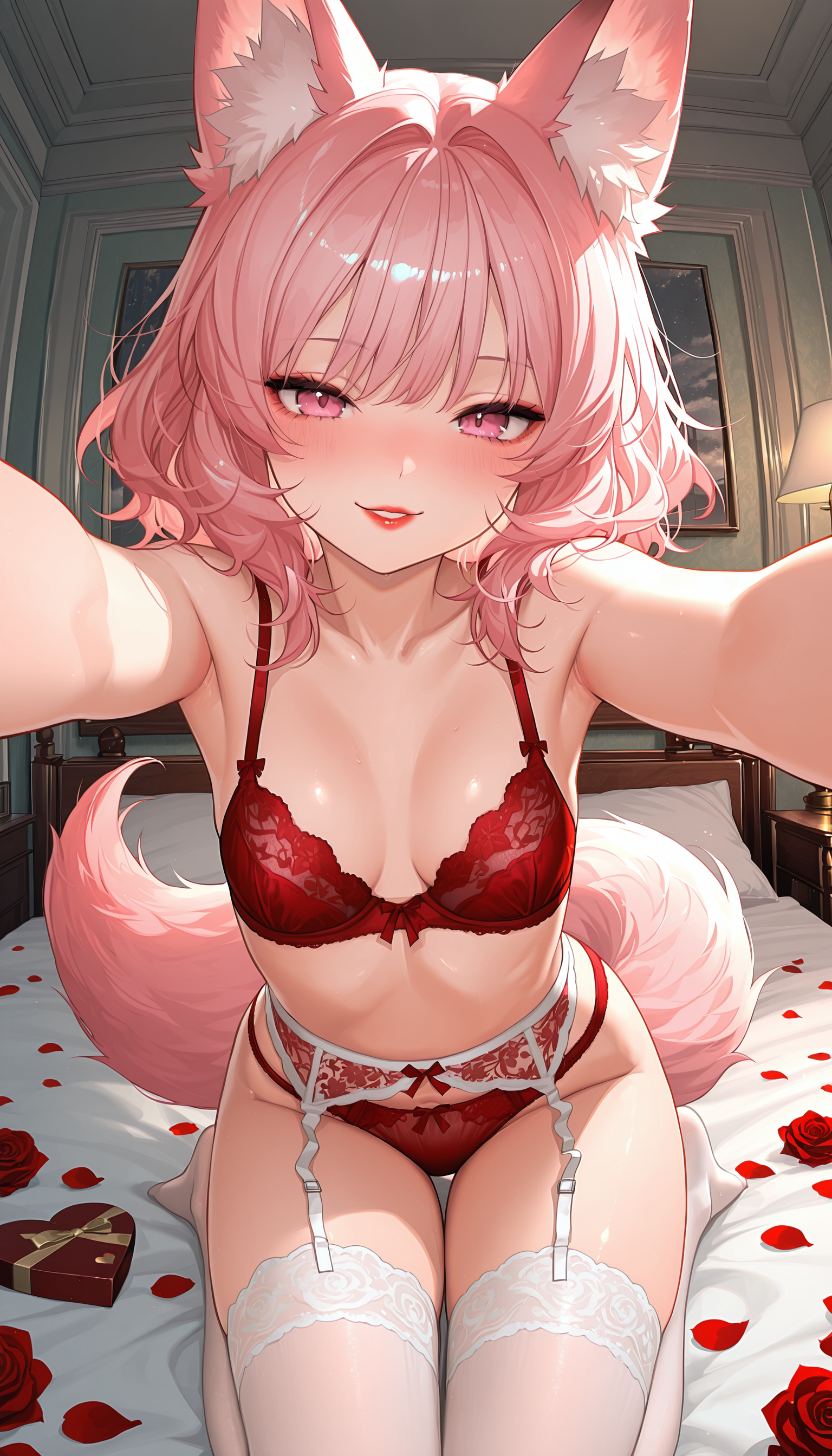
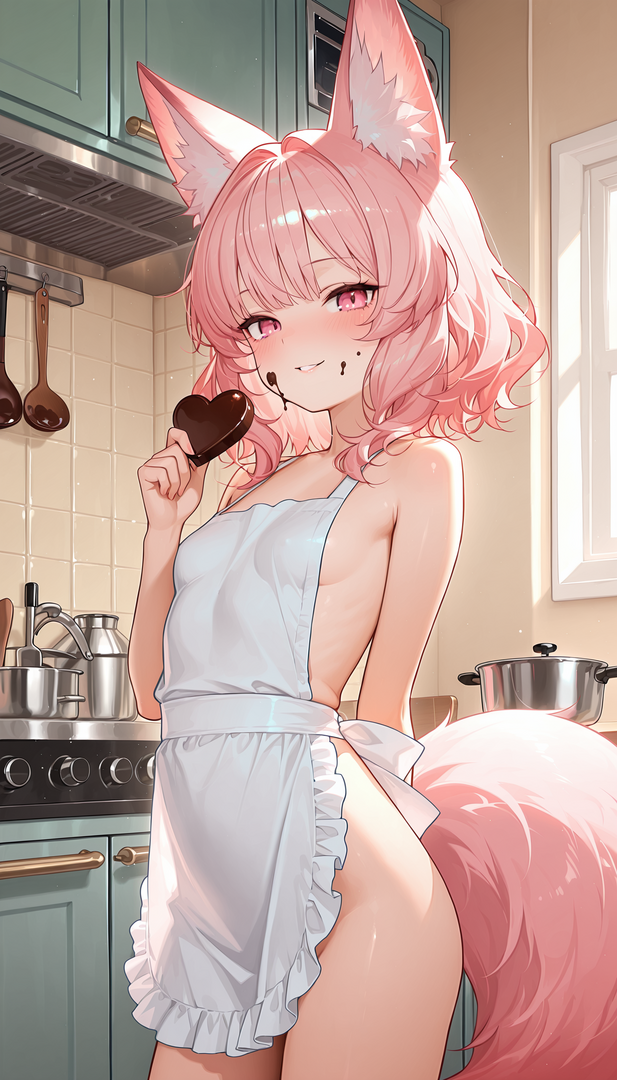
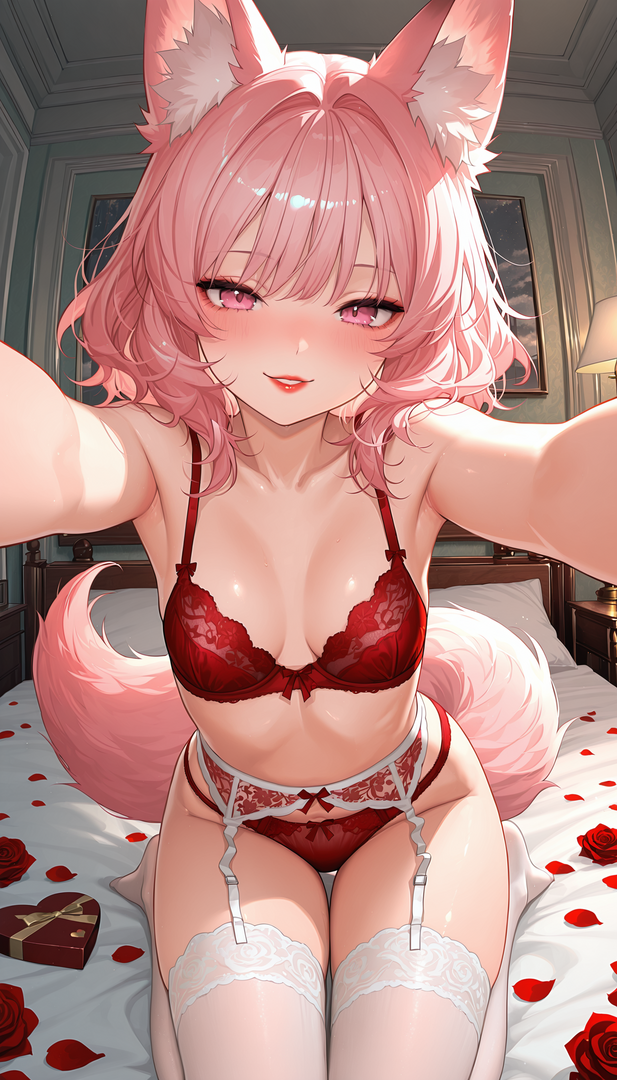
🐎Year of the Horse Chinese New Year 2026 🐎 💗Valentine's Day [2026]💗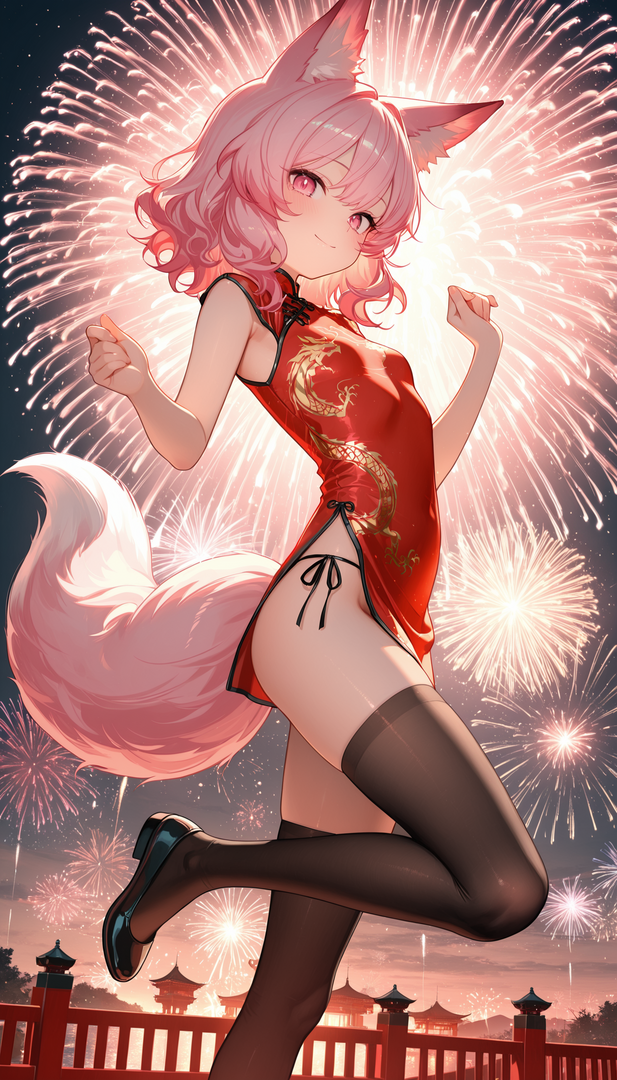

-
Life with a Kitsunemimi Named Sakura
FoxSungTofu replied to FoxSungTofu's topic in AI Art Club's [NSFW] - Thrilling Tales
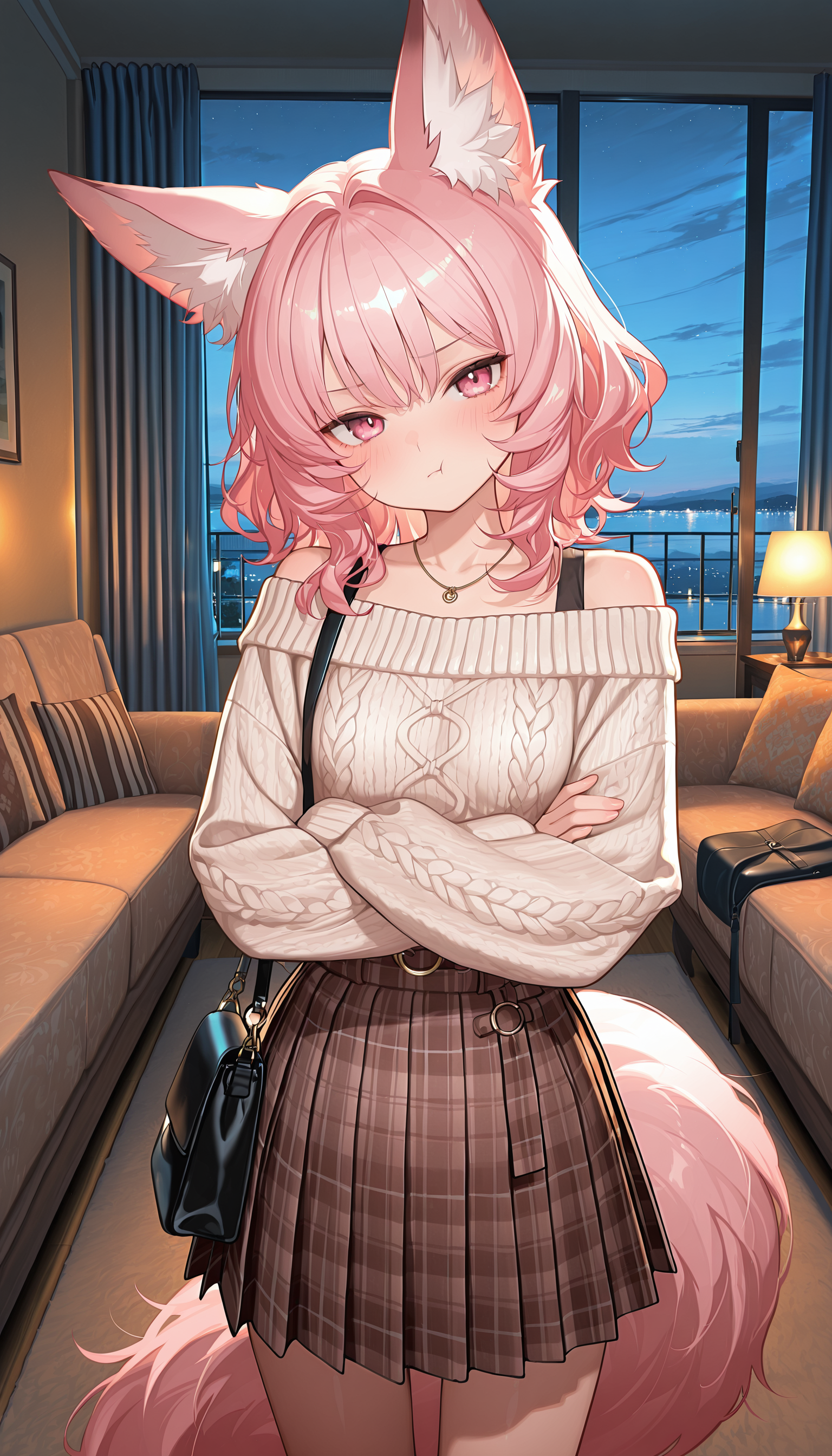
Acquaintance of mine wanted to see a pissed of Sakura, but that didn't fit her overall feel...so I made a pouty version. Don't forget about that planned date...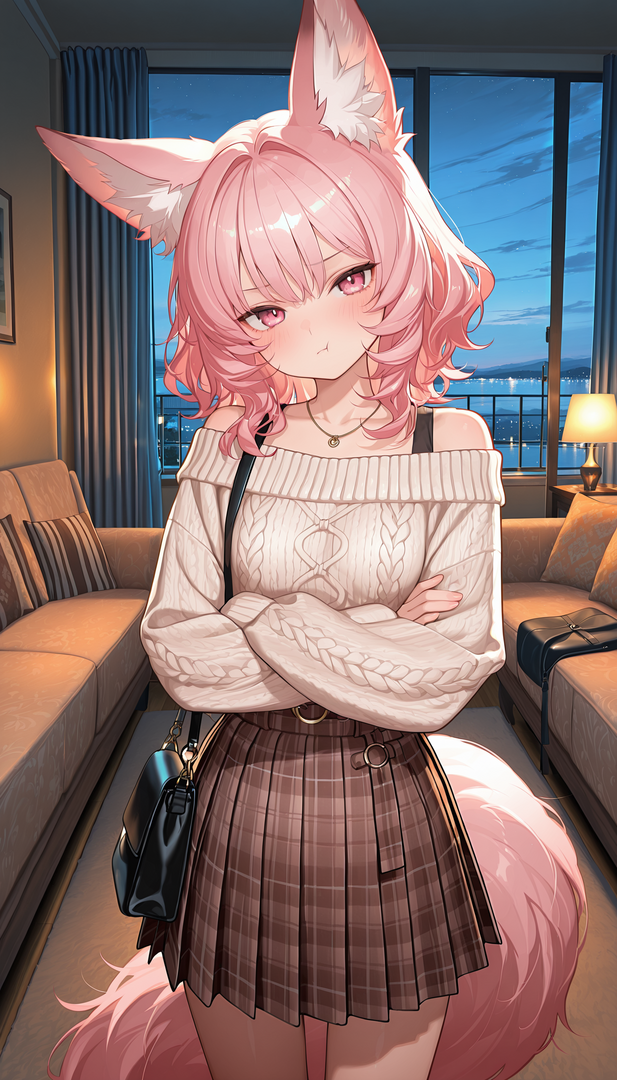
-
Life with a Kitsunemimi Named Sakura
FoxSungTofu replied to FoxSungTofu's topic in AI Art Club's [NSFW] - Thrilling Tales
Single image I though I posted here but didn't. Onsen Trip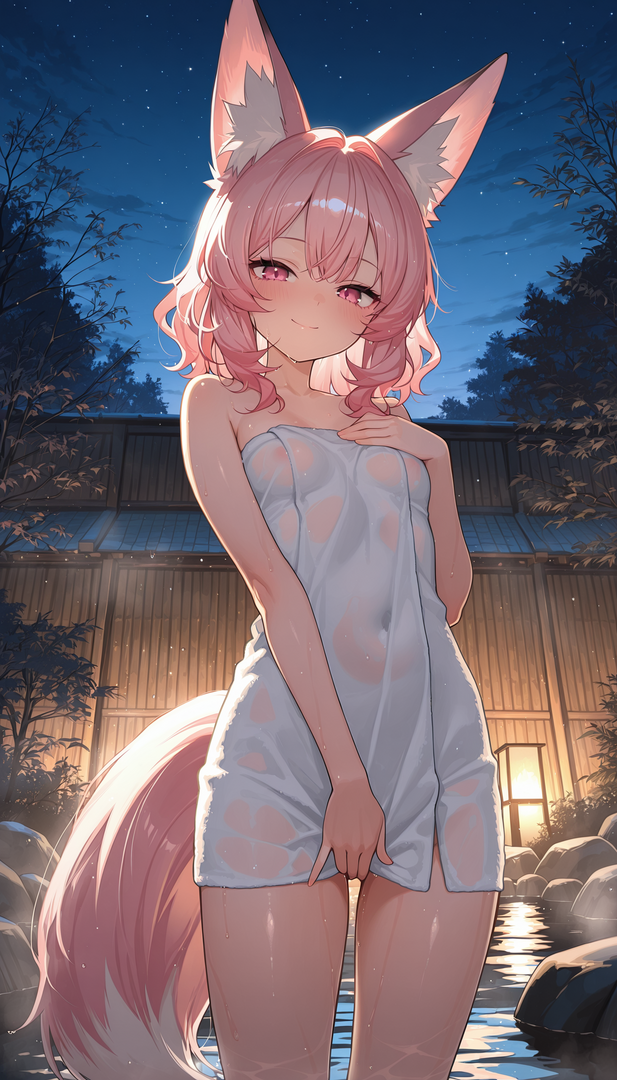
-
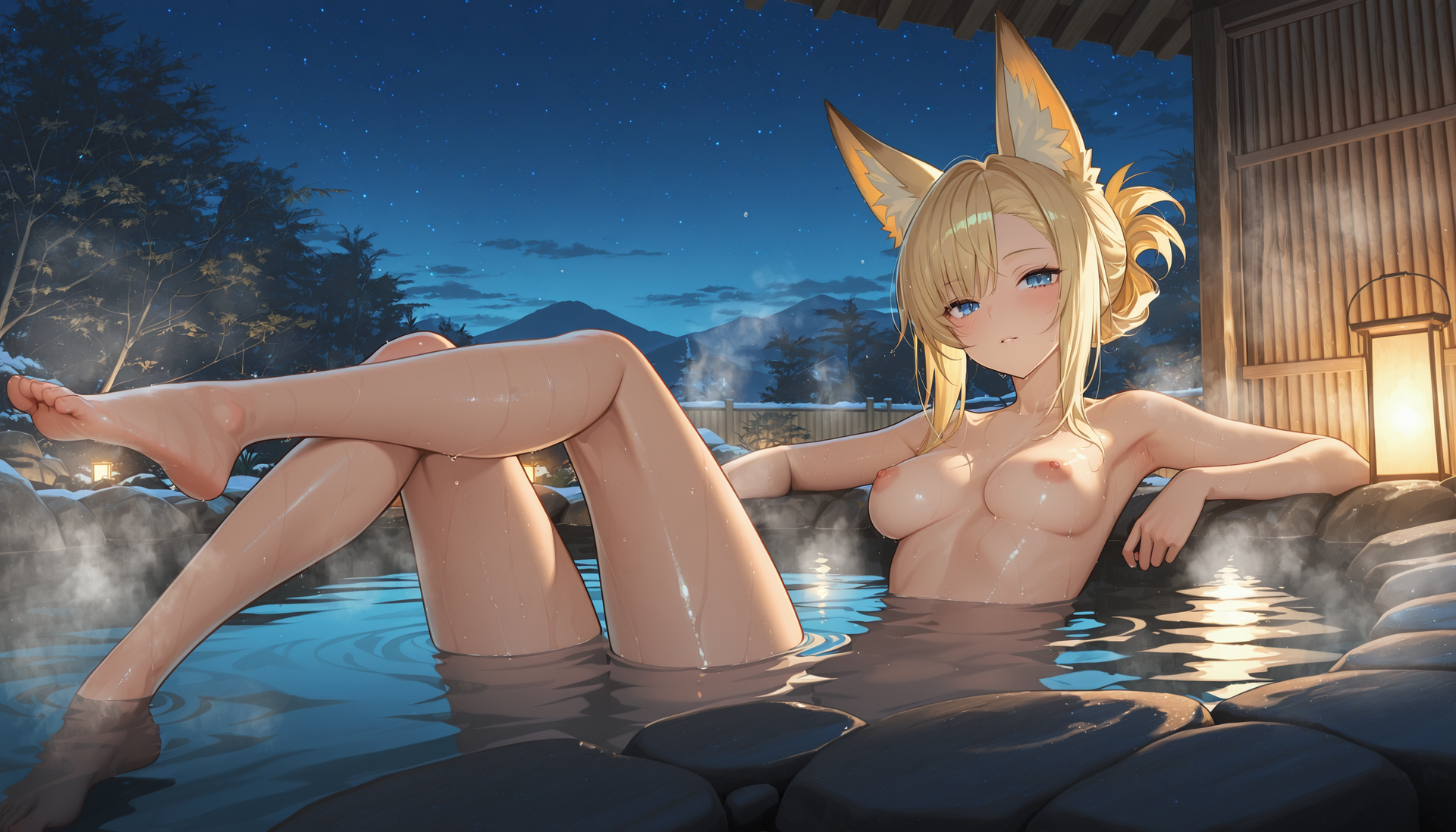
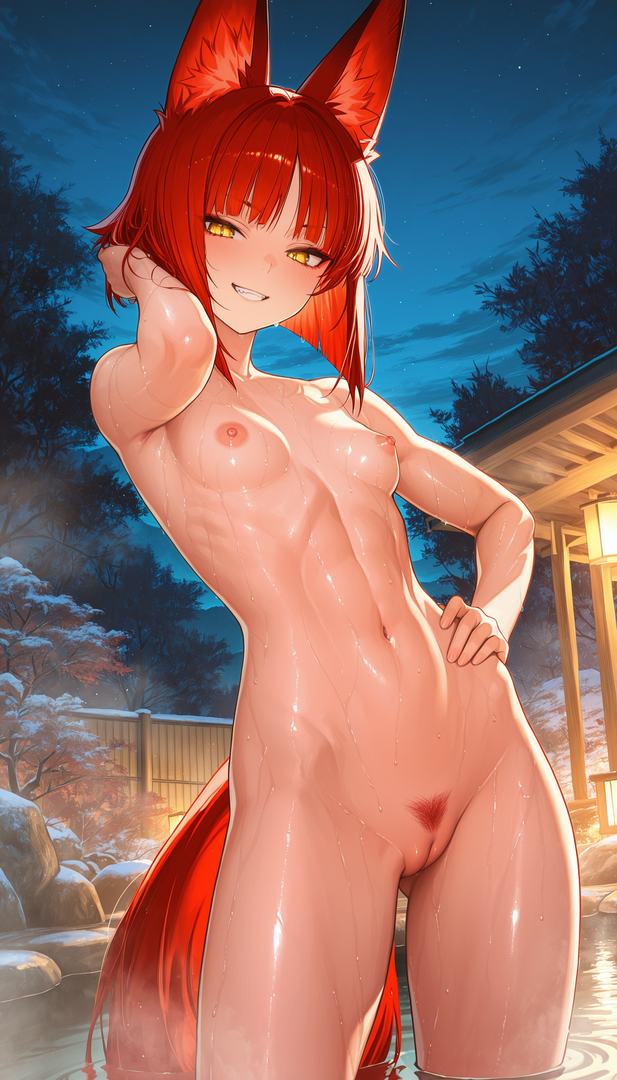
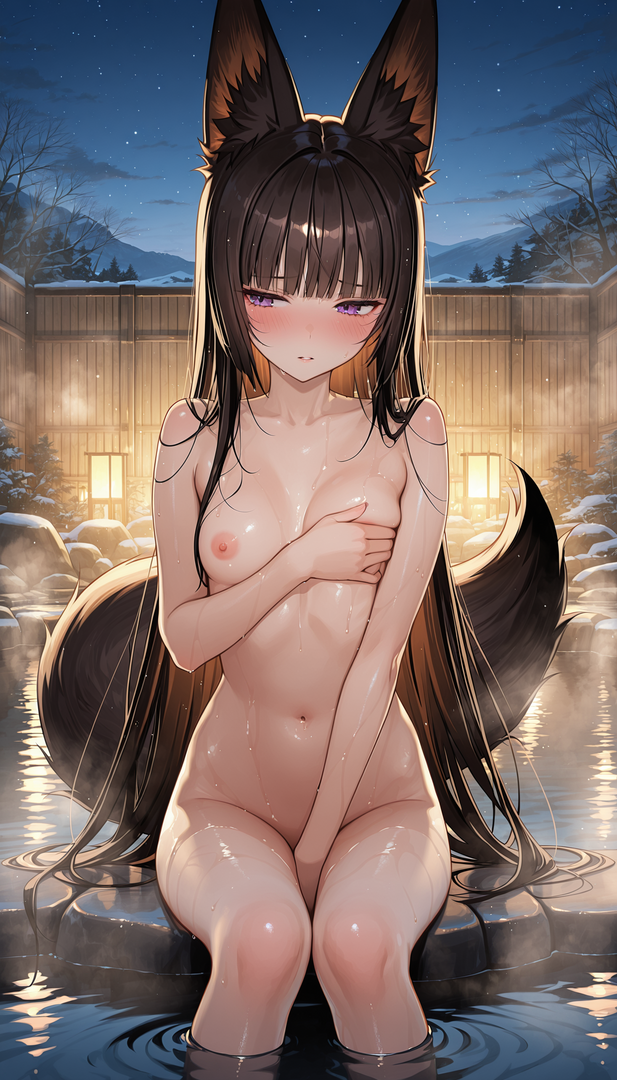
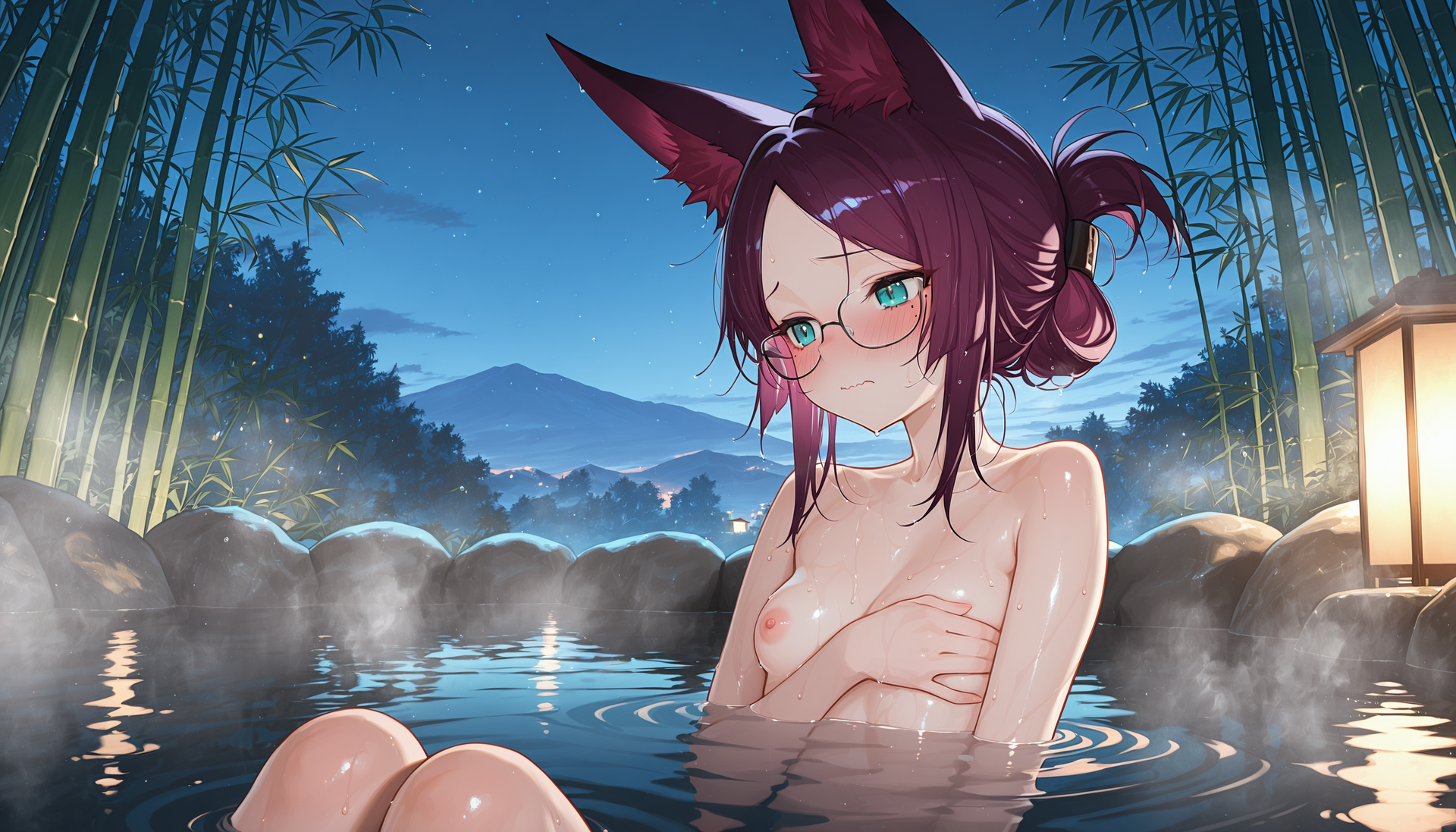
A visit to a kitsunemimi, fox-eared girls, hotspring. Owner of the Onsen - Honoka
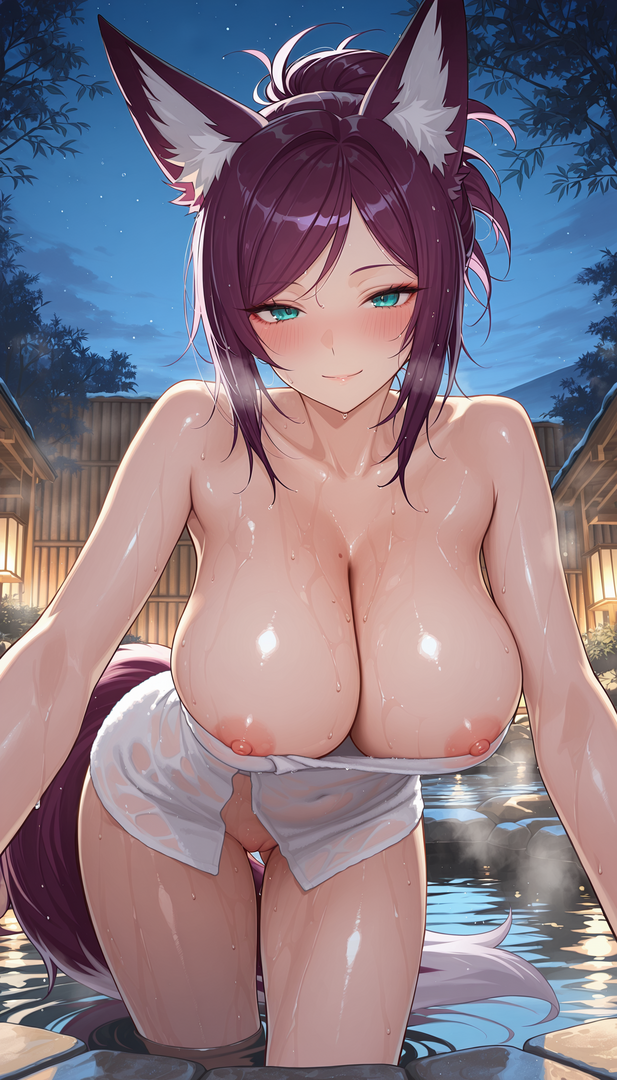
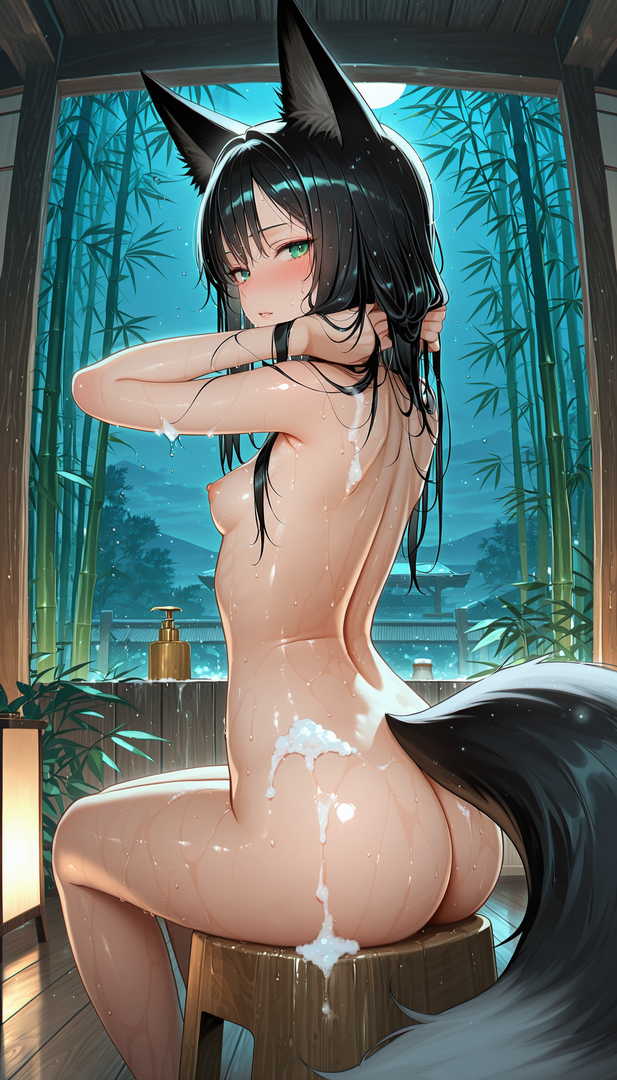
-
The only surviving image from a NSFW set I was going to do but couldn't because one of the loras was making explicit images extremely hard.