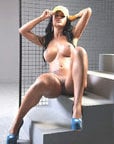
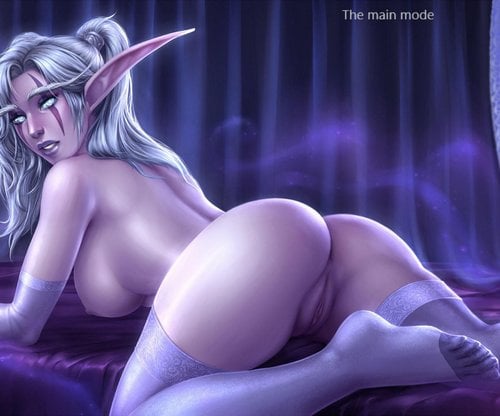
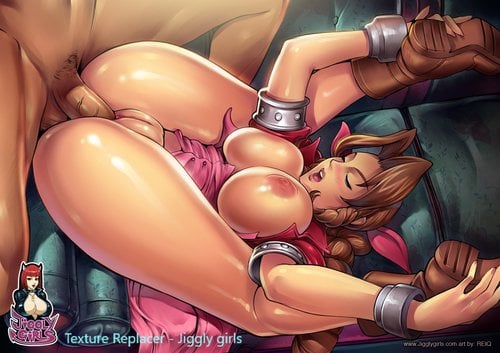
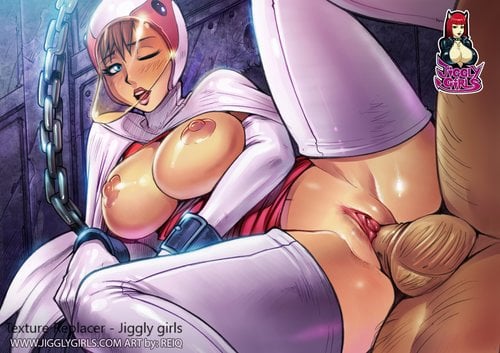
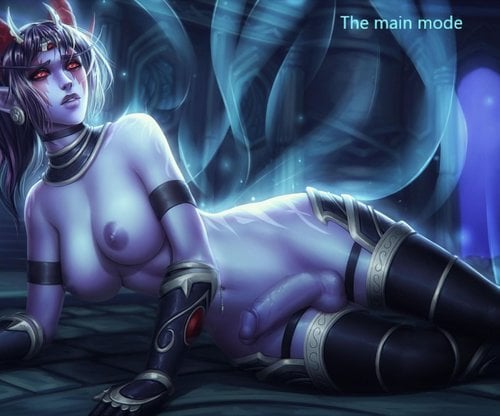
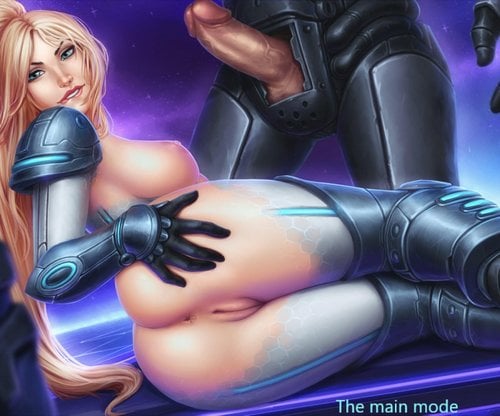
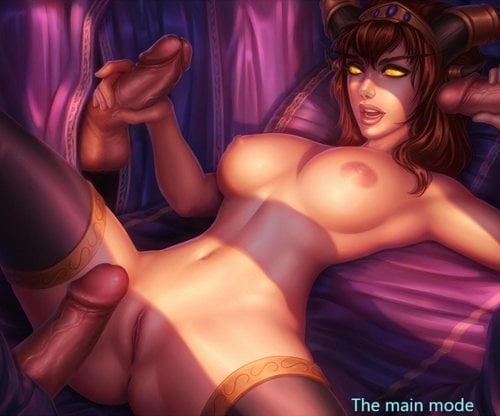
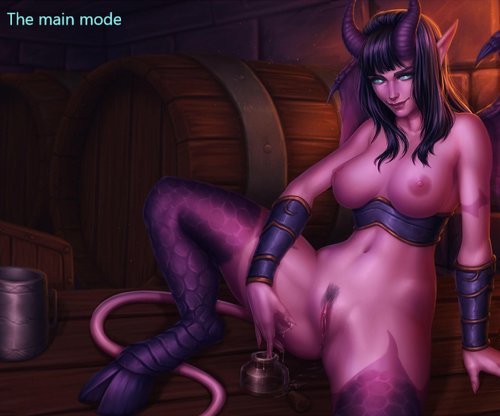
About This File
video https://vimeo.com/265888929
Video:https://youtu.be/Z1B5iUVjj_M
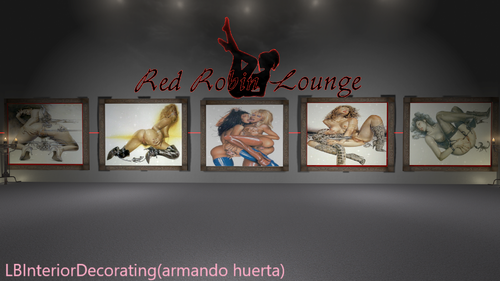
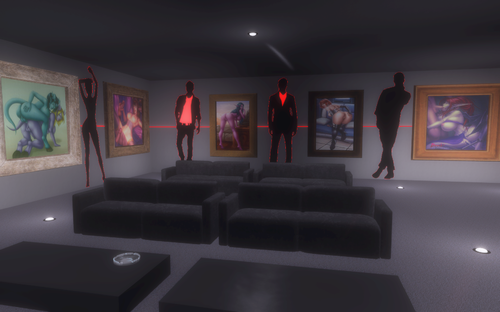
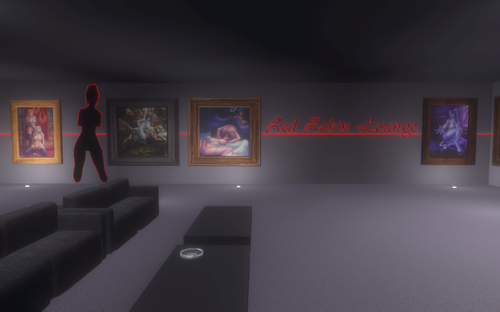
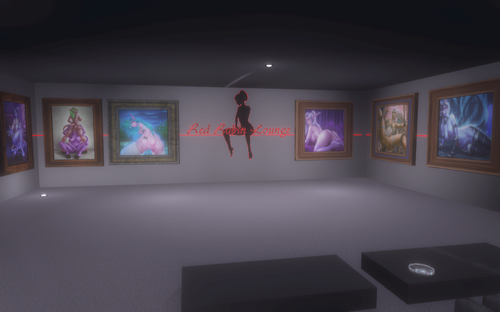
Replacer NarrativeLoot - Paintings and Frames.
New video:https://youtu.be/W1XqZiHfCmU
Video:https://youtu.be/sRnmXAuwFZw
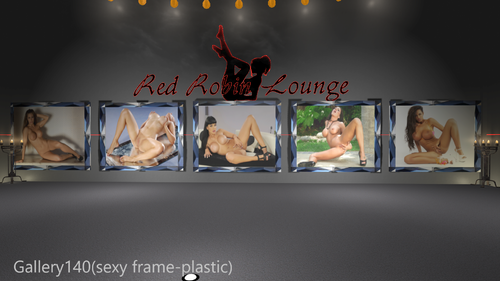
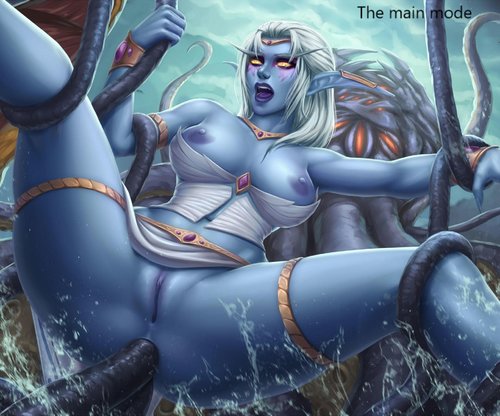
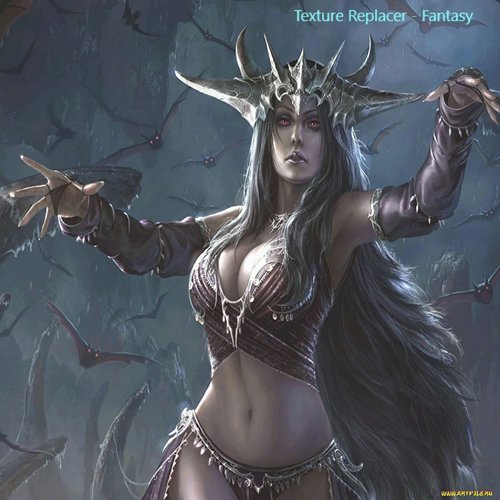
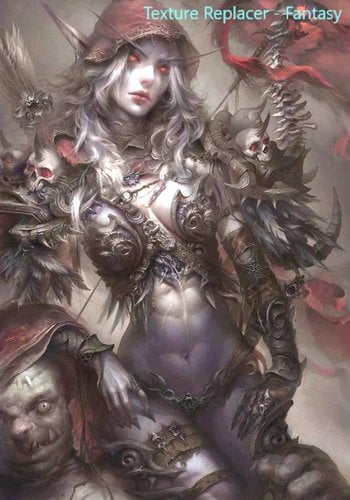
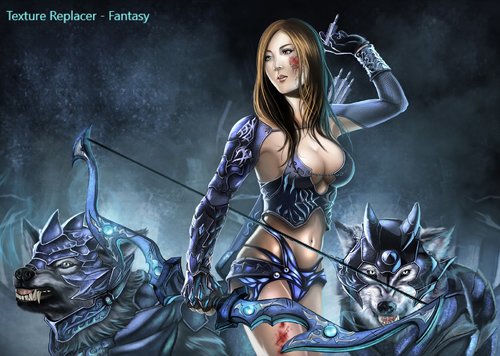
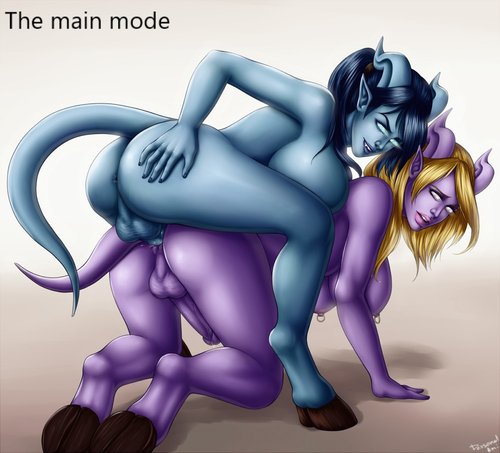
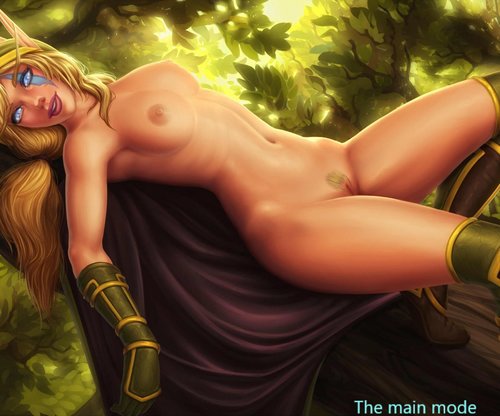
Did three option packages paintings: 1 - basic mod - elf women;
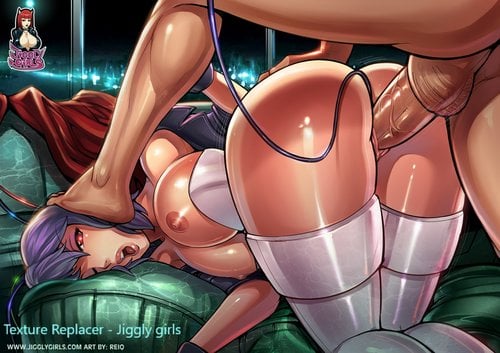
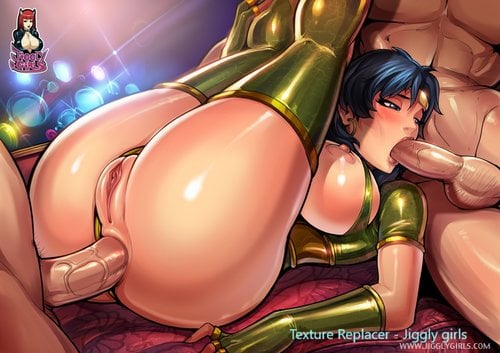
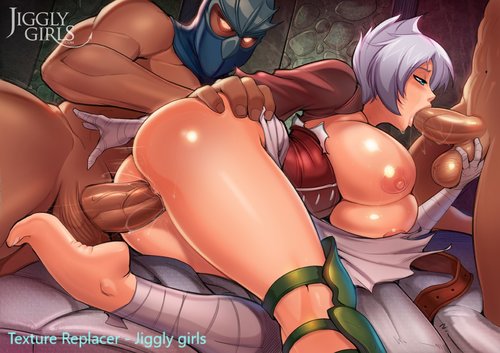
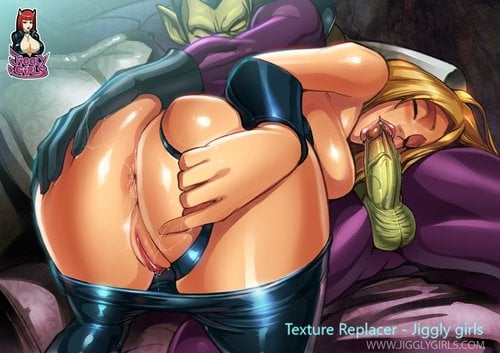
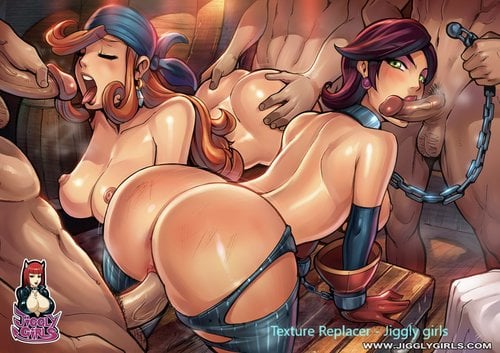
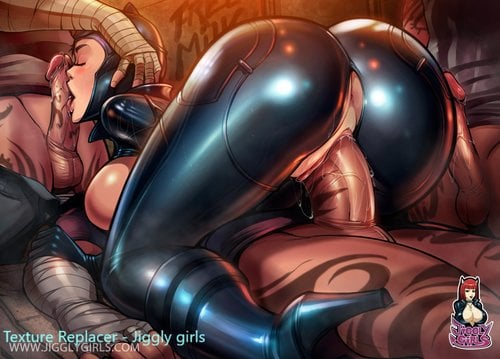
option 2 - to replace the Texture Replacer Jiggly girls;
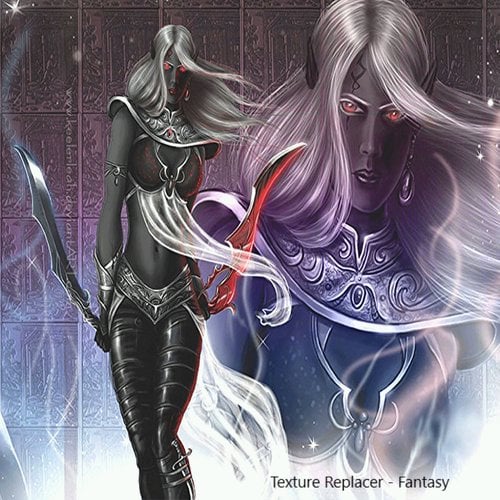
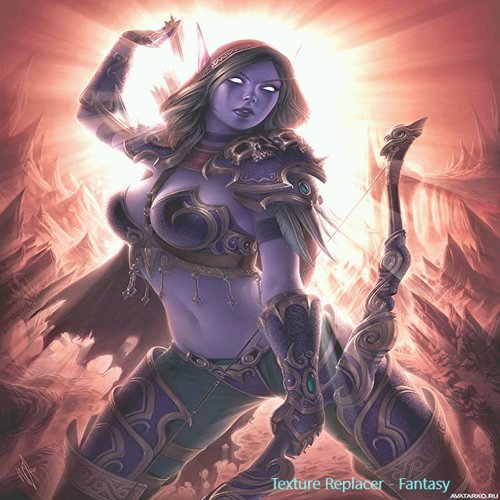
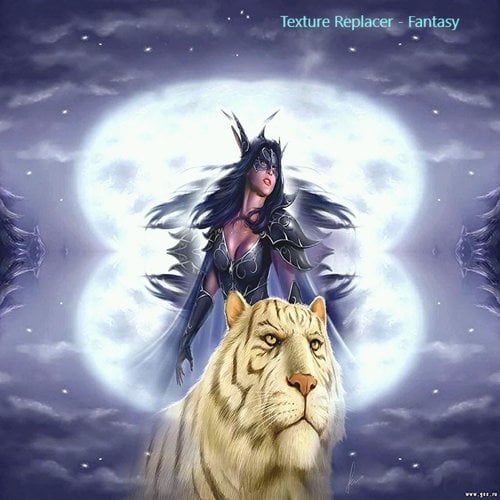
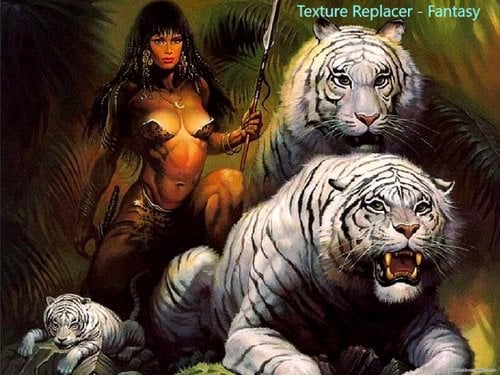
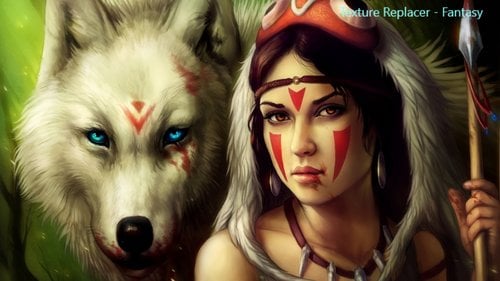
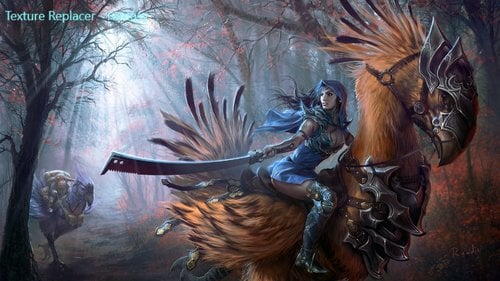
option 3 - to replace the Texture Replacer - Fantasy
(without fanaticism - can be used even by children).
Author original mod:TwinCrows
Link to the original https://www.nexusmods.com/skyrim/mods/78852
Description from the original:
NarrativeLoot - Paintings and Frames
Adds 59 paintings from Paintings and Frames as items to find in-game!
I’ve enabled collision physics, configured inventory meshes,
and added them to vanilla loot lists.
Using Jaxonz Positioner https://www.nexusmods.com/skyrim/mods/52583,
you can hang these glorious paintings in your player-homes.
DROP RATE
The paintings are in "Simple" ($20), "Fine" ($60), and "Great" ($240) categories.
Fine paintings are introduced at level 20, and Great paintings are introduced at level 40.
The paintings can be found at the following rates:
- 20% - Boss Chests, Noble Chests
- 10% - Regular Chests
- 6% - Cupboards
This means you are sure to find a painting every 2 dungeons. It would take 120
dungeons, 600 chests, or 1000 cupboards to find one of every painting!
MERCHANTS
General item merchants also stock paintings from all categories. The chance of
a merchant stocking a painting ranges from 8% to 41% (Khajiit Caravan). I’ve
integrated the paintings into the vendor lists such that even custom merchants
may sell them!
To add specific paintings, reference the title from the image tab by hovering over
the image of the painting you want. Replace the "xx" in its name with the Mod
Index from your load order to get the ID of that painting for your game. In-game,
type into console 'player.additem <Book ID> 1', which will give you one of that
painting.
To change the size of your painting, open console and click it, and then type
'setscale x', where x is the amount you want to
increase it by (default = 1.00).
INSTALLATION
1.Install with your preferred method
2.Create a new Wrye Bash patch to merge any other modded loot lists
that affect LItemMiscVendorMiscItems75
COMPATIBILITY
Be sure to merge your loot lists after installation.
Requirements
SKSE 1.7.1 and above,
SkyUI
What's New in Version 1.0.0
Released
Uploaded a video tutorial on how to replace images in fashion custom photos,pictures.