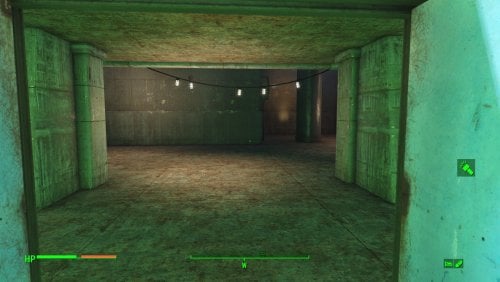
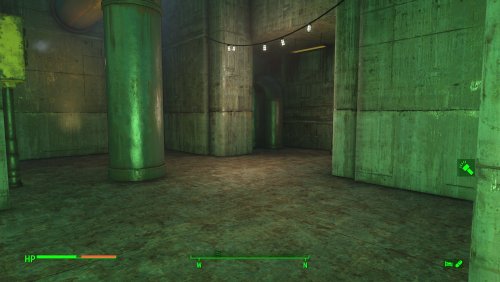
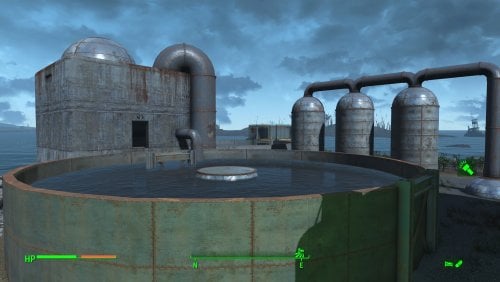
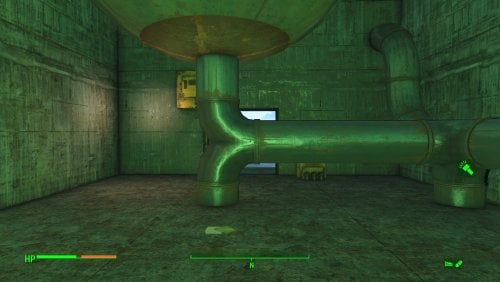
About This File
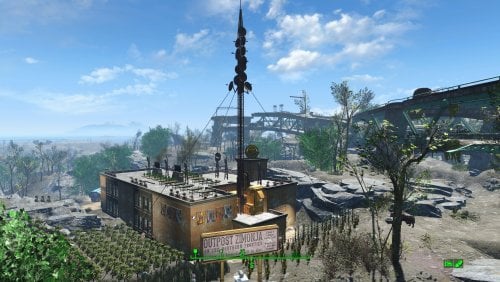
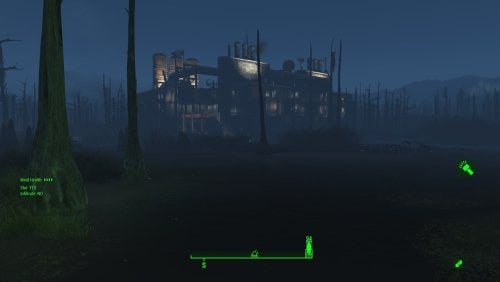
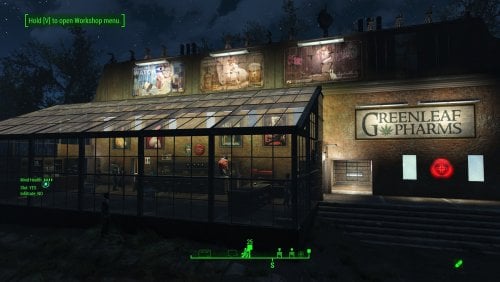
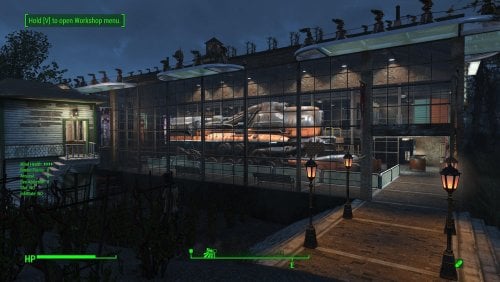
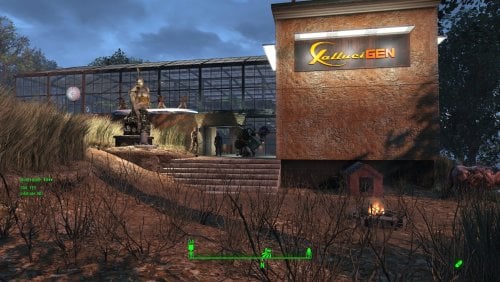
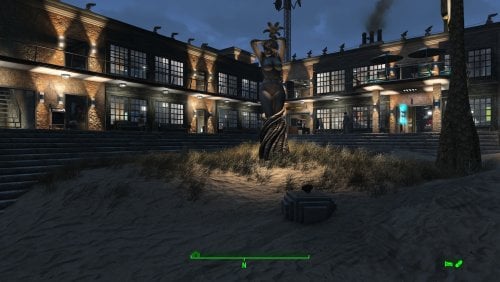
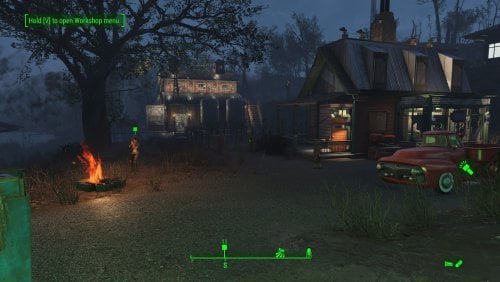
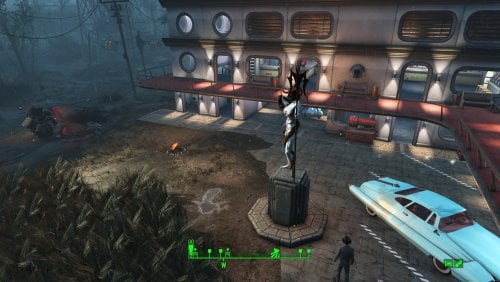
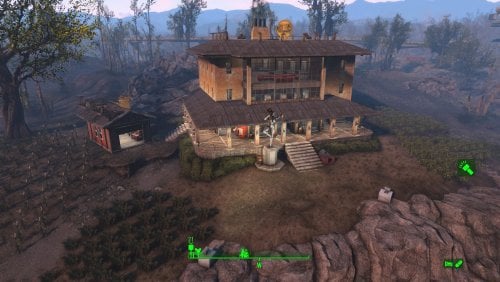
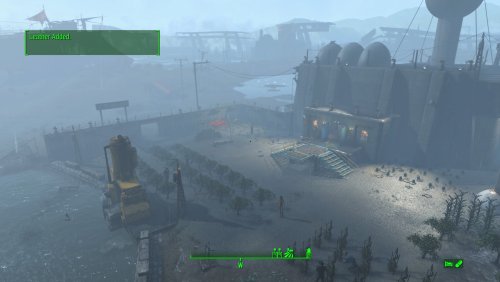
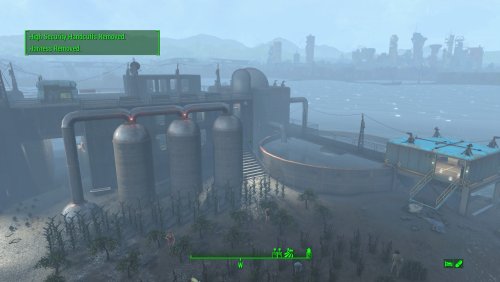
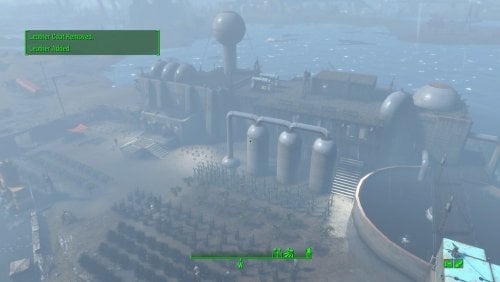
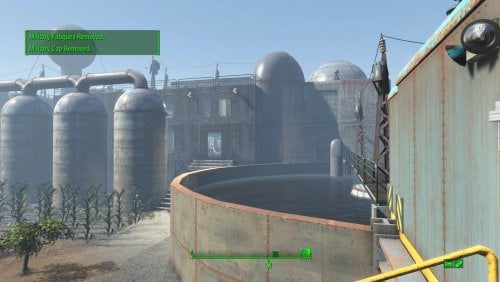
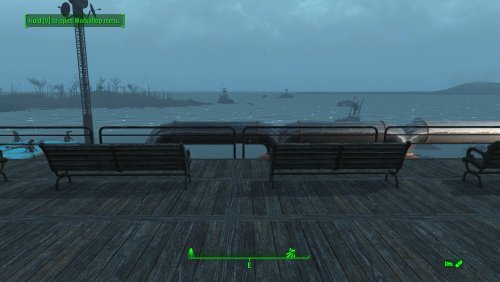
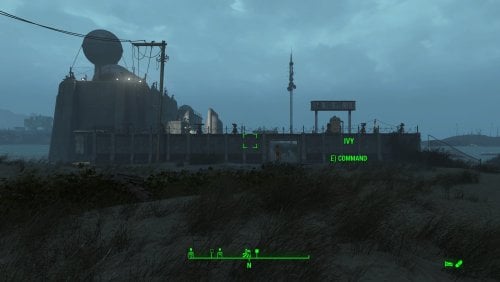
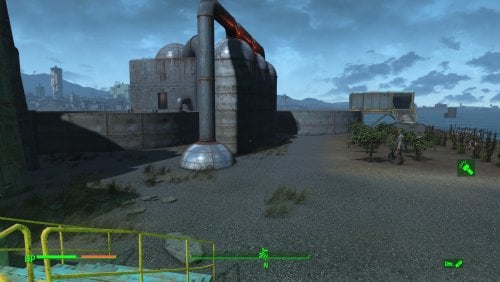
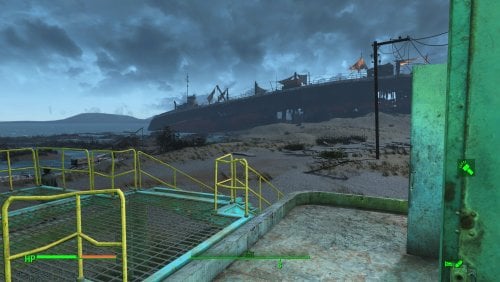
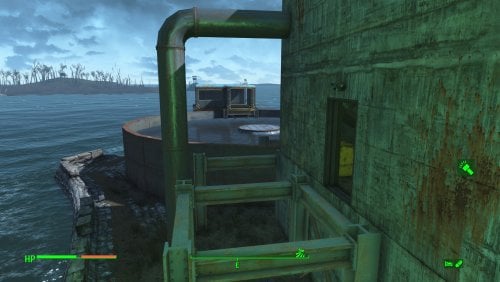
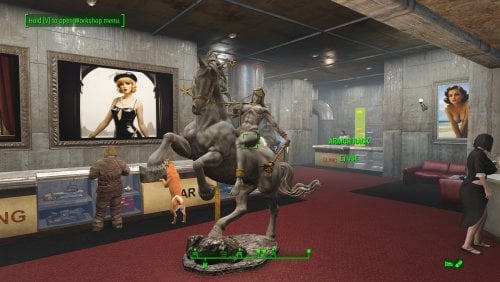
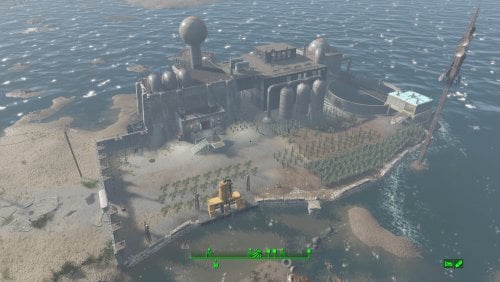
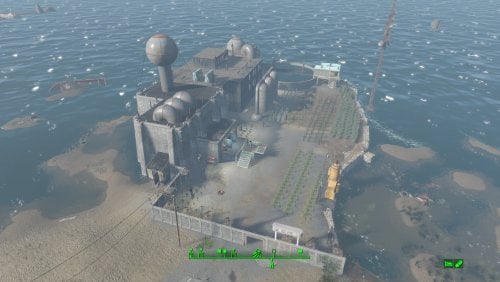
A Transfer Settlements blueprint that leverages ideas from the in-game Weston Water Treatment. It expands the Nut Island Sewage Treatment Plant to include a corporate headquarters over one of the purification tanks.
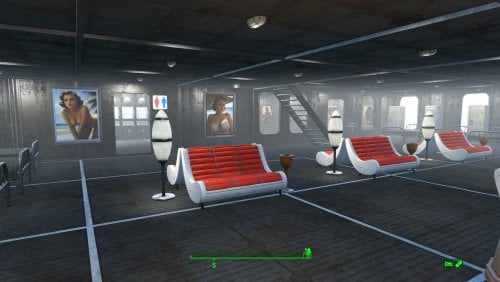
This new build uses the Brotherhood of Steel build items from Settlement Objects Expansion Pack. The end effect is a new structure that fit in nicely within the existing decor.
Details on this build:
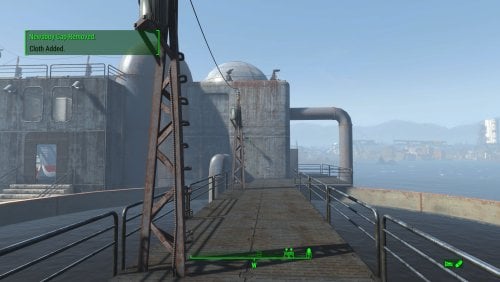
- Replaced the catwalks linking the buildings.
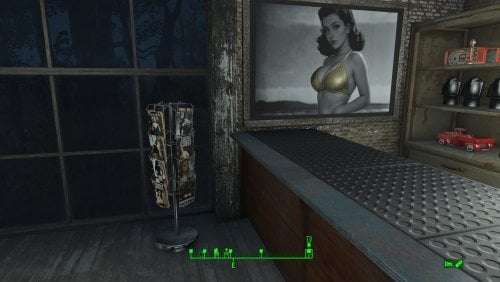
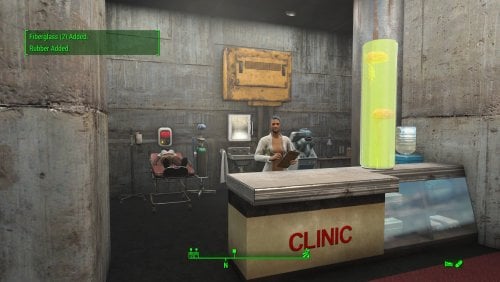
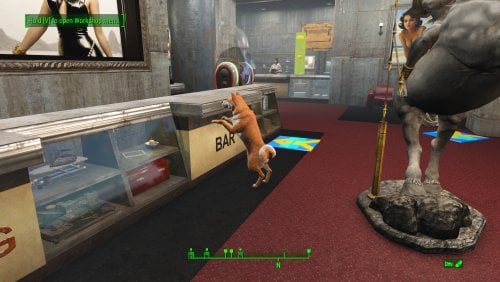
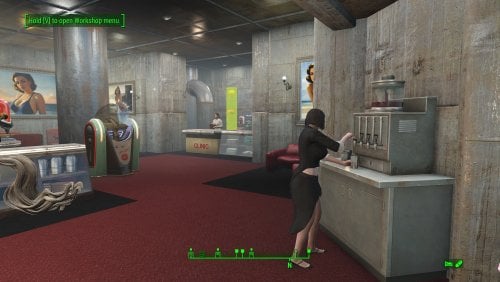
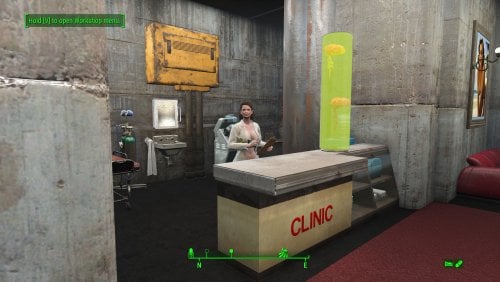
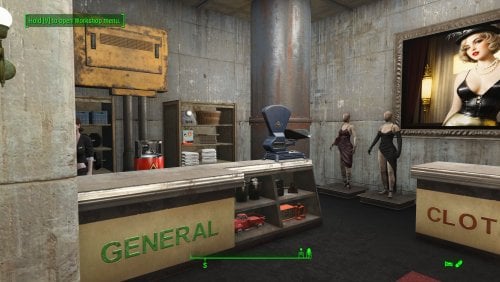
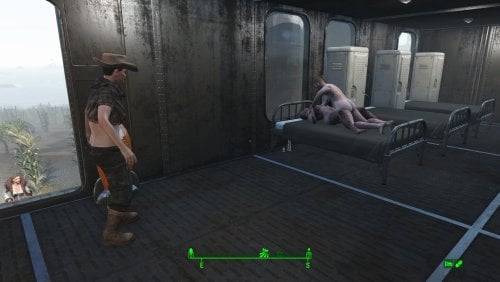
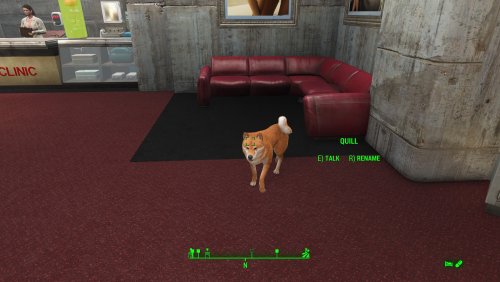
- Cleaned out the main pump house to hold shops and medical facilities.
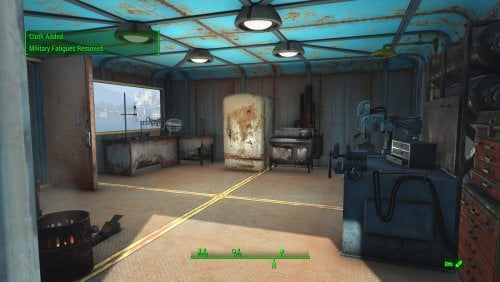
- Cleaned out the blue outbuilding to make it a workshop.
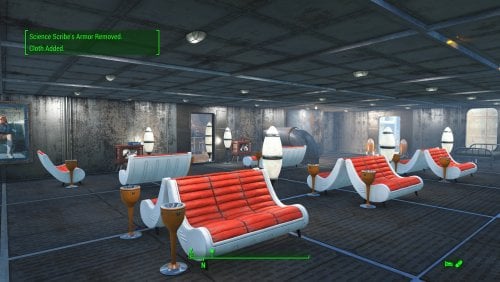
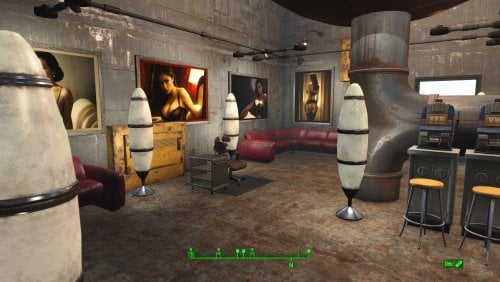
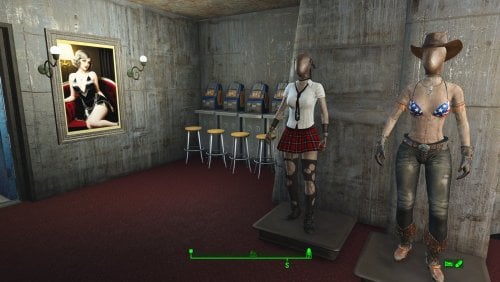
- Cleaned out the secondary pump house to hold slot machines and a barber shop.
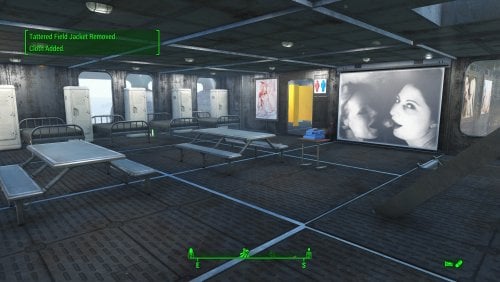
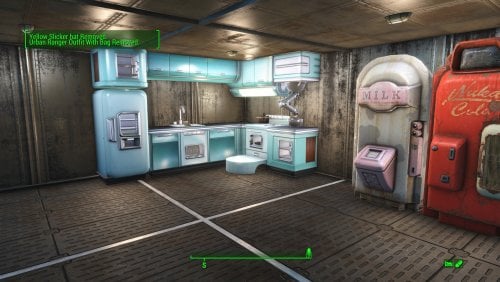
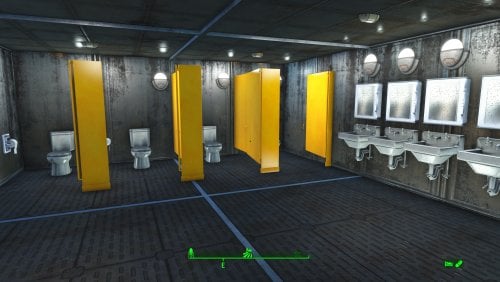
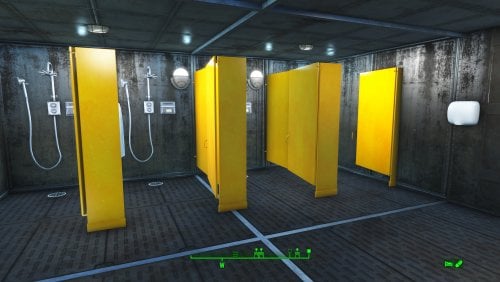
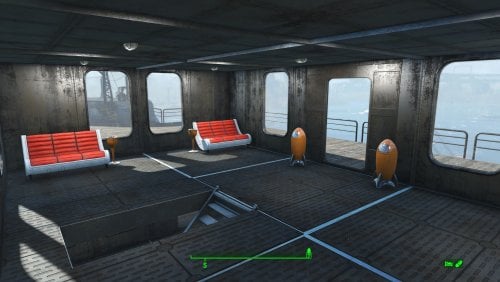
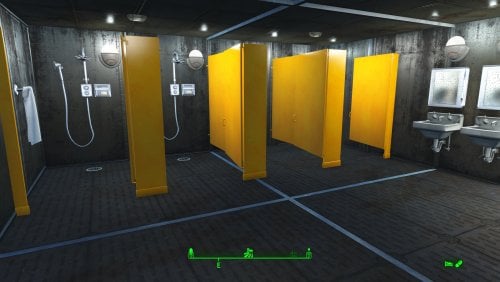
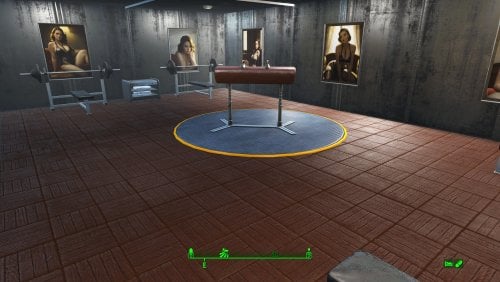
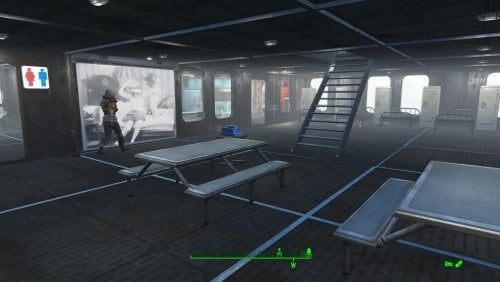
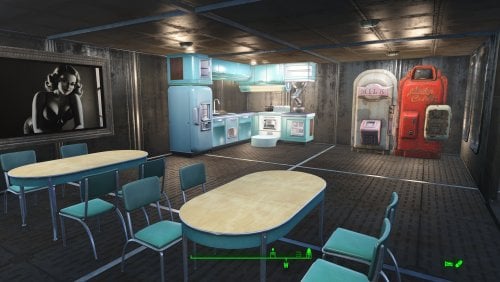
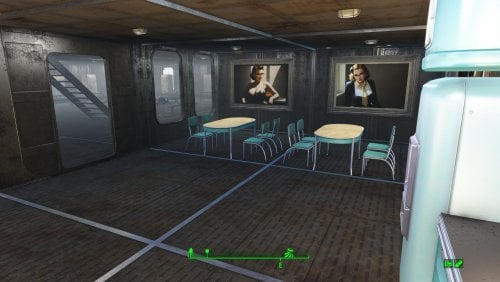
- Added a headquarters building over the tank between the two pump houses housing bunks, gym, and kitchen.
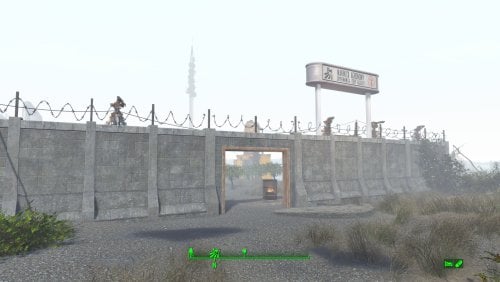
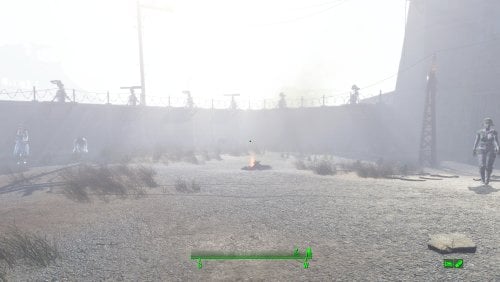
- Added a Covenant wall with turrets along the perimeter.
Settlement Features
- 26 bunks.
- 145+ food.
- 440+ defences.
- 200 power.
- 60 water.
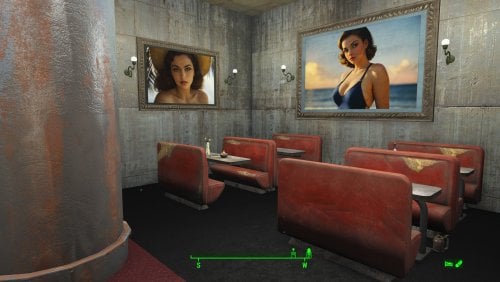
- Tier 3 Medical, Restaurant, Clothing, and General Store.
- Dedicated gym area.
- Vault-Tec drink dispenser and slot machines.
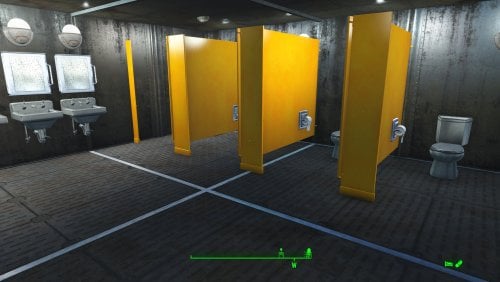
- Working sinks and showers.
- Power mostly runs through conduits to minimise visible power lines.
- Cat and dog included in the build.
- No visual glitches observed from this build.
- Settlers can move freely through the new build but appear to have some trouble with the original buildings.
Requirements
Downloadable Content
- Contraptions Workshop
- Vault-Tec Workshop
- Wasteland Workshop
- Far Harbour
Hard Requirements
- Transfer Settlements. To import this blueprint.
- Scrap Everything or an equivalent. To clear out the area as per Setup Instructions.
- Settlement Objects Expansion Pack. Primary build components for most of the settlement. Fusion generators, railings, pools, foundation liners, cooking station, and water pumps.
- Homemaker. Decorations, furniture, and miscellaneous objects.
Note. Transfer Settlements will not add items if the mods are missing. Mods listed below are not required but will remove associated elements.
Soft Requirements
- Craftable Working Sinks and Showers Redux. Working sinks and showers.
- Erotic Art. Frames and pictures used throughout.
- Working Fridges. Simple mod that adds working fridges, ice machines, and vending machines.
- Working Washer and Dryer (Immersive Laundry). Player functional laundry machines and dryers with sound effects.
Nice to Have
- Armour and Weapon Keywords Community Resource. Additional types of workshops, namely power armour.
- Videos of the Wasteland. Working televisions and projectors.
- Invisible Furniture. Adds invisible markers that are used as idles for settlers and pets.
- Standing Stones from Skyrim. Skyrim styled statues for aesthetics.
- Gruffydd's Signs and Posters. Billboards and signs.
- Crazy Sex Animations. Invisible mats that make settlers happy through masturbation, done without using the Advanced Animation Framework, and additionally places assignable gurneys that increase happiness.
- Sex Toys of the Commonwealth. Adds the random placement of sex toys throughout.
- Bad Dragon Dildos. Adds more extreme dildos throughout.
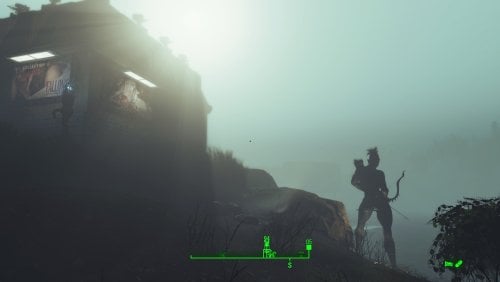
- Companion Ivy. If you happen to have Ivy as a companion, one of her broadcast towers will be added in an out of the way area.
Unrelated But Useful
- Place Everywhere. Allows you to make minor adjustments if necessary.
- Armour Rack Female Mannequin Fix. Fixes the armour rack to support alternate bodies like Fusion Girl.
Setup
Clearing the area is relatively straightforward. Clear out the pump houses and blue out-building. Focus on clutter and furniture but keep the industrial elements and piping in place. The only exceptions are the large pieces of equipment by the kitchen table.
Maintain the contents of the small warehouse structure by the workshop. It will remain outside of the perimeter and is used for an Atom Cats side quest.
Clean up the grounds of clutter, removing the fire pit, sitting positions, and fencing.
Build a Transfer Settlements console from Power > Miscellaneous facing the workshop.
Note. Import should be done with Workshop Mode enabled.
Tasks After Import
No additional requirements other than to confirm that all power has been restored as expected.
Notes on Imports
Transfer Settlements recommends leaving the area after import and to not return for 1-2 game days. However, I found that saving on site always crashes the game.
The easiest way to get away and save is to coc Vault111Ext from the console. Wait a couple of minutes before heading into the vault. Once you arrive at the bottom it is safe to save.
I recommend that you import/export Blueprints using Stable defaults. Using other methods has caused ladders, walls, and flooring to appear without collision. In many cases the collision effects are found elsewhere leading to interesting behaviours among the NPC population, and leading to a snap back effect as you push through an area and are forced back by the invisible wall.
Note. This blueprint was tested with Transfer Settlements working under Stable.
Lastly Import wired power connections should always be selected as part of the import process. It will reliably re-connect all wired connections. This saves you the trouble of linking up floors, turrets, and in some cases re-establish connections for hidden or buried runs.
Notes on Power and Performance
These blueprints utilize ambient fill lighting to provide a pervasive glow. I use Naked Bulbs to create a lived-in atmosphere for statues, fountains, and roof voids.
Warning for Dynamic Lighting Users
If you use mods that turn all lights into dynamic, shadow-casting sources, the sheer number of these bulbs will severely cripple your framerate. I strongly recommend using the Transfer Settlements Blueprint Editor to strip out all instances of 306F1 before importing.
Optimization for Complex Builds:
Because of the heavy use of conduits to reduce visible power lines, these settlements have high object counts. To steps below may improve performance.
- Enable Faux Power in the Workshop Framework's workbench settings.
- Use the Transfer Settlements Blueprint Editor to strip all conduits from the .json file.
This can reduce build complexity by up to 40% without losing the overall aesthetic of the settlement.
Note. I cannot guarantee the above will work.
A Special Thanks To
Thank you to Caladon for creating the template that makes blueprints installable.
Updates
Version 1.0.1
- Adjusted Erotic Art to work with my Classic Erotic Art Retexture.
- Adjusted power distribution, should import cleanly every time while reducing clutter.
- Removed the caravan stop, these do not import cleanly anyway.
- Adjusted decorations throughout.
- Added a series of idles for use.
Version 1.0.0
- Initial release of this build.