

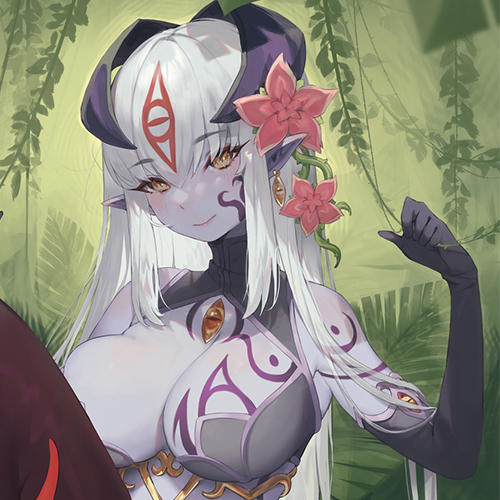
About This File
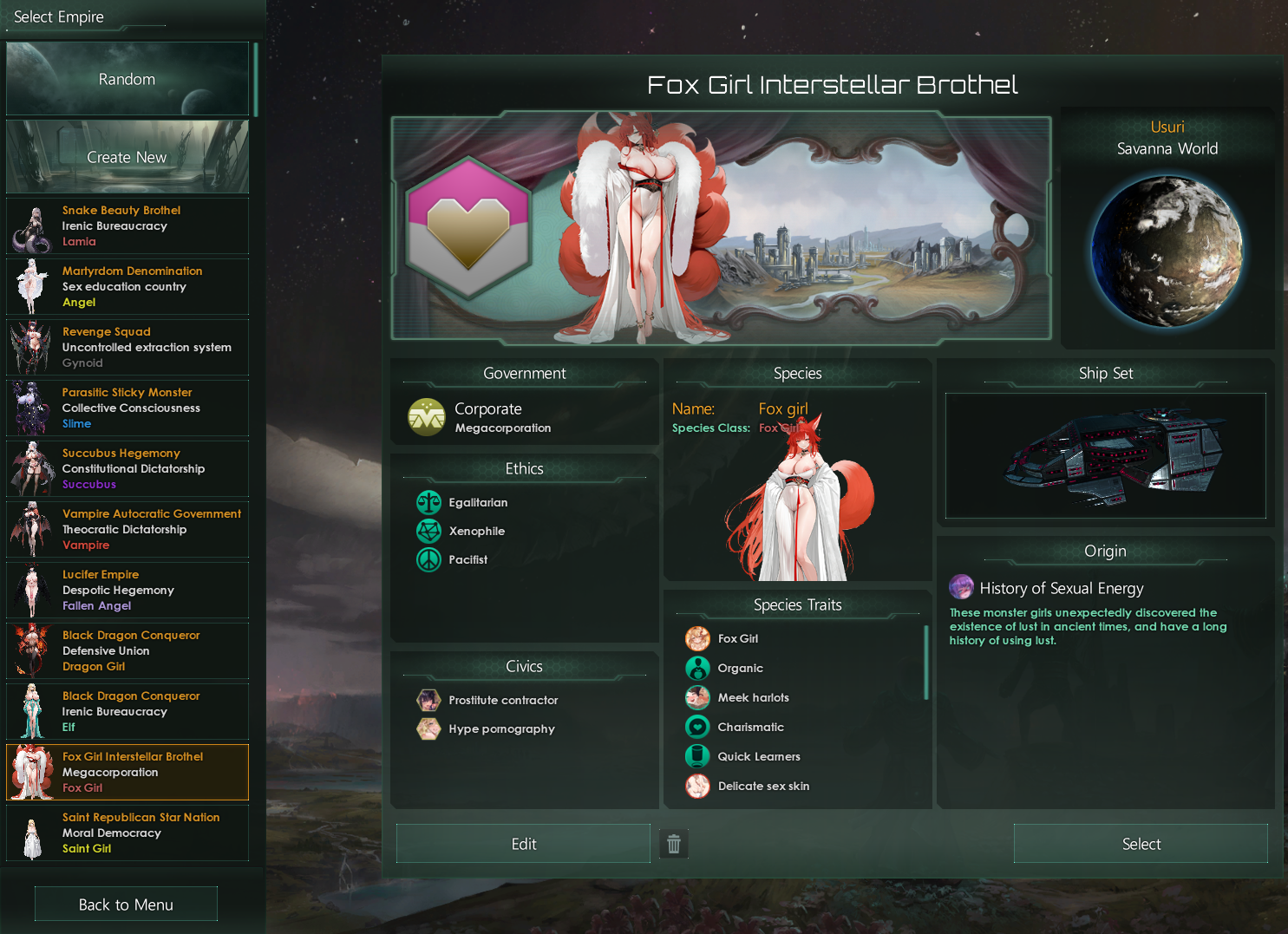
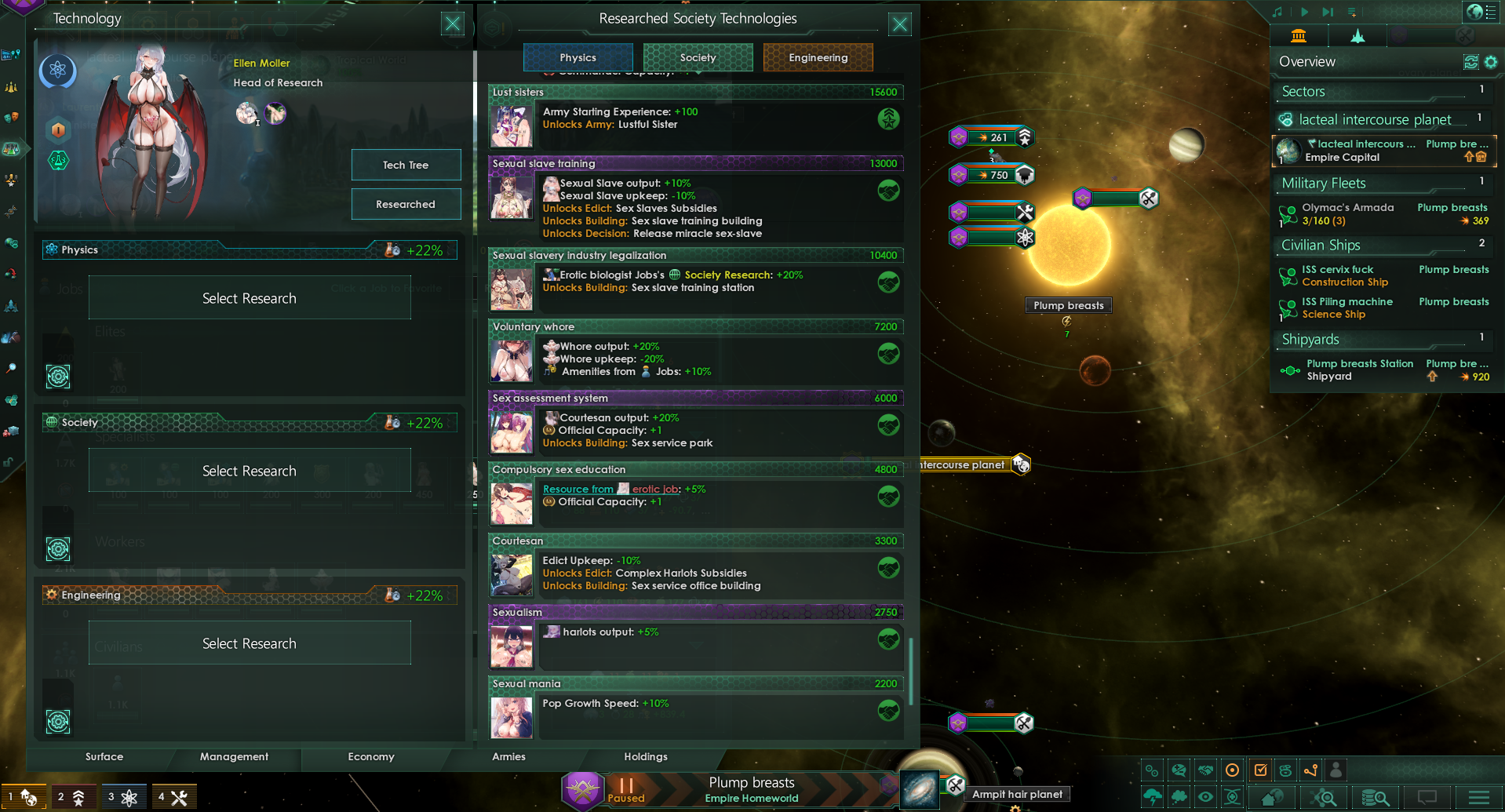
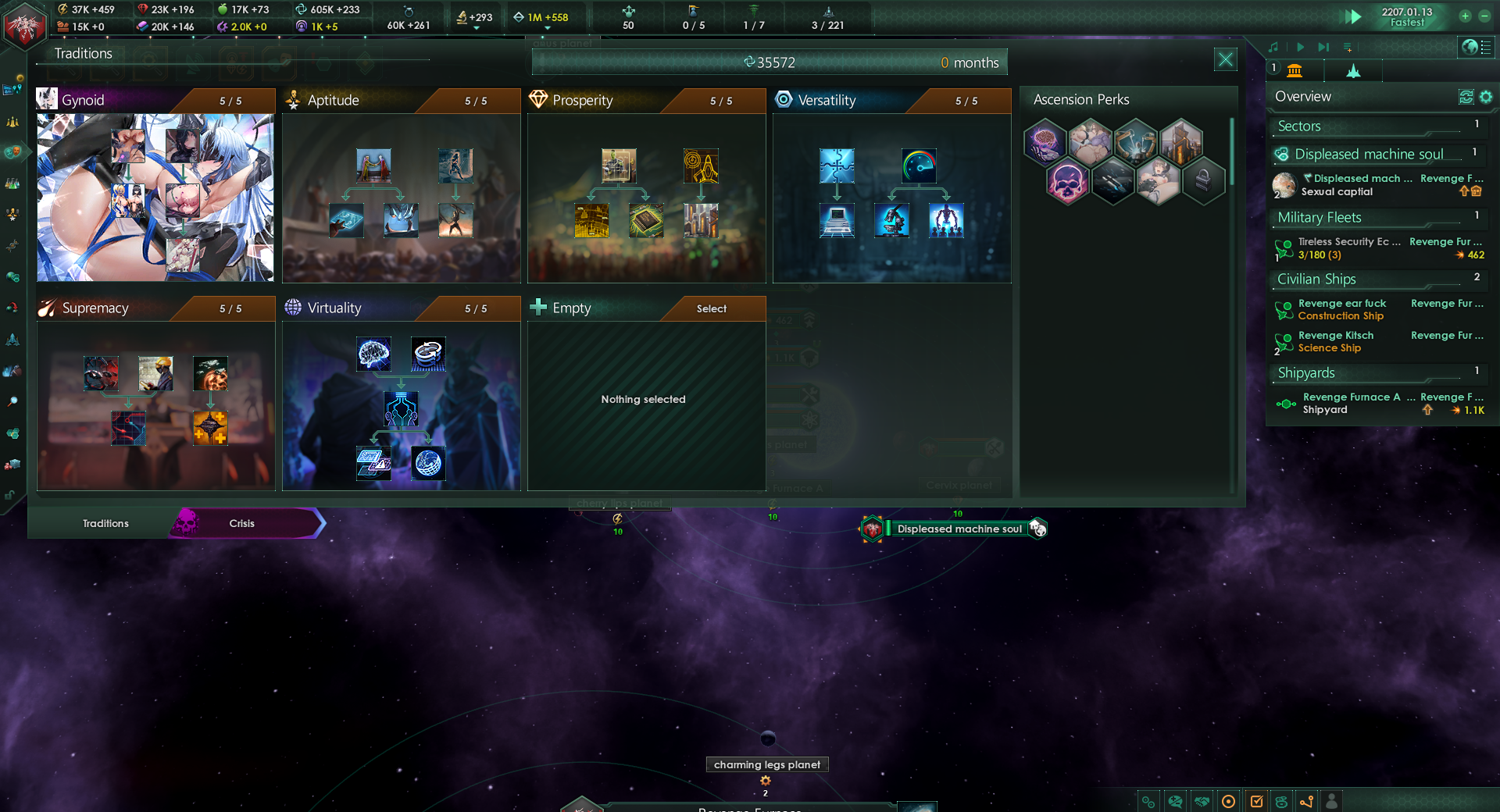
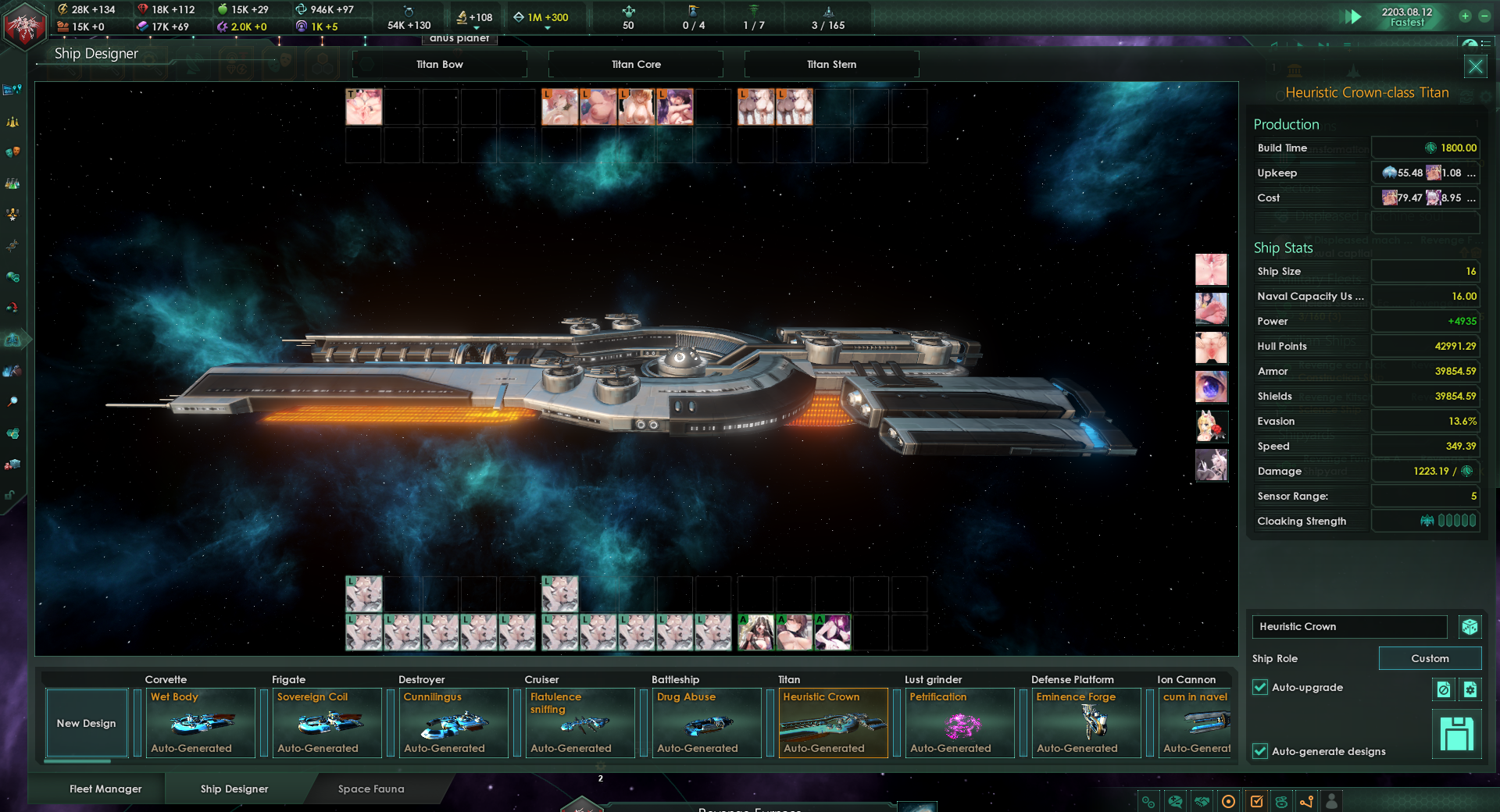
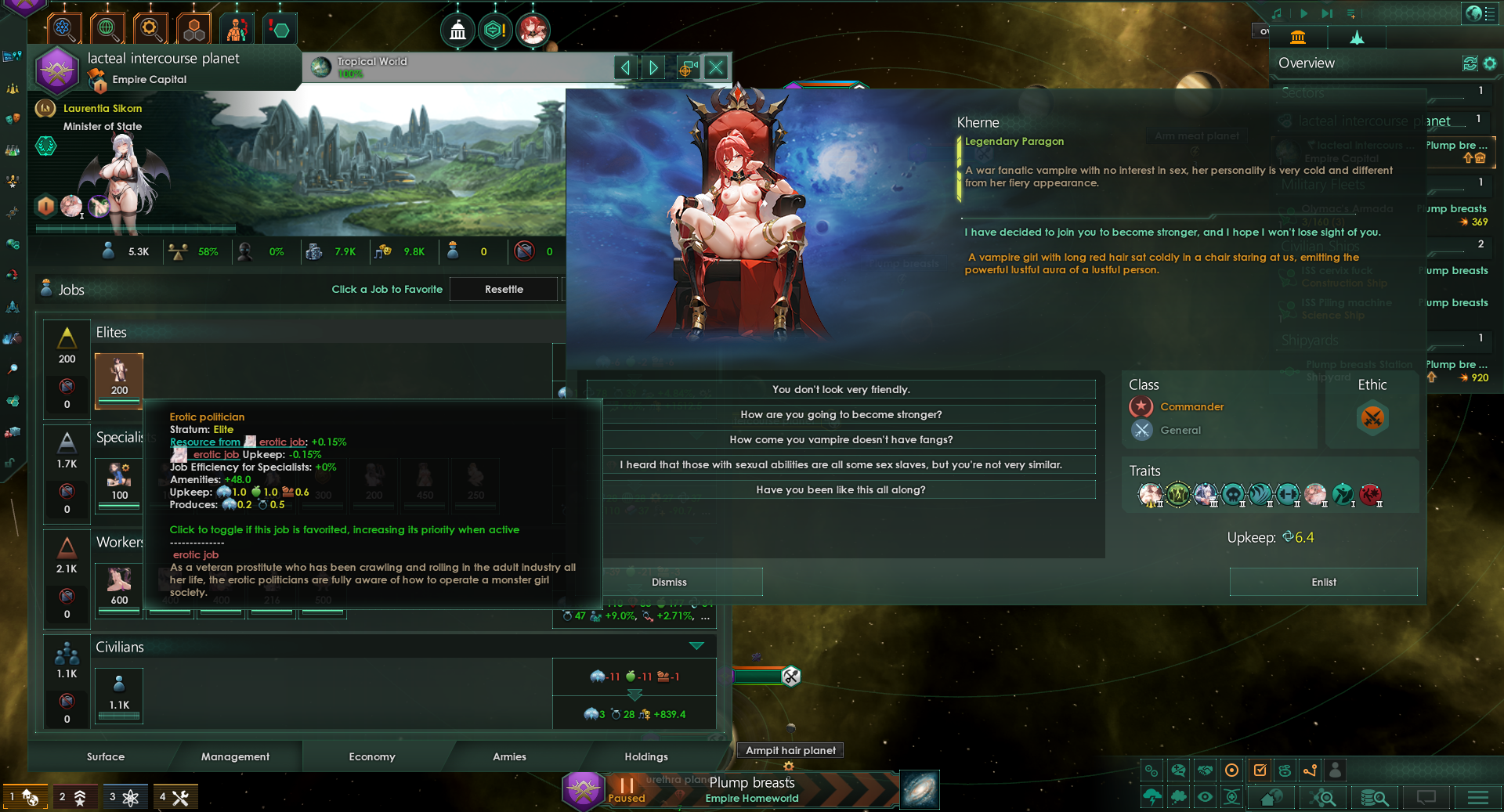
Some lascivious anime monster girl species and related gameplays such as technology, tradition, ascension perks, traits, resources, jobs, buildings, districts, ship components, government, pragron, precursor, events and end crisis, and so on. NSFW, have a good time.
The file I needed to share was too big to upload in one piece to the forum. To solve this, I split it into two smaller compressed files (File 1 and File 2). You need BOTH files together to get the full original file!
In short: Download BOTH files -> Put them in the SAME folder -> Double-click (or Open with) the .001 file -> Click "Extract".
Key things to remember:
-
You NEED both .001 and .002.
-
They MUST be in the SAME folder.
-
Open/Extract ONLY the .001 file.
-
The program does the rest automatically.
Detailed description steps:
-
Download BOTH Files: Make sure you have downloaded BOTH files I uploaded:
-
[Monster-Girl-H-Galaxy.7z].001 (This is Part 1)
-
[Monster-Girl-H-Galaxy.7z].002 (This is Part 2)
-
Important: You need BOTH files! They work together like pieces of a puzzle. There is NO single .7z file by itself.
-
-
Put Them Together: Place BOTH downloaded files ([Varied_Monster_girls.7z].001 and [Varied_Monster_girls.7z].002) into the SAME FOLDER on your computer (like your "Downloads" folder or your Desktop).
-
Open the FIRST File (.001): Double-click the file ending in .001 ([Varied_Monster_girls.7z].001).
-
This should open your compression program (like 7-Zip, WinRAR, or PeaZip). If nothing happens when you double-click .001, you might need to:
-
Right-click on the .001 file.
-
Select "Open with".
-
Choose 7-Zip File Manager (if installed) or another program like WinRAR.
-
-
*(Free software like 7-Zip or WinRAR can handle this easily. If you don't have one, download and install 7-Zip first - it's free!)*
-
-
Extract Like Normal: Inside the compression program (7-Zip, WinRAR, etc.), look for a button that says "Extract" or "Extract To...". Click it.
-
Choose where on your computer you want the full, original file to be saved (like your Documents folder or Desktop).
-
Click "OK" or "Extract".
-
That's it! The program will automatically find the .002 file in the same folder and combine everything back into the single, original file you need. You don't need to do anything with the .002 file directly.
Edited by Nidehogg_VMG
What's New in Version 1.8.2
Released
Update the portrait of purple lamia.
Add a new flag.
Fixed some bugs.