About This File
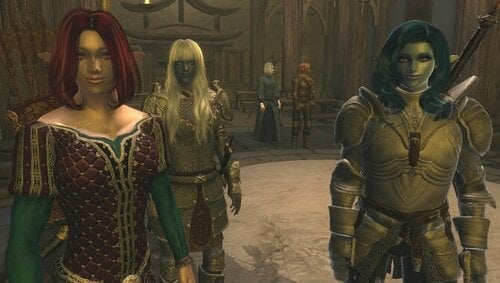
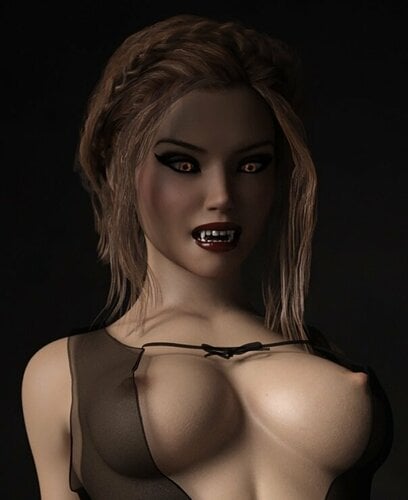
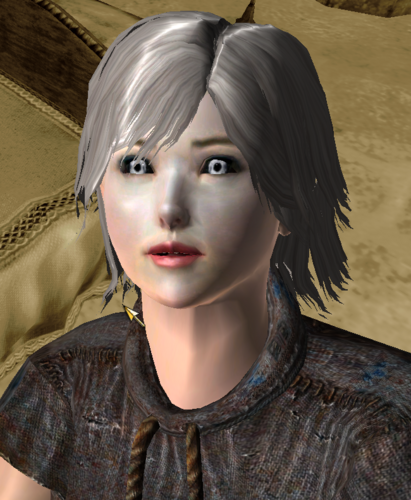
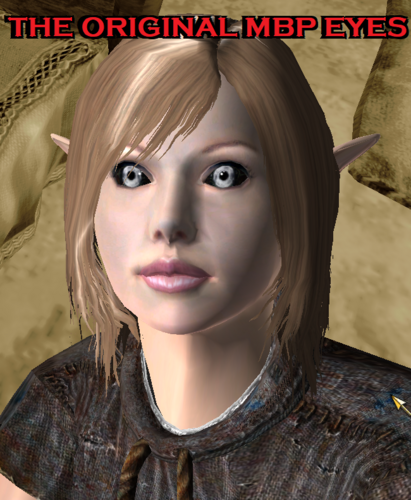
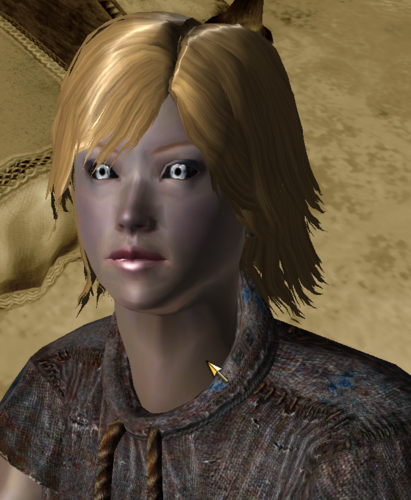
When the Modular Beautiful People mod came out, or the Exquisite Eyes mod for that matter, the default/vanilla vampire was pretty blatantly replaced. The original pale red cornea replaced with silver, and the sclera (or the eye whites) became blackened with faint green ... veins?
This thread contains four fixes of sorts, which I will now describe below:
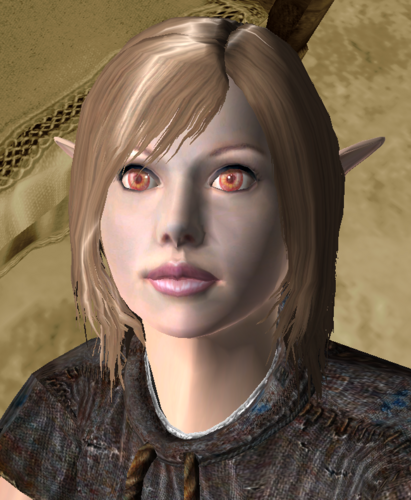
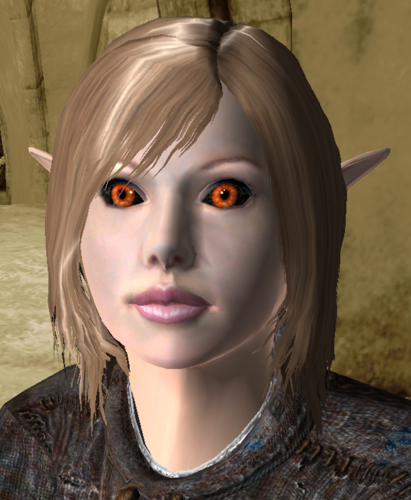
The MBP Vampire Eye Replacements
This zip file gives you two options to replace the MBP/Exquisite Vampire Eyes. One option allows you to restore the vampire eyes to its original pale red glory. The other keeps the black sclera but changes the cornea with one that is brilliant vermillion. Essentially, you have classic Oblivion or something nearer to Skyrim's.
The Corean Race MBP eye fix
The Corean mod uses its own custom eye meshes and textures, the eye meshes being totally incompatible with the MBP vampire eyes. This mod applies new eye meshes and recreates the Corean textures to an MBP format, so you keep all the corean eye styles while being able to use the MBP formatted vampire eye.
The Chocolate Elf MBP eye fix
The Chocolate Elf mod uses the Corean Race (above) eye meshes and textures, the eye meshes being totally incompatible with the MBP vampire eyes. This mod applies new eye meshes and recreates the Corean textures to an MBP format, so you keep all the eye styles while being able to use the MBP formatted vampire eye.
The Cute Elf Race MBP eye fix
The Cute Elf mod uses the Corean Race (above) eye meshes and most of the Corean textures, and remastered a few Ren eye textures converted to work with the Corean Eye. As such, the eye meshes were totally incompatible with the MBP vampire eyes. This mod applies new eye meshes and recreates the Corean textures to an MBP format whilst using the select group of Ren eye textures. As such, you keep all the defined eye styles while being able to use the MBP formatted vampire eye.
Basically, each patch/fix contains just one ESP and one .BSA each. Just place after/below its related race mod and you're good to go. You can place the Vampire Eye replacement somewhere after them with no problem.
♦ ♦ ♦
ADDENDUM:
Just to ensure that it is not lost to the ages, being that it was uploaded to Nexus Mods in 2008, I chose to upload the latest version of...
Vampire Race Disabler by scanti. (nexus link here)
It is an OBSE plugin (that meaning you paste the DisableVampRace.dll from this package into your Data\OBSE\Plugins folder). And after running Oblivion with it in place, the DLL will create new values within your Oblivion.ini file (usually found in your Documents\My Games folder).
[VampireTweaks]
bDisableSkinShading = Turns the skin shading on or off.
bDisableAging = Turns the aging effect on or off.
bDisableEyeChange = Turns the changing of the eyes on or off.
bDisableMorphing = Turns the starving look on or off.
bVampLoadFix = Will turn on the vampire face loading fix.
To remove, just remove DisableVampRace.dll from the OBSE/Plugins folder. Renaming will not do.
Edited by LongDukDong