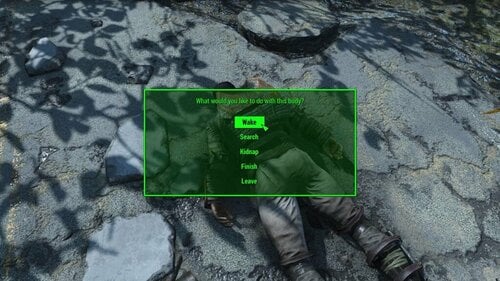
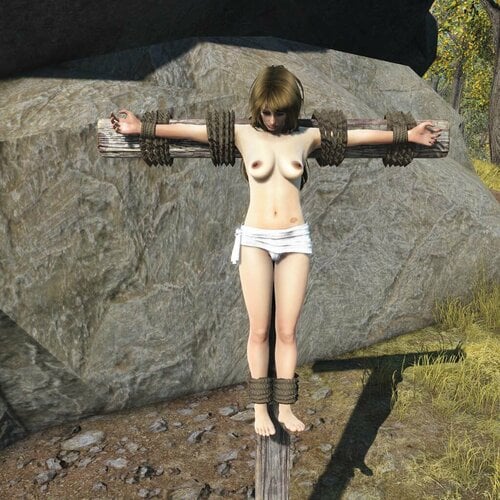
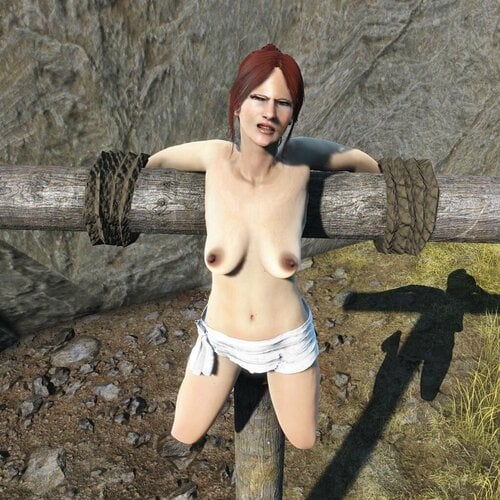
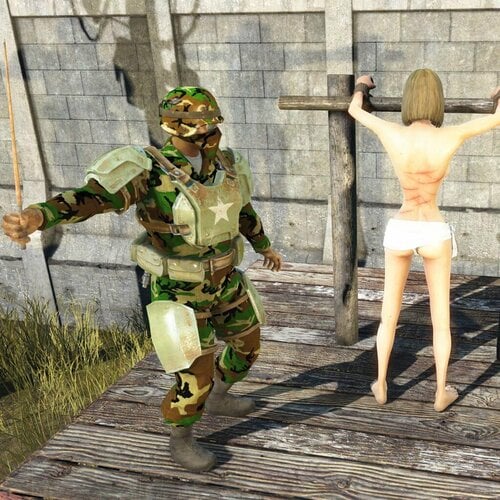
About This File
CRXXX - New and redesigned version of CRX mod.
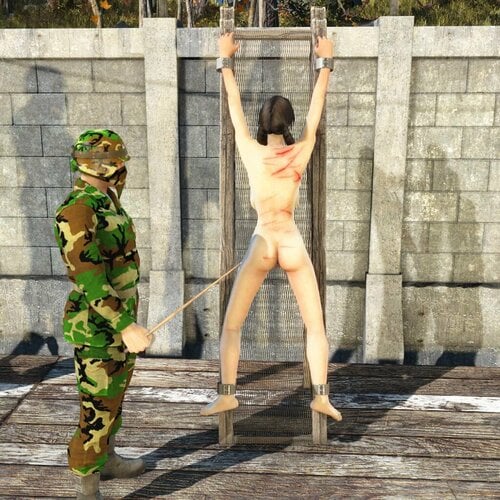
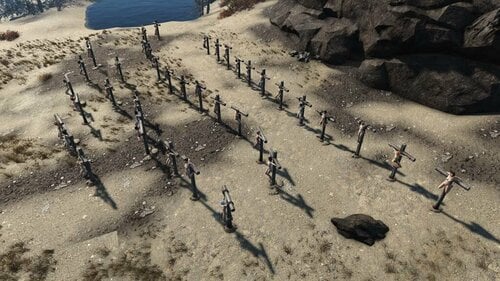
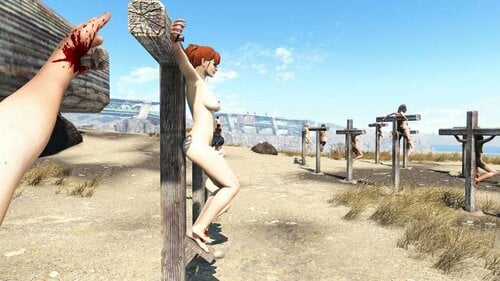
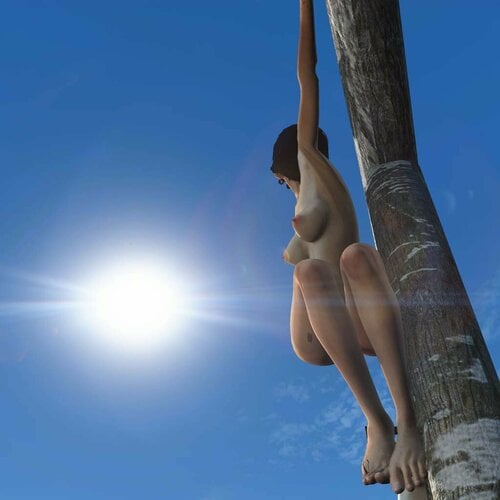
This mod adds crosses and other restraining workshop furniture.
All items are under Furniture->CRXXX workshop menu.
Important
Always save the game before using any furniture from this mod.
Save very often and keep many previous saves as unexpected errors breaking the game may happen occasionally!
What's new in version 2.4
- IMPORTANT! This version does not longer supports CRX 1.x furniture. All 1.x content has been removed from the mod. Before upgrading to 2.4 remove all 1.x furniture from your game and save. Uninstall previous version and delete all files before installing version 2.4
- New furniture - high slave post added. New post allows up to 2 guards (back and front)
- Slave posts re done
- Whipping now inflicts damage per hit. This can be configured in furniture's menu
- Pose can be selected from the guard marker
- More animations added
- New AI generated voice lines for female NPCs assigned to crosses added replacing vanilla lines
- New furniture - Firewood added. Fire wood can be moved around like other movable items and ignited with any flame weapon (flamethrower, flame trap, Molotov, torch etc.) or any energy weapon. It burns dead bodies around and ignites other firewood or wood stacks attached to crosses
- New wearables added available to create in chem stations under CRX section
- Fix - ropes position for X cross adjusted
What's new in version 2.3
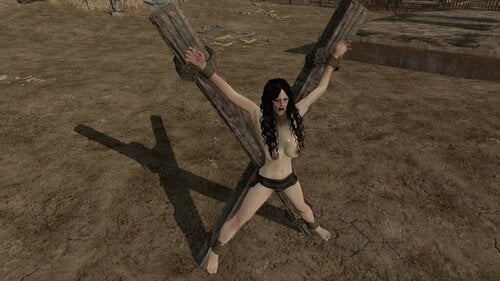
- X cross with 2 poses (1 with nails, 1 with ropes) added
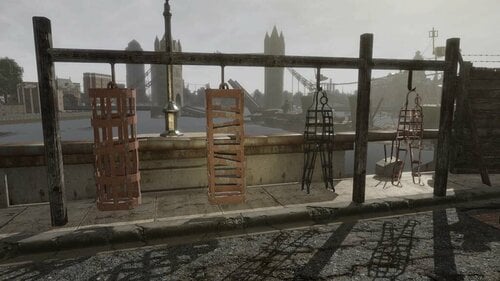
- New furniture type added - cage with 4 different cages available
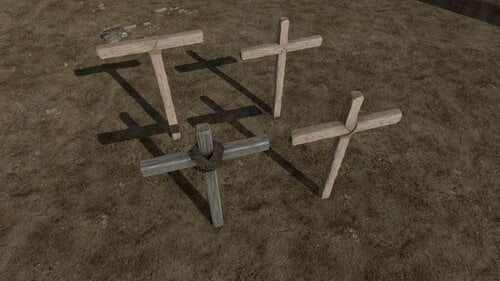
- 4 new cross models added
- 2 new types of nails added. They are selectable under Configure... -> Configure attachments
- Integration with Knockout Framework added - NPCs released from the CRX furniture can be knocked out
-
Experimental feature - NPC can be now assigned to CRX furniture outside settlement or within settlement they are not assigned to using 'command' option.
There is an AI package implemented that will force them to sit back on the furniture on load. (Does not work 100% times)
What's new in version 2.2 STABLE
- 3 new cross poses with ropes instead of spikes added
- 2 new cross poses with spikes added
- New type of cross made from rounded beams added
-
FIX - Player is now automatically unassigned from CRX furniture on exit
to avoid issue with player being teleported to furniture if not unassigned - Workshop menu reorganized
- Multiple minor issues fixed
- Option to add special attachment added to crosses, check under Configure... -> Configure attachments
What's new in version 2.1 BETA
- Player can use any CRXXX furniture as guard or slave
- New furniture - Rack - in 2 different versions with 2 different poses added
- Fixed issue with pose markers nor appearing in workshop mode
- Wounds overlays fixed/added for Male characters
What's new in version 2.0 BETA
- Furniture mechanics have been completely redesigned and rewritten to avoid issues from the previous versions.
- Furniture use animation events instead of timers to update animations and state.
- All animations have been re-done to be more realistic, lot of new poses/animations added.
- Dead actors remain on the furniture until removed by the player.
- New furniture - Slave Post added - I recommend trying it!
- Blood decals applied via overlays which eliminates issues with previous mechanics.
- Lot of useful options added to the furniture:
Known issues
- If NPCs don't want to stand on the guard marker for slave post or rack go into workshop mode then pick up and place marker in the same place. That ensures marker furniture is properly added to the settlement and NPC can be assigned to it.
Additional information
- "release actor" ensures actor is unassigned from the furniture correctly - I recommend always using it to release the actor!
- "move to furniture" moves actor right to the furniture.
- All new furniture names are prefixed with [CRXXX]
- Furniture from CRX 1 were left for the compatibility and can be found under CRX 1.0 (OLD) workshop menu entry.
- Player can use any CRXXX furniture as guard or slave
- Crosses from CRX 1 can be updated to CRXXX via configuration menu option.
- Actor assigned to CRXXX furniture stands idle until pose is selected via configuration menu.
Dependencies
Mod is integrated with MCM, F4SE and Knockout Framework however these are not mandatory.
If not installed mod won't use some features and can't be configured.
Installation
Vortex:
Drag and drop RAR Archive to downloads area and install.
Manual:
Extract and copy content of RAR Archive into Fallout 4 Data folder.
Uninstallation
Before uninstalling mod CRX workshop menu must be removed:
Open MCM and go to CRX configuration
Select "Remove workshop menu entry" option from Mod Management section
Optionally remove any CRX furniture placed, however it is not required
Save game and quit
Uninstall mod manually or using mod manager
Continue game from previous save
Upgrading from previous versions
Uninstall previous version and remove all the files before installing new version.
Permissions
Modifying this mod in any way without my permission is prohibited.
Redistribution of this mod or making any patches for this mod without permission is prohibited.
If you want to make a patch for this mod or use it in your own mod please ask me for permission first.
Credits
Big thanks to:
kadsend for creating wound overlays for Male characters
Hair and Nails for letting me use their 3D models
NoN for cage 3D model
Different mods changing characters appearance have been used to create screenshots. Thanks to the authors for their work!
Edited by Oakern