
About This File
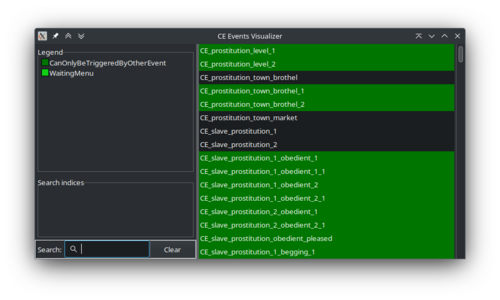
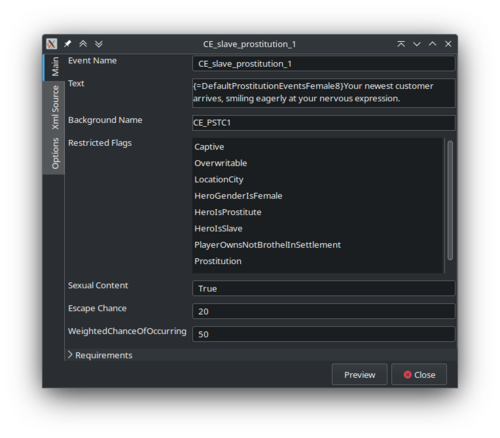
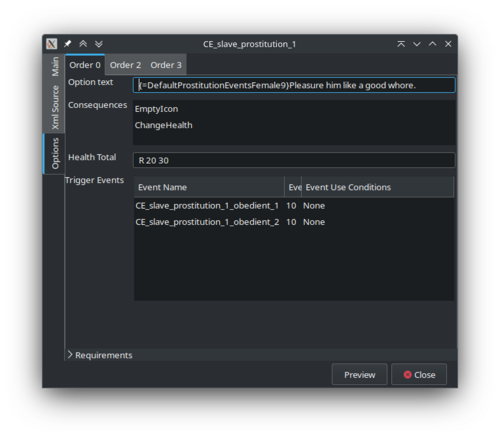
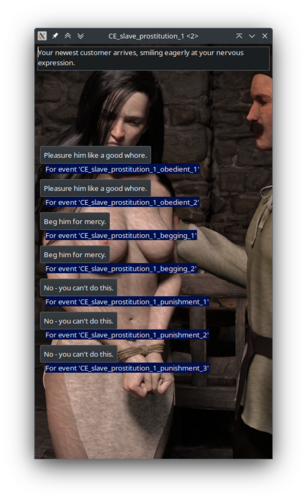
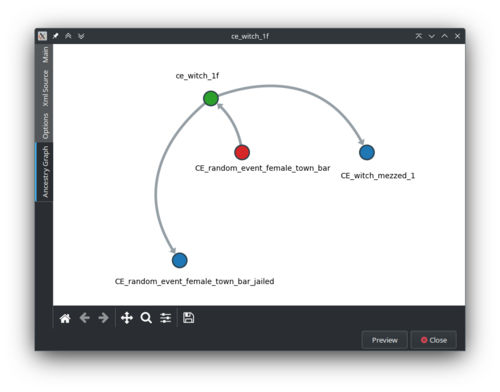
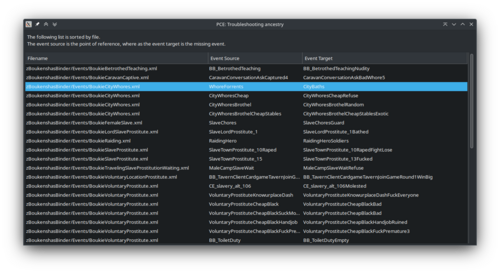
The viewer allows you to explore existing events without running the game. It is primarily a helper tool to develop and/or troubleshoot event chains that go along Captivity Events. The software will list all valid events, filter the list, show details about a specific event, and a preview of the event chains when applicable.
There are caveat and limitations with version 1.0. The software is good enough to be usable, but it has quirks and has seen only one tester (yours truly). I'll be grateful for any feedback.
Installation:
Unpack the archive wherever you want, then double-click the pce.exe file. While written using python, the software should work "as is".
Configuration:
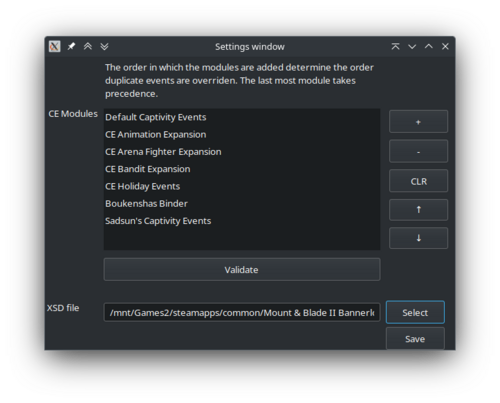
During the first run, you'll be greeted with a settings windows. If you wish to make it reappear, you can start the software using the --settings argument (i.e. pce.exe --settings).
The first element of the settings windows allows you to inform of the path of each module you want to work on. You have to select the folder containing the submodule. For example, zCEDefaults for the default events. The Validate button will attempt to validate each XML file against the XSD. It is a lengthy process, as such the window will appear to freeze. I still need to implement a "please wait" dialogue. You'll be notified one or more files does not validate, inviting you to consult the log. The log should appear alongside the executable, as pce.log.
You need to point to the CEEventsModal.xsd file contained within the Captivity Events mod. It can be found under: "Mount & Blade II Bannerlord/Modules/zCaptivityEvents/ModuleLoader/CaptivityRequired/Events/CEEventsModal.xsd"
Usage:
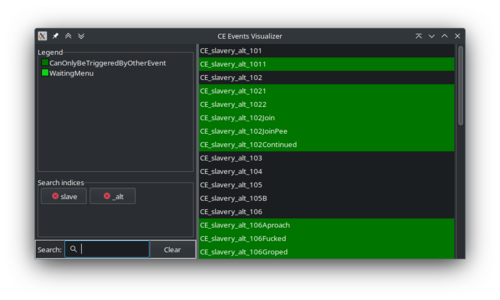
As illustrated by the screenshots, you'll be greeted with a list of events. You can filter that list by entering words, that will create a match against the name of the events. Multiple strings can be entered separately. A hidden search feature allows you to filter on the content of the text element using the indices text:"". The same applies for skill usage (e.g. skill:"OneHanded" will filter out all event that doesn't interact with the skill OneHanded).
The rest of the software is largely self-evident. Though, if you have trouble understanding something, please do ask.
You can follow the development on the GitHub page of the project.
Edited by bicobus
Remove "Known issues" section.
What's New in Version 1.1.7a
Released
Update for Captivity Events v1.3 and its changes to the events structure
Tweaks to the logging system, hoping it circumvent the issue on windows.