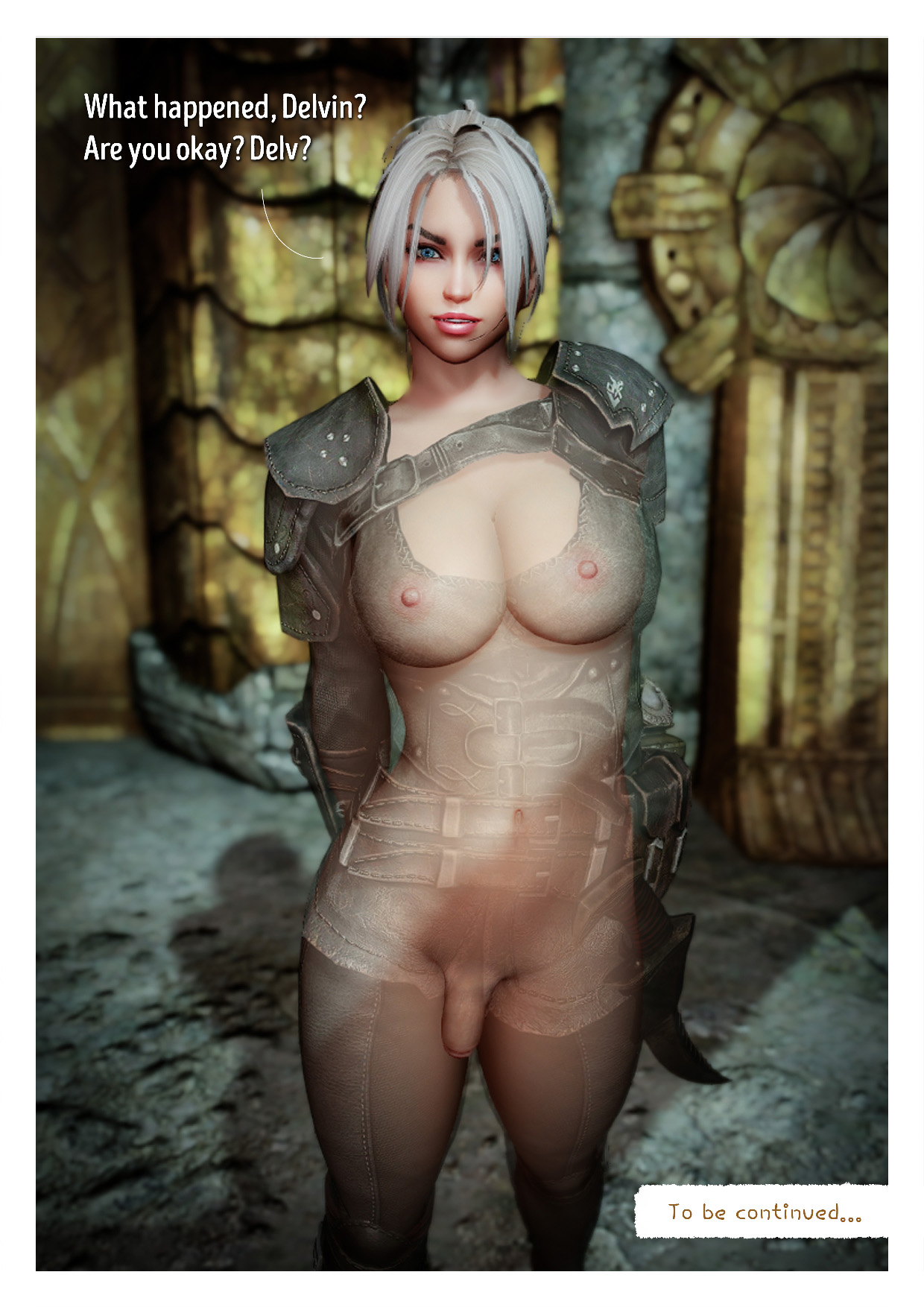
Vex's Secrets (part 1) futa nsfw shemale comics Entry posted by Helblar in Comix May 8, 2022 3375 views Followers 3 Edited June 2, 2022 by Helblar 28
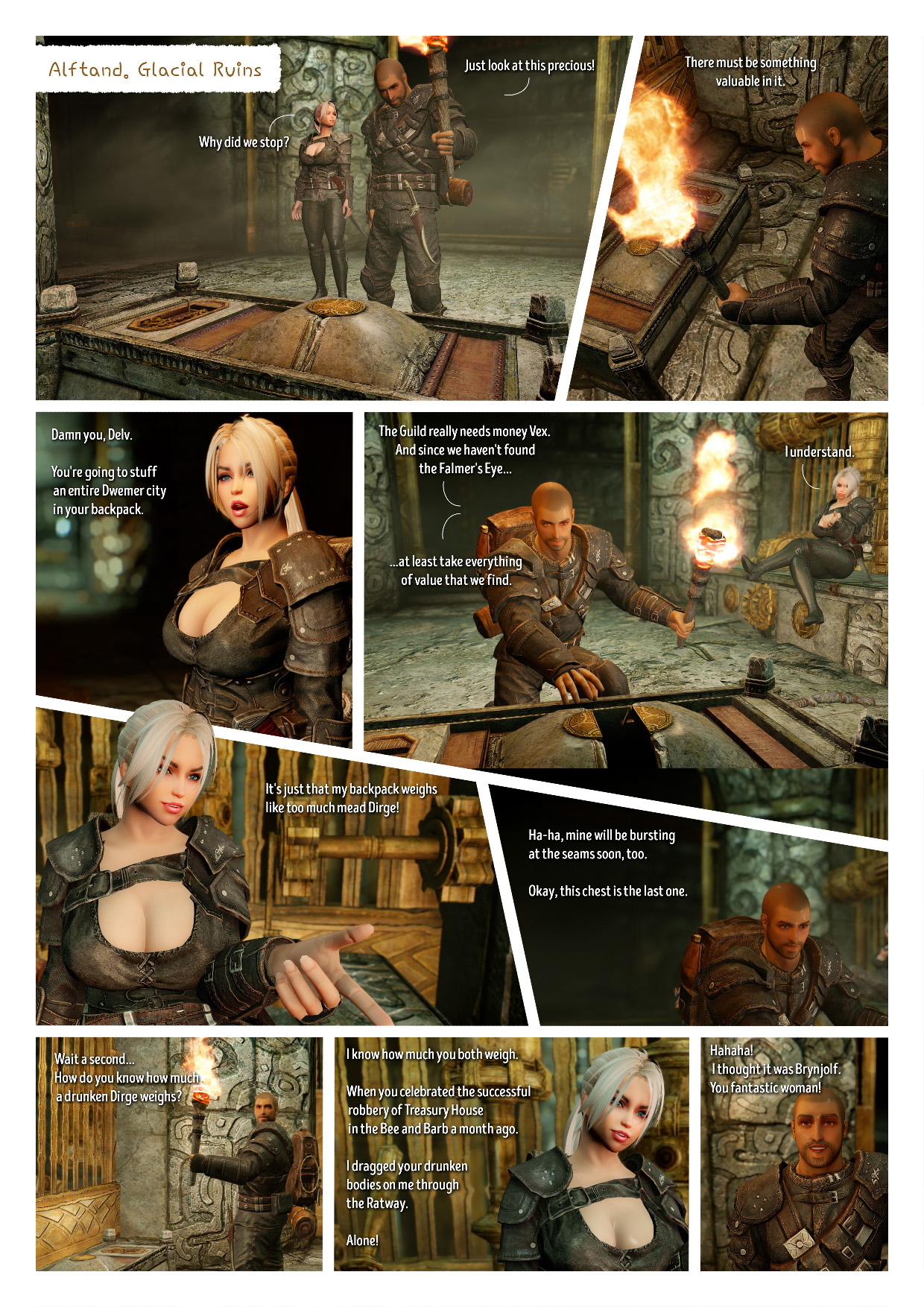
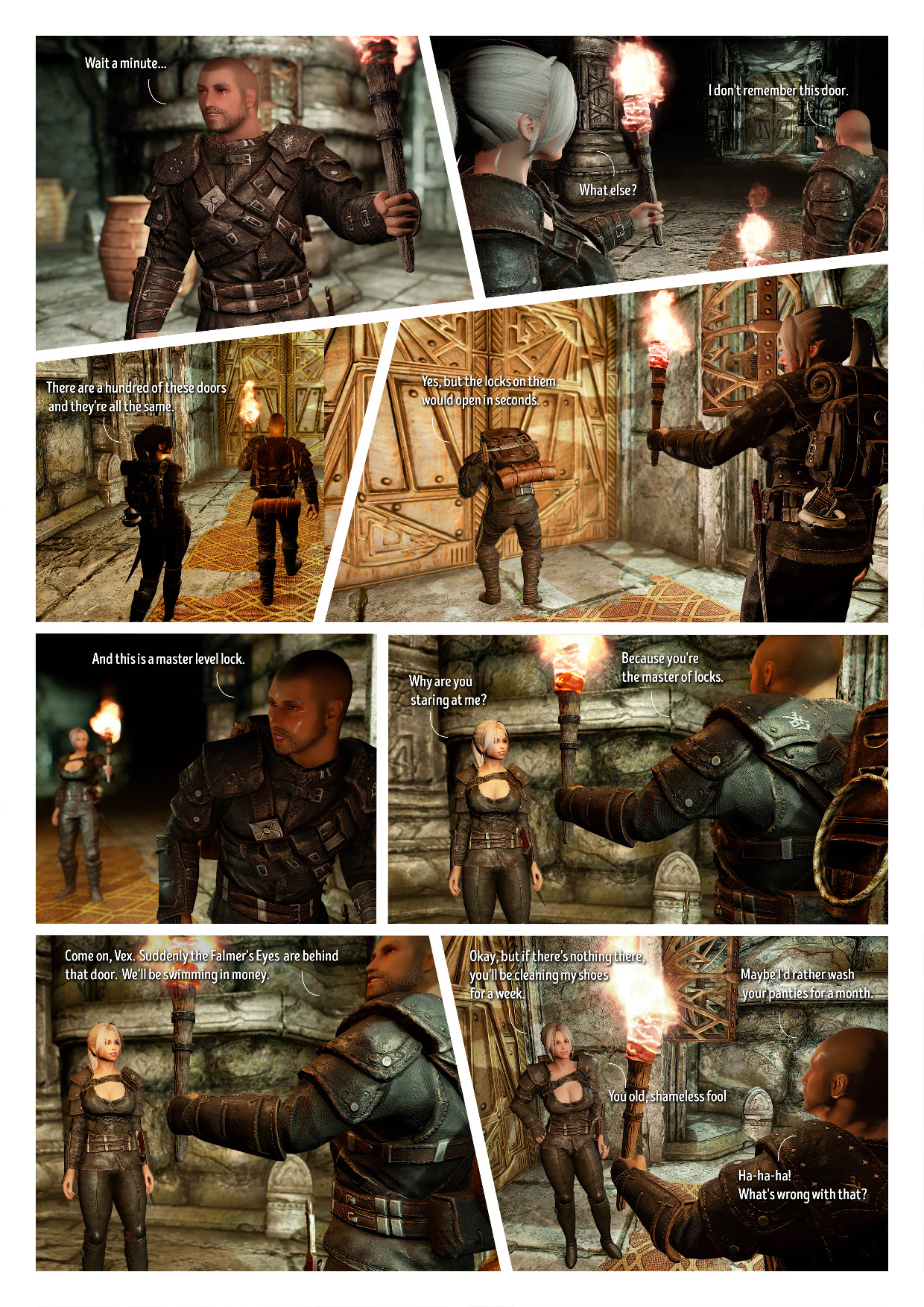
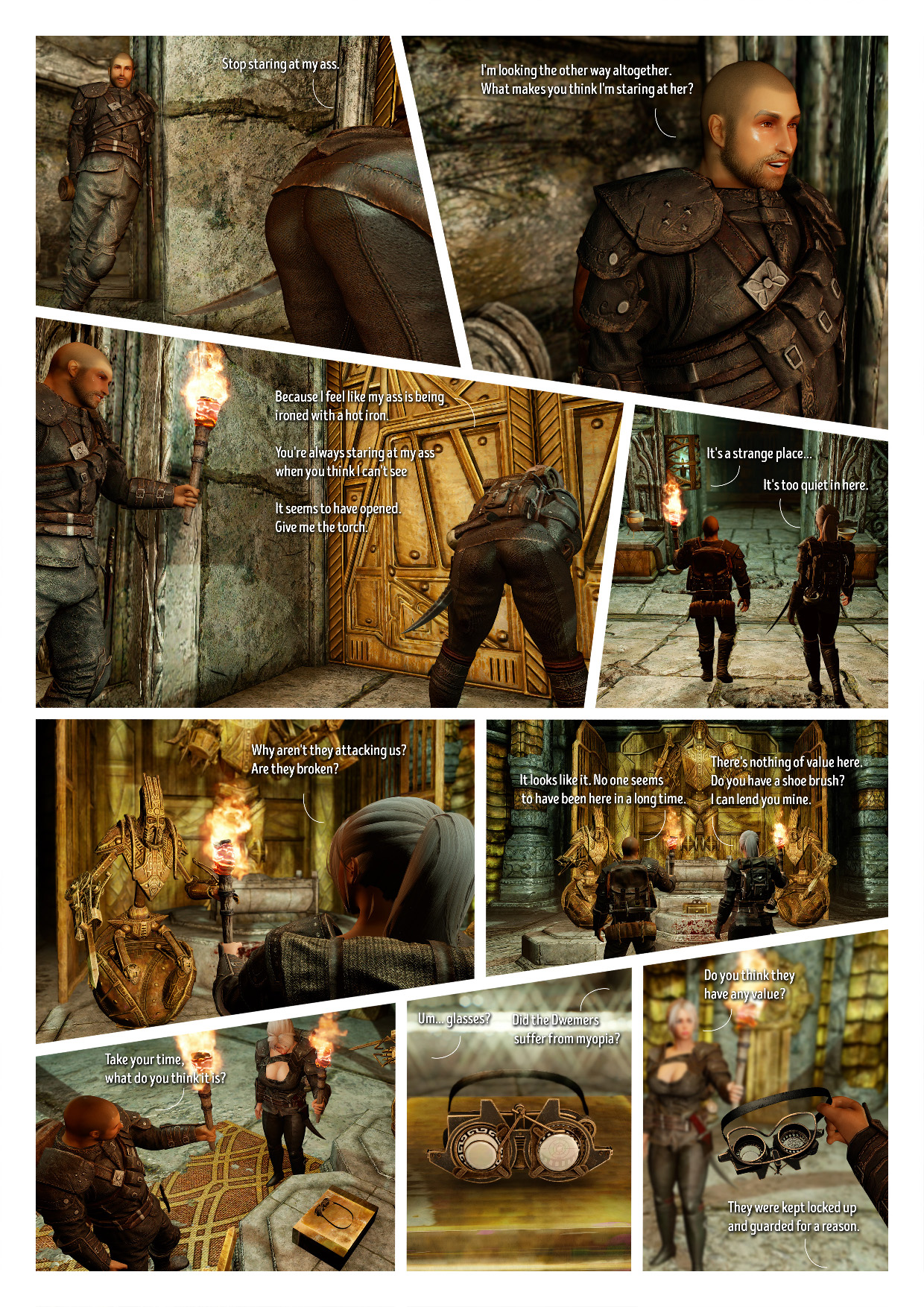
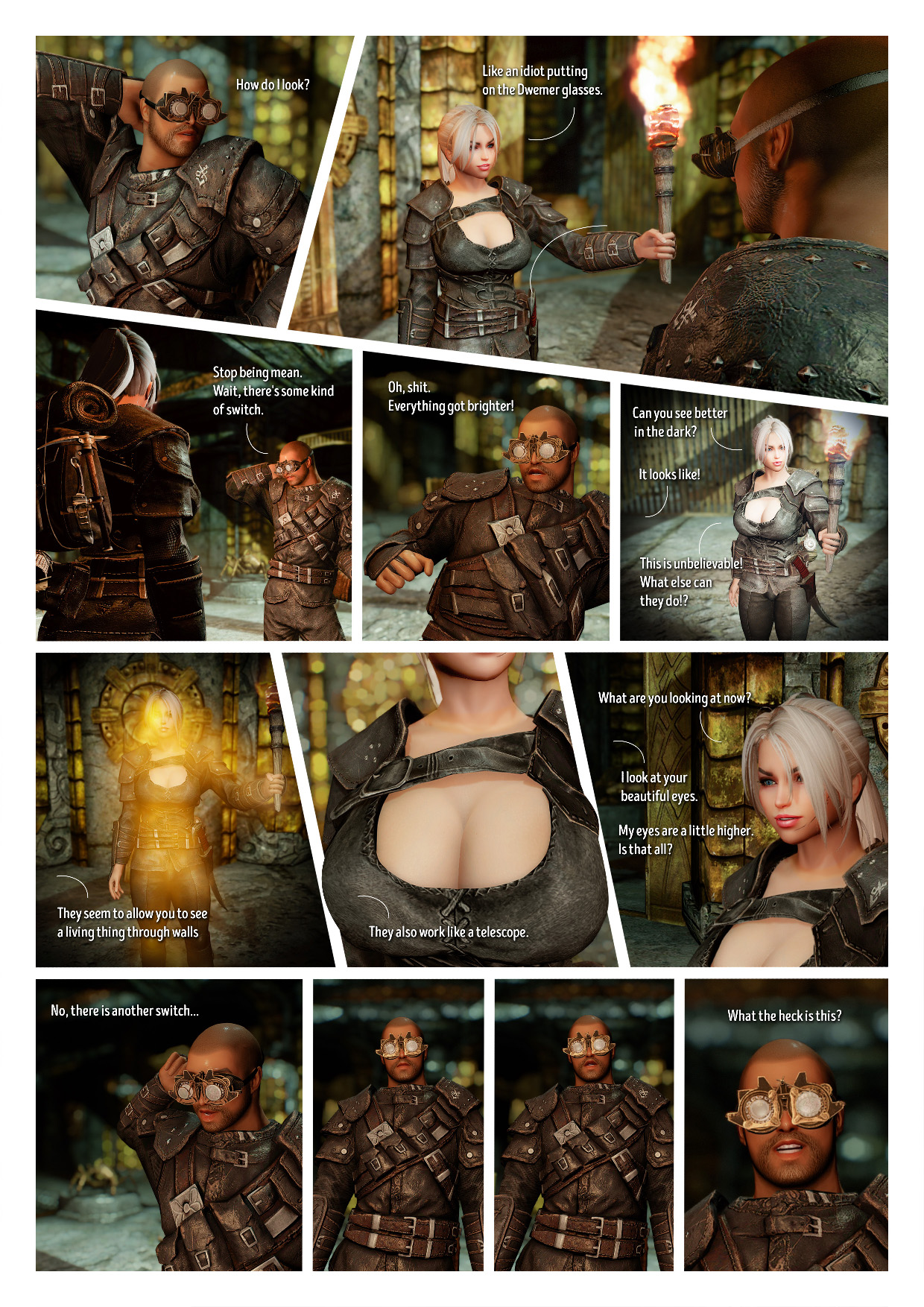
Tirloque Posted May 9, 2022 Another story, and in a comic fashion what's more ! Appreciating the adaptable layout (which you make good use for setting things up), the overall visual quality, as well as the expressions, dialogues and the humor in between all of that. If I may however, your images could use to be enlarge full width, to get more legibility for small panels, and more presence for the larger ones. It'd give you something like that : Spoiler More explanations in the part III of this tutorial . Anyway, good work overall ! « Those stories are funny, and not just funny "ha ha", uh. The blonde gals inside. Well they're not gals, no. »
Helblar Posted May 9, 2022 (edited) Thank you very much. If you were there, I would pat you on the shoulder and shake your hand. If I understand correctly, I need to pre-load the images on some kind of hosting and then paste a link to each image? Edited May 10, 2022 by hellblar
Tirloque Posted May 9, 2022 41 minutes ago, hellblar said: Thank you so much. If you were there, I would pat you on the shoulder and shake your hand. If I understand correctly, I need to pre-load the images on some hosting, and then insert a link to each image? Well I'm not as present as I used to be in the blogs section, but I still lend a hand. Not exactly. In fact what you need to do is : to get the link for the fullsize image (which you can get on LL by clicking on it, then enlarging it, and then copying the link of the enlarged image). It's faster to do on external imagehosts as they give you the fullsize address right away. and then, to type the BBcode manually, as explained in the tutorial. You then insert the previously gathered image link into the two parts of BBcode, and then you're good to go.
Helblar Posted May 9, 2022 (edited) Thank you, that was helpful to know. ? Edited May 9, 2022 by hellblar 1
Crw0 Posted May 10, 2022 (edited) 16 hours ago, hellblar said: Большое спасибо. Если бы ты был там, я бы похлопал тебя по плечу и пожал руку. Если я правильно понимаю, мне нужно предварительно загрузить изображения на какой-то хостинг, а потом вставить ссылку на каждое изображение? What a surprise, hah! Not only someone who does a decent comic series these days, with some image editing skills, but also a Ru speaker. The tutorial to which Tirloque provide a link explains all the steps in some detail, I advise you to also look at its other parts, but still, If you'll need a help, do not hesitate to pm me. Edited May 10, 2022 by hellblar
Jay-Omms Posted June 19, 2022 (edited) SURPRISE IN BETWEEN THE THIGHS!!! Edited June 19, 2022 by Jay-Omms


7 Comments
Recommended Comments