
About This File
Overview:
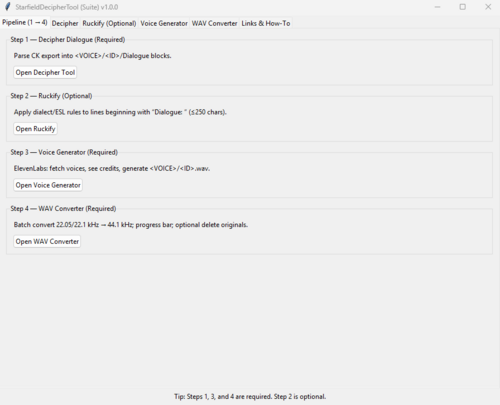
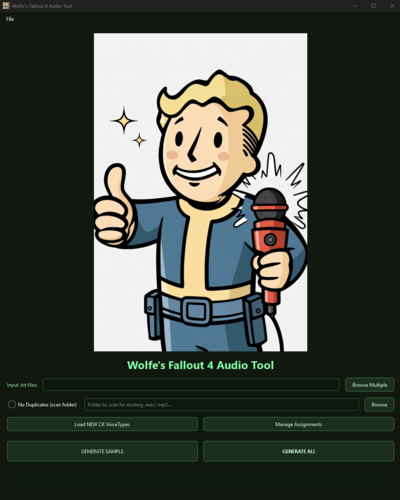
Creating voice files can be a tedious and long process for the regular modder, so I made a tool that lets you connect to Elevenlabs, assign a voice to your voice type in the CK and mass generate the voice files.
What it does:
- Deciphers and filters dialogue from Fallout4's CK exports
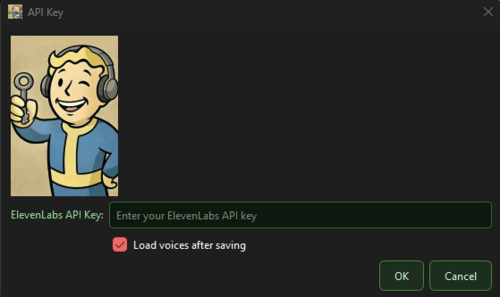
- Connects with Elevenlabs by using your custom API key (requires a 'Starter' or 'Creator' paid version).
- Auto Detects VoiceType from your Fallout4 mod and allows you to link them with an ElevenLabs voice.
- Allows you to select dialects, i.e., 'Irish', to replace words and make authentic dialogue.
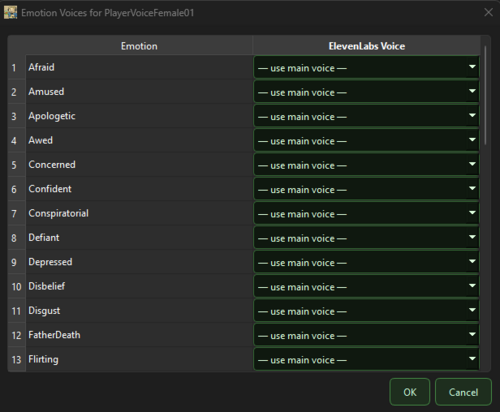
- Allows you to select different voices for different emotions.
- Allows you to skip duplicate files
- Generates mp3 (fake .wavs) files for download from Elevenlabs
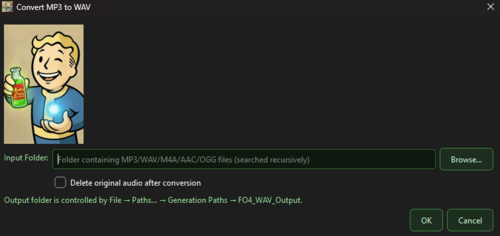
- Built in Converter to make those files readable for 44.1 kHz Fallout4 .wav files
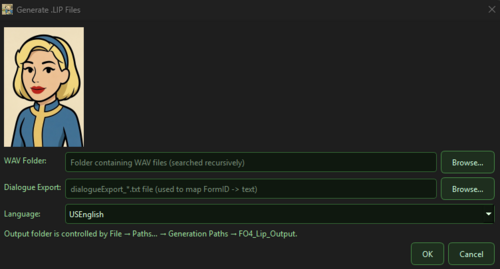
- Allows you to generate .lip files
How to use (Generic):
1. Obtain an API Key from ElevenLabs.
2. Obtain additional requirements: FaceFXWrapper, ffmpeg, ffprobe, FonixData
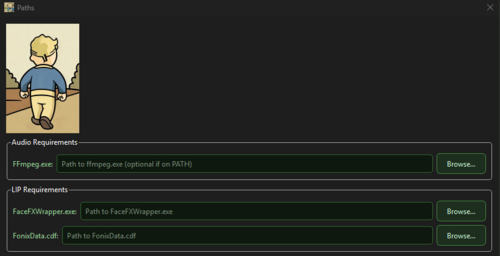
3. Configure your paths
4. Assign your FO4 Voices to Elevenlabs voices
5. Generate voice samples
6. Convert those samples to .wav
7. Generate .lip files
8. Move to your appropriate mod folder and you're done
How to use (Advanced):
1. Extract .ba2 files from Fallout4 - Voice.ba2
2. Obtain an API Key from ElevenLabs.
3. Obtain additional requirements: FaceFXWrapper, ffmpeg, ffprobe, FonixData
4. Configure your paths
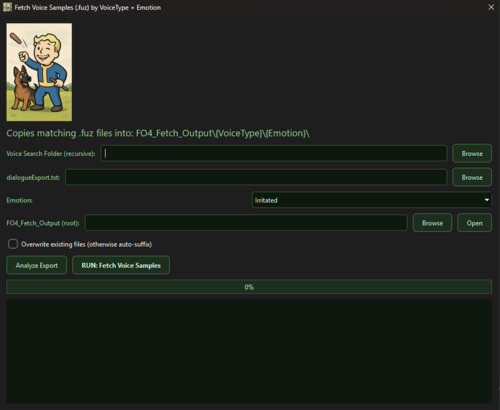
5. Fetch voice & emotion to clone
6. Convert .fuz to .wav
7. Create clone in Elevenlabs
8. Select a dialect
9. Assign your FO4 Voices to Elevenlabs emotion/voice
10. Generate voice samples
11. Convert those samples to .wav
12. Generate .lip files
13. Move to your appropriate mod folder and you're done
How to use (Tutorial):
*Unpack the .zip to see a tutorial on how to change the Player's voice with Cait's.
[Warning:] This would cost upwards of 461,820 credits!
Links to external tools needed:
FaceFXWrapper: https://github.com/Nukem9/FaceFXWrapper/releases
ffmpeg: https://github.com/BtbN/FFmpeg-Builds/releases
ffprobe: https://github.com/BtbN/FFmpeg-Builds/releases
FonixData: {yourFallout}\Data\Sound\voice\Processing
Yakitori Audio Converter: https://www.nexusmods.com/skyrimspecialedition/mods/17765
Special Thanks to: 54yeg (for the .lip converter tool allowing me to use as a template/reference for generating .lip files.)
What's New in Version 1.0.4
Released
- Should fix issues with multiple lines not generating in Eleven Labs.
- Allows a few small "theme" changes.
- Incorporated AI into basically rewriting an entire character, i.e., "make this guy hate the player" through prompt and it rewrites their entire personality while still continuing the conversation. (This doesn't download the AI, but provides links to download Ollama, the .gguf and my .modelfile is already provided"