
About This File
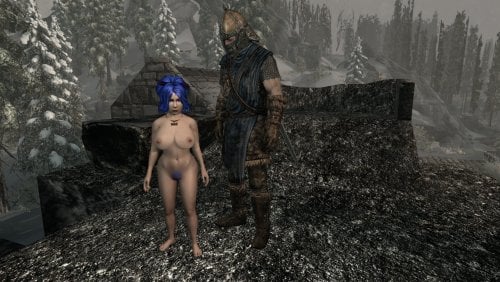
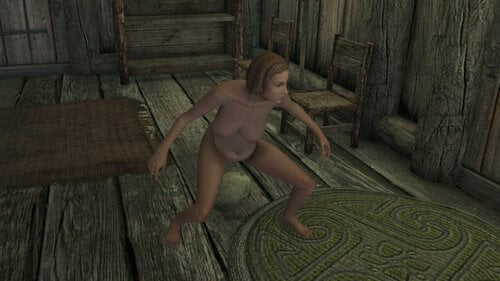
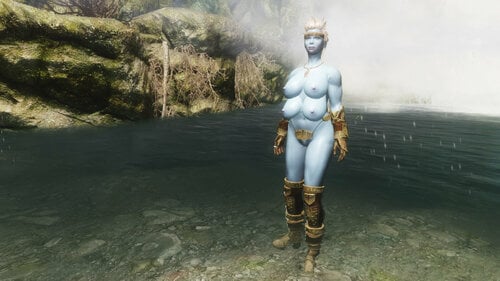
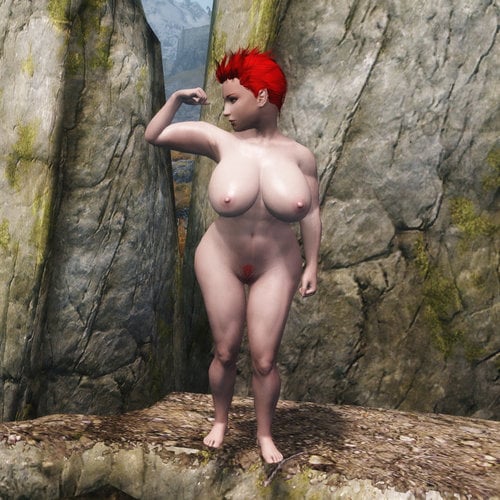
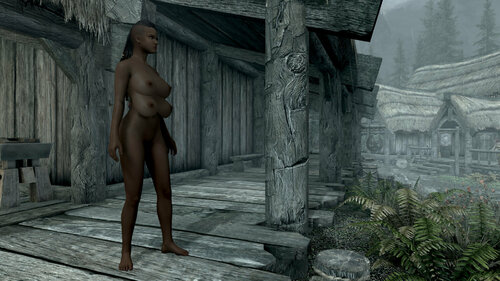
Is two boobs just not enough for your fantasies sometimes? Try out a little extra.
Some work in BodySlide is REQUIRED!
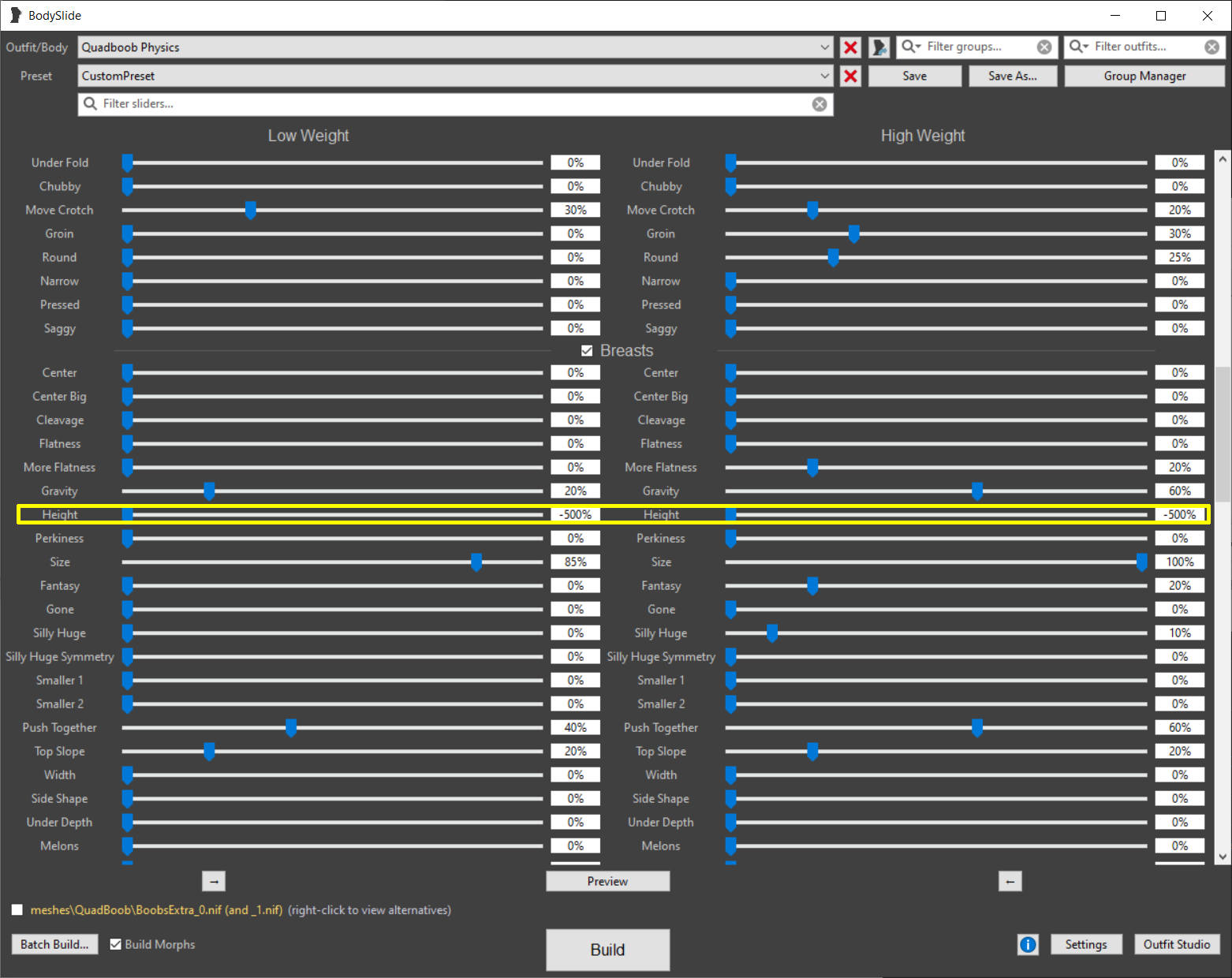
1: Open SSE bodyslide and choose the "Quadboob Physics" outfit.
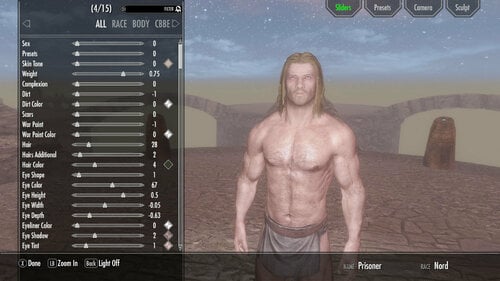
1a: Select your body preset.
1b: Click on the box with the value of the "Breasts - Height" slider at 0% weight.
1c: Type in a value between -400 and -600 depending on how busty your preset is.
1d: Repeat for 100% weight.
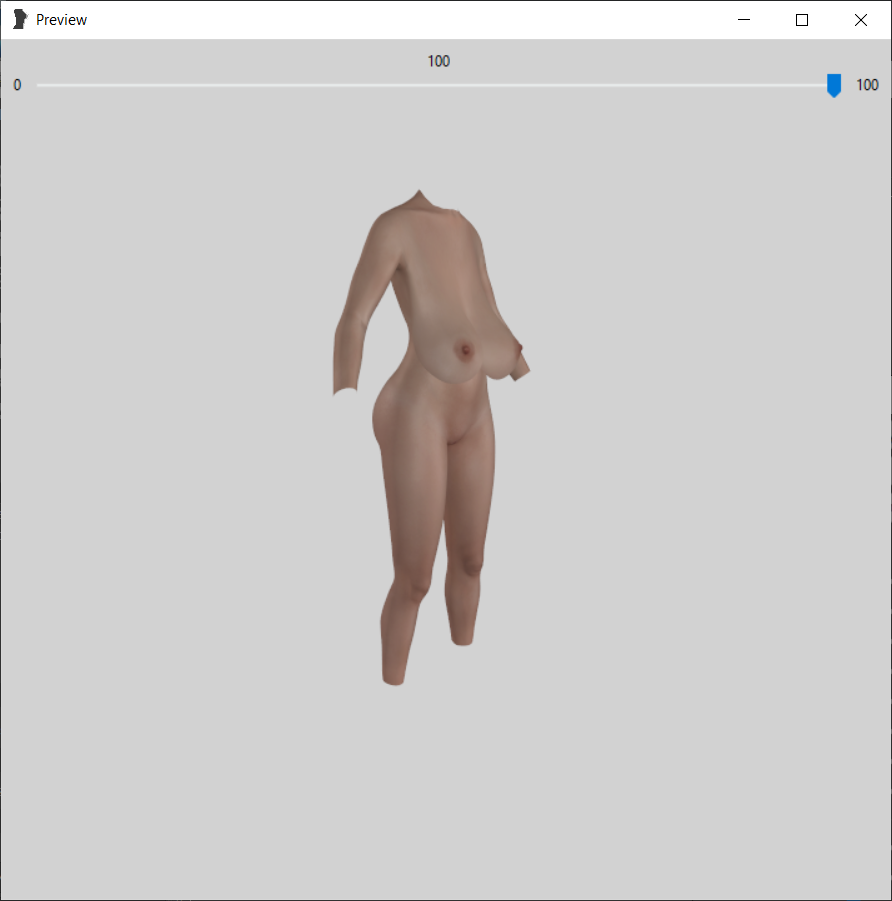
2: Your preview should look something like this:
2a: make sure the build morphs box is checked.
2b: Hit the build button.
3: Enable either the QuadBoobRace or QuadBoobEquippable ESP.
4: Select the "Alien" race in character creation, or build the "Quad Boob" item at a blacksmith's forge and equip it.
5: Be advised other slot-56 items (TAWOBA belts, DD chastity bras) will conflict with the secondary breasts.