About This File
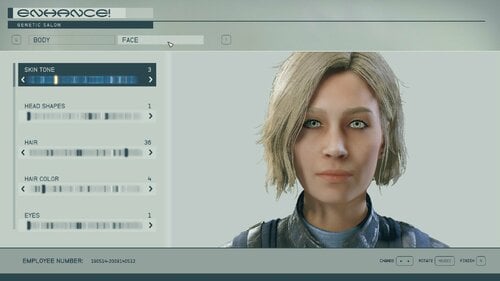
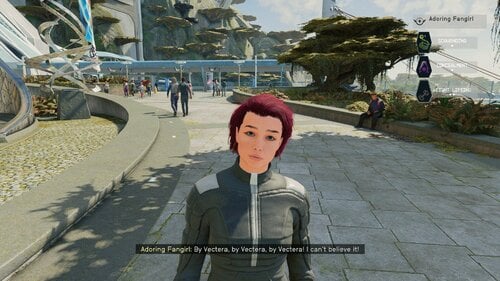
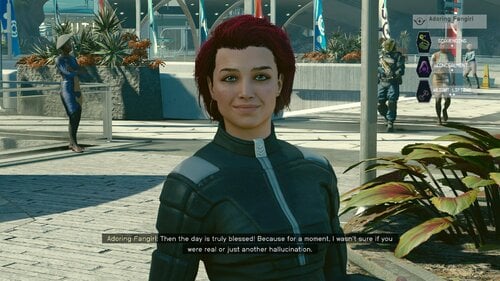
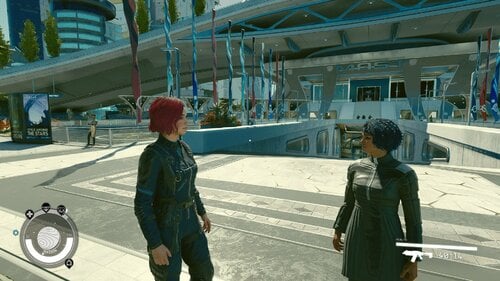
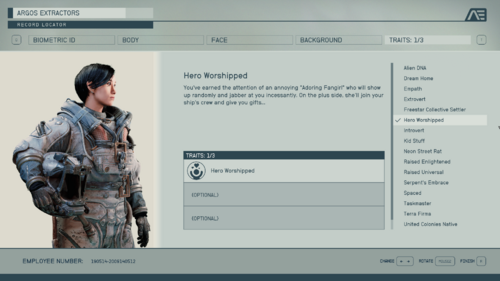
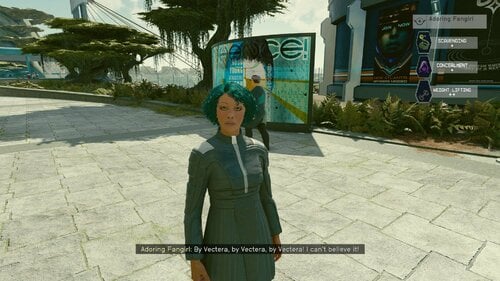
Hello! What this PC/Xbox Creation does is turn Starfield's Adoring Fan companion into an adorable (but still annoying) fangirl with a new female voice. Her appearance is fully customizable via the Enhance menu and the trait "Hero Worshiped" was also changed to reflect the gender change. The trait and companion can be added to an existing save, check out the player's room in the Lodge (see below).
In all other respects she SHOULD behave exactly as the original Adoring Fan. This means in order to have her as a companion, the player must have the Hero Worshiped trait and have joined Constellation. If those two things are true, the Adoring Fangirl will spawn and seek out the player near the New Atlantis spaceport or MAST Metro.
This mod's voice was created by using ElevenLab's AI driven text to speech generator.
NEW! In-game way of modifying the Adoring Fangirl skills!
As a dialogue option you can talk to the Adoring Fangirl about what role you want her to be on your spaceship. She'll respond with a menu of choices. One for a primary (up to rank 4) starship systems skill like Pilot or Payload and a secondary (up to rank 3) weapon system skill like missles. These two skills can be changed at any time by repeating the dialogue option.
NEW! In-game way of adding the Trait
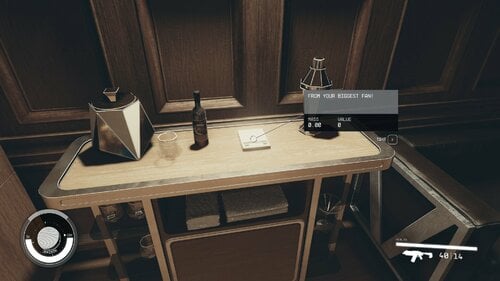
Any time after joining Constellation, go to your room in the Lodge. On the table opposite of the table is a note. Pick it up and your character will be given the Hero Worshiped trait and her quest will start. Go to the MAST metro and head for the Spaceport. Along the way you should meet her.
NEW! In-game way of customizing her appearance
When talking to the Adoring Fangirl, the player should see a new option “I want to talk to you about something.” This will be where all of this Creation’s future content will be accessed.
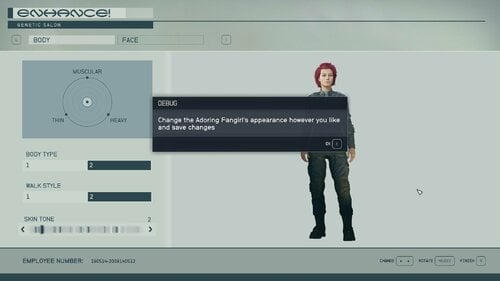
There will be the option “I want to change your look”. Selecting this will open up the Enhance menu with the Adoring Fangirl avatar loaded. Change her however you like!
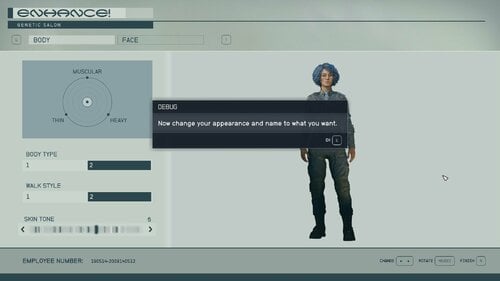
Save your work with YOUR character’s name and pronouns, otherwise it will change your character’s name and pronouns. If possible, I’ll try to fix this in a future update.
If you experience a crash or other error, trying stripping your player character's gear off first, then use the appearance change option. Custom clothing and accessories can sometimes cause the Enhance menu to crash.
Load Order and Requirements:
Load her after any crew or companion creations. There are no other requirements.
There is an OPTIONAL voice pack with a different AI voice.
This is my first creation, so appreciate any feedback and bug reports, especially if she uses the male voice or no voice at all. I know some lines, like her initial greeting sound a bit off, I'll try to fix those in the future.
Troubleshooting:
Some users, especially on Xbox, have reported her showing up with no head, male voice, etc…this is most likely because the archive files did not load properly for some reason or the creation is being overwritten by another creation.
Try deleting the creation from your load order and Bethesda.net. Make a save without it. Then redownload the Creation.
If you are using another audio replacer, the two creations might conflict. Try disabling other audio replacers and see what happens. If Adoring Fangirl starts working, well I can't fix that. Its a BGS issue.
Move the creation to the end of the load order. You might have to go back to an old save or start a new game. I HIGHLY recommend SSK Fast Start for testing.
With SSK Fast Start is a great creation one can use to test mods by quickly starting a new game. Choose 2, 1, and whatever starting gear when starting a new game. Get the trait from the note if you don’t already have it, fast travel to some other part of the planet, then back to the lodge, then head to the spaceport.
Recommended Mods:
CRT Body MeshVBB (Voluptuous Body for Beauties)
STARQUEEN - enhanced vanilla female skin
Peko's Eyelash
Fancy Teeth
The Eyes of Beauty - Starfield Edition
Crew and Companion Overhaul (with patch)
Tools used:
Visuals:
Starfield Creation Kit
SF1Edit
WinHex - To switch back and forth between esp and esm for editing.
Voice:
xTranslator
ElevenLabs "Freya" voice
Foobar2000
WWise
MediaHuman Audio Converter
This guide was very helpful in creating the fangirl's voice.
A step-by-step guide on AI voice modding at Starfield Nexus - Mods and Community (nexusmods.com)
Edited by Reigor
Added optional esm that adds more functionality to the npc, more screenshots, updated description.
What's New in Version 1.1.0 See changelog
Released
Lots of changes since I first uploaded here:
Lip Sync!
Dialogue options to change appearance and skills.
Optional Alt Arabella voice.