
About This File

This chest morph is still slightly buggy, unfortunately I don’t think it will get any better.
I hope someone will still find it useful...
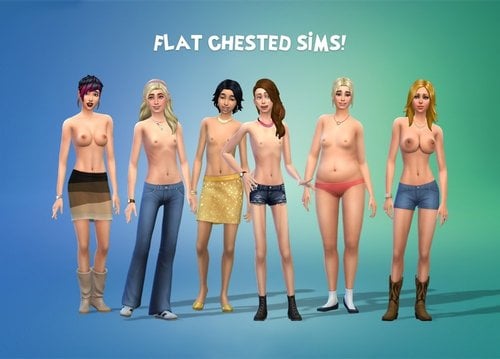
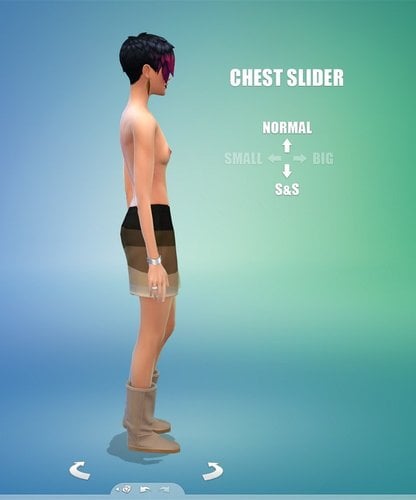
New slider morph
It flattens and reshapes the Wicked Whims (default) chest.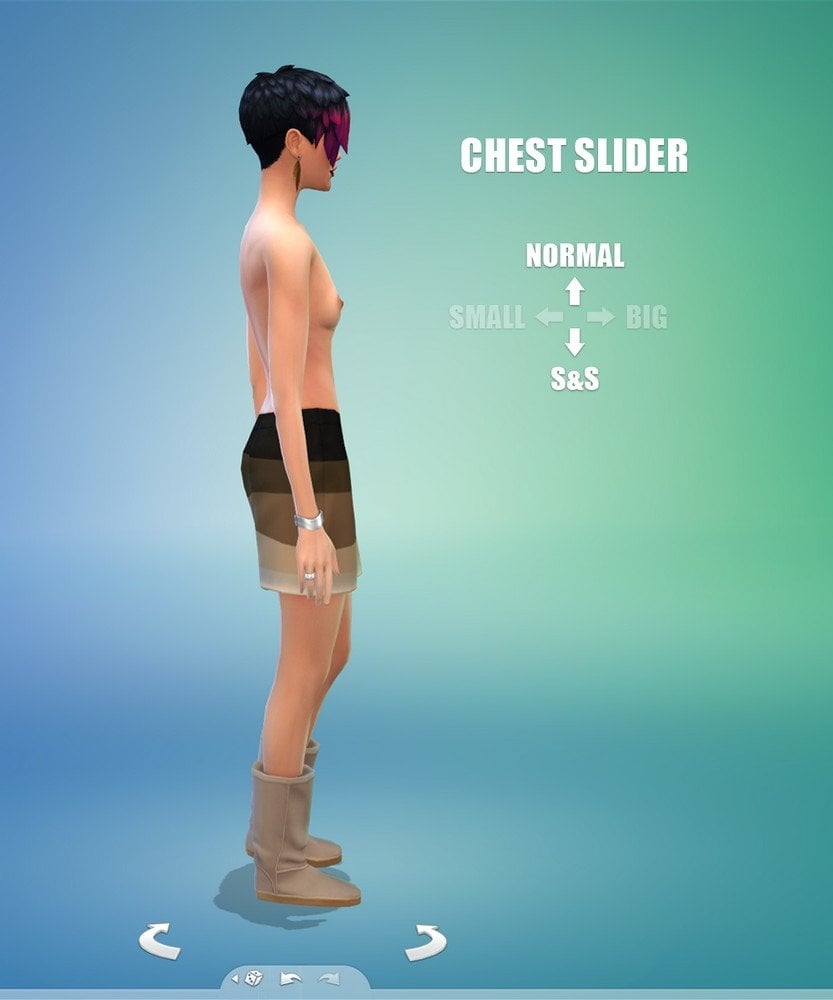
- It may not be compatible with other mods using the chest slider.
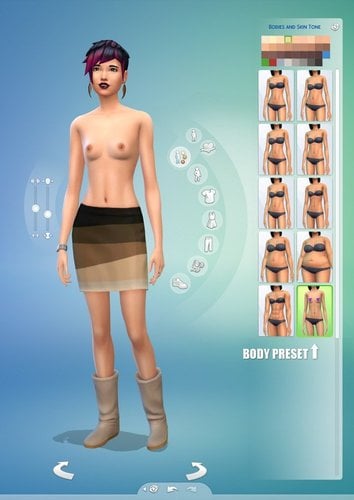
Slider (body) preset
Adjusts the shape of your sim with one click.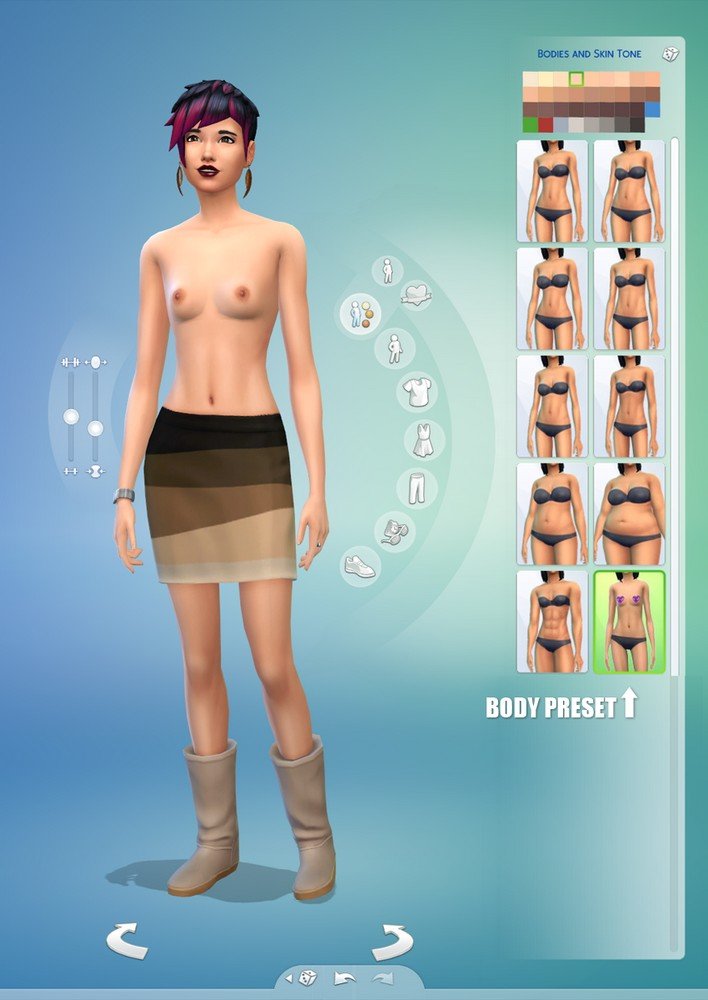
- 90% S&S, 50% Small (EA)
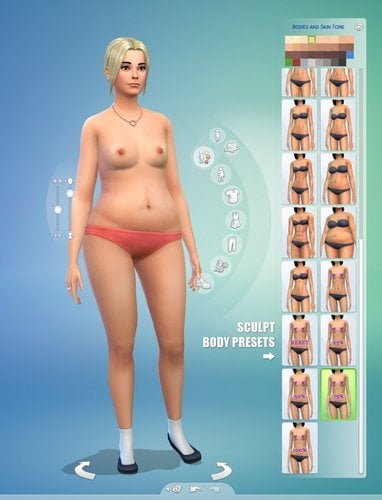
Sculpt version (new)
An alternative version, using sculpts instead of sliders.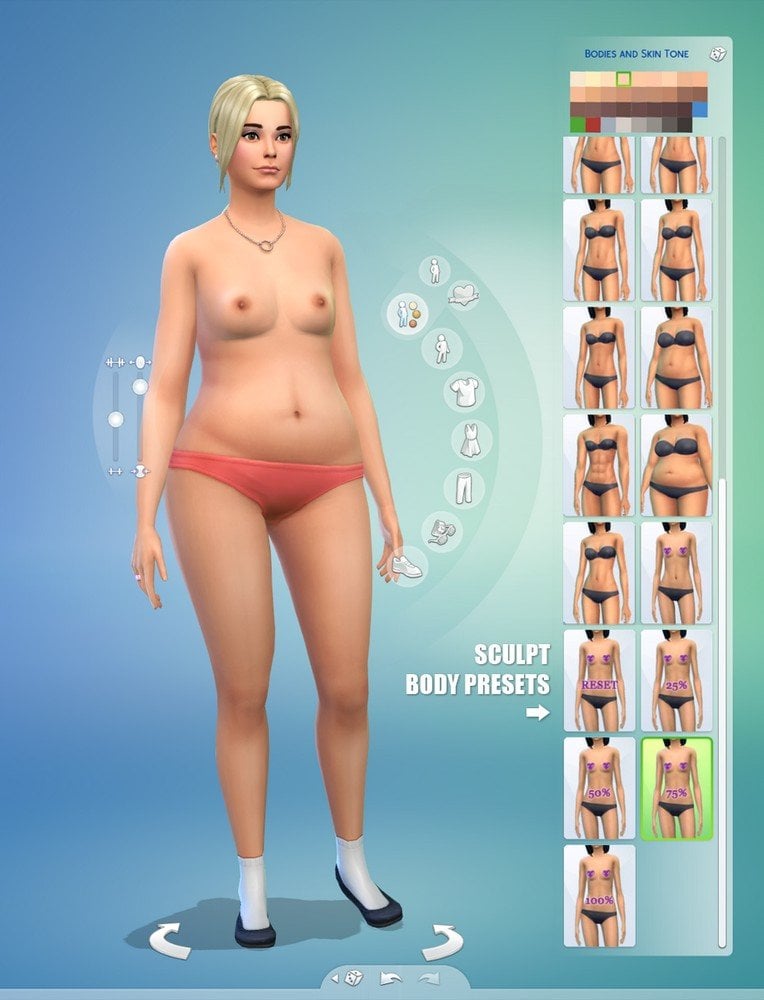
- 4 presets, 25%, 50%, 75%, 100%
- Reset option for the default breast size.
- It is less customizable, but it doesn't conflict with slider mods.
- It may conflict with other chest sculpts.
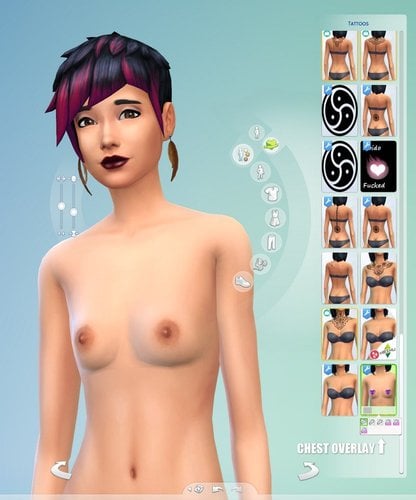
Chest overlay
Removes cleavage and smoothens the chest for proper appearance.
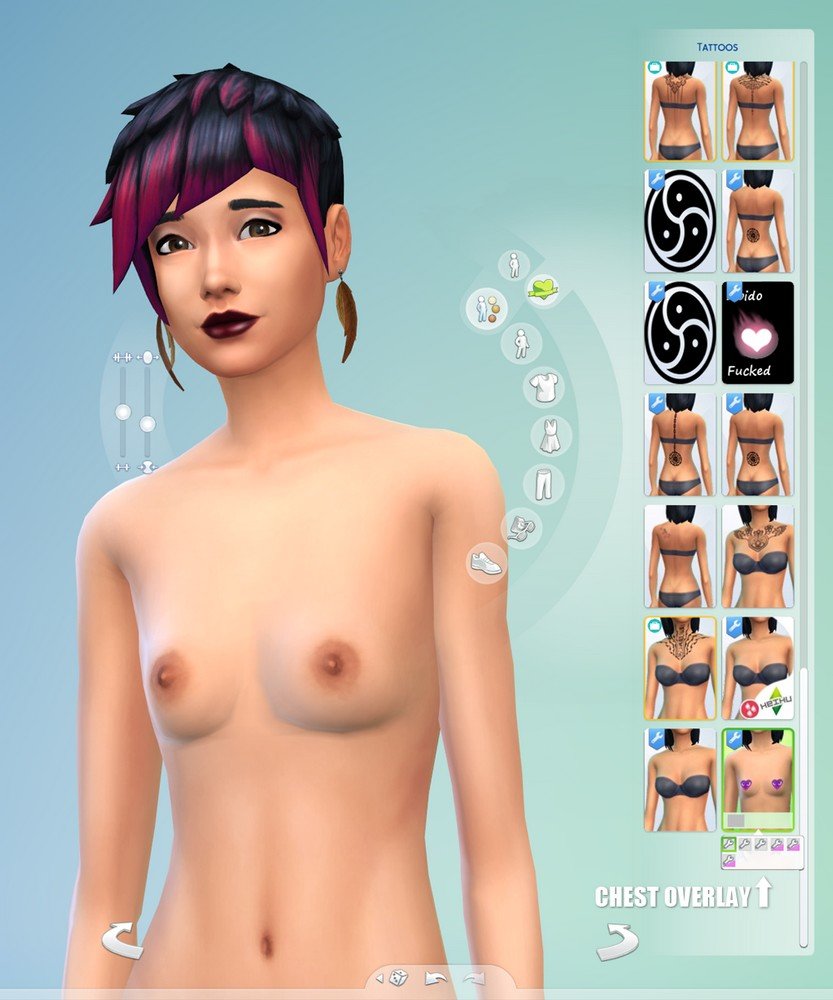
- Works with basic skin tones and (some) semi-transparent CC blends.
- Occupies the chest tattoo layer.
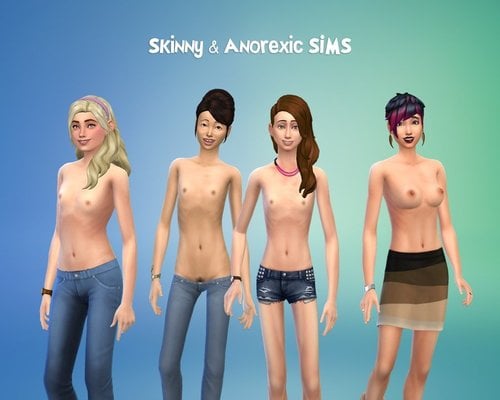
I can also recommend the Skinny & anorexic sims overlay which is fully compatible with this slider.
Requirements
- Wicked Whims (default) top mesh
How to install
- As usual, just drop the *.package files in the
...\Documents\Electronic Arts\The Sims 4\Mods
folder. (after extracting them)
How to use 'default' body mesh in WW?
- Click on your sim / Wicked... / Body Selector...
More info here: Nudity body selector
- If it doesn't seem to work, try installing the 'Ea Mesh' (top.package) linked above.
How to change the appearance of an existing sim?
- press ctrl + shift + C
testingcheats true
cas.fulleditmode
- shift + click on sim
- Modify in CAS
Credits
- The Sims 4 MorphMaker
- The Sims 4 Package Editor
What's New in Version 0.3 See changelog
Released
Sculpt Version