
Fernanditwo1 Sexy CC posters
Entry posted by Fernanditwo1 in CC creations
1986 views
This is my first CC publication on the blog. As I promise this is a full collection of eight sexy posters based on my Sims 4 female characters.
For the installation you should probably know. But just as a remeber. Put one or both files in the route Documents/Electronic Arts/The Sims 4/Mods
The files consist on two versions :
Ver 1 : For the Sims 4 Base Game ( which means you only need base game to use them )
Ver 2 : You will need "Sims 4 Bowling Night Stuff expansion" ( I recommend this version because the posters have more quality and also If you think it look bigger you can adjust size with 9 and 0 keyboard keys )
This is how the posters look like in game, presented by Iria Navarro.
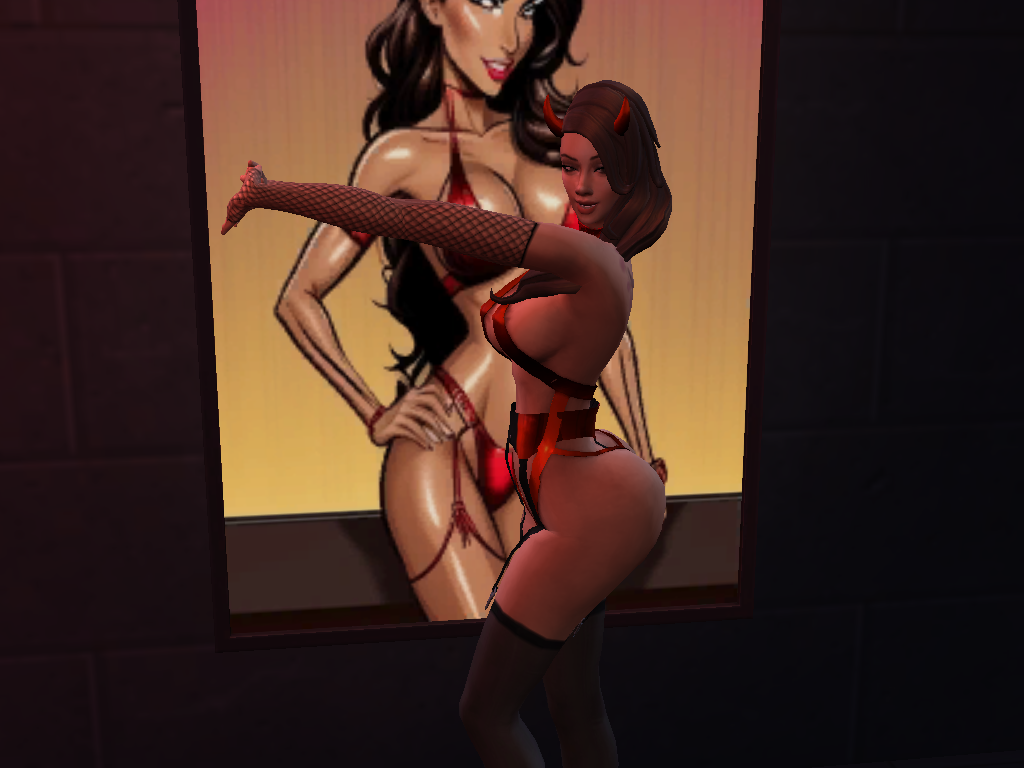
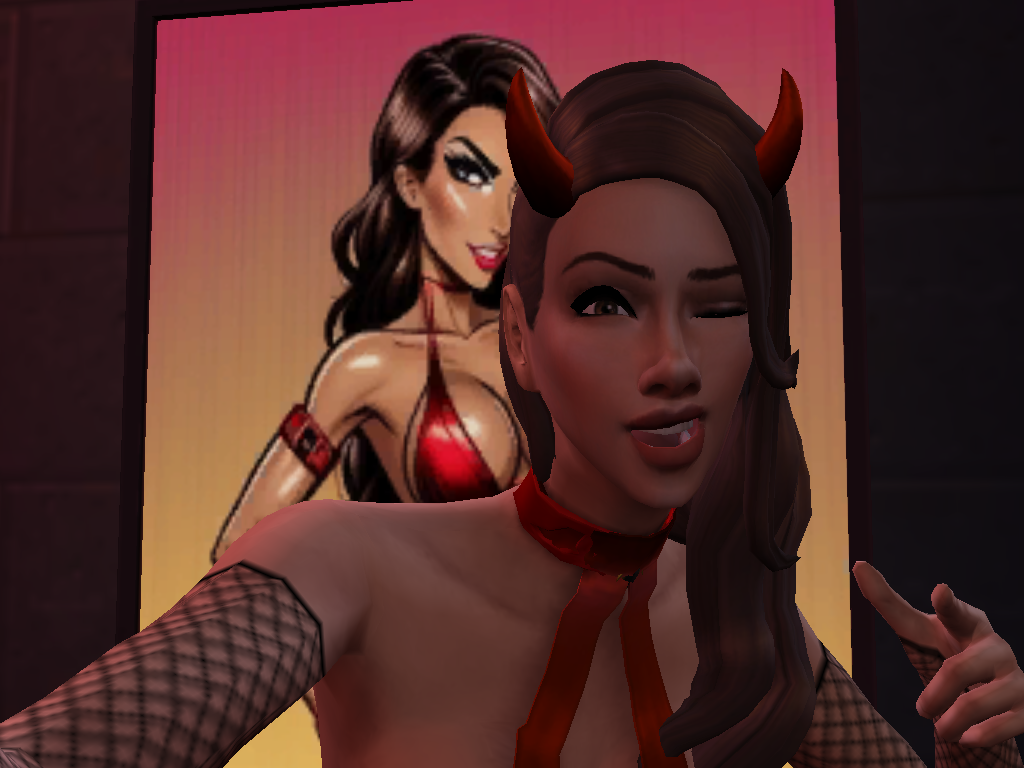
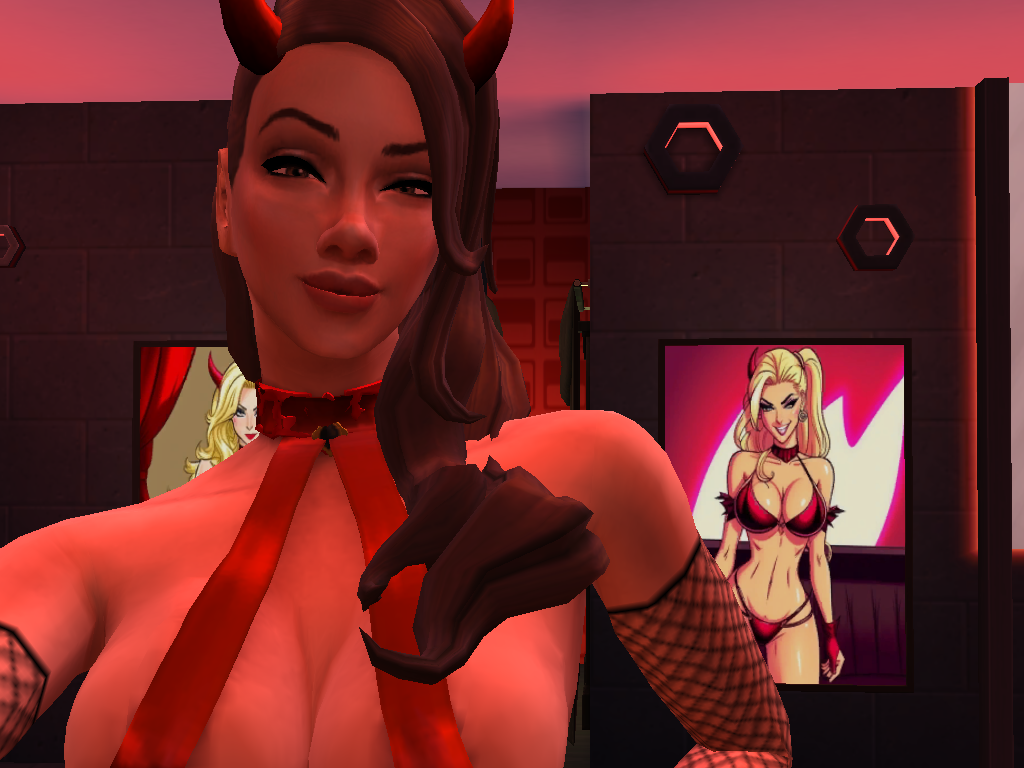

Fernanditwo1 Sexy Hell's Stripclub Posters Ver 1.package Fernanditwo1 Sexy Hell's Stripclub Posters Ver 2.package
1 Comment
Recommended Comments