.Noir.
-
Posts
553 -
Joined
-
Last visited







Recent Profile Visitors
595307 profile views



-
If the main issue is the standing pee animations, I'm not sure if changing the category of the body parts will change something. I think the one who actually can give you a better answer is Khlas.
-
Thanks! Getting the right swatch for the skin tone is tricky, as it involves a combination of two separated textures, a base of color and a overlay, so give me a little time to get it right. For now, I recommend using just the default overlay that comes with the meshes and applying a swatch only for the head to add some color. And you're being too kind, but I appreciate it a lot.
-
TS4 - Werewolves in the wild [2025-12-02]
.Noir. replied to .Noir.'s topic in Downloads - The Sims 4
Hi! Thanks a lot for pointing out this issue. Honestly, after all this time, I hadn't realized there was an error with the meshes that appear in the body selector. I plan to update the mod soon, so I'll fix this in that update. As for the typo in the other meshes, I'm afraid you're right: it's an issue in the WW mod itself. -
TS4 - Fantasy Creatures: Equine Penis [2026-07-10]
.Noir. replied to .Noir.'s topic in Downloads - The Sims 4
It's completely understandable. Hiding the meshes is not really a hard thing to do. It may be a tedious one due to the quantity of files, but I'm sure you will not have any troubles with that. And it always helps to know one or two things about how to edit a package file. Sometimes they can need simple fixes, but for some reason or other, the creator is no longer active, so it ends up in our hands to find some solution. Hey, Tommi. Unfortunately, some clipping is expected to happen with larger penises. Because a lot of animations are made for and with penises of an average size, there is not much I can do about it. But I know for a fact that there are some animators that make animations for larger penises, so keep an eye on them when using the larger sizes. The support for fairies will come on the next updates, and the mod is not meant to be used with the beast form of werewolves. The equine penis can be used with the human shape of all occult Sims, but not with their transformed shapes. Regarding the canine penis, that's right, it can only be used with the beast form, and for now, it will continue being like that. As future updates, there will be some fixes for current mods and additional content for this one. -
I personally prefer to leave that area darker, as it works the best with a lot of the skins I use. Deleting that part of the texture of the swatches is not really an option, and making it whiter will create visual issues with other skins. In this case, I think the best alternative is to create swatches for that specific skin you use. Let me know which one it is, and if I have some extra time, I will create new swatches for it.
-
The meshes can be added to the vagina category, but it is not really necessary. What you want to do can be achieved by changing the role of your sim or the gender recognition with the WW settings. With them, your female sim, even with a penis, should be recognized only as a female.
-
TS4 - Fantasy Creatures: Equine Penis [2026-07-10]
.Noir. replied to .Noir.'s topic in Downloads - The Sims 4
Yes, it will be. The next Patreon release for this mod will include support for fairies. Public releases are typically published a month later, so hopefully you shouldn't wait too long. And actually, in Patreon I give two versions of my nude mods, one vissible and other non-vissible in CAS, but you can hidde the meshes by you own if you want. You can do this with Sims4Studio, or S4CASTools. The latter may be the easiest and fastest to use for something like this. Open the tool, go to the tab Clone Package Editor > Select a file > Unmark the "Show in CAS UI" box > click over "Commit Changes" > then "Save Package". That's it. The meshes will continue working with the WW body selector.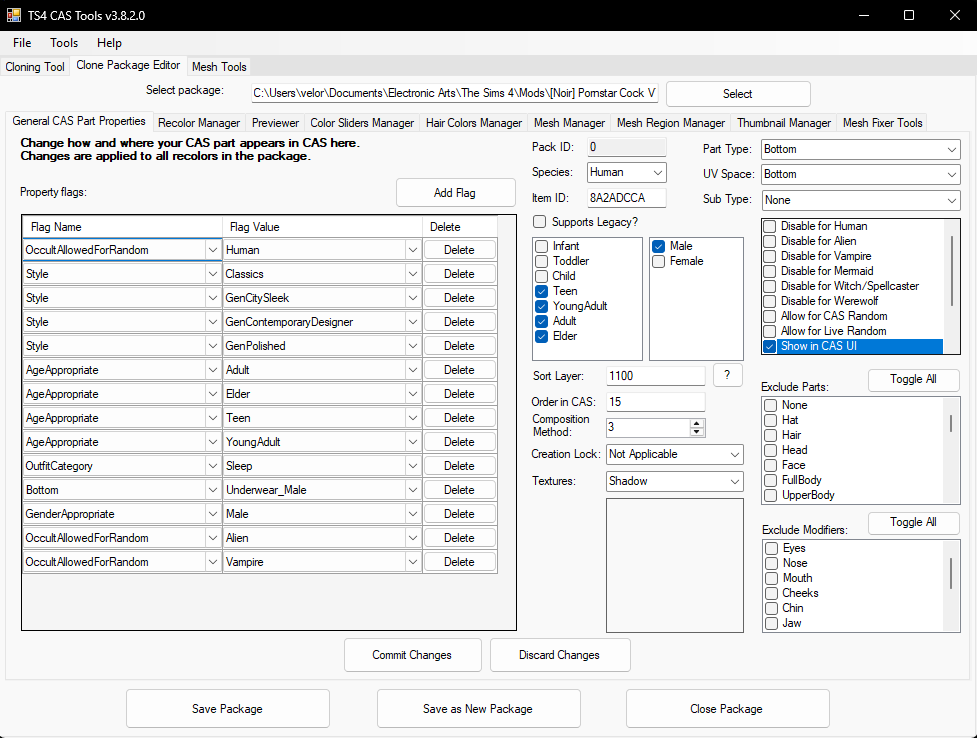
-
Not at all. I'm glad to help. 💖 Also, thank you to you and SAFMeiko, for noticing this issue; otherwise, I may have never realized there was a problem with the files. 🤡
-
In the first post, below the captures, you will find the 'View file' button, or go here.
-
You know what... I think you are right. What a big dummy I am. It looks like both files are the same. I think I mixed up the files when I made a duplicated version for someone that preferred them to appear in tattoos. In other words, it's my mistake. In the next update, this issue should be fixed, but for now, Weidade, please use these files instead: [Noir] PornstarCock-PenisTip-Swatches.package [Noir] PornstarCock-PenisTip-Swatches-Tattoos.package
-
TS4 - Fantasy Creatures: Equine Penis [2026-07-10]
.Noir. replied to .Noir.'s topic in Downloads - The Sims 4
Unfortunately, no. These only work as nude body parts. -
Have you verified if by any chance you have those files duplicated? It's possible that the reason for the swatches not showing up is that you also have an older version of the file located in forhead skin details. If two different versions of the same file are conflicting with each other, that may be the reason.
-
TS4 - Werewolves in the wild [2025-12-02]
.Noir. replied to .Noir.'s topic in Downloads - The Sims 4
For what it seems to me, you are having a conflict with the texture for the penis. I'm not sure what may be causing it, but in most cases it's another piece from CAS. It can be a custom skin tone, an overlay, a top, or even an accessory. If you have other mods for werewolves with default files, keep that also in mind. Let's start with the basics. All nude meshes should be selected only with the body selector. The only things that are necessary to be selected in CAS are the color swatches for the penis (although they are optional). Go back to CAS and temporarily select a nude mesh from this mod just to verify if it's looking correctly. If not, try to check if your Sim is wearing something that may be causing this conflict with the texture. If everything looks ok, select one of the swatches for the penis (if you want) for every outfit. Then remove the nude mesh and go back to the game. In the game mode, go to the body selector and assign the desired nude mesh for the werewolf form. Here is a video demonstration of how the textures and the meshes should be selected: -
It's ok. I completely understood your message. In the folder Swatches, check if you have these files: [Noir] PornstarCock-PenisTip-Swatches and [Noir] PornstarCock-PenisTip-Swatches-Tattoos. The first one is the one placed in forehead skin details. If that file is missing, that should be the reason why it is not showing up, but if you have it, try moving those files to the main folder of the download. In some cases, the game is unable to locate the files inside multiple subfolders, so moving to the main folder always helps.
-
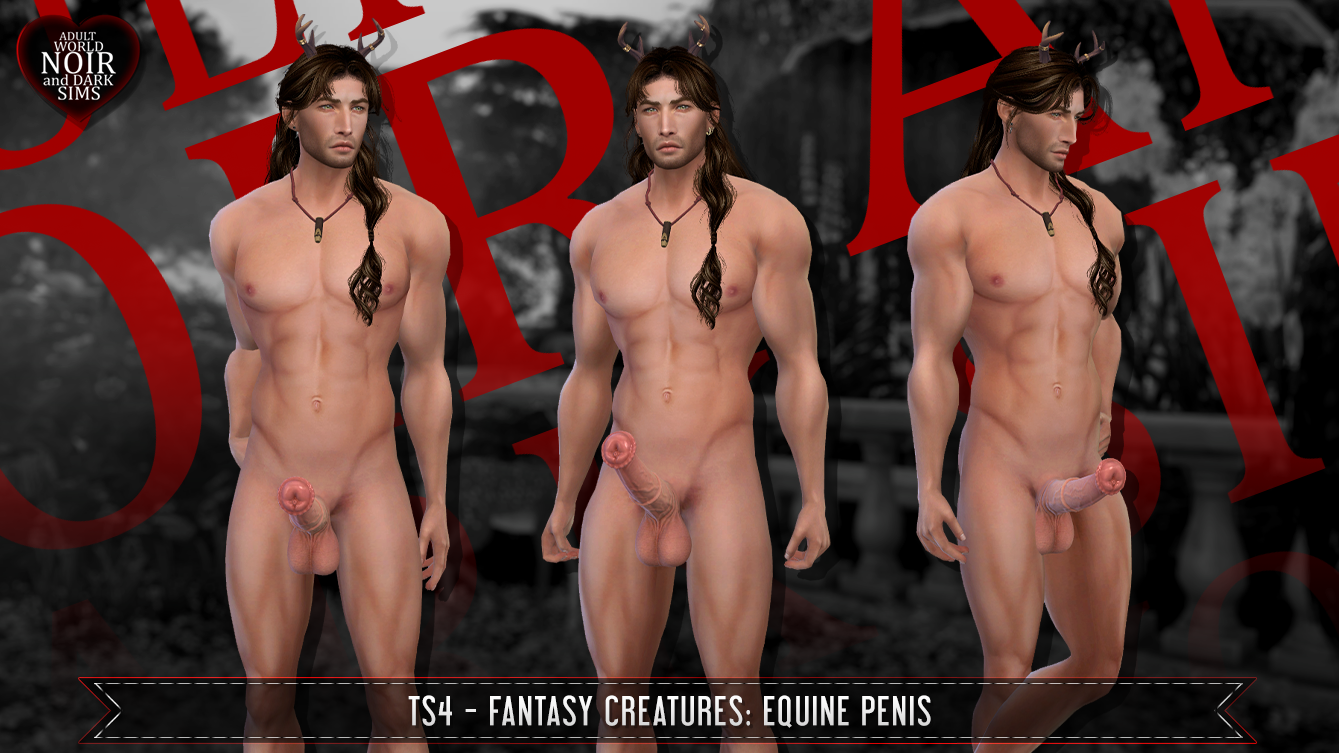
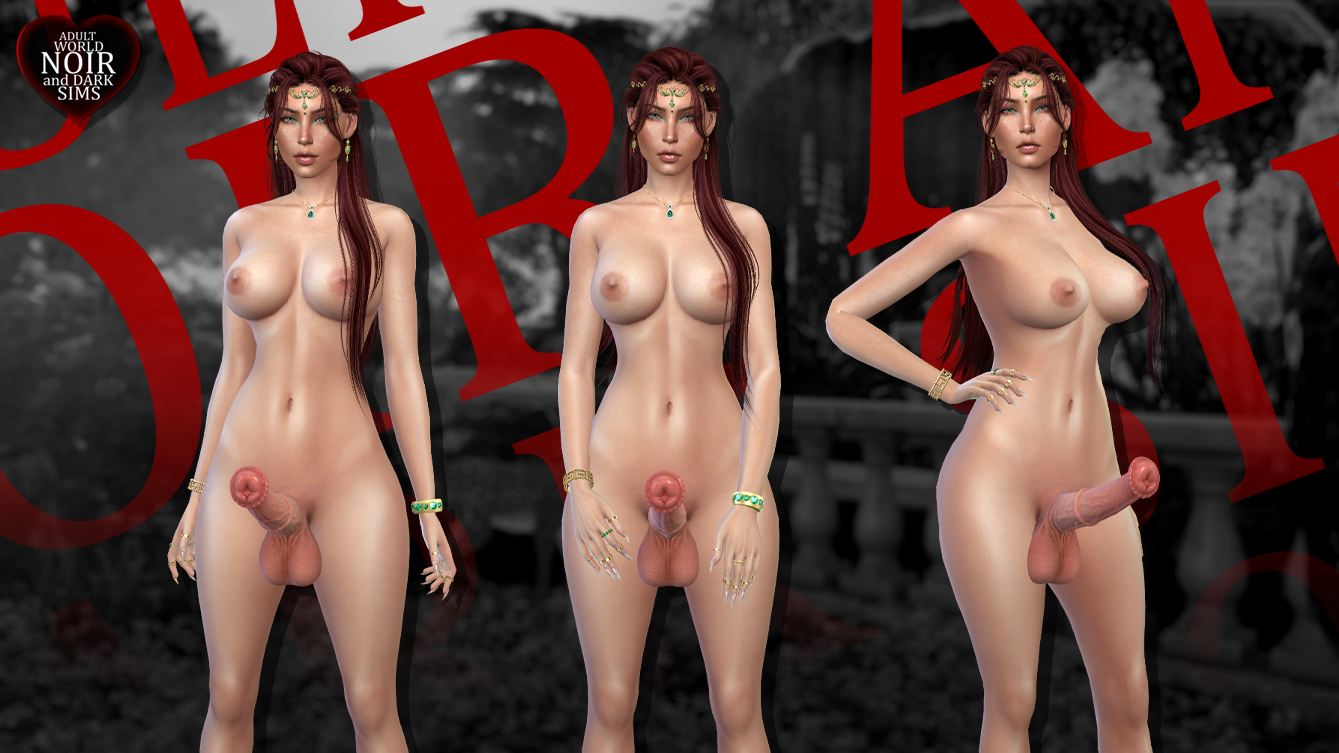
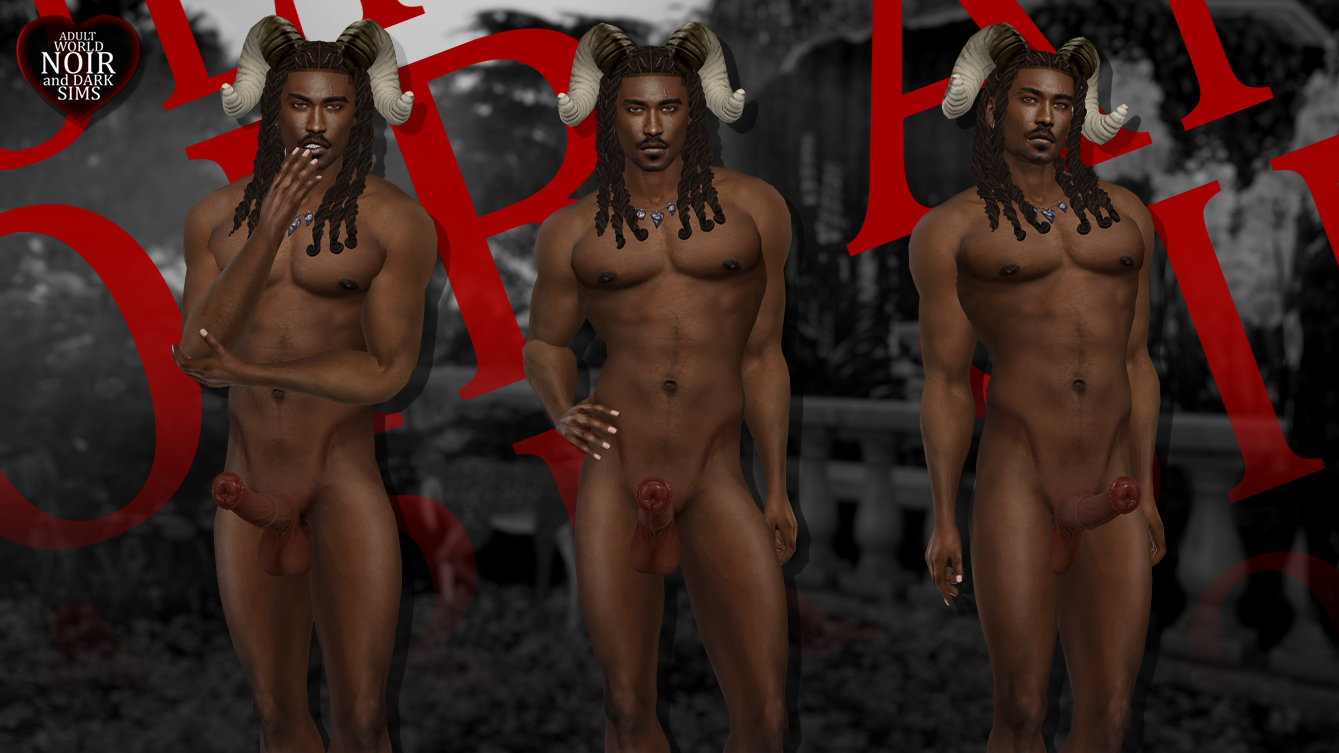
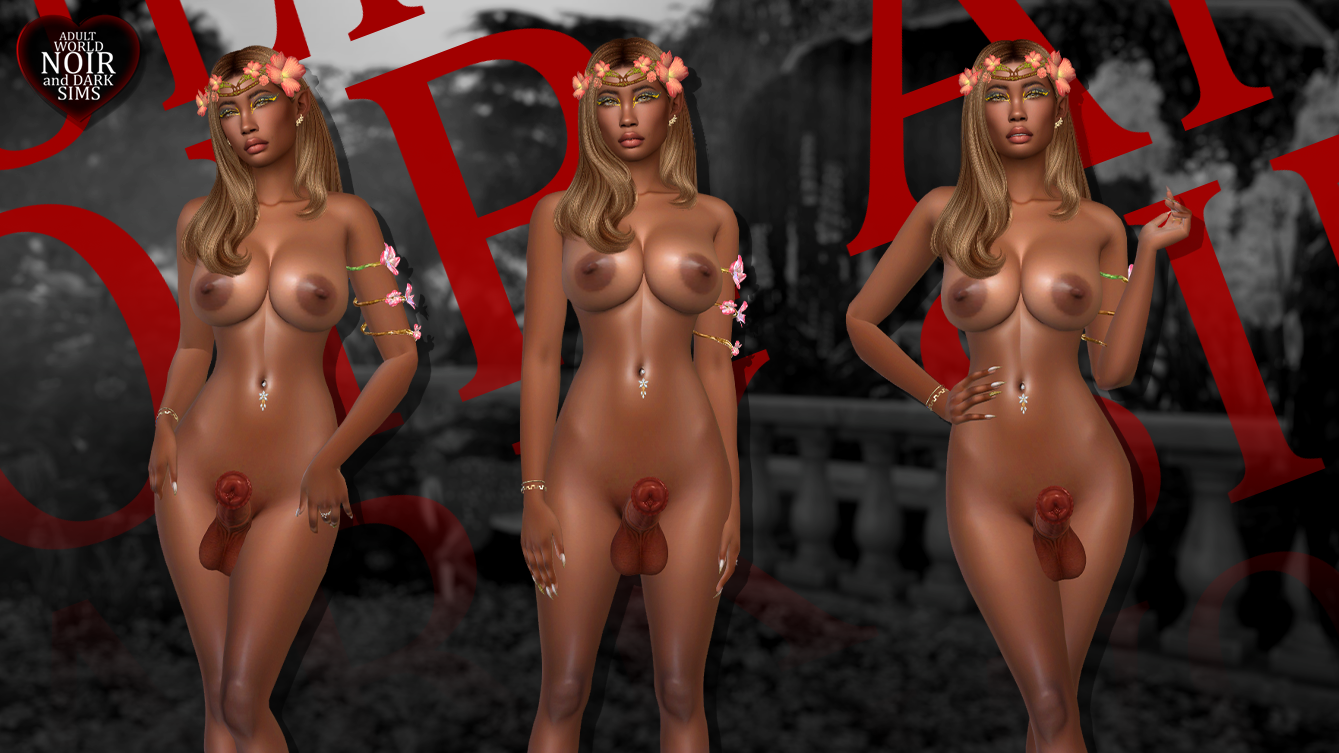
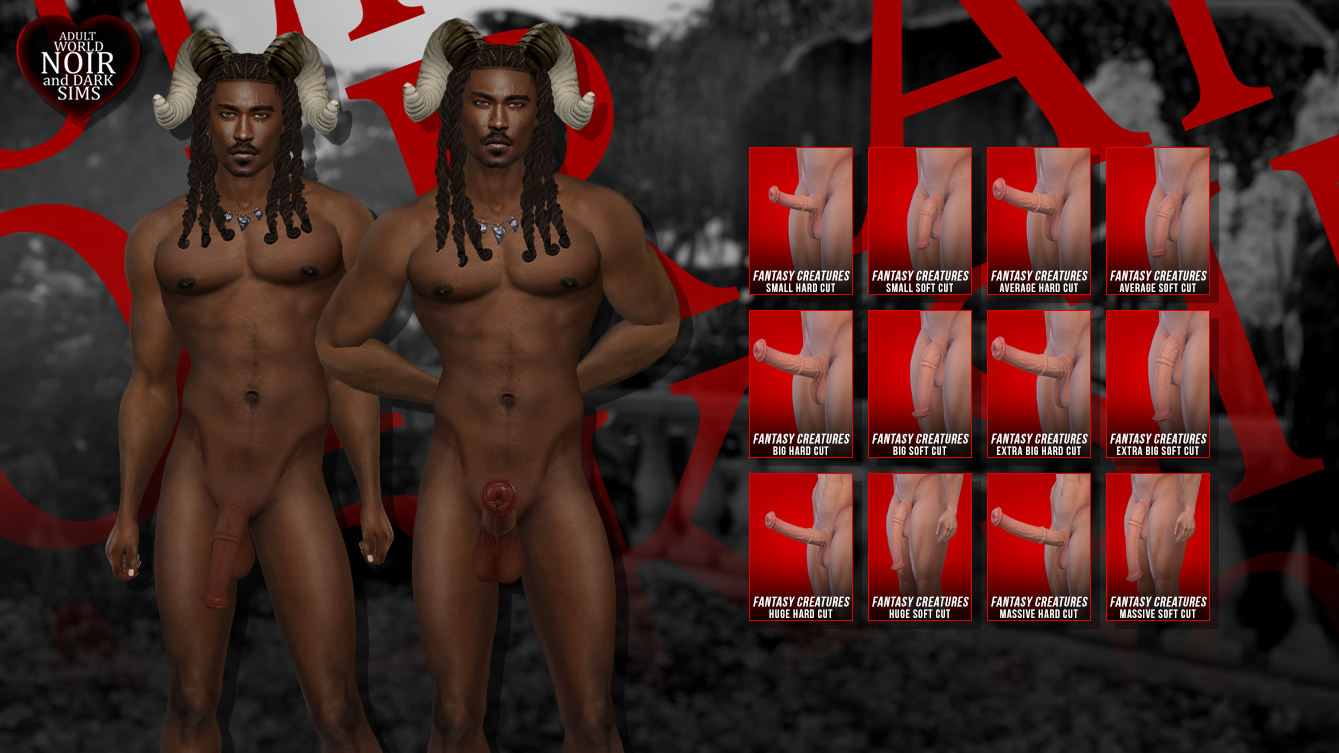
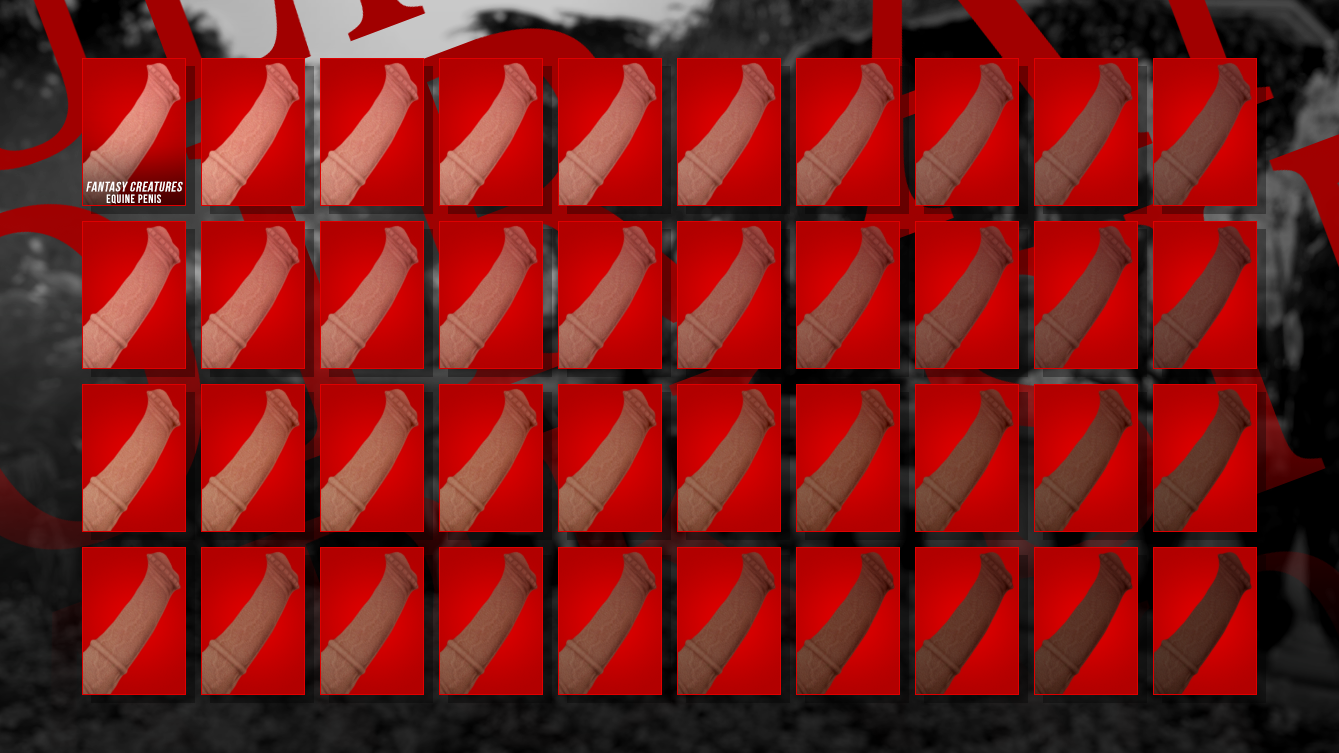
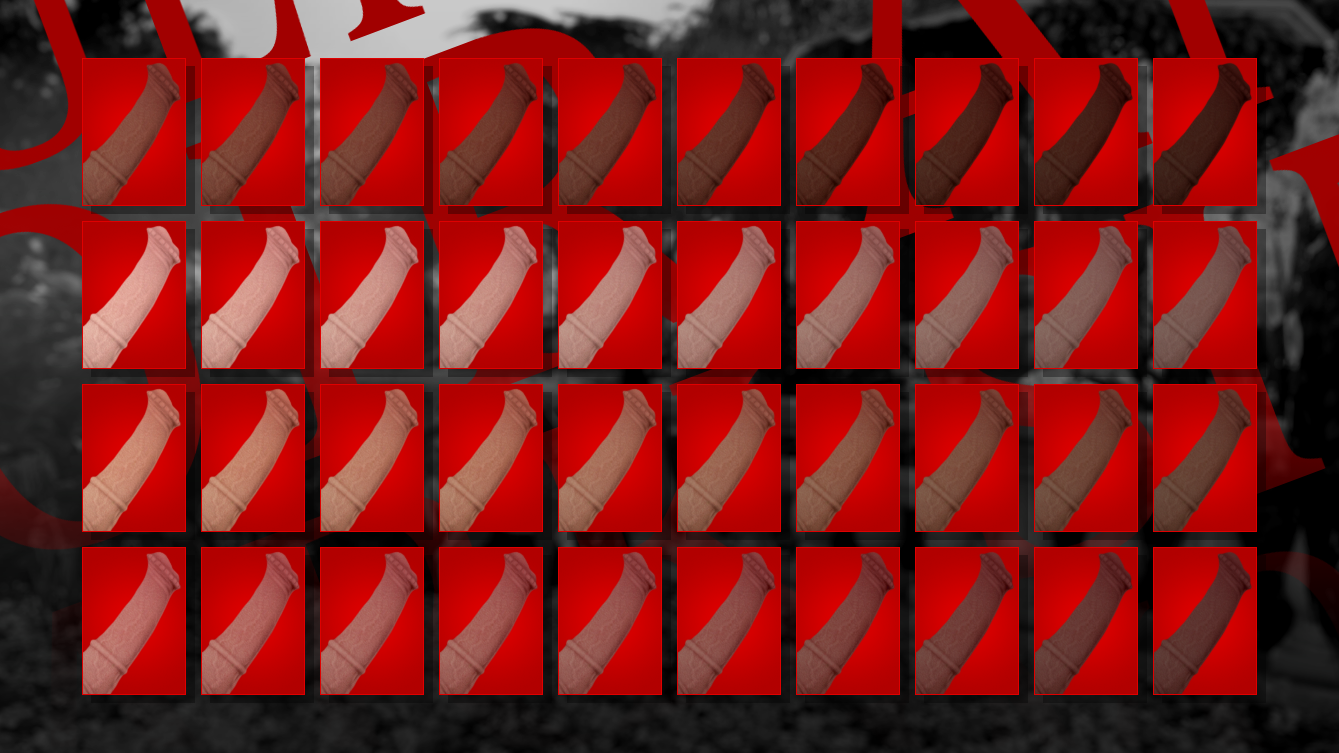
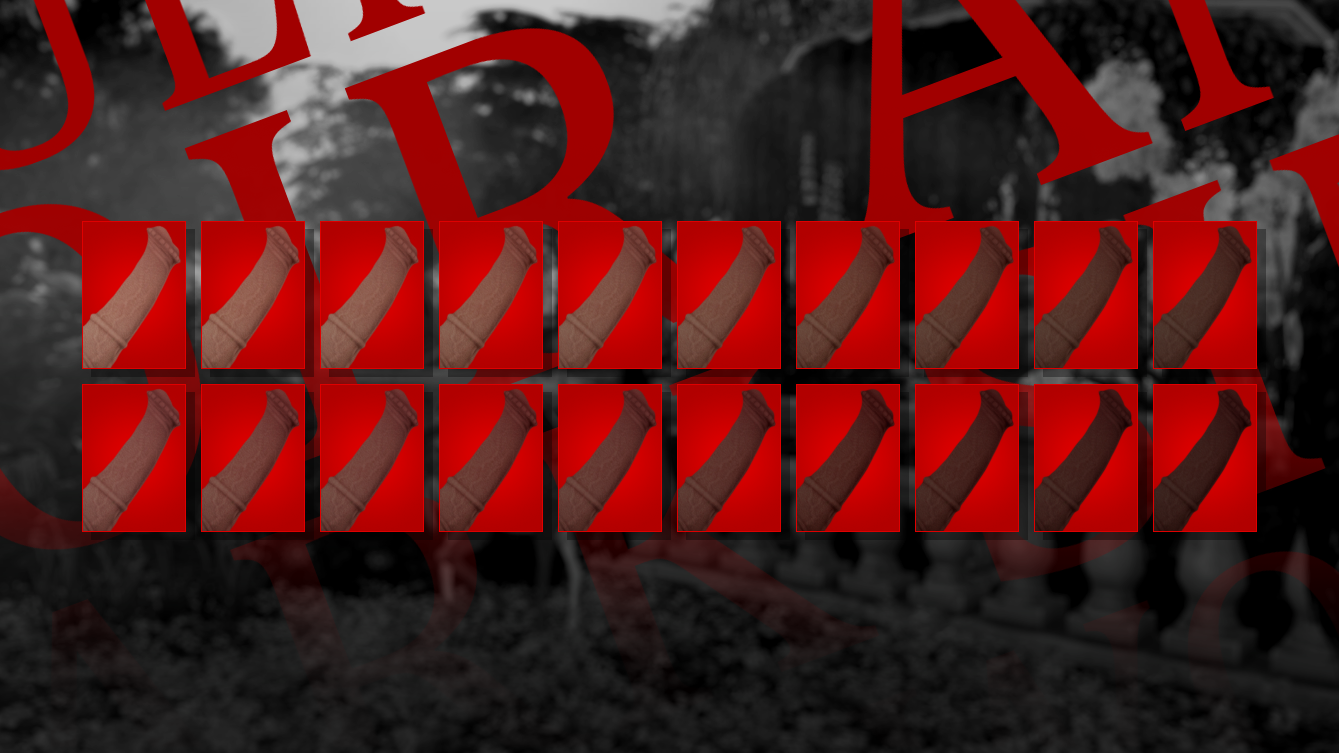
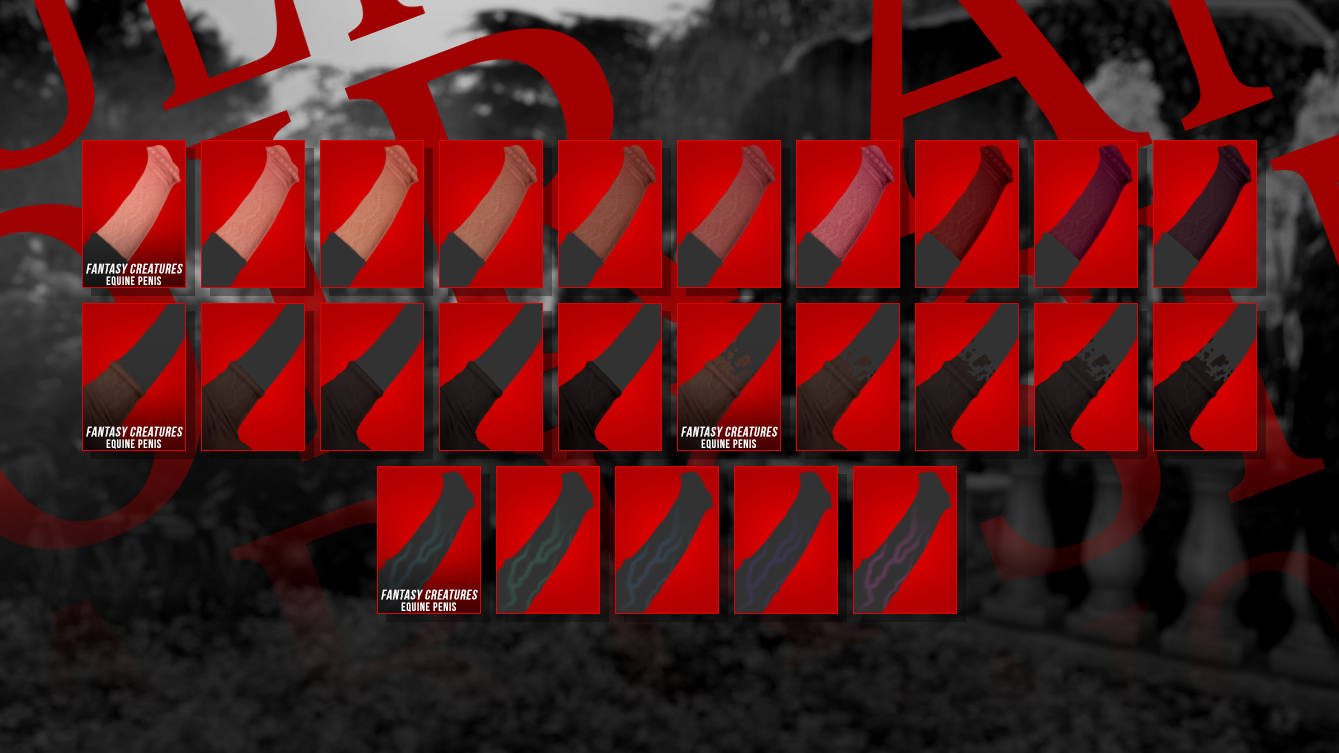
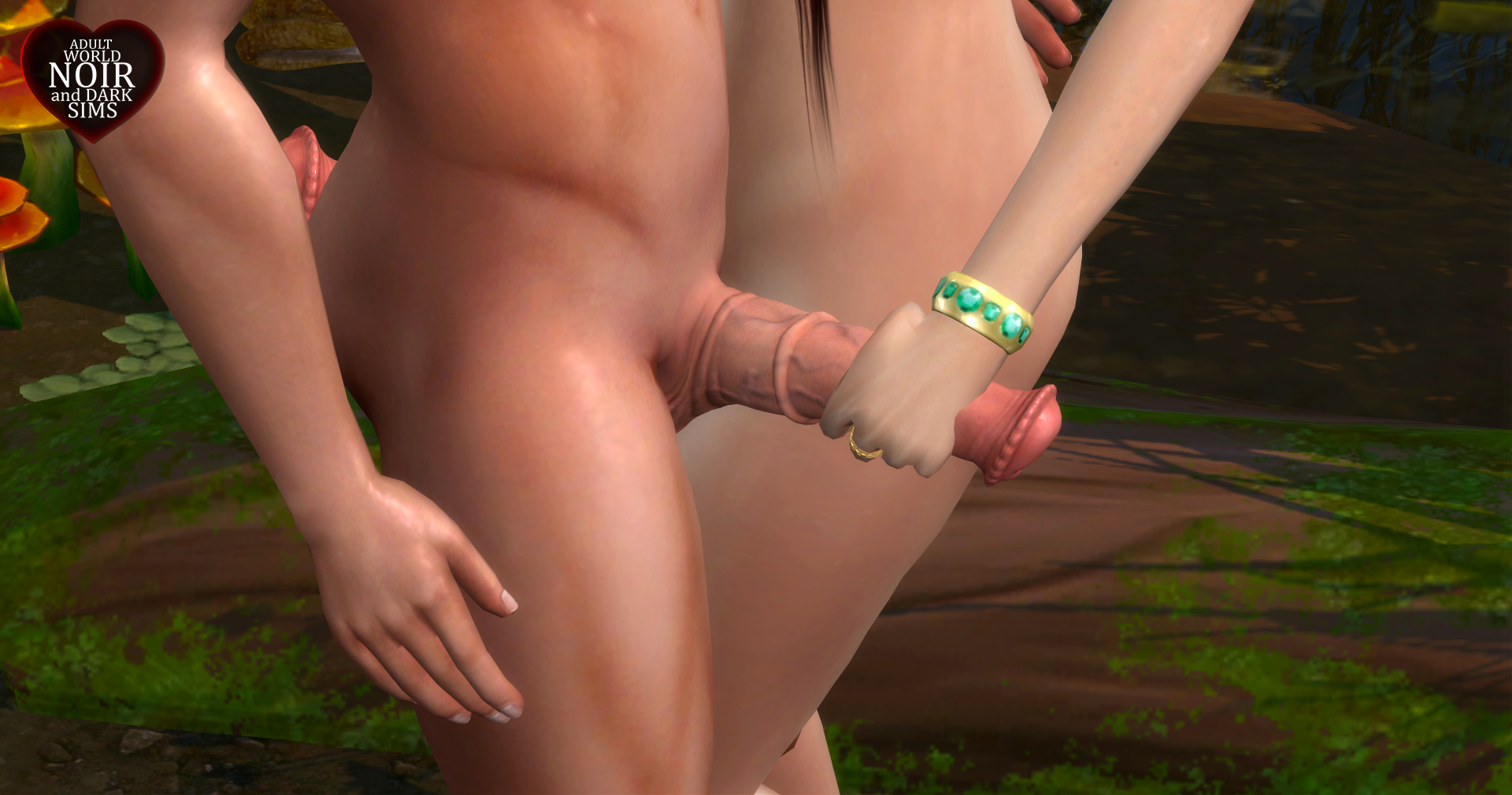
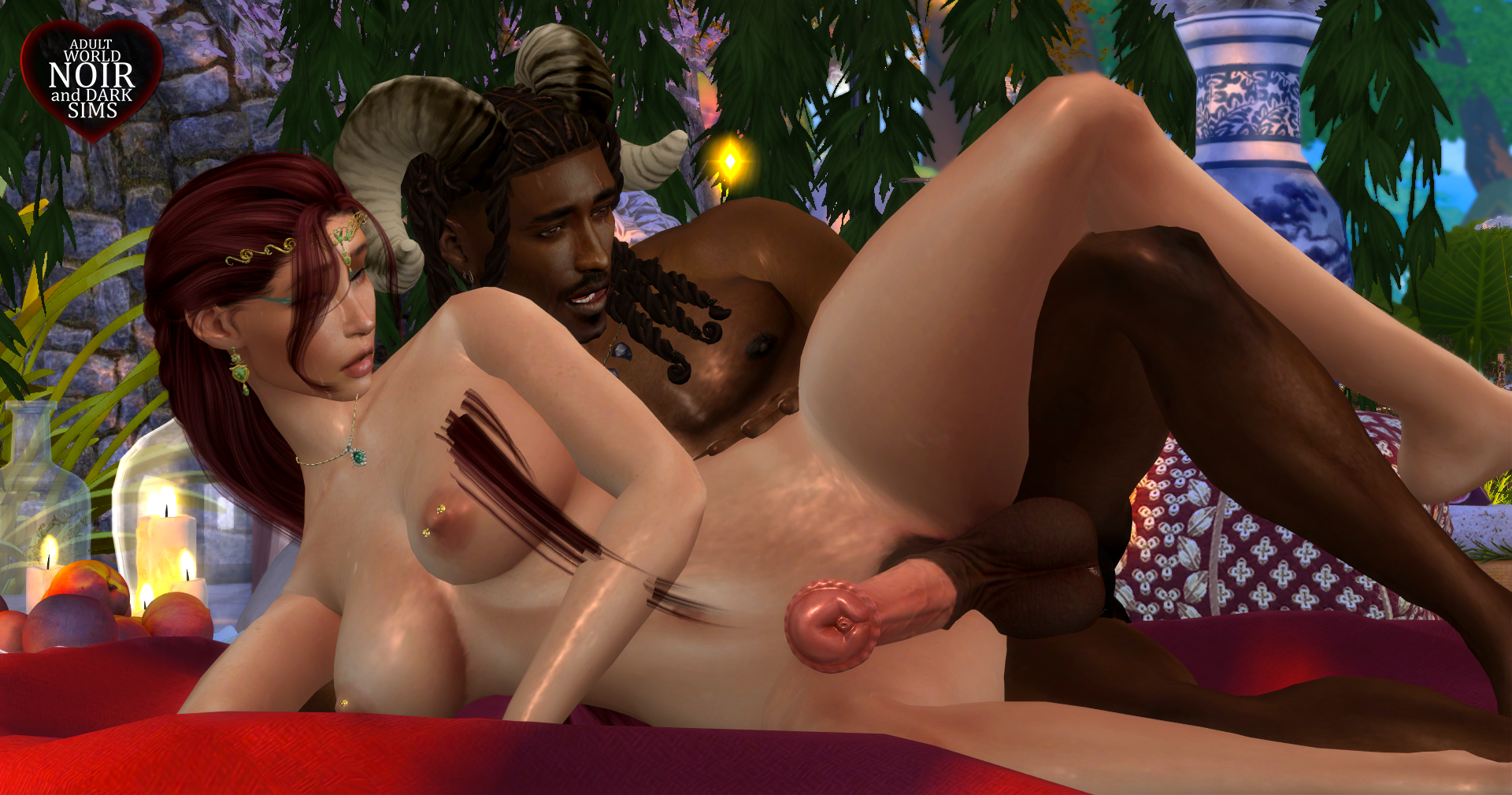
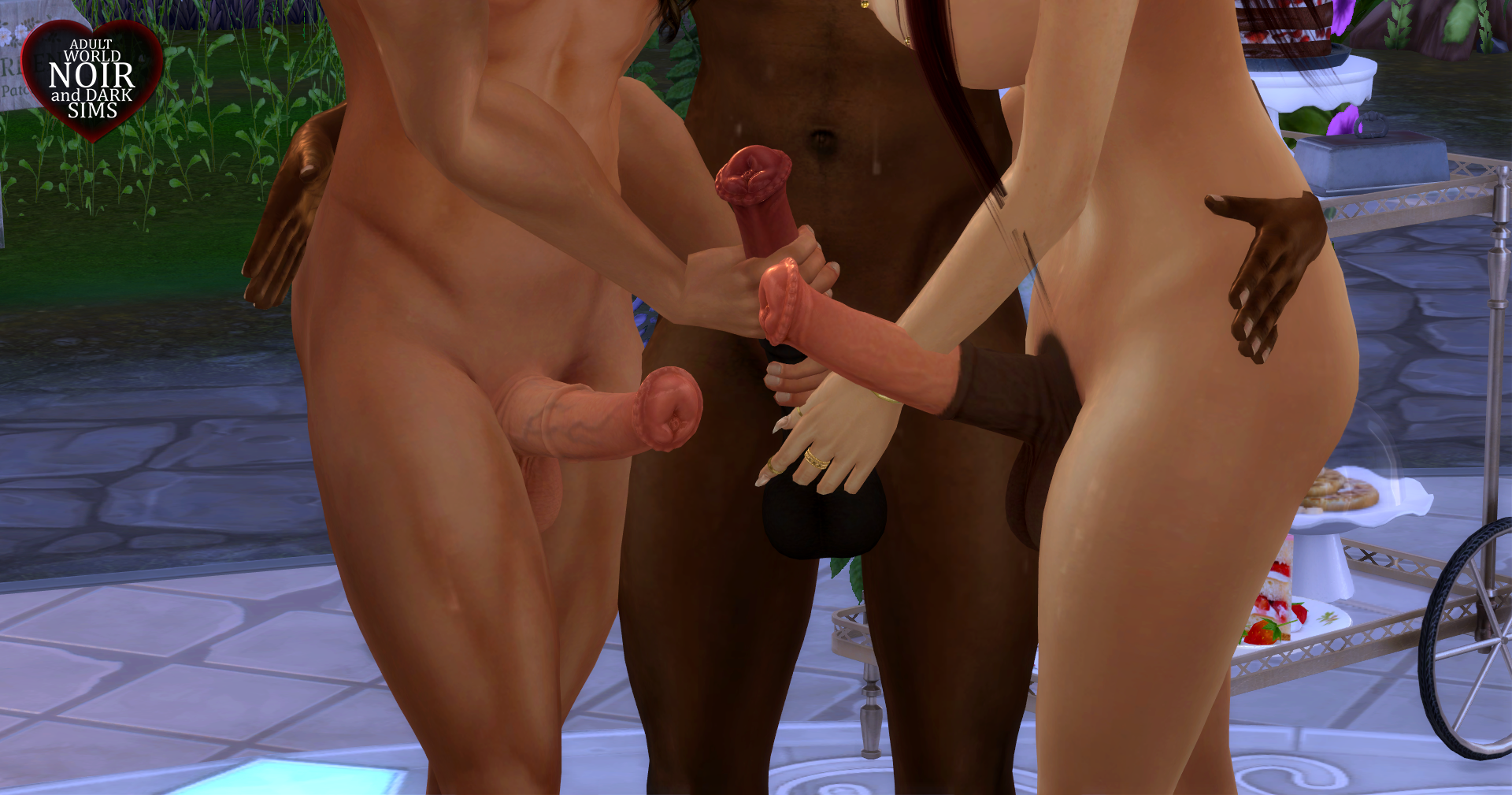
DOWNLOAD: View File 📍Details: For base game. For males and females. Compatible with the body selector of Wicked Whims. Compatible with the Motion mod by Simdulgence. Requires Wicked Whims to work. It's recommended to use the Color Sliders mod. 📃Include: 6 sizes: small, average, big, extra big, huge, and massive. 100 swatches for the penis (tattoos). 10 swatches for the tip of the penis (brow details). 5 swatches for the color of the veins (mouth details). 10 swatches for the base of the penis (cheek details). Custom overlay texture for the penis (included within the mesh). Custom thumbnails. Images samples. 📦Installation: Delete all the files of the old version of this mod, if you have them. Decompress this file with 7-zip and move the content of the folder to My Documents > Electronic Arts > The Sims 4 > Mods. ⚙️CHANGELOG: 🔺2026-07-10: A tattoo version of the swatches for the tip, veins, and base of the penis was added. 📌Creation Notes: All meshes and textures were created by myself. Tools used: Maya, Blender, Z-Brush, Substance Painter and Photoshop. 📤Patreon Benefits: Early access to new updates for members with +5 tier or higher. Available for supporters (+1 tier) up to one month later or earlier if a new early release is published. Exclusive feactures only for Patreon members. 🚫Terms of use: For personal use only. No re-upload. Don't distribute without authorization. Don't publish on pay sites. Don't publish direct links to the download. Don't claim your work. Don't convert to another game or software without permission. Submitter .Noir. Submitted 08/07/26 Category Body Parts Requirements Wicked Whims