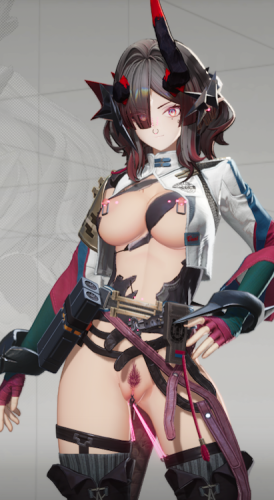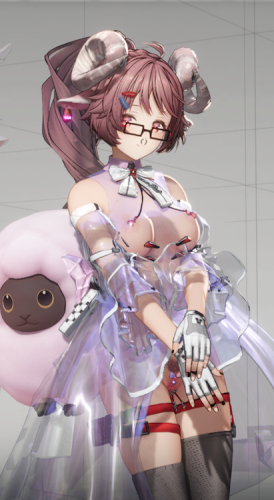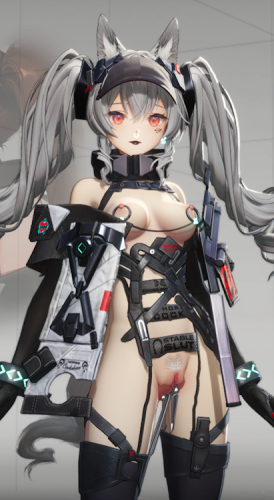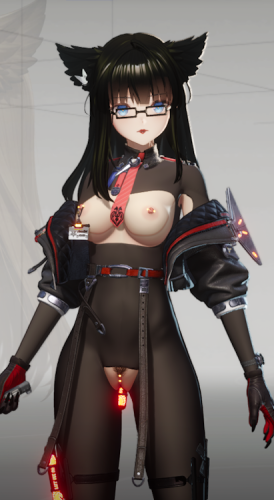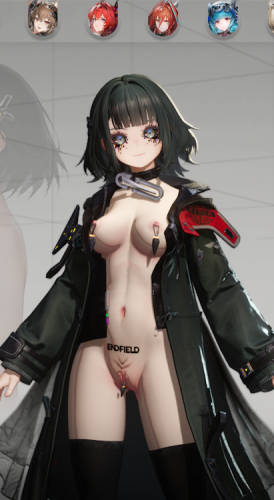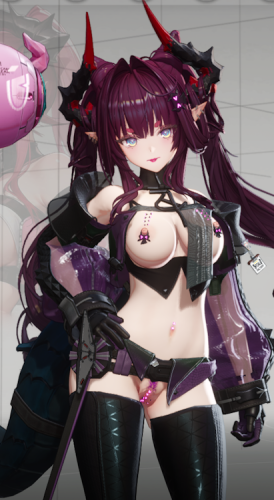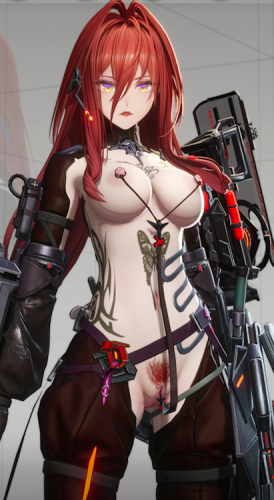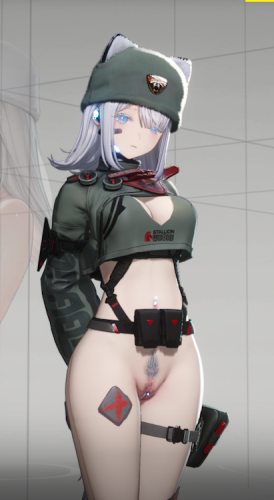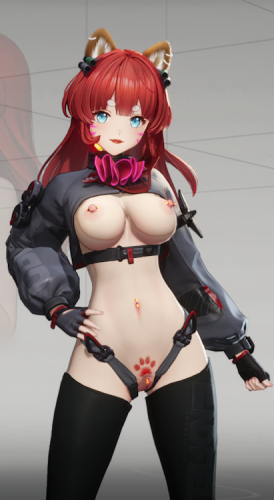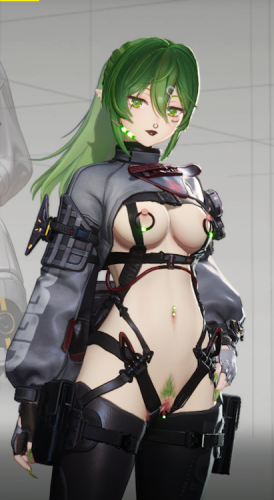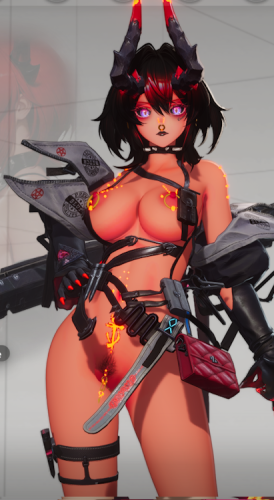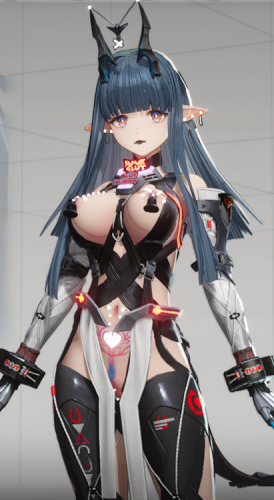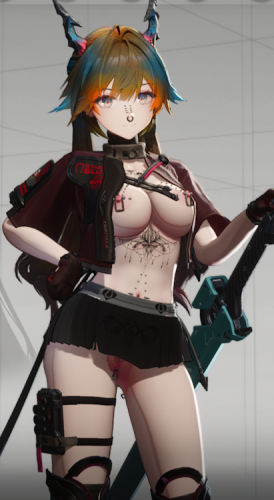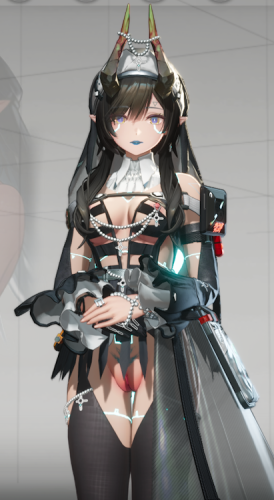
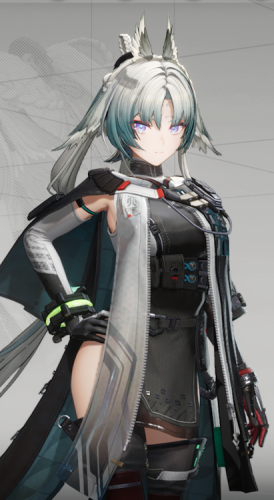
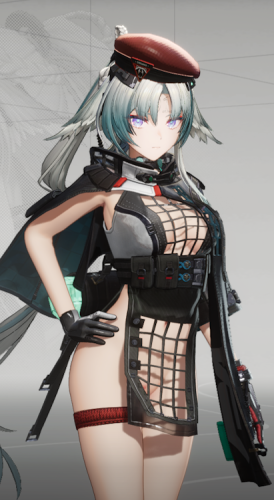
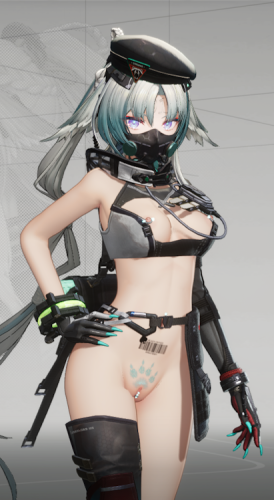
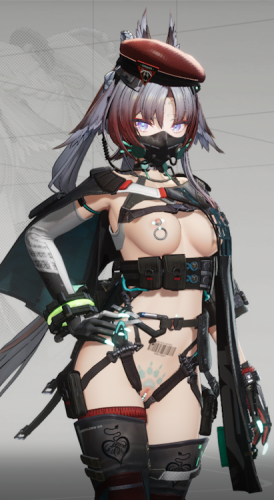
Switches
Owl ears/Beret - ALT 5
Collar/Headset - ALT 6
Cloak - ALT 7
Hood - ALT 8
Gloves - ALT 9
Arm Acs - ALT 0
Shoes - ALT _
T-shirt - ALT =
Harness - ALT /
Belt - ALT [
Cloak Acs - ALT ]
Nails - ALT :
Mask - ALT "
Nipple Piercing - ALT O
Navel/Pussy Ring - ALT P
Pussy Piercing - ALT K
Plug - ALT L
Clothing Color - ALT ,
Makeup - ALT .
Hair Color - ALT G
Pudes/Tattoo - ALT X
Experimental version - the body received a matte body material similar to the neck and face (No longer supported and will soon be removed.)
An interactive pop-up menu is available, allowing you to switch modes directly from within it.
Open menu: /
Information/switching section: Left arrow key
The menu's interaction area is located on the fingernail.
Menu functionality requirement https://gamebanana.com/tools/22026
Without this person's time and patience, there would be no menu—show your support with a "like," a kind word, or in any other way.
All additional information, as well as problems and possible solutions, can be found in this post.
Please do not write personal messages. If you have any questions, please ask them there.
"Счастье для всех, даром, и пусть никто не уйдет обиженный! "
Edited by Dam0nBaird
Unzip the archive to this path (Your Drive Name)\XXMI\EFMI\Mods. If the mod is installed while the game is active, press F10 to activate it.
Baird - mod creator
Nurarihyon - creator of the utility and resources for menu creation.