About This File
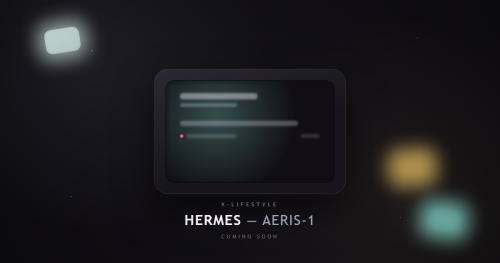
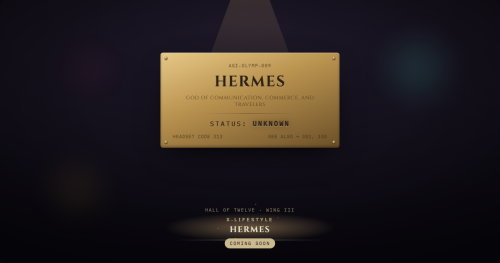
X-Lifestyle Hermes adds a small clamshell device your character finds -- never released, of unknown origin -- that works as a personal day planner.
Closed, it sits as a small widget in your sidebar; flip it open and it takes over the middle of the screen without ever leaving the scene you're in.
Requires X-Lifestyle Core, version 0.2.0 or later:
https://www.loverslab.com/files/file/50959-x-lifestyle-core/
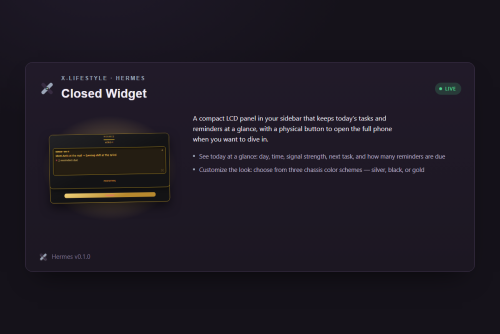
Closed Widget.
The sidebar LCD -- today's date, your next task, and how many reminders are waiting, at a glance.
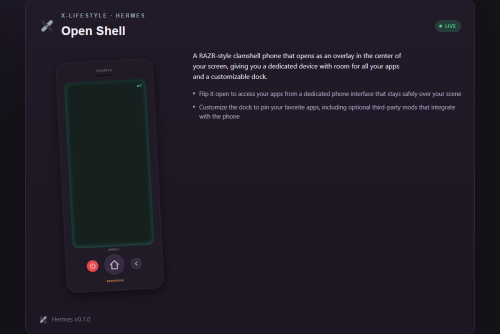
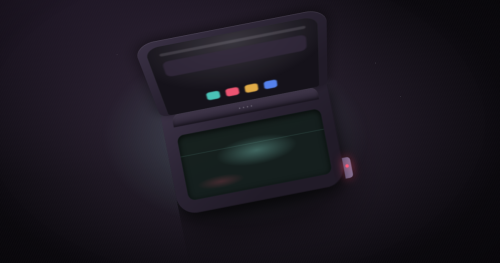
The phone shell.
A real teal-lit screen and a dock along the bottom for your most-used apps. Closes with a quiet background save, so a note or journal entry you just wrote isn't riding on the next autosave alone to survive a crash.
Calendar.
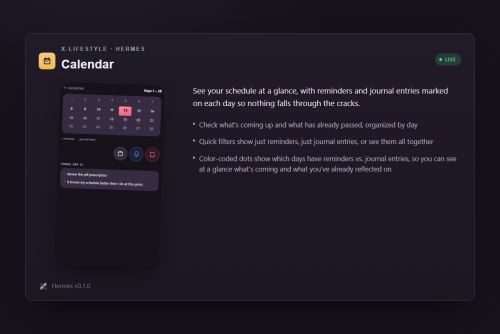
A day-box grid showing tasks, reminders, and journal entries across the week at a glance. Always on the dock.
Reminders.
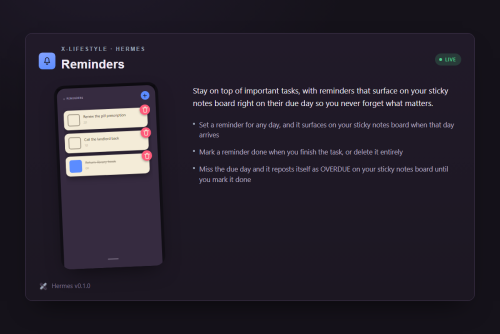
Set one for a real in-game day and it surfaces on Core's own sidebar sticky-notes board when it's due, reposting as "OVERDUE: <text>" if left undone instead of quietly vanishing. Always on the dock.
Notes.
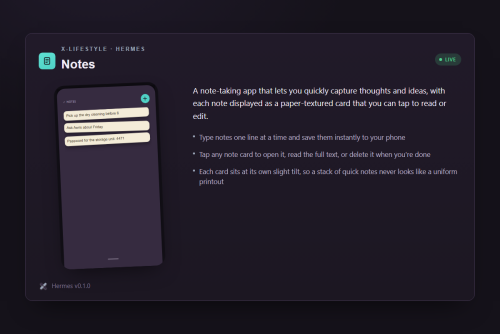
Quick-capture, short notes. Always on the dock.
Journal.
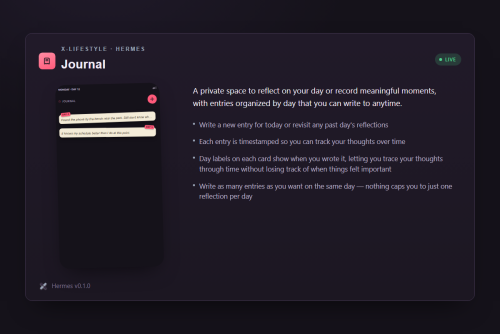
Longer-form daily entries in your character's own voice. Starts off the dock, favoritable onto it if you use it often.
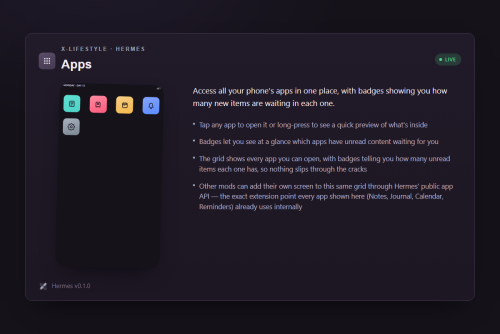
Apps.
Where you manage your two dock favorite slots -- toggling an app on or off costs nothing, unfavoriting always frees the slot back.
Developer Guide: adding your own app (`BMFT.Hermes.Apps.register()`):
Any mod can add its own screen to Hermes' dock and Apps grid, the same extension point every app above uses internally.
Declare `x-lifestyle-hermes` in your own `requiredMods`, feature-detect the registry, and register at your script's own load time:
window.BMFT.Hermes.Apps.register({
  id: "your-mod-app",
  label: "Your App",
  render: renderYourScreen,
});
Full API, including icons, dock behavior, and opening the phone from your own scenes: https://x-lifestyle-hermes-9c694b.gitgud.site/generated/building-a-third-party-app/registering-your-app
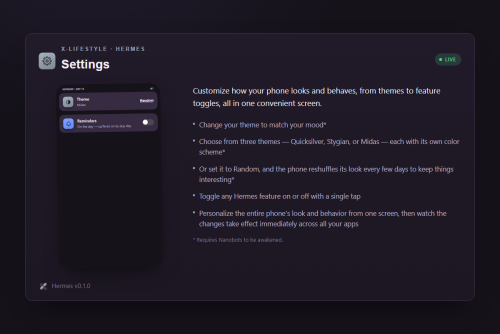
Settings. Apps-screen only, never on the dock. Cycle the phone's own chassis finish (Quicksilver, Stygian, Midas, or Random), switch how Reminders displays its list, and unlock a Theme change tied to a real in-game moment -- you'll know it when it happens. Locked until then, unlocked for good on that save afterward.
A quick note on how I build this: I use AI (Claude Code) as a tool throughout development -- writing code, drafting docs, researching how the base game actually works.
Every change gets reviewed before it ships, and I take real care to keep that process from producing anything abusive, unsafe, or careless. But I'll say it plainly: humans make mistakes, and AI makes mistakes too.
If something looks wrong, undocumented, or off, tell me -- that's exactly the kind of feedback that makes this better.
Built with help from the X-Lifestyle MCP -- grounded, citable X-Change Life modding knowledge for AI assistants. https://xcl-mcp.binarymisfit.dev
Source is open -- the code, the whole history, all of it: https://gitgud.io/binarymisfit/x-lifestyle-hermes
Discuss on Discord: https://discord.com/channels/908612036001423391/1540767359822860359
Full release notes for every version: https://x-lifestyle-hermes-9c694b.gitgud.site/generated/release-notes/
What's New in Version 0.1.0
Released
**X-Lifestyle Hermes 0.1.1** is up -- a small, one-issue patch, not a feature release.
Real report: loading Hermes alongside Corinthian AE 1.4 could crash the game's
script load entirely. Root cause was two of this mod's own leftover developer
files (documentation-generation tooling, an ESLint config) accidentally
shipping inside the packaged file -- neither does anything for a player, but
the wrong combination of mods loaded together tripped over them. Reproduced
for real, fixed, and confirmed gone in the actual downloaded file.
This patch also requires **X-Lifestyle Core 0.2.1 or later** -- Core shipped
the identical fix for the same underlying issue in its own packaging, so
installing both together guarantees both sides are actually fixed.
**What's new:**
- Fixed: the crash-on-load-with-Corinthian bug reported here in Discord.
- Now requires X-Lifestyle Core 0.2.1+ (was 0.2.0+).