

About This File
What is Nephalem Breeding?
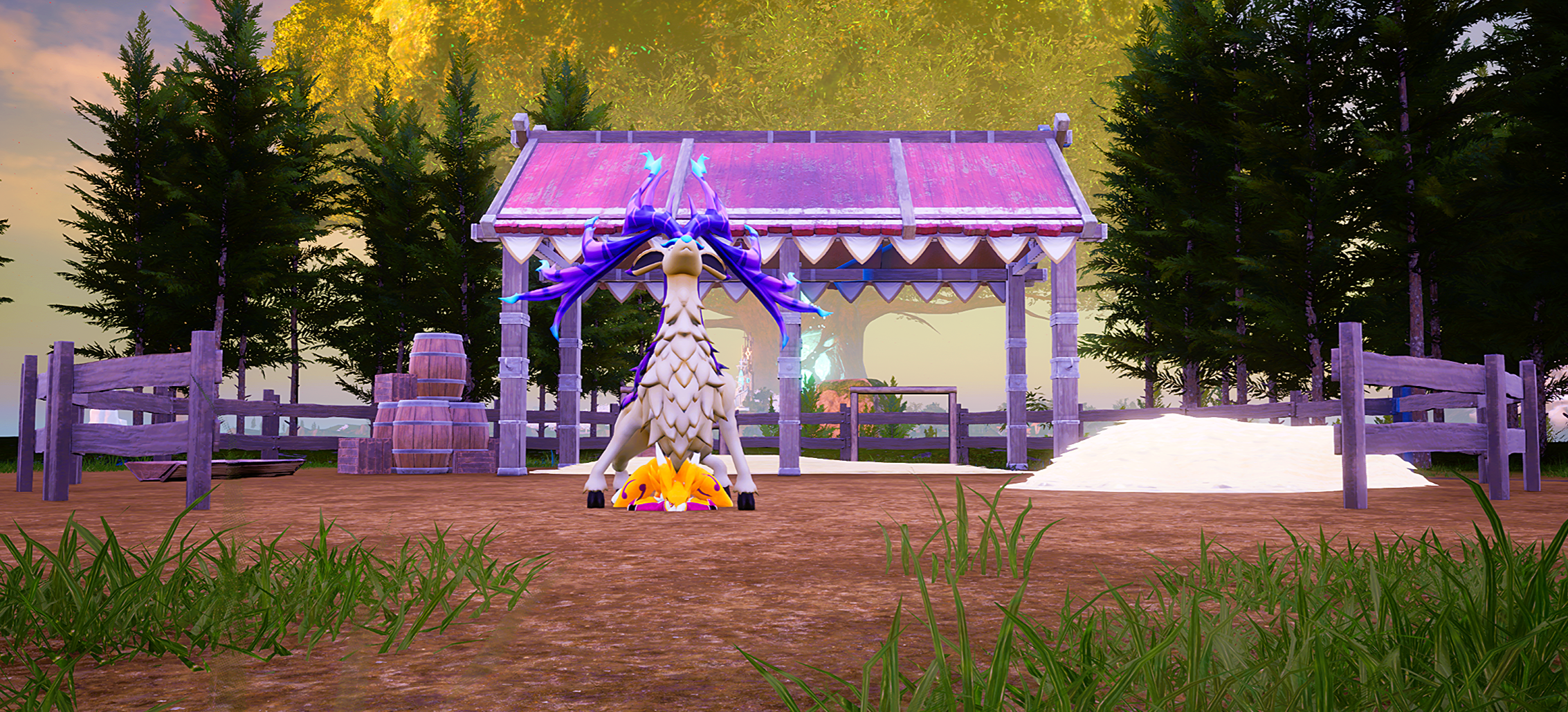
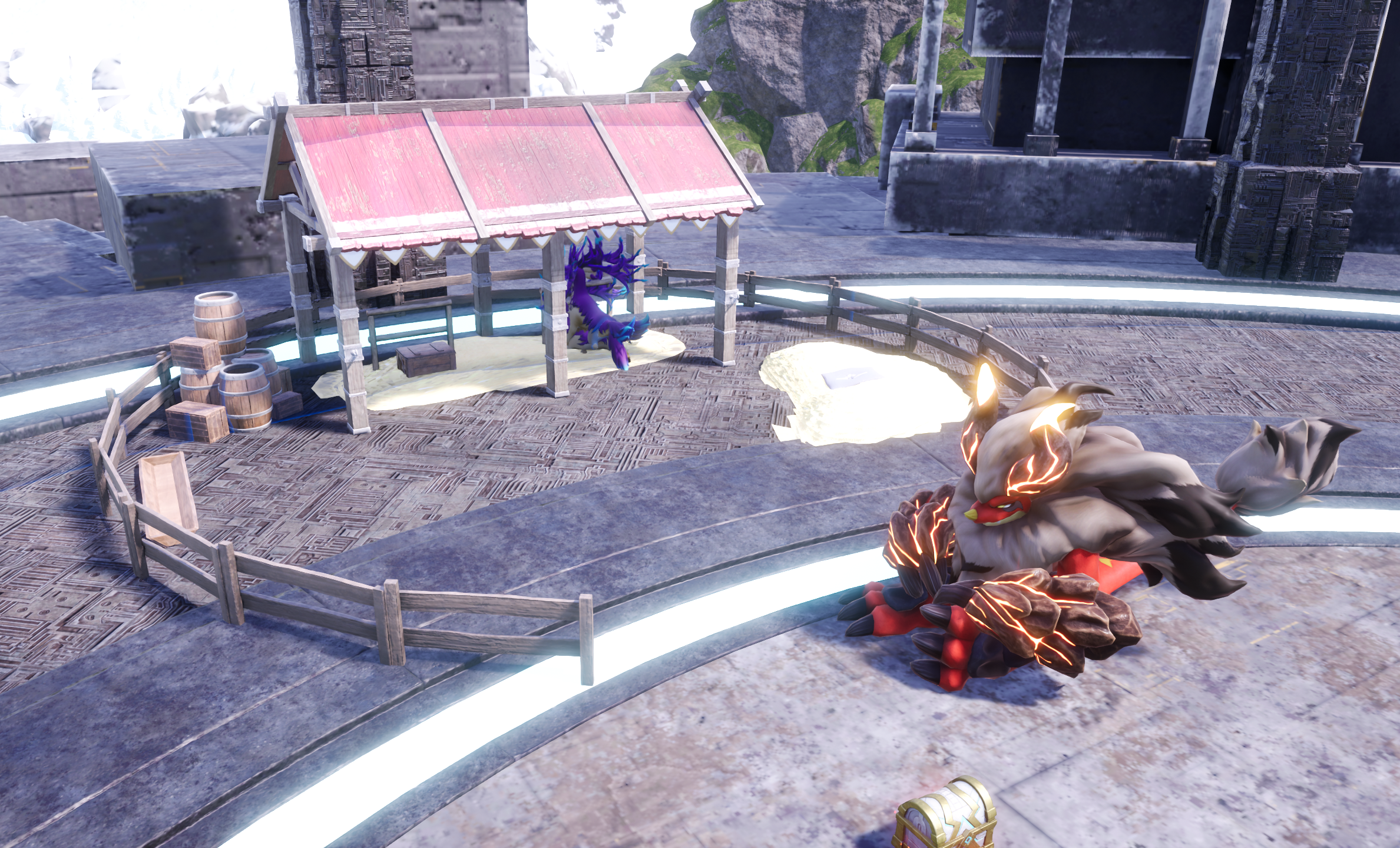
Nephalem Breeding is designed to be a different way to experience breeding in Palworld. Moving away from the recipe method of getting new pals and instead giving you eggs for pals which is determined by the species of pal that breeds. Basically if the female is an Elkdeer and the male is a Loveander then based on some stats calculations that will determine the species that will be in the egg and traits are randomized and selected from the parents. This is handled automatically through a building added at level 19 so you can be strategic with what pals you deploy to the base as it'll be random as to which pal will breed with one another.
This is done in an effort to encourage exploration and catching new pals. You can still use the vanilla breeding station if you wish. There are a bunch of features I have planned which I am excited for you all to experience as they get developed.
Disclaimer:
This mod release is in it's initial stage and there are a couple of known bugs that I am working to fixing. For now what you need to know is the mod will detect pals deployed to the base. Start a scene with a male/female pal and then give an egg to the player in their inventory.
Known Bugs
- Animations glitch out during a scene
- Scenes only play at one location out of a possible 4
- There is on check for if there is a valid animation between two pals sometimes requiring a relog
Prerequisite mods
- SCake
- PalSchema
Install Instructions:
Palchema:
You will need to download these 2 files:
- https://github.com/Okaetsu/PalSchema/releases/tag/0.6.1
- https://github.com/Okaetsu/RE-UE4SS/releases/tag/experimental-palworld
Thankfully you only need one file from experimental-palworld if you are using a different version of ue4ss being ue4ss experimental-latest.
Installing experimental-palworld
This is quite simple in the folder you downloaded in the 2nd link you will see a file called **MemberVariableLayout.ini**. All you have to do is copy that file and place it in your ue4ss folder in:
- Pal/Binaries/Win64/ue4ss (FOR STEAM VERSION)
or
- Pal/Binaries/WinGDK/ue4ss (FOR GAMEPASS VERSION)
Installing PalSchema
Now we install the file you downloaded from the first link. Copy the file after you have extracted it's contents and you should be left with a PalSchema file
Navigate to:
- Pal/Binaries/Win64/ue4ss/Mods (FOR STEAM VERSION)
or
- Pal/Binaries/WinGDK/ue4ss/Mods (FOR GAMEPASS VERSION)
and paste the PalSchema folder there.
NephalemBreeding:
Now comes the time to install the mod which is a simple copy and paste.
Once you have downloaded the file extract it's contents and you should see a folder called Pal.
All you need to do is navigate to your game's install location and when you can see a Pal folder, you should also see a Mods and Engine folder, you just copy the downloaded Pal folder and paste it in.
If you require support you may also get it through the Sugar Cake discord as I am most active there
The Broken Chatbox - https://discord.gg/h3vB7S4FEw
Edited by xerxis123
Removing Links
What's New in Version 0.1.3
Released
Changelog:
- Fixed the threshold so that the station interactions are less frequent and not happening constantly