

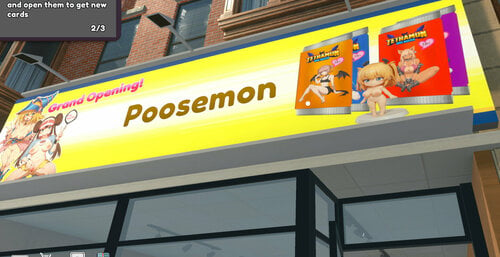
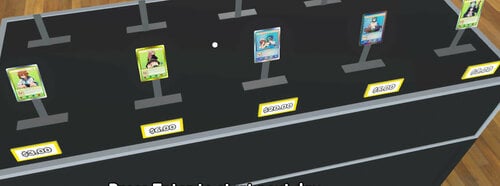
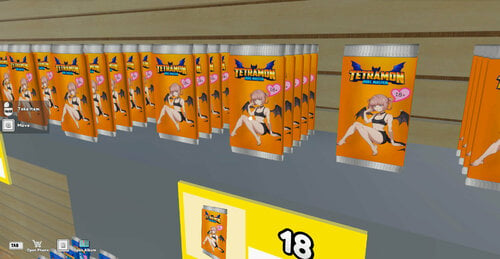
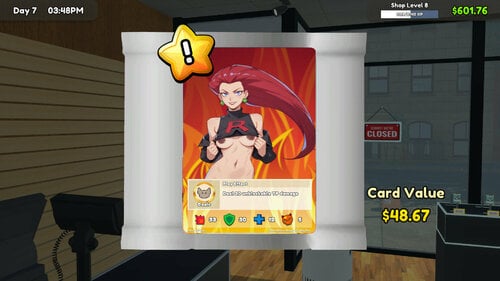
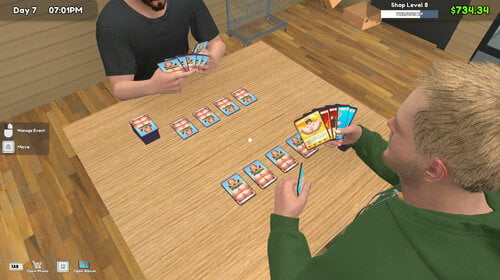
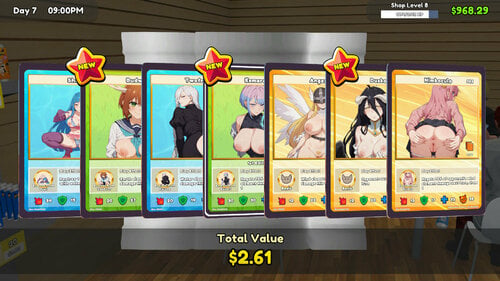
About This File
Characters selected were choose mostly for their hair color and CivitAI's relevant list.
There are 302 pictures in total.
-----------------------------------------------------------------------------------------------------------------------------------
Instruction
1. Download and install BepInEx - https://www.nexusmods.com/tcgcardshopsimulator/mods/8
2. Download and install Texture Replacer (place it in Plugin folder of BepInEx) - https://www.nexusmods.com/tcgcardshopsimulator/mods/69
3. Place the NEW texture folders into "BepInEx\plugins\TextureReplacer\objects_textures".
*Don't use my old texture if you still have it. The naming convention is different*
4. Start up the game and play! Press F1 in-game and make sure it's enabled.
This method is future proof. No more renaming/import/export bullshit.
*Thanks to sitsu for bringing this up, also to docZwiebe for keeping the list updated before*
5. Quick guide on how to make your own changes.
What's New in Version 0.49 - Repacked
Released
Major changes
+ Upscale almost all card images to 512x512 so legendary cards won't get cut off. Before full image card would get crop incorrectly.
+ Organized into folders. Installation is the same though.
Minor changes
+ Stickers-ish picture for bundle boxes.
+ NSFW for open/close sign.
+ Fixed "Claim" board game picture.
![More information about "[mod] [Stellaris] Lustful Void - Image Replacer"](https://static.loverslab.com/screenshots/monthly_2022_01/1936873693_StellarisScreenshot2022_01.11-23_13_47_67.thumb.png.6ff46c1ece6f74f3ec42070616c5c798.png)
![More information about "[CK2] Dark World Fantasy - Event Pictures Overhaul"](https://static.loverslab.com/screenshots/monthly_2019_01/1060474305_CK2game2019-01-2512-07-42-10.thumb.jpg.1b4b32b76b0659a665beaf942b308440.jpg)