
.thumb.png.b5b583a549986e8e97338e80a8a7d7b3.png)
.thumb.png.ce6e7475a44aba62637e331ca844f122.png)
About This File
Details of the mod is below these 3 steps, these are just missing schlong error fixes
Nothing new just adding onto the missing schlong errors that peeps are having. I can't edit this without publishing the page again. There are three ways to fix the "missing schlong" when selecting it
One way of fixing the missing schlong is to add the esp to the addon. This appears to only happen with esl-fied schlongs and not schlongs that are esp. But anyway to change an esp to esl or vice versa it takes 12 seconds using sse edit
Whoops this method is how you convert esp to esl. However you should still be able to convert it to an esp if you just remove the esl flag that was first placed in the video. Also music is a bit loud, just mute it
The second way is to
1.remove Schlongsofskyrim.dll from skse plugins folder( make a backup first so it isn't gone forever) You will find the dll in SKSE/plugins/ the file is located here
2. start your game, acknowledge errors, save, and quit the game back to desptop
3. put the dll ( that i mentioned to make a backup from above) back in its folder and load back into your game
4. Go back into your mcm menu, then go to schlongs of skyrim. Go to general settings and to the bottom right you will find "restart sos"
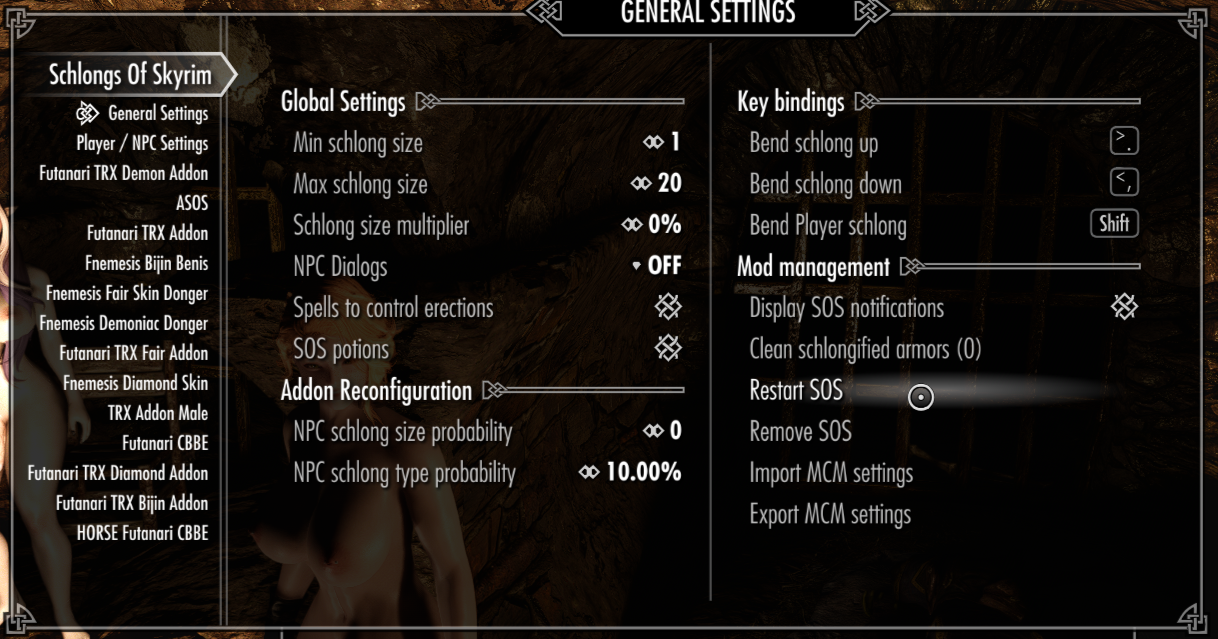
This method ironically has a 2nd use as well. Sometimes when you install mods on a current save file. The game will CTD because of the schlongs of skyrim dll not because of the mod. Using the method above actually fixes that issue. Anyway...
Using the 2nd method works until you add a mod which changes your load order. You will have to do the second option again in order for it to work. So basically if you don't want to do this stuff all over again. Use the first method and change her esl file into an esp one
The 3rd way is i think the easiest. It requires vortex however. I think you can do this in mo2 but im not sure how. Go to your plugins tab and type sos this should bring up your schlong list. After that click on where it says "mark as regular" and boom espified. Note this will take space in your load order. After that just deploy your mods so that you can officially save the changes when that dialogue box pops up
Now onto the details about the mod!
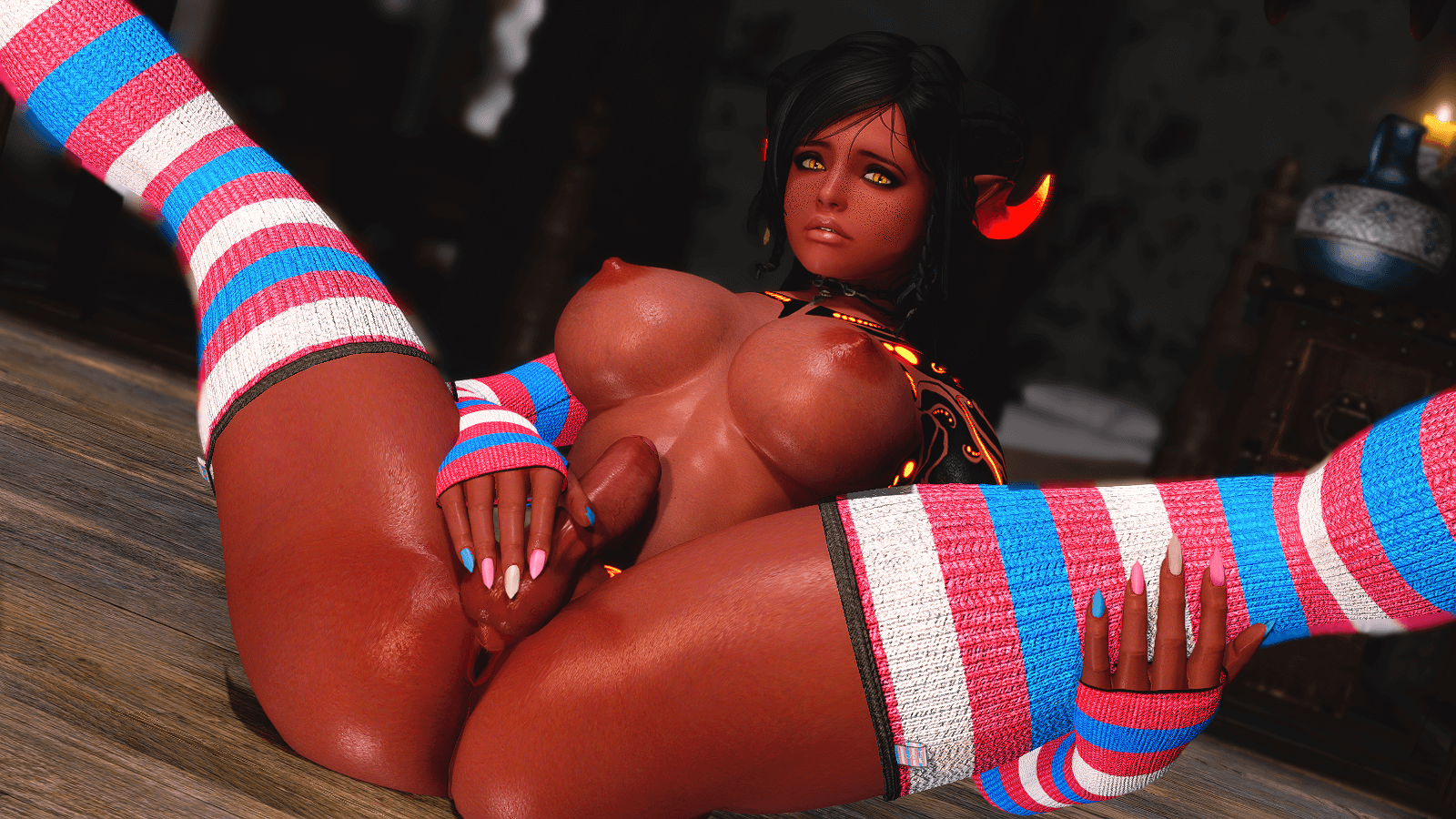
I will try to make this the least confusing as possible but for those that knows my followers on this website with my profile name being (Futanemesislol) and on nexus(Reaper864 ). You may have noticed that I tend to add lots of futa pics to my mod pages. However, I have noticed that people has had some issues getting schlong texture patches to work. Others also may find it tedious having to constantly switch to the skin tone that my followers are using so that there isn't any seams on the followers schlong. However that's where this mod comes into play. Before you do i highly recommend you click on the link above where it says reaper 864 so you can download my followers so that the patches can work properly on them. Just make sure to read what skin texture they use so you can give them the right schlong Anyway
With this mod you can now freely switch between different schlong addons without having to constantly reinstall skin textures
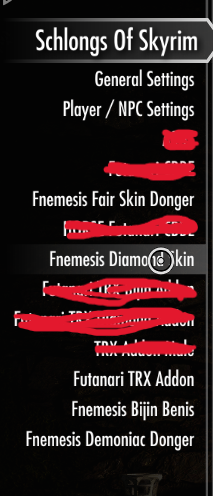
What you see are the 4 schlong addons(not including trx futanari addon) that will be added to your game upon installing this mod. This can be very helpful if you have multiple characters that uses different skin textures. The futanari trx addon above is the one you will be using by default. So whatever skin texture you use such as bnp will only be used for that schlong. If you didn't download this mod before. That bnp schlong texture would have a seam on other followers such as those that has diamond skin, fairskin, or demoniac or whatever else.
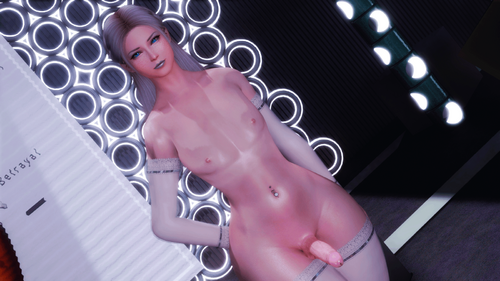
When you load into the game you will notice it is pretty skinny or small..the schlong that is. It would look like something like this and the pics above
However we can make it bigger and thicker if we want to!
If you wish to change the shape of the schlong what you need to do is go to bodyslide and build that shape. After that you need to go into your trx futanari addon mod and go into these folders. Start reading where it says data/meshes and continue on from there

Make sure to copy both the 0 and 1 nif. After that place them into one of the schlong addon mods you downloaded from here. Just copy and paste and boom bigger dong!
Now if you don't want to use this mod for my followers and want to just use it for your own textures you can do that to! Just make sure you download other schlong texture patches from dw vaginaless mod and make sure it says TRX ERF. After that copy those textures from whichever different schlong texture mod you downloaded and place it into any of the 4 schlong addons in my mod. You will just have to make a note to which textures you replaced in my mod so you don't get confused yourself haha.
One more thing the creator of trx futanari addon deleted everything recently and put it behind a paywall. There is a second option of getting it which is through discord...I know its annoying but i don't have permission to upload it here. When you join the discord, you just have to do verification( its basically captcha stuff nothing sensitive). After that you will choose your "channel roles" you want You can find trx mods in there.
Anyway here is the discord link
If you don't want to do that then you will be stuck with erf futanari addon which isn't as good looking as trx and has less customization for example
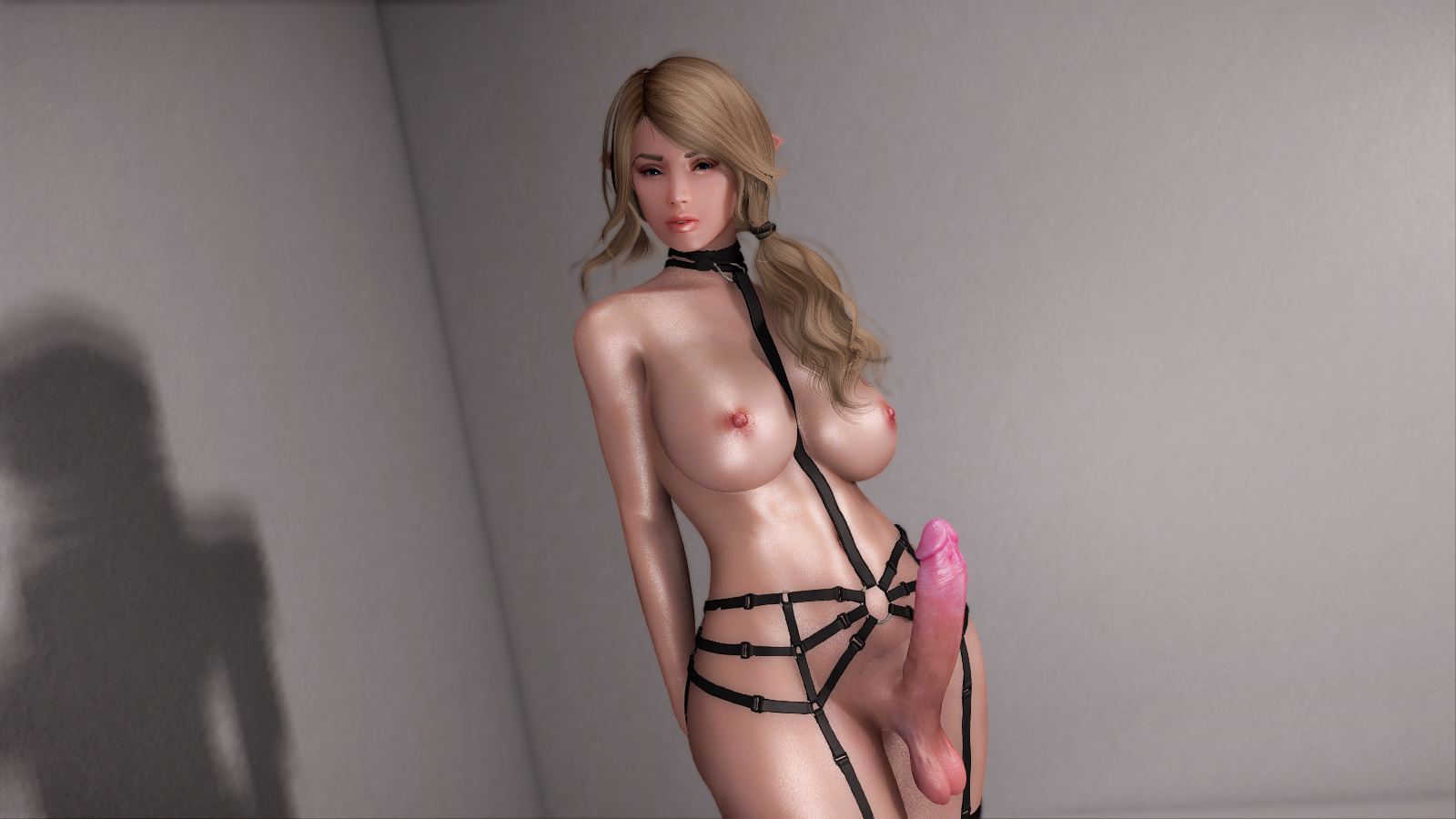
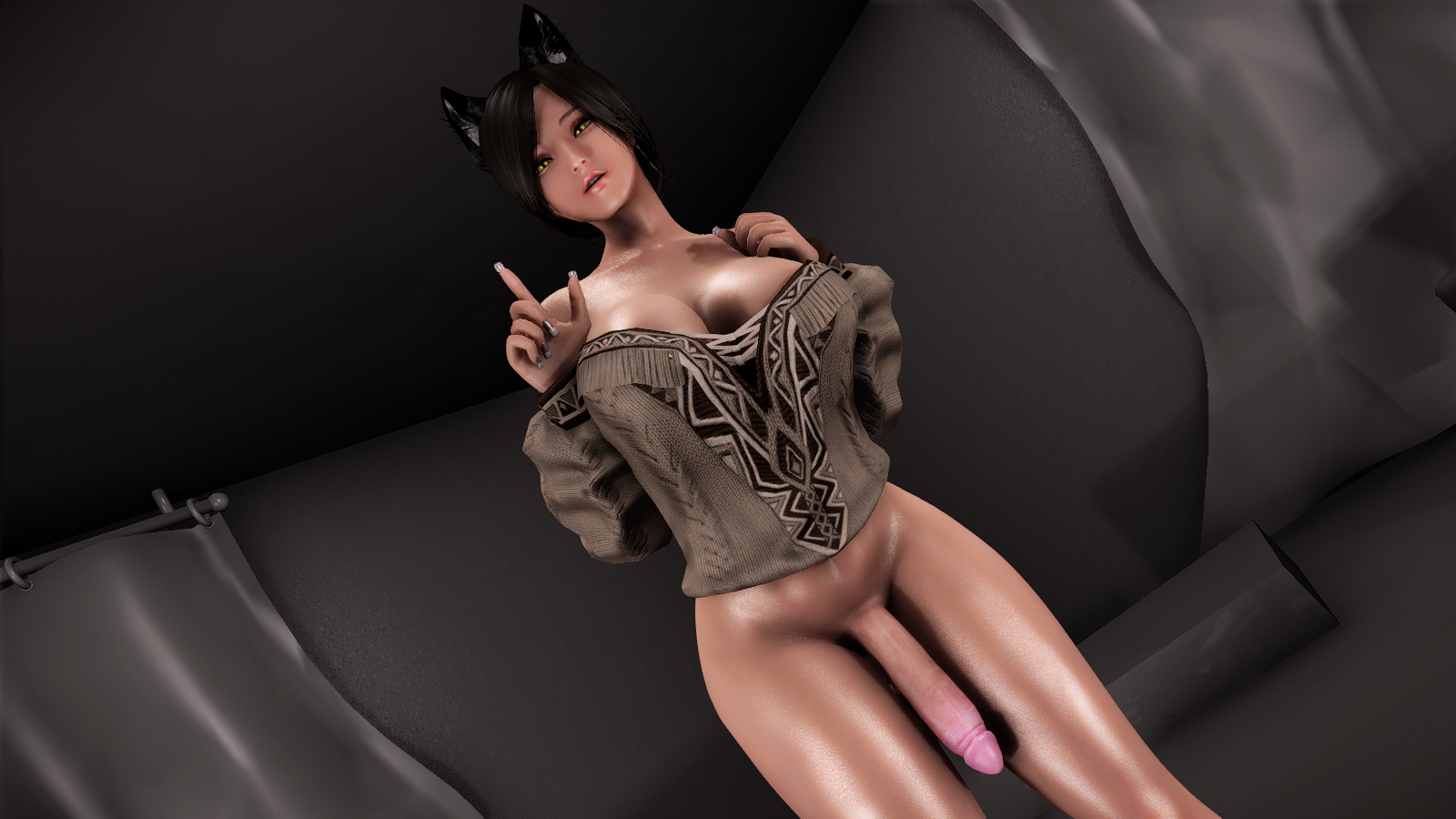
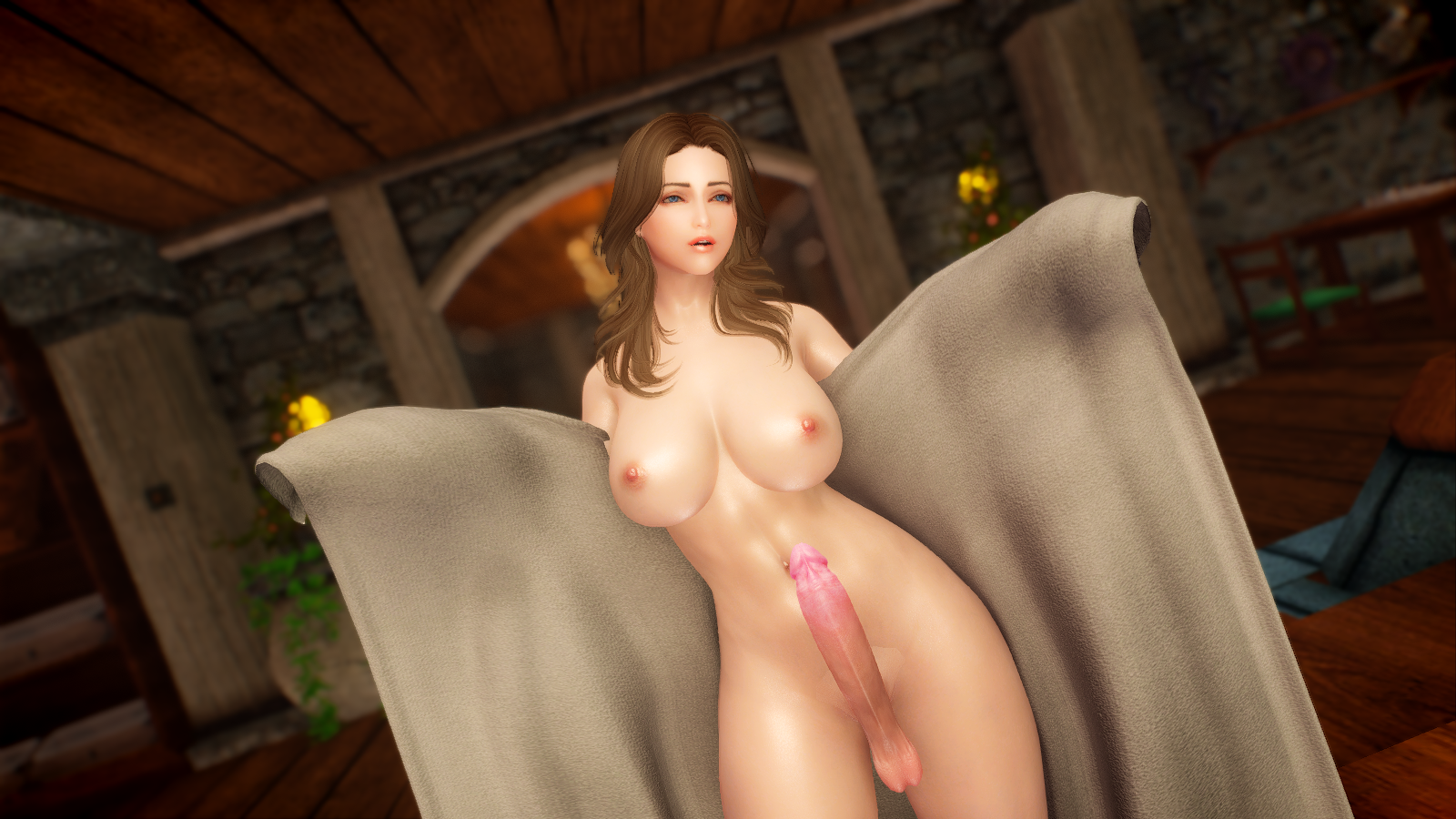
Compared to trx and other vid examples from above
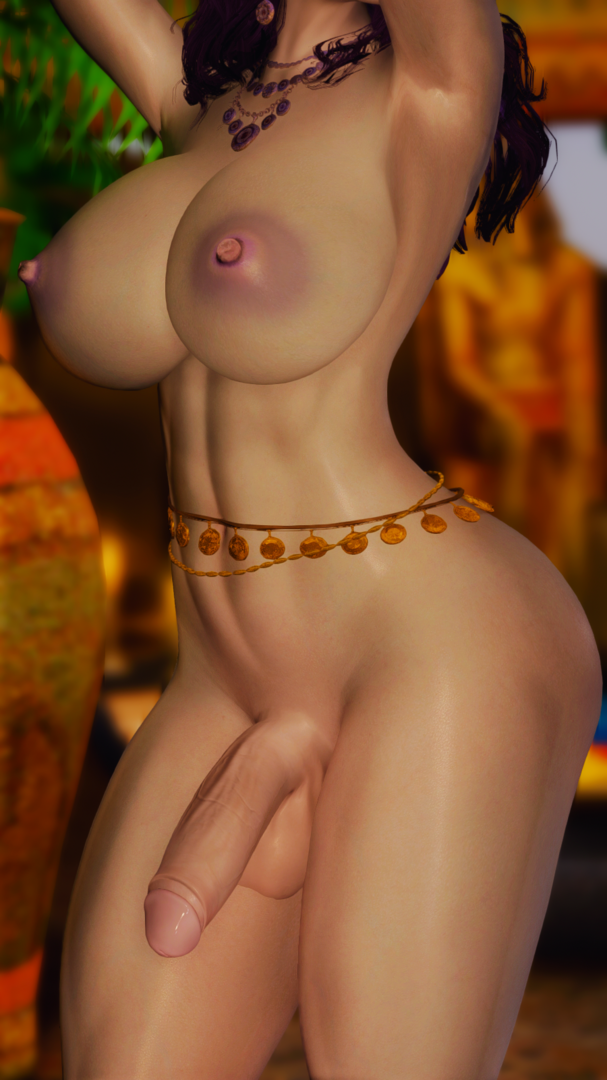
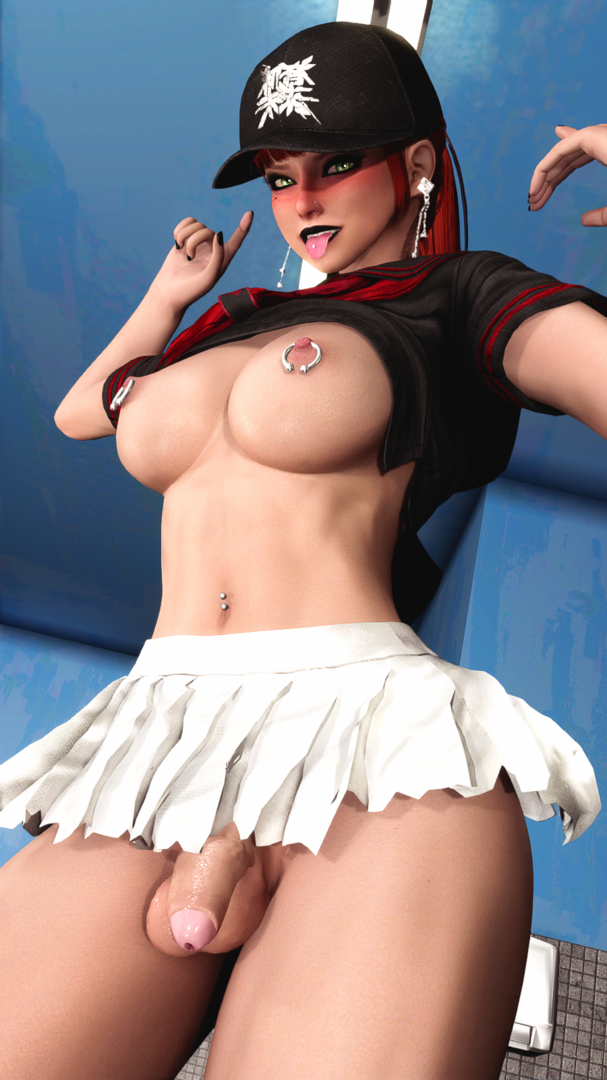
Anyway i think that's all that is to this mod. Hopefully everything works!
Edited by FutaNemesislol
(1).thumb.png.00687dcc2bf4a336d4cbf62a68f37ac8.png)





small.thumb.jpg.a19ee269739c4d9a7b2947953797c850.jpg)