
About This File
I've been dabbling with the capabilities of UABEA to mod Unity games,
and here's what I've got to show for it.
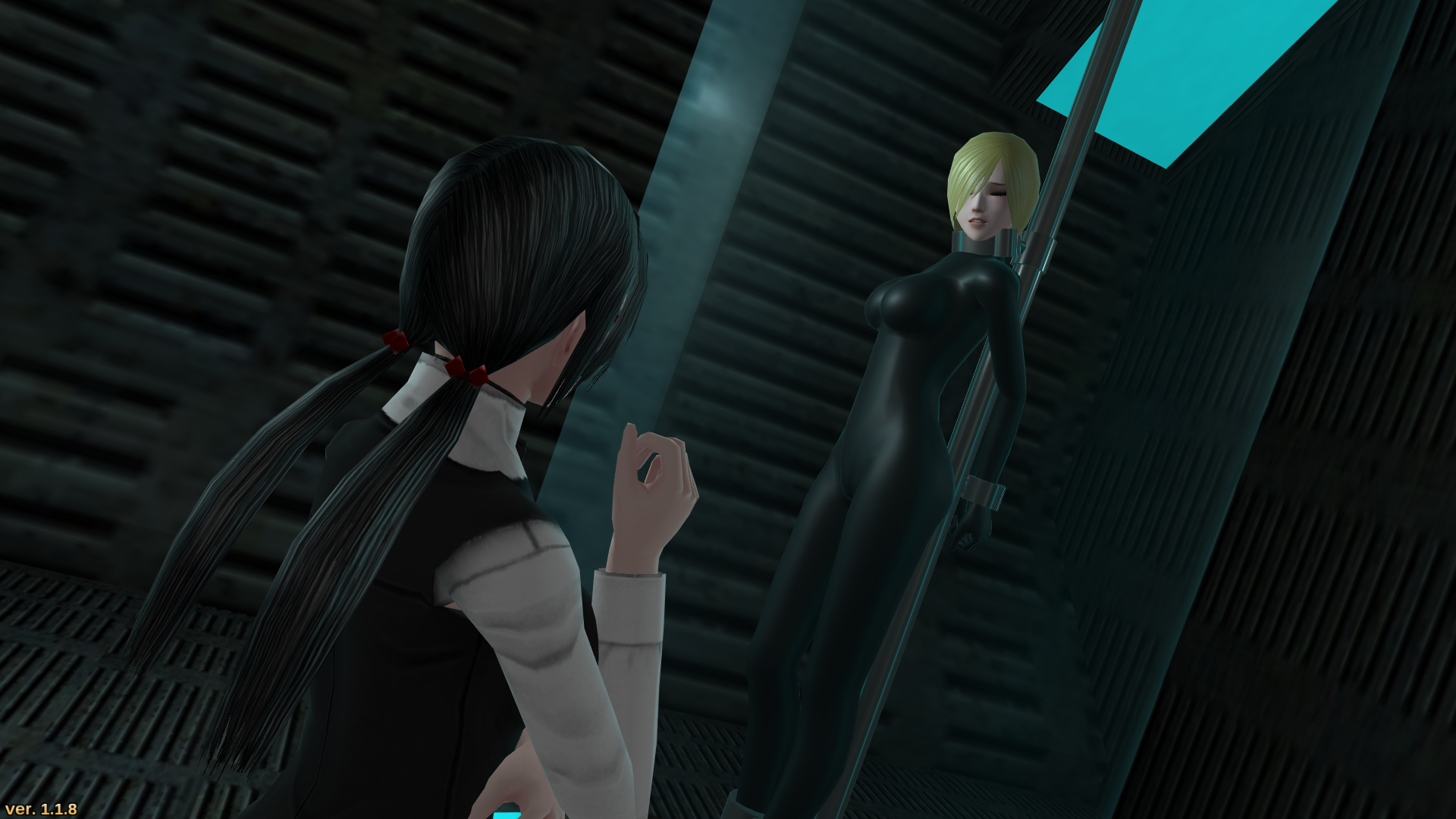
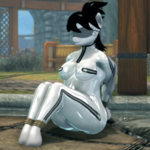
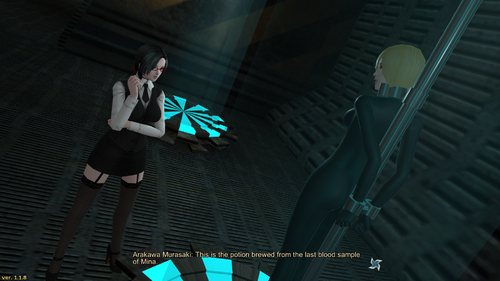
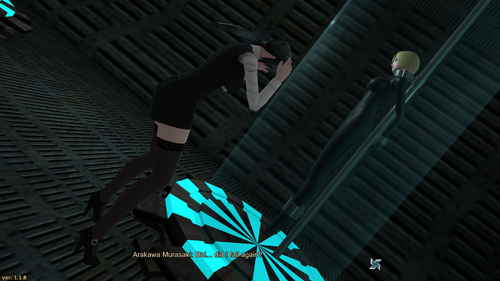
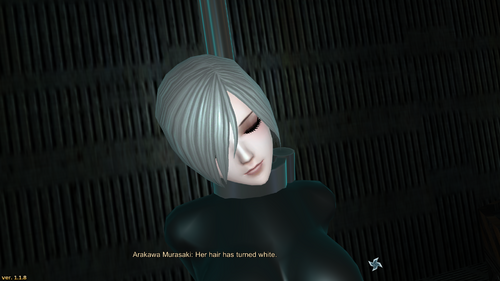
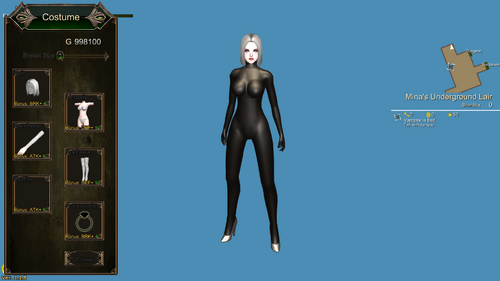
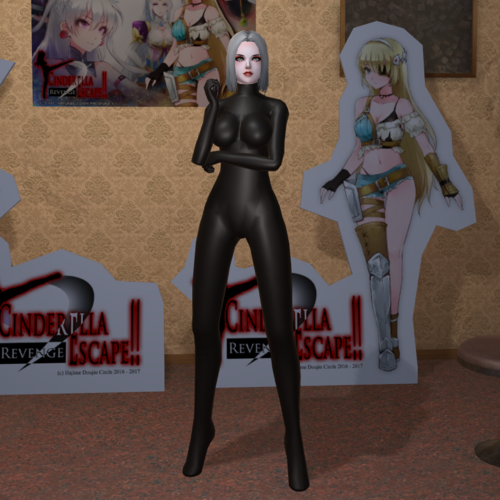
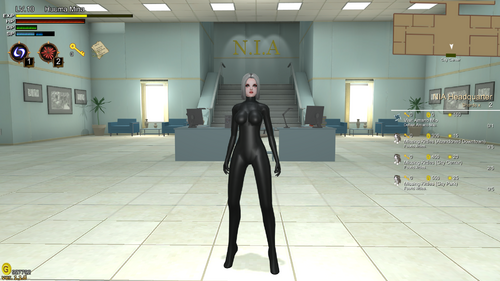
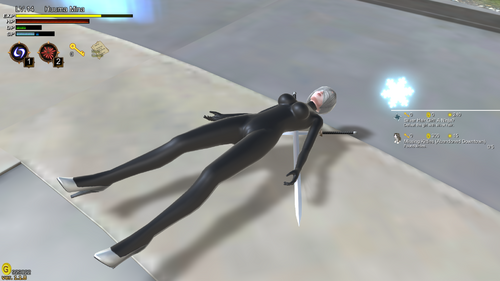
Catsuit to Replace Bandages
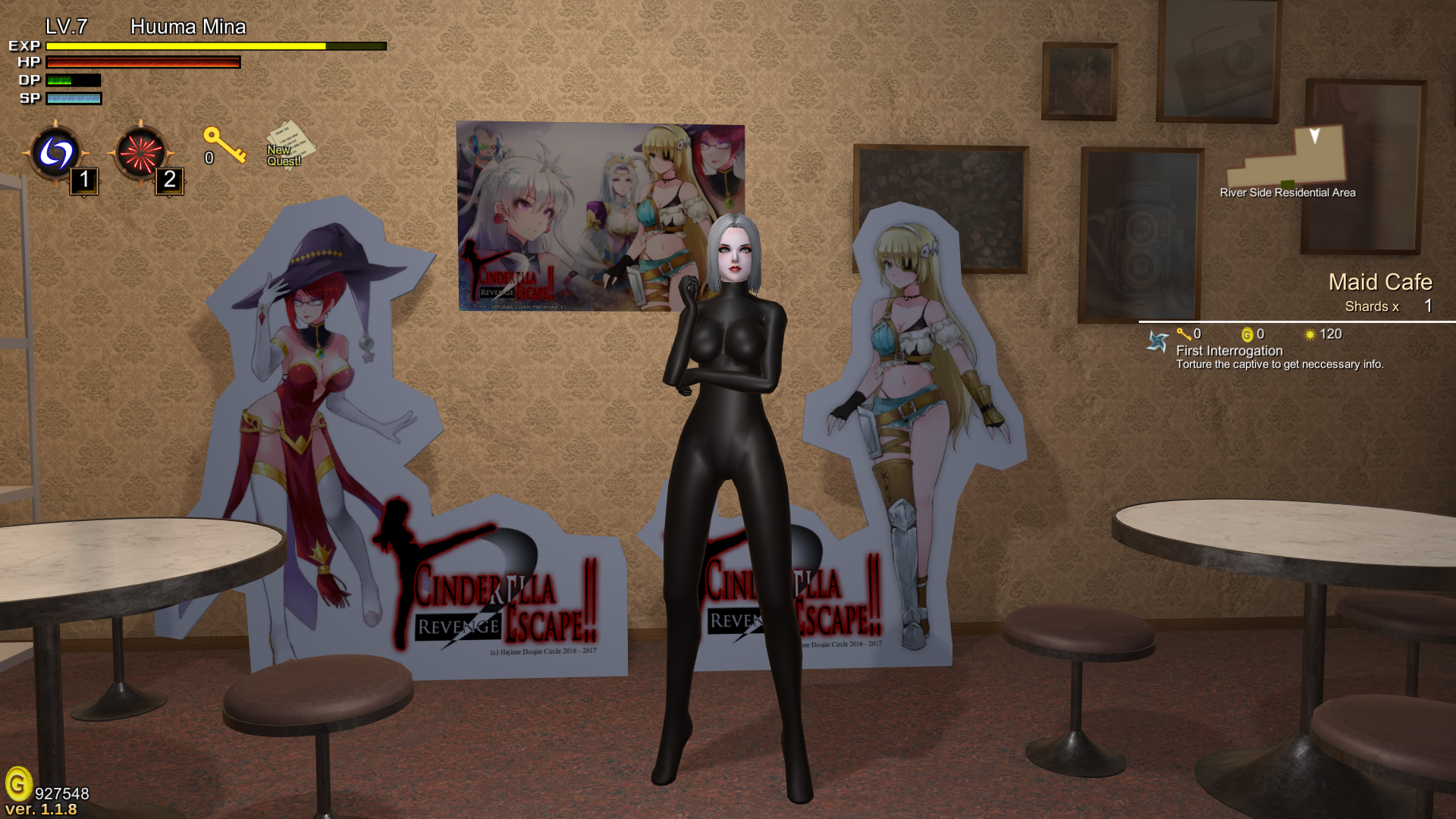
This mod replaces the bandages outfit worn by 937 with a catsuit. Why the bandages in particular? There weren't really anything else that'd work that I'd care to remove, and the only other glove item with the correct shape was the hand with no gloves; obviously this means anyone who don't wear gloves end up with catsuit gloves, which would be quite odd. Besides, Murasaki being a scientist with sophisticated equipment, and you're telling me she'd rather stick with bandages? Well, not anymore!
Requirements
- A legal copy of Huuma Mina 2: the Secret of Immortality (Try Steam)
- The R-18 patch (Also on Steam)
- UABEA
How to use UABEA
1. Run UABEA
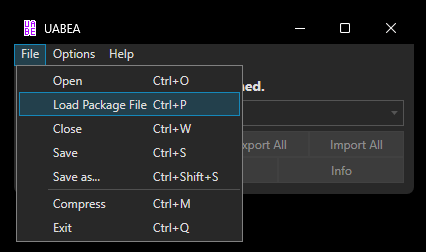
2. Click on files then load a package file:
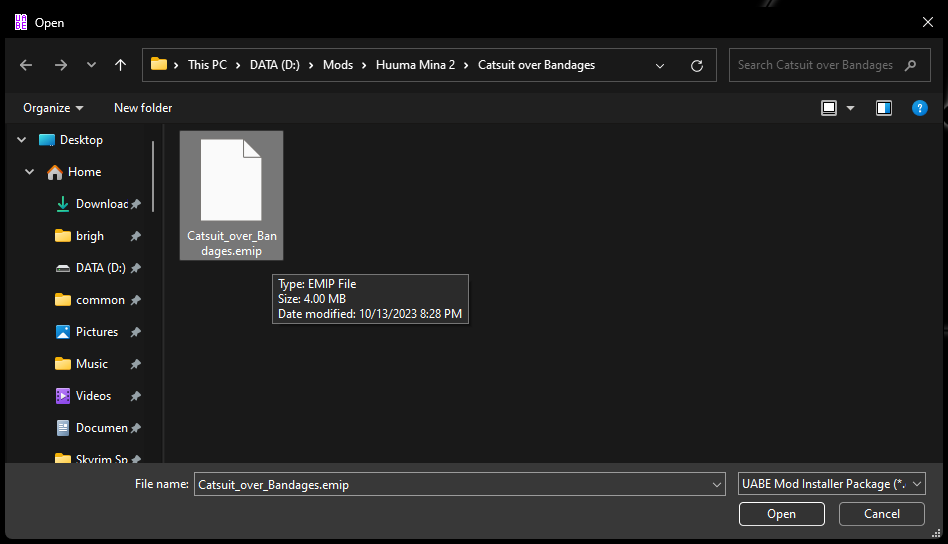
3. Select the .emip file you downloaded from here:
4. Click the Select button:
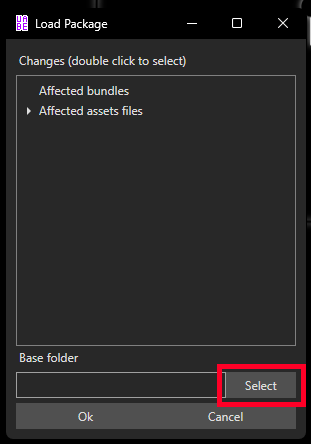
5. Find the Steam Game Folder where Huuma Mina 2 is stored, or wherever you ended up installing the game. after that, navigate to your MinaGame2_Data folder and select it:
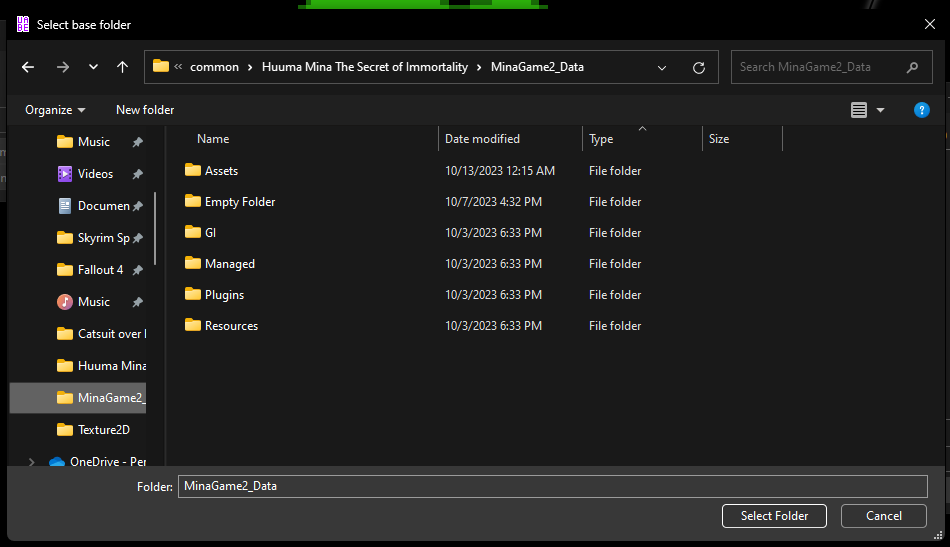
5a. Click ok to proceed. If a prompt appears telling you it didn't find the resources file you're trying to mod, try again. The program is just weird like that.
6. If you click the 'modified' tab on the spreadsheet a couple times, you can see which entries were altered to make this mod happen:
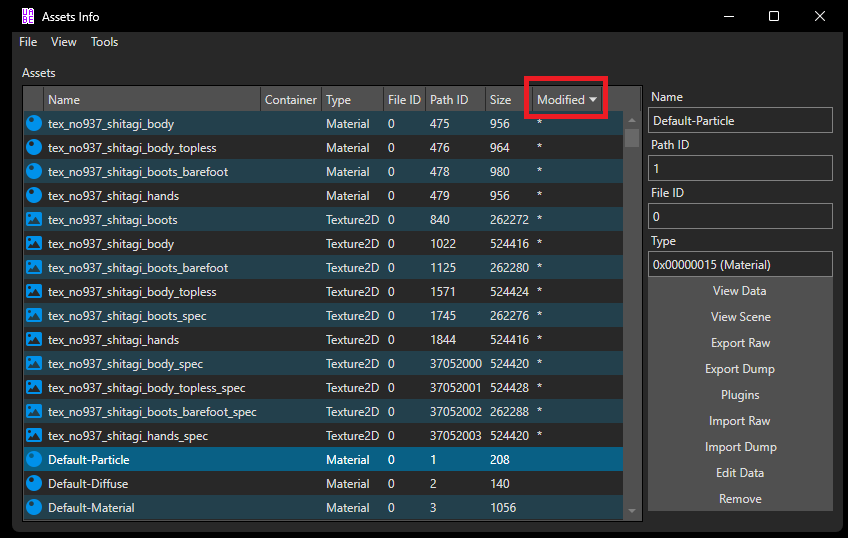
7. Click File, then save as...
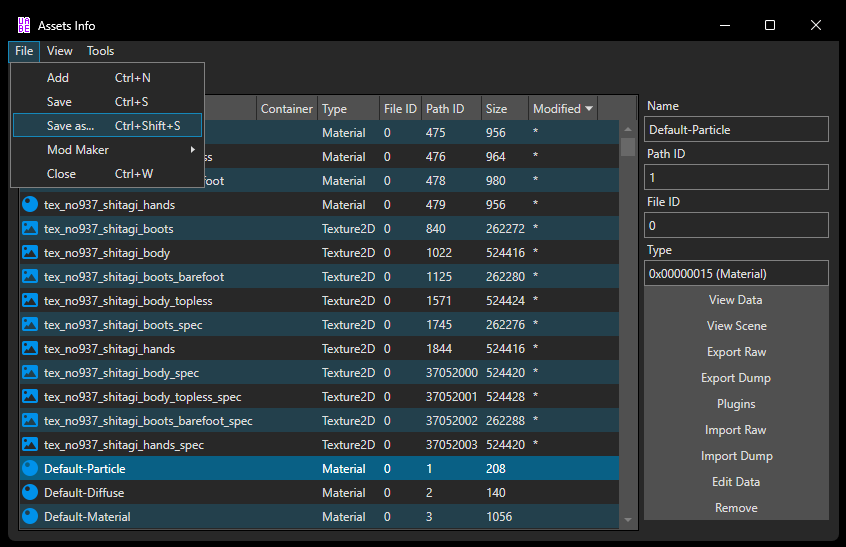
8. Save the file as Resources1.assets.
9. Close all UABEA windows.
10. Make a copy of Resources.assets, then delete Resources.assets.
11. Rename Resources1.assets to Resources.assets.
If you've followed every step correctly, the catsuit should now be available in your game. Enjoy!
Edited by NobodyImportant33333
Gotta spoiler the instructions for less clutter