

About This File
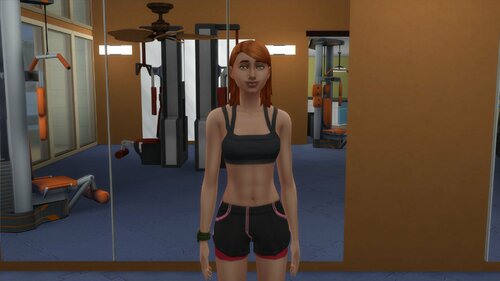
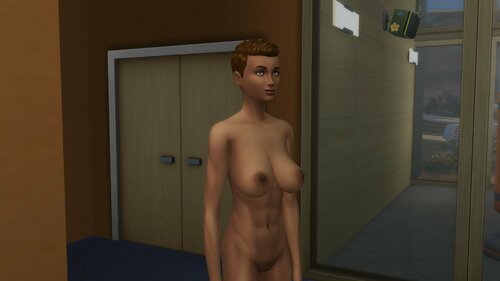
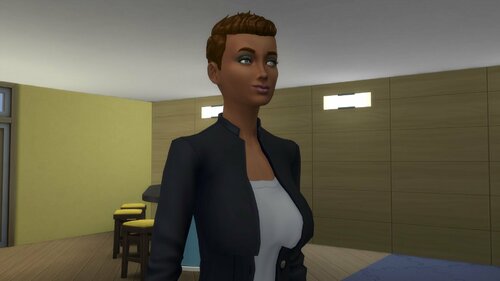
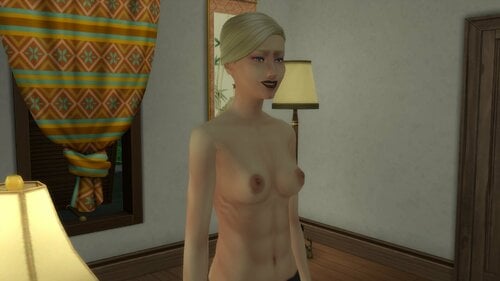
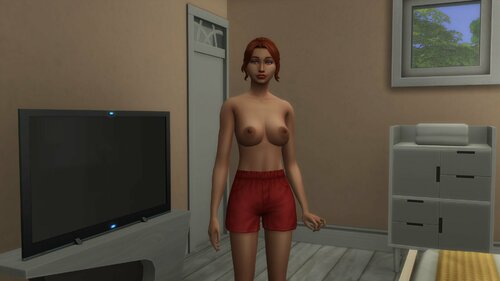
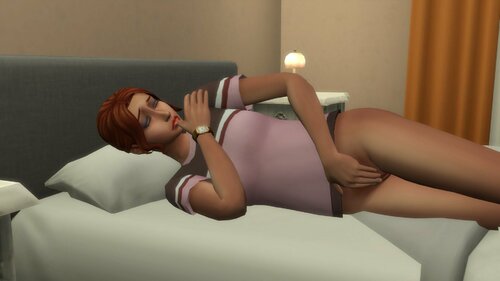
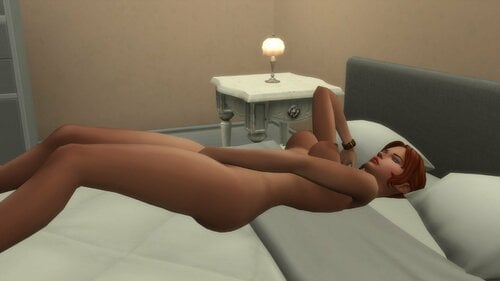
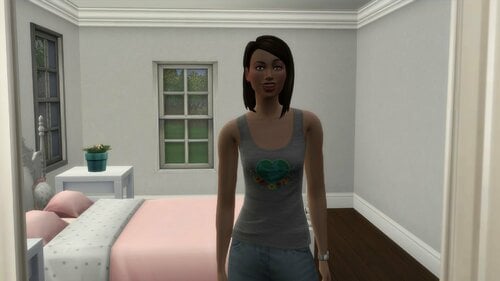
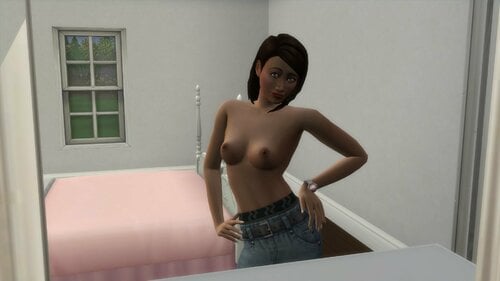
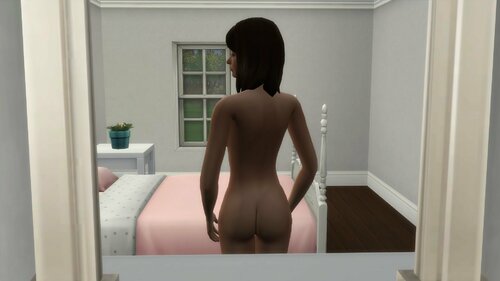
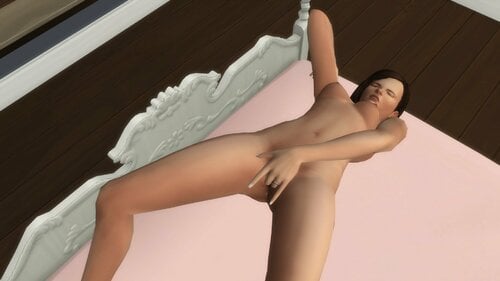
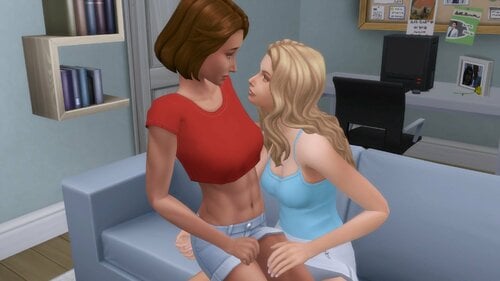
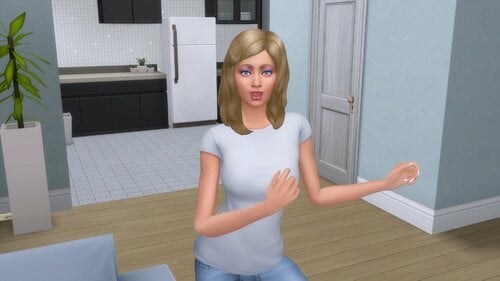
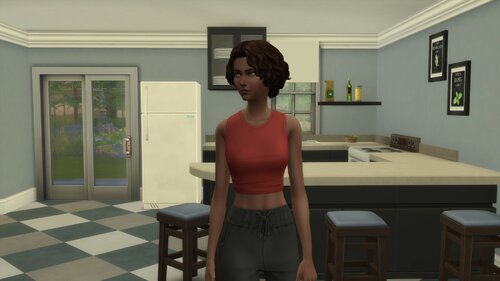
Here's a handful of Sims that I made and have in my game when playing.
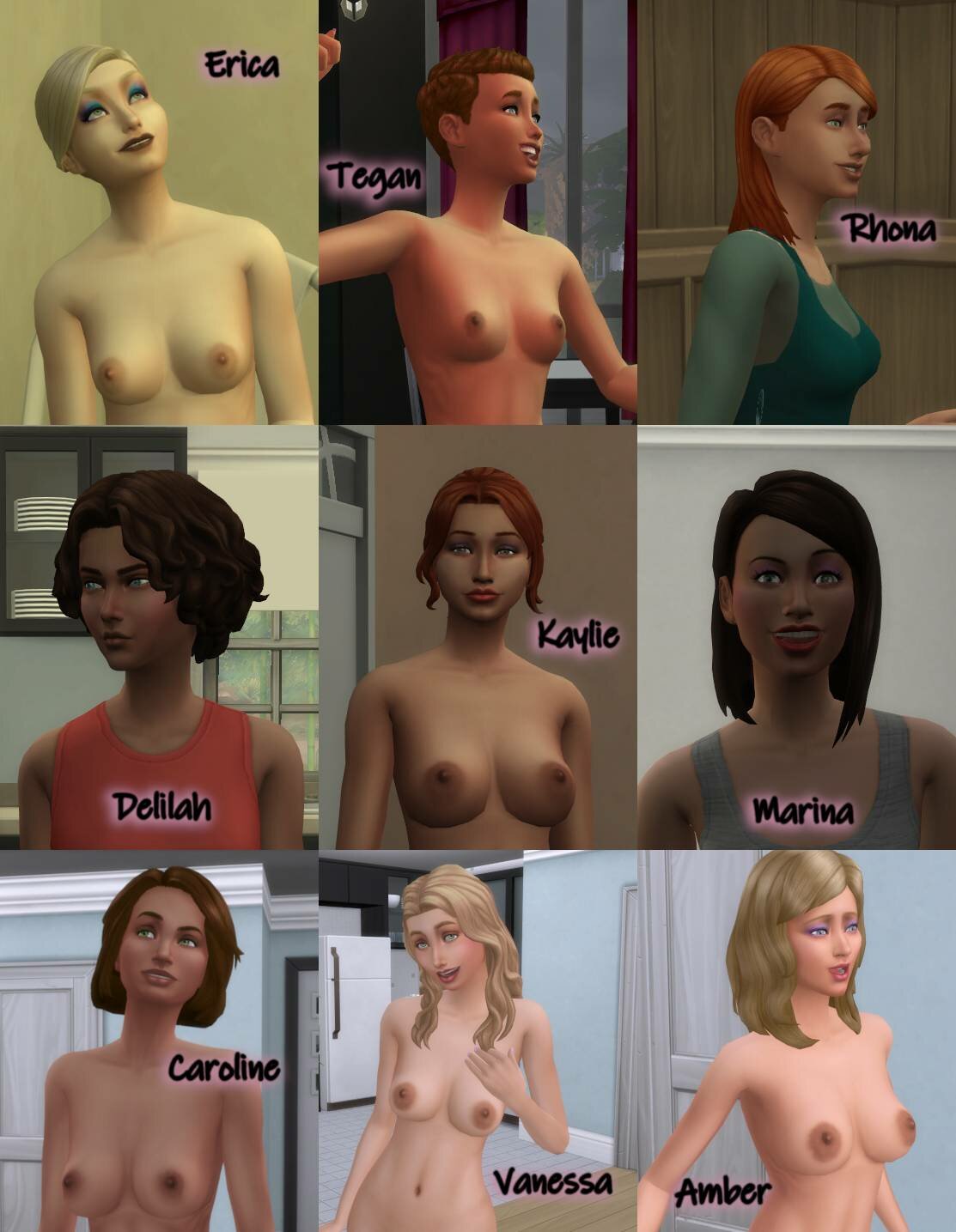
All of them use wild_guy's Female Body Details and 3D Lashes (skin detail version) by Kijiko. I also highly recommend using Kijiko's EA Eyelashes Remover. I do not include CC with my Sim uploads - this is so that, for example, if you prefer a different creator's CC, you can just load these up, ignore the message about missing items, and use your preferred CC. Also, it keeps your Mods folder tidier instead of there being duplicate versions of CC floating around.
Apart from that you'll need Discover University, Get Together, Snowy Escape, Tiny Living and StrangerVille to have all hair, clothes and accessories show up. If you're okay with clothes or accessories going missing, you only need Discover University, Get Together and Strangerville for all Sims to have their hair.
Note that the screenshots above may not be exactly what you get. I use MC Population's import settings to bring Sims into new saves from my library. MCCC may introduce variations from the original CAS body according to the settings you choose. Each body part can vary on a scale from -100 to 100 with 0 being in the middle. If you don't like how those body parts look at a certain range on that scale, you can alter your settings in MCCC so that the variations don't go to that part of the scale.
Edited by hughraphael
Updated portraits
What's New in Version 1.3
Released
- Updated for latest version of wild_guy's Female Body Details.
- Filled out some missing preferences.
- A few outfit changes.