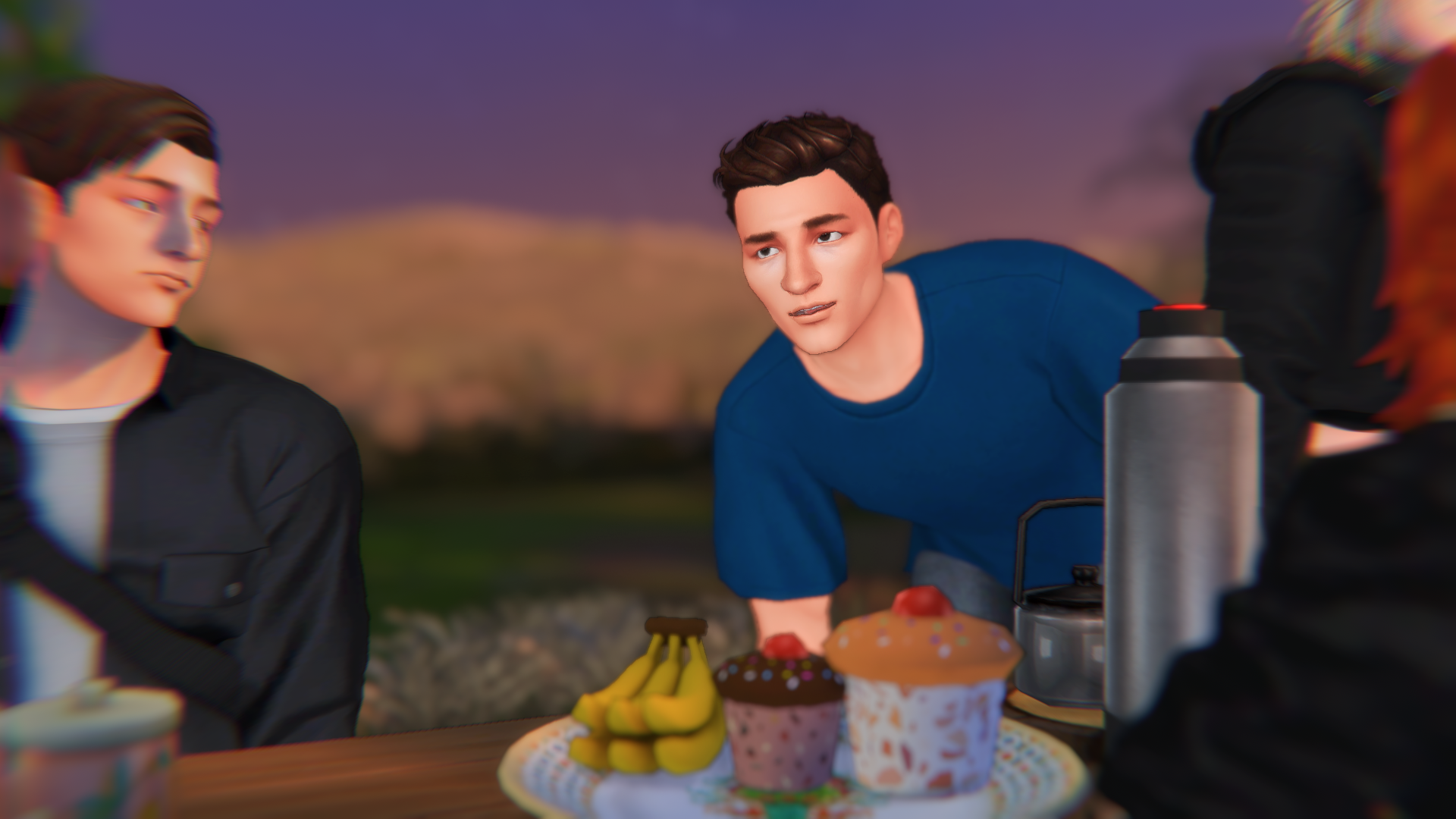
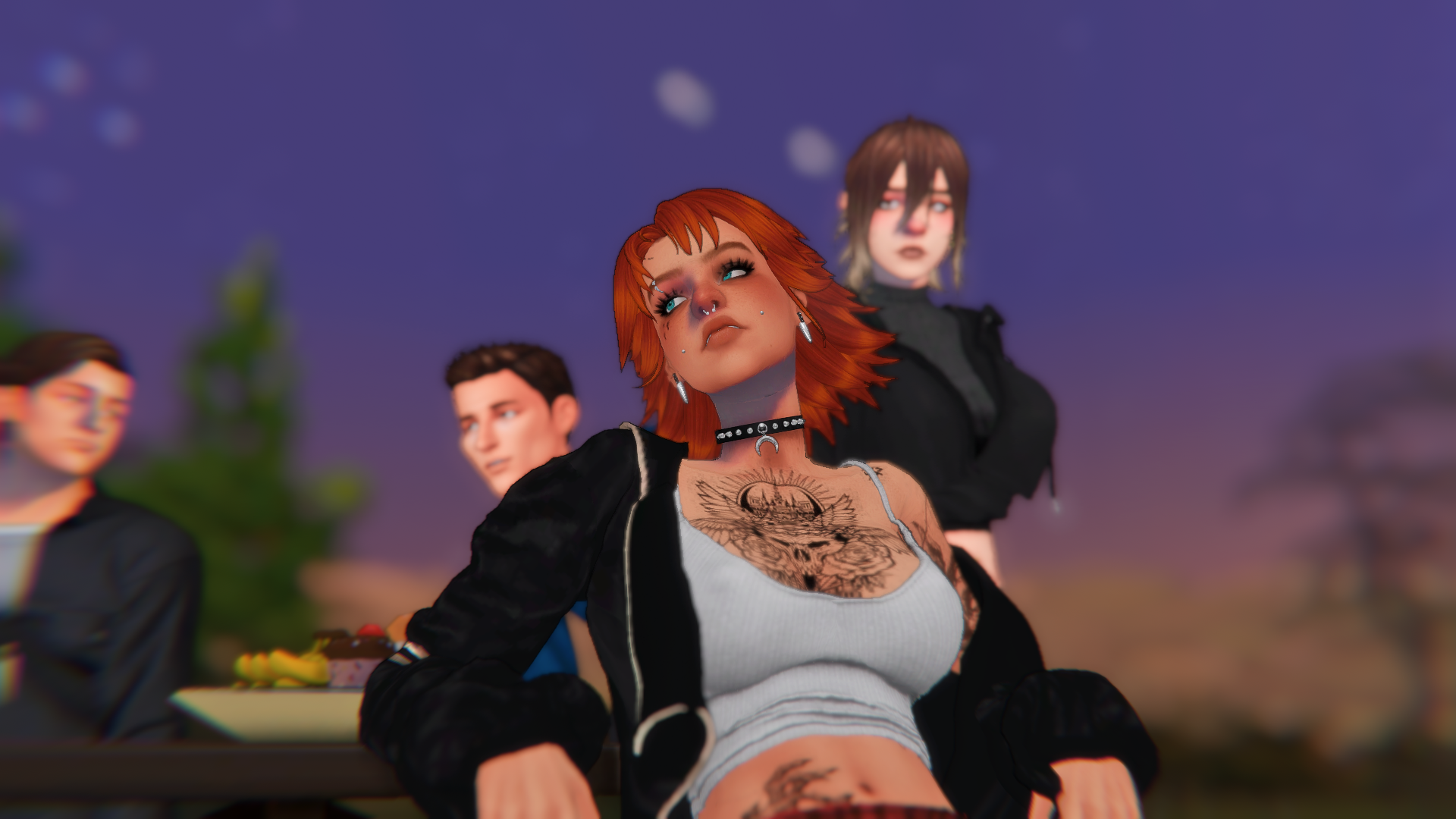
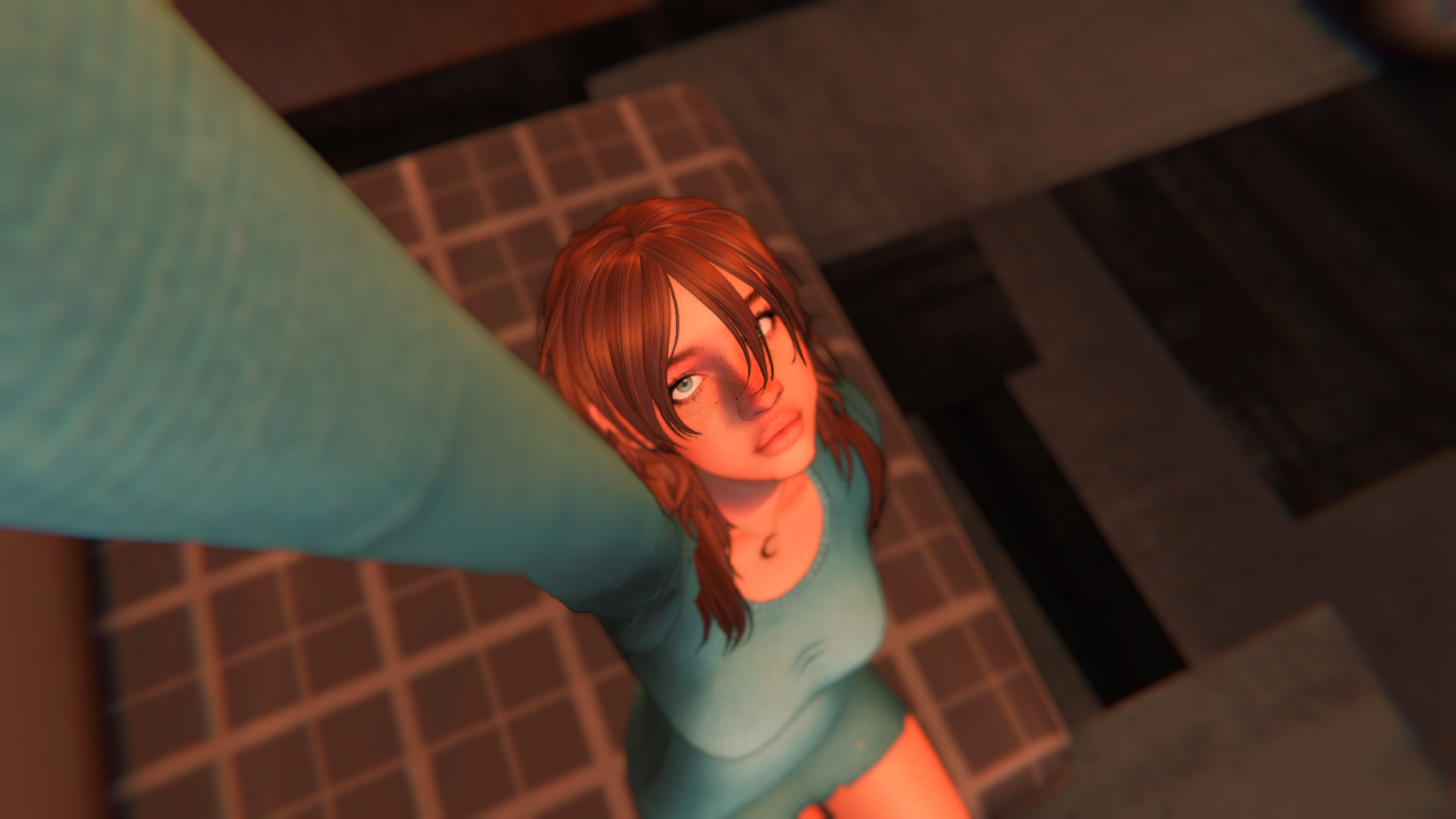
Mate & Gossips 🧉 sims spider9 femalesims malesims Entry posted by TheSpider_9 in Sims January 10, 2025 515 views Followers 1 Gossips... 6
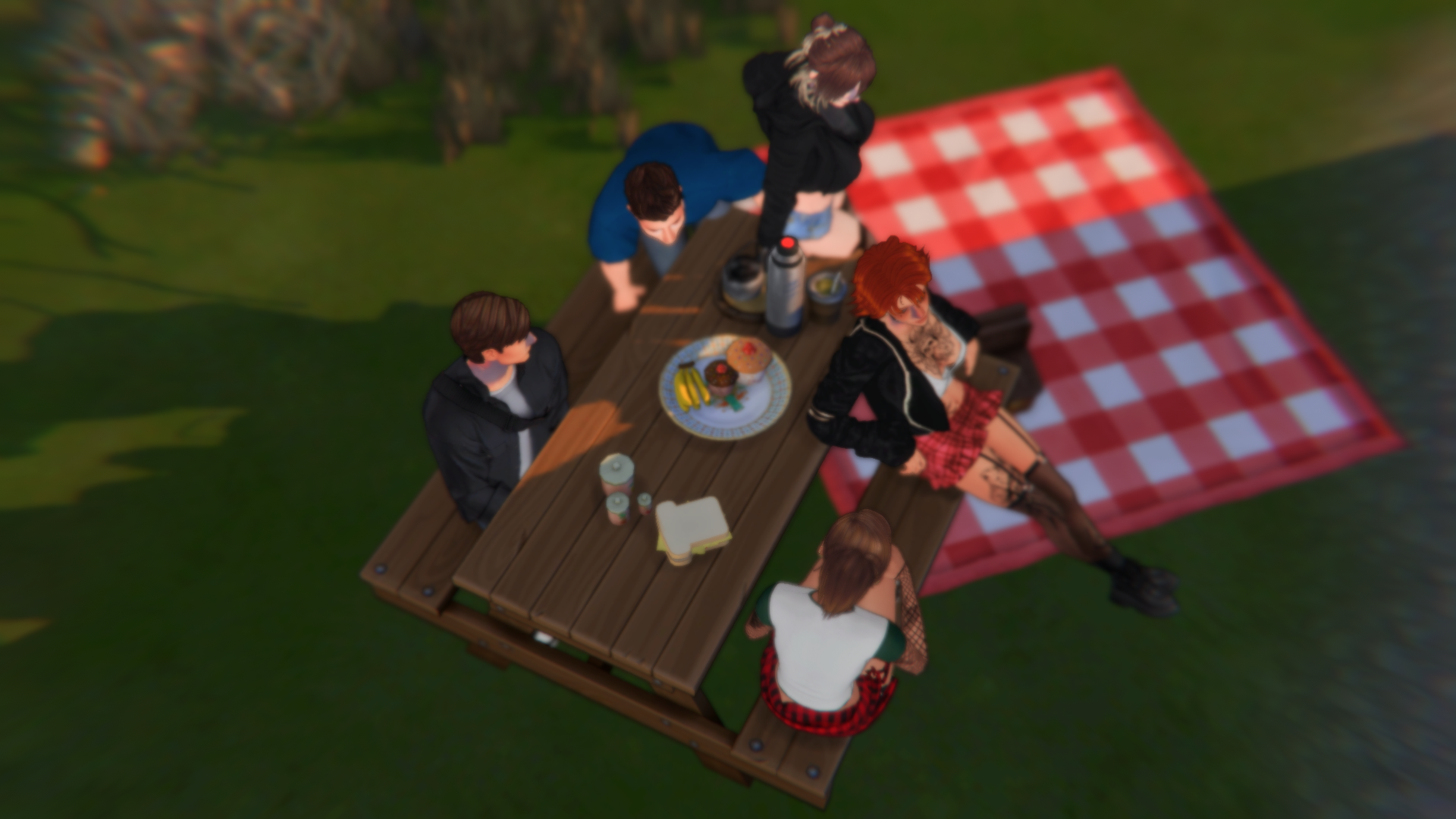
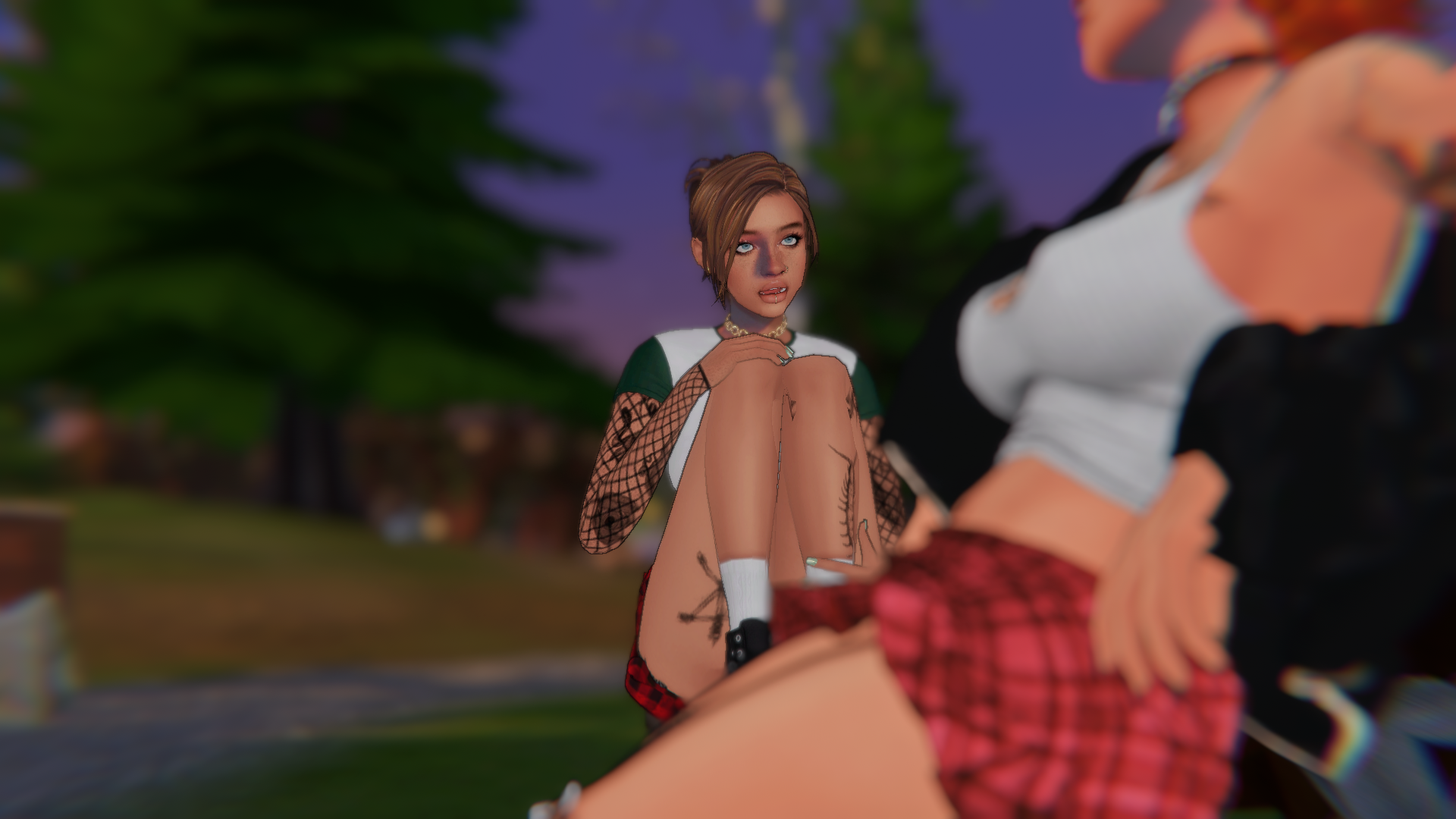
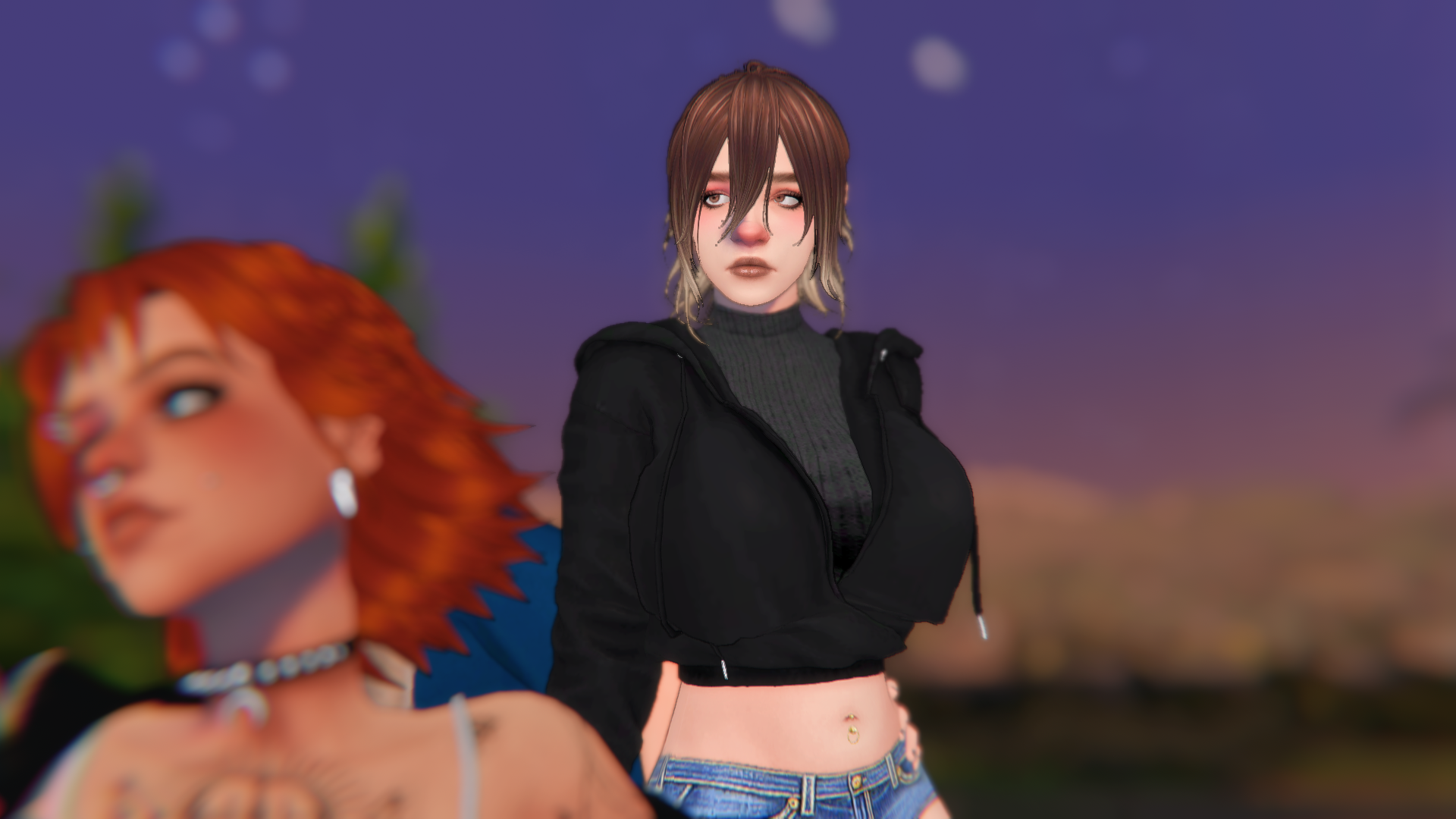
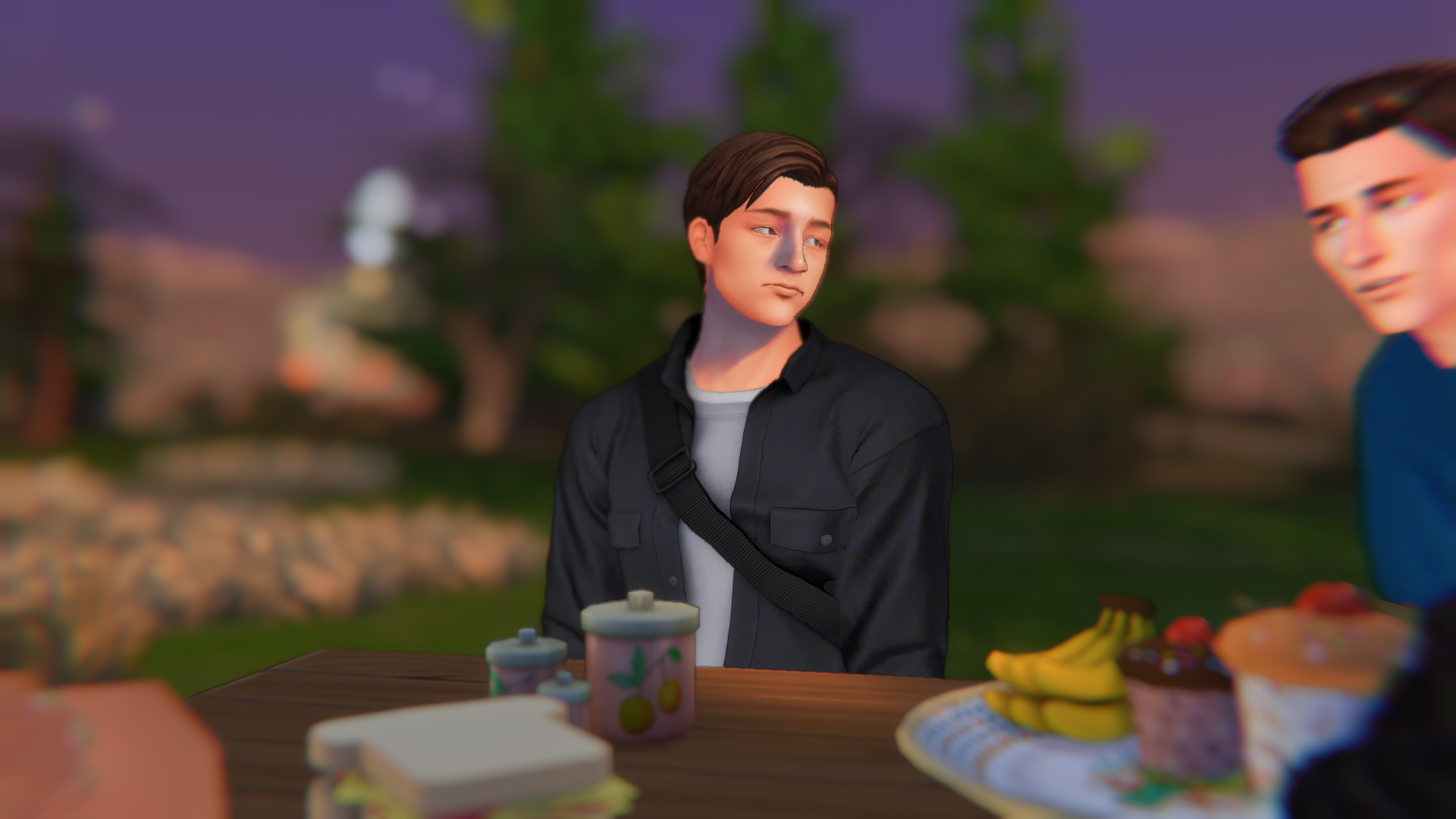
flybox Posted January 10, 2025 Those are great looking screenshots. Please share what reshades you are using. I love that half-cartoon look.
TheSpider_9 Posted January 10, 2025 11 hours ago, flybox said: Those are great looking screenshots. Please share what reshades you are using. I love that half-cartoon look. Thx bro,i appreciate your comment! Here I leave you the link of the shaders and their creator: https://www.tumblr.com/youngcozyboy/728015374984036352/dl-link-sfs?source=share ;))
Guest Posted January 10, 2025 36 minutes ago, TheSpider_9 said: Thx bro,i appreciate your comment! Here I leave you the link of the shaders and their creator: https://www.tumblr.com/youngcozyboy/728015374984036352/dl-link-sfs?source=share ;)) where do you put the file once it's downloaded? Thanks in advance (and +1 follow)
TheSpider_9 Posted January 11, 2025 10 hours ago, AngryAppple said: where do you put the file once it's downloaded? Thanks in advance (and +1 follow) first of all, you must have Gshade or Reshade, then: Local disk.. Program files..then look for the folder where you have the sims (in my case it would be EA games)... then from there to The Sims 4 folder...then to the game folder... and in the Bin folder you look for a folder called presets, in that folder you put the shader
4 Comments
Recommended Comments