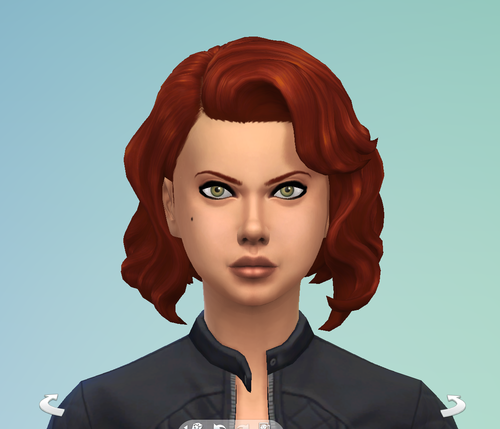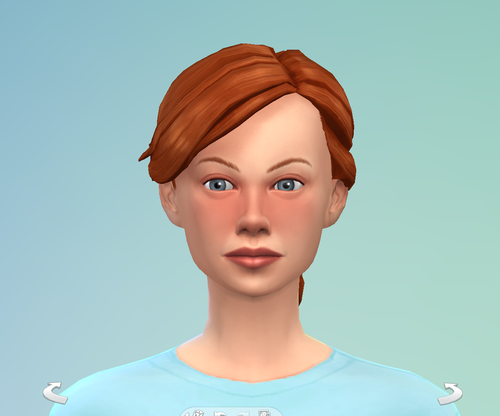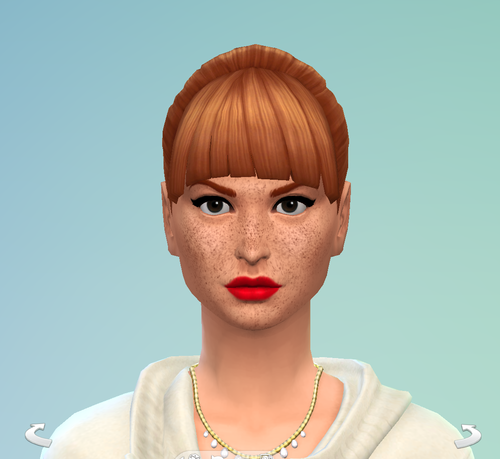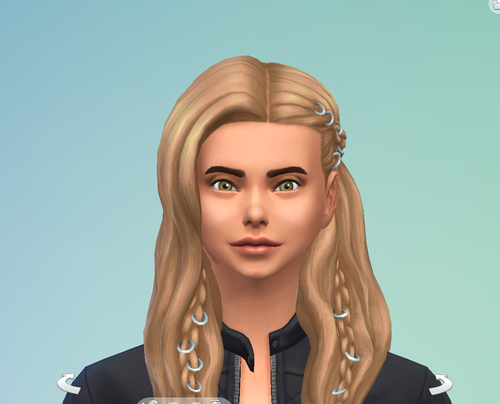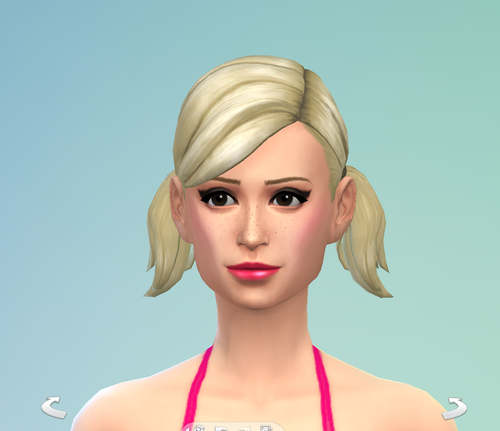
About This File
How to install:
1 Download this file
2 Unzip the file
3 Put the files in your "Documents/Electronic Arts/The Sims 4/Tray" folder.
4 Installing is now done
After downloading and installing, you can find Custom Downloaded sims by following these steps:
1 Open the Gallery
2 Go to My Library
3 Select Households
4 Make sure you select "Include Custom Content".
Hope this is helpfull, enjoy!!
!! I made this sim with custom content, which this download does not include as this is against the guidelines. You will probobly have to give her new clothes, and personality traits, I am sorry about this !