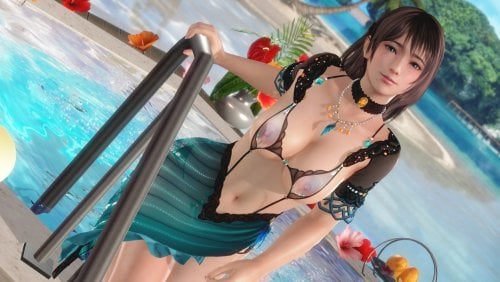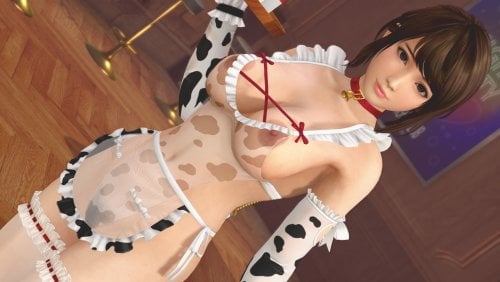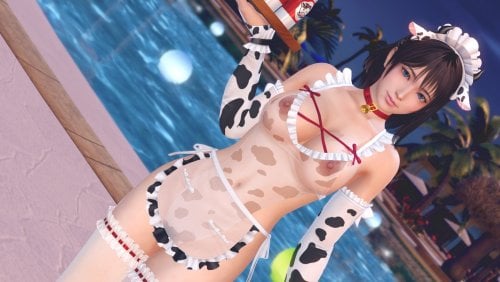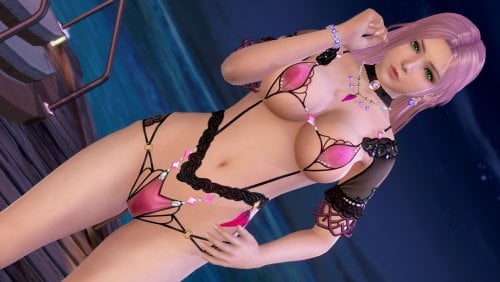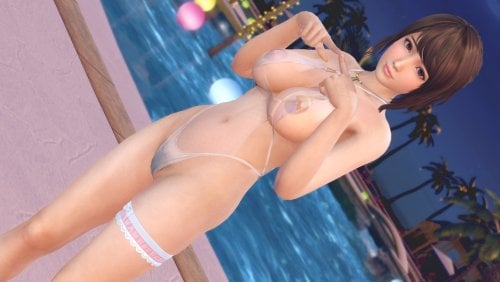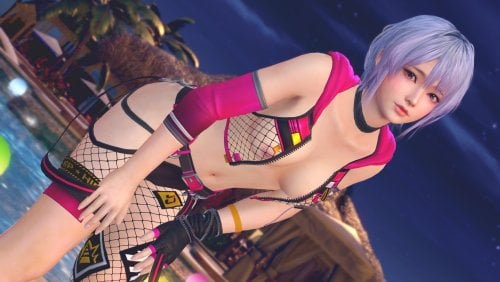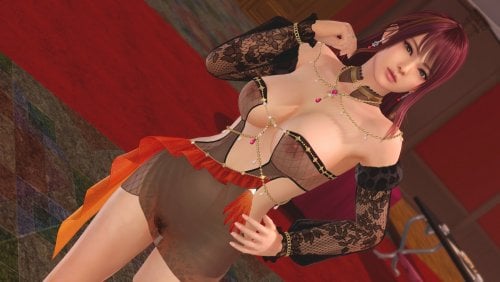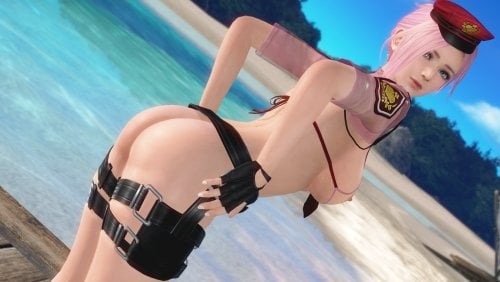
About This File
Information:
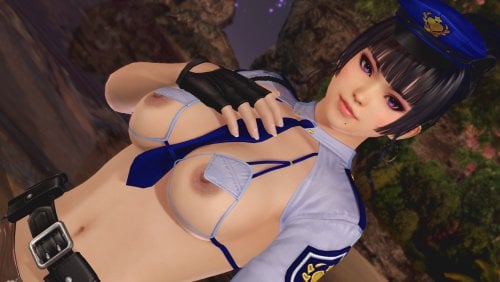
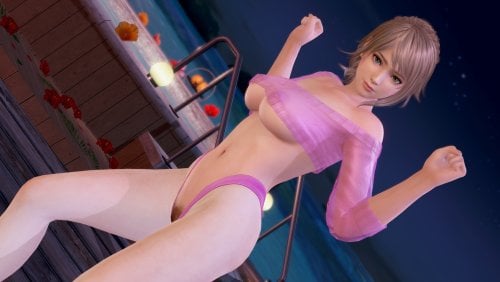
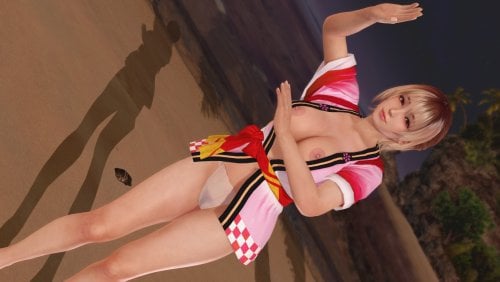
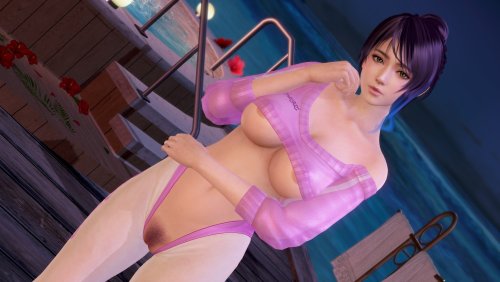
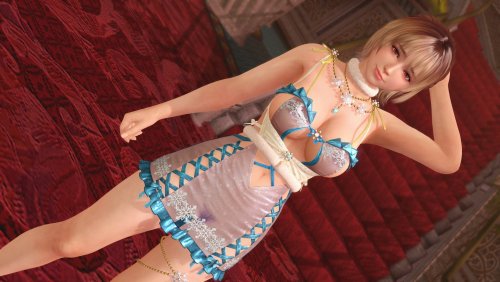
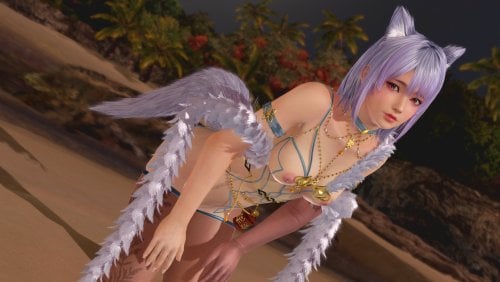
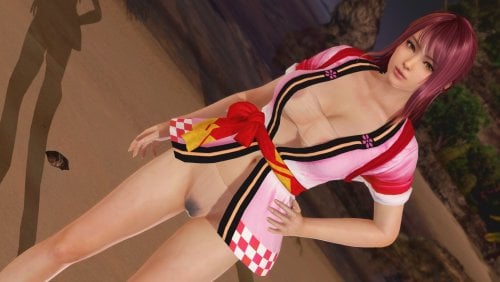
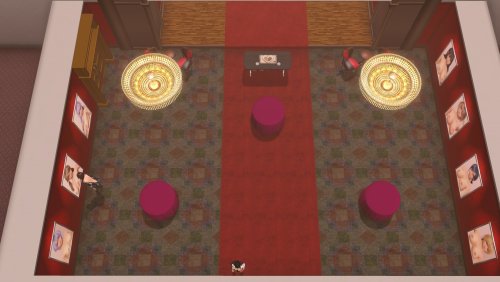
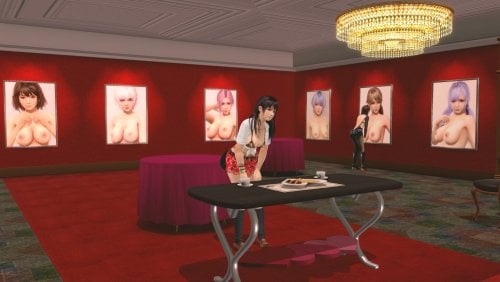
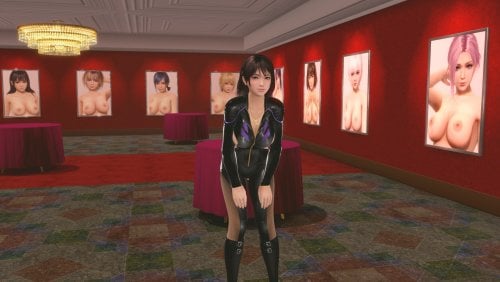
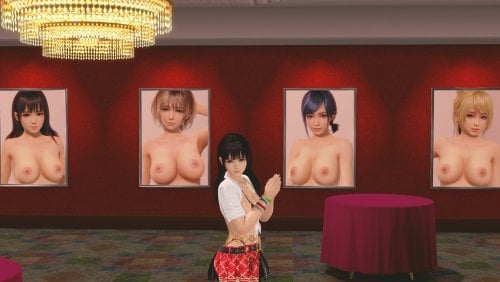
this mod replace portrait posters in owner's room, maximum number is 11.
1.Recommended image size --- 1024x1452 or 512x726
2.If you want to increase / decrease the toggle files, edit ini files.
How to make image of posters :
1.Prepare image.
2.Open included DDS file with graphic editor
3.Paste image to DDS file, and save DDS file as sRGB
Default hotkeys:
ALT + 0 ~ ALT + 9 , ALT + o --- toggle image
How to edit target poster:
1.Choose poster --- open "catalog" folder, and copy filename of your taget poster image.
2.Choose hotkeys --- open ini file named with hotkey, and replace hash value with copied filename in section 1.
3.Load ini files --- save ini file and press F10 to reload.
Caution:
If you use my "Owner Room Poster" mod, please disable or delete "portrait_335395ea.ini" and "portrait_b07f7384.ini".
-----------------------------------------------------------------------------------------------------------------------------
If you like my mods, please consider buying me a cup of coffee on ko-fi
What's New in Version 1.0
Released
add Steam global ver