

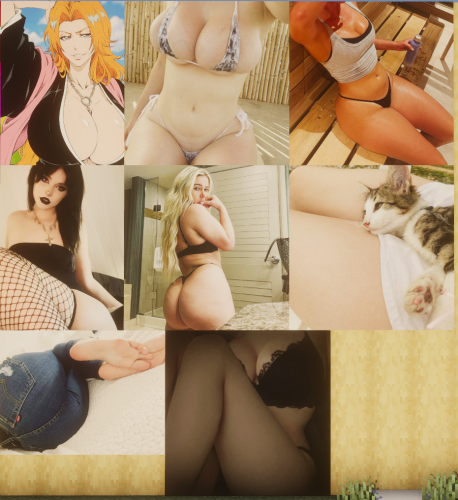
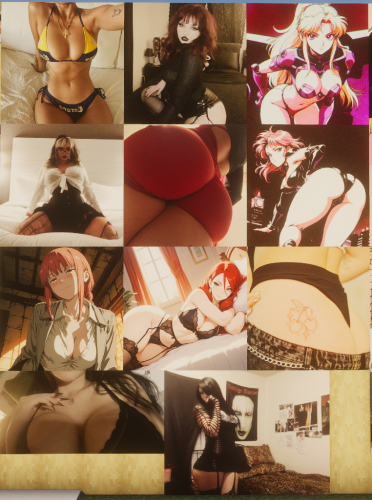


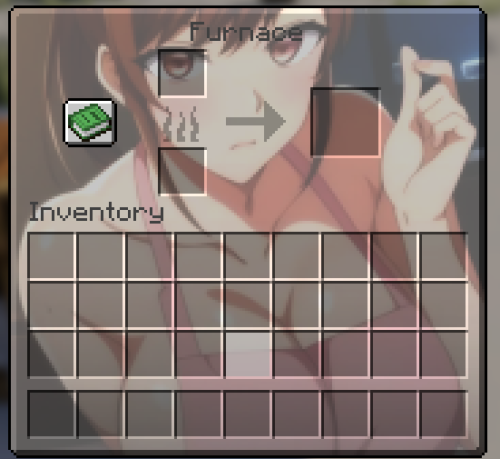
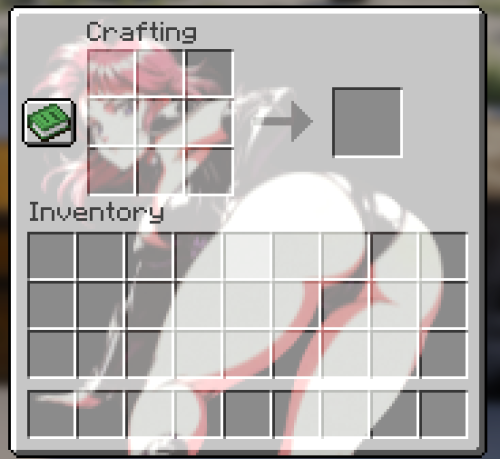
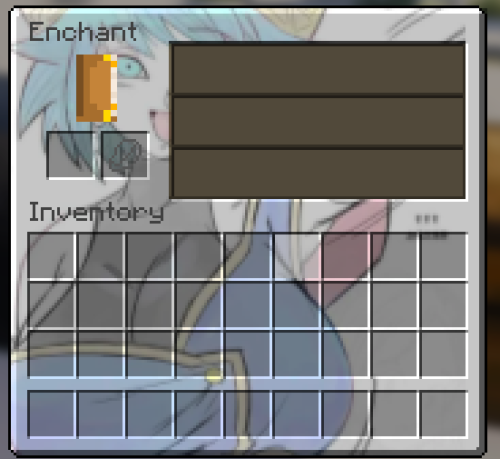
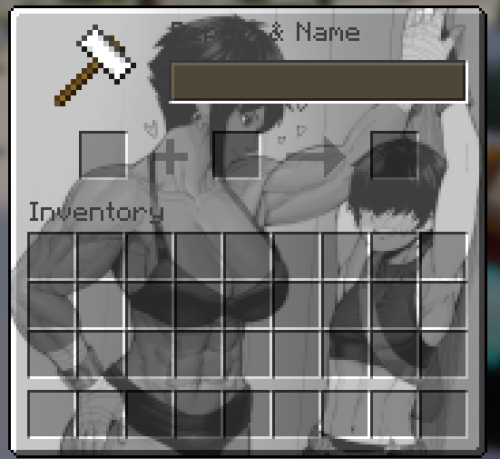
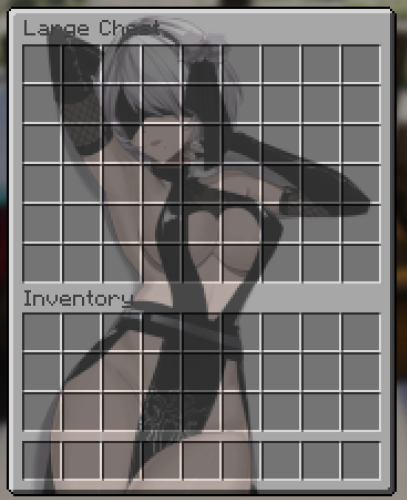
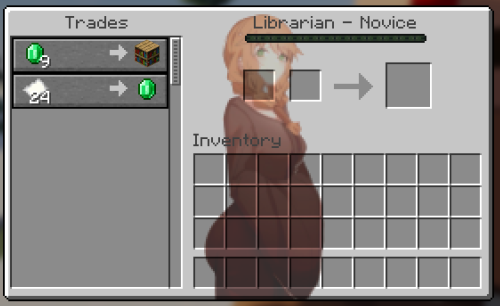
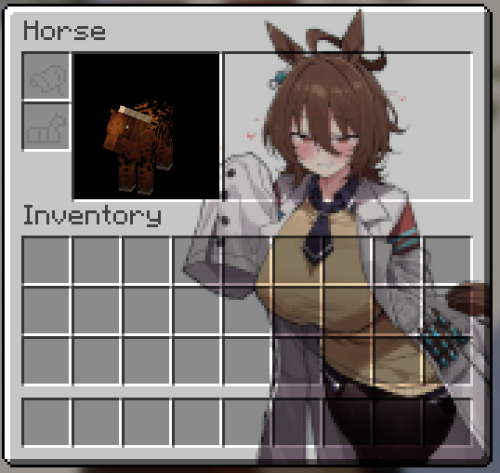
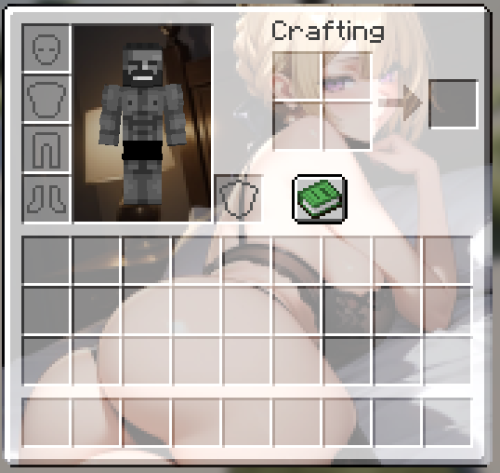
Have you ever looked at the paintings or the GUI while playing Minecraft, and thought they needed a bunch of random pictures of anime girls and unconsenting OF models from Pinterest on them? Well here you go. The GUI of the survival inventory, furnace, crafting table, large chest, enchanting table, anvil, horses, and villagers, all have anime girls on them, and every single painting in the game has been replaced also.
I tried to suit a good variety of tastes with the paintings, but to be honest I don't know if the selection is actually that good. I'll admit two of the anime girl paintings are AI, but I don't really think that's a big deal. There are also a couple PAWGs, as I am an ass man; I'd say that you are allowed to hate me for that though. This pack doesn't contain any full nudity, but if you think I should make an NSFW version, another similar pack of a particular theme (say, only goth girls, anime girls, etc.), or have have any other suggestions, let me know. It was a little more effort than I thought it would be, but this was a fun project.
Notes:
- If the pack is highlighted in red and MC says it's made for a different version, just ignore it; it doesn't matter.
- I added my own backgrounds to a few artworks.
- The workstations added in 1.14 have not been modified. (yet)
- There's no actual credits for anything, but if you want the sauce for any of them go ahead and ask.
- I recommend usings shaders for the paintings.
My Discord: souptime5573
What's New in Version 1.0.2
Released
1.0.1: Turns out I zipped the folder wrong, and in order for the pack you work you had to extract the folder from inside the zip. You should now be able to put the .zip file directly in the resourcepacks folder as normal.
1.0.2: removed some leftover bullshit that I forgot to delete, cuz im a fucking dumbass apparently, including a personal custom splashes.txt file; ffs if you got that retarded shit I'm sorry just go to <pack root folder>/assets/minecraft and delete the texts folder; or re-install omg 🫥
Navigate to the ".minecraft" folder on your PC, and put the .ZIP file in the "resourcepacks" folder. On Windows you can press Win+R, type "%appdata%", hit enter, and open the "roaming" folder inside there. Alternatively within Minecraft in the resource pack menu there is a button that will open the resourcepacks folder for you.