

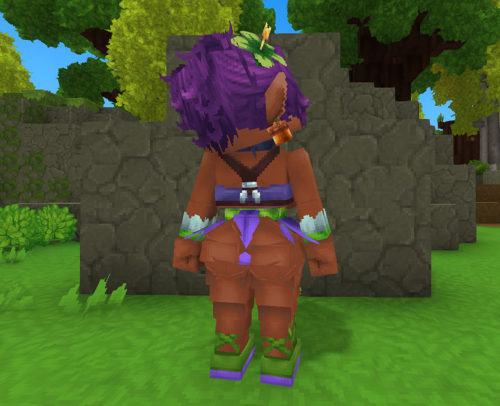
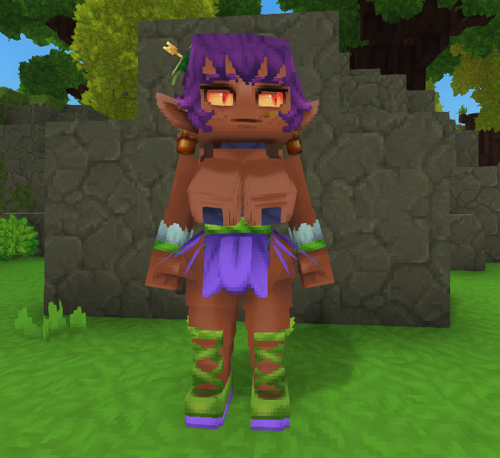
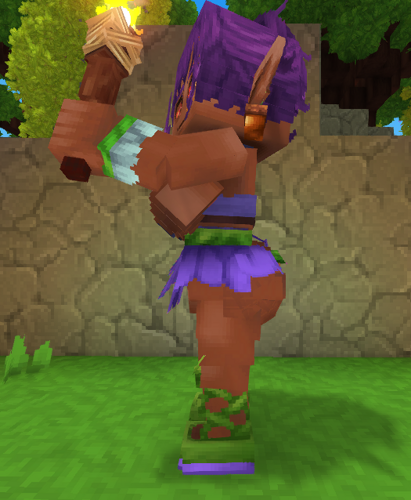
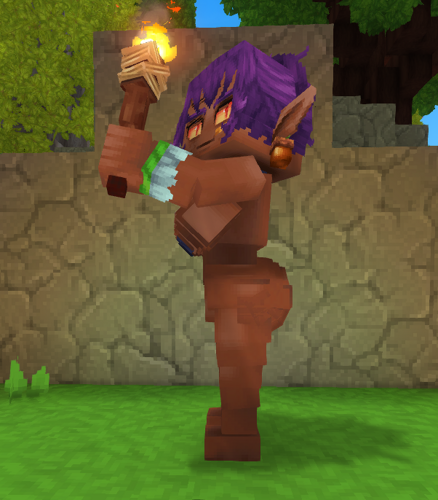
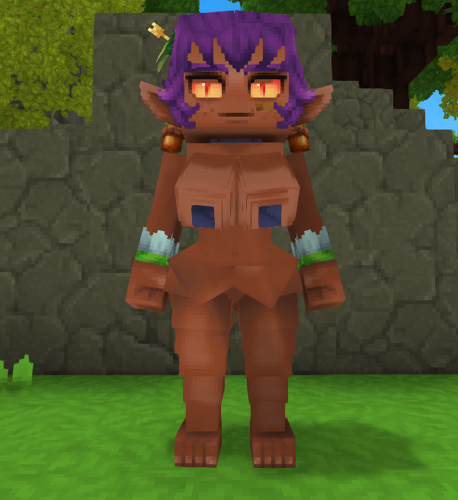
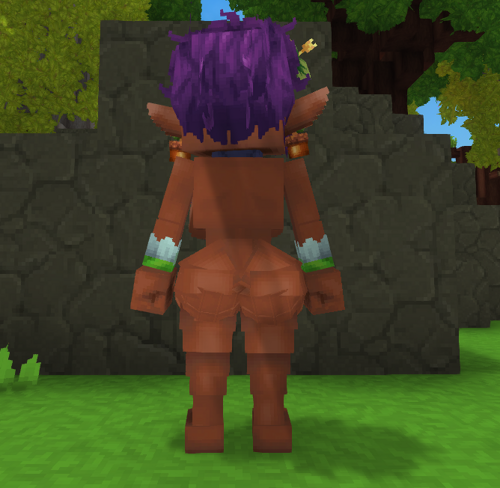
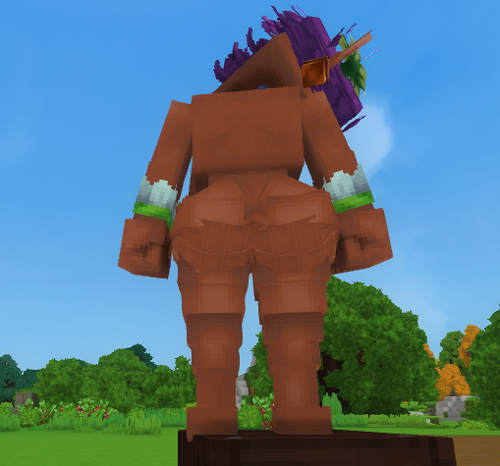
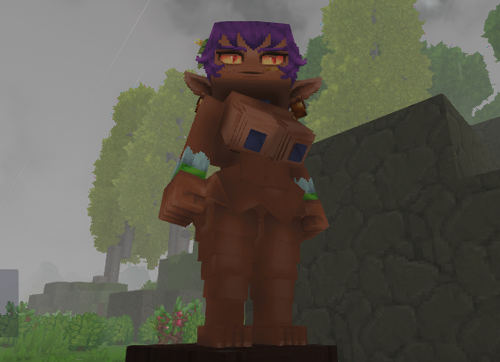
This is my first time ever modeling in block bench doing this sort of nsfw stuff and uploading it here.
This is a crudely made curvy Hytale player model. I did my best with my limited knowledge o7
(it's so difficult to make spheres with cubes in addition with the hytale's asset limit of 255 cubes.
you also might notice some clothing textures are a bit messed up. I have no idea why this is happening tbh.
also feel free to edit the model, just, you know, credit where credit's due)
BTS:
I have made many versions before but they all feel stiff on the butt. It feels very blocky
One day I looked up how to make spheres in block bench. I followed a tutorial and messed around with it and then accidentally created a good looking butt.
However, unfortunately, it's over the 255 asset limit and the player model looks messed up when imported into the game
So I picked my best previously made cube butts and slice the sphere butt into 4 quatres and delete until 1/4 quatre left to act as a round underbutt
And then I add it to the model with some asset limit to spare
Edited by Kelli Hyphen
What's New in Version 1.0.2
Released
Oh my goodness I didn't realize everything was wrong. Ok this should be the correct functioning version
1. unzip the mod zip file
2. In your window's search bar type: %appdata%
3. Find the Mod Folder
Hytale > UserData > Saves > [select a world that you've created] > mods [place the mod folder here]
4. Open Hytale
- Open the world that you put the mod file
- When loaded, press ' / ' and type 'op self'
- Press ' O ' to toggle into Creative Mode
- Open your inventory and go to 'Creative Tools' tab
- Under 'Assets', select 'Asset Editor' which will open a new window
- In the Asset Editor window, in the top left corner that says 'Hytale:Hytale (Read-Only)'
- Press it and select the mod folder from the drop down menu
- Select 'Server' below the search bar
- In the 'Search Assets' type in 'CustomPlayer'
- Select it and press "Use Model" above the character preview
If you want to remove the clothing
- In the Asset Editor window go to 'Attachments' below the character preview (if you don't see that, in the top right corner, switch from 'Source' to 'Editor')
- Find the IDs: 8 (Top), 9 (Bracers), 10 (Skirt), 11 (VineShoes) and expand the card
- Hover your mouse over the 'Model' and you will see an 'X' to remove the model
If you want to add the clothing back
- Click on the blank space beside the 'Model' and an overlay will appear
- In the top right of the overlay, next to the 'Find File...', make sure that the Kelli_Hytale_CurvyModel is selected in the drop down menu
- Go to Root > Characters > CustomSkin
- And Select the .blockymodel associated with the ID
Updated instructions with the new file format