

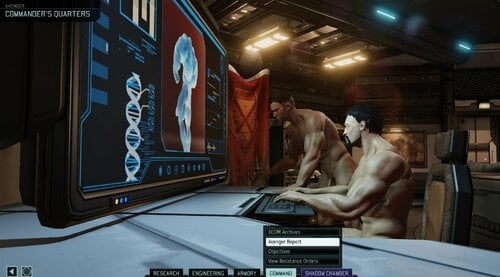
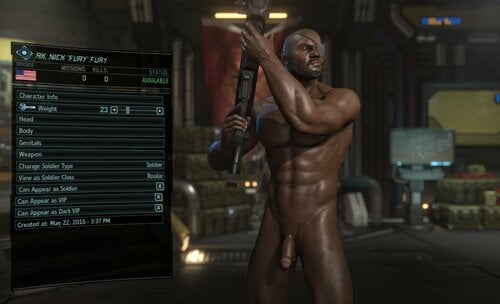
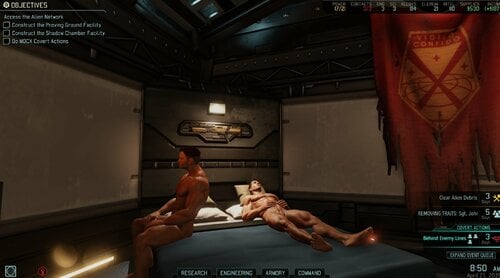
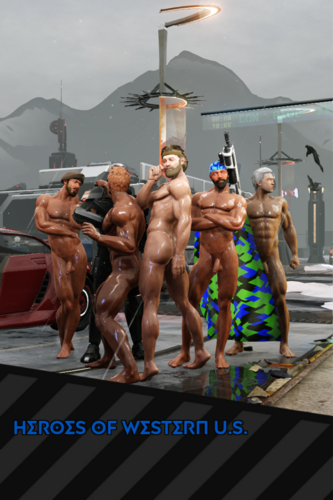
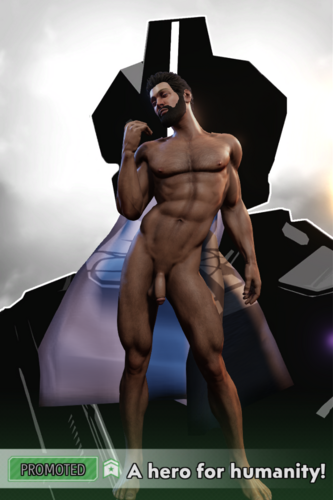
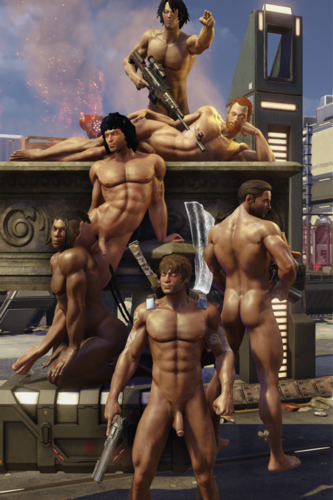
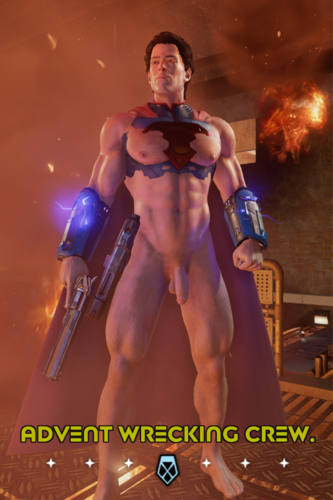
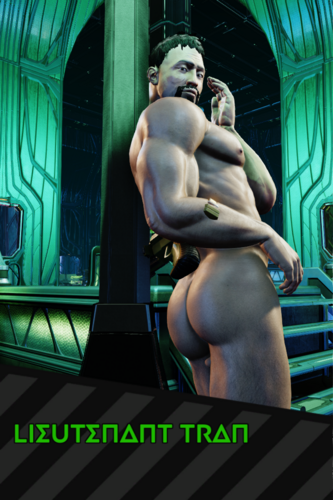
About This File
CREDITS:
- Vector for creating the original XSoldier mod. His pioneering work made all of this possible. If Vector says he doesn't want the mod here then I will remove it
- nando915 for uploading the essential X-Soldier (Schlong Edition) 1.0.0 file, which allowed the mod to remain accessible for all
- Mushano for updating this mod to version 1.8.6. You can find details of his update here: https://www.loverslab.com/files/file/42441-xsoldier-xxx-male-schlong-edition/
- TheWetViking for his XSoldierStickyTattoos add-on, which added 4 new torso tattoos for soldiers
IMPORTANT: Requires X2WOTCCommunityHighlander mod to work correctly, the mod can be downloaded here: https://steamcommunity.com/workshop/filedetails/?id=1134256495, highly recommended [WotC] Mod Config Menu: https://steamcommunity.com/sharedfiles/filedetails/?id=667104300
INSTALLATION:
1. Download and install 7-zip https://www.7-zip.org/download.html
2. Download XSoldier.7z.001 and XSoldier.7z.002 here
3. Highlight both files -> Right click -> (Show more options) -> 7-Zip -> Extract Here. After this step, you should have 1 XSoldier folder
4. Download XCOM2_AlternativeModLauncher
5. Turn on option to run AlternativeModLauncher as admin (right click XCOM2 Launcher.exe in AlternativeModLauncher folder -> Properties -> Compatibility -> Check Run this program as an administrator)
6. Optional step: Create a shortcut of XCOM2 Launcher.exe in AlternativeModLauncher folder in Desktop
7. From now on, only start the game through XCOM2 Launcher.exe in AlternativeModLauncher folder or use the shortcut created in the optional step above
8. In AlternativeModLauncher open Options -> Settings, in Mod Directories click Add, choose the folder where you keep the extracted XSoldier folder
9. Download X2WOTCCommunityHighlander: https://steamcommunity.com/workshop/filedetails/?id=1134256495
10. Optional but Highly recommended mod Mod Config Menu to adjust XSoldier settings to your liking: https://steamcommunity.com/sharedfiles/filedetails/?id=667104300
11. Turn on this mod and X2WOTCCommunityHighlander in AlternativeModLauncher
12. Start the game once and exit to desktop. Now when you start the game again, X2WOTCCommunityHighlander and XSoldier should be set up
13. Optional step to allow console in game: In AlternativeModLauncher, open Options -> Settings, add "-allowConsole" to Active arguments box (without double quotes)
14. Optional step to import character pool: Start the game -> Character Pool -> Import Character -> Choose XSoldier Character Pool -> Import Entire Pool. Done. You can read this website for more info about character pool: https://www.pcgamer.com/how-to-share-and-import-custom-xcom-2-soldiers/
Original features from XSoldier: https://vectorplexis.com/files/file/51-xsoldier-for-wotc/
v1.8.9 CHANGES:
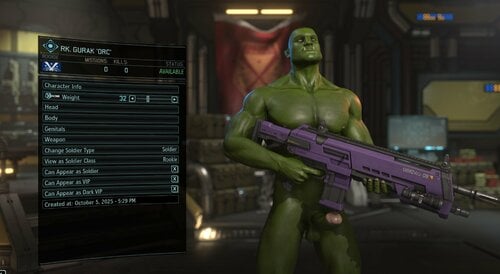
- Gurak's head is now in the soldier customization menu under Caucasian head type, so you can finally add some orc soldiers to your ranks! Their skin color and hair type are also fully configurable now, just like other soldiers
- Update Gurak character in the XSoldier Character Pool to green skin color (Hulk anyone?)
v1.8.8 CHANGES:
- Cook assets for quicker load times and smaller file sizes
For modders who want to build XSoldier mod: Grab the original files from Original Assets.7z.001 and Original Assets.7z.002, you can read more about cooking assets here: https://www.reddit.com/r/xcom2mods/wiki/index/cooking_for_dummies/
For players: Just ignore Original Assets.7z.001 and Original Assets.7z.002!
- Update the XSoldier and XSoldierErection console commands, they should no longer break the game's cheat console
How to use XSoldierErection console command:
Parameters: Erect (true/false), Speed (a number from 0.1 up to 20), FullName (the soldier’s full name)
For example, type the following without double quotes in the console command to achieve
"XSoldierErection": erection for all
"XSoldierErection false 20": instant de-erection for all
"XSoldierErection true 0.1 John Bradford": slow erection for John Bradford
- Add a button "Apply Uniform" in the soldier's Armory screen to replace Torso, Arms, and Legs cosmetic gear for all crew soldiers matching the current soldier's gender. All other customization settings (Tints, Tattoos, Thighs, Shins, Torso Gears, Weapons, etc.) will remain unchanged
This provides a lightweight alternative to full appearance manager mods that conflict with XSoldier's core features like tattoos, body weight, penis configurations
- Male VIPs (engineers, scientists, soldiers), militia, and civilians now appear nude in tactical missions! However, if you don't like this feature, you can delete Nude Tactical Mode folder in Config directory (will require a game restart for changes to take effect)
Clothing options for personnel (soldiers, engineers, scientists, clerks) aboard the Avenger is still configurable in the existing Mod Config Menu setting under "Avenger Outfits"
- Add Gurak to the XSoldier Character Pool
- Include bare torso, arm, and leg options for other armor types
- Rename 2 confusing Mod Config Menu sliders for skin shine to make more sense
v1.8.7 CHANGES:
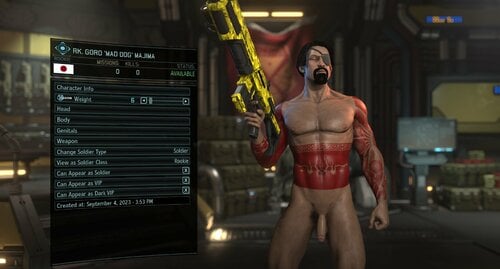
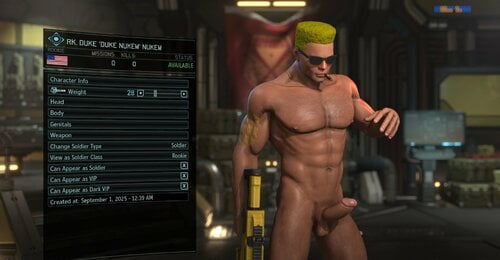
- The Male Soldier's "Background" text field now stores XSoldier data such as Weight, Torso & Leg Tattoo, Genital's configurations, allowing character pool imports and exports to remember this configuration. You can still edit soldier's "Background" text, but make sure not to modify "XSoldier Data" part at the end
- Apply correctly XSoldier data such as Weight, Torso & Leg Tattoo, Genital's configurations from character pool to soldiers in live campaign
- Randomly apply erection for male soldiers in customization/Avenger/fights, erection chance is configurable through MCM Slider ([WotC] Mod Config Menu required), the initial chance is 10%
- Revert Central's stats to the original values in version 1.8.0, they are configurable in Config\XComGameData_CharacterStats.ini
- Integrate XSoldierStickyTattoos mod by TheWetViking to add 4 new torso tattoos for soldiers
- Update config to include modded pose packs for Central if they are installed (XCom 2 Community Pose Pack, Photobooth Tactical Pose Pack, WOTC Casual Pose Pack, WOTC Calendar Pose Pack, etc.)
- Remove the XSoldier_UIArmory_Photobooth script to ensure compatibility with other photobooth mods, remove auto black photos generation after the first fight in the campaign
- Include a default XSoldier Character Pool with over 100 male soldiers, featuring a mix of hand-picked and custom-made designs. You will need to import these soldiers in Character Pool before starting a campaign
However, some cosmetic mods are required for the soldiers to show up correctly, without them the soldiers may look a bit off:
https://steamcommunity.com/workshop/filedetails/?id=3590992220
KNOWN ISSUE: Right now editing a soldier's Weight, Torso & Leg Tattoo, Genital's configurations in live campaign also changes the same soldier in character pool
What's New in Version 1.8.10
Released
v1.8.10 CHANGES:
- Restore alien hunter armor options from previous version of XSoldier
- Add bare options to alien hunter armors
- Add bare options to Plated Reaper, Skirmisher, Templar Armors
- Include customizable erection speed in MCM, slow down default erection speed