
_imresizer(1).thumb.jpeg.1216514039fe1360822bbdd6a77cd51e.jpeg)
(1)_imresizer.thumb.jpeg.1d505f594106f899f00a3e92a074732a.jpeg)
(1)_imresizer.thumb.jpeg.15a986d1fccb702d766b725e50a6d0a5.jpeg)
_imresizer.thumb.jpeg.6f12675090653f2c444d282f9b8d230a.jpeg)
_imresizer.thumb.jpeg.ffe3609917b2c906eab2a76bf9ca147b.jpeg)
About This File
I decided to reupload my banned Nexusmod here for all the Guys who liked it
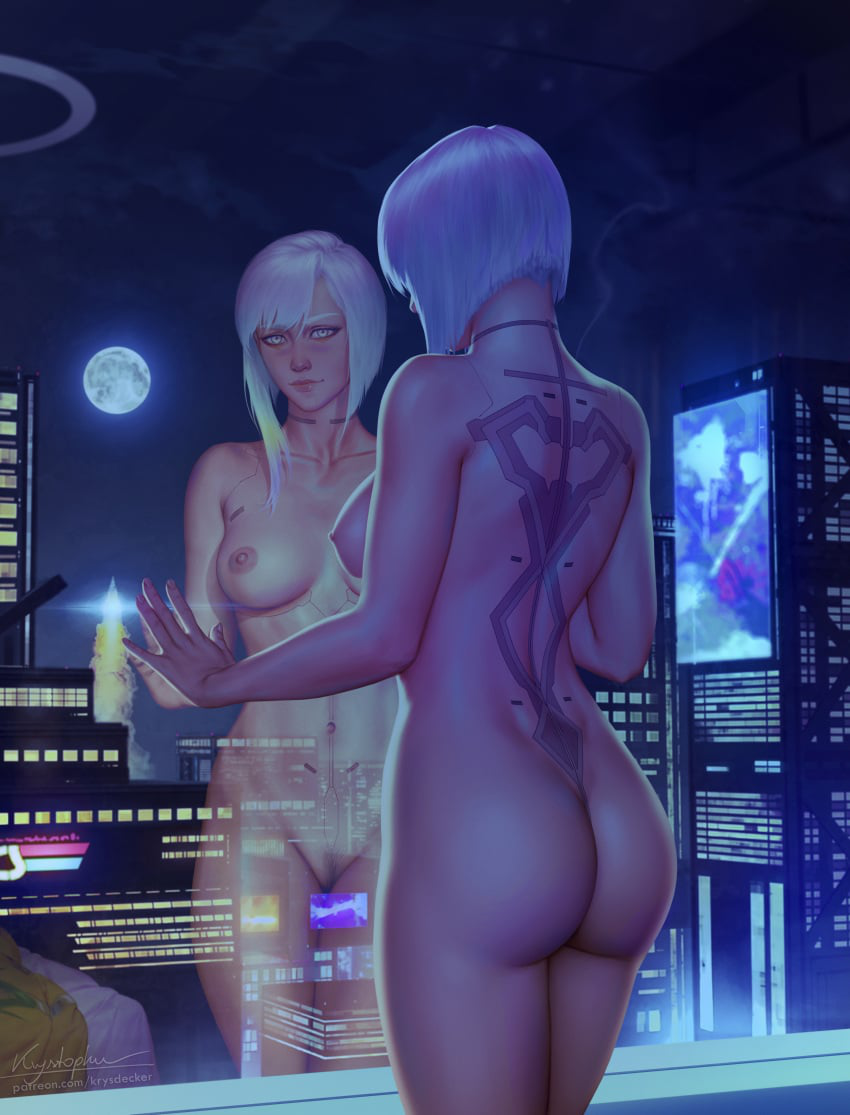
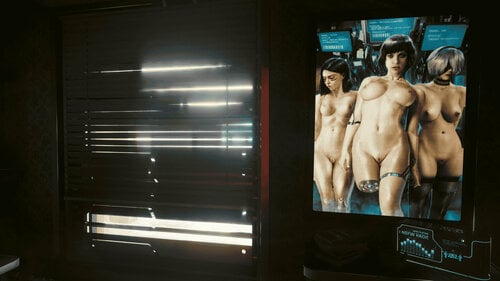
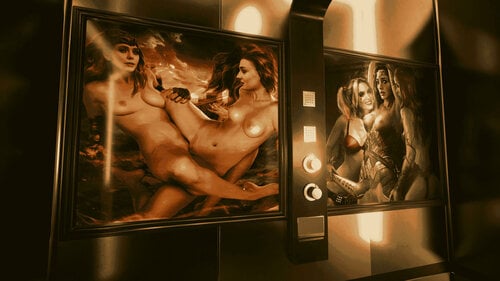
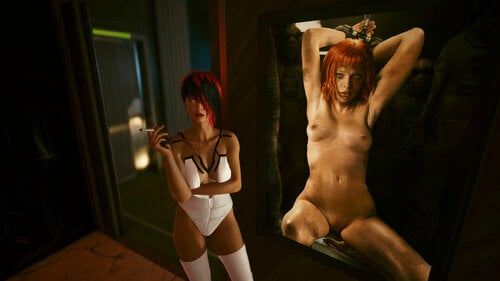
Various Pictures to choose and pick from for your Smartframes.
They are roughly sorted by theme or Artist.
Installation:
All you have to do is drop the Images you want (not the whole Folder!) in the Screenshot Folder @
C:\Users\<username>\Pictures\Cyberpunk 2077
recommendation:
https://www.nexusmods.com/cyberpunk2077/mods/18435?tab=images
https://www.nexusmods.com/cyberpunk2077/mods/19500
my very first contribution here so be nice
enjoy Chooms