
About This File
Hi!
🍑🍌 𝓕𝓻𝓾𝓲𝓽𝔂𝓭𝓮𝓵𝓲𝓬𝓲𝓸𝓾𝓼 🍌🍑
I'm trying to create some fluid and realistic animations.
These animations contain a lot of work in detail such as facial gestures and sound effects without losing the immersion and fluid body movement for every sim.
If you want to support me with a coffee I would love it ❤️☕
https://www.patreon.com/fruitydelicious
Check out some of the latest animations available on my Patreon!
We are currently in 305 animations total!
If you want early access to my most recent animations consider subscribing to my Patreon
https://www.patreon.com/fruitydelicious
👇👇 Subscribe for free to watch my latest animations 👇👇
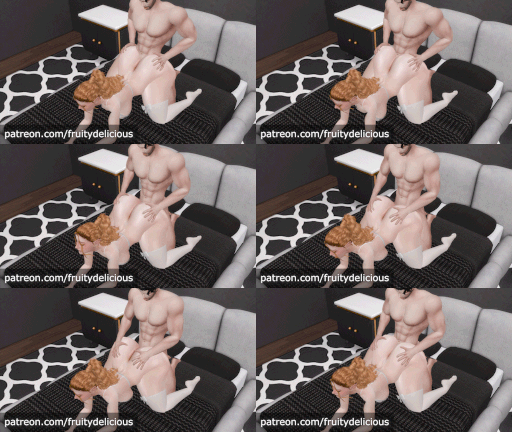
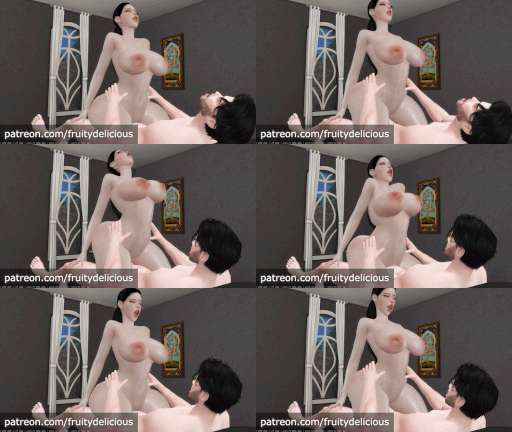
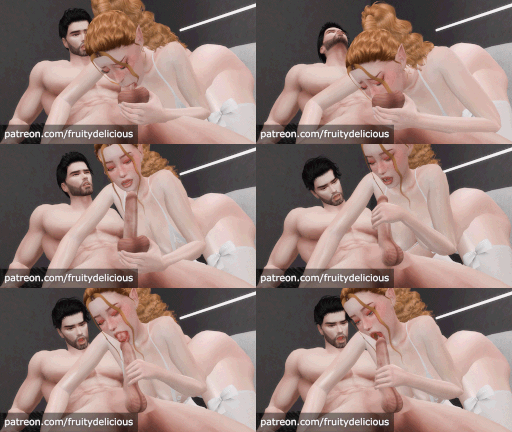
🥵👄InsatiableCouple❤️🔥
|
|
|
|
|
|
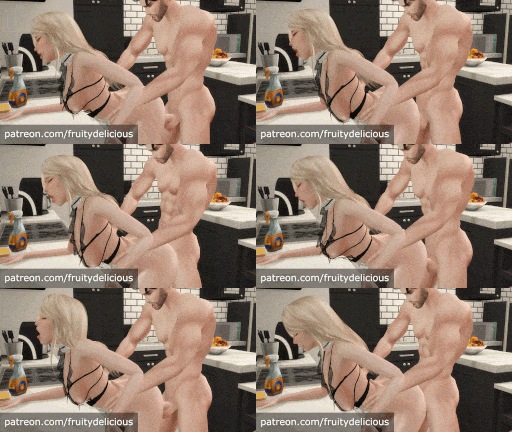
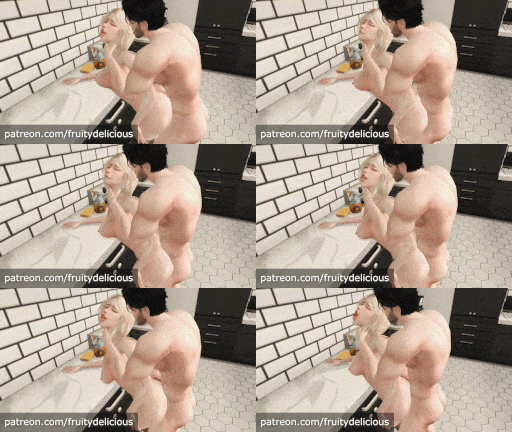
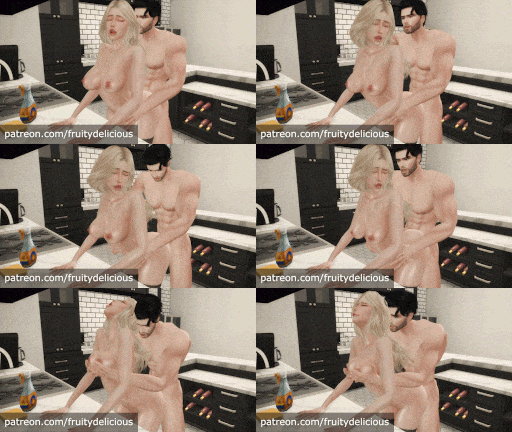
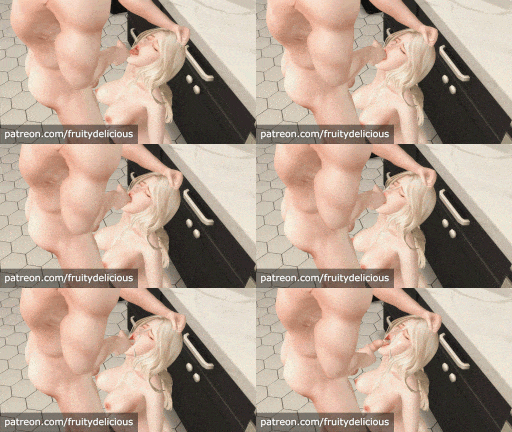
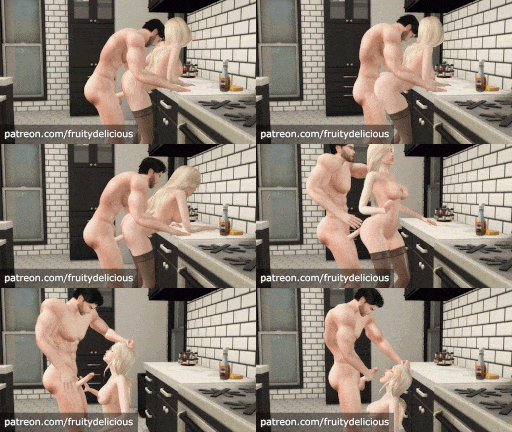
🤍🖤FreeUseMaid 🤍🖤
This new collection explores an story based on the Free Use fetish + maid fantasy were the maid actor enjoys her special duty of giving and serve pleasure
|
|
|
|
|
|
and
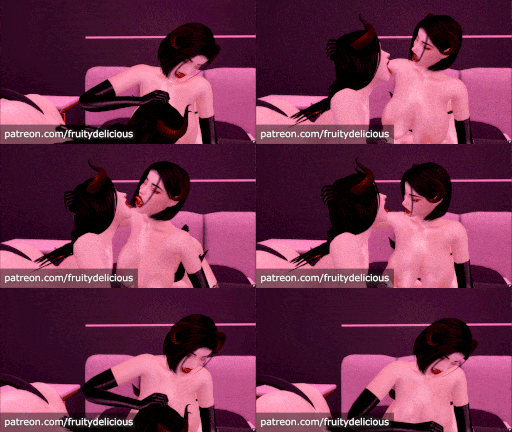
☾༺ 𝕾𝖚𝖈𝖈𝖚𝖇𝖚𝖘 𝕹𝖎𝖌𝖍𝖙𝖒𝖆𝖗𝖊 ༻☽
|
𝓕𝓻𝓾𝓲𝓽𝔂𝓭𝓮𝓵𝓲𝓬𝓲𝓸𝓾𝓼 𝑀𝑜𝒹𝑒𝓁𝓈
link bellow 👇
Features
- Realistic body movement (60FPS)
- Realistic facial expressions
- Realistic butt and boobs movement
- Custom sounds such as ass-clapping synched with the animation pace
- Hidden little details in every animation
- Improved view for First Person Camera Mode
- Includes size variations to fit hand location in most animations that require it
Requirements
- Requires the latest WickedWhims version.
- Cherrypie_CumMesh V2 is required(or else some animations will not appear).
- For jiggly butt, vagina, or anus animation to show your sim needs to have WickedWhims Default Bottom Rig. Releases before this version do not yet have the animation for butt.
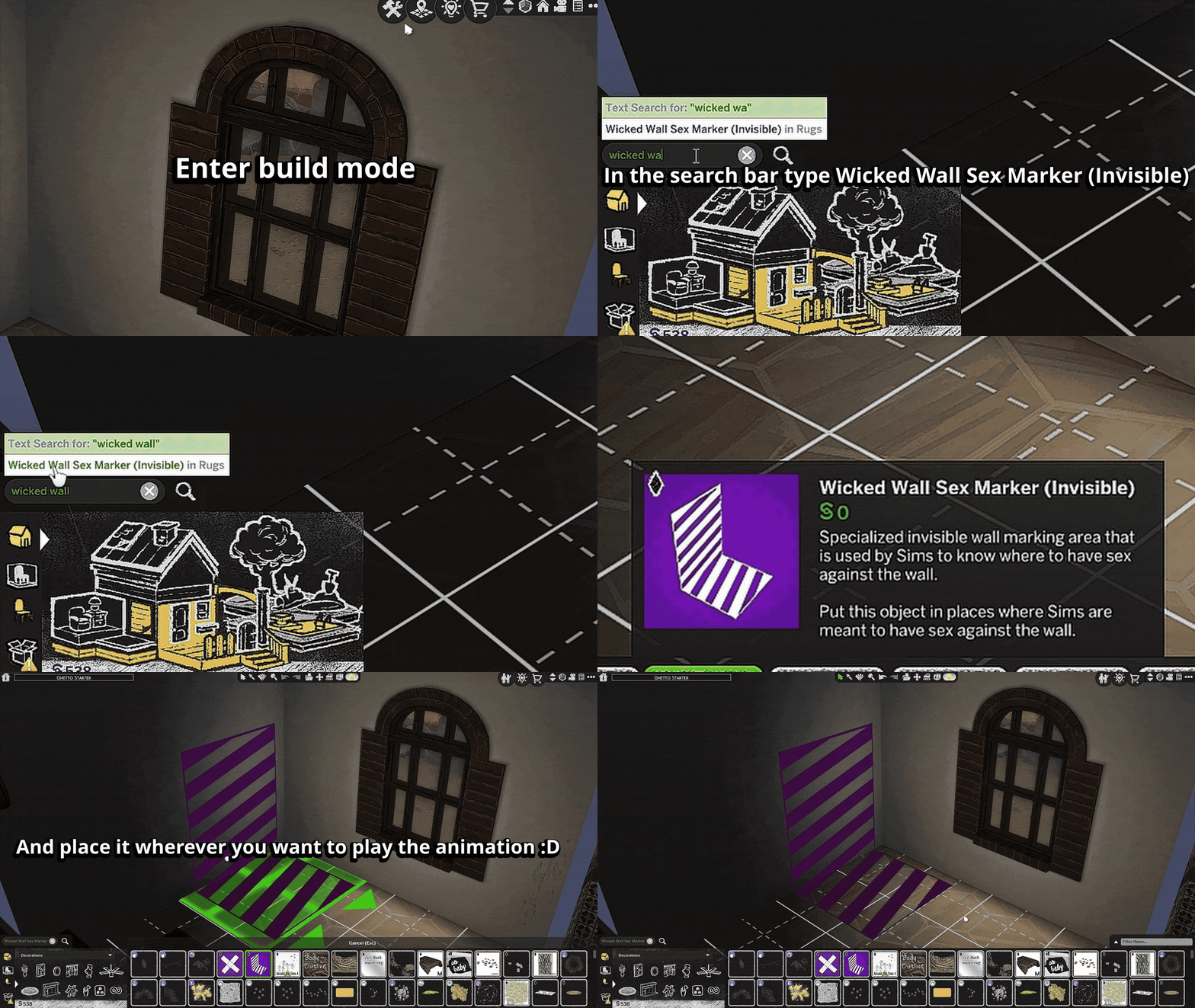
- To play Wall animations you must buy "Wicked Wall Sex Marker (Invisible)" in Build Mode and place it wherever you want to play the animation. The object will be visible in Build Mode and invisible in normal mode.
ℹ️💬 FAQs 💬ℹ️
1️⃣. Why won't my animations show up after installing them?
This issue pops up for two main reasons:
- Duplicate files in your Mods folder: Search for 🔍WW_Fruitydelicious_Animations.package🔍 and delete any previous or extra copies of my package. Then download the newest release and copy it in your Mods directory ✅️
- Missing required mesh: Download [Cherry_Pie CumMesh v2] and drop it into your Mods folder ✅️
2️⃣. What's the right preset or mesh for jigglephysics or ass shake, and how do I turn it on?
- Stick with the Default WickedWhims Bottom on your sims or any other WickedWhims-compatible bottom mesh from fellow creators.
3️⃣. How do I use wall animations? What objects work for specific ones?
- Head to Build Mode, search and buy the 🔍 Wicked Wall Sex Marker (Invisible) 🔍 and place close to any wall after that click on the same place you place it before(now invisible) and play the any wall animations. 👉 [graphic explanation] 👈
About custom sound effects
So to let you know I added sound effects to all animations like cheek clapping sounds, moanings, breathing, mouth sounds... I was battling myself with the idea of add default talking sims sounds to animations but I felt that it would make it look unrealistic since people don't talk to much while having the DELICIOUS(sex) so I decided to add some sound effects like clappings and moaning with no vocalization at all to give a sense that sims are moaning and don't break it inmersion of hearing a sims saying "Oh gawd" or something like that since they talk Simlish
Also I was working with default sims moanings that the game contain and trying to customize then using audio software but I didn't get the result that I wanted... some sounds are from videos I clipped and modify then to fit in the animations and they work ?
I really hope you like this update and enjoy some of the sound effects I added... I'm now working in some passionate animations and also trying to animate then in 60fps to make more fluid movements since in some 30fps didn't let me do more little details that I wanted to achieve.
I put a lot of hours of work in this animations so please enjoy them ❤
Lastly, thanks to Denton47 and his SoundTool that allowed me to add these sound effects
Check my animations previews here!
Edited by Fruitydelicious
change title
What's New in Version 4.1.8 See changelog
Released
UPDATE v4.1.4 [previews]
- Delicious Doggy 7 onBed (DOUBLE_BED / VAGINAL)
- Delicious Doggy-Throat onSofa (SOFA, LOVESEAT / ORALJOB)
- Side-Bed Cowgirl 1 onBed (DOUBLE_BED / VAGINAL)
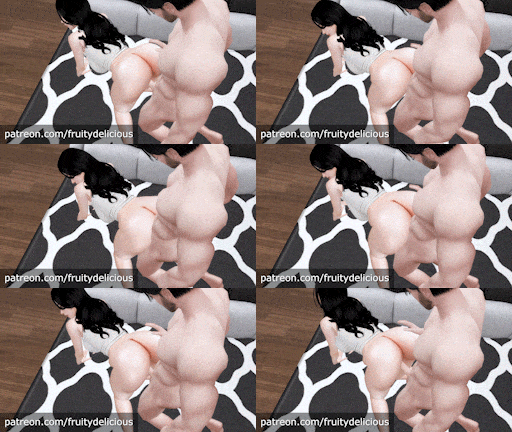
- Passionate Doggy onSofa (SOFA, LOVESEAT / VAGINAL)
- Passionate 2 Doggy onSofa (SOFA, LOVESEAT / VAGINAL)
- Delicious Doggy-Pounding 2 onSofa (SOFA, LOVESEAT / VAGINAL)
[ ꜱɪᴢᴇ ᴠᴀʀɪᴀᴛɪᴏɴꜱ ]
- Side-Bed Cowgirl 1 onBed 🍒, Big, Big+, Big++, Huge 🍈
UPDATE v4.1.8 [previews]
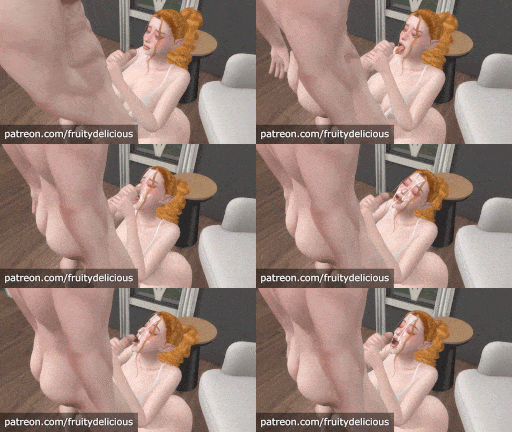
- Passionate Doggy 3 onSofa (SOFA, LOVESEAT / ORALJOB)
- Hot Facial2 onSofa (SOFA,LOVESEAT / CLIMAX)
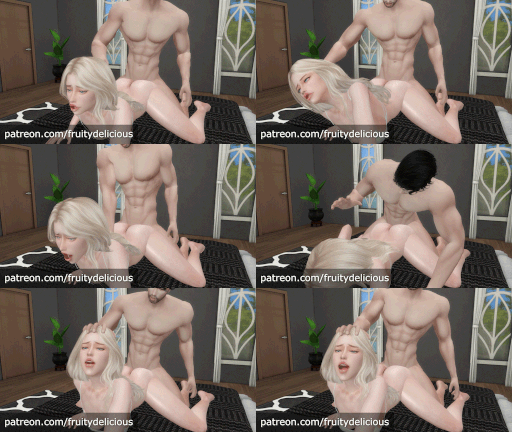
- RoughPassionate Doggy onSofa (SOFA, LOVESEAT / VAGINAL)
- FFM-RoughDoggy (DOUBLE_BED / VAGINAL)
- Deep and Intense Missionary onBed(DOUBLE_BED / VAGINAL)
[ ꜱɪᴢᴇ ᴠᴀʀɪᴀᴛɪᴏɴꜱ ]
- Passionate Doggy 3 onSofa 🍒, Big, Big+, Big++
- RoughPassionate Doggy onSofa 🍒, Big, Big+, Big++
[ Notes ]
- Completely new sound effects for the new animations.
-
Have a nice day
