



Jump to content

Manga Magazines 1.0.1

   (3 reviews)

8 Screenshots

About This File

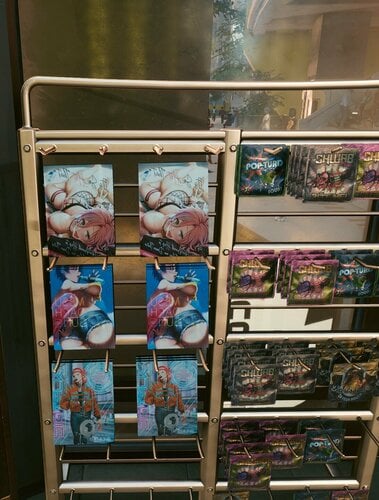
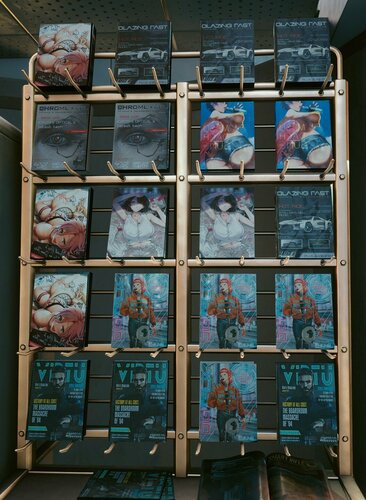
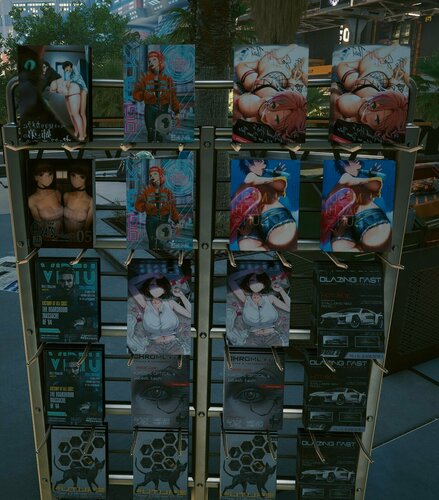
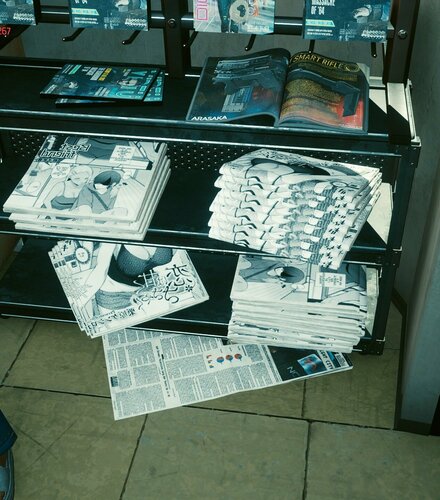
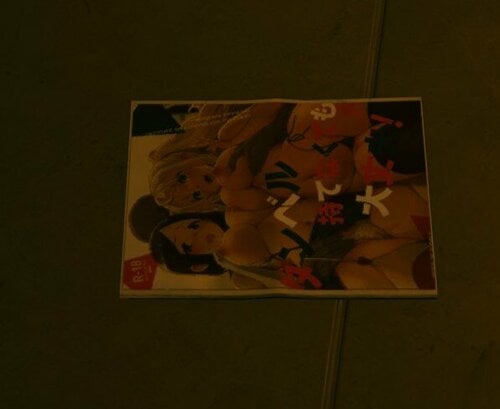
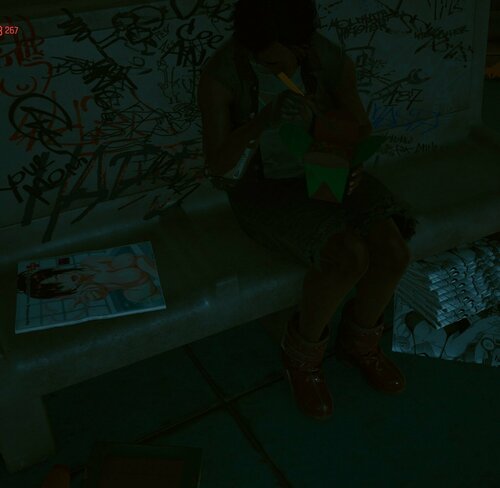
I tried the texture editing out. I'll just share my results. As I changed some magazines in the game. Maybe I'll extend this if you like it.


What's New in Version 1.0.1

Released

  • Finished Magazines_02.xbm and Magazines_01.xbm (but Magazines_01 does not work atm. Can't figure out why)
  • Added Newspapers_02.xbm

User Feedback

Recommended Comments

thron99

Posted

great mod

3dsilverfox

Posted

I have noticed that magazine_01, 03 ..Books 01 and 02 and a few other paper textures are pointing elsewhere. Magazine_02_d is the only one that is flagged with a censored version. I am wondering if that has something to do with it.

however even when going through the archive in Wolvenkit they mesh material is indeed pointing to magazine_01_d but something is overriding it like a hidden patch.

3dsilverfox

Posted

Looks like I figured out the key difference with magazine_02 and the others. there is a file in the texture paths that are named magazine_01.mi, magazine_02.mi, and magazine_03.mi


in magazine_02.mi the collections path is set as Default while the others are all set to [Hashpath]

I tried one out and changed the magazine_03.mi from [hashpath] to [default] on all of the collections and it worked

so I dont know if you used WolvenKit but you have to double click the mi file and on the MatrialInstanceData hit the ... which will open a new window and that is where you will change it and save to the project

Tenebras Noctem

Posted

On 1/2/2022 at 1:39 AM, 3dsilverfox said:

Looks like I figured out the key difference with magazine_02 and the others. there is a file in the texture paths that are named magazine_01.mi, magazine_02.mi, and magazine_03.mi


in magazine_02.mi the collections path is set as Default while the others are all set to [Hashpath]

I tried one out and changed the magazine_03.mi from [hashpath] to [default] on all of the collections and it worked

so I dont know if you used WolvenKit but you have to double click the mi file and on the MatrialInstanceData hit the ... which will open a new window and that is where you will change it and save to the project

Hi can you or anyone else explain how this fix worked ? I can't find any settings like that.

shioristar

Posted

how on earth do i install this

bobwoodword

Posted

How does this get installed?

BadJoke

Posted

On 12/30/2022 at 5:29 PM, shioristar said:

how on earth do i install this


41 minutes ago, bobwoodword said:

How does this get installed?

Download the file and drop into "Steam\steamapps\common\Cyberpunk 2077\archive\pc\mod", or equivalent directory if not playing on Steam.

×
×
  • Create New...