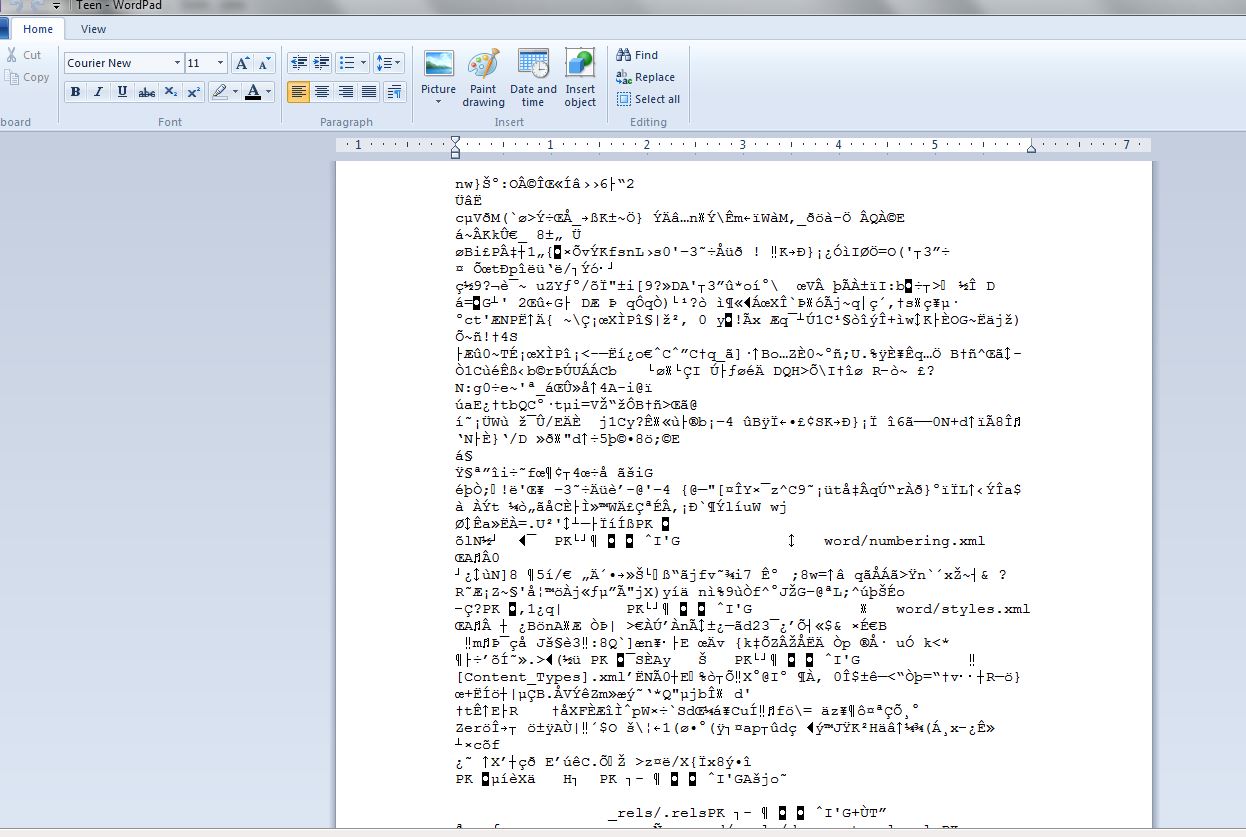
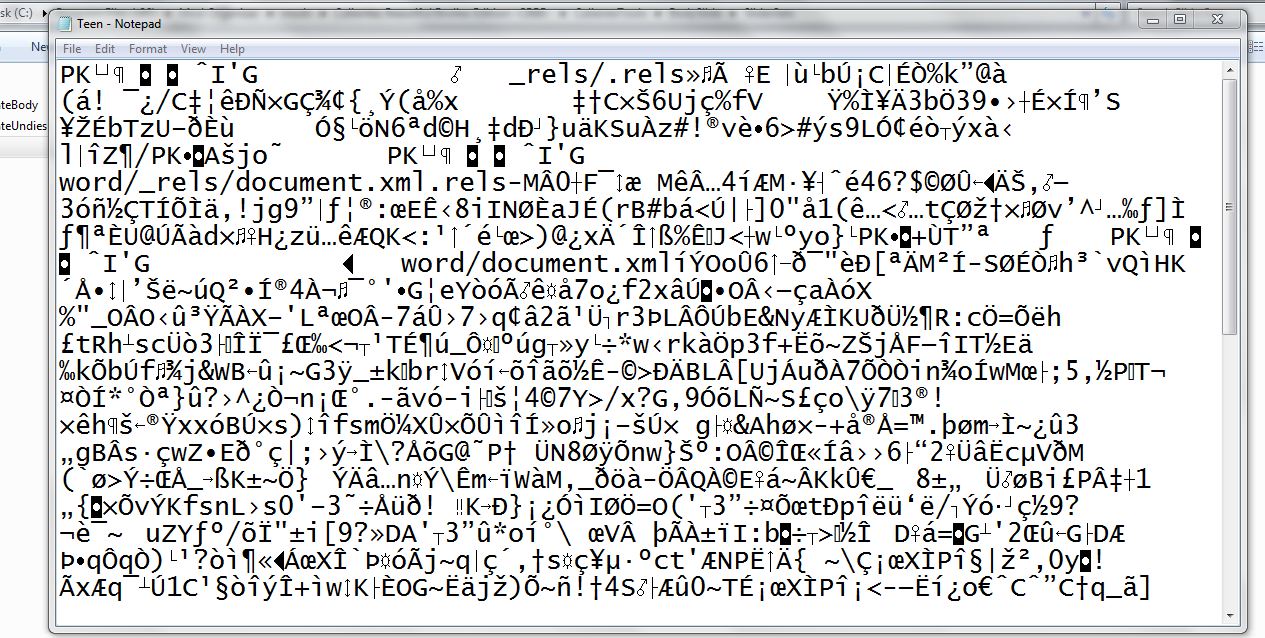
Help me out real quick. Please. Entry posted by Storms of Superior September 7, 2015 997 views Followers 0 What is the go to program for opening .xml files? Um... HELP? 0

Content Consumer Posted September 7, 2015 I use Dreamweaver, but that costs actual money. I'm pretty sure that Notepad++ has an .xml plugin. Even without a plugin, it should format okay. Microsoft wordpad might work. Thing is, you can open it up in any plain text editor, since it's just a markup language and not actual code.
Storms of Superior Posted September 7, 2015 Thanks. I have Notepad++. I'm just not aware of all of its capabilities.
Storms of Superior Posted September 7, 2015 OK, then. I tried to edit the .xml file, but saving it in Wordpad doesn't give the option to save in .xml format. Unless Office Open XML Document format is the same thing.
Content Consumer Posted September 7, 2015 I'd recommend just using Notepad++ then. Like I said, it's a plaintext file of a markup language (unless something has changed recently, or another program is using an .xml extension ) so you should be able to save it there.
Content Consumer Posted September 7, 2015 Whoa... umm, okay. Hmm. That doesn't look like any xml file I've seen... unless there's something new out there, maybe a program that's using "xml" as an extension without it being a standard .xml file. What file is that? What are you trying to edit?
Storms of Superior Posted September 7, 2015 http://www.loverslab.com/files/file/2210-teen-bodyslide-preset/ I viewed it in IE, but there wasn't a way to edit it. I had plain text open in Woedpad, but Notepad++ didn't do it.
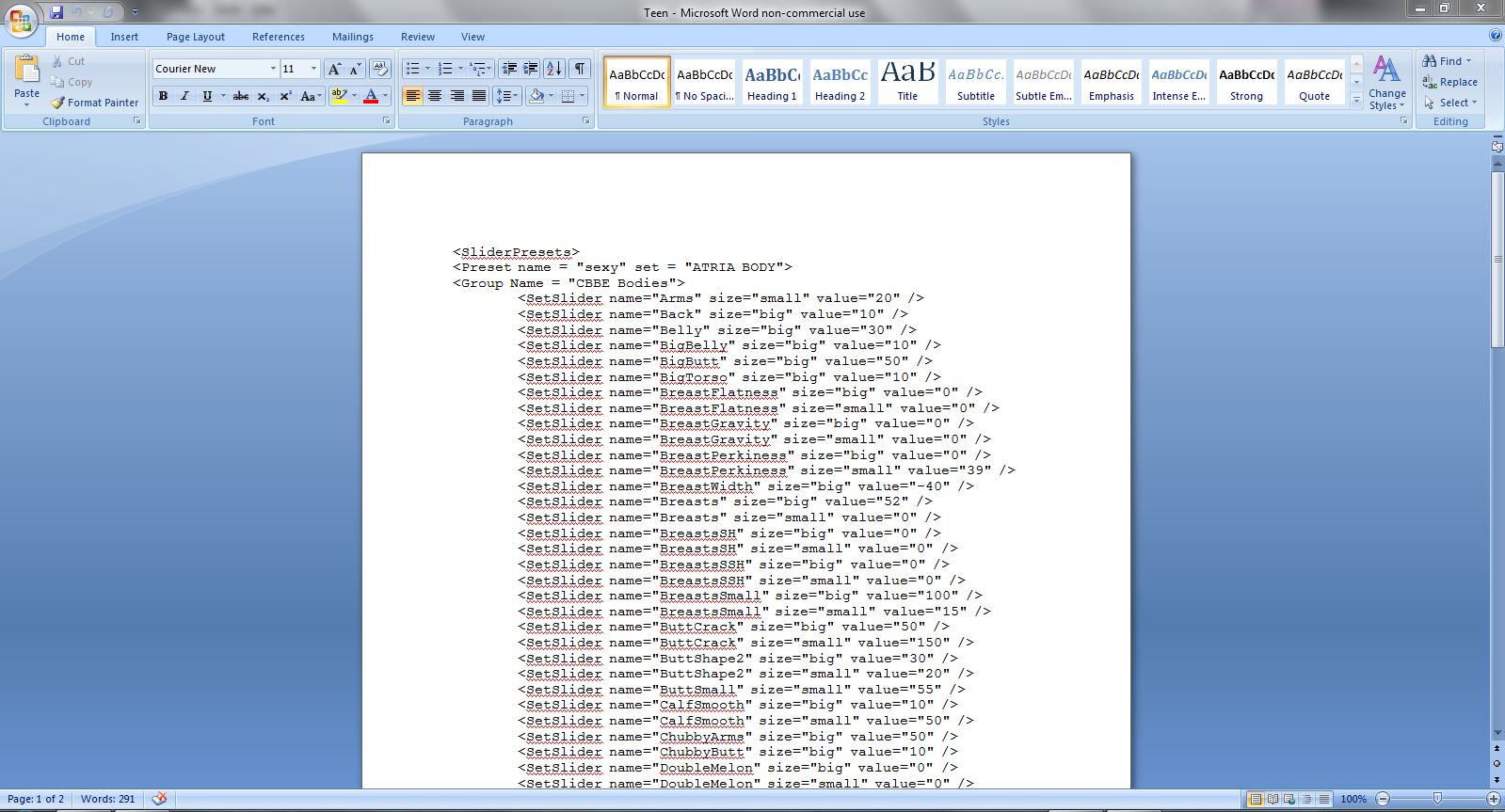
Content Consumer Posted September 7, 2015 Okay, weird. When I open it up with Notepad++, this is what I get: <SliderPresets> <Preset name="sexy" set="ATRIA BODY"> <SetSlider name="Arms" size="small" value="20" /> <SetSlider name="Back" size="big" value="10" /> <SetSlider name="Belly" size="big" value="30" /> <SetSlider name="BigBelly" size="big" value="10" /> <SetSlider name="BigButt" size="big" value="50" /> <SetSlider name="BigTorso" size="big" value="10" /> <SetSlider name="BreastFlatness" size="big" value="0" /> <SetSlider name="BreastFlatness" size="small" value="0" /> <SetSlider name="BreastGravity" size="big" value="0" /> <SetSlider name="BreastGravity" size="small" value="0" /> <SetSlider name="BreastPerkiness" size="big" value="0" /> <SetSlider name="BreastPerkiness" size="small" value="39" /> <SetSlider name="BreastWidth" size="big" value="-40" /> <SetSlider name="Breasts" size="big" value="52" /> <SetSlider name="Breasts" size="small" value="0" /> <SetSlider name="BreastsSH" size="big" value="0" /> <SetSlider name="BreastsSH" size="small" value="0" /> <SetSlider name="BreastsSSH" size="big" value="0" /> <SetSlider name="BreastsSSH" size="small" value="0" /> <SetSlider name="BreastsSmall" size="big" value="100" /> <SetSlider name="BreastsSmall" size="small" value="15" /> <SetSlider name="ButtCrack" size="big" value="50" /> <SetSlider name="ButtCrack" size="small" value="150" /> <SetSlider name="ButtShape2" size="big" value="30" /> <SetSlider name="ButtShape2" size="small" value="20" /> <SetSlider name="ButtSmall" size="small" value="55" /> <SetSlider name="CalfSmooth" size="big" value="10" /> <SetSlider name="CalfSmooth" size="small" value="50" /> <SetSlider name="ChubbyArms" size="big" value="50" /> <SetSlider name="ChubbyButt" size="big" value="10" /> <SetSlider name="DoubleMelon" size="big" value="0" /> <SetSlider name="DoubleMelon" size="small" value="0" /> <SetSlider name="Hipbone" size="big" value="15" /> <SetSlider name="Hipbone" size="small" value="20" /> <SetSlider name="NippleAreola" size="big" value="0" /> <SetSlider name="NippleAreola" size="small" value="0" /> <SetSlider name="NippleDistance" size="big" value="100" /> <SetSlider name="NippleDistance" size="small" value="60" /> <SetSlider name="NippleDown" size="big" value="50" /> <SetSlider name="NippleDown" size="small" value="20" /> <SetSlider name="NippleLength" size="big" value="30" /> <SetSlider name="NippleLength" size="small" value="-10" /> <SetSlider name="NipplePerkiness" size="big" value="30" /> <SetSlider name="NippleSize" size="big" value="44" /> <SetSlider name="NippleSize" size="small" value="0" /> <SetSlider name="NippleTip" size="big" value="-40" /> <SetSlider name="NippleUp" size="big" value="10" /> <SetSlider name="ShoulderSmooth" size="big" value="50" /> <SetSlider name="ShoulderSmooth" size="small" value="50" /> <SetSlider name="ShoulderWidth" size="big" value="75" /> <SetSlider name="ShoulderWidth" size="small" value="65" /> <SetSlider name="SlimThighs" size="small" value="36" /> <SetSlider name="Thighs" size="big" value="30" /> <SetSlider name="Waist" size="small" value="50" /> <SetSlider name="WideWaistLine" size="big" value="10" /> </Preset> </SliderPresets> And even using standard windows notepad, one of the most basic text editors out there, it looks human-readable like a markup language should. I'm at a loss as to what might be causing your problem there. How odd.
Content Consumer Posted September 7, 2015 Wordpad shows pretty much the same... a bit compressed in order to fit on a printable page, but same thing. Adobe Dreamweaver shows the same. Visual Studio 2012 refuses to open it for some reason. Microsoft Word just shows a blank page... IIRC there was a Word version a few years ago that saved things as some proprietary .xml format so that's safe to ignore. That's about it for my windows-based programs though.
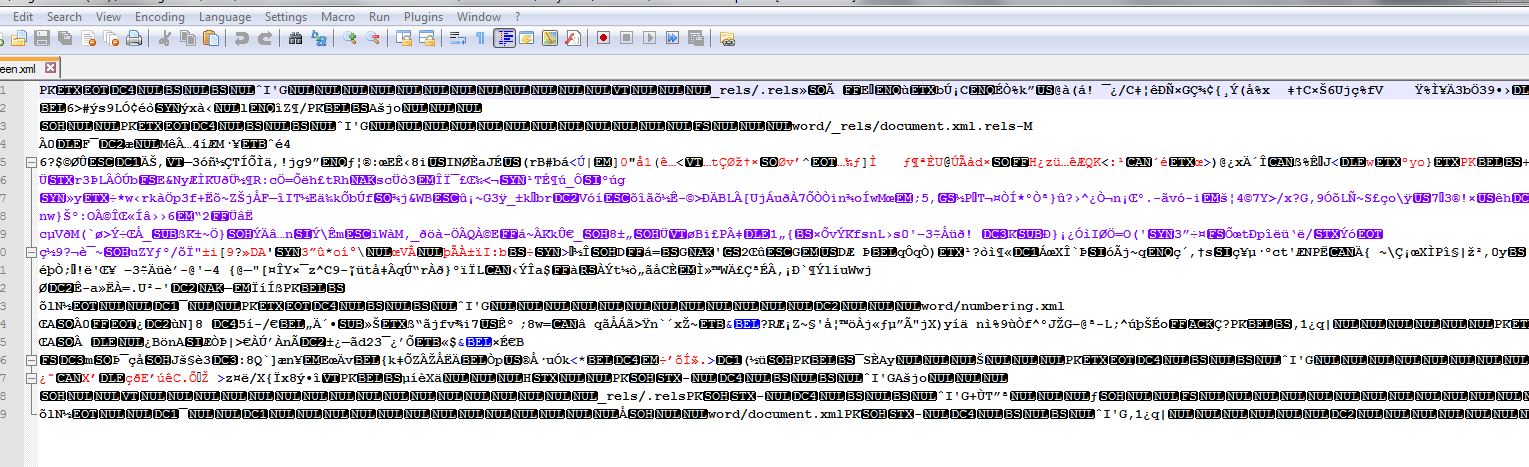
Content Consumer Posted September 7, 2015 Okay, looking at your new pics, I'd say the balance of probability is that you've got a corrupted file. Try redownloading it. I have absolutely no idea why Word would be working for you, but if it does, good.
Storms of Superior Posted September 7, 2015 So I have everything on my computer that is an XML document with a plain text icon. If that doesn't matter, I'll be happy.
sen4mi Posted September 9, 2015 That looks like some kind of archive format - like maybe you opened a zip file. Perhaps you have some extensions hidden? That can be confusing... (and that is how windows is, until you change it).
14 Comments
Recommended Comments